Combine two images with a smooth transition. Upload two images, choose an effect, and generate a seamless transition video.

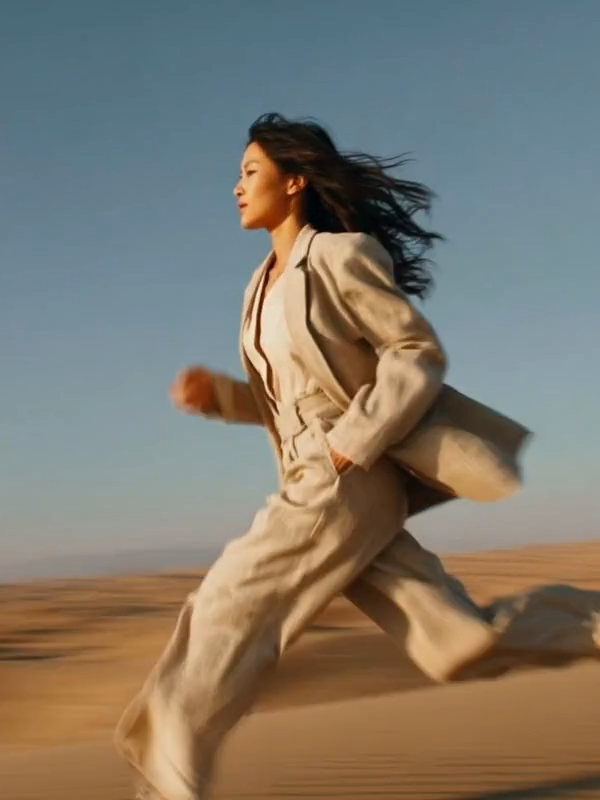
Choose a transition
Select which transition effect to use between images.
Combine two images with a smooth transition. Upload two images, choose an effect, and generate a seamless transition video.
Choose a transition
Select which transition effect to use between images.
Create Transitions videos with one click. Perfect for TikTok, Instagram Reels & YouTube Shorts.
Choose any image you want to transform into a Transitions video
Click the button to transform your photo with the Transitions effect


Download your Transitions AI video and share it on TikTok, Instagram, and YouTube to go viral
Create smooth cinematic transition videos between two images with AI. The Transitions template offers 8 stunning transition effects - Smoke, Jump, Pan Left, 360° Rotation, Fire, Plants, Melting, and Fly-Through - each producing a seamless, professional-grade visual bridge between any two scenes. Perfect for outfit reveal videos, before-and-after content, travel montages, and creative storytelling on TikTok, Instagram Reels, and YouTube Shorts. Simply upload two images, choose a transition style, and get a polished video with fluid motion and cinematic quality.