
How to Make Halloween AI Videos

Halloween trends

Every Halloween video we made with aicut, the character sheets behind them, and a one-click start for each trend. Swap yourself or a monster into a viral clip.

In this guide

Halloween trend · Step 1

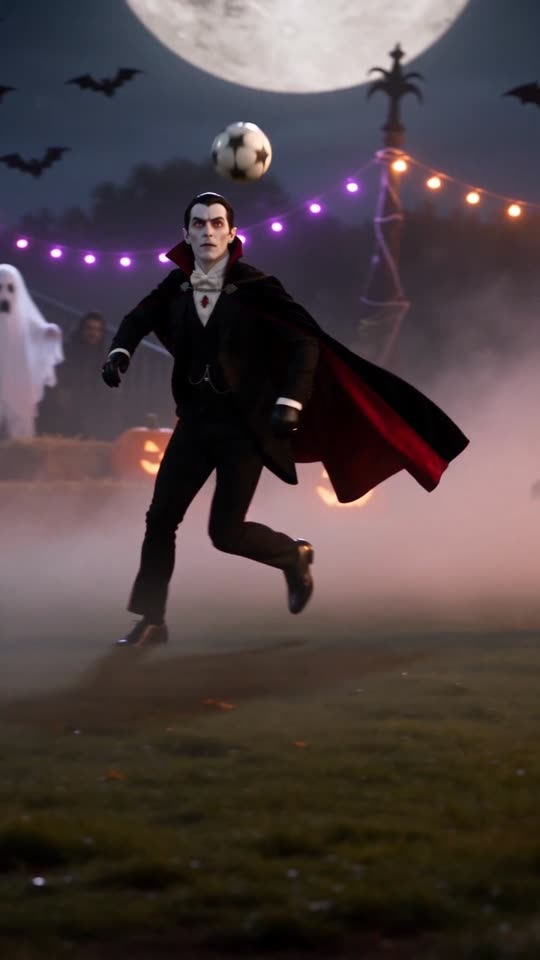
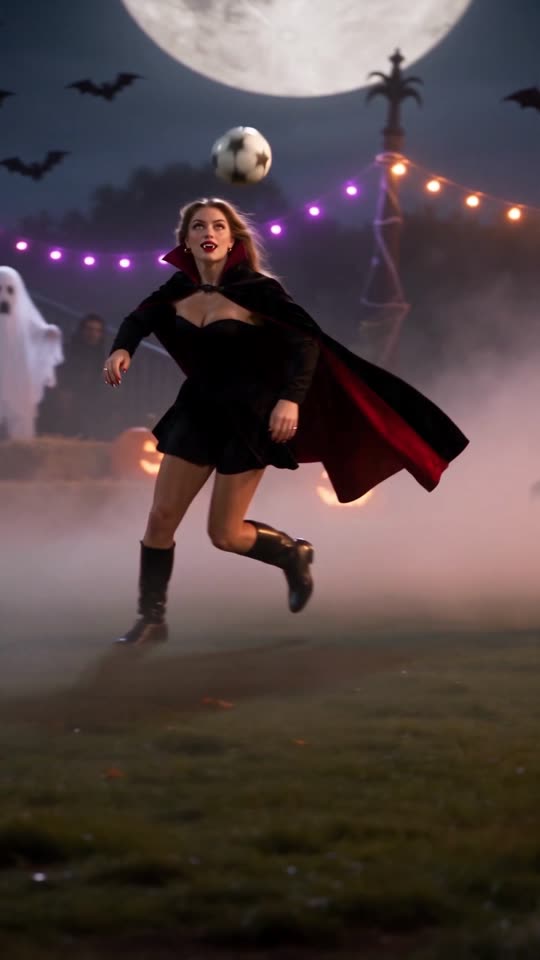
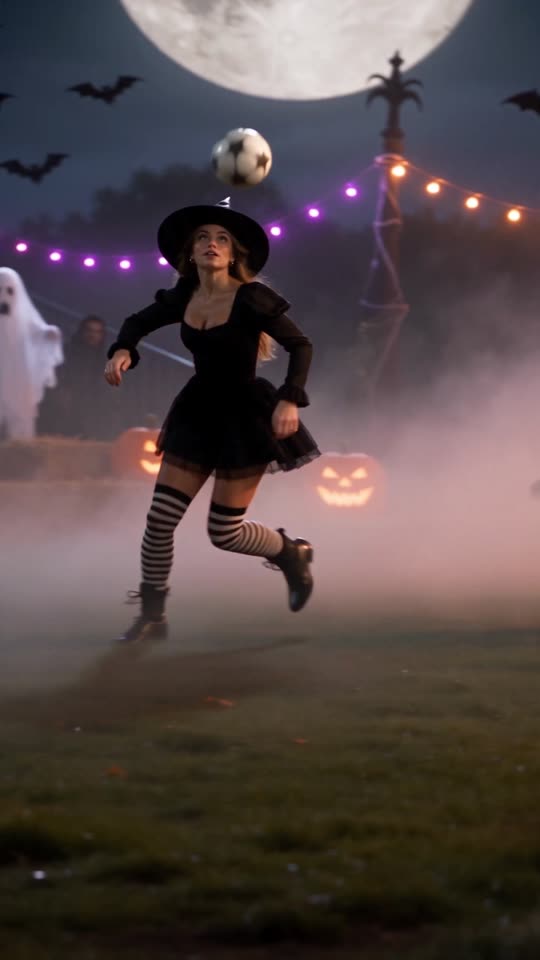
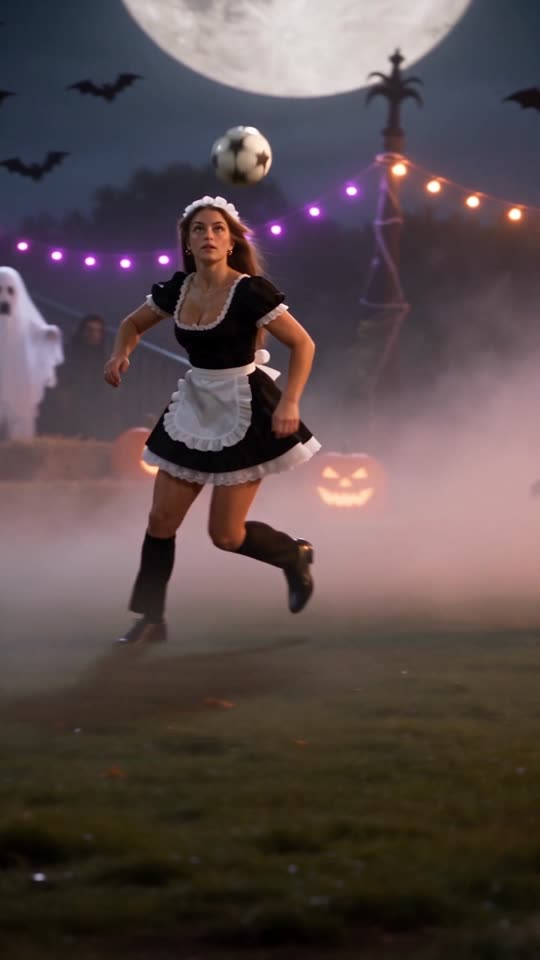
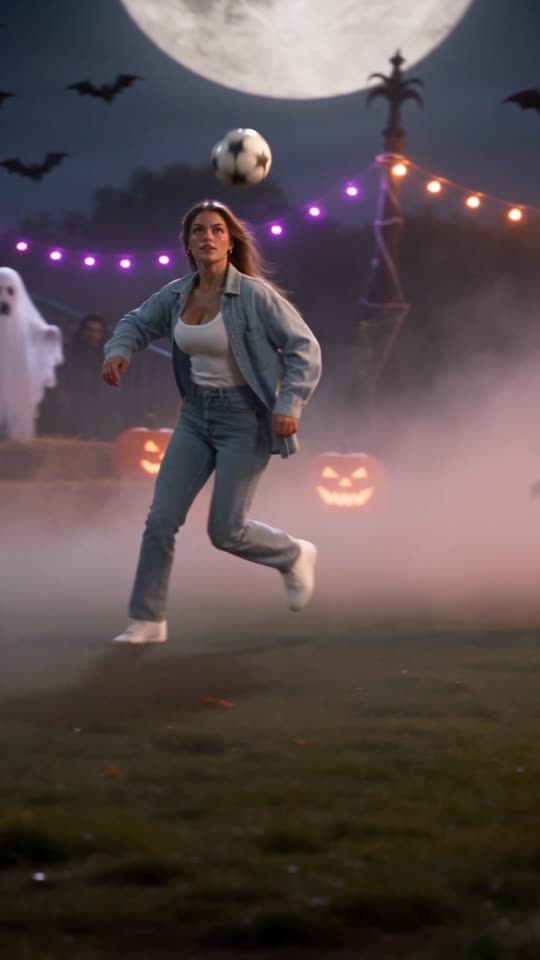
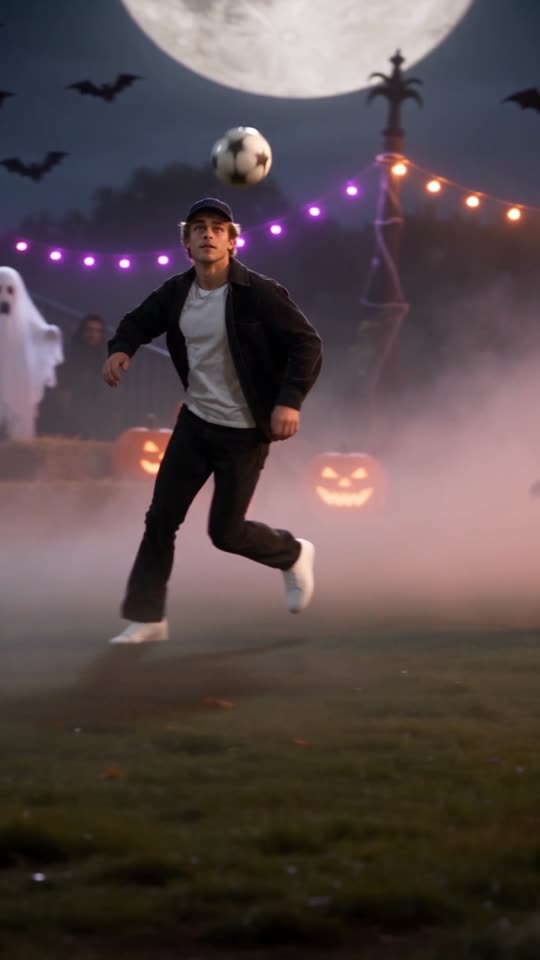
Halloween football recast

A famous solo goal, recast on a foggy Halloween pitch: ghosts in goal, pumpkins on the line and your character on the ball. The movement stays, the cast and the scene change.

  1. 1Open Reshot with the football clip already loaded.
  2. 2Upload your character sheet, or a photo of yourself, as the new lead.
  3. 3Describe the costume and the scene, for example a vampire in a red cape under a full moon, then generate.

Tip: Want the original office version? The Özil Goal Trend page makes it from your cast and a place.

Halloween trend · Step 2

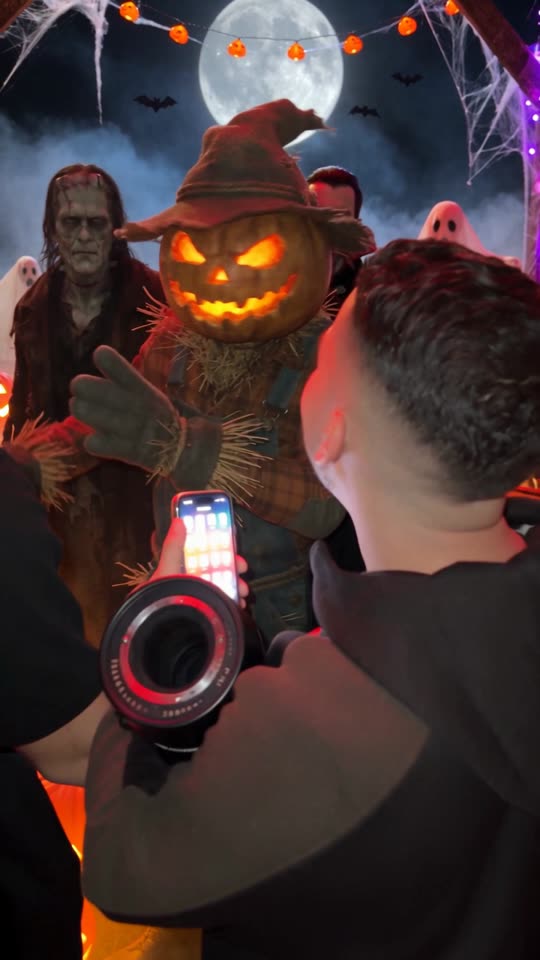
Pumpkin scarecrow party

A party crowd films on their phones while a pumpkin-head scarecrow takes the spotlight under cobwebs and a full moon.

A pumpkin-head scarecrow at a party, filmed on a phone
  1. 1Open Reshot with the party clip already loaded.
  2. 2Upload the scarecrow sheet below, or your own monster, as the new lead.
  3. 3Ask for Halloween decor such as cobwebs, pumpkins and a full moon, then generate.

Tip: Keep the prompt to the subject and the decor. Reshot keeps the camera move of the original clip.

Halloween trend · Step 3

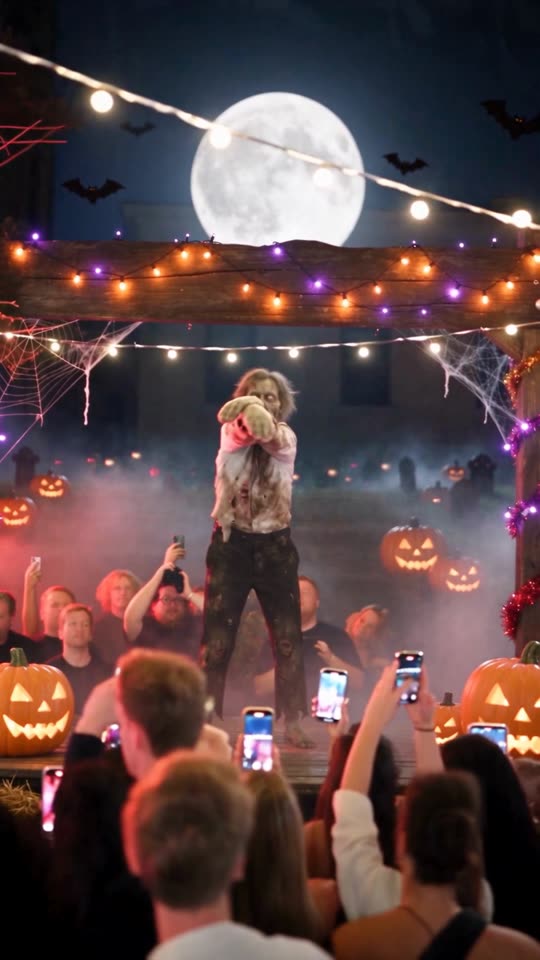
Zombie on stage

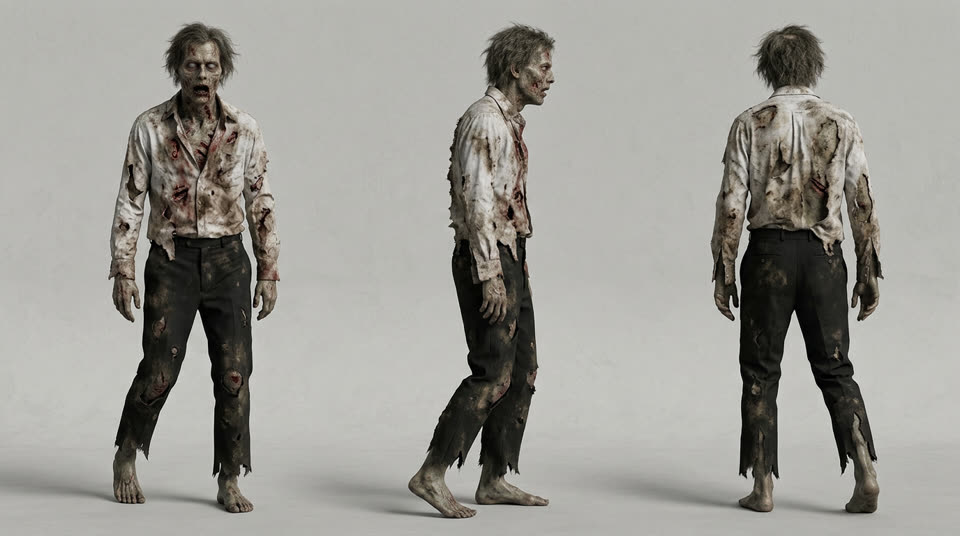
A zombie owns the stage and the whole crowd holds up their phones. It works with any monster sheet, or with you in costume.

A zombie dancing on stage in front of a crowd with phones
  1. 1Open Reshot with the stage clip already loaded.
  2. 2Upload the zombie sheet below, or a photo of yourself in costume.
  3. 3Ask for pumpkins in the crowd and Halloween stage lights, then generate.

Tip: A clear, full-body sheet gives the dance moves the cleanest result.

Halloween trend · Step 4

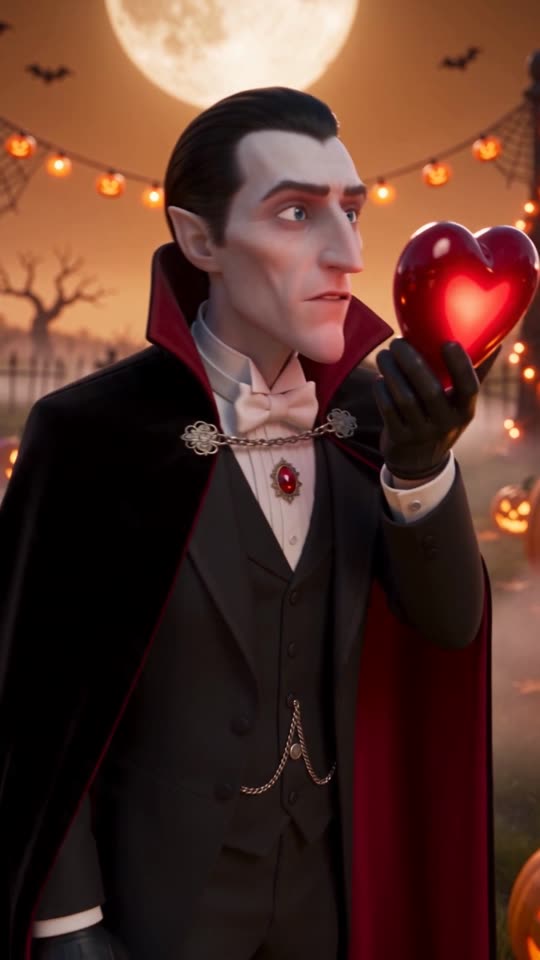
Vampire with a glowing heart

A 3D vampire holds a glowing red heart in a graveyard full of pumpkins. Swap in your own character to make it a Halloween message for someone.

A 3D vampire holding a glowing red heart in a pumpkin graveyard
  1. 1Open Reshot with the heart clip already loaded.
  2. 2Upload the vampire sheet below, or your own character.
  3. 3Name the prop in the prompt, here a glowing red heart, so nothing from the original clip stays behind.

Tip: Always name the object in the hands. Otherwise Reshot can keep the prop of the original clip.

Halloween trend · Step 5

Monster cameos

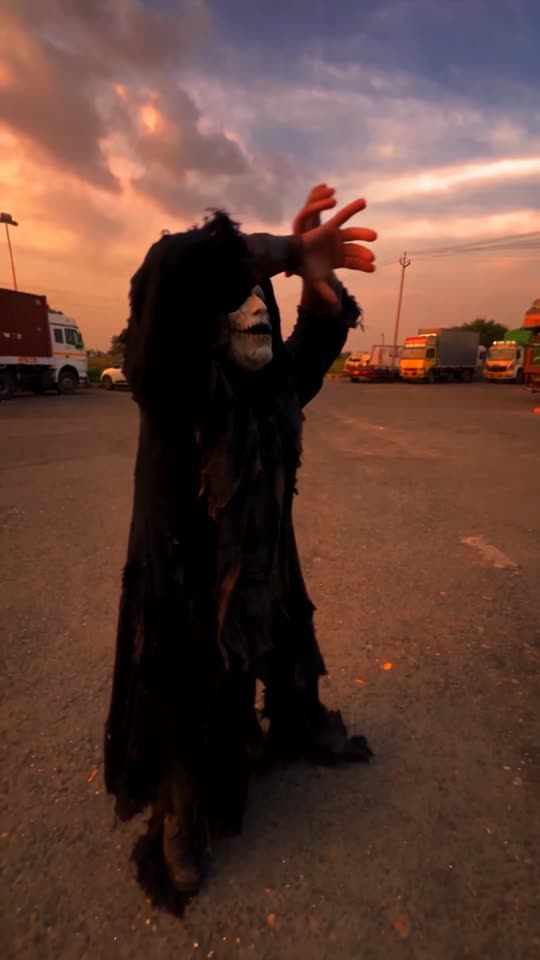
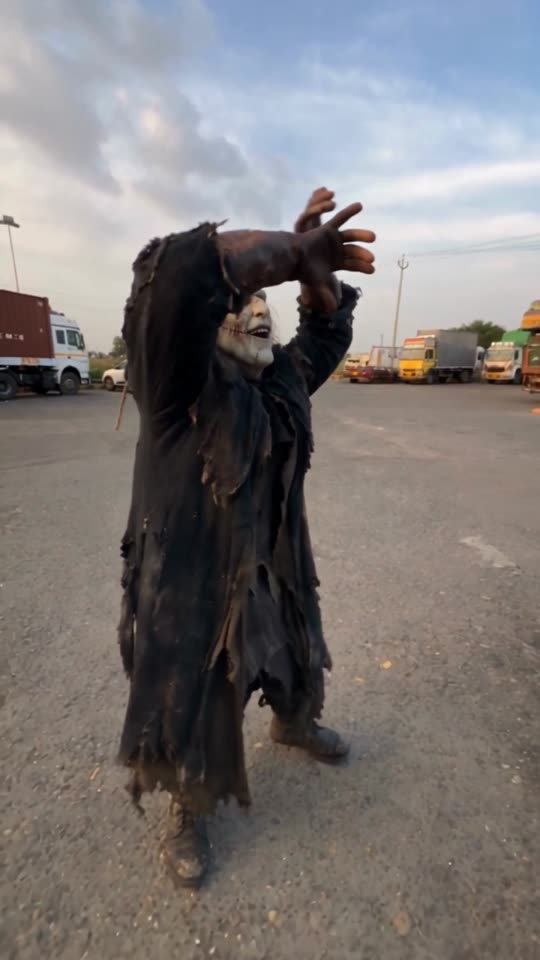
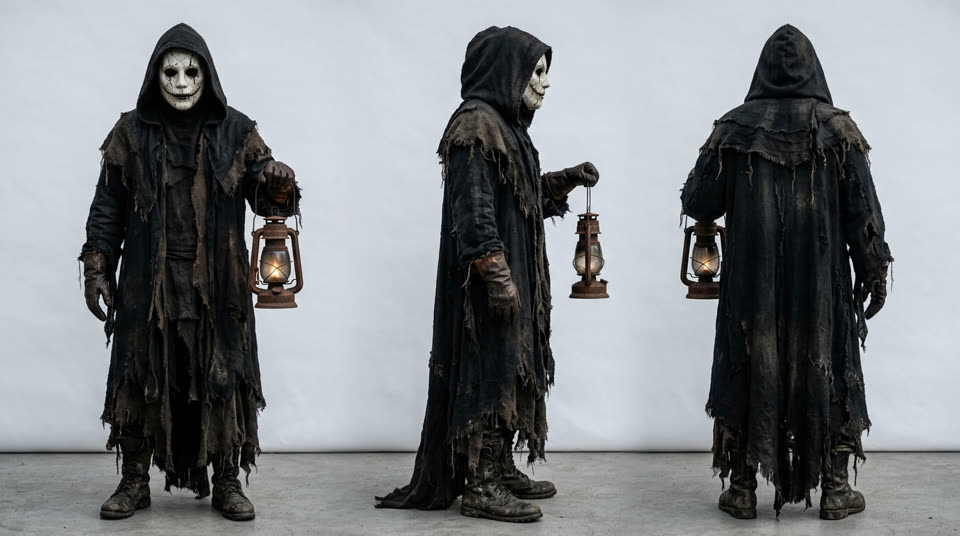
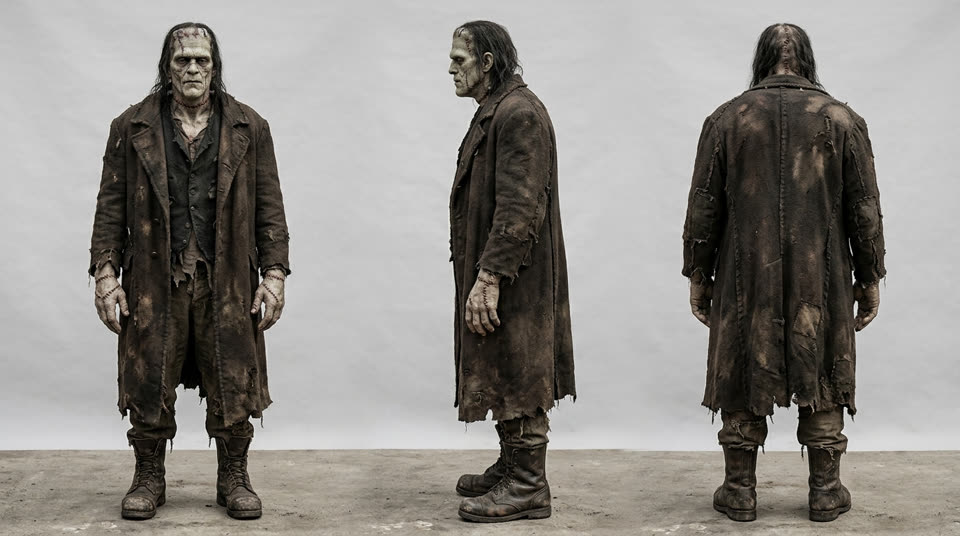
A ghoul and Frankenstein's creature walk through an ordinary truck park at sunset. The same trick works on any clip you have.

A hooded ghoul in a truck park at sunset
  1. 1Open Reshot and upload a vertical clip with one clear subject.
  2. 2Pick a monster sheet below as the new subject.
  3. 3Generate, then post the original and the monster version side by side.

Tip: Everyday places make the monster stand out more than a spooky set does.

References

The character sheets we used

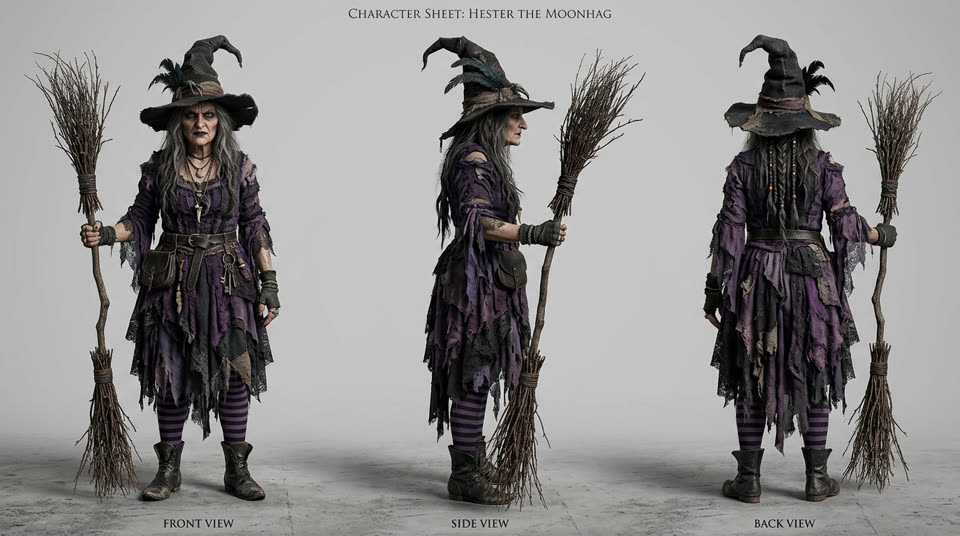
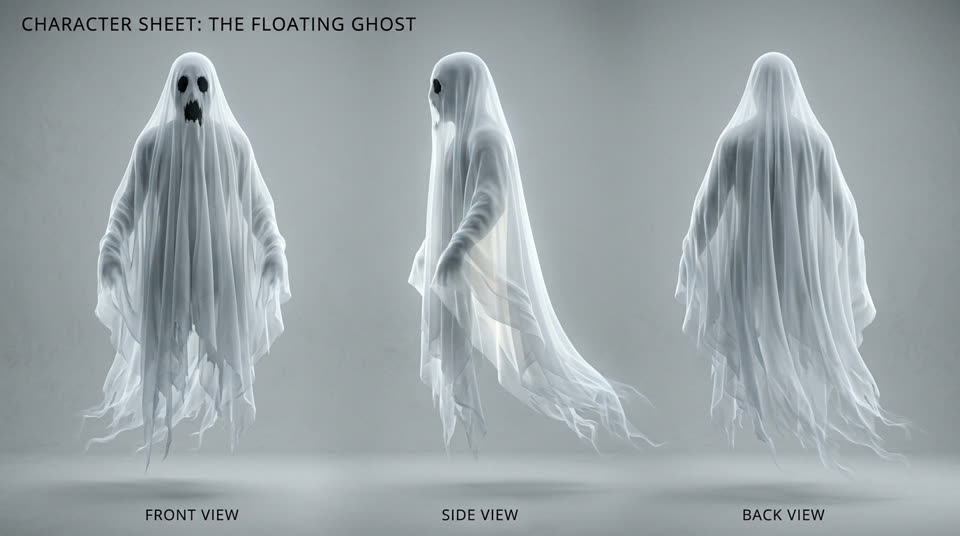
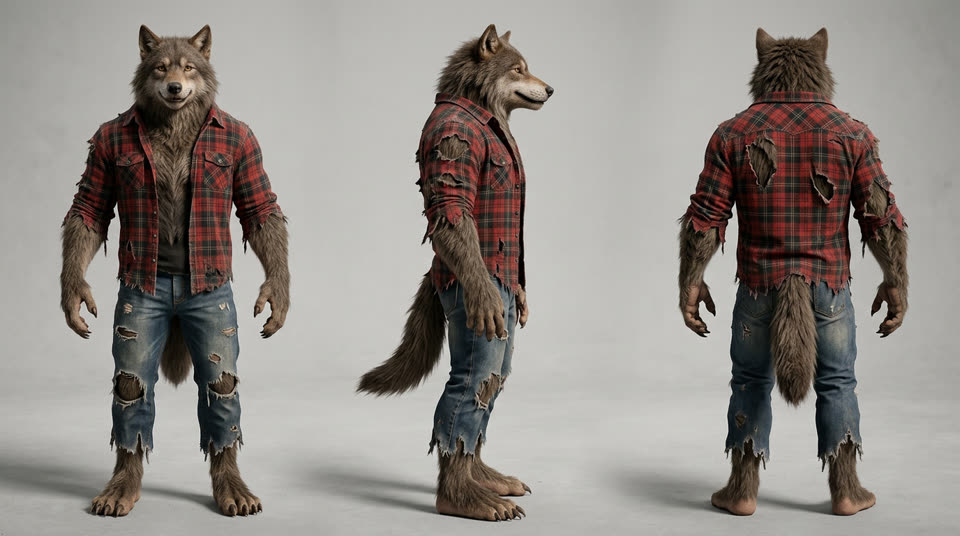
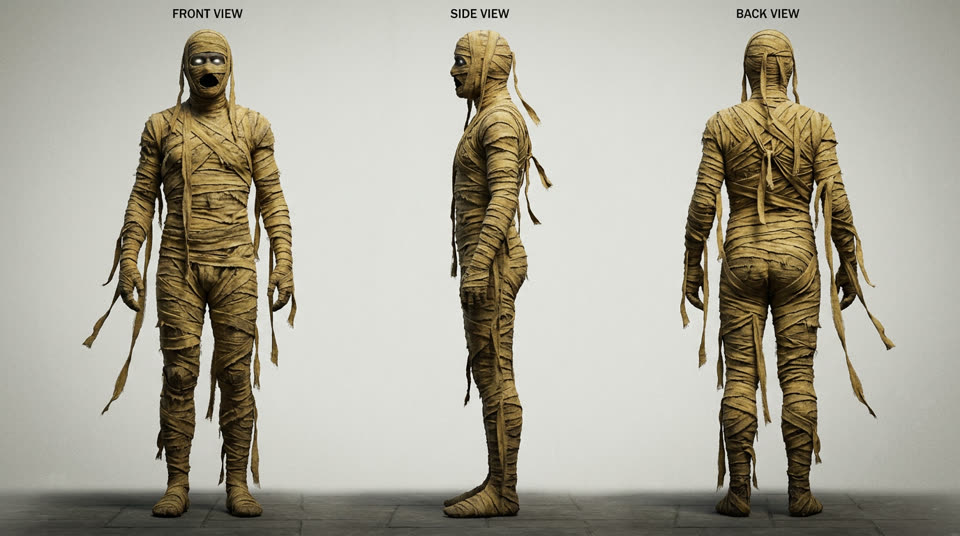
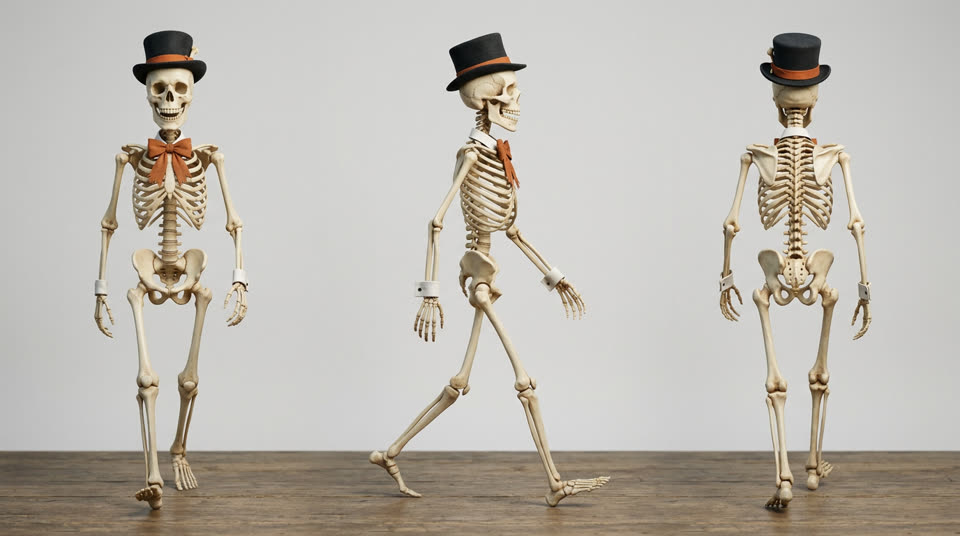
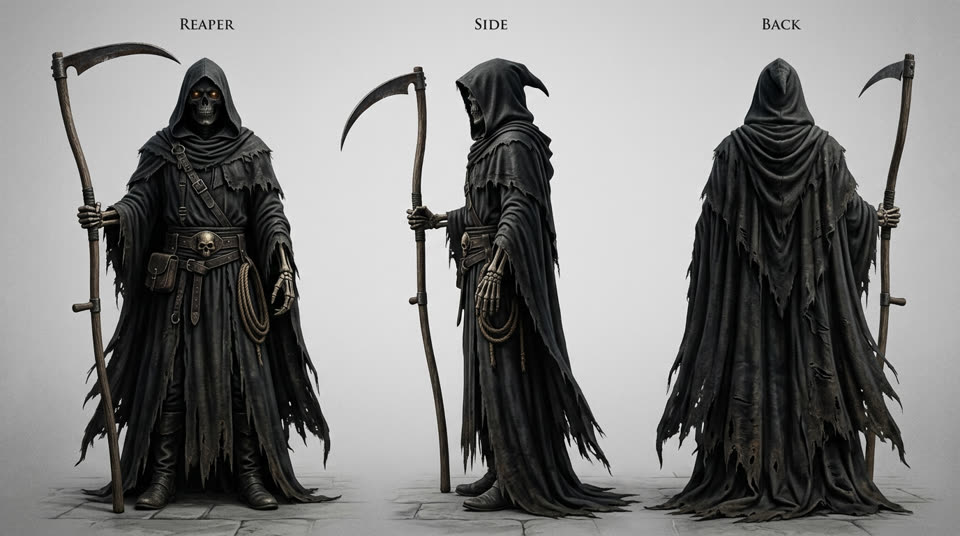
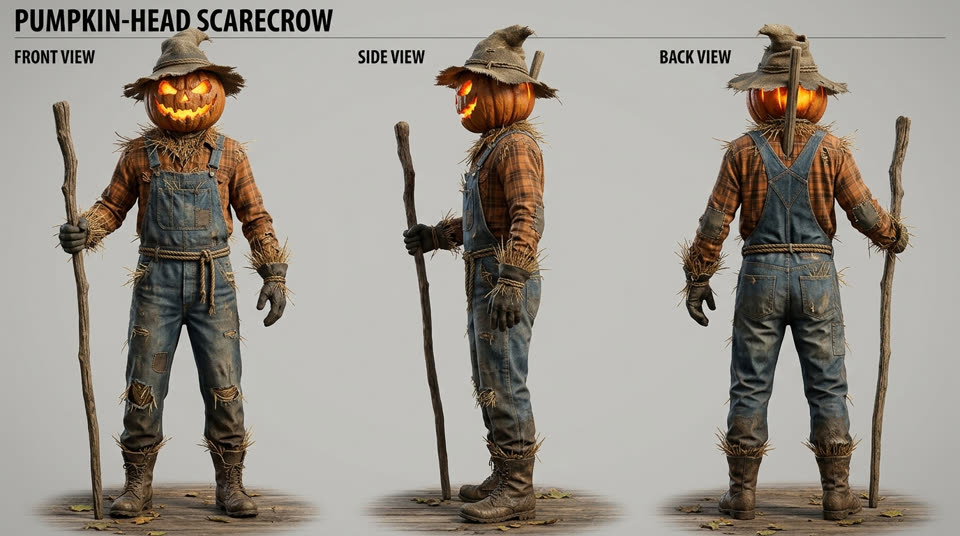
Each video starts from one character sheet: a single image of the character that Reshot carries into the clip. Use these as a starting point or make your own in AI Image.
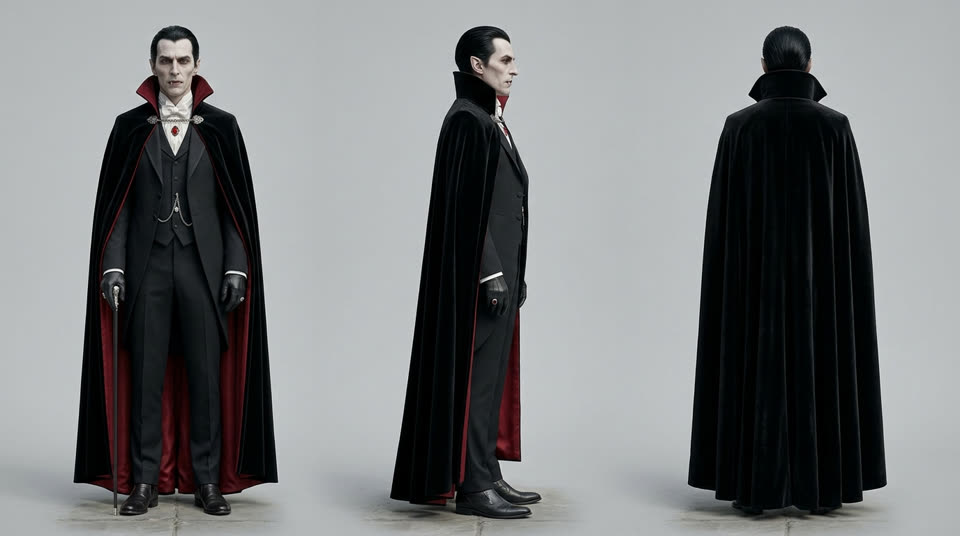
Vampire count
Vampire count
Pumpkin scarecrow
Pumpkin scarecrow
Witch
Witch
Masked slasher
Masked slasher
Ghost
Ghost
Zombie
Zombie
Frankenstein's creature
Werewolf
Werewolf
Mummy
Mummy
Top-hat skeleton
Top-hat skeleton
Grim reaper
Grim reaper
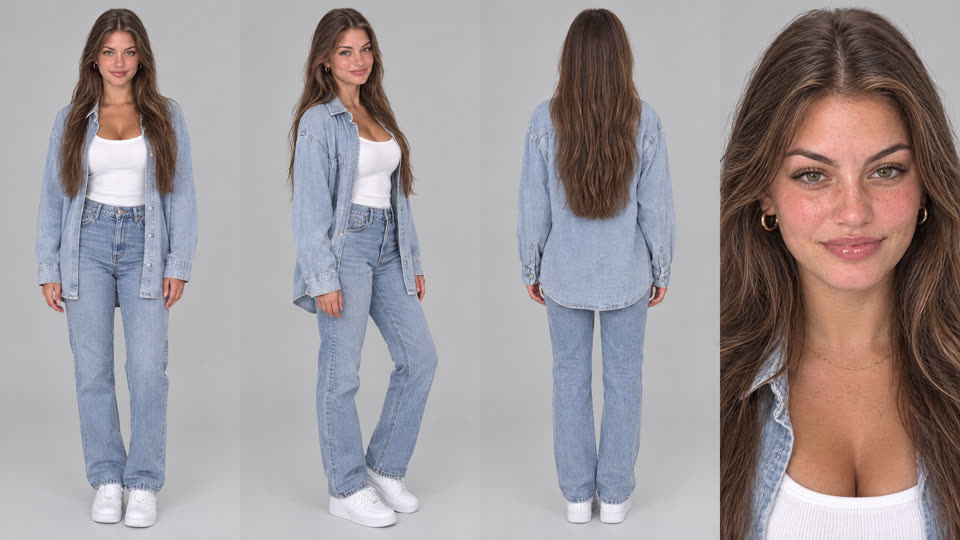
Presenter, female lead
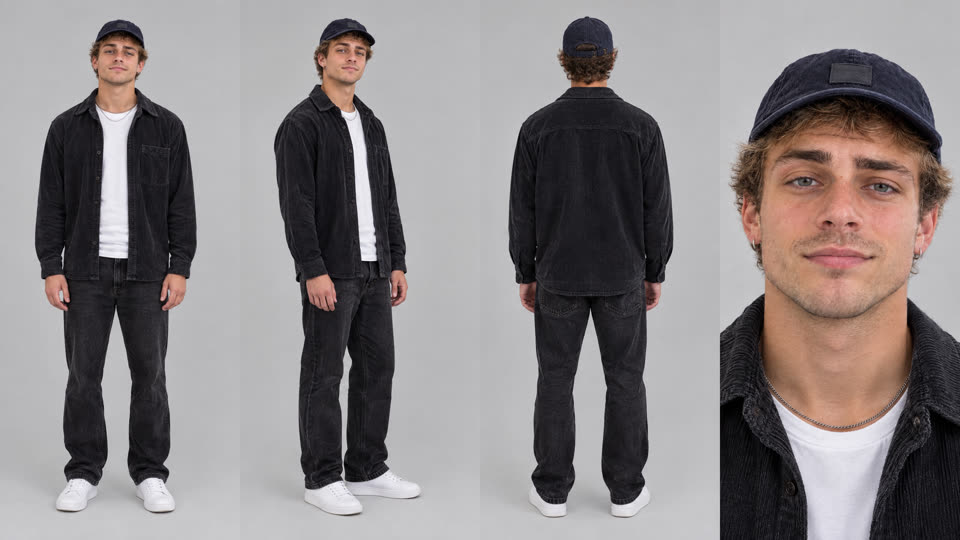
Presenter, male lead
Make a character sheet

Frequently asked questions

Can I put myself in a Halloween video?

Yes. Upload a photo of yourself as the new lead in Reshot and describe your costume. Only use photos of people who agreed to it.

Do I need to film anything?

No. Every trend on this page starts from an existing clip. Reshot swaps the subject and the scene and keeps the movement.

What does a Halloween video cost?

Reshot shows the token price before you generate, so you see the cost before anything is charged.