
In this guide
Start · Step 1
Open AI Video Story
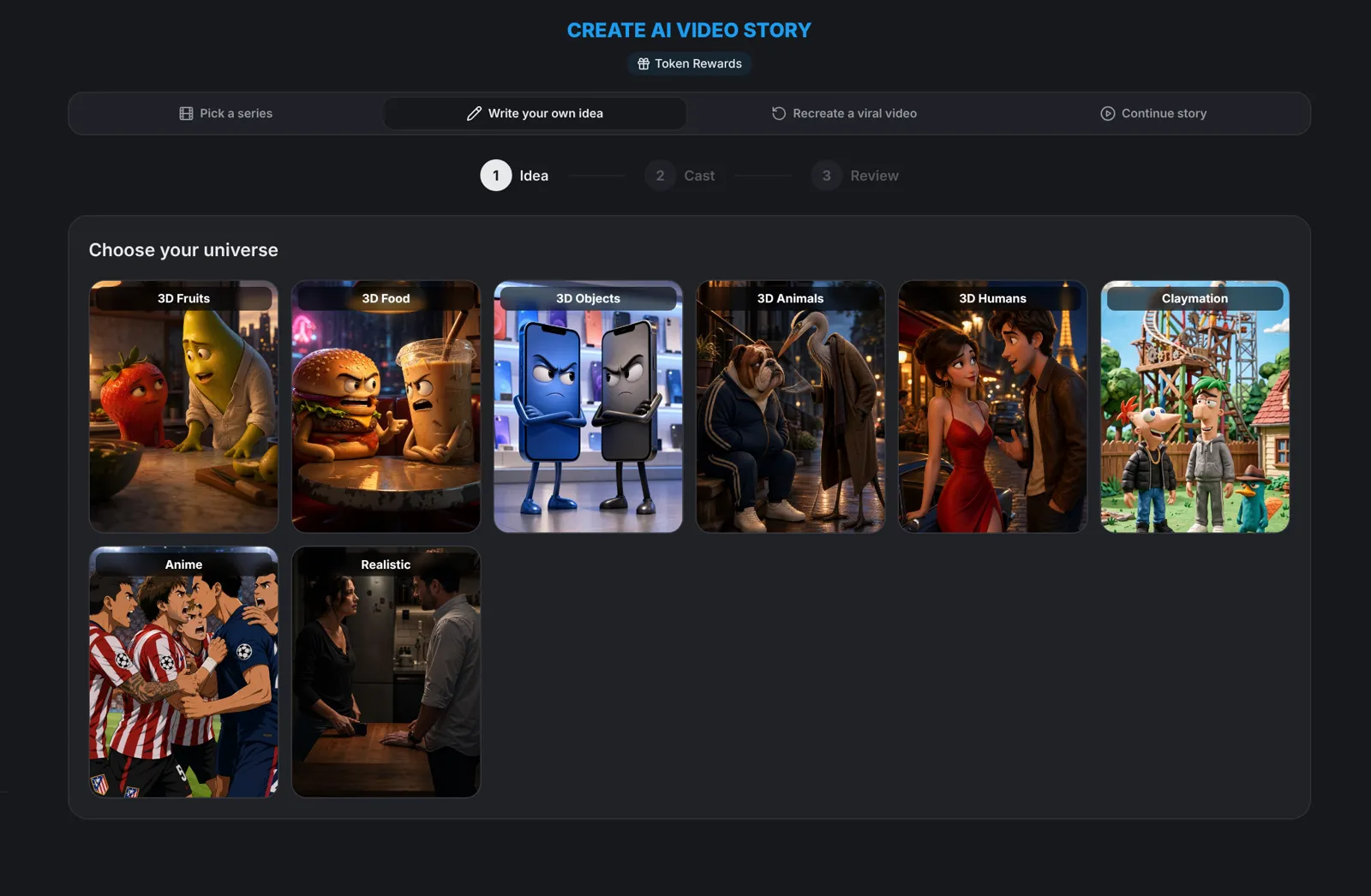
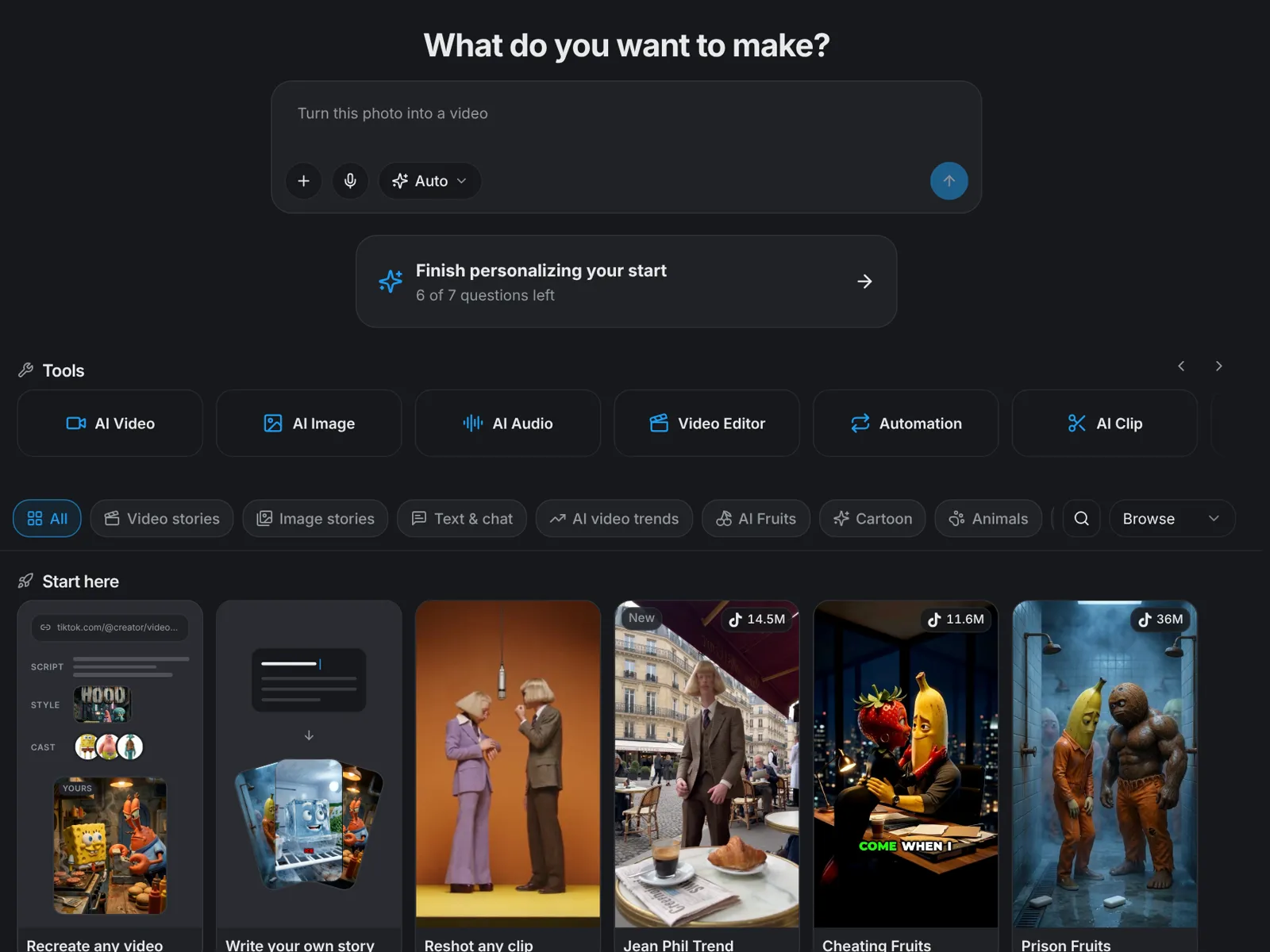
From the create page, open AI Video Story. You can pick a series, write your own idea, recreate a viral video or continue a story you already made. For a first video, a series is the easiest start.
Idea · Step 2
Pick a series and an idea
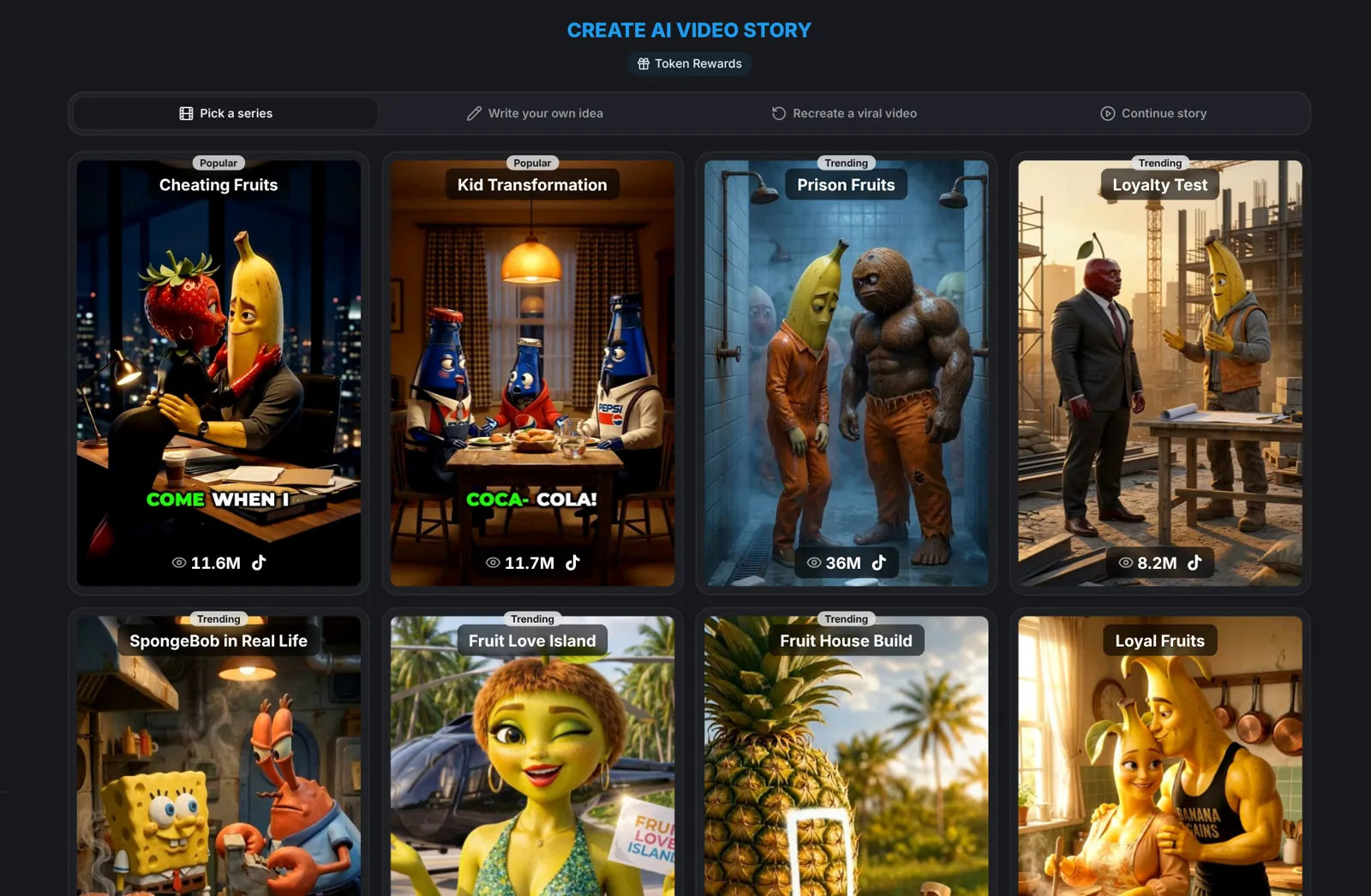
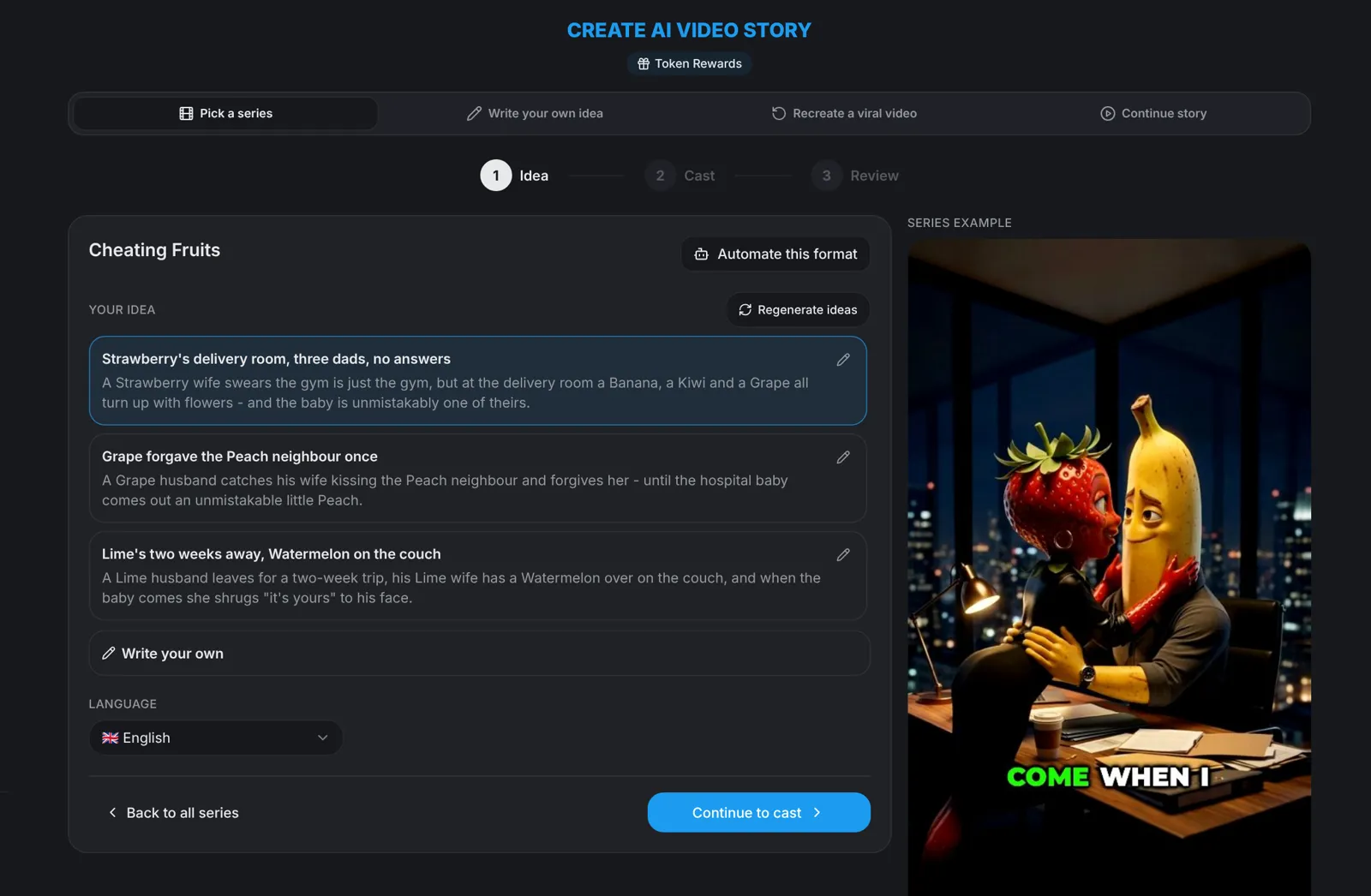
Choose a series from the grid, such as Cheating Fruits or Kid Transformation. Each series shows an example and a set of idea cards. Pick one, edit it or tap Regenerate for new ones, choose your language, then click Continue to cast.
Cast · Step 3
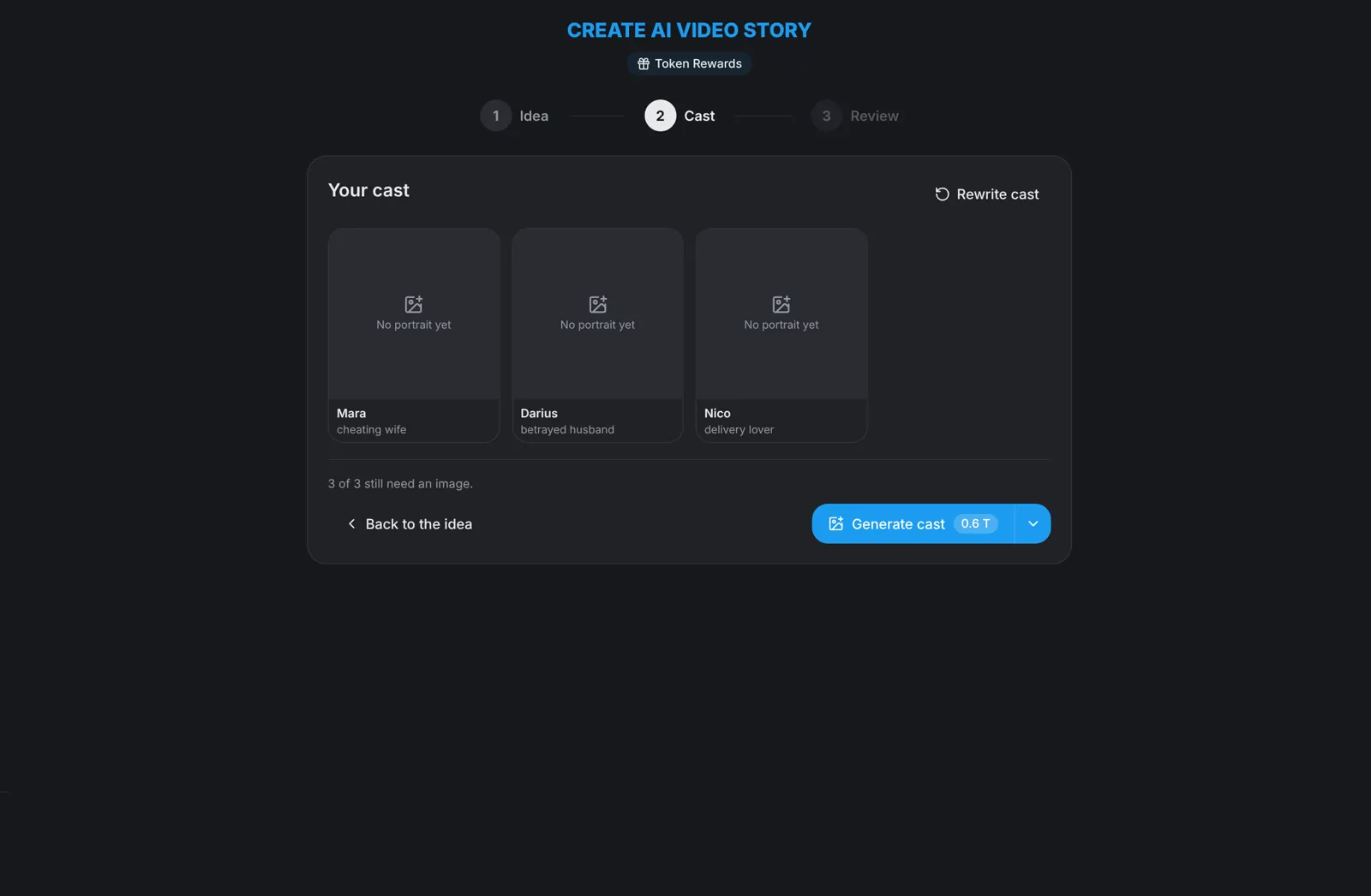
Generate your cast
aicut writes the characters for your idea. Click Generate cast to draw their portraits, which takes about a minute. You can rewrite the cast, pick saved characters from My characters, upload a photo or describe a character yourself.
Scenes · Step 4
Generate the scenes and images
Choose the length on the sign-off screen and click Generate scenes + images. aicut writes the episode and draws every scene, which takes about two minutes.
Video · Step 5
Review, then generate the video
Look through every scene. Redraw or remove any you don't like, then click Generate video. The video part is only charged when you press that button.
Tip: Not sure what to make? Paste a link to a video you love into Recreate, or choose Write your own idea and pick a universe.
Next time · Step 6
Reuse your characters
Characters with a portrait are saved to My characters automatically, so your next episode can reuse them. Or use Continue story to make part two with the same cast and settings.