

How to Make the Viral Impossible Slide AI Video
AI Trend Tutorial
This slide video got millions of views and none of it was filmed. Learn how to make your own version of the viral Impossible Slide AI video with aicut, starring you or any character you like. No filming, no editing and no prompt writing.
In this guide
Open · Step 1
Open the Impossible Slide template
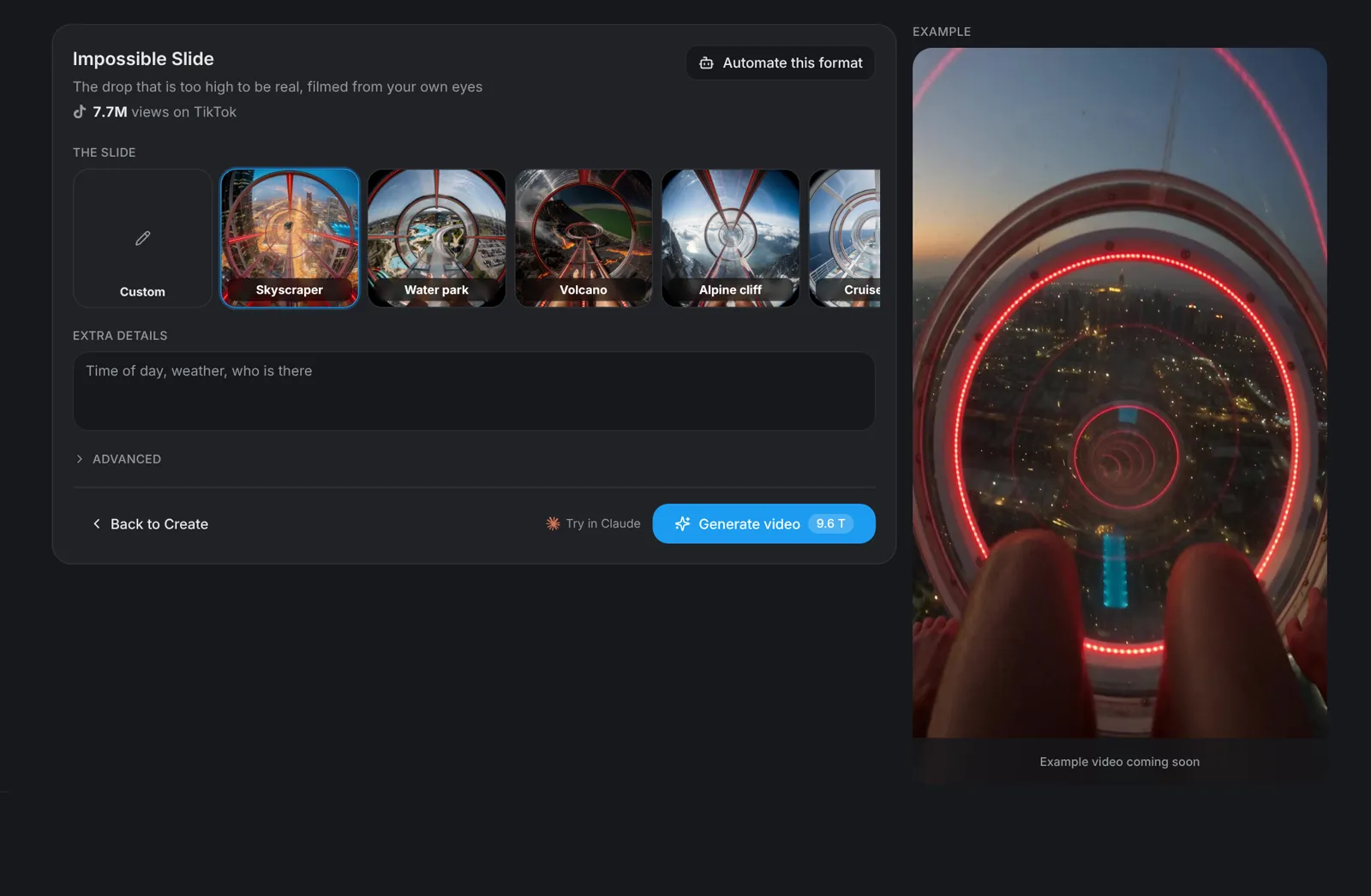
Go to aicut.pro and open the Impossible Slide template. The page shows how many views the format already has on TikTok and an example of the first-person drop that made it go viral.
Slide · Step 2
Pick your slide
Choose where the slide drops. There are eight locations, from a skyscraper to a volcano: Skyscraper, Water park, Volcano, Alpine cliff, Cruise ship, Desert canyon, Jungle waterfall and Dam wall. Pick Custom to describe your own.
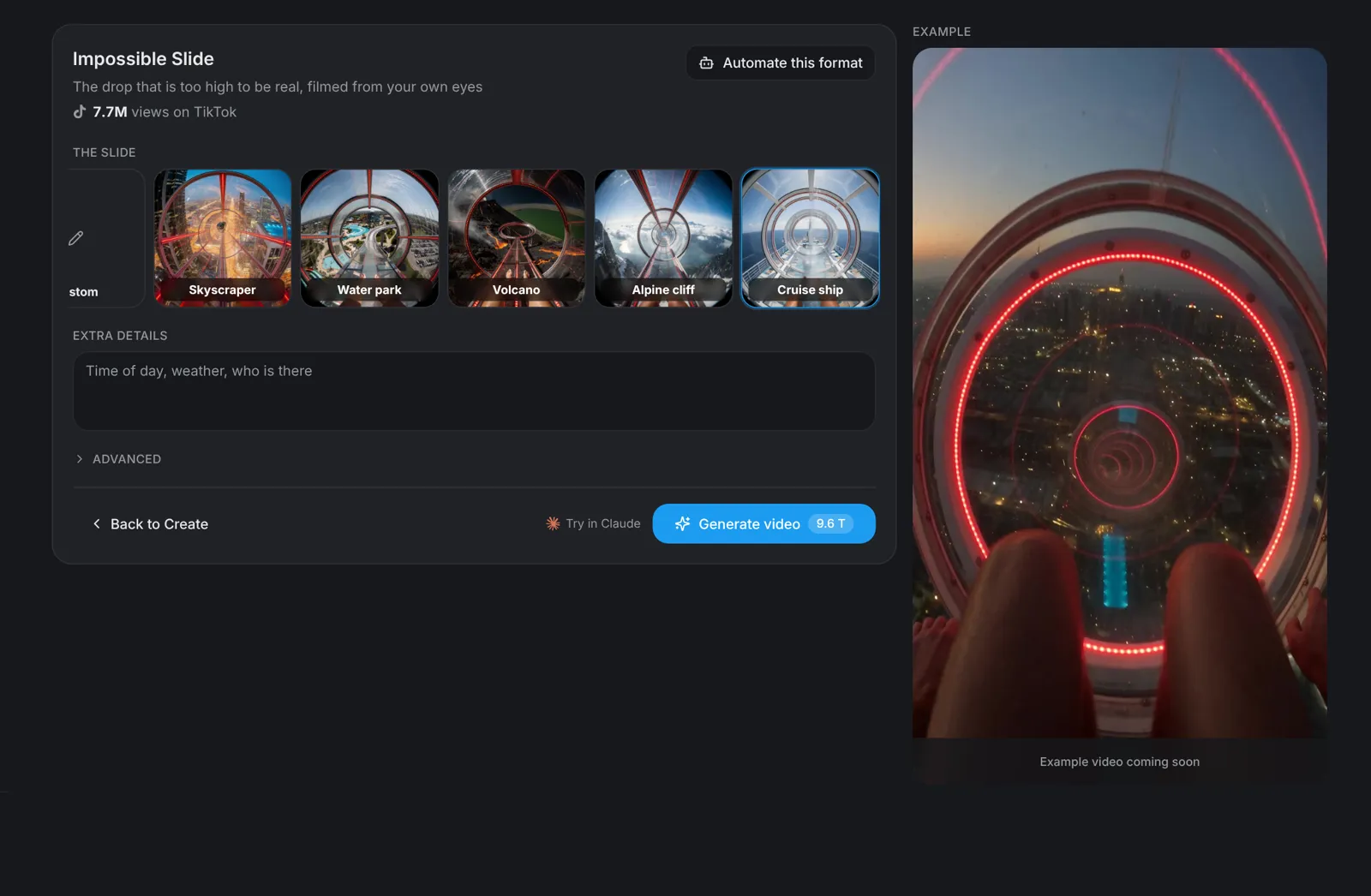
Tip: Copying a clip you saw? Pick the same location as the viral original, such as the cruise ship.
Details · Step 3
Add extra details (optional)
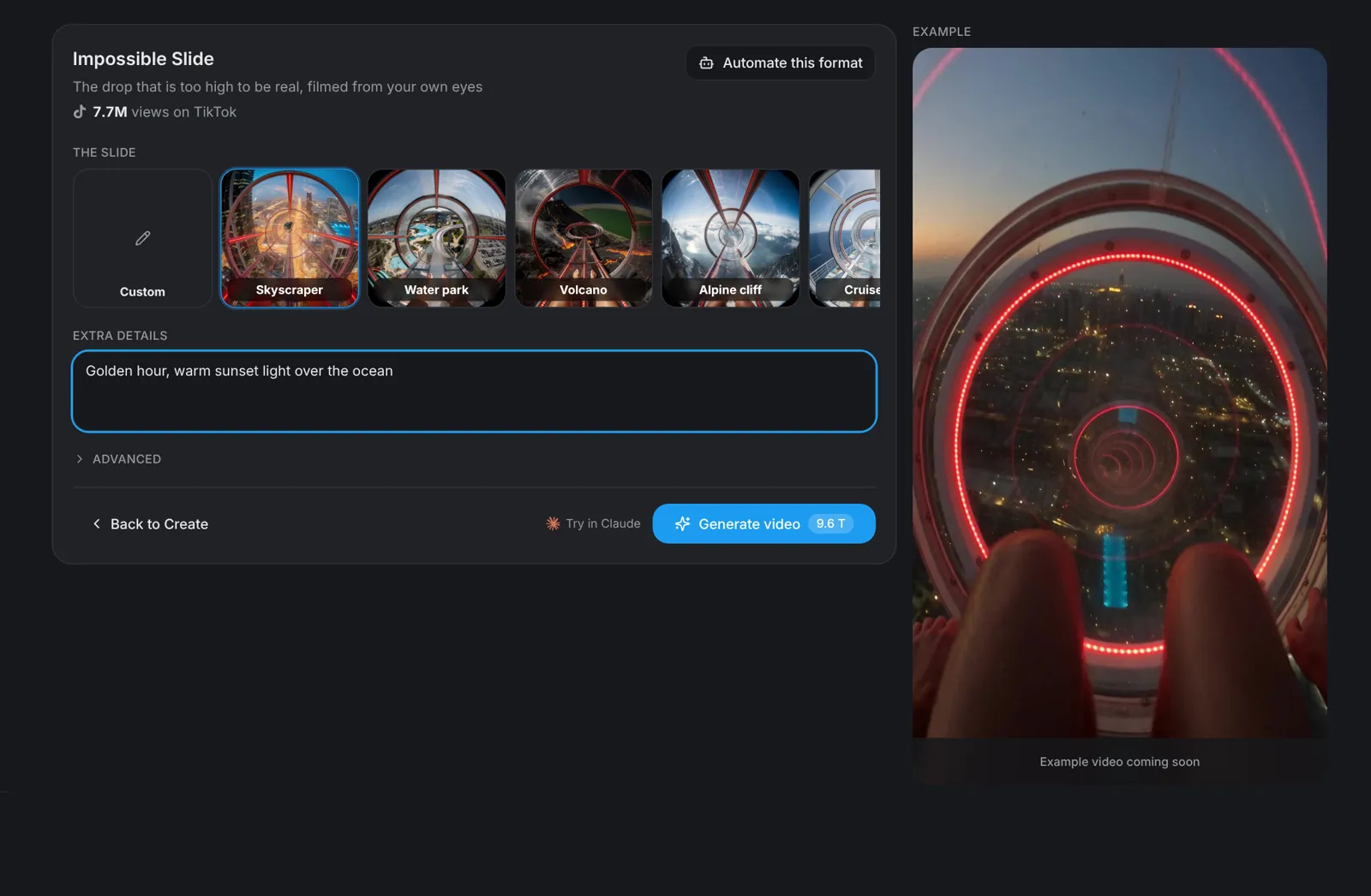
Under Extra details, add the time of day, the weather or anything else you want to see. Golden hour works well: warm light makes the drop look even higher.
Rider · Step 4
Put yourself on the slide
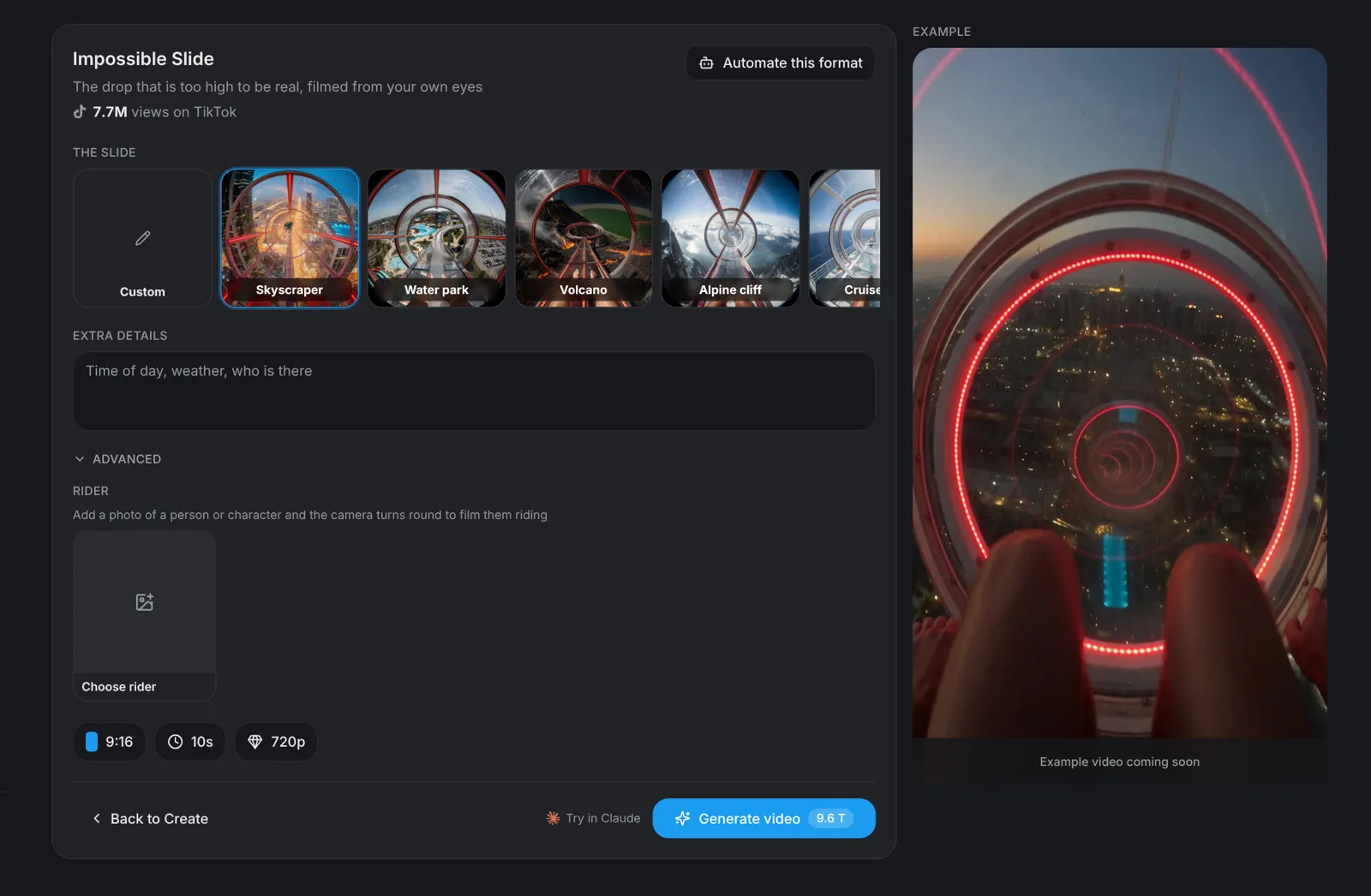
Open Advanced, then Rider. Pick one of the preset characters, or switch to Upload and add a photo of yourself or your own character. With a rider, the camera turns round and films them on the slide.
- A clear, front-facing photo works best.
- Only use photos of people who agreed to be in the video.
Generate · Step 5
Check the settings and generate
The default settings are vertical 9:16, 10 seconds and 720p, which is right for TikTok, Instagram Reels and YouTube Shorts. Click Generate video: the button shows the price before you click, and the video takes about two minutes.