

How to Make the Viral Özil Goal Trend AI Video
AI Trend Tutorial
The Özil Goal Trend restages Mesut Özil's famous solo goal with an unlikely cast in an everyday place, and the original reel has millions of views. Learn how to make your own with aicut, starring a preset character or you. No filming, no editing and no prompt writing.
In this guide
Open · Step 1
Open the Özil Goal Trend template
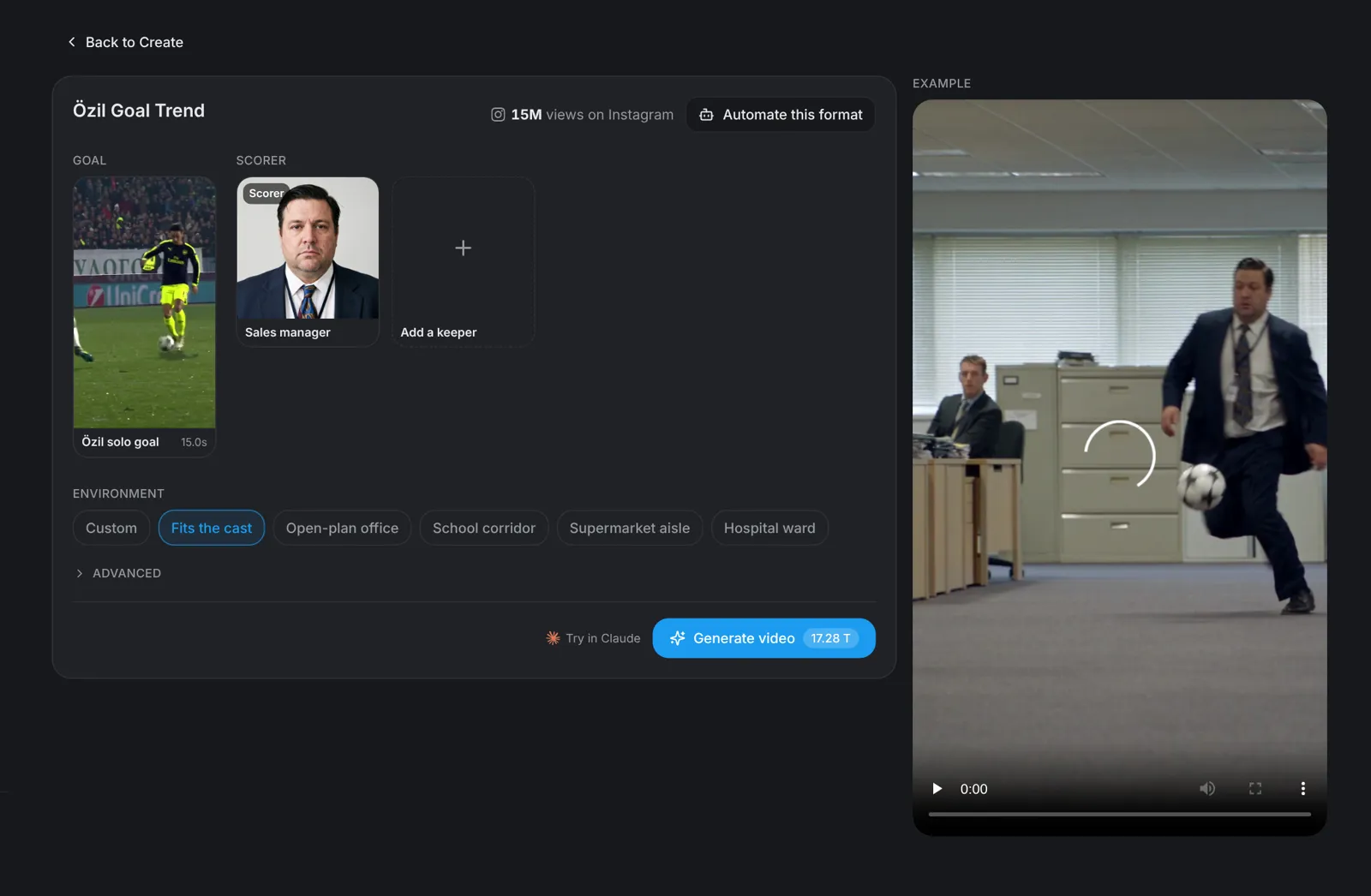
Go to aicut.pro and open the Özil Goal Trend template. The goal clip on the left is fixed: it is the run your cast copies, from the lob over the keeper to the final shot.
Cast · Step 2
Pick the scorer and the cast
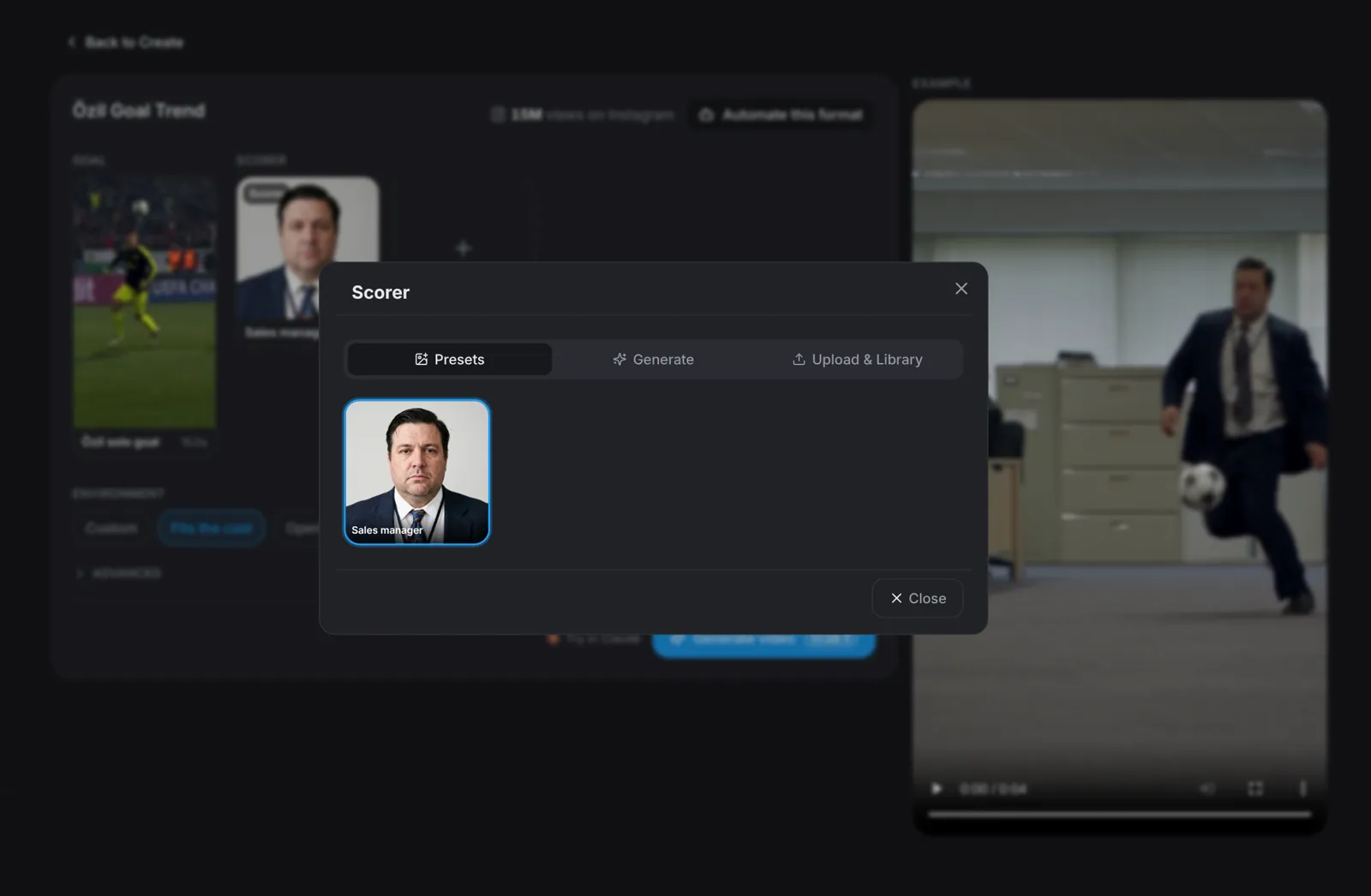
The first tile is the scorer, the one with the ball. Use the preset, generate your own character, or upload a photo of yourself. Add a keeper and two defenders to cast the rest of the run; anyone you leave out becomes a plain extra who fits the cast.
- A clear, front-facing, full-body photo works best.
- Only use photos of people who agreed to be in the video.
Environment · Step 3
Pick the environment
Leave it on Fits the cast and the goal happens wherever your cast naturally belongs. Or pick Open-plan office, School corridor, Supermarket aisle or Hospital ward, or choose Custom and describe any place.
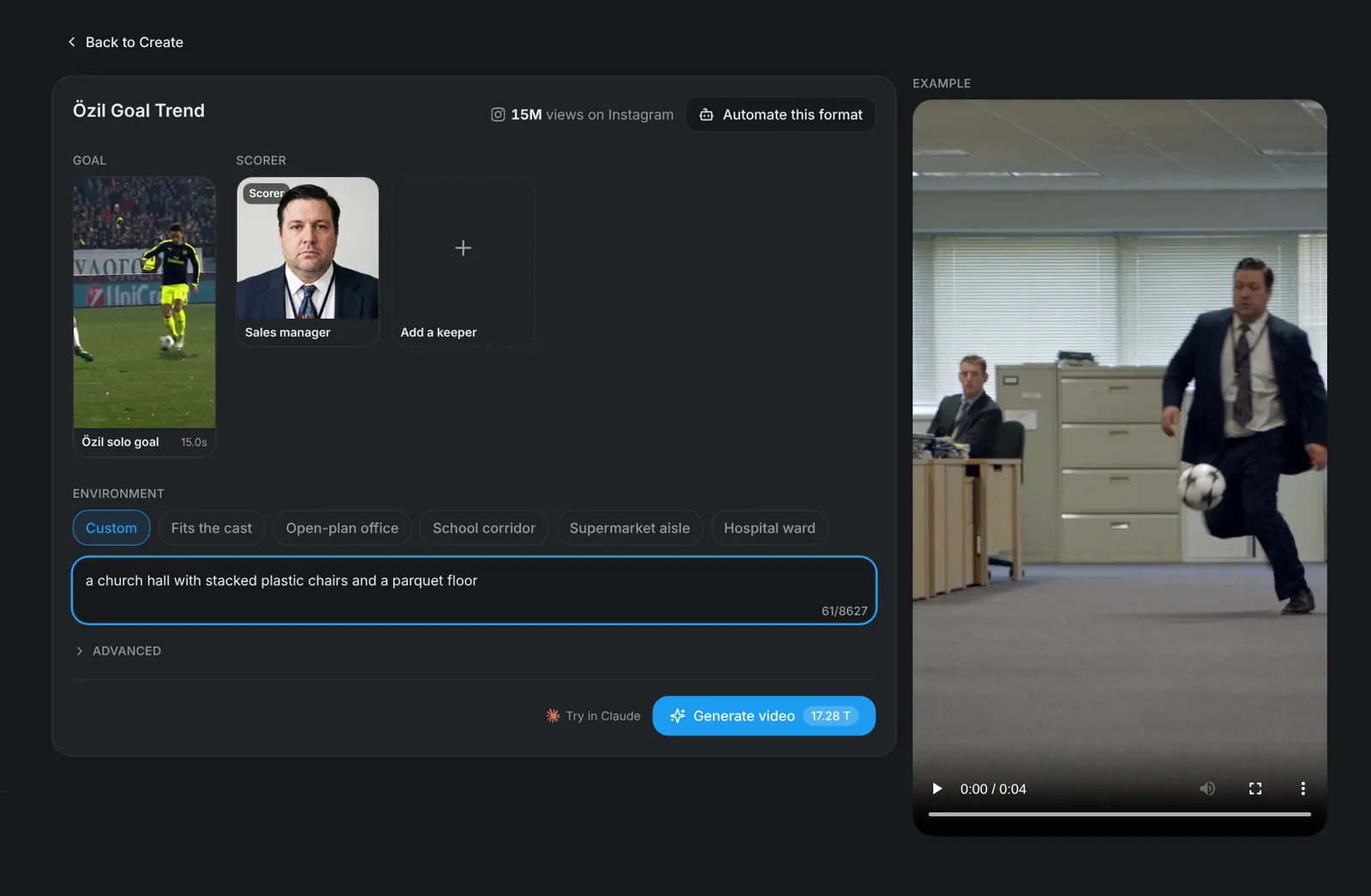
Tip: Ordinary places work best: the joke is a famous goal where no football should be.
Generate · Step 4
Hit Generate video
Click Generate video: the button shows the price before you click. You get a vertical 9:16 clip of your cast restaging the whole run in one shot with the original clip's sound, ready for TikTok, Instagram Reels and YouTube Shorts.