

In this guide
Trends · Step 1
Start from what is rising
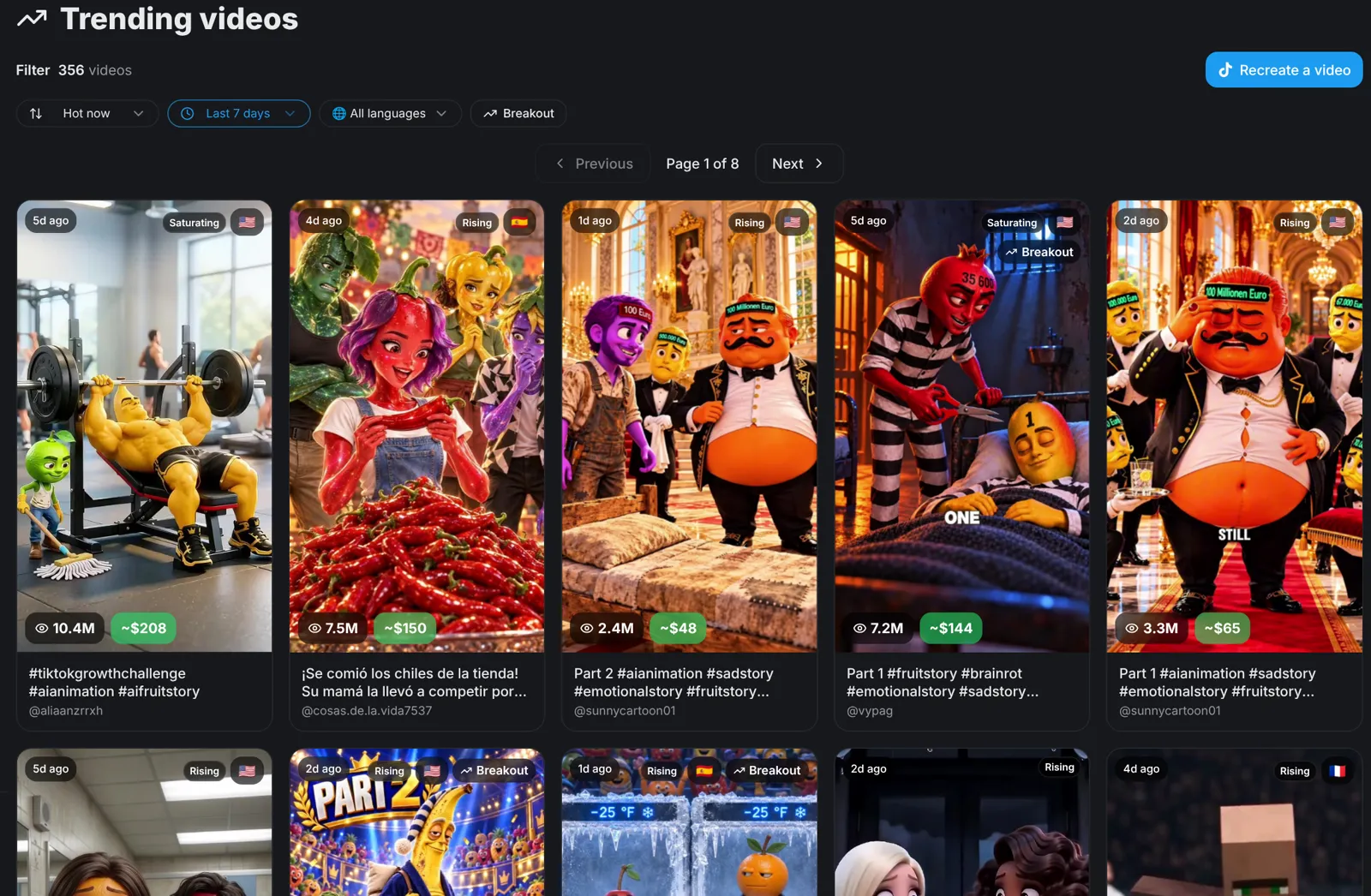
Open Trends, filter by your language and look for the Rising badge. A rising video is an idea with proof: people are watching it right now.
Twist · Step 2
Recreate one trend twice
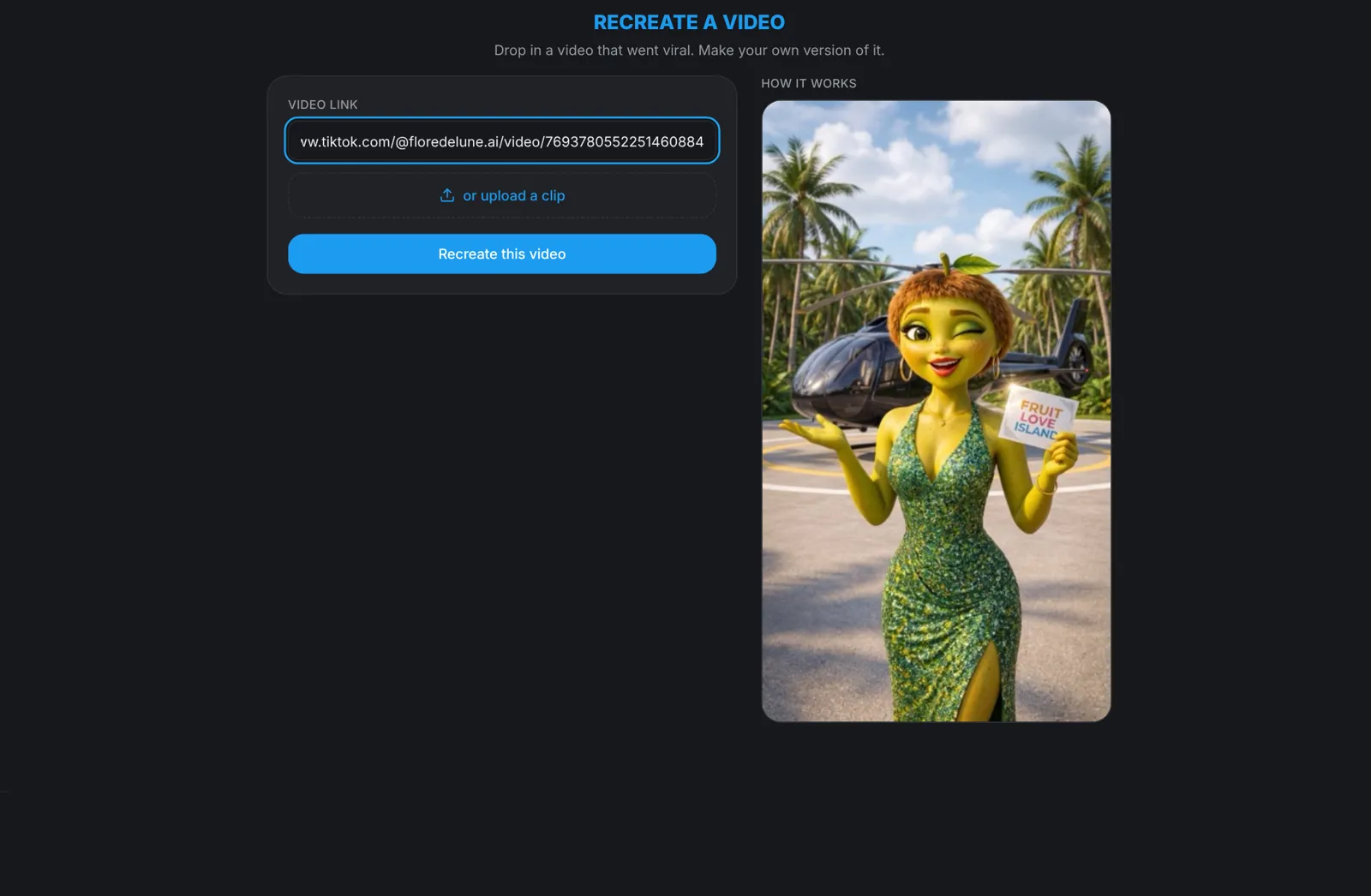
Paste a trending link into Recreate and make your version. Then recreate the same link again with a different idea. One trend becomes two videos that do not look alike.
Idea cards · Step 3
Let the series suggest the idea
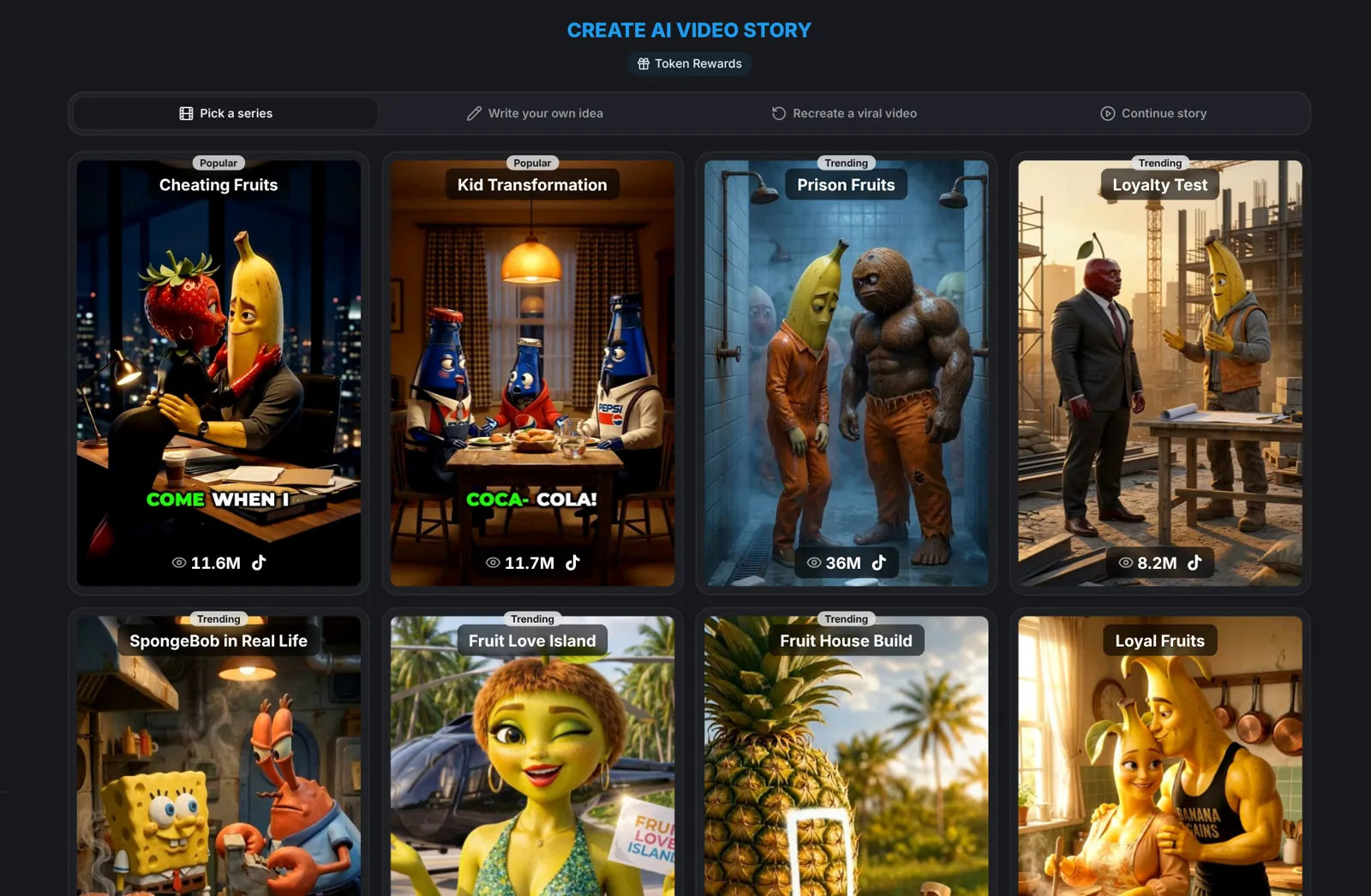
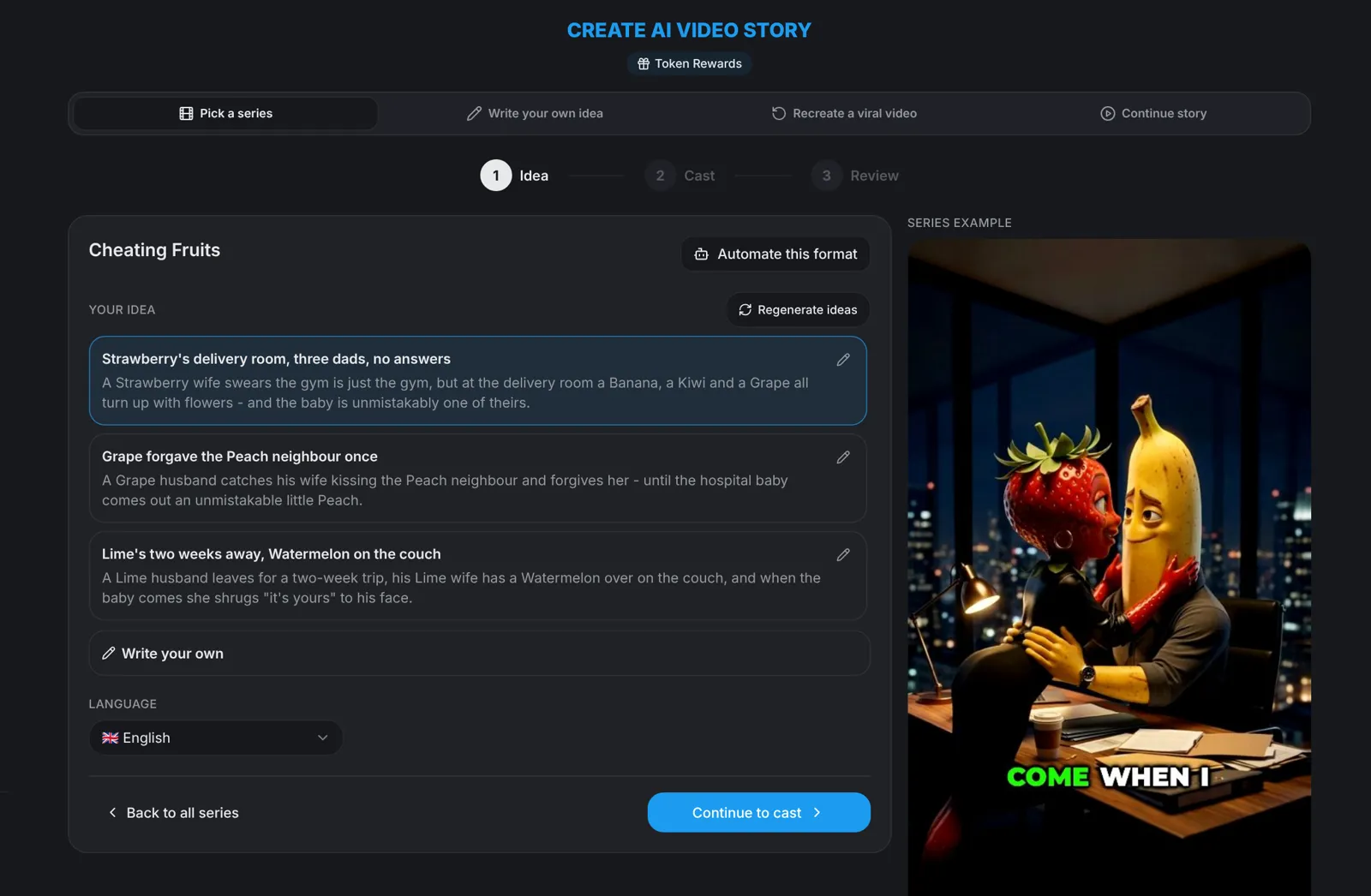
Open AI Video Story and pick a series. It comes with idea cards: tap Regenerate until one makes you laugh, then edit it.
Your idea · Step 4
Start from a universe
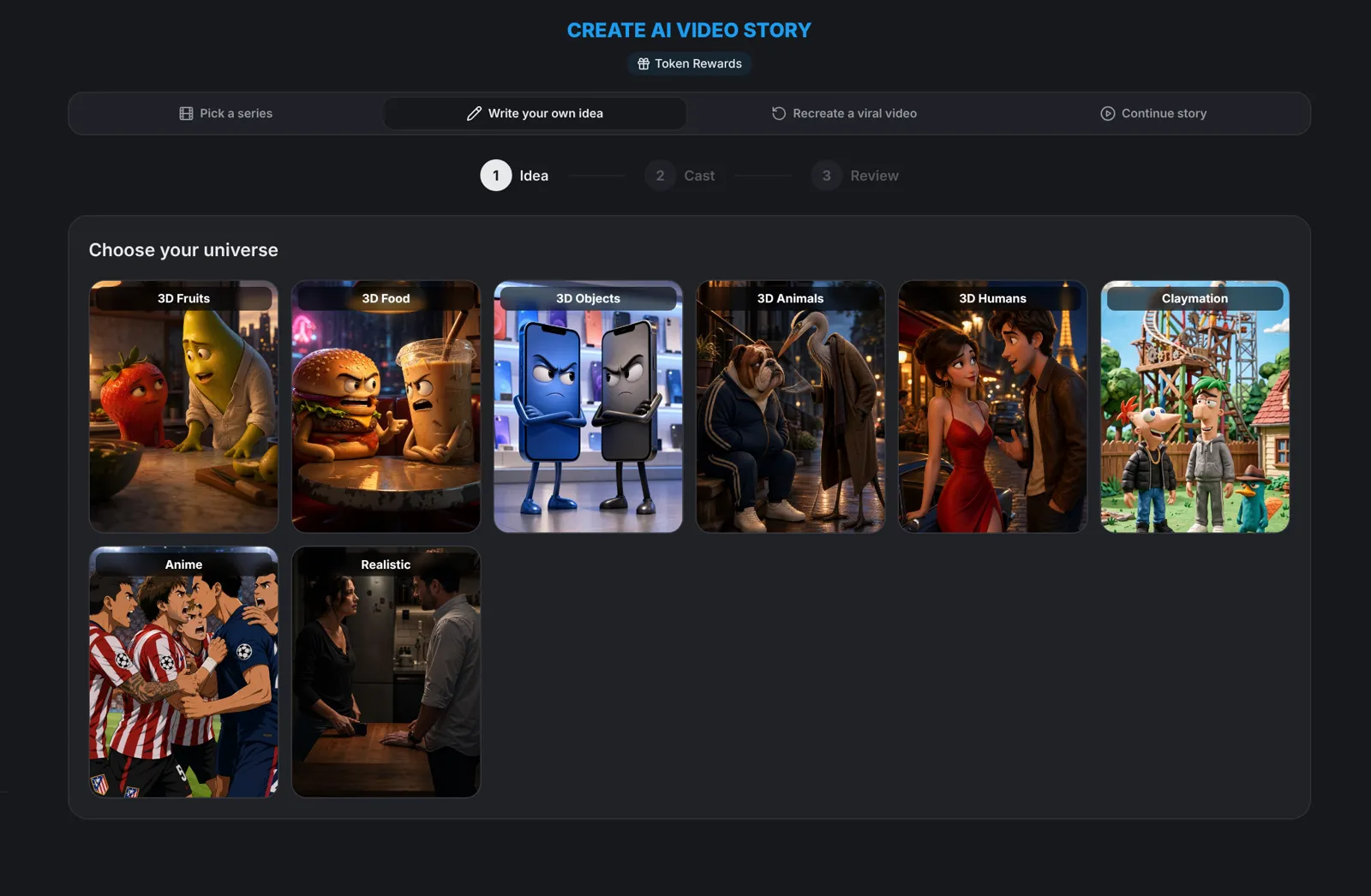
Switch to Write your own idea, choose a universe and click Generate idea, or type the one line you already have. aicut writes the story from it.
Next part · Step 5
Make part two
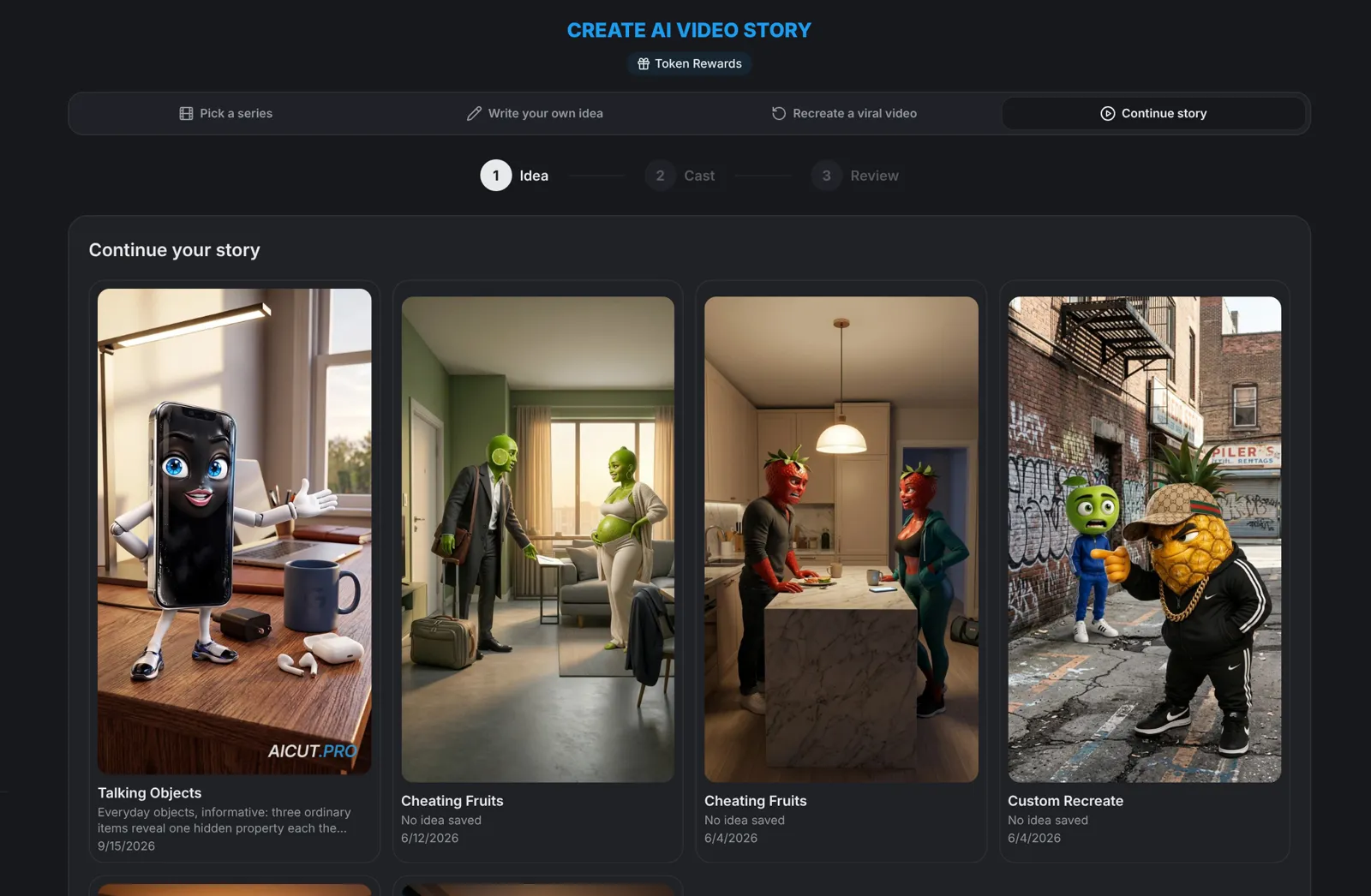
When a video works, your next idea is its next episode. Continue story keeps the cast, settings and language of your last episode, so you only have to decide what happens next.
Your numbers · Step 6
Ask your channel
Connect your accounts on Channels and click Analyse next to one. aicut reads the last 30 days of that channel and writes content ideas, each with a hook and why it should work.
- Channel reports are part of a paid plan. Connecting a channel is free.
Tip: Keep a list. When an idea card or a report idea is good but not for today, write it down: next week starts from a list instead of a blank page.