AI Video Story series
Talking Objects AI Video Generator
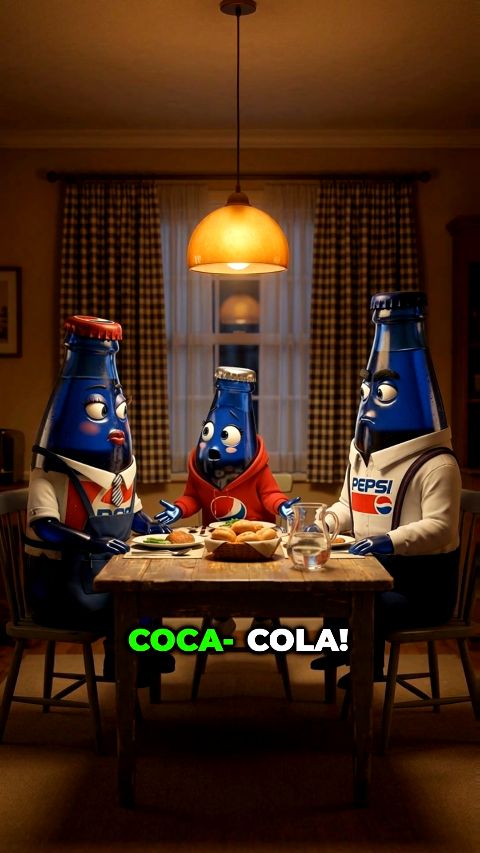
Anthropomorphic objects pitch their value or call out the viewer
Talking Objects puts a face and a voice on everyday things and lets them speak directly to the viewer, either explaining themselves or scolding you for how you treat them. Aicut generates a stack of standalone scenes on a topic you pick and renders them as one vertical compilation.
Free account. The token price is shown before anything is generated.
Viral on TikTok
Real Talking Objects videos that took off. 1.2M views across the clips below. Every episode you generate follows the same beats.

816.9K views

379.8K views

12.3K views
Why Talking Objects videos get watched
Create viral compilation episodes where everyday characters speak directly to the viewer. Pick the mode (Informative or Annoyed) with the toggle, pick a topic (Health, Food, Everyday Objects, or Custom) for the cast, and the system generates a stack of standalone talking-character scenes.
Direct address is the oldest hook on the platform: an object looking at the camera and telling you something about yourself stops the scroll. The compilation structure means every scene is a fresh hook, so watch time survives even when one object misses. The informative mode makes the format share-worthy, the annoyed mode makes it comment-worthy, and both are the same tool.
Example Talking Objects episode ideas
One click loads any of these as a full episode. Shuffle them, edit the wording, or type your own idea in one sentence.
- 01Kitchen-tool care, scolded
- 02Glow-up skincare, boasting
- 03High-protein foods, boasting
- 04Pest control, warned
- 05Better sleep, boasting
- 06Dental hygiene, scolded
How to create a Talking Objects video
01
Pick an episode idea
Choose one of the Talking Objects presets or write your own idea in one sentence. The AI writes every scene and every line of dialogue.
02
Review the cast
Rename characters, rewrite their look, regenerate a portrait, or upload a photo of your own character. The cast is only locked when you start.
03
Generate the episode
Every scene is rendered from the same portraits, with voices matched to each character. You see the token price before you click.
04
Post or automate
Download the vertical 9:16 video, post it to TikTok, YouTube Shorts and Instagram Reels in one click, or let a campaign generate and post for you.
What every Talking Objects video includes
Consistent characters
Every scene is generated from the same cast portraits, so faces, outfits and colours hold from the first scene to the last.
Dialogue and voices
The AI writes the lines and voices each character with a matching voice. Silent formats get sound design instead.
Vertical 9:16, ready to post
Rendered for TikTok, YouTube Shorts and Instagram Reels, with a preview you can watch before rendering the final file.
29 languages
Write and voice the episode in English, German, Spanish, French, Japanese and 29 languages in total.
Editable before and after
Change the scene list, the dialogue or the number of scenes before generating, and open the finished video in the editor.
One-click posting
Connect TikTok, YouTube and Instagram once and publish every finished episode from inside Aicut.
Automation campaigns
Put Talking Objects on a schedule: a campaign writes, renders and posts new episodes for you on autopilot.
What does a Talking Objects video cost?
A full multi-scene story video costs about 12.5 video tokens. The exact price is shown on the button before you generate, and writing the cast and the scene list is free.
| Plan | Price | Story videos per month |
|---|---|---|
| Free | $0, pay as you go ($0.60 per token) | Try one before subscribing |
| Creator | $19.99/mo ($149.99/yr) | about 4 |
| Automate | $39.99/mo ($299.99/yr) | about 8, plus automation |
Talking Objects FAQ
What topics are available?
Health, food and everyday objects are built in, plus a custom topic you type yourself. Each topic produces a cast of objects that fit it, kitchen tools, skincare products, high-protein foods, and one scene per object.
Is every object a separate scene?
Yes. Talking Objects is a compilation series: the cast count equals the scene count, and each scene is an independent monologue, so you can reorder or drop scenes in the editor before rendering.
Do I have to write the script myself?
No. Pick a Talking Objects preset or type one sentence of your own idea, and the AI writes the full scene list, the dialogue and the image prompts. You can edit any part of it before generating.
How long is a Talking Objects episode and what format is it?
A default episode is 6 scenes, roughly 48 seconds. You can set anywhere from 3 to 12 scenes and split a longer story across several parts. Everything renders vertical 9:16 for TikTok, YouTube Shorts and Instagram Reels.
Which languages can Talking Objects episodes be made in?
Episodes can be written and voiced in 29 languages, picked before the story is written. German, English, Spanish, French, Portuguese, Japanese and Korean are all included.
Can I recreate a viral video in the Talking Objects style?
Yes. Paste a TikTok link or upload a video file, and the AI reads the art style, the characters, the scene beats and the spoken lines, then loads all of that into the editor as an editable cast and scene list. Nothing from the original file is reused; the whole episode is generated fresh.
Do I need an account, and what does it cost?
You can open the creator without an account. Generating needs a free account. Writing the cast and the scenes costs nothing; generating the portraits and the video spends tokens, and the token cost is shown on the button before you click it.
Make your first Talking Objects video
Pick a preset, review the cast, generate. The first episode is minutes away.
Create a Talking Objects videoDiese Seite auf DeutschCette page en françaisQuesta pagina in italianoEsta página en español
More AI video story series
Same tool, different format. Every series has its own page and its own presets.
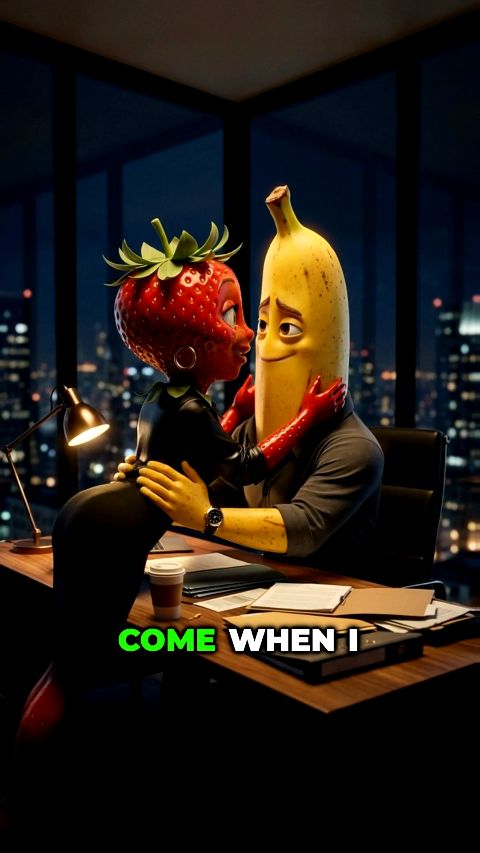
Cheating Fruits
Infidelity drama with anthropomorphic fruit characters
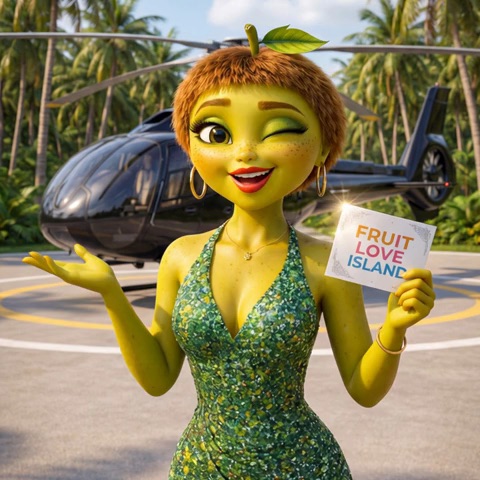
Fruit Love Island
Reality dating drama with anthropomorphic fruit characters
Kid Transformation
Kid get surgery to become a completely different identity
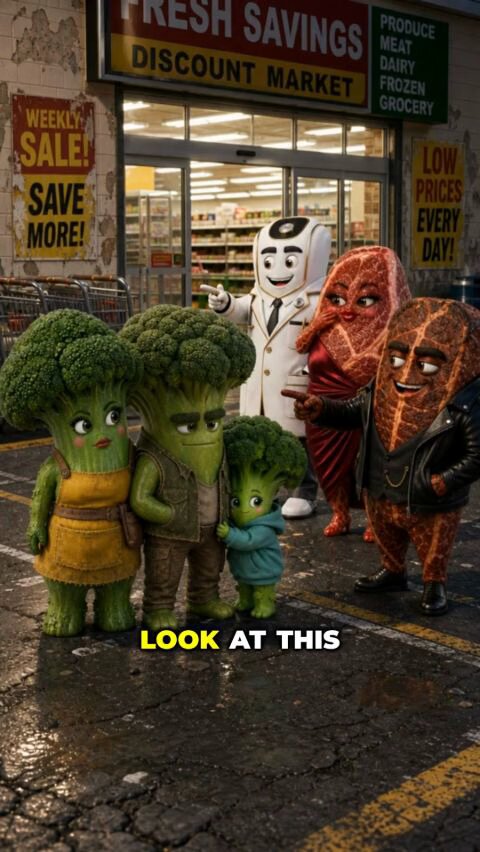
Family Transformation
A whole family undergoes surgery together to escape public shame
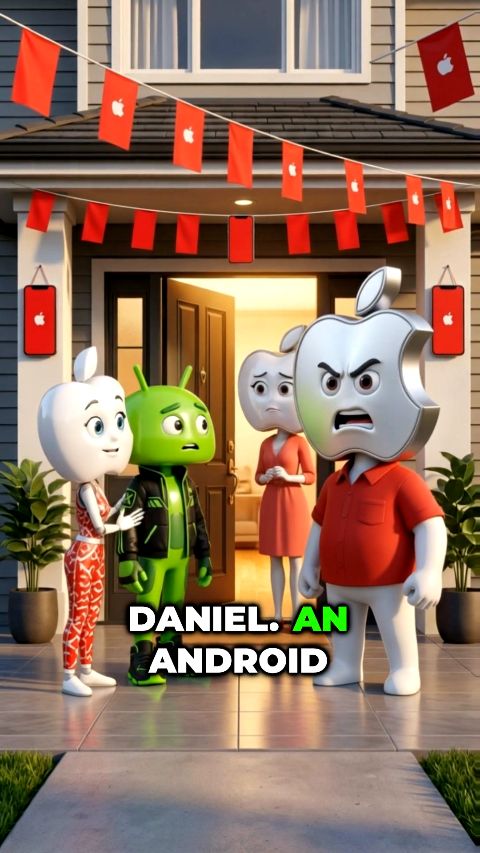
Daughter's Boyfriend
An overprotective family loses their minds when the daughter brings home a rival-identity boyfriend
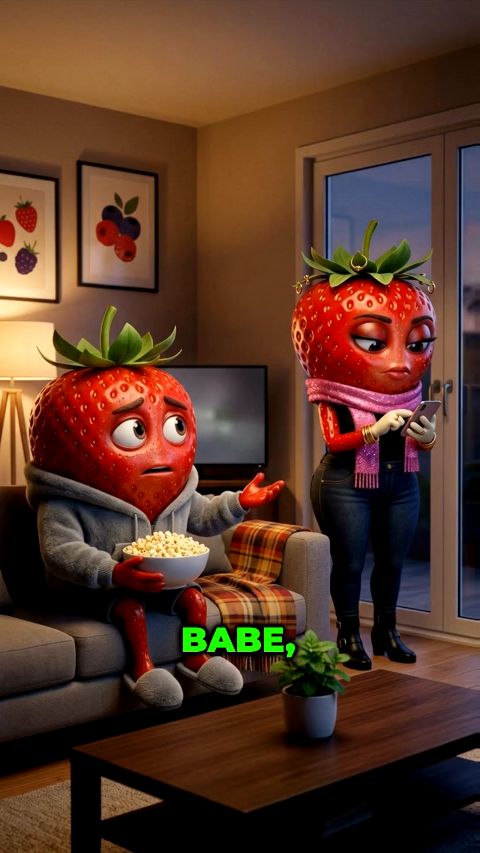
Girlfriend goes to Club
Cheating-night drama where the whole cast is one anthropomorphic type - sausage, pineapple, giraffe, anything
All 30 AI video story series
- Cheating Fruits
- Fruit Love Island
- Kid Transformation
- Family Transformation
- Talking Objects
- Daughter's Boyfriend
- Girlfriend goes to Club
- Trait Remover Cookies
- Salt from Neighbour
- Fake Golden
- Golden Tears
- Gold Body Reveal
- Loyal Fruits
- Loyalty Test
- SpongeBob in Real Life
- Phineas & Ferb Gang
- Benjamin Blümchen Reloaded
- Fruits Exploring City
- Prison Fruits
- World Cup Showdown
- The Rotten Twin
- The Inheritance Test
- Dance Remover
- Price Wars
- Fruit House Build
- Bob the Dealer
- POV: Inside Cartoons
- Raised Opposite
- Forehead Numbers
- Paws and Payback