
You're probably staring at a product photo right now and thinking the same thing most creators think. The videos pulling views on TikTok and Reels look simple, but the moment you try to make one, it turns into a mess of camera rigs, lazy spins, warped edges, or prompts that generate motion you didn't ask for.
A clean 360 degree rotation shot fixes that. It gives the viewer instant shape, texture, and presence. One short clip can do the job of five static images, especially for shoes, gadgets, collectibles, cosmetics, and stylized characters.
The good news is you don't need a physical turntable, a gimbal setup, or a 3D pipeline just to get that look. You need a planned shot, a controlled prompt, and settings that stop the model from improvising.
The Viral Power of 360 Degree Rotation
A good rotation shot interrupts the scroll because it answers the viewer's first question fast. What does this thing look like from all sides?
That's why the effect works so well in short-form video. The movement is predictable enough to feel smooth, but dynamic enough to keep the eye locked on the subject. For product content, it creates clarity. For character content, it creates presence. For fantasy objects, it creates mystery without chaos.
A full turn is also a universal motion reference. A 360-degree rotation is the standard way most of the world measures a full turn, and it is mathematically equivalent to 2π radians, which is part of why it became so practical in astronomy, navigation, and digital design (Wikipedia on turn and angle equivalence)). In creator terms, that matters because editors, motion tools, and prompt-based animation all need a shared idea of what “one complete turn” means.
Why this format holds attention
Three things make this effect work better than a random camera move:
- The viewer understands it instantly. A full spin is easy to read.
- The object stays central. That keeps the frame focused.
- The reveal feels complete. People don't need to imagine the missing angles.
Practical rule: If your product's value is visual, show the silhouette first and the details second. A 360 degree rotation does both in one motion.
A lot of creators still assume these clips require expensive gear. They don't. AI motion tools can generate the same style when the prompt is strict and the shot design is simple. That's a much faster route if you're posting often and trying to improve your social media engagement with repeatable content rather than one-off experiments.
Plan Your Shot Before You Prompt
Most bad AI rotations fail before generation starts. The prompt gets blamed, but the actual problem is the creator never decided what the shot is supposed to do.
A planned rotation has intent. A random prompt gives you movement, but not presentation. Those are different things.
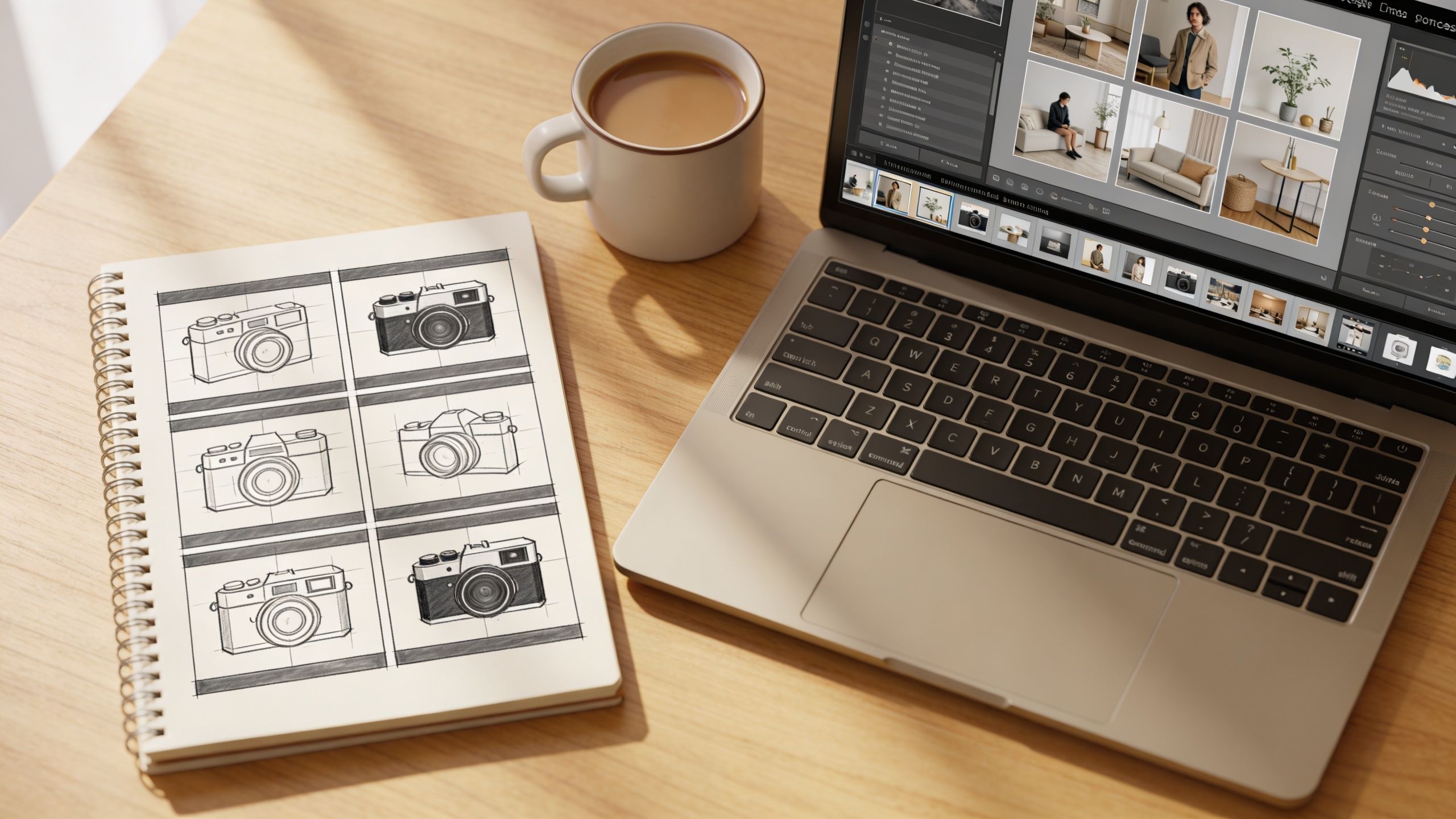
Pick a subject that benefits from turning
Not every object deserves a full rotation. Flat products often look weak. Asymmetrical products, reflective surfaces, layered textures, and sculpted forms usually perform better.
Good candidates include:
- Sneakers with visible sidewalls, soles, stitching, and logos
- Perfume bottles with glass, caps, and reflections
- Gaming props like swords, masks, or loot items
- Fantasy assets such as crystals, relics, or floating cubes
- Characters with strong silhouettes, armor, or costumes
Weak candidates are usually objects with no depth story. A plain notebook on a blank background won't earn much attention unless the art direction carries it.
Define the job of the shot
Before you write anything into a generator, decide which of these jobs the video has:
| Shot purpose | What to emphasize | What usually works |
|---|---|---|
| Product inspection | Surface detail and shape | Centered object, clean background, neutral light |
| Dramatic reveal | Mood and anticipation | Dark scene, slow turn, controlled highlights |
| Premium ad creative | Finish and polish | Soft reflections, minimal camera drift |
| Character showcase | Volume and design | Slight parallax, subtle environment depth |
If you skip this step, the model fills in the blanks. It adds floating dust, weird camera arcs, or dramatic movement that fights the object.
The shot should tell one visual story. “Show me the object clearly” is a story. “Do something cool” isn't.
Write a mini brief before the prompt
I keep this to four lines:
Subject
Example: matte black sneaker with silver detailsViewing style
Example: luxury studio product adMotion behavior
Example: slow centered 360 degree rotation, no camera shakeBackground rule Example: soft gray solid background, no changing scenery
That tiny pre-brief makes prompting much easier. If you need help tightening the idea before generation, meowtxt's guide on professional scripting is useful because it forces you to think in shot purpose instead of loose description. The same mindset applies when building AI motion clips.
For creators who want a cleaner understanding of controlled movement before generation, Aicut's article on motion control photography basics is also worth reading.
Generating Your Rotation in Aicut
Most creators overcomplicate things here. You don't need a long cinematic paragraph. You need a stable prompt structure and a template built for controlled motion.
Start with a motion-focused template, not a generic image-to-video option. In Aicut, the relevant workflow is the AI Motion Control tool, which is designed for guided movement rather than random animation drift.
Right after opening your project, keep your first generation narrow. Don't try to solve motion, lighting, styling, and storytelling in one prompt.
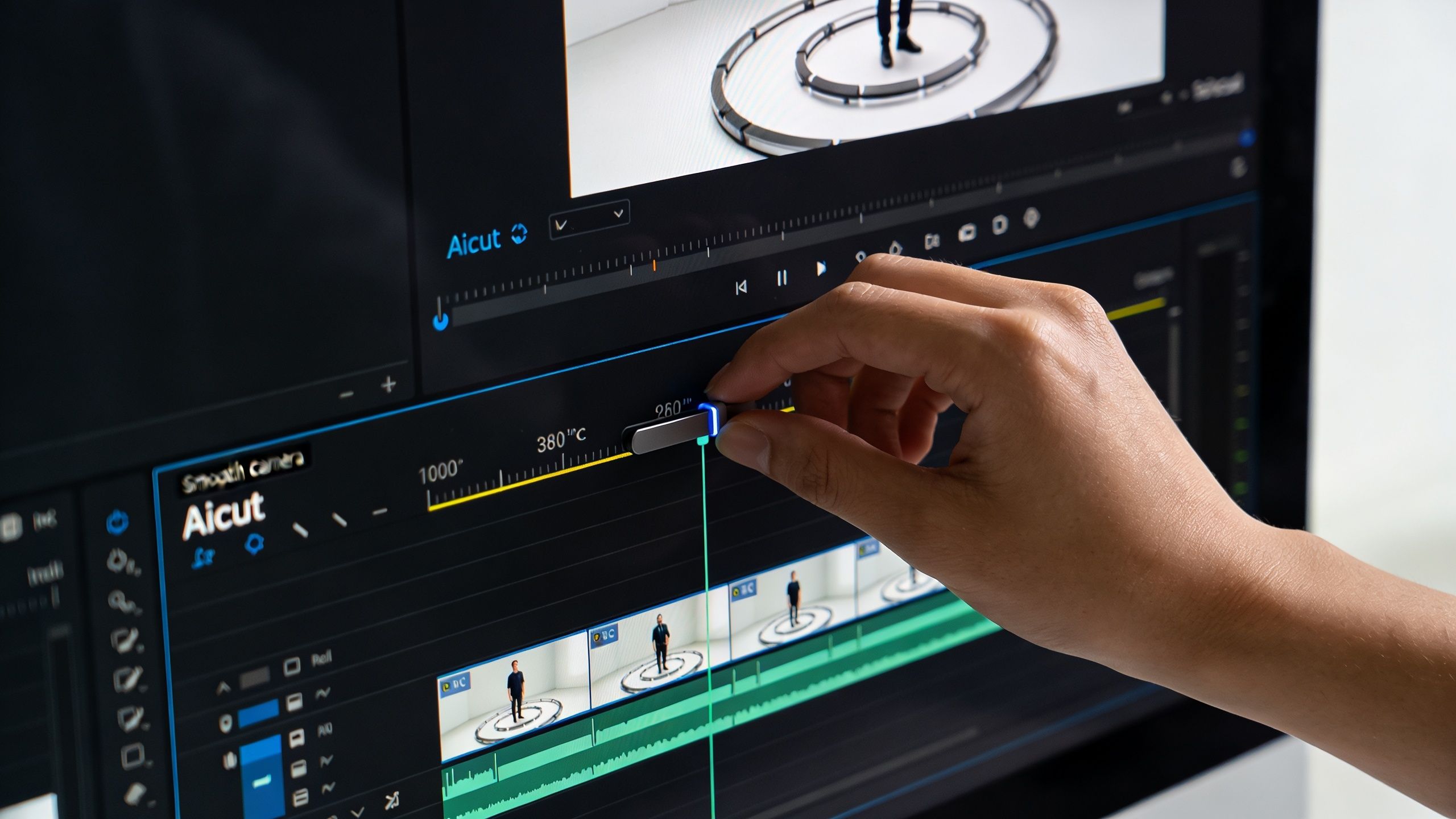
Use a prompt formula that stays controllable
The cleanest formula is:
[subject] + [visual style] + [rotation instruction] + [background instruction] + [stability instruction]
That final part matters more than people think. If you don't tell the model what not to do, it starts inventing camera motion.
Here are prompt patterns that work well.
Copy-paste prompts that are easy to tune
For a product ad
- Prompt: hyper-detailed white sneaker with translucent sole, premium studio lighting, centered on a clean pedestal, slow 360 degree rotation, minimal camera movement, soft gray background, crisp reflections, stable object geometry
For cosmetics
- Prompt: luxury glass perfume bottle with gold cap, elegant beauty ad style, slow full 360 degree turn in place, soft diffused lighting, creamy neutral background, no warping, no extra objects, consistent reflections
For a gaming asset
- Prompt: legendary fantasy sword with glowing runes, dark cinematic presentation, suspended in air, slow 360 degree rotation, subtle rim light, smoky black background, stable shape, no bending, no flicker
For a collectible toy
- Prompt: vinyl art toy character with glossy finish, clean commercial showcase, centered full-body 360 degree rotation, soft box lighting, smooth pastel background, consistent face details, no melting or extra limbs
For a crystal or relic
- Prompt: glowing magic crystal floating above stone base, moody cave environment, slow precise 360 degree rotation, blue ambient light, subtle particles, background stays fixed, object remains symmetrical
Settings that usually work better than default
Use settings that reduce surprise. Surprise is good for inspiration. It's bad for a product rotation.
Try this workflow:
- Choose a short clip length for the first pass. Short clips make it easier to check whether the rotation path is clean.
- Keep the camera mostly locked. The object should rotate. The camera shouldn't wander unless you're intentionally adding parallax.
- Ask for slow motion first. Faster spins hide errors, but they also make products look cheap.
- Regenerate based on one issue at a time. Fix shape drift first, then light, then background.
A lot of beginners keep rewriting the whole prompt. That usually makes things worse. Change one variable and compare.
If the object looks wrong at the halfway point of the turn, your prompt is too loose or the subject is too complex for the current pass.
You can see the kind of motion language that helps by studying a working example first:
Prompts that fail more often
These usually create unstable output:
- Overwritten cinematic prompts that mention too many effects
- Conflicting movement requests like “orbit camera” and “object rotating in place”
- Messy scene prompts with busy environments behind a small subject
- Character prompts that don't lock clothing, face, or limb consistency
A weak prompt sounds like this:
futuristic sneaker in a cool environment with awesome movement and dramatic camera motion spinning around beautifully
A better version sounds like this:
futuristic silver sneaker, premium ad style, object rotates slowly in place for a full 360 degree rotation, camera remains centered, dark reflective floor, focused studio spotlight, consistent shape and materials
That difference is why some creators get a usable clip in two tries and others burn through retries with nothing to post.
Refine Motion Lighting and Backgrounds
Once the base rotation works, the primary quality jump comes from restraint. Most AI product videos look fake because the creator keeps adding more when the shot needs less.
The polish comes from three areas. Motion path, light consistency, and background discipline.
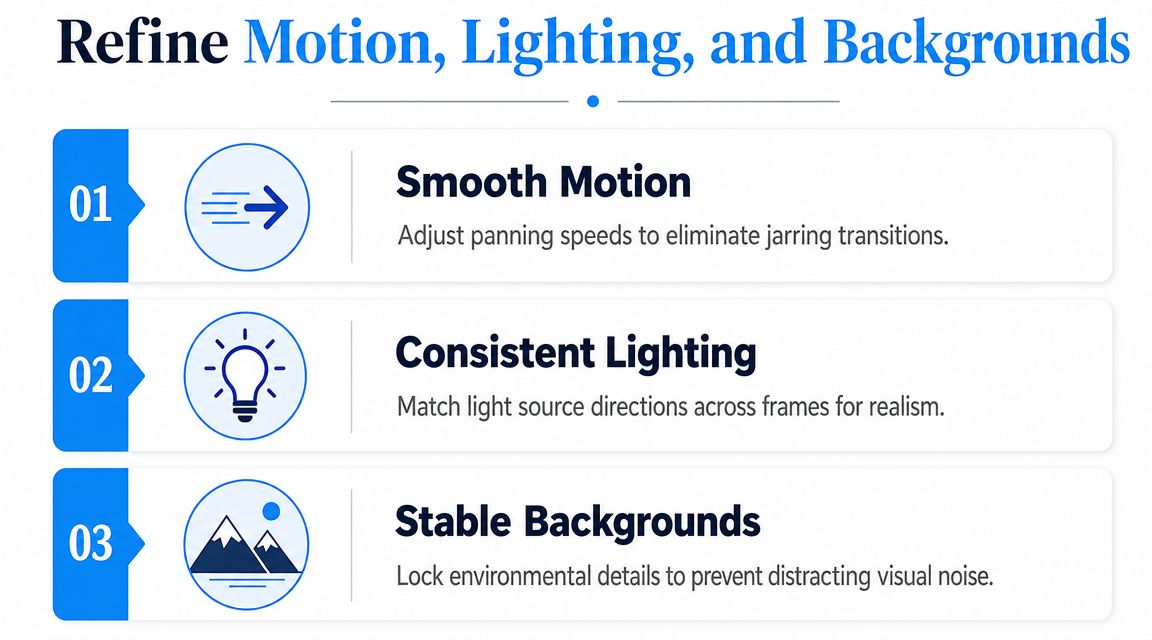
Refine the motion first
A strong 360 degree rotation feels deliberate. It doesn't wobble, accelerate randomly, or drift off center.
Use this checklist:
- Keep the speed even. Uneven speed makes the shot feel generated instead of directed.
- Add only slight vertical movement if the object needs dimension. Too much tilt turns a product showcase into a music video.
- Check the midpoint of the turn. Many clips start clean and break when the back side appears.
- Loop mentally while previewing. The final frame should feel close enough to the opening frame that the clip can replay smoothly.
If the spin still feels cheap, slow it down and simplify the scene. That fixes more clips than any fancy prompt trick.
Control light like a product photographer
Lighting prompts should describe behavior, not just mood words. “Cinematic” is vague. “Soft diffused front light with subtle rim light” gives the model a job.
These lighting instructions are dependable:
| Lighting goal | Prompt language |
|---|---|
| Premium product look | soft diffused studio lighting, clean reflections, balanced highlights |
| Dark luxury feel | narrow spotlight, soft falloff, controlled shadow edges |
| Fantasy object glow | internal glow, subtle rim light, low ambient environment |
| Beauty ad softness | flattering front light, smooth specular highlights, creamy background |
The mistake I see most is stacking incompatible cues. “Harsh dramatic spotlight” and “soft beauty glow” usually fight each other. Pick one lighting identity per clip.
Field note: If reflections move independently from the object, the model is treating the material and the motion as separate guesses. Tighten the material language and simplify the background.
Backgrounds should support, not compete
A rotating subject already supplies motion. The background doesn't need to perform too.
Good backgrounds for this effect:
- Studio gray
- Muted gradient
- Glossy dark floor with minimal reflection
- Single-environment fantasy scene with fixed perspective
Backgrounds that often break the shot:
- Crowded retail scenes
- Busy city environments
- Pattern-heavy textures
- Changing light sources behind the product
If you want a high-end look, keep the subject large in frame and the background quiet. If you want a dramatic look, make the background darker, not busier.
The advanced pass I actually use
After the first usable render, I usually run a second pass with only refinement language added:
- Add: consistent lighting across full rotation
- Add: stable silhouette and materials
- Add: clean centered motion path
- Remove: extra particles, excessive camera movement, changing environment details
That's enough to improve quality without resetting the whole shot identity.
Export and Publish for Maximum Reach
A clean render can still die on upload if the frame is wrong for the platform. Rotation videos work best when the subject fills vertical space and the motion is easy to read on a phone screen.
For TikTok, Instagram Reels, and YouTube Shorts, I stick to a vertical composition first. The object should sit high enough to feel present, but not so high that the rotation clips the frame edges.
Export with platform fit in mind
Before posting, check these basics:
- Vertical framing. 9:16 usually makes the rotation feel native to short-form feeds.
- Readable opening frame. The first moment should already show the object clearly.
- No tiny subject. If the product is small on screen, the spin loses impact.
- Clean loop ending. Even if it's not a perfect loop, it should feel natural when replayed.
If you're unsure how Instagram crops and displays vertical clips, Aicut's guide to Instagram video format requirements helps avoid the usual framing mistakes.
Publish like a series, not a one-off
The strongest use of this format is repetition. One product can become multiple clips:
- front-lit premium version
- dark luxury version
- color-variant version
- close crop detail rotation
- themed background version
That gives you a batch instead of a single post. Rotation content gets more mileage when viewers start recognizing the format as part of your page identity.
A practical caption angle also helps. Don't just label the item. Give the spin a reason to watch. Use lines that frame the clip as inspection, reveal, comparison, or drop preview.
What tends to work in feed
Short-form platforms reward clarity. Rotation clips usually perform better when:
| Better approach | Weaker approach |
|---|---|
| one object, one motion | multiple subjects competing |
| clear silhouette in first second | delayed reveal |
| simple caption hook | vague aesthetic text |
| repeatable visual format | random post style every time |
If you're posting for product sales, treat the rotation as the visual proof. If you're posting for audience growth, treat it as the recognizable format people come back for.
Troubleshooting Common Rotation Issues
Most failed generations fall into a few predictable buckets. The fix is usually smaller than people think.
Wobble and jitter
If the object shakes during the turn, the motion instruction is too loose or the scene contains too many competing cues.
Try this:
- Reduce camera language so only the object rotates
- Simplify the background
- Ask for centered motion path
- Remove words like dynamic, sweeping, dramatic movement
Melting or shape drift
This happens a lot with shoes, faces, jewelry, and anything reflective or detailed.
Use prompts that reinforce form:
- stable object geometry
- consistent silhouette
- no deformation
- no extra parts
- consistent face details for characters
Also make the first pass easier. Generate the object cleanly before asking for advanced styling.
Flickering light
Flicker usually means the model is rethinking the scene frame by frame.
Fix it by adding:
- consistent lighting across full rotation
- fixed light direction
- stable reflections
- background remains unchanged
The loop feels wrong
A full turn should feel complete, but there's a nuance many creators miss. A common misconception is that a 360° turn always returns an object to its start state. In physics and topology, a single 360° twist can leave an object in a different orientation, while a 720° double twist is required to reset it. This “belt-twist” phenomenon is a useful way to think about certain animation glitches where the end frame looks close to the start but still feels off (belt-twist explanation).
That matters in AI video because the model can preserve visible angle while subtly changing orientation, texture logic, or surface relationships. If your clip won't loop cleanly, don't assume “full rotation” guarantees a perfect reset. Sometimes you need a more controlled endpoint or a different cut point.
When a rotation looks almost right but still feels wrong, compare the opening and closing frame for light direction, texture placement, and object posture. The angle may match even when the state doesn't.
A good rotation clip isn't about making the model do more. It's about making it do less, with more control. If you want a faster workflow for prompt-based short-form video and motion templates, try Aicut and build a few rotations as a repeatable content series instead of chasing one perfect post.