TikTok's algorithm rewards speed and consistency, but creating fresh video content daily is a massive challenge, especially for solo creators and small brands. That's where an AI TikTok video generator free of charge can completely change the game. These powerful tools can turn a simple text prompt, a long-form video, or even a single product image into a scroll-stopping TikTok in just minutes, no complex editing skills required.
But with dozens of new AI tools launching constantly, which ones actually deliver high-quality results without a hefty price tag? We’ve put the top contenders to the test to bring you this definitive guide. We cut through the hype to show you exactly what's possible on a free plan.
In this comprehensive list, you'll find a detailed breakdown of each platform. We cover:
- Key Features: What makes each tool stand out.
- Honest Limitations: The real-world restrictions of their free tiers (watermarks, export limits, etc.).
- Practical Use Cases: Who each tool is best for, from e-commerce brands to faceless content creators.
Each entry includes screenshots and direct links to get you started immediately. Our goal is to help you find the perfect AI generator to automate your content creation, save you hours of work, and boost your chances of going viral. While we focus on user-friendly online platforms, it's also worth noting the advancements in open-source models; for those interested in exploring different approaches, a practical guide to Wan2.2 GGUF for AI video generation can offer deeper insights into the underlying technology. Let's find the right tool for you.
1. CapCut
As the official video editor from TikTok's parent company, ByteDance, CapCut is a natural starting point for anyone looking to create viral short-form content. Its seamless integration with TikTok makes it an incredibly powerful and convenient ai tiktok video generator free of charge. The platform is designed for speed, allowing users to move from an idea to a published TikTok in just a few minutes, making it ideal for jumping on fast-moving trends.
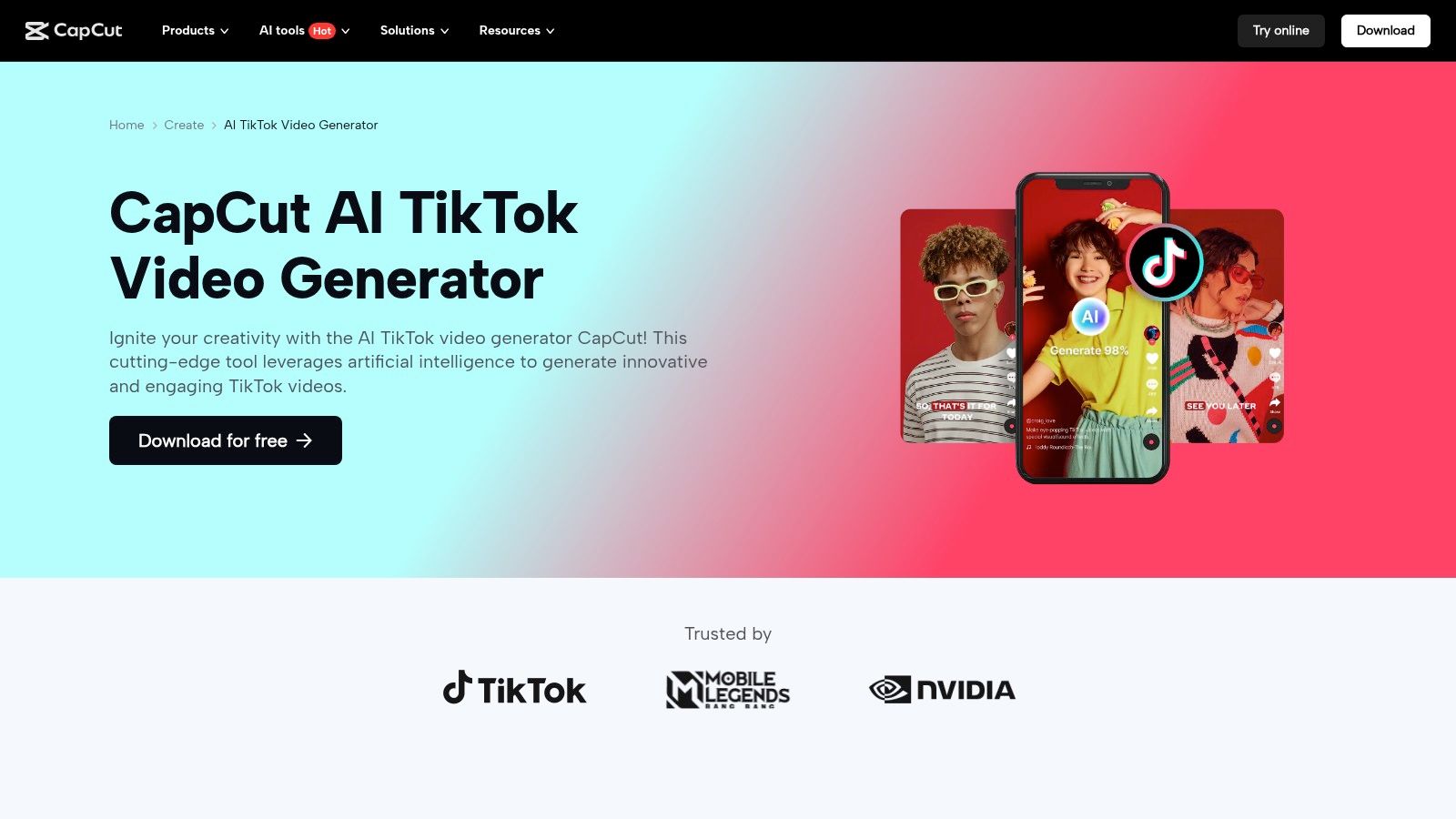
What makes CapCut stand out is its deep, native connection to the TikTok ecosystem. You can find trending sounds, effects, and templates directly within the editor. The user experience is exceptionally beginner-friendly across its mobile, desktop, and web versions. For those needing a deeper comparison, you can explore powerful alternatives to CapCut.
Core AI Features & User Experience
CapCut’s AI features are built directly into the editing workflow. You can use its text-to-video generator by simply providing a prompt, and the AI will assemble a sequence of clips with matching text overlays and background music. The "AutoCut" feature (often called auto-clip repurposing) is perfect for social media managers who need to transform a single long-form video into dozens of engaging short clips.
Key Takeaway: CapCut's primary advantage is its frictionless one-click publishing to TikTok and its massive library of trend-aligned templates, making it the fastest tool for reactive content creation.
Best For:
- Social media managers creating timely, trend-based content.
- E-commerce brands making quick UGC-style video ads.
- Beginners and solo creators who need an all-in-one mobile solution.
Free Tier Limitations
While CapCut’s free tier is one of the most generous available, it's not without limits. Some of the more advanced effects, transitions, and AI-powered tools may be locked behind the "Pro" subscription. Additionally, using certain premium assets might add a CapCut watermark to your final export, which can be undesirable for branded content.
Website: CapCut AI TikTok Video Generator
2. Canva
Known primarily as a graphic design tool, Canva has evolved into a formidable video creation platform, offering a robust ai tiktok video generator free of charge. It excels by integrating AI video generation directly into a familiar, user-friendly design environment. This makes it perfect for creators and brands who want to maintain a consistent aesthetic across all their visual content, from social media posts to TikTok videos.
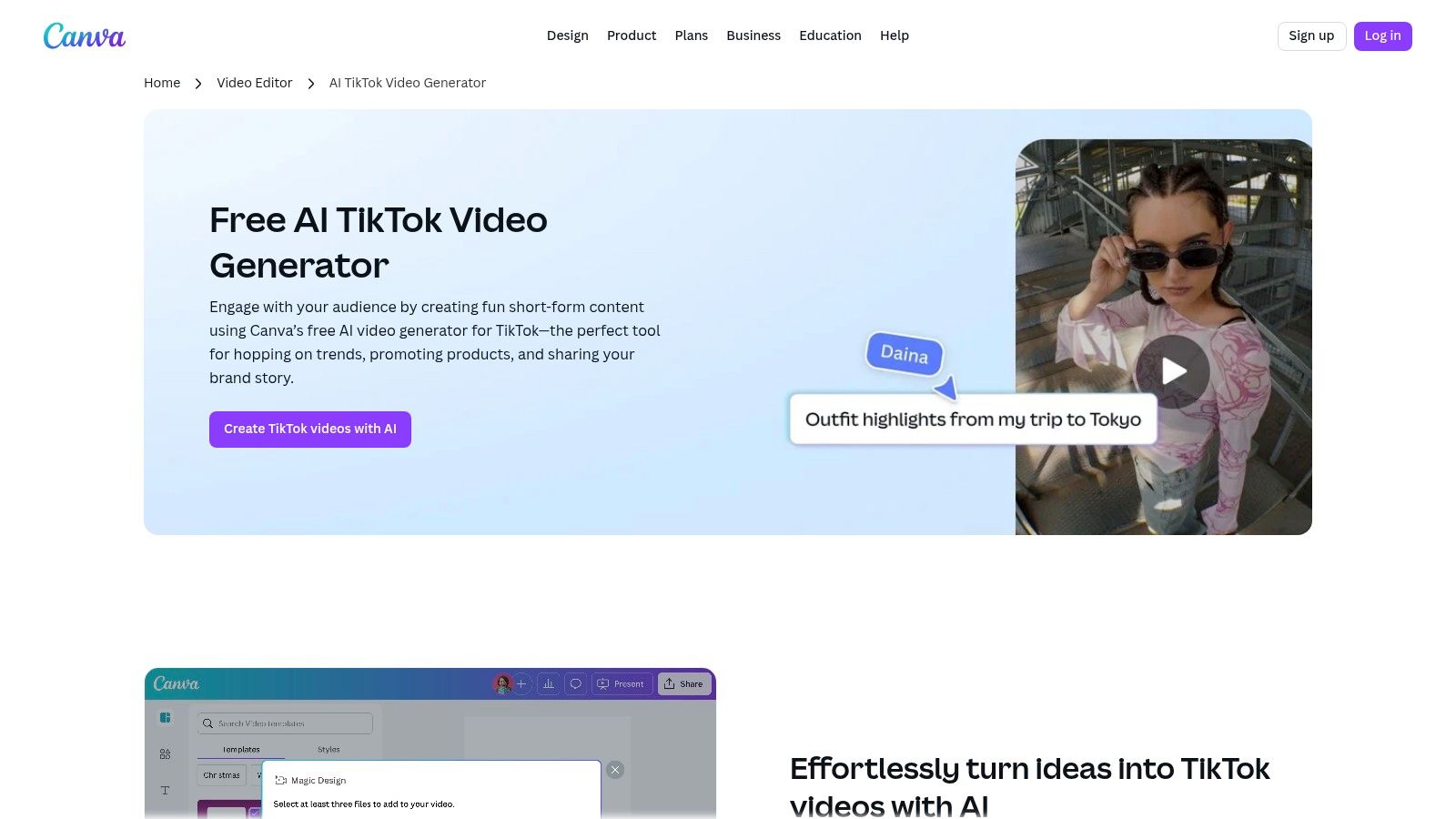
What sets Canva apart is its massive library of templates and design assets combined with collaborative features. A marketing team can use their Brand Kit to ensure every AI-generated video aligns with company branding, a feature often missing in dedicated video-only tools. For those deciding if it fits their workflow, it helps to see how Canva’s AI video tools are changing content creation.
Core AI Features & User Experience
Canva’s "Magic Design for Video" allows you to generate a fully edited TikTok by simply uploading your media or describing your idea in a text prompt. The AI pulls from Canva’s extensive library of stock footage, audio, and graphics to assemble a video complete with transitions and music. Its interface is incredibly intuitive, making it one of the easiest platforms to start with for prompt-to-video creation.
Key Takeaway: Canva is the best choice for users who need to create AI-generated TikToks that are perfectly brand-aligned, leveraging its powerful design and collaboration tools in one seamless workflow.
Best For:
- Marketing teams needing to maintain strict brand consistency.
- Creators who already use Canva for their other graphic design needs.
- Beginners looking for an extremely simple prompt-to-video experience.
Free Tier Limitations
Canva's free plan is very capable but places key AI and collaborative features behind the Canva Pro paywall. The number of times you can use "Magic Design" and other AI tools is limited. Access to the full stock asset library (video, audio, and elements) and features like the Brand Kit and premium templates requires a paid subscription.
Website: Canva AI TikTok Generator
3. Adobe Express
As a part of the Adobe creative suite, Adobe Express offers a surprisingly powerful and brand-focused ai tiktok video generator free of charge. It's designed for creators and marketers who need high-quality, on-brand content without the steep learning curve of professional software like Premiere Pro. Its strengths lie in its template-driven workflow, seamless integration with Adobe Stock, and built-in content scheduling tools, making it a complete solution for brand management.
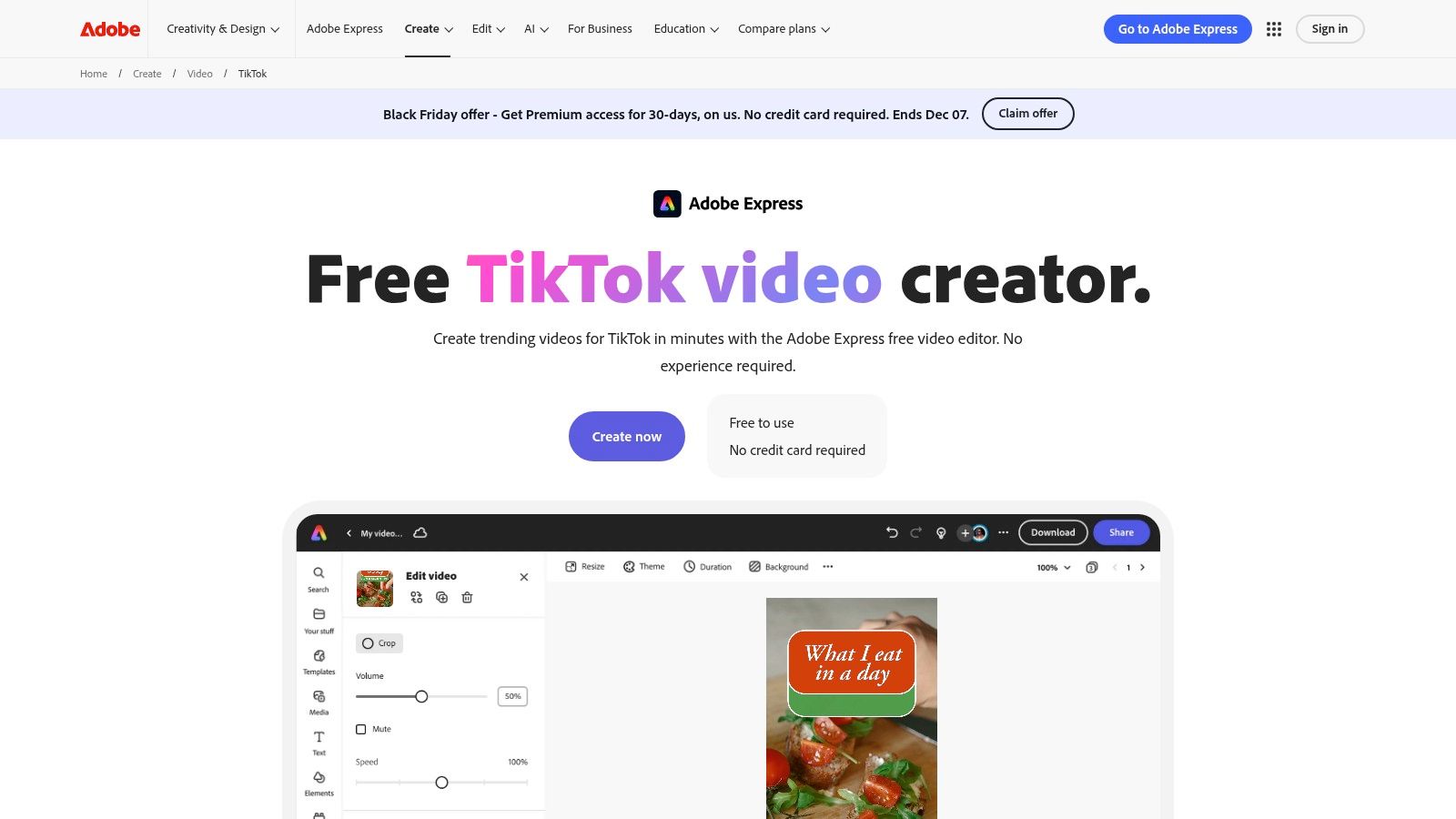
What sets Adobe Express apart is its connection to a professional creative ecosystem. Users gain access to a vast library of Adobe Fonts and rights-cleared stock media, ensuring content is both polished and commercially safe. The platform excels at maintaining brand consistency with features that allow you to easily apply your logos, colors, and fonts across all your video projects.
Core AI Features & User Experience
Adobe Express integrates AI to simplify the editing process. Its "AI Clip Maker" is a standout feature for repurposing, automatically identifying the most engaging highlights from longer videos to create shareable TikTok clips. The platform also offers AI-powered text-to-template suggestions and quick actions like background removal, streamlining the creation of professional-looking videos.
Key Takeaway: Adobe Express is the ideal choice for brands and creators who prioritize professional branding, with easy access to high-quality stock assets and a streamlined scheduling workflow.
Best For:
- Small businesses and marketers needing on-brand social media content.
- Creators who want access to the Adobe Stock library and professional fonts.
- Users who need to schedule their TikTok content directly from their editor.
Free Tier Limitations
The free version of Adobe Express is highly functional but has clear boundaries. Many of the premium templates, Adobe Stock photos, and advanced AI features are locked behind the Premium subscription. While you can create and export videos for free, you might encounter watermarks on certain premium assets, and the full brand kit functionality is reserved for paid users.
Website: Adobe Express Free TikTok Video Creator
4. Microsoft Clipchamp
As a browser-based editor from a tech giant, Microsoft Clipchamp brings a familiar and reliable feel to video creation. It’s a surprisingly robust ai tiktok video generator free tool, especially for those already in the Microsoft ecosystem. Its direct "Send to TikTok" publishing feature and dedicated TikTok templates streamline the workflow from creation to upload, making it a strong contender for personal creators and small businesses.
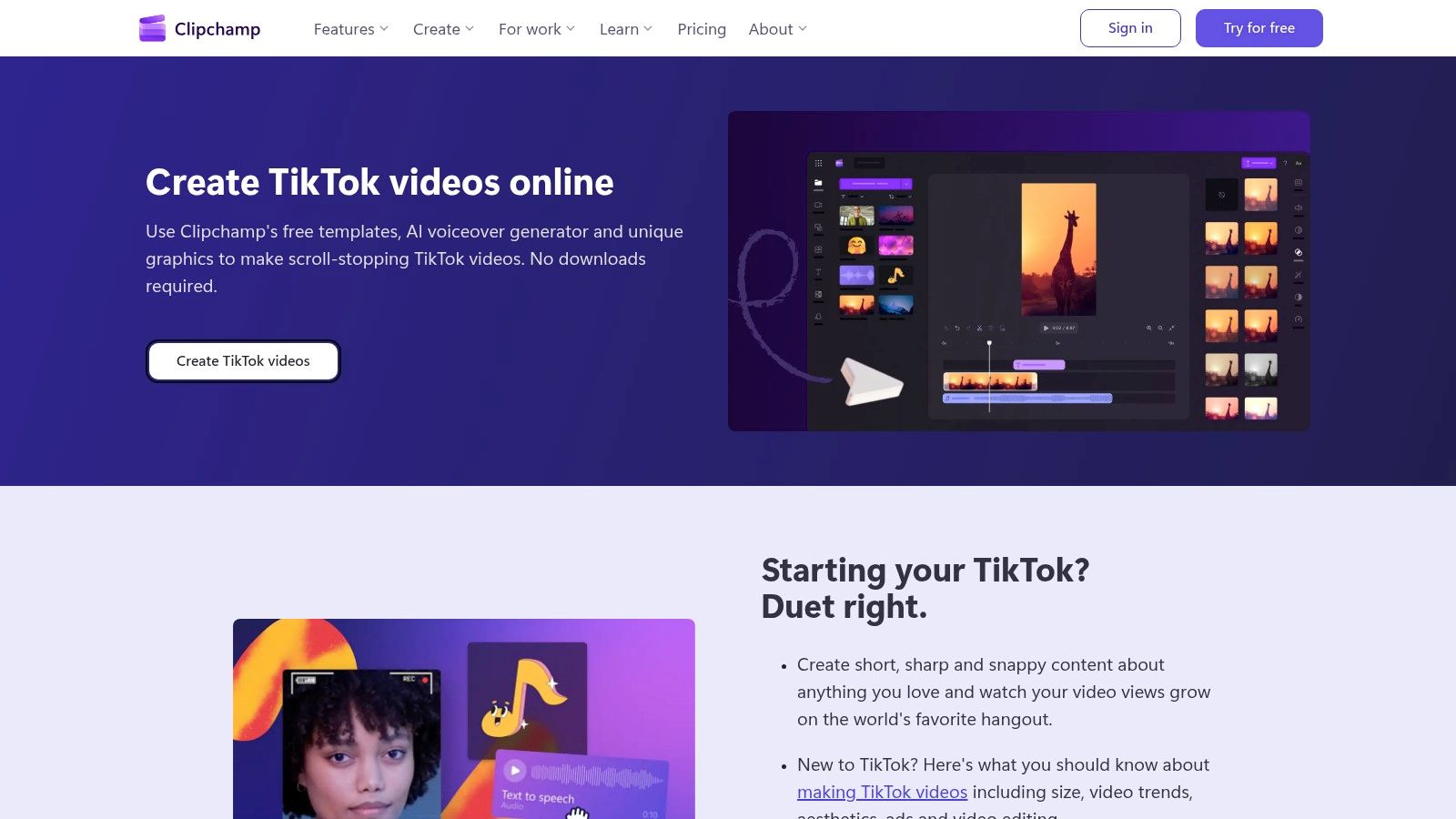
What makes Clipchamp stand out is its generous free tier, which includes watermark-free 1080p exports, a feature often locked behind a paywall in other editors. This accessibility, combined with a clean, intuitive interface, lowers the barrier to entry for anyone looking to produce high-quality social media content without an initial investment.
Core AI Features & User Experience
Clipchamp’s primary AI strength lies in its text-to-speech generator, which boasts over 400 voices across various languages and accents, perfect for creating voiceovers for faceless content. The platform also offers an "auto compose" feature that analyzes your clips and arranges them into a cohesive video with music and transitions. While its AI is more assistive than fully generative, it effectively automates tedious editing tasks, speeding up the production process considerably.
Key Takeaway: Clipchamp is the ideal choice for users seeking a reliable, free editor with high-quality exports and a powerful text-to-speech engine for voiceover-driven TikToks.
Best For:
- Creators who need high-quality, free 1080p exports without watermarks.
- Users producing educational or informational content requiring clear AI voiceovers.
- Individuals already using the Microsoft 365 suite.
Free Tier Limitations
The free tier is excellent but has its boundaries. Access to premium stock footage, audio tracks, filters, and effects requires a Clipchamp Premium subscription or a Microsoft 365 plan. For business users, the features available can differ based on their specific work account entitlements, which can be confusing. The core AI editing tools are present, but the most advanced stock library remains gated.
Website: Microsoft Clipchamp TikTok Video Editor
5. VEED
VEED is a versatile online video editor that has carved out a niche as a go-to tool for content that relies heavily on text and audio. It positions itself as an excellent ai tiktok video generator free for creators who need to add subtitles, translate content, or generate voiceovers quickly. The platform is designed for rapid, browser-based editing with a strong focus on social media-friendly formats like TikTok's 9:16 aspect ratio.
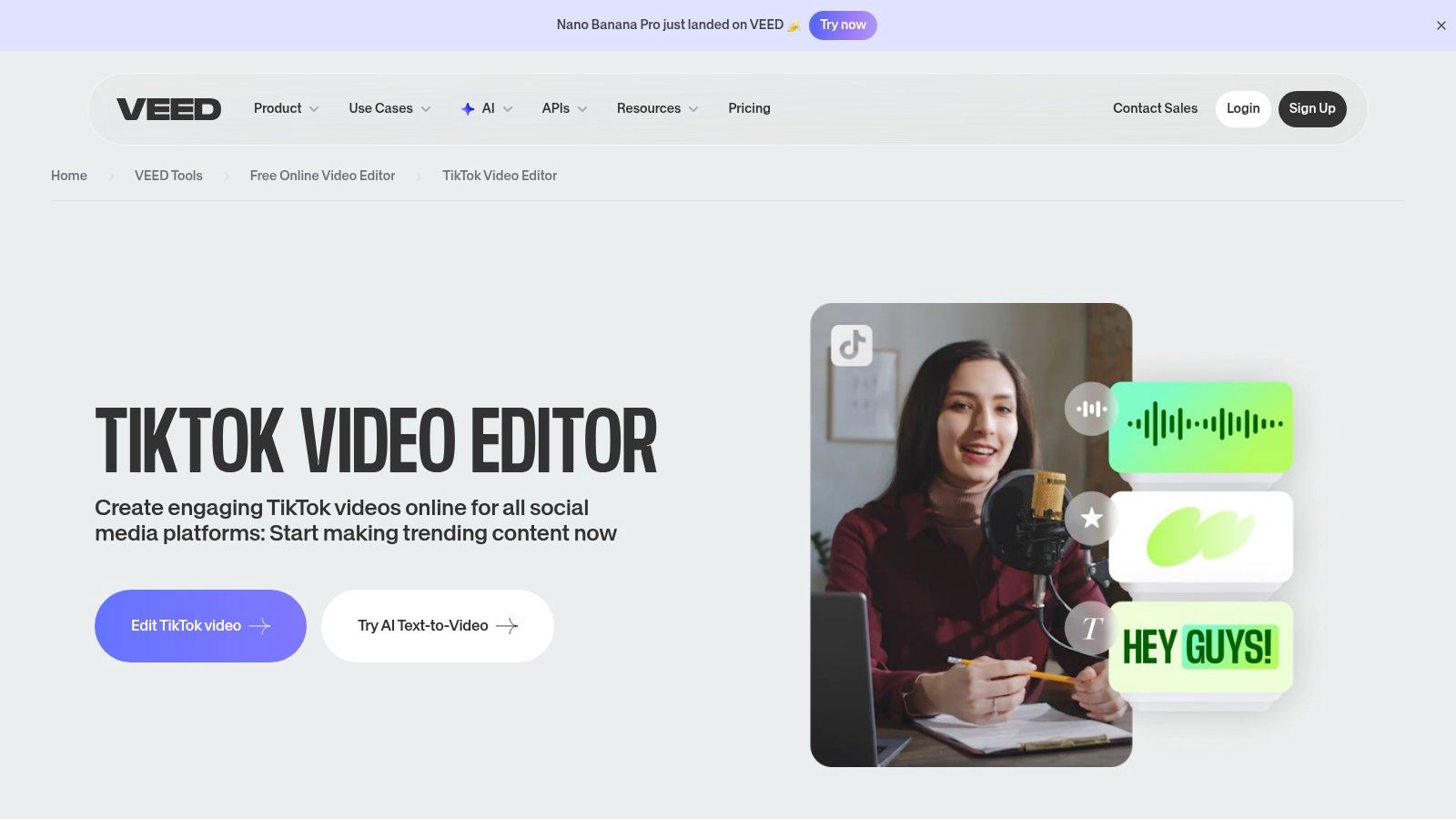
What makes VEED stand out is its powerful suite of AI-driven audio and text tools. Its auto-captioning feature is remarkably accurate and easy to style, saving creators hours of manual transcription. The platform’s cloud-based workflow also makes it simple for teams to collaborate on projects without needing to download any software.
Core AI Features & User Experience
VEED’s AI tools are seamlessly integrated and exceptionally user-friendly. The auto-subtitle generator can transcribe video audio in seconds, and its AI dubbing feature can translate your voice into multiple languages, broadening your content's reach. The platform also offers AI voiceover tools and a unique AI avatar generator, allowing you to create faceless content or presentations without showing yourself on camera. The interface is intuitive, with simple presets for resizing videos for any social platform with a single click.
Key Takeaway: VEED excels at audio and text-based AI tasks, making it the best choice for creators focused on accessibility, translation, and generating high-quality captions or voiceovers for their TikToks.
Best For:
- Educational creators and coaches who need accurate subtitles.
- International brands looking to translate and dub their content.
- Creators making faceless content using AI avatars and voiceovers.
Free Tier Limitations
The free plan on VEED is a great way to test its capabilities, but it comes with significant restrictions for professional use. All videos exported on the free tier will have a prominent VEED watermark. Furthermore, many of the advanced AI features, such as AI dubbing, voice cloning, and access to premium stock media, are locked behind a paid subscription.
Website: VEED TikTok Video Editor
6. InVideo AI
InVideo AI excels at creating polished, narrative-driven videos from a single text prompt, making it a powerful ai tiktok video generator free for structured content. Its workflow is designed for users who want to go from an idea or script directly to a fully-formed video with scenes, voiceovers, and licensed footage, all orchestrated by AI. The platform's dedicated TikTok templates streamline the process for vertical video creation.
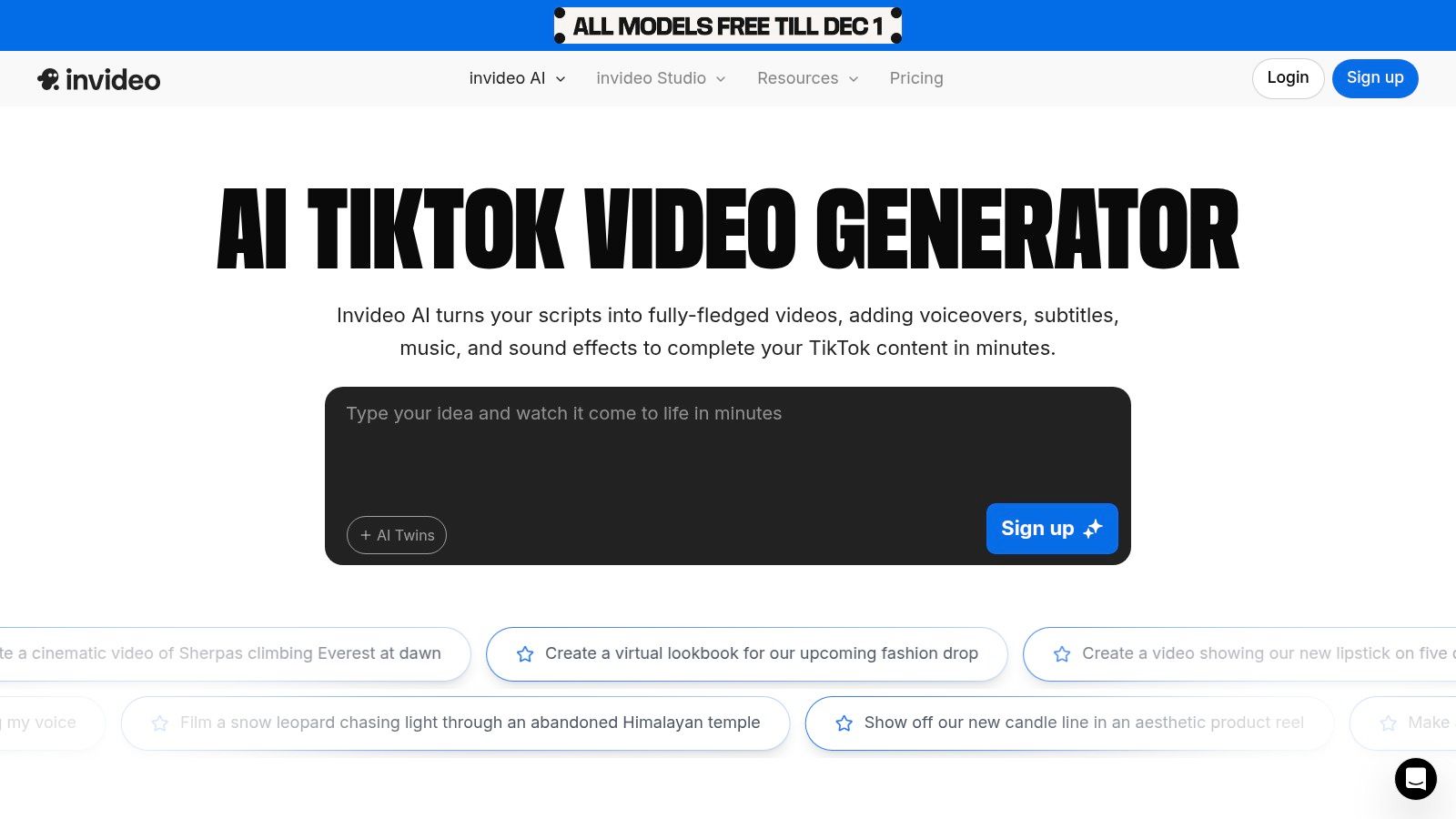
What sets InVideo AI apart is its comprehensive, end-to-end generation process. It doesn't just find clips; it helps you structure a story, generate a script, choose a voice, and build a scene-by-scene storyboard automatically. This makes it ideal for more detailed content like mini-documentaries or informational TikToks. If you find its workflow compelling but need different features, you can discover how Aicut Pro compares as an alternative to InVideo.
Core AI Features & User Experience
The primary feature is its sophisticated text-to-video engine. You provide a detailed prompt, and InVideo AI generates a script, breaks it into scenes, and populates each scene with relevant stock media from its extensive library. Users can then fine-tune every element, from swapping clips to editing the script and changing the AI voiceover. This gives you a high degree of control after the initial AI generation.
Key Takeaway: InVideo AI is the best choice for a complete "script-to-screen" workflow, where the AI handles the entire initial production process, including storyboarding and voice narration.
Best For:
- Creators making informational or listicle-style TikToks.
- Marketers producing short, educational video content for social media.
- Users who prefer to start with a fully-formed video draft that they can then edit.
Free Tier Limitations
The free plan is a great way to test the platform but comes with significant restrictions. Videos exported on the free tier will have a prominent InVideo AI watermark. You also have a limited amount of AI generation time per week and access to a smaller portion of the premium stock media library. Higher-quality AI voices and features like voice cloning are reserved for paid subscribers.
Website: InVideo AI TikTok Video Editor
7. Runway
Runway positions itself as a professional-grade, generative AI video suite, perfect for creators who want to produce highly stylized and artistic short-form content. While not a conventional template-based editor, it serves as a powerful ai tiktok video generator free of charge through its credit-based system, allowing users to experiment with cutting-edge text-to-video and image-to-video models. This makes it ideal for crafting unique, eye-catching TikToks that stand out from the crowd.
What separates Runway is the sheer creative power of its AI models like Gen-3 Alpha. Instead of editing existing footage, you generate entirely new video clips from text prompts or still images. The platform is designed for an iterative creative process, providing project storage and a suite of advanced AI magic tools to refine your generated clips into a finished product.
Core AI Features & User Experience
Runway’s core is its generative video capabilities. You can feed its AI models detailed prompts to create short, cinematic clips perfect for abstract TikToks, B-roll, or animated sequences. The interface feels more like a creative studio than a simple video editor, giving you precise control over your generations. This hands-on approach is less about speed and more about crafting a specific artistic vision.
Key Takeaway: Runway excels at creating unique, AI-native video content from scratch. It is the best choice for artists and brands wanting to produce visually distinct TikToks that feel futuristic and high-concept.
Best For:
- Artists and experimental creators making abstract video art for TikTok.
- Brands looking for unique, non-stock B-roll for their video ads.
- Advanced users who want granular control over AI video generation.
Free Tier Limitations
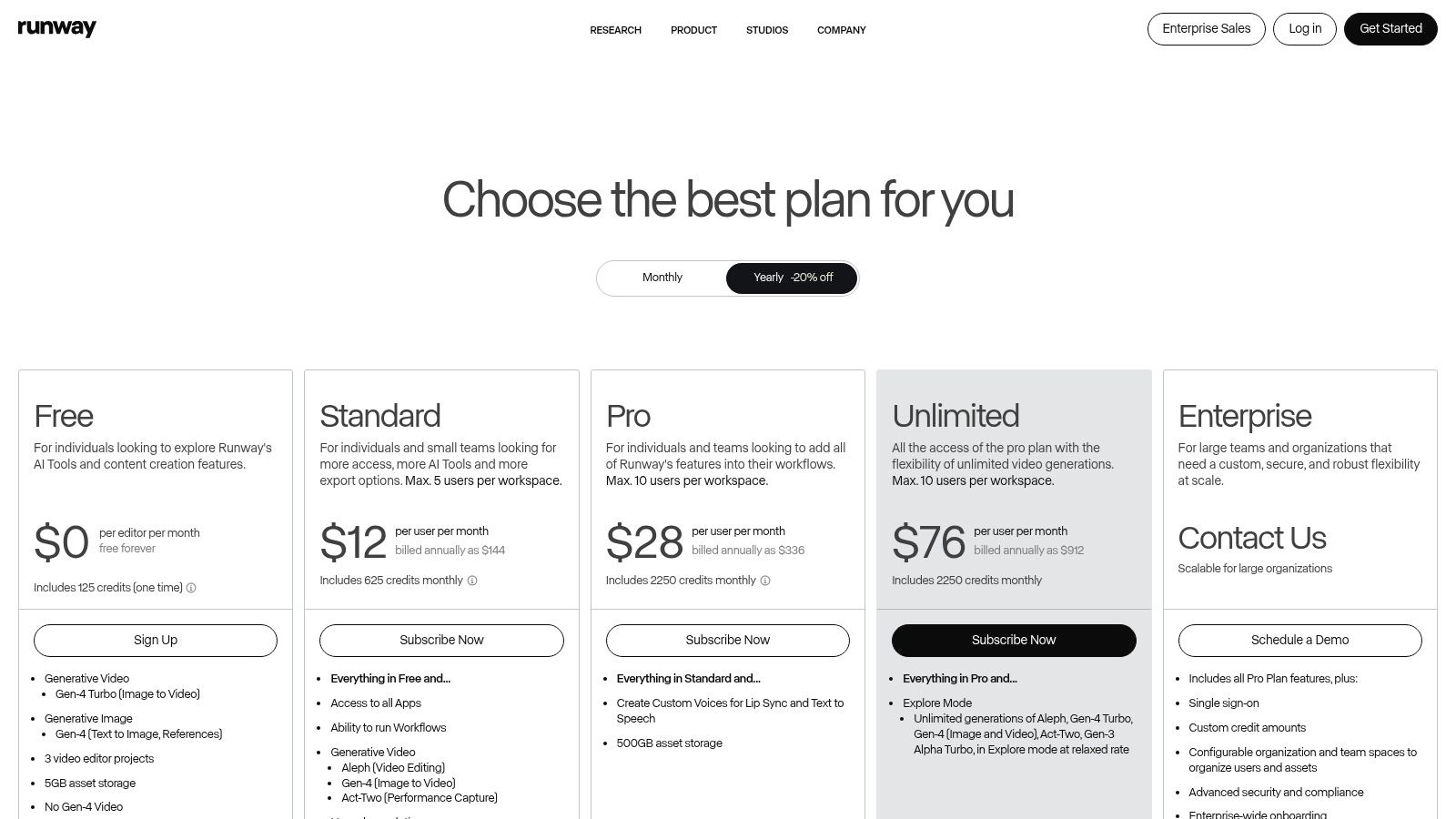
Runway's free plan is a trial-focused offering. You receive a one-time grant of starting credits to use for video generation, which are consumed quickly. Once these credits are gone, you cannot generate more content without upgrading. Free exports are limited to 720p resolution and will include a Runway watermark, making the free tier best for experimentation rather than consistent content production.
Website: Runway
8. Luma AI (Lumalabs)
Luma AI, through its "Dream Machine" model, offers a high-quality entry point into text-to-video generation. While not a dedicated TikTok editor, its output can be used as raw material for visually stunning B-roll or abstract clips. It functions as an ai tiktok video generator free for experimentation, allowing users to create short, imaginative scenes from simple text prompts before moving them to an editor for final formatting.
What makes Luma AI interesting is its focus on cinematic quality and realism, setting it apart from more cartoonish or template-based generators. The user experience is straightforward: you enter a prompt and wait for the AI to render your video. This simplicity is ideal for creators who want to quickly generate unique visual assets to supplement their existing footage or tell a short, animated story.
Core AI Features & User Experience
Luma AI's core feature is its direct text-to-video generation. Users provide a descriptive prompt, and the platform creates a short, high-fidelity video clip. The interface is minimal, prioritizing the prompt and the generated output over complex editing timelines. This makes it a great source for unique stock footage that can be edited and timed to trending audio within a more traditional video editor like CapCut or Aicut.
Key Takeaway: Luma AI is best used as a B-roll generator. Create surreal, cinematic, or abstract clips with text prompts, then import them into a proper video editor to add music, text, and effects for TikTok.
Best For:
- Content creators needing unique, AI-generated stock footage or B-roll.
- Artists and animators experimenting with generative video.
- Marketers looking to create eye-catching, abstract visuals for ad backgrounds.
Free Tier Limitations
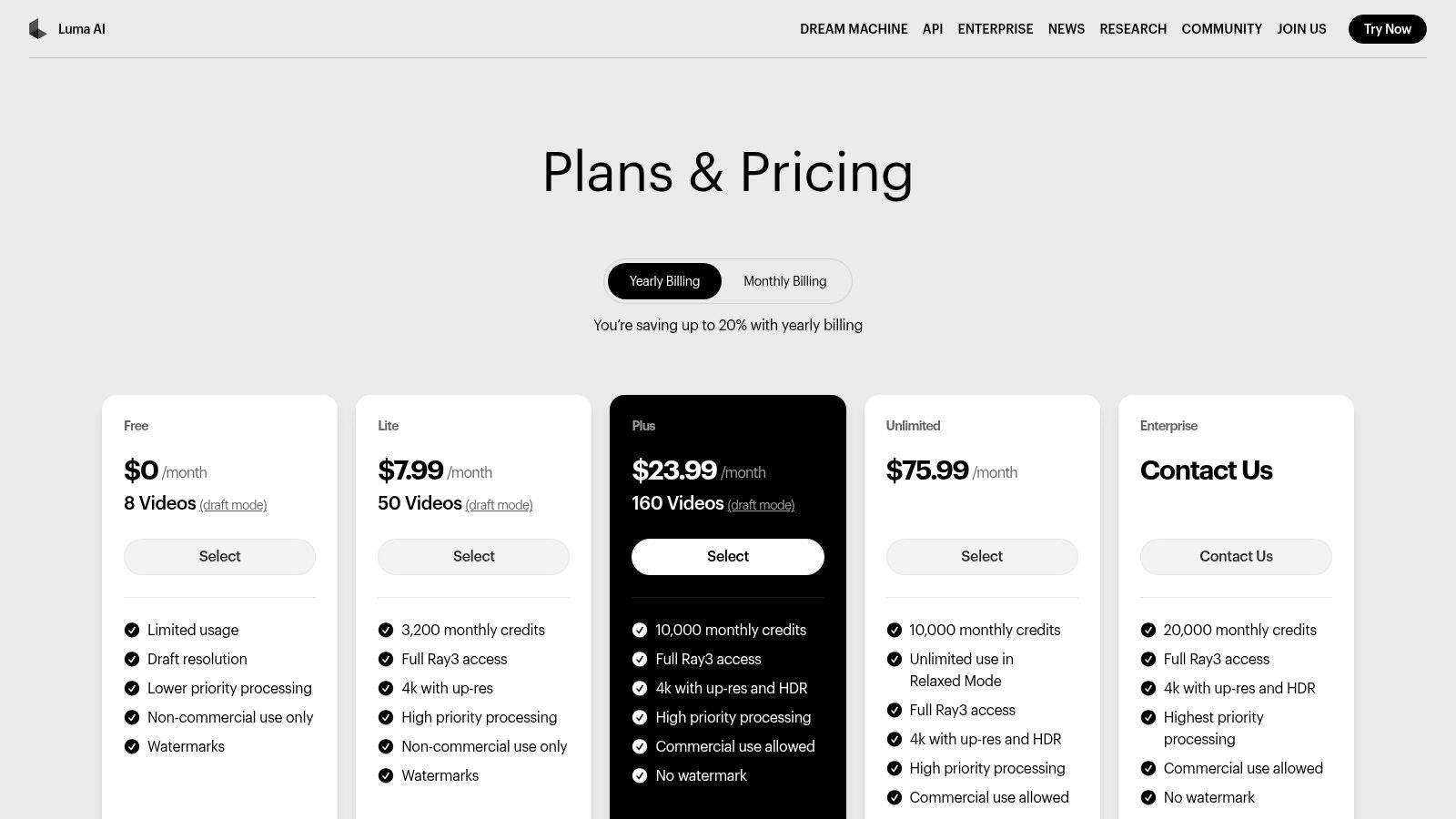
The free tier is generous for experimentation, providing a set number of monthly generations. However, these free outputs are watermarked, have a lower resolution, and are restricted to non-commercial use only. To remove the watermark, gain commercial rights, and access faster processing queues or higher resolutions, you must upgrade to a paid plan.
Website: Luma AI Pricing
9. Pika
Pika has carved out a niche for itself by focusing on generating high-fidelity, short video clips from text or image prompts. It excels at creating surreal, artistic, and attention-grabbing motion graphics that stand out in a crowded TikTok feed. While not a full video editor, its strength lies in producing unique base clips that you can then compile, making it an excellent ai tiktok video generator free for creating dreamlike B-roll or animated sequences.
The platform is known for its active development and playful effects, offering multiple AI models (like Turbo and Pro) to suit different creative needs. The user experience is straightforward, centered entirely on the generation prompt, which makes it very accessible for creators who want to experiment with AI motion without a steep learning curve.
Core AI Features & User Experience
Pika’s core functionality revolves around its text-to-video and image-to-video capabilities. You provide a prompt, and the AI generates a short, dynamic clip, often with a unique artistic flair. Users can influence the motion, style, and camera movement directly within the prompt. This makes it ideal for producing custom animated logos, mesmerizing background loops, or bringing still images to life for a TikTok story.
Key Takeaway: Pika is the go-to tool for generating visually striking, short AI video clips from scratch. Its focus on artistic motion makes it perfect for creating unique, non-stock assets for your TikToks.
Best For:
- Artists and creatives wanting to animate their still images.
- Brands needing custom, eye-catching animated logos or product shots.
- TikTok creators looking for unique B-roll and background video loops.
Free Tier Limitations
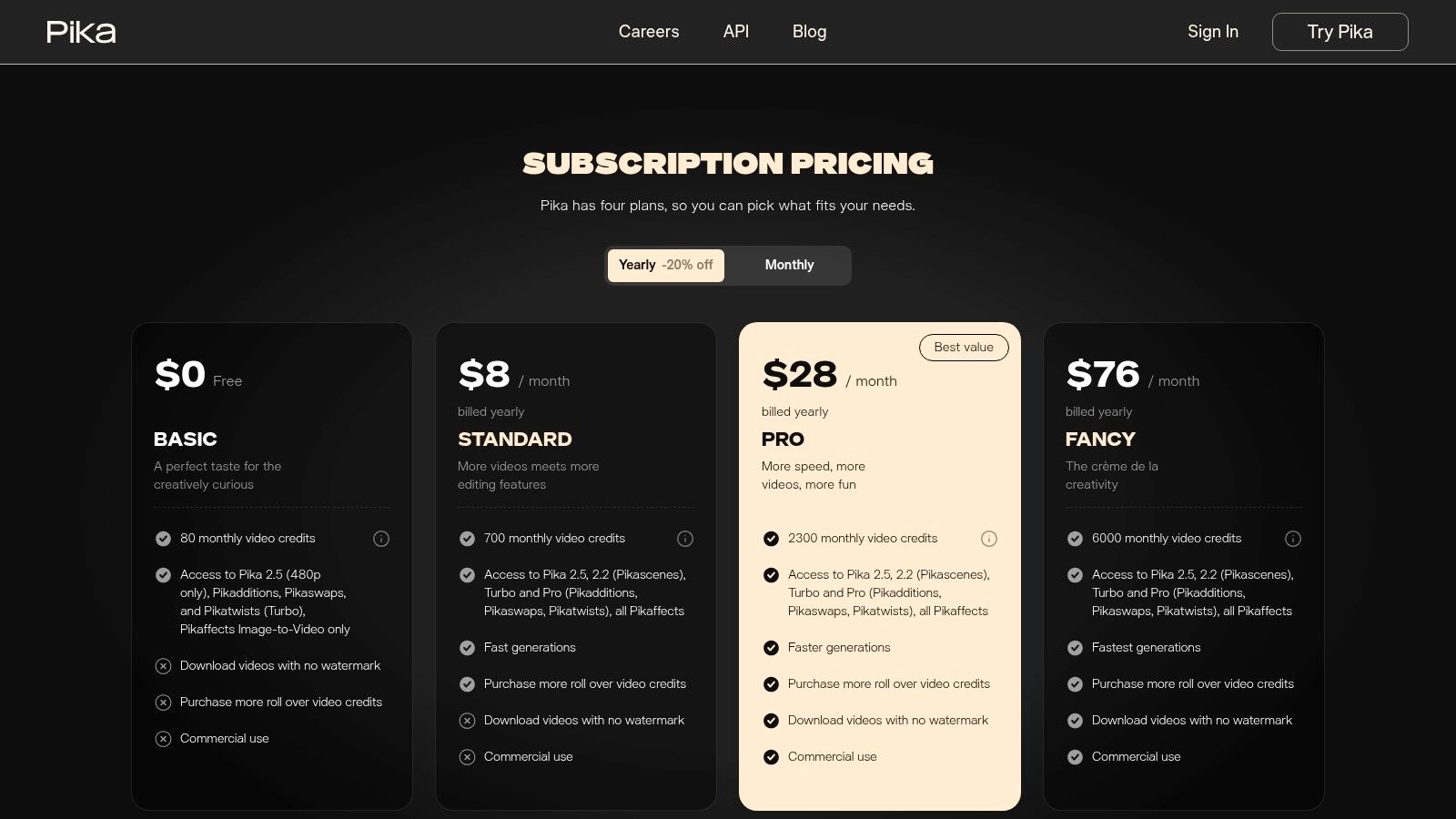
Pika operates on a credit-based system. The free tier provides a small, non-renewing allotment of credits, which is enough to experiment but not for consistent production. Videos generated on the free plan include a prominent Pika watermark and are limited to a lower resolution. To get more credits, remove the watermark, and gain commercial usage rights, upgrading to a paid plan is necessary.
Website: Pika
10. Kaiber
Kaiber is an AI video and animation tool best known for its highly stylized and artistic motion graphics. It excels at creating unique, music-reactive visuals and abstract animated loops, offering a distinct aesthetic that can make a TikTok feed stand out. This platform is less about assembling standard clips and more about transforming your ideas into fluid, eye-catching animations, making it a specialized ai tiktok video generator free for artistic creators.
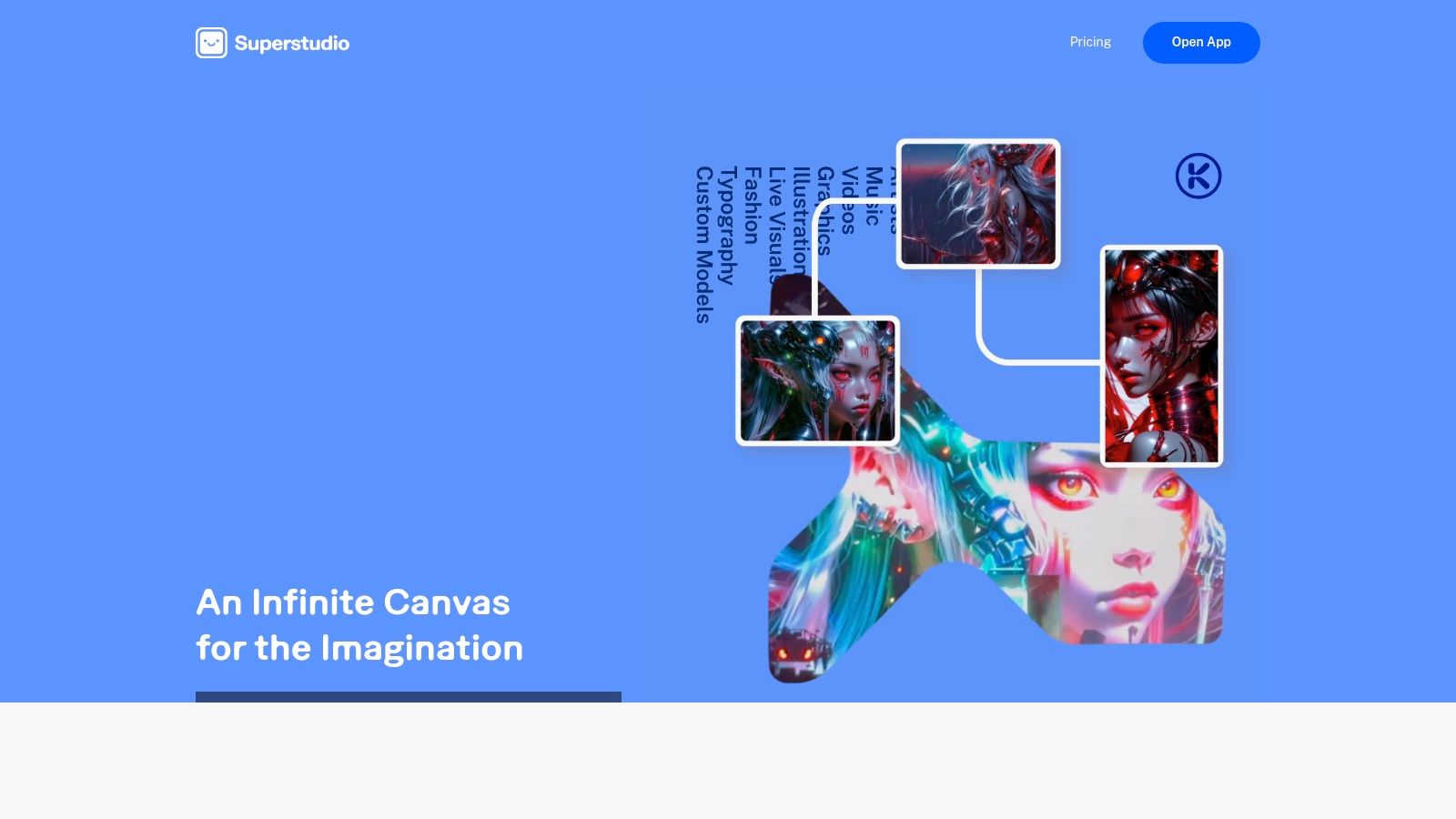
Unlike many all-in-one editors, Kaiber focuses on the generative art process. Its strength lies in its prompt-to-video and video-to-video transformation capabilities, allowing users to upload a video and apply a completely new artistic style to it. This makes it perfect for creating mesmerizing visuals for music promotions or attention-grabbing background loops.
Core AI Features & User Experience
Kaiber's core workflow revolves around generating stylized animations. Its most popular features are prompt-to-video, where you describe a scene, and video-to-video, where you apply a style to an existing clip. The audio-reactivity feature is a key differentiator, allowing animations to pulse and move in sync with a chosen soundtrack, which is ideal for TikTok's sound-on culture. The user interface is straightforward, guiding you through the process of selecting a style, providing a prompt, and generating your video.
Key Takeaway: Kaiber is the go-to tool for creating visually unique, animated, and music-synced TikToks that look more like digital art than traditional video edits.
Best For:
- Musicians and artists promoting their tracks with visualizers.
- Creators wanting to produce abstract or animated story-based content.
- Brands looking for distinctive, non-stock video ad creatives.
Free Tier Limitations
Kaiber operates on a credit-based system. The free trial is quite limited, typically offering a small number of credits to test the features, which is enough for only a few short, watermarked videos. Commercial usage rights are generally reserved for paid subscribers, and outputs from the free tier will include a prominent Kaiber watermark. Its subscription tiers can also change frequently, so it's wise to check the current pricing and terms.
Website: Kaiber
11. HeyGen
HeyGen takes a unique approach by focusing on AI-powered, photo-realistic avatars. This makes it a powerful ai tiktok video generator free for creating spokesperson-style videos, educational content, or ads without ever stepping in front of a camera. Instead of piecing together stock clips, you generate a digital human to deliver your message, complete with accurate lip-syncing and a variety of voices.
The platform's standout feature is its ability to create polished, talk-to-camera videos from a simple script. For TikTok, this is perfect for creating quick explainer videos or faceless content where a human element is still desired. Its multilingual dubbing and translation features also open up opportunities to reach a global audience with a single video.
Core AI Features & User Experience
HeyGen's core is its avatar generation. You can choose from a library of pre-made avatars or create a custom one. The workflow is straightforward: you type your script, select an avatar and voice, and the AI generates the video. The interface is clean and guides you through the process, making it accessible even if you have no video editing experience.
Key Takeaway: HeyGen is the go-to tool for producing consistent, professional-looking spokesperson videos at scale, removing the need for filming equipment and on-camera talent.
Best For:
- Educational or "how-to" TikTok channels that need a consistent presenter.
- Marketers creating faceless video ads with a human touch.
- Creators who want to produce content in multiple languages.
Free Tier Limitations
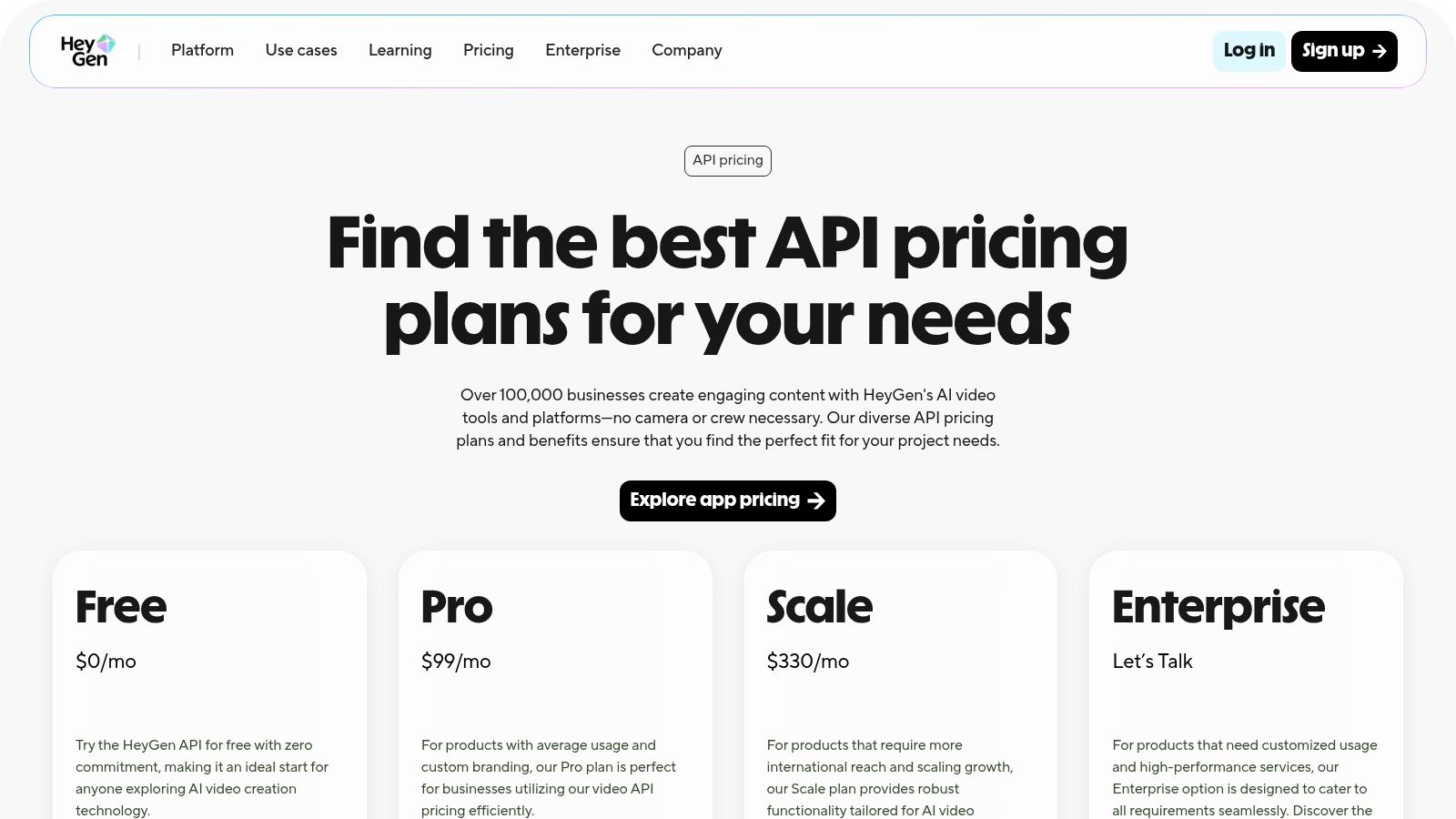
HeyGen operates on a credit system. The free plan provides you with a limited number of credits to test the platform, which typically allows for about one minute of video generation. Videos created on the free plan will also include a HeyGen watermark. To produce more content and remove the watermark, you will need to subscribe to one of their paid plans, which can be more expensive than other tools on this list.
Website: HeyGen AI Video Generator
12. OpusClip (Opus.pro)
OpusClip is not a traditional video generator; it's a powerful AI repurposing tool designed to transform long-form video content into viral short clips. For creators with podcasts, webinars, or YouTube videos, it serves as an essential ai tiktok video generator free of the heavy lifting. The platform automatically identifies the most engaging "gold nuggets" from your long footage, reframes them for vertical viewing, and adds dynamic, animated captions.
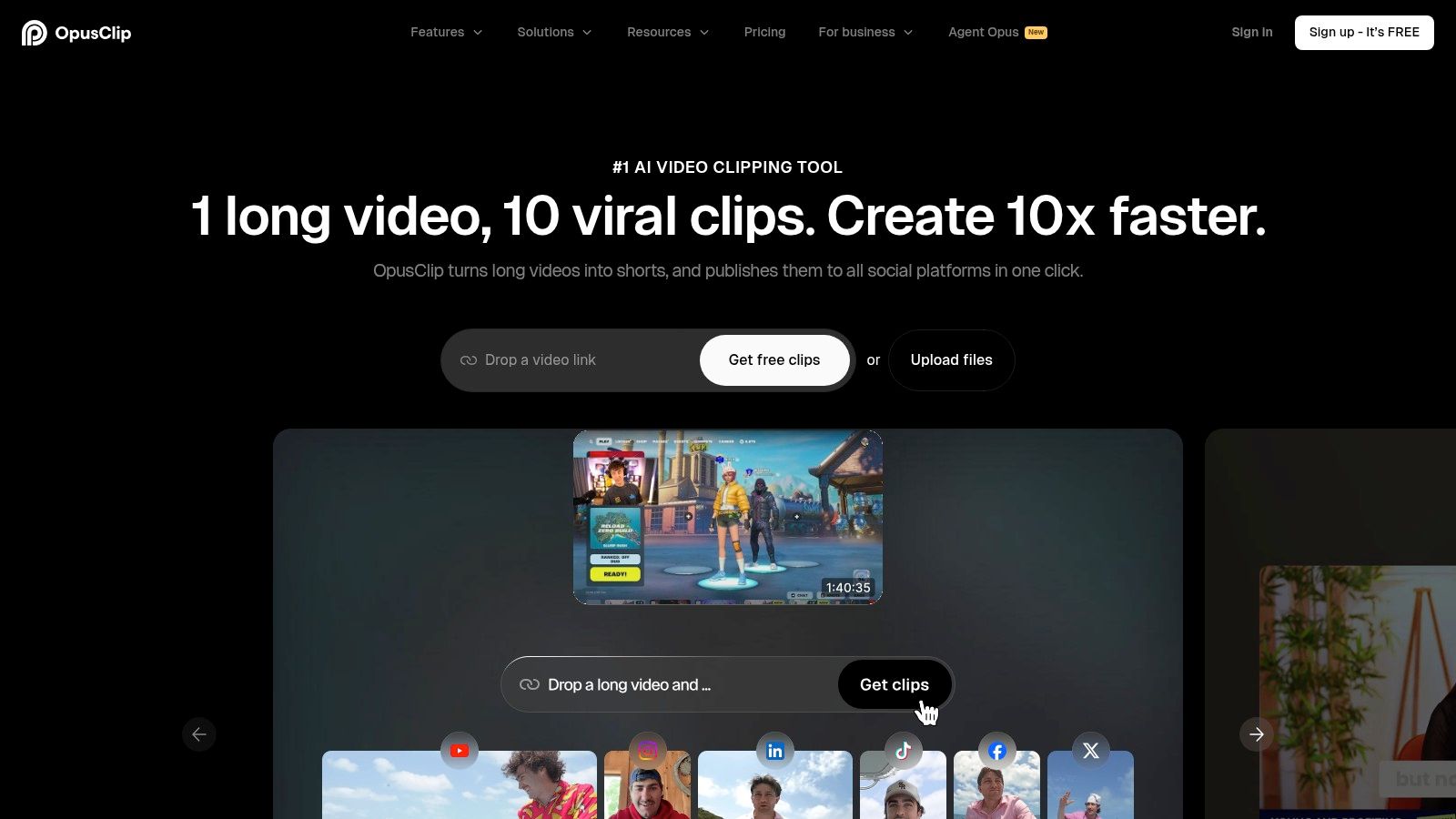
What makes OpusClip stand out is its focus on virality and efficiency. The AI doesn't just cut your video; it scores each potential clip on its viral potential, helping you prioritize the content most likely to perform well on TikTok. The process is incredibly fast, allowing a single long video to become a week's worth of short-form content in minutes.
Core AI Features & User Experience
The user experience is straightforward: paste a YouTube link or upload a video, and the AI gets to work. Its core features include auto-clip detection, virality scoring, active speaker detection, and automated reframing to keep the subject in the shot. It also generates trendy animated captions that are highly customizable, a key element for retaining viewer attention on TikTok. The platform even includes a scheduler for direct publishing.
Key Takeaway: OpusClip is the ultimate efficiency tool for content creators who already have a library of long-form videos, allowing them to scale their short-form output with minimal effort.
Best For:
- Podcasters and YouTubers wanting to promote their content on TikTok.
- Content agencies and social media managers repurposing client videos.
- Coaches and educators turning long lessons into bite-sized clips.
Free Tier Limitations
The free plan is generous for testing, offering a set amount of free processing minutes per month. However, all videos exported on the free tier will include a watermark. To get watermark-free exports, access to more advanced features, and higher monthly processing limits, you'll need to upgrade to a paid subscription.
Website: OpusClip
Top 12 Free AI TikTok Video Generators — Feature Comparison
| Tool | Key features | Quality (★) | Price/value (💰) | Audience (👥) | Unique strength (✨ / 🏆) |
|---|---|---|---|---|---|
| CapCut | AI text-to-video, trend templates, auto-clip repurpose, direct TikTok | ★★★★ | 💰 Generous free tier; some gated features | 👥 Short-form creators & beginners | ✨ Deep TikTok integration & one-click publish 🏆 |
| Canva | Prompt-to-video, TikTok templates, voiceover, brand kit & collab | ★★★★ | 💰 Free + Pro for advanced tools | 👥 Teams, social marketers & creators | ✨ All-in-one design + collaboration |
| Adobe Express | TikTok templates, AI Clip Maker, resize, scheduling, Adobe Stock | ★★★☆ | 💰 Free tier; premium assets on paid plan | 👥 Brand teams & designers | ✨ Brand-friendly tools + stock/media access |
| Microsoft Clipchamp | TikTok templates, 400+ TTS voices, direct publish, 1080p free | ★★★☆ | 💰 Free 1080p for personal; Premium for assets | 👥 Personal creators & Microsoft users | ✨ Strong native Windows/browser fit |
| VEED | Auto-captions, dubbing, avatars, text-to-video, auto-resize | ★★★☆ | 💰 Free (watermark); Pro removes limits | 👥 Social editors & multilingual creators | ✨ Fast subtitles & translation workflow |
| InVideo AI | Script→storyboard→vertical video, AI avatars, voice cloning, stock | ★★★★ | 💰 Free trial; paid for premium assets | 👥 Marketers & creators needing end‑to‑end | ✨ End-to-end AI scripting → video pipeline |
| Runway | Gen-4/3 text/image/video→video, upscaling, iterative projects | ★★★★★ | 💰 Credit-based free tier; pro credits | 👥 Creative professionals & studios | 🏆 High-end generative models & flexibility |
| Luma AI | Text-to-video drafts, upgrade for 4K/HDR & commercial rights | ★★★☆ | 💰 Free draft tier; paid for commercial/no watermark | 👥 Experimenters & early adopters | ✨ Transparent tiers & easy entry |
| Pika | Multiple models, image→video, credit tiers, watermark removal options | ★★★☆ | 💰 Free credits; paid for higher res/commercial | 👥 Creators wanting playful effects | ✨ Playful effects + active model updates |
| Kaiber | Prompt/video→video, music-reactive, custom styles, upscaling | ★★★★ | 💰 Credit-based; paid removes watermarks | 👥 Artists & music-driven creators | ✨ Music-synced stylized motion 🏆 |
| HeyGen | Photo-real avatars, dubbing/translation, API & team plans | ★★★★ | 💰 Free credits; paid for volume & commercial | 👥 Brands, educators & multilingual creators | ✨ Fast spokesperson-style videos & translation |
| OpusClip (Opus.pro) | Auto clip detection, animated captions, scheduler, multi-aspect | ★★★★ | 💰 Free tier (limits/watermark); paid unlocks credits | 👥 Long-form creators & repurposers | 🏆 Scales short-form output from long videos |
Choosing Your AI Tool: When to Stay Free and When to Upgrade
You’ve explored a powerful lineup of tools, each offering a unique entry point into the world of AI-assisted video creation. We've seen how platforms like CapCut and Canva provide an incredible foundation for getting started, while specialized generators like Runway and Pika push the boundaries of what’s possible with text-to-video. The core takeaway is clear: you no longer need a Hollywood budget or years of editing experience to produce engaging, high-quality TikTok content. The power of an ai tiktok video generator free of charge is now firmly in your hands.
The journey from a simple idea to a viral video has been radically shortened. You can now ideate, generate, edit, and publish in a fraction of the time it once took. This speed is your competitive advantage, allowing you to jump on trends, test new content pillars, and maintain a consistent posting schedule without burning out.
The Power and Limits of "Free"
For many creators, the free tiers offered by tools like Microsoft Clipchamp and Adobe Express are more than enough. If you are a beginner experimenting with your first faceless channel, a social media manager creating a few videos a week, or a small e-commerce brand testing the waters with video ads, these free tools are your ideal starting point. They allow you to learn the ropes, understand AI workflows, and produce polished, watermark-free content without any financial commitment.
However, as your ambitions grow, you will inevitably encounter the ceiling of "free." These limitations often appear as:
- Credit Scarcity: Generative AI credits on free plans (like those for Pika or Runway) run out quickly, halting your production until the next monthly refresh.
- Watermark Woes: Persistent watermarks on exports from tools like VEED or InVideo AI can detract from a professional brand image.
- Feature Gating: The most powerful AI features, highest-quality models, and fastest processing speeds are almost always reserved for paid subscribers.
- Workflow Fragmentation: You may find yourself juggling multiple tools, using one for text-to-video, another for editing, a third for captions, and a fourth for repurposing, creating an inefficient and disjointed process.
Upgrading for Growth and Monetization
The decision to upgrade isn't just about removing watermarks; it's a strategic move to reclaim your time, elevate your quality, and scale your output. This is where a dedicated, all-in-one platform becomes essential. While the tools on our list are fantastic components, a specialized solution integrates them into a seamless workflow built for serious creators.
Think of it this way: the free tools are like individual, high-quality ingredients. A platform like Aicut is the professional kitchen that brings them all together, automates the recipe, and ensures a five-star result every time. By providing access to top-tier AI models, viral templates designed for monetization, and automated workflows that handle everything from generation to scheduling, it addresses the core challenges of scaling a content business.
Ultimately, the right ai tiktok video generator free tool is the one that best serves your current needs. Start with the powerful free options on this list to build momentum and validate your ideas. When you find your content hitting its stride and the limitations of free tools start costing you more in time than a subscription would in money, that’s your signal. It's the moment to invest in a system that will carry you from creator to entrepreneur.
Ready to move beyond the limits of free tools and build a truly automated content engine? Aicut is an all-in-one AI video workspace designed for creators aiming for monetization, providing access to premier AI models and viral workflows in a single platform. Explore the future of content creation and start your journey to scalable success at Aicut today.