
The world of video content is changing fast, thanks to powerful AI that creates amazing visuals from simple text. For creators on YouTube, TikTok, and Instagram, this is a major advantage. The ability to produce high-quality, engaging videos quickly, without expensive gear or long editing sessions, is now easier than ever. This guide gets straight to the point, reviewing the top 12 AI video generation tools on the market today. We'll skip the marketing fluff and give you a practical, honest breakdown.
This article explores what makes each platform different. We'll cover their strengths, from creating photorealistic clips and faceless narration videos to producing animated characters. We'll also examine how these tools are being used to create effective AI generated commercials, reshaping how brands approach marketing. Each review includes real-world use cases, pricing, and direct links with screenshots to help you see the tool in action.
Whether you need to speed up your content workflow, lower production costs, or find a way to consistently create viral-worthy clips, understanding these tools is your first step. This guide is a roadmap to help you pick the right platform for your specific goals. You'll find actionable advice and straightforward comparisons to help you start creating immediately.
1. Aicut
Aicut has established itself as a powerhouse among ai video generation tools, specifically designed for creators and brands aiming to produce viral-ready, faceless content at scale. It’s an end-to-end platform that moves beyond simple video creation, integrating a complete workflow from ideation and generation to multi-platform scheduling and automated posting. This focus on the entire content lifecycle, not just the asset creation, makes it a standout choice for anyone serious about consistent output.
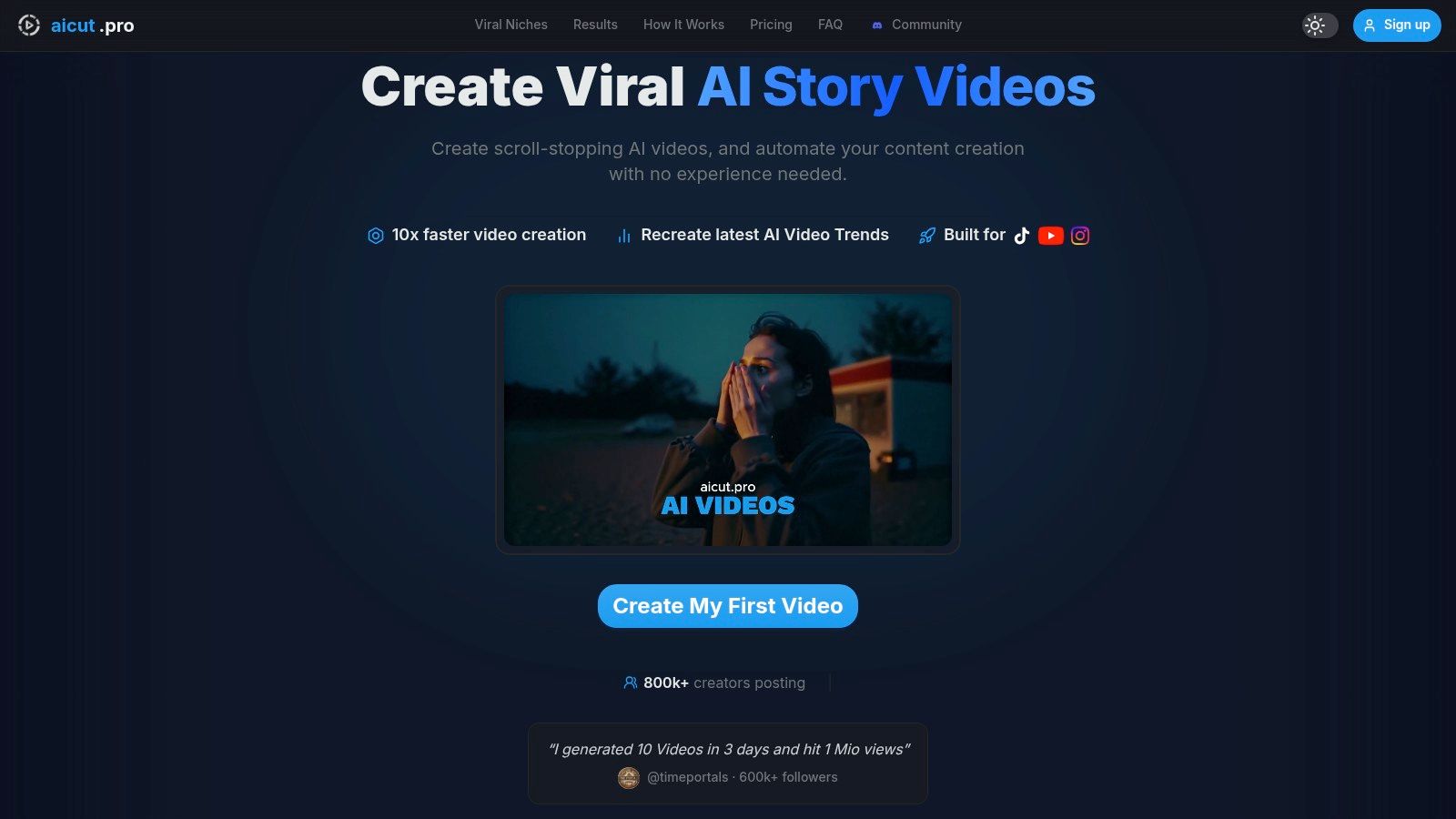
The platform provides access to a wide arsenal of generative models, including Sora 2, Veo 3.1, and Kling, giving users the flexibility to create everything from photorealistic selfie clips and UGC-style ads to animated characters from a single photo. Its core strength lies in its viral-ready templates and an extensive prompt library, which dramatically lowers the barrier to entry for creating content formatted for TikTok, Instagram Reels, and YouTube Shorts.
Key Features & Use Cases
Aicut is built for speed and efficiency, making it ideal for specific, high-volume content strategies.
- Faceless Content Automation: Perfect for creating Reddit story narrations, text-based story videos, and POV-style clips without showing a face.
- UGC-Style Ad Creatives: Brands and e-commerce stores can generate authentic-looking product reviews and testimonials without hiring actors or orchestrating complex shoots.
- Integrated Publishing: The built-in scheduler and automated posting features help maintain a consistent content calendar across multiple social profiles, a key factor for algorithmic success.
- AI Character Animation: Bring a static image to life, creating an animated avatar for channel branding or storytelling.
Pricing Structure
Aicut uses a transparent, token-based system. This model allows users to pay for exactly what they generate, with clear costs associated with different models, resolutions, and video lengths.
- Creator Plan: Starts at $19.99/month for 50 tokens.
- Automate Plan: $39.99/month for 100 tokens, with annual plans offering a discount.
- Token Top-Ups: Available for users who need to scale their production beyond their monthly allowance.
Pros & Cons
| Pros | Cons |
|---|---|
| Complete Workflow: Combines templates, generation, and automated scheduling in one place. | Token Costs: High-resolution or longer videos can consume tokens quickly, potentially becoming costly. |
| Diverse Model Access: Utilizes top-tier models like Sora 2 and Veo 3.1 for high-quality, photorealistic output. | Learning Curve: Achieving viral results depends on effective prompting and understanding current trends. |
| Proven Results: Strong community with testimonials of viral success (1M+ views) and rapid follower growth. | Output Quality is Prompt-Dependent: The final video's quality is directly tied to the user's input and idea. |
| Business-Ready: Excellent for creating UGC-style ads and product assets, reducing traditional production costs. | |
| No Watermarks: All paid plans offer no-watermark exports, ensuring a professional look. |
Website: https://www.aicut.pro
2. Runway
Runway is a powerful AI video generation suite that feels more like a full production studio than a single-purpose tool. It’s designed for creators and teams who need a high degree of control over their projects, offering multiple AI models and an integrated editor for a complete workflow. This makes it a top choice for producing everything from cinematic clips to unique ad creatives.
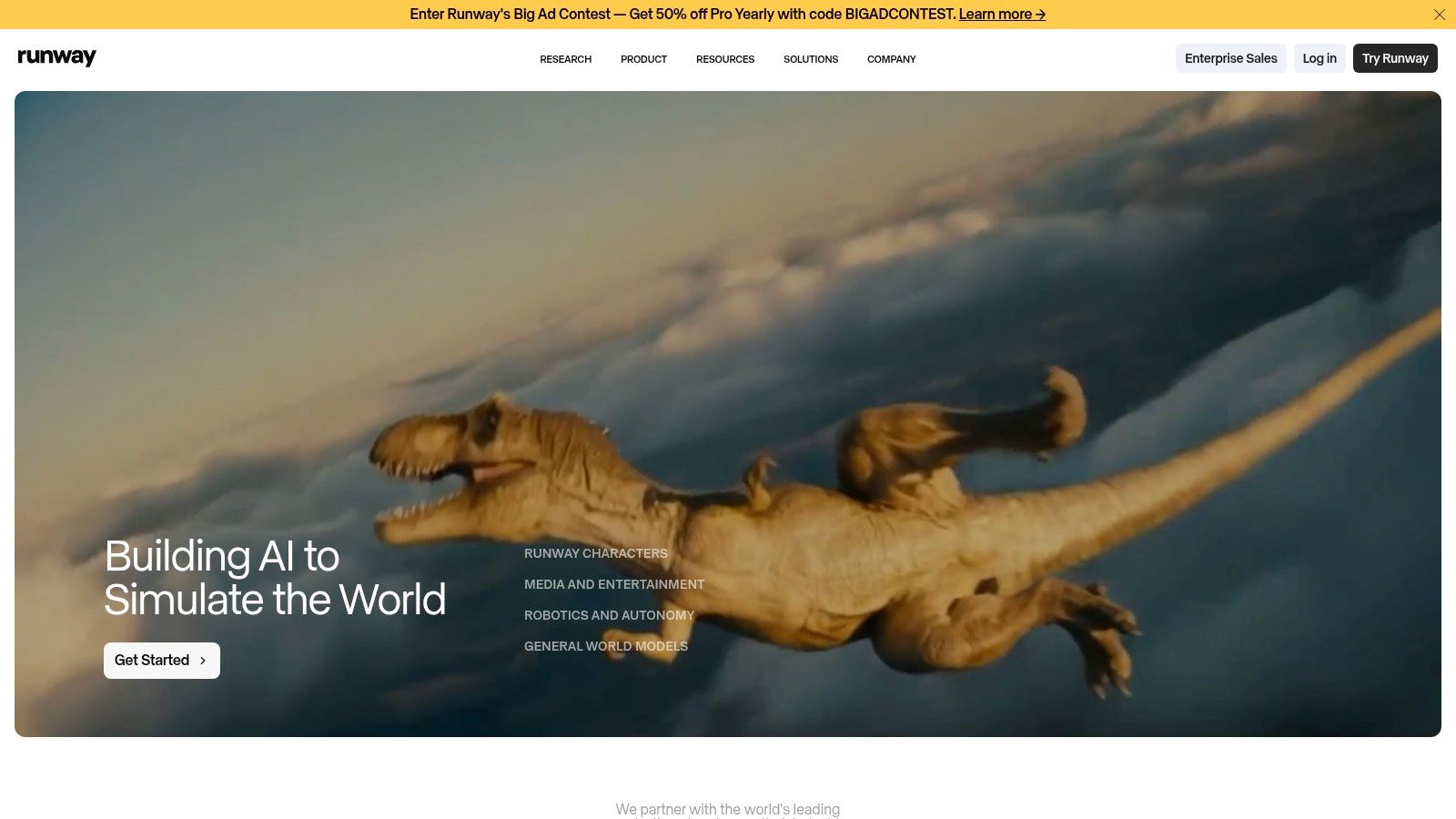
What sets Runway apart is its transparent, credits-based system. You can see exactly how many seconds of video your credits will buy you across different models, like the faster Gen-3 Alpha versus the higher-quality Gen-4. This is ideal for budgeting projects and iterating quickly. You can draft ideas with a lower-cost model and then render the final version with a more powerful one. While this system offers control, it does have a learning curve when you’re balancing different features and generation speeds.
Key Features and Best Use Cases
- Standout Features: Gen-3 and Gen-4 text-to-video models, integrated video editor, precise credit/second calculator, and advanced motion controls.
- Best For: Short-form video creators, marketing teams needing to generate AI video from text, and agencies that require repeatable, budget-conscious workflows.
- Website: https://runwayml.com
Pro Tip: Use the Turbo models for rapid prototyping to test camera movements and character consistency. Once you have a prompt that works, switch to the standard model for a higher-quality final export. This saves credits and speeds up your creative process significantly.
3. Pika
Pika is a fast, template-driven AI video creator built for rapid social media content production. It excels at turning simple prompts into engaging short videos, making it a favorite among creators on TikTok and Instagram. The platform is designed around a modular system, allowing you to quickly apply effects, swap elements, and generate variations without a steep learning curve, which is perfect for experimentation.
What makes Pika stand out is its accessibility and focus on speed. With generous monthly credits on its affordable paid plans, it lowers the barrier for creators who need to produce a high volume of content. You can choose between a fast Turbo mode for quick drafts and a higher-quality Pro model for final renders. While this makes it one of the most cost-effective AI video generation tools for social media, be aware that some advanced effects can consume credits more quickly, and API access has certain limitations.
Key Features and Best Use Cases
- Standout Features: Text-to-video and image-to-video generation, modular tools (Pikascenes, Pikaswaps), frame-level editing, Turbo and Pro model choices, and commercial use on paid tiers.
- Best For: TikTok and Shorts creators, social media managers needing fast content, and anyone experimenting with AI video for the first time due to its low entry cost and simple interface.
- Website: https://pika.art
Pro Tip: Start by generating a base video with a simple prompt in Turbo mode. Then, use Pika's modular tools like Pikaffects and Pikatwists to add specific styles or animations. This approach gives you more control and helps you conserve credits, as you only pay for the specific effects you add rather than re-rendering the entire scene from scratch.
4. Luma AI – Dream Machine
Luma AI’s Dream Machine has quickly gained attention for its ability to produce high-fidelity, cinematic video clips with a strong grasp of realistic physics and coherent motion. This makes it an excellent choice for creators aiming for polished, film-like outputs directly from a text or image prompt. Its underlying "Ray" models focus on generating smooth, natural camera movements and believable character interactions, setting it apart from other tools that can sometimes produce disjointed or awkward animations.
The platform uses a straightforward credit-based system, offering a generous number of free generations per month, which is perfect for experimentation. However, for higher resolution (1080p), faster generation times, and commercial use, you'll need a paid plan. The user interface is clean and simple, making it one of the more approachable AI video generation tools for beginners. While popular, it can experience high demand, sometimes resulting in longer queues for video generation, particularly for free users.
Key Features and Best Use Cases
- Standout Features: High-fidelity video with realistic physics, smooth camera motion, text-to-video and image-to-video generation, and a simple credit-based pricing model.
- Best For: Solo creators producing cinematic short films, artists wanting to animate still images with natural movement, and marketers creating visually striking ad content.
- Website: https://luma.ai/dream-machine
Pro Tip: To get the most out of Dream Machine, be very descriptive with your camera movement instructions. Use terms like "slow panning shot," "dolly zoom," or "crane shot moving upwards" in your prompt. This gives the model clear direction, resulting in more intentional and professional-looking cinematic sequences.
5. OpenAI Sora (Sora 2)
OpenAI's Sora represents the high end of generative video, delivering state-of-the-art fidelity and motion control for teams that need photorealism. Unlike many tools focused on a simple web interface, Sora is built with API access in mind, making it a strong choice for developers and creative studios looking to integrate top-tier video generation directly into their workflows and research pipelines.
What makes Sora stand out is its transparent, consumption-based pricing and its inclusion of audio-on outputs. With published per-second costs for its different models (Sora 2 and the higher-quality Sora 2 Pro), teams can accurately forecast budgets for large-scale projects. This makes it one of the few enterprise-grade ai video generation tools available via API. However, the costs for long-form content can accumulate quickly, and access is still being rolled out, so availability may vary during the transition from its first version. To get a better handle on its capabilities, you can learn more about mastering Sora 2 and its features.
Key Features and Best Use Cases
- Standout Features: Text-to-video and image-to-video generation, integrated audio output, clear per-second API pricing, and two distinct quality models (Sora 2 and Sora 2 Pro).
- Best For: Creative agencies, development teams building AI-powered apps, and filmmakers needing to produce hyper-realistic b-roll or concept visualizations.
- Website: https://openai.com/sora
Pro Tip: Use the standard Sora 2 model for initial scene generation and directorial tests. Its lower per-second cost is ideal for iterating on prompts. Once a shot is perfected, regenerate it with the Sora 2 Pro model to achieve maximum visual fidelity and detail for the final render.
6. Google Veo (via Google Labs Flow/VideoFX)
Google's entry into the high-end AI video generation space is Veo, a powerful model accessible through experimental platforms like Google Labs Flow/VideoFX. It's designed to produce high-quality, coherent motion and cinematic composition directly from text prompts. Veo is positioned as a tool for quick ideation, storyboard testing, and generating short clips, all while being deeply integrated into the Google ecosystem.
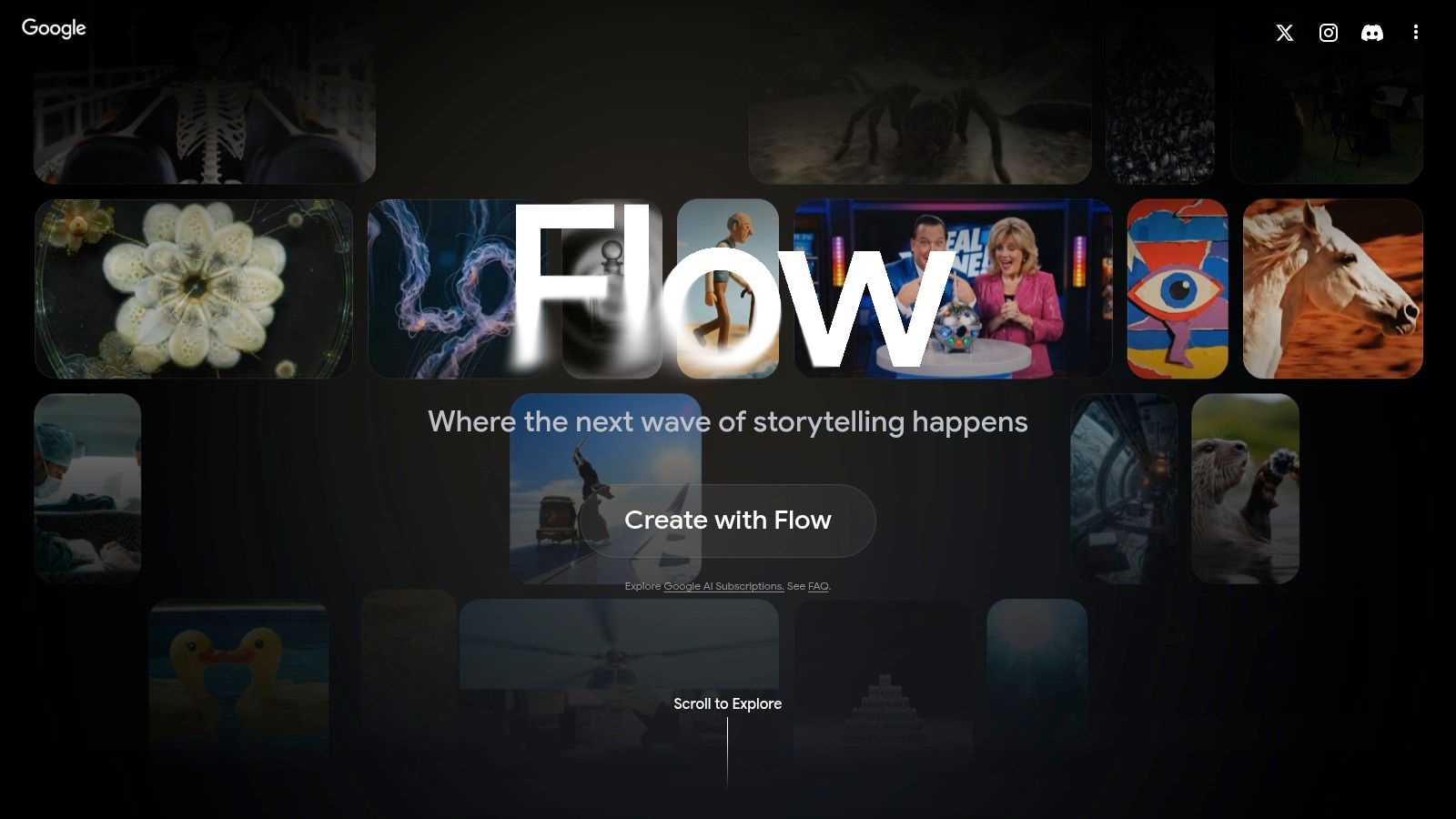
What makes Veo notable is its access model. Instead of a standalone service, it's often tied to Google Labs, Gemini, or other AI subscription plans. This means availability can be fluid and sometimes regionally gated, with periodic free or promotional access windows for experimentation. While this can be a great way to test one of the best ai video generation tools without a commitment, it also means access isn't always guaranteed, and usage may come with daily limits or credit-based restrictions depending on the current plan.
Key Features and Best Use Cases
- Standout Features: High-fidelity Veo model, integration with Google Labs creative workflow tools, and potential for access via Gemini subscriptions.
- Best For: Creative professionals testing concepts, marketers needing quick video assets, and anyone already invested in the Google AI ecosystem looking to explore video.
- Website: https://labs.google/flow
Pro Tip: Keep an eye on the Google AI and Google Labs blogs for announcements about promotional access. When a free trial window opens, use it to test complex prompts focused on motion and object consistency to see how Veo compares to other models for your specific needs.
7. Kling AI (Kuaishou)
Kling AI is a fast-advancing model from Kuaishou, the company behind a major international short-form video app. It is quickly gaining recognition for its ability to generate high-definition, longer-duration clips with remarkably realistic physics and dynamic motion. This focus on movement makes it one of the most promising ai video generation tools for creating action-oriented or point-of-view (POV) content that feels authentic and engaging, especially for vertical video formats.
What makes Kling stand out is its specialized training for complex motion. While other models might struggle with characters moving in unusual ways or interacting with their environment, Kling excels at producing believable results. As it continues its global rollout, access is becoming more widespread through its website and various app integrations. However, this phased release means users might encounter waitlists or temporary capacity limits, and clear English documentation on pricing can sometimes be less standardized than its competitors.
Key Features and Best Use Cases
- Standout Features: Advanced text-to-video and image-to-video with realistic physics, generates longer clips up to 2 minutes at 30fps, and designed for dynamic motion perfect for vertical content.
- Best For: TikTok and Instagram Reels creators focusing on action or POV shots, marketers creating stylized ads with lots of movement, and anyone needing to generate clips with convincing character motion.
- Website: https://klingai.com
Pro Tip: When generating from an image, provide a descriptive text prompt to guide the motion. For example, instead of just uploading a picture of a car, add a prompt like "a POV shot driving fast through a neon-lit city at night." This gives Kling the context it needs to create dynamic movement.
8. Adobe Firefly (Generative Video in Firefly/Premiere)
Adobe Firefly brings its generative AI capabilities directly into the Creative Cloud ecosystem, making it a natural choice for editors and creative teams already using tools like Premiere Pro. Instead of being a standalone platform, Firefly’s video features are integrated as tools within existing workflows. This allows you to perform tasks like generative extend, background replacement, and adding AI-generated sound effects directly within your Adobe projects.
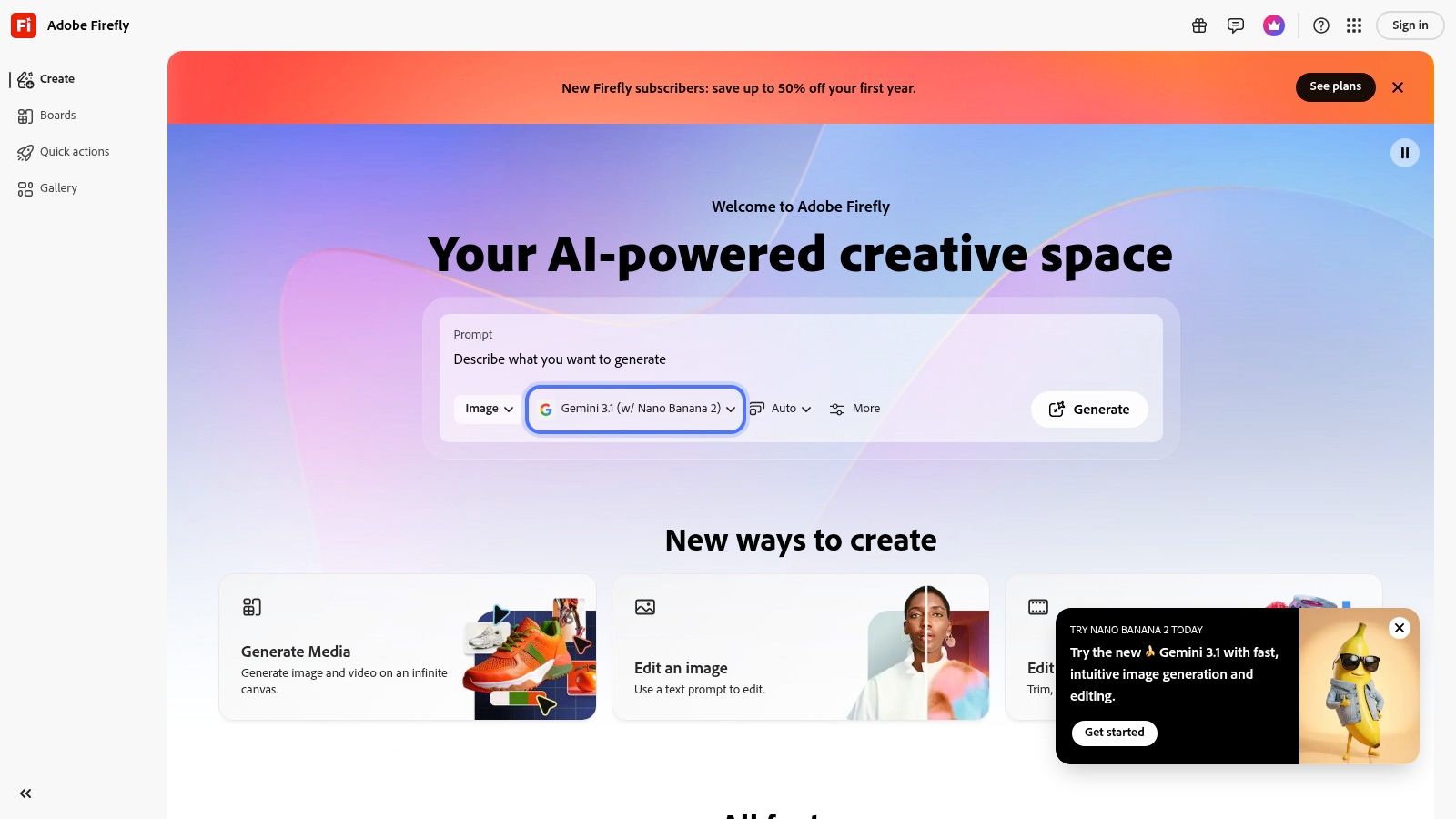
What makes Adobe's approach distinct is its focus on hybrid AI and editorial pipelines. You aren't just generating a clip to download; you’re using AI to enhance an existing edit. The system operates on Creative Cloud’s generative credits, so your usage is tied to your subscription plan. While many features are still in beta and evolving, the promise of brand-safe, commercially licensed outputs makes this a compelling option for enterprise and professional teams who need legal peace of mind.
Key Features and Best Use Cases
- Standout Features: Seamless integration with Premiere Pro, Generative Extend for shot lengthening, background replacement, and AI-powered SFX/music add-ons.
- Best For: Video editors, creative agencies, and marketing teams deeply invested in the Adobe Creative Cloud ecosystem who need AI to speed up post-production tasks.
- Website: https://firefly.adobe.com
Pro Tip: Use the Generative Extend feature in Premiere Pro (Beta) to add a few extra seconds to the beginning or end of a clip. This is perfect for creating smoother transitions or giving yourself more room to add titles and graphics in your edit without having to re-shoot.
9. Synthesia
Synthesia is a polished and mature platform dedicated to creating professional AI videos with talking presenters. Instead of focusing on text-to-video scene generation, it excels at turning scripts into avatar-led content, making it a go-to tool for corporate training, product explainers, and localized marketing campaigns. With support for over 100 languages and voices, it is one of the best ai video generation tools for teams needing reliable and scalable presenter-based video production.
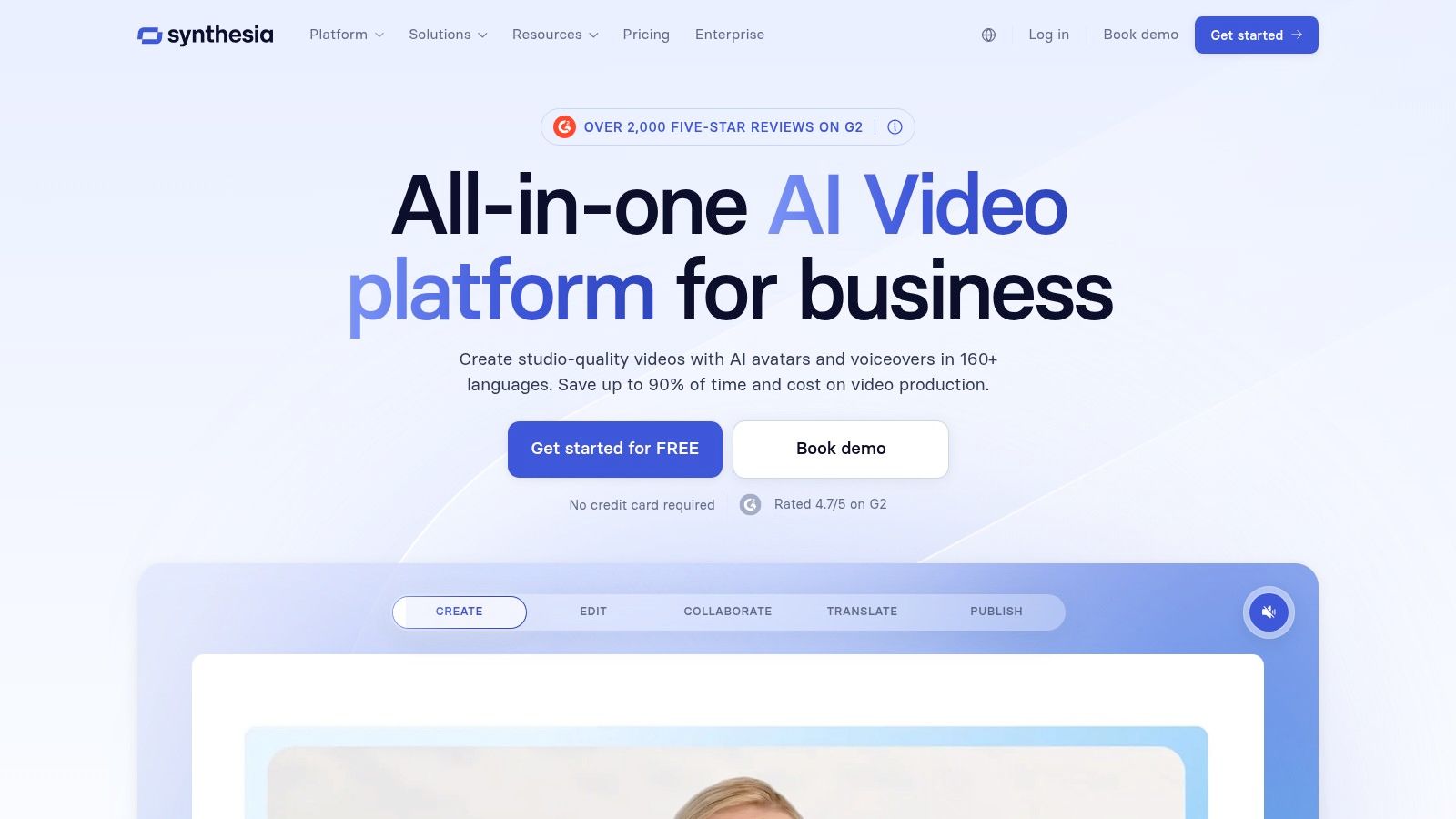
The platform is designed for professional and team-based workflows. Features like brand kits, admin controls, and clear, credits-based billing make it easy for organizations to manage video creation across departments. While self-serve plans are available, larger teams may need to engage with the sales team for enterprise features. The main limitation is its credits system, where longer videos can become costly, so planning scripts and video length is key to managing your budget.
Key Features and Best Use Cases
- Standout Features: 100+ languages and voices, script-to-avatar studio, support for personal and studio avatars, and strong team management controls.
- Best For: Corporate trainers creating instructional videos, marketing teams producing localized ad reads, and businesses needing quick product explainer videos with consistent branding.
- Website: https://www.synthesia.io
Pro Tip: To create more dynamic videos, break your script into smaller scenes within the Synthesia editor. Assign a different background, camera angle, or subtle gesture to the avatar in each scene to keep the viewer engaged and avoid a static, monotonous presentation.
10. HeyGen
HeyGen specializes in avatar-driven video content, making it a leader among AI video generation tools for creating professional spokesperson videos, training modules, and translated content. Its main strength lies in generating realistic-looking human avatars that can speak your script in a multitude of languages, complete with accurate lip-syncing. This focus makes it perfect for businesses and creators who need a consistent, scalable way to produce presenter-style videos without hiring actors or setting up a studio.
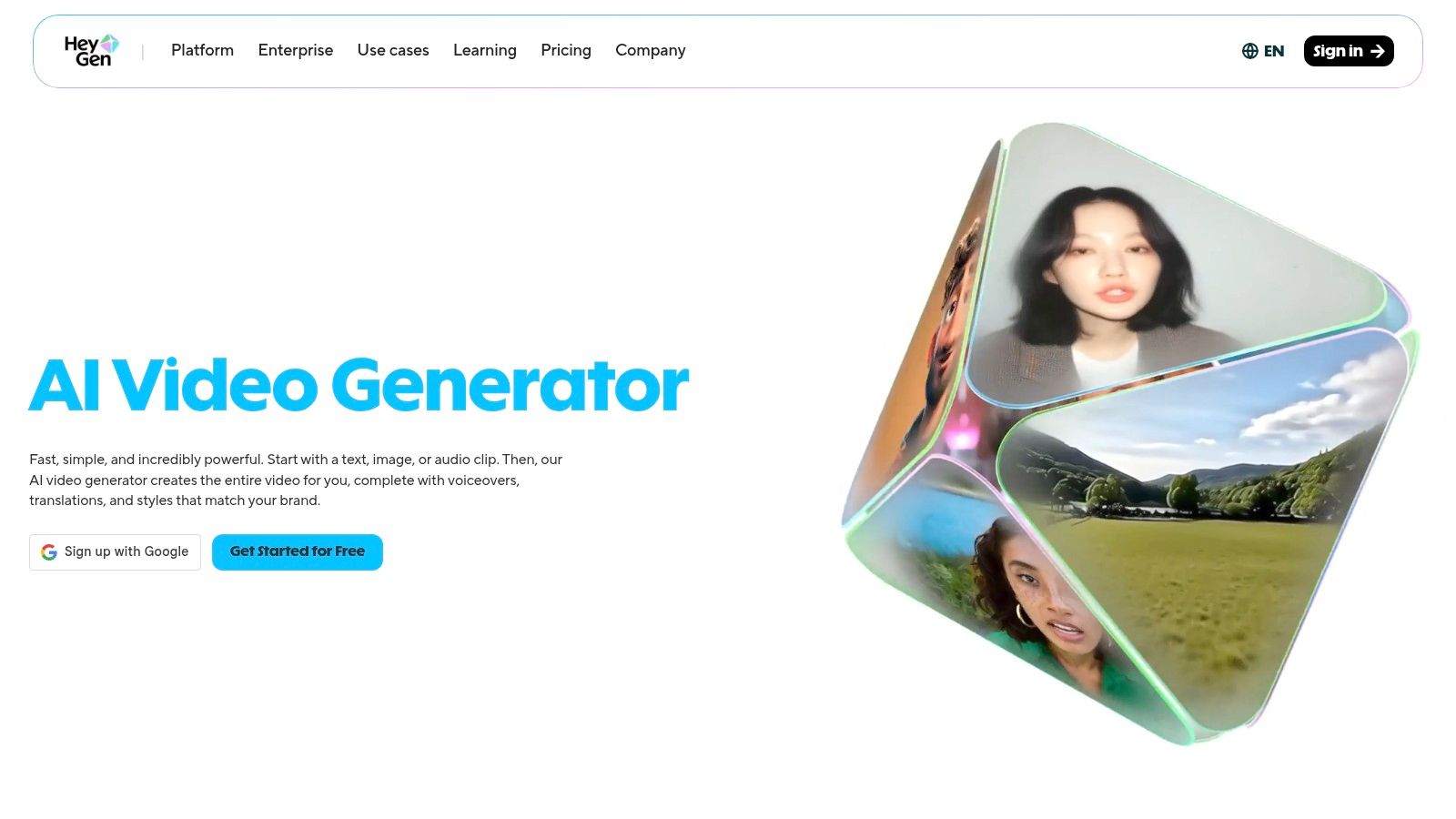
The platform stands out with its video translation feature, which not only translates audio but also clones the speaker's voice and adjusts their lip movements to match the new language. You can choose from hundreds of stock avatars or create a custom "Digital Twin" of yourself for a personalized touch. While the core features are generous on paid plans, users should be mindful of how credits are used. Premium features like 4K exports and API access are metered differently, so it's important to plan usage to manage costs effectively.
Key Features and Best Use Cases
- Standout Features: 700+ stock video avatars, custom 'Digital Twin' creation, video translation with lip-sync in 175+ languages, HD to 4K export options, and API access.
- Best For: Multilingual marketing campaigns, creating corporate training and e-learning videos, sales outreach explainers, and faceless social media channels that rely on a consistent presenter.
- Website: https://www.heygen.com
Pro Tip: When creating a custom 'Digital Twin', record your initial video in a well-lit space with a clean background and high-quality microphone. The quality of your source footage directly impacts the realism of your final AI avatar, so a little extra effort upfront pays off significantly.
11. Colossyan
Colossyan is an enterprise-focused AI video platform built for creating professional training and educational content at scale. Instead of generating abstract scenes from text, it uses AI avatars to present information, making it an excellent choice for corporate learning, onboarding modules, and multi-language product explainers. Its scene-based editor feels familiar to anyone who has used presentation software, simplifying the video creation process for teams without a background in video production.
What makes Colossyan stand out is its deep integration with corporate workflows. The platform supports SCORM-compliant exports for easy integration into Learning Management Systems (LMS) and offers auto-translation into dozens of languages, allowing a single video to be localized with a few clicks. This makes it one of the best AI video generation tools for global brands. While starter plans are somewhat limited in minutes, annual subscriptions provide the entire year's minute allowance upfront, offering flexibility for bigger projects.
Key Features and Best Use Cases
- Standout Features: 170+ stock AI avatars, custom avatar creation, scene-based editor, auto-translation, and SCORM exports for training.
- Best For: Corporate training departments, HR teams creating onboarding content, and agencies producing educational videos for a global audience.
- Website: https://www.colossyan.com
Pro Tip: Use the auto-translate feature to quickly create versions of a training video for different regions. After the initial translation, have a native speaker review the script for nuance and cultural context before rendering the final videos. This ensures accuracy and engagement across all markets.
12. Kaiber
Kaiber operates as a versatile creative studio, giving creators access to multiple AI models within a single, cohesive interface. It combines its own unique flows for flipbook animation, video restyling, and lip-syncing with third-party models like Veo and Kling. This approach makes it a fantastic tool for musicians, motion designers, and social media creators who want to produce highly stylized visuals without juggling multiple subscriptions.
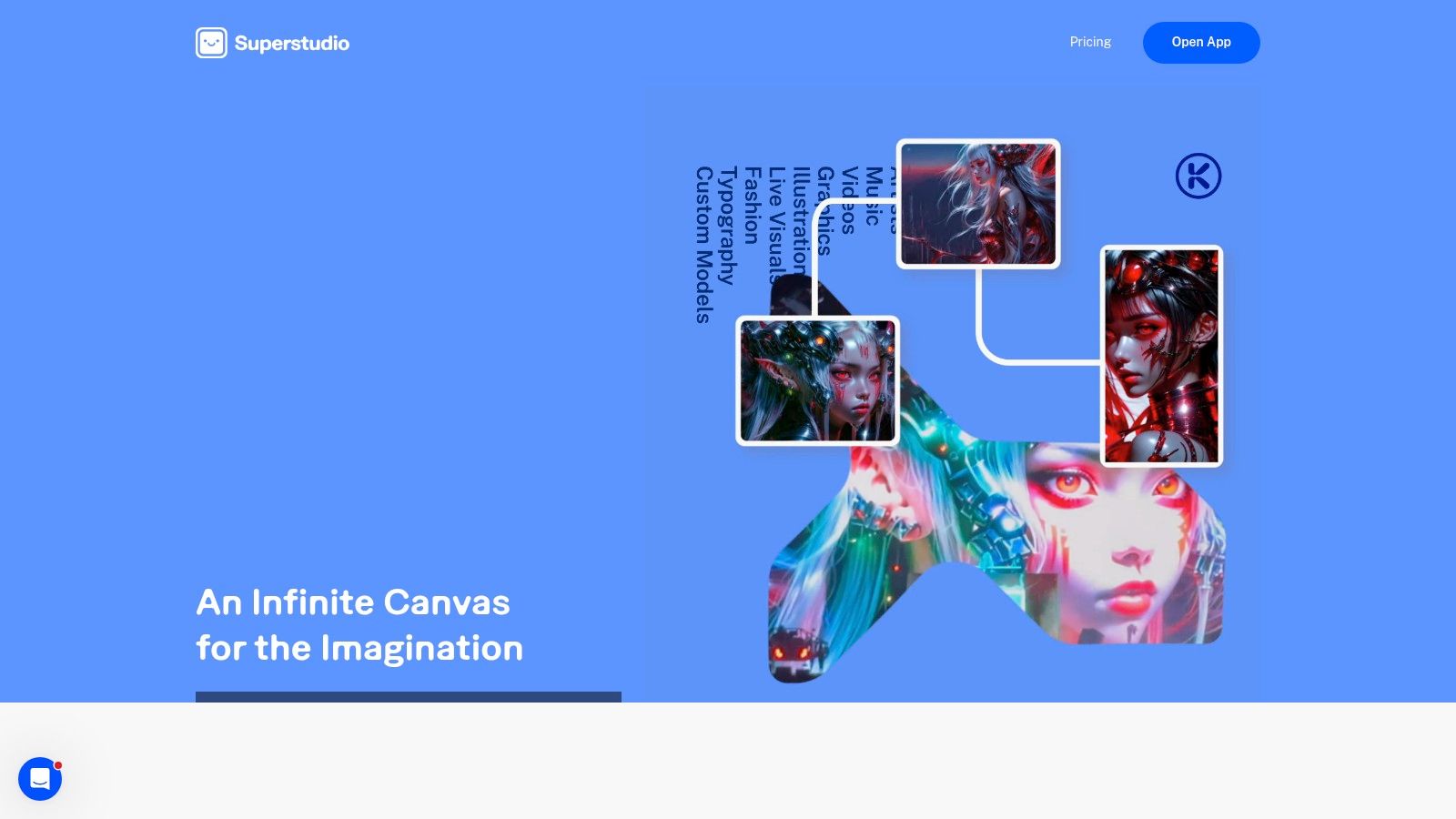
The platform’s strength lies in its specialized workflows. The Flipbook and Audioreactive features are particularly effective for creating visuals that sync perfectly with music, making it a go-to for music videos and promotional clips. Its credit-based system is clear, with costs varying depending on the chosen model and flow. While this provides flexibility, be aware that premium models can have shorter maximum video lengths or consume credits more quickly, so some experimentation is needed to find the right balance between quality and cost.
Key Features and Best Use Cases
- Standout Features: Flipbook and audioreactive flows for music-synced visuals, text-to-video and image-to-video, video restyling, access to multiple models in one UI.
- Best For: Musicians creating music videos, motion designers, and social media managers needing stylized content and fast iterations.
- Website: https://www.kaiber.ai
Pro Tip: Start by using Kaiber’s native models to get a feel for the controls and credit costs. Once you have a concept, test the same prompt on a premium third-party model within the platform to see if the quality jump is worth the extra credits for your final output.
Top 12 AI Video Generation Tools — Feature Comparison
| Name | Core features | Quality (★) | Price / Value (💰) | Target (👥) | Unique selling points (✨) |
|---|---|---|---|---|---|
| 🏆 Aicut | Viral templates, prompt library, Sora/Veo/Kling models, upscaler, scheduler | ★★★★☆ | 💰 Creator $19.99/mo ($12.50/mo annual); Automate $39.99/mo; token top-ups | 👥 Creators, brands, agencies, faceless channels | 🏆 ✨ End-to-end automation, daily auto-posting, active Discord tutorials |
| Runway | Text/image→video, integrated editor, multi-models, credit meter | ★★★★☆ | 💰 Credit-based; seconds-per-model budgeting | 👥 Short-form creators & teams | ✨ Speed/quality tiers; editor with TTS/SFX |
| Pika | Template-driven flows, Pika 2.5, Pikaframes & modular tools | ★★★☆☆ | 💰 Very low entry; generous monthly credits at mid tiers | 👥 Social experimenters & remixers | ✨ Fast renders, per-effect credits, template remixes |
| Luma AI – Dream Machine | Ray models, text/image→video, 1080p outputs | ★★★★☆ | 💰 Credit-based; paid tiers for 1080p & priority | 👥 Cinematic & motion-focused creators | ✨ Coherent camera motion & realistic physics |
| OpenAI Sora (Sora 2) | Text/image→video with integrated audio, API, per-second pricing | ★★★★★ | 💰 Per-second pricing; enterprise API access | 👥 R&D teams, studios needing photorealism | ✨ State-of-the-art fidelity; audio-on outputs |
| Google Veo (Labs Flow) | Veo models via Labs Flow, Gemini integrations, workflow tools | ★★★★☆ | 💰 Tied to Google Labs/Gemini plans; promo windows | 👥 Google-ecosystem creators & teams | ✨ High-quality motion + native Google integrations |
| Kling AI (Kuaishou) | Text/image→video with advanced movement & physics; multi-portal access | ★★★★☆ | 💰 Variable / region-dependent pricing | 👥 Motion-heavy vertical & ad creators | ✨ Strong motion realism for POV/action shots |
| Adobe Firefly (Generative Video) | Firefly video + Premiere handoff, generative extend, SFX/music | ★★★★☆ | 💰 Creative Cloud plan credits & limits | 👥 Editors and Adobe-standard teams | ✨ Seamless CC integration, brand-safe enterprise controls |
| Synthesia | Script→avatar studio, 100+ languages, brand kits, credits | ★★★★☆ | 💰 Credits/subscription; higher-tier sales-led pricing | 👥 Training, explainers, localized ads teams | ✨ Mature avatar pipelines with org/admin controls |
| HeyGen | 700+ avatars, digital twins, lip-sync translation, HD–4K export | ★★★★☆ | 💰 Competitive tiers; some premium features metered | 👥 Multilingual spokespeople, ads & sales videos | ✨ Large avatar library + 175+ language lip-sync |
| Colossyan | Stock/custom avatars, scene-based editor, SCORM & analytics | ★★★☆☆ | 💰 Enterprise/annual minute bundles; tiered NEO limits | 👥 Corporates, e-learning, agencies | ✨ Scalable localization, training-friendly analytics |
| Kaiber | Text/image→video, restyle, flipbook, audioreactive & lip-sync flows | ★★★☆☆ | 💰 Credit-based; model/flow-dependent costs | 👥 Music-video creators & motion designers | ✨ Music-synced visuals and multiple models in one UI |
Making Your Final Choice: Which AI Tool Is Right for You?
We've explored a wide range of powerful AI video generation tools, from cinematic powerhouses like Luma AI’s Dream Machine to specialized avatar platforms like Synthesia. The sheer number of options can feel overwhelming, but the right choice becomes much clearer when you anchor your decision in your specific goals, budget, and desired workflow. Simply picking the tool with the most realistic output might not be the most effective strategy for your needs.
The key takeaway is that there is no single "best" AI video generator for everyone. Instead, these tools fall into distinct categories, each serving a different type of creator or business. Your first step is to identify which category you belong to.
Matching the Tool to Your Goal
To simplify your decision, let's recap the primary use cases and the tools that excel in each area:
- For Viral Social Media Content (TikTok, YouTube Shorts, Reels): Your priority is speed, consistency, and a workflow that supports high-volume output. A tool like Aicut is built specifically for this, offering viral-style templates and an end-to-end creation process. Pika is another strong contender with its focus on dynamic, short-form clips and easy-to-use interface.
- For Cinematic and Artistic Creation: If you are a filmmaker, artist, or storyteller who needs the highest possible visual fidelity and creative control, the top-tier models are your best bet. OpenAI Sora, Google Veo, and Luma AI's Dream Machine are leading this space, producing scenes with remarkable realism and physical accuracy. Be prepared for waitlists and potentially higher costs.
- For Corporate Training and Scalable Marketing Videos: Businesses needing to produce consistent training modules, HR announcements, or localized sales videos at scale should look at avatar-based platforms. Synthesia, HeyGen, and Colossyan provide the structure, reliability, and multi-language support required for professional environments.
- For Integrating AI into Existing Editing Workflows: If you're a video editor who wants to add generative capabilities to your current process, tools with deep integrations are ideal. Adobe Firefly's placement within Premiere Pro makes it a natural fit for Adobe Creative Cloud users, allowing you to generate B-roll or extend clips without leaving your timeline.
- For Experimental and General-Purpose Use: If you're just starting and want to experiment with different styles, from animated sequences to abstract visuals, Runway and Kaiber offer a fantastic playground. They provide a broad set of features that let you test various creative ideas.
Final Factors to Consider
Before you commit to a subscription, ask yourself a few practical questions. How much time can you realistically dedicate to learning a new platform? A tool like HeyGen is incredibly straightforward, while mastering Runway's full feature set requires more dedication. What is your budget? Some tools offer generous free tiers perfect for experimentation, while others are priced for professional teams.
Remember that video creation is just one part of a larger content strategy. To get a broader view of the creator economy, you might find it helpful to explore other platforms that support your work. For a comprehensive overview of various platforms that can enhance your content creation workflow, including those that may offer video capabilities, consider exploring this list of the 12 Best Social Media Content Creator Tools.
The best path forward is to get hands-on experience. Nearly every tool on our list provides a free trial or a freemium plan. Sign up for two or three that seem like a good fit and try to create the exact type of video you need. This practical test will quickly reveal which interface you prefer, which output quality meets your standards, and which workflow saves you the most time.
The world of AI video generation is moving incredibly fast, but don't let that paralyze you. Start creating today with the tools that are available now. By finding the right assistant for your projects, you can stop spending all your time on tedious editing and start focusing on what truly matters: developing great ideas and telling compelling stories.
Ready to stop chasing trends and start building a consistent content engine? Aicut is an end-to-end platform designed for social media creators who need to produce viral-style videos quickly and reliably. Go from idea to a ready-to-post short-form video in minutes with Aicut.