The creator economy is moving faster than ever. Keeping up with trends, posting consistently, and producing high-quality content across multiple platforms can feel like a full-time job. What if you could automate the most time-consuming parts of your workflow, freeing you up to focus on strategy and growth? AI is no longer a futuristic concept; it's a practical, accessible toolkit that top creators are using to scale their output and income.
This guide cuts through the noise to deliver a curated list of the best AI tools for content creators available today. We’ll move beyond simple feature lists and dive into real-world applications, helping you understand precisely how each platform can fit into your specific workflow. Whether you're a faceless YouTube creator needing automated video production, an e-commerce brand generating UGC-style ads, or a social media manager looking to streamline content pipelines, this resource is for you.
We will explore tools for every part of the creative process:
- Writing & Ideation: From viral scripts to engaging blog posts.
- Video & Image Generation: Creating stunning visuals and ad creatives.
- Audio & Voiceovers: Producing professional-grade sound without a studio.
- Automation & Repurposing: Turning one piece of content into ten.
Each recommendation includes a direct link, an honest look at its strengths and weaknesses, and clear pricing information to help you make the best choice. Let's find the right AI tools to help you work smarter, not harder.
1. Aicut
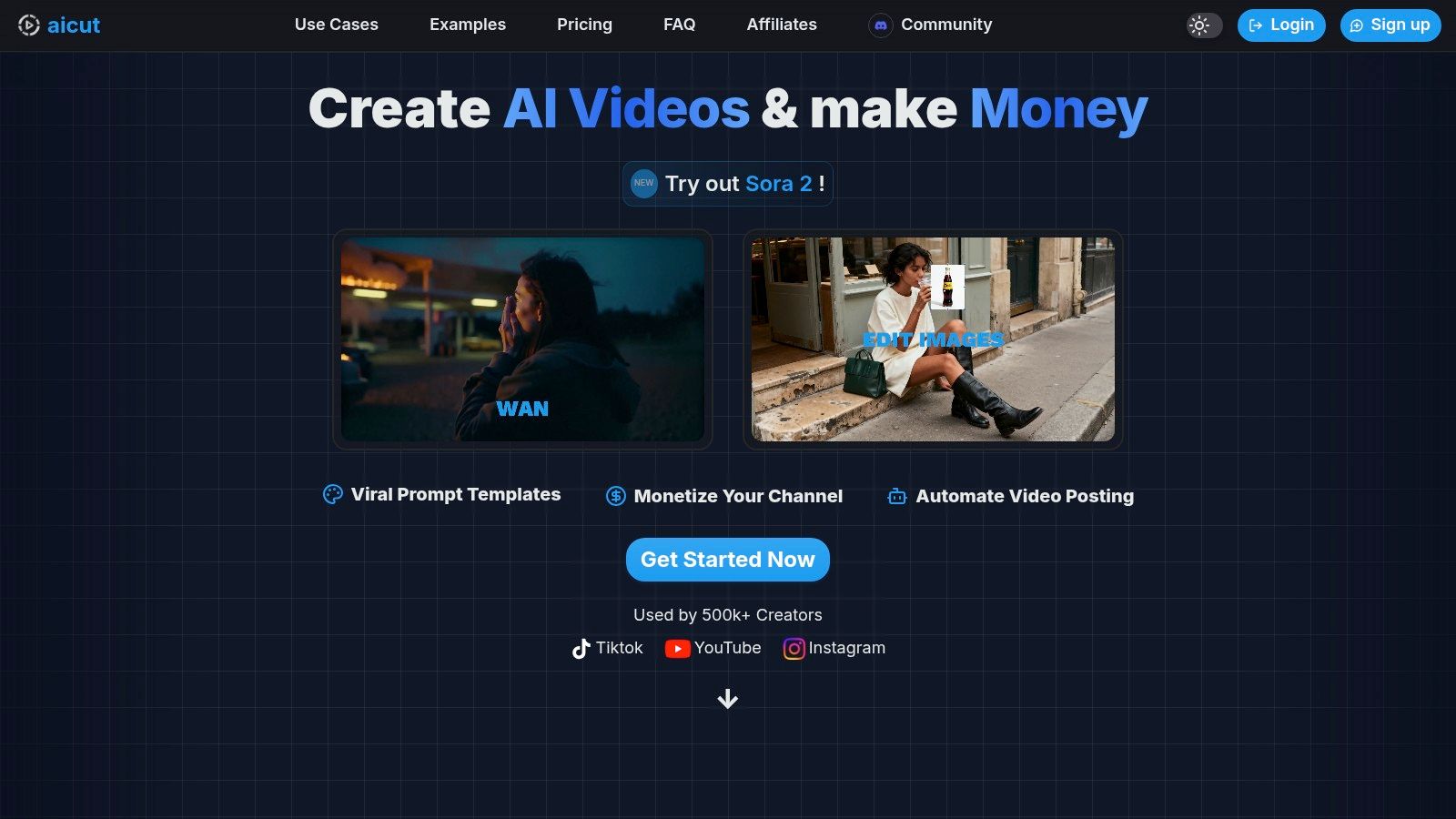
Aicut has established itself as one of the best AI tools for content creators aiming for rapid, scalable video production without the need for cameras, crews, or complex editing software. It’s an end-to-end platform designed specifically for the demands of high-volume social media channels, particularly faceless accounts on YouTube, TikTok, and Instagram. Where many tools focus on a single aspect of AI generation, Aicut integrates everything from photorealistic video models to automated posting, creating a complete workflow from idea to distribution.
This comprehensive approach allows creators to produce high-engagement formats in minutes. The platform excels at generating viral-style videos like POV/selfie clips, Reddit story narrations, and text-based stories that are proven to perform well on short-form video platforms.
Key Features and Use Cases
Aicut’s strength lies in its specialized templates and advanced AI models, including access to powerful engines like Sora 2 and Veo 3.1. This allows for the creation of content that was previously impossible without significant time and budget.
- Faceless Channel Automation: The core use case is building and scaling faceless channels. You can generate a consistent stream of content using its library of viral niche templates and schedule daily auto-posting to maintain a constant presence.
- AI-Generated UGC and Ads: Brands and agencies can produce authentic-looking user-generated content (UGC) product reviews and ad creatives at a fraction of the traditional cost. This is ideal for testing multiple ad variations quickly.
- Animated Avatars: An interesting feature is the ability to turn a static photo into an animated, talking character, providing a unique way to create a brand persona or narrator for your videos.
- Community and Support: Aicut fosters a large Discord community where users share trending prompts, success stories, and tutorials. This is an invaluable resource for beginners looking to replicate viral formats and accelerate their growth.
Pricing and Token System
Aicut uses a transparent, token-based system that allows users to understand the cost of each video generation. Plans are designed for different levels of usage.
- Creator Plan: Starts at $15.99/month, providing 360 video tokens annually. Ideal for solo creators or those just starting.
- Automate Plan: Starts at $39.99/month, offering 960 tokens annually plus automation features like daily auto-posting. Suited for serious creators, agencies, and brands.
Token costs vary by video complexity and length; for example, a 10-second Sora AI video might cost 1 token, while a 30-second AI POV clip could be 5 tokens. While this provides flexibility, heavy users may need to purchase token top-ups.
| Feature Highlights | Best For | Potential Drawbacks |
|---|---|---|
| End-to-end Automation | Scaling channels & agencies | Heavy use can get costly |
| Viral Video Templates | TikTok & YouTube Shorts | Requires human oversight for facts |
| AI UGC & Ad Creatives | E-commerce & Marketers | Platform rules on AI content vary |
| Community & Prompt Library | Beginners & Solo Creators | Token system requires management |
Website: https://www.aicut.pro
2. OpenAI - ChatGPT
As the undisputed pioneer in general-purpose AI, ChatGPT is an essential multi-tool for nearly every content creator. It excels as a starting point for almost any creative task, from brainstorming video concepts and drafting entire scripts to generating social media captions and crafting detailed SEO briefs. Its conversational interface makes it incredibly accessible, serving as a powerful creative partner.
What makes ChatGPT one of the best AI tools for content creators is its sheer versatility. The platform now integrates advanced models (like GPT-4-class), image generation with DALL-E, and data analysis all within a single chat window. This allows you to outline a blog post, create a featured image for it, and then draft a promotional tweet without ever leaving the app.
Key Features & Use Cases
- Content Ideation: Generate hundreds of topic ideas for your niche in seconds.
- Scriptwriting: Quickly draft outlines and full scripts for YouTube, TikTok, or Instagram Reels. For a detailed guide, you can learn how to use ChatGPT to write a video script.
- Copywriting: Produce compelling ad copy, email newsletters, and website content.
- Custom GPTs: Build specialized assistants trained on your specific brand voice or workflow needs.
Pricing & Drawbacks
ChatGPT offers a robust free tier, which is great for basic tasks. The paid "Plus" and "Team" plans, starting around $20/month per user, unlock the more powerful models, faster response times, and advanced features like DALL-E and data analysis. While the Pro tier can be a significant investment for solo creators, its all-in-one nature often justifies the cost by replacing multiple specialized tools. The main limitation is that its creative output, while strong, can sometimes feel generic without careful, detailed prompting.
3. Adobe — Firefly (and Creative Cloud AI)
For creators already invested in the Adobe ecosystem, Firefly is a game-changing suite of generative AI tools built directly into the apps they use every day. Rather than being a standalone product, its power lies in its deep integration within Photoshop, Illustrator, Adobe Express, and Premiere Pro. This makes it an indispensable asset for designers, photographers, and video editors looking to enhance their existing workflows, not replace them.
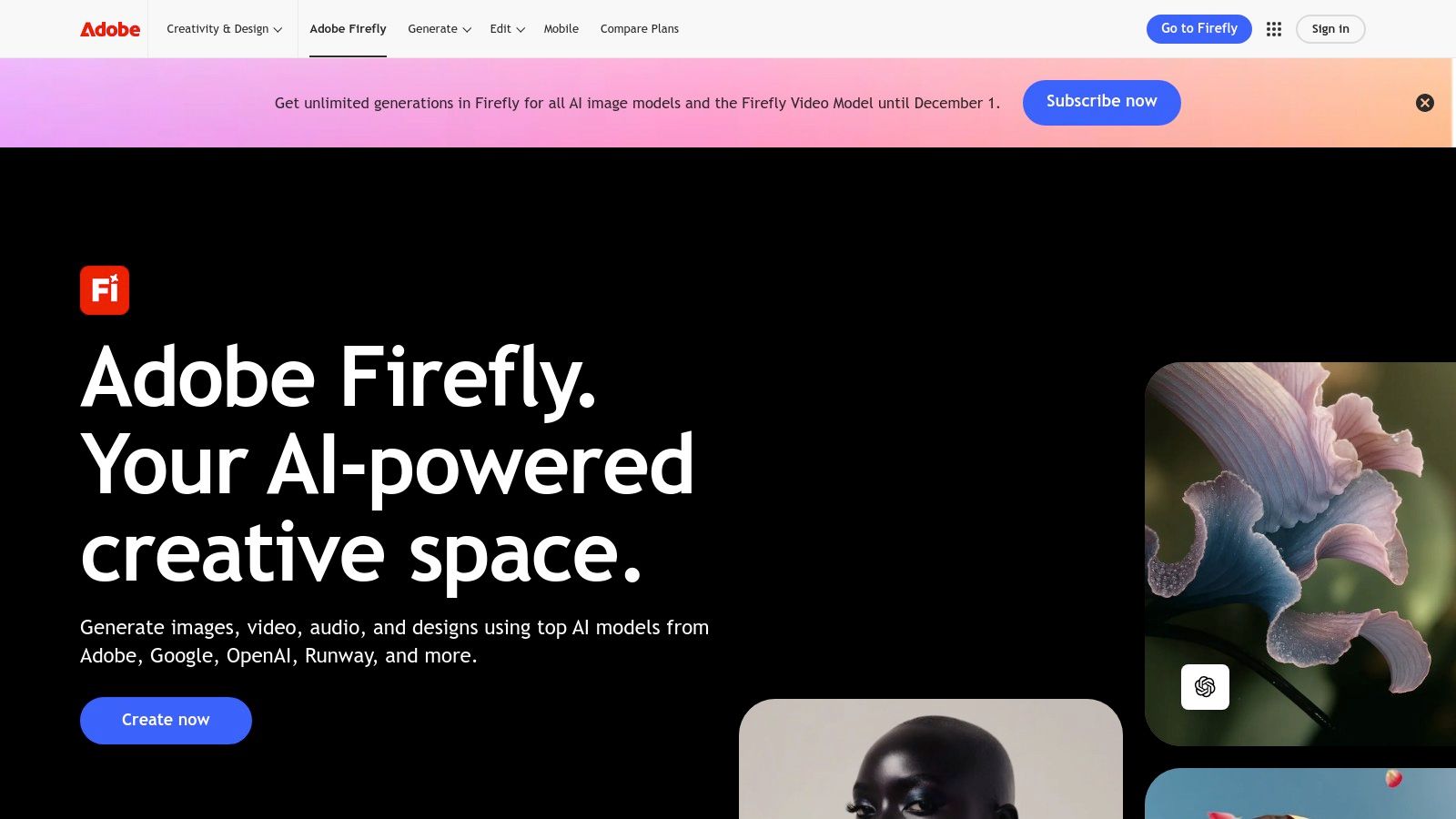
What solidifies Adobe Firefly as one of the best AI tools for content creators is its focus on commercial safety. The AI models are trained on Adobe Stock's library and public domain content, which means the assets you generate are designed to be commercially viable. This provides a level of legal confidence that is often missing from other image generation platforms, making it ideal for professional and brand work.
Key Features & Use Cases
- Generative Fill & Extend: Seamlessly add, remove, or expand elements in your images directly within Photoshop. Perfect for creating custom thumbnails or ad creatives.
- Text to Image: Generate high-quality, commercially-safe images from text prompts in Adobe Express or the Firefly web app.
- Text to Video & Audio Tools: Upcoming and beta features in Premiere Pro allow for generating b-roll, translating audio, and enhancing speech.
- Vector & Template Generation: Create editable vector graphics and text effects from simple prompts in Illustrator and Express.
Pricing & Drawbacks
Firefly operates on a "generative credits" system. A free plan is available with a monthly allotment of credits, while paid Creative Cloud plans (starting around $9.99/month for specific apps) include a larger number of credits. While the tight integration is a massive pro, the credit system can be confusing and adds complexity to budgeting for heavy users. Furthermore, recent price changes to the Creative Cloud suite have increased costs, which could be a barrier for some creators.
4. Canva — Magic Studio
Canva has evolved from a simple design tool into a comprehensive content creation suite, with its AI-powered Magic Studio at the forefront. It integrates generative AI features directly into its famously user-friendly editor, making it an indispensable tool for creators who need to produce high-quality social media graphics, presentations, and short-form videos quickly, without a steep learning curve. Its strength lies in combining design templates with powerful AI assistance.
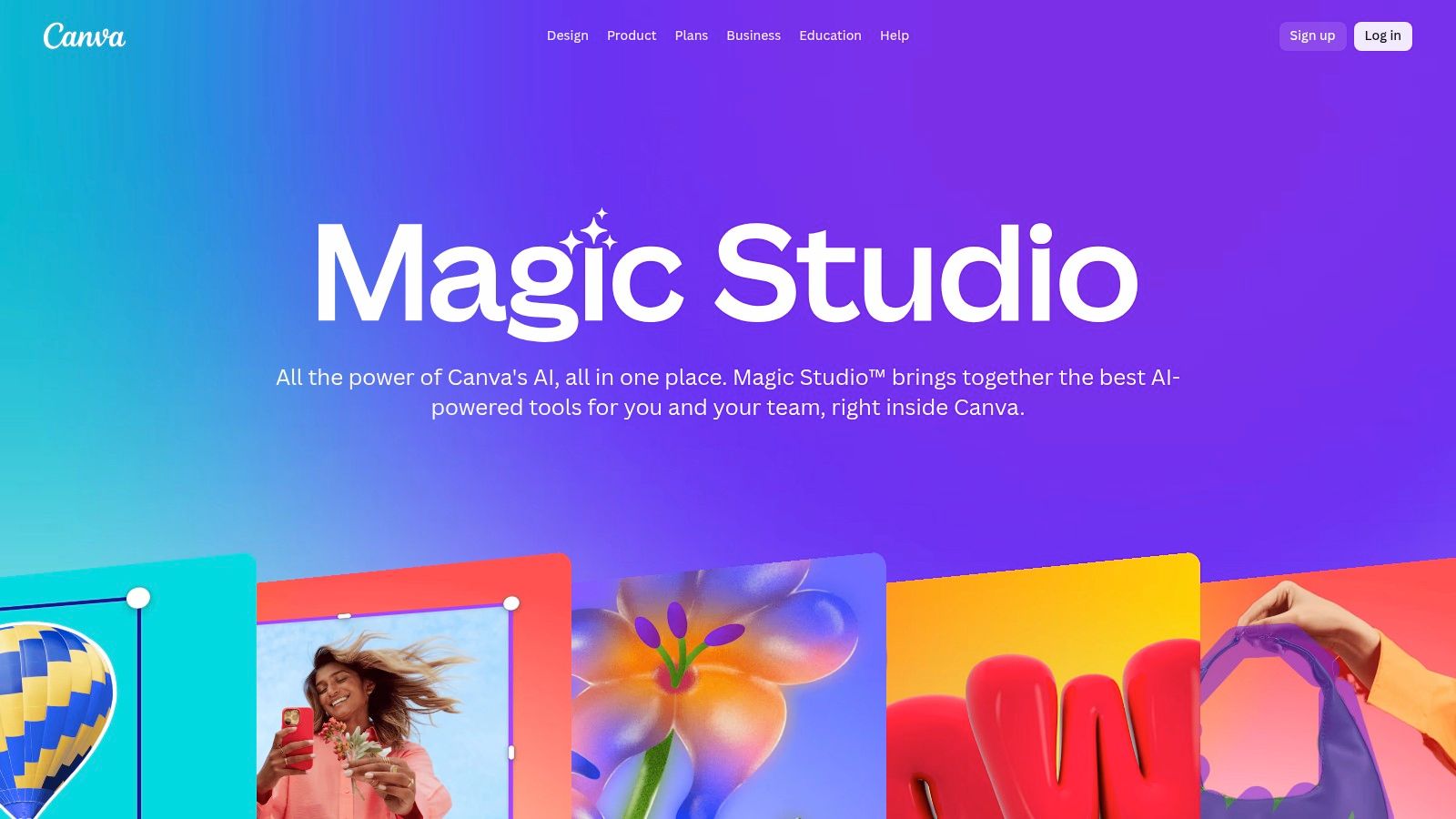
What makes Canva one of the best AI tools for content creators is its seamless end-to-end workflow. You can use Magic Write to draft social media copy, generate visuals with Magic Media, apply engaging effects with Magic Animate, and even schedule the final post to your channels, all within one platform. This unified approach eliminates the need to jump between multiple applications, streamlining the entire content creation process for individuals and teams.
Key Features & Use Cases
- Social Media Graphics: Instantly generate text, images, and even entire designs for Instagram posts, YouTube thumbnails, and more.
- Video Creation: Use AI to generate short video clips, add AI-powered voiceovers (AI Voice), and apply automatic animations to elements.
- Brand Consistency: Leverage team branding kits and AI tools to ensure all generated content aligns with your brand’s visual identity.
- Content Repurposing: Quickly resize designs for different platforms and use AI to summarize text or change the tone of existing copy.
Pricing & Drawbacks
Canva offers a generous free plan that includes some basic Magic Studio features. To unlock the full suite of powerful AI tools, you'll need a Pro plan (around $14.99/month) or a Teams plan, which is essential for collaborative workflows. The main drawback is that while the AI is incredibly convenient, it may not offer the same level of granular control or raw power as specialized, single-purpose AI tools. Some pricing changes for the Teams tier have also been a point of friction for users.
5. Runway — Gen‑3/Gen‑4 AI Video Suite
For creators at the cutting edge of generative video, Runway is a cinematic powerhouse. It stands out by providing access to some of the most advanced text-to-video and video-to-video models available, like Gen-3 Alpha. This makes it an indispensable tool for producing high-fidelity, conceptual video clips, animated storyboards, and surreal social media content that truly pushes creative boundaries.
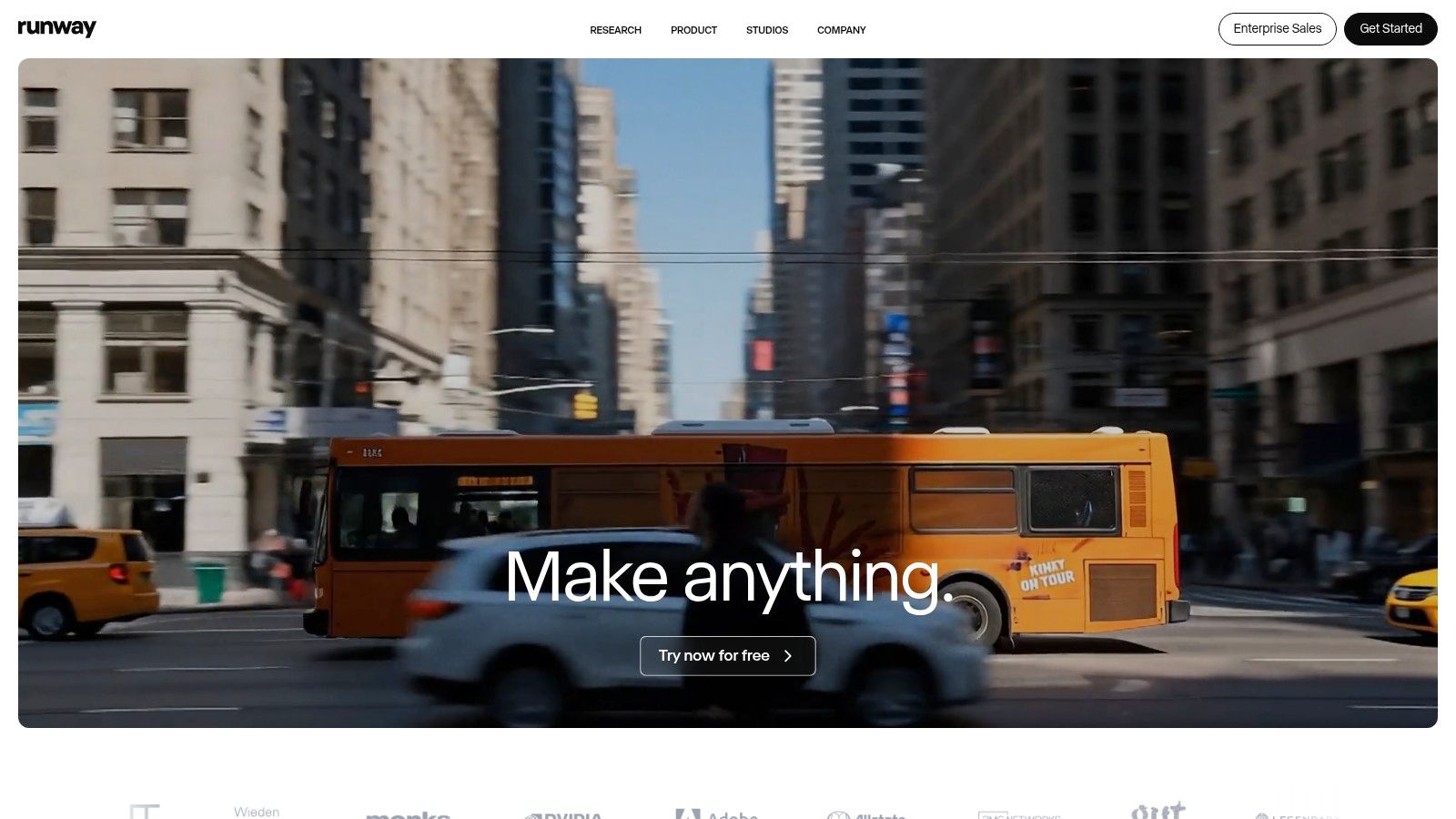
What makes Runway one of the best AI tools for content creators is its focus on quality and artistic control within its web-based editor. Unlike more basic generators, Runway offers a suite of tools that feel closer to a traditional video editing platform, allowing for more nuanced refinement of AI-generated footage. For a deeper dive into how it compares to others, check out this ultimate guide to AI video generators.
Key Features & Use Cases
- Text/Image-to-Video: Generate short, high-quality video clips from simple text prompts or static images using the powerful Gen-3 models.
- Video-to-Video: Transform existing video footage by applying a completely new style or theme, perfect for music videos and experimental films.
- Integrated Editing Suite: Fine-tune your creations with built-in tools like AI-powered green screen, motion tracking, and scene detection.
- Cinematic Effects: Apply advanced camera controls like motion brushes and camera movements to guide the AI's output with precision.
Pricing & Drawbacks
Runway operates on a credit-based system, with a limited free tier to test the platform. Paid plans start at around $12/month (billed annually) which provides a monthly allotment of credits. Each second of video generation consumes credits, and higher-quality outputs or advanced features use them faster. The main drawback is that the credit system and short clip-length limits can make producing longer videos expensive and complex. It's best suited for short-form, high-impact clips rather than full-length narrative projects.
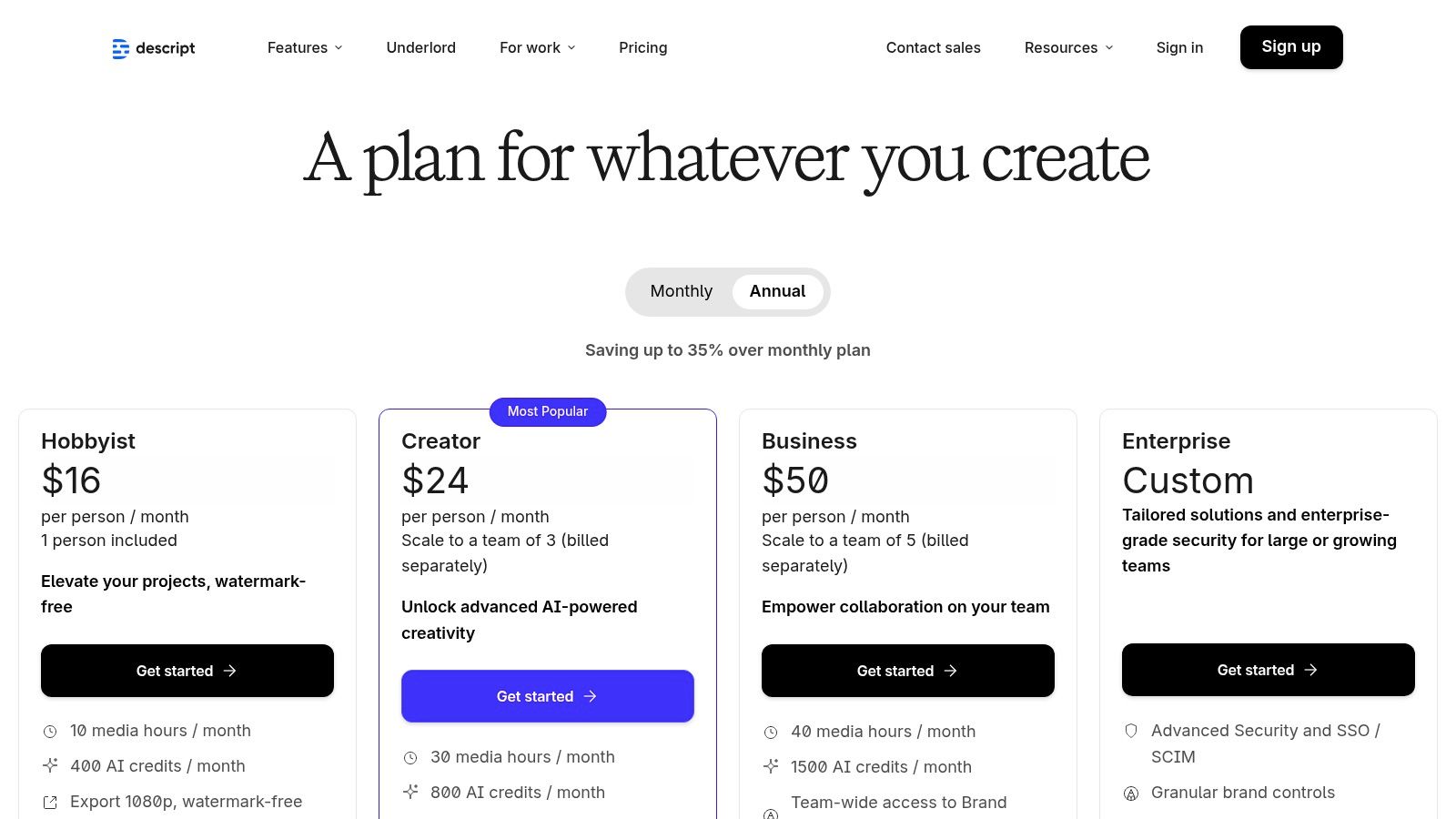
6. Descript — AI video/audio editor
Descript revolutionizes video and audio editing by turning your media into an editable text document. Instead of wrestling with complex timelines, you can edit your podcast or talking-head video simply by deleting words in the transcript. This intuitive approach dramatically lowers the barrier to entry for creators who find traditional editing software intimidating, making it a go-to for podcasters and educators.
What solidifies Descript's place as one of the best AI tools for content creators is its powerful suite of AI-driven features. The "Studio Sound" tool can make amateur recordings sound professionally mastered with a single click, while its filler word removal automatically cleans up "ums" and "ahs" from your audio. This text-based workflow is a game-changer for repurposing content, allowing you to quickly find and export compelling clips for social media.
Key Features & Use Cases
- Transcript-Based Editing: Edit video and audio by simply editing the text, making the process as easy as using a word processor.
- AI Audio Cleanup: Use Studio Sound to remove background noise and enhance voice quality, and automatically delete filler words.
- Overdub & Voice Cloning: Correct audio mistakes by typing new words or create a clone of your voice for future use.
- Fast Content Repurposing: Easily highlight parts of a transcript to create short, shareable clips for TikTok, Reels, or YouTube Shorts.
Pricing & Drawbacks
Descript offers a free plan with limited transcription hours and features. Paid plans, available at descript.com/pricing, start around $12/month per user and unlock more transcription hours, 4K video export, and advanced AI features. The primary drawback is that the monthly transcription and AI feature caps require careful management, and processing heavy, multi-track projects can be demanding on lower-end computers.
7. CapCut — AI social video editor
CapCut has become the go-to mobile-first editor for short-form video, largely because it packs powerful AI features into a simple, fast interface. It is specifically designed for creating content for TikTok, Instagram Reels, and YouTube Shorts, making it an indispensable tool for social media creators. Its strength lies in automating tedious editing tasks, allowing creators to produce high-quality, engaging videos in minutes directly from their phones.
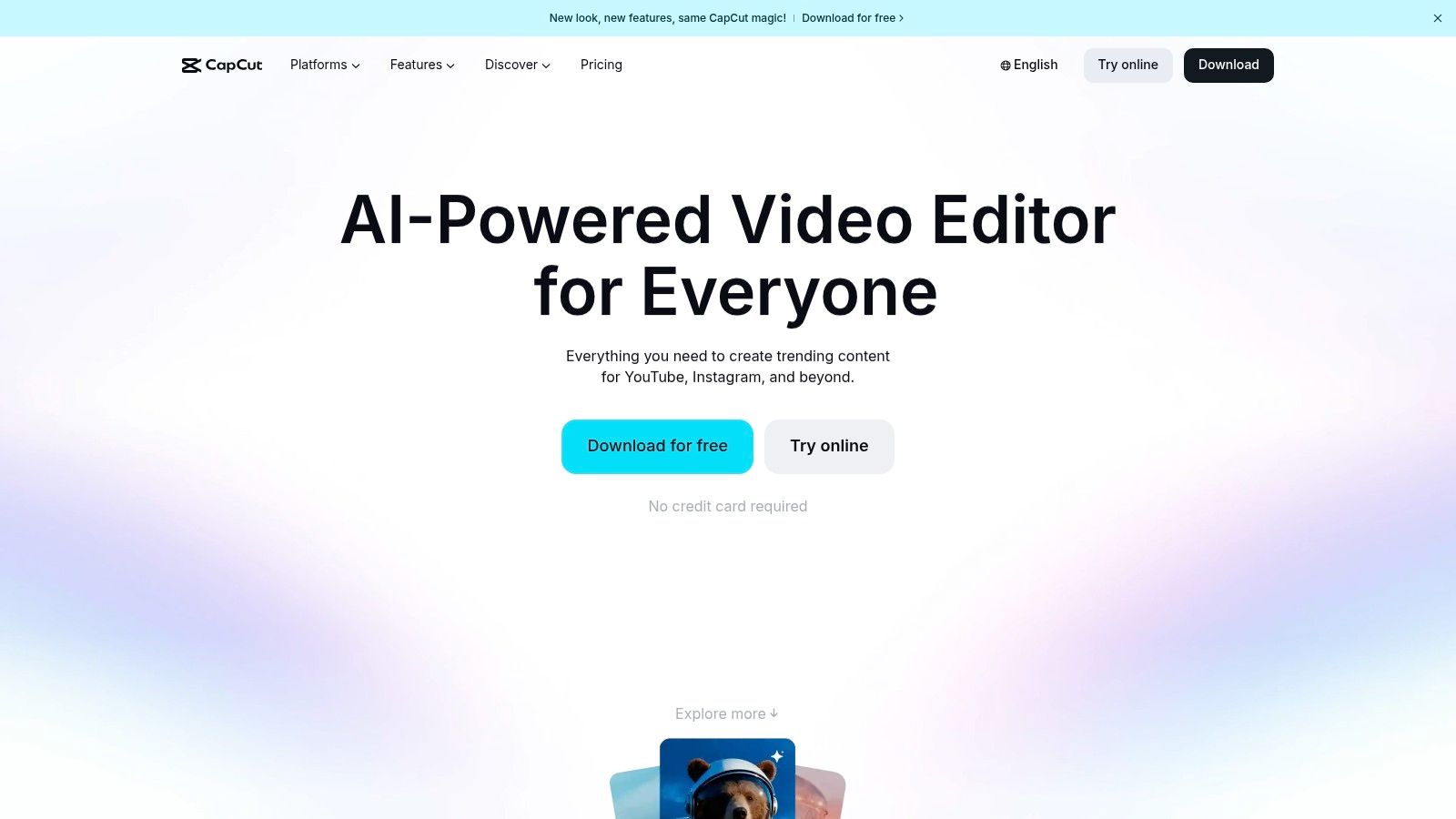
What solidifies CapCut's place among the best AI tools for content creators is its accessibility and robust free tier. Features like one-click background removal, automatic captions, and noise reduction were once reserved for complex desktop software but are now available to everyone. Its template library, which is constantly updated with trending styles and effects, further streamlines the creative process, enabling anyone to jump on a trend without starting from scratch.
Key Features & Use Cases
- AI Captioning: Automatically generate and style animated captions, a crucial feature for silent viewers on social media.
- Video & Image Upscaler: Enhance the quality of low-resolution footage or images directly within the editor.
- Background Removal: Instantly remove video backgrounds without a green screen for professional-looking product shots or vlogs.
- Templates & Effects: Use thousands of pre-built templates to quickly create videos with trending music and effects. While CapCut is a great starting point, exploring an alternative to CapCut can offer more advanced automation features.
Pricing & Drawbacks
CapCut offers a fantastic free version that covers most creators' needs. The Pro subscription, which unlocks more advanced effects, cloud storage, and AI features, typically costs around $7.99/month, though pricing can vary by region. The main drawbacks are its mobile-first design, which can feel limiting for complex, long-form projects, and some users have reported occasional inconsistencies with its billing and support systems.
8. Jasper — AI marketing copy and image suite
Jasper is a powerful, full-stack AI platform designed for marketing teams and creators who need to produce high-quality, on-brand content at scale. It moves beyond generic text generation by incorporating your specific brand voice, style guides, and product catalogs to ensure every piece of copy, from blog posts to social captions, is perfectly aligned with your business identity.
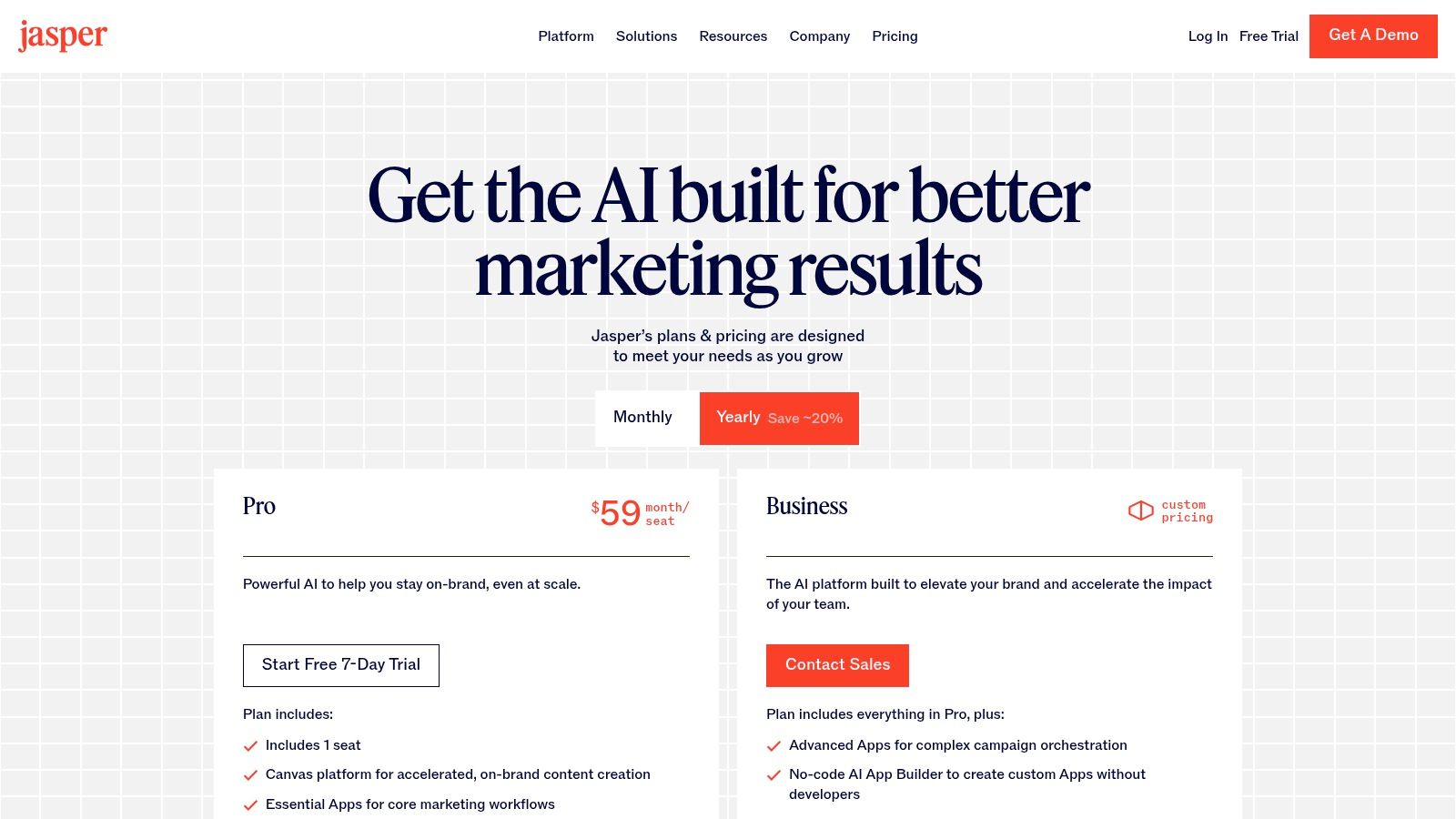
What makes Jasper one of the best AI tools for content creators operating a business is its emphasis on brand consistency. Unlike general-purpose tools, Jasper's "Brand Voice" and "Knowledge" features act as a central hub for your marketing assets, allowing it to create content that sounds uniquely like you. This makes it ideal for scaling content production without sacrificing brand integrity.
Key Features & Use Cases
- Brand Voice & Knowledge: Train Jasper on your company's style guides, product details, and successful marketing campaigns for consistently on-brand outputs.
- Campaign Workflows: Create comprehensive marketing campaigns, including ad copy, landing page text, and promotional emails from a single brief.
- Team Collaboration: Built for teams, it offers features for content review, project organization, and user management.
- Social Media Content: Quickly generate a month's worth of social media posts. While tools like Jasper excel at broad marketing copy, specialized platforms such as an AI Facebook Post Generator can streamline your social media efforts for specific platforms.
Pricing & Drawbacks
Jasper's pricing starts with a "Creator" plan at $49 per month for a single user, with "Pro" and "Business" tiers offering more advanced features and seats. This positions it as a premium tool compared to more generalist writers. The platform can be overkill for solo creators or those with simple needs, as its true value shines in a team or business context. The per-seat pricing model can also become expensive for larger organizations.
9. Notion — Notion AI
Notion has evolved from a powerful all-in-one workspace into a central hub for AI-assisted content planning and organization. For creators, its strength lies in embedding AI directly into the documents, databases, and calendars they already use to manage their entire workflow. It’s ideal for drafting content, summarizing research, and keeping editorial assets, scripts, and team collaboration within a single, interconnected system.
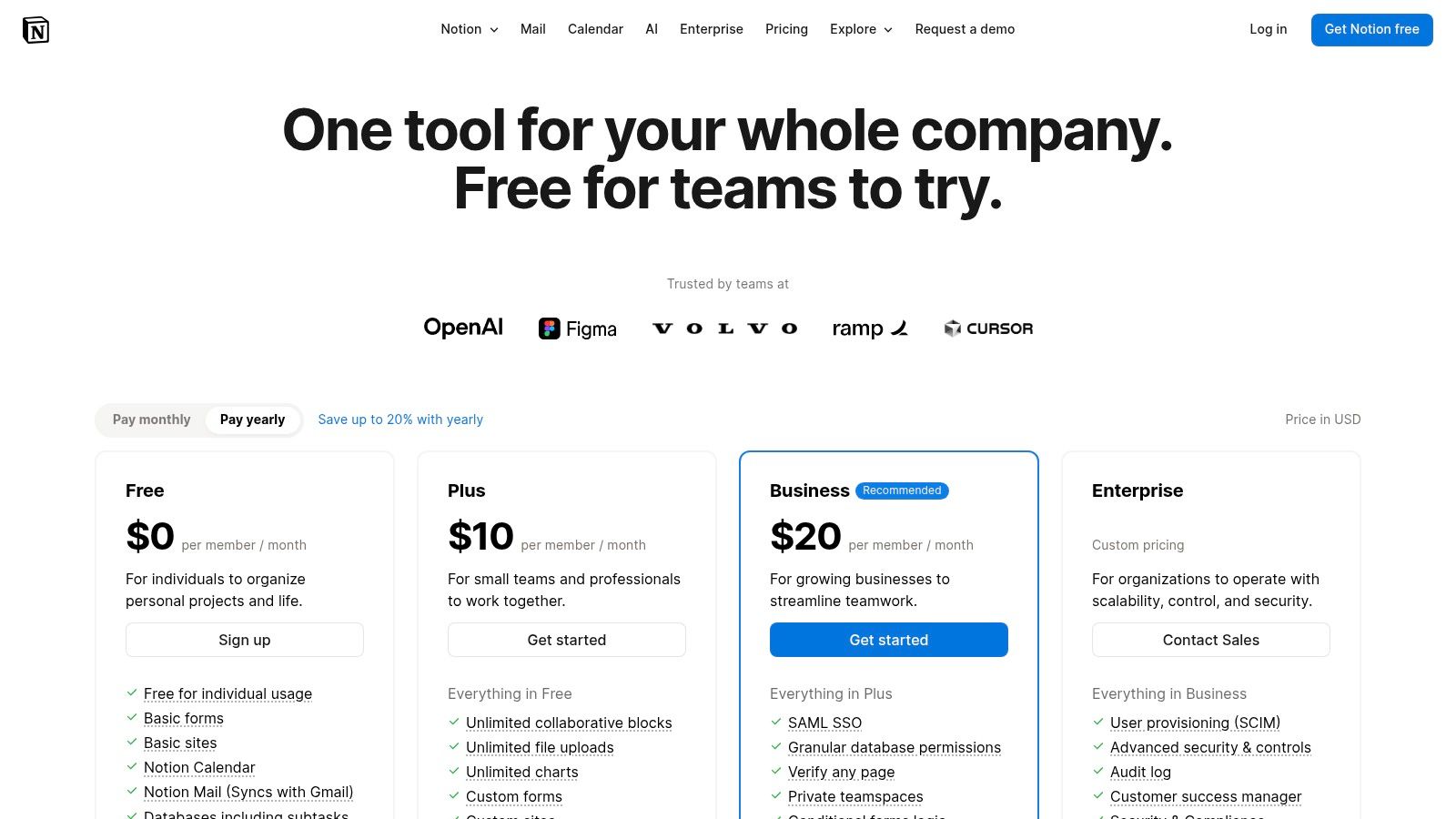
What makes Notion AI one of the best AI tools for content creators is its seamless integration. You can highlight meeting notes and instantly generate a list of action items, ask the AI to autofill a content calendar based on a specific theme, or draft a blog post directly within its final document. This contextual awareness keeps ideation, briefs, and production checklists in one unified place, eliminating the need to constantly switch between apps.
Key Features & Use Cases
- Content Planning: Use AI to generate ideas and automatically populate your content calendar database.
- Drafting & Editing: Write first drafts of scripts, blog posts, or social media updates directly within a Notion page and use AI to refine the tone or translate it.
- Workflow Automation: Create SOPs and checklists for video production and have AI summarize progress or next steps for your team.
- Centralized Knowledge Base: Build a "second brain" for your brand, allowing team members to ask the AI questions about your specific content pillars or style guides.
Pricing & Drawbacks
Notion offers a free plan for individuals, with the Notion AI add-on available for around $8-10 per member/month across all paid tiers (Plus, Business, Enterprise). This makes it an affordable addition to an existing workspace. The main drawback is that some advanced AI features, like Agents and zero-data-retention, are exclusive to the Enterprise plan. Additionally, heavily customized workspaces can become cluttered and require strong organizational habits to remain effective and manageable.
10. ElevenLabs — AI voice, dubbing, and audio tools
For creators producing podcasts, video essays, or faceless YouTube content, ElevenLabs is the industry-leading platform for generating hyper-realistic AI voices. It moves beyond robotic text-to-speech by infusing its audio with natural intonation, emotion, and pacing, making it nearly indistinguishable from human narration. The platform’s ability to clone voices from just a few minutes of audio also opens up incredible creative possibilities.
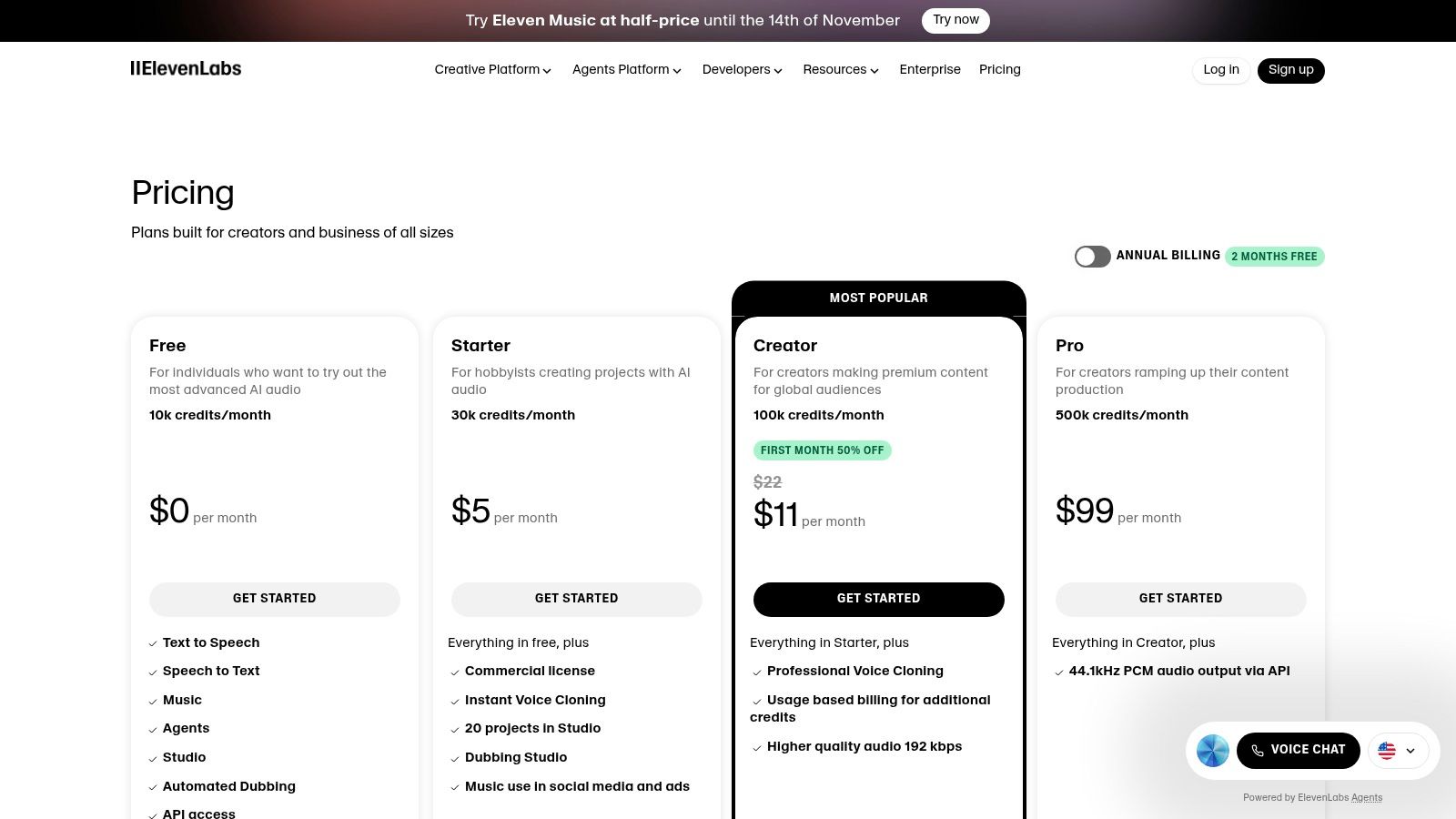
What truly sets ElevenLabs apart as one of the best AI tools for content creators is the sheer quality and emotional range of its synthetic voices. From energetic narrators for social media clips to calm, authoritative tones for documentary-style videos, the platform provides a voice for every need. Its Dubbing Studio feature further streamlines workflows, allowing creators to translate and re-voice their content for global audiences in just a few clicks.
Key Features & Use Cases
- Video Voiceovers: Generate high-quality narration for YouTube videos, tutorials, and social media content without using your own voice.
- Voice Cloning: Create a digital replica of your own voice for consistent audio production or generate unique voices for characters.
- Audiobook & Podcast Creation: Convert written scripts into engaging audiobooks or produce entire podcast episodes with multiple AI speakers.
- Multilingual Dubbing: Automatically translate and dub video content into dozens of languages to reach a wider, international audience.
Pricing & Drawbacks
ElevenLabs offers a free tier with limited characters and features, perfect for testing. Paid plans start as low as $5/month, scaling up with usage-based character credits. This flexibility is great, but the credit system can be confusing at first, and commercial rights for cloned voices are tied to higher-tier plans. While the voices are exceptionally realistic, achieving the perfect emotional delivery may require tweaking the text and settings.
11. Midjourney — AI image (and early video) generation
Midjourney is the undisputed leader for creators who prioritize aesthetic quality and artistic style in their AI-generated visuals. Operating primarily through Discord, it has cultivated a unique community and a powerful "prompt culture" where users share and refine their inputs to create stunning images. This makes it an invaluable tool for generating unique YouTube thumbnails, conceptual art for a brand, or striking hero images for blog posts.
What truly sets Midjourney apart is its opinionated and highly stylized output. Unlike competitors that aim for photorealism by default, Midjourney images often have a distinct, artistic flair. This focus on aesthetics makes it one of the best AI tools for content creators looking to establish a strong visual identity. Its recent introduction of an early-stage video generator also hints at a future where it can produce short, dreamlike clips to complement its still imagery.
Key Features & Use Cases
- High-End Image Generation: Create top-tier visuals for thumbnails, website assets, social media posts, and concept art.
- Style and Character Control: Maintain consistent styles and characters across multiple images for cohesive storytelling.
- Community-Driven Workflow: Leverage the Discord community to learn advanced prompting techniques and get inspiration.
- Early Video Generation: Experiment with creating short, atmospheric video clips from simple text prompts.
Pricing & Drawbacks
Midjourney no longer offers a free trial, with paid plans starting at around $10/month. Higher-tier plans (Pro and Mega) provide more "fast" GPU hours, relaxed generation modes, and a "stealth mode" to keep your creations private. The primary drawback is its Discord-based interface, which can have a learning curve for new users. Additionally, the new video generation feature consumes significantly more GPU time than images, making it a costly feature to use extensively.
12. G2 - Category pages for AI content tools (comparison/reviews)
While not an AI tool itself, G2 is an indispensable resource for navigating the rapidly expanding market of AI software. This massive software marketplace provides ranked category pages and verified user reviews, allowing you to compare options like AI video generators, writing assistants, and complete content suites. It’s the perfect platform for validating vendor claims and discovering powerful alternatives before committing to a subscription.
What makes G2 one of the best research platforms for creators is its reliance on real user feedback. Instead of just marketing copy, you get direct insights into the pros and cons from people who use these tools daily. The comparison grids and detailed filters help you quickly identify the market leaders and uncover niche solutions that might be a better fit for your specific workflow.
Key Features & Use Cases
- Category Research: Use pages like "AI Video Generators" or "AI Writing Assistants" to see top-ranked tools at a glance.
- Competitor Analysis: Quickly compare features, pricing models, and user satisfaction scores between two or more platforms.
- Validation: Read verified reviews to understand the real-world strengths and weaknesses of a tool you’re considering.
- Discovery: Find emerging or specialized AI tools that may not have the marketing budget of larger players but offer unique value.
Pricing & Drawbacks
Using G2 for research is completely free. The main drawback is that sponsored placements and G2’s seasonal "Grid" reports can sometimes bias visibility, giving preferential treatment to paying vendors. Additionally, feature and pricing information on G2 can occasionally lag behind the official vendor websites, so it's always best to cross-reference details before making a final decision.
Top 12 AI Tools for Content Creators — Feature & Use-Case Comparison
| Product | Core Capabilities | Quality / UX (★) | Price & Value (💰) | Target Audience & USP (👥 / ✨) |
|---|---|---|---|---|
| Aicut 🏆 | Photorealistic AI video (Sora2, Veo3.1, Kling); POV/selfie, text-story, Reddit narration; photo→animated characters; upscaling & scheduling | ★★★★☆ — template-driven, fast workflows | 💰 Token-based transparency; Creator $15.99/mo, Automate $39.99/mo; tokens included | 👥 Creators, brands, agencies • ✨ End-to-end automation, viral niche templates, Discord tutorials |
| OpenAI — ChatGPT | Script ideation, custom GPTs, voice/video modes, research tools | ★★★★★ — versatile, powerful models | 💰 Free tier + Pro/Enterprise paid plans | 👥 Writers, creators, teams • ✨ Custom GPTs, multi‑modal workspace |
| Adobe — Firefly | Text→image/video, Generative Fill, audio/video creative tools | ★★★★☆ — production‑grade, CC integration | 💰 Credit system & Creative Cloud pricing | 👥 Designers, studios • ✨ Tight Creative Cloud integration & commercial-safe outputs |
| Canva — Magic Studio | AI image/video, Magic Write, templates, planner & brand tools | ★★★★☆ — extremely easy for non‑designers | 💰 Free + Pro/Business tiers (some features paywalled) | 👥 Marketers, small teams, creators • ✨ End‑to‑end social workflow & brand controls |
| Runway — Gen‑3/4 | Text/image/video→video models, integrated editor, upscaling, exports | ★★★★☆ — strong motion models & editor UX | 💰 Credit/per‑second pricing; plan-dependent exports | 👥 Filmmakers, creators, students • ✨ High-quality motion models, 4K exports |
| Descript — AI editor | Transcript-based editing, overdub/voice clone, Studio Sound | ★★★★☆ — fast for non‑editors, repurposing | 💰 Tiered plans with media hour caps | 👥 Podcasters, talking‑head creators • ✨ Text-based video/audio editing & voice cloning |
| CapCut — AI editor | Mobile AI captioning, bg removal, upscaling, templates | ★★★★☆ — mobile-first, quick exports | 💰 Strong free tier; some paid features | 👥 Short-form creators • ✨ Free templates, cross-device projects |
| Jasper — Marketing AI | Marketing copy, brand voices, templates, API & workflow tools | ★★★★☆ — enterprise-grade brand control | 💰 Per-seat pricing; Business tiers | 👥 Marketing teams, agencies • ✨ Brand Voices & governance |
| Notion — Notion AI | AI drafting, agents, databases, calendars, SOPs | ★★★★☆ — planning + collaboration hub | 💰 Included in tiers; Enterprise features | 👥 Teams, agencies, planners • ✨ Single source for ideation, briefs & workflows |
| ElevenLabs — Voice | High-quality TTS, voice cloning, dubbing studio, API | ★★★★★ — natural, expressive voices | 💰 Usage-based billing; Creator→Enterprise tiers | 👥 Narrators, podcasters, studios • ✨ Industry-leading voice realism & dubbing |
| Midjourney — Image/early video | Text→image, style controls, upscaling, short-video beta | ★★★★☆ — top-tier aesthetics, Discord UX | 💰 Subscription plans (no official free tier) | 👥 Designers, thumbnail artists • ✨ Strong stylistic output & vibrant prompt community |
| G2 — Reviews & comparisons | Category rankings, verified reviews, comparison grids | ★★★★☆ — useful market snapshots | 💰 Free marketplace; sponsored placements possible | 👥 Buyers, researchers • ✨ Aggregated user reviews & vendor comparisons |
Choosing Your AI Stack: The Smart Creator's Next Move
Navigating the landscape of the best AI tools for content creators can feel overwhelming. We've explored a powerful lineup, from Aicut's unparalleled video automation for faceless channels to the creative firepower of Adobe Firefly and Runway's generative video. The single most important takeaway is this: you don't need to master every tool. The goal is not to become an AI expert, but to become a more efficient, creative, and impactful creator.
The true power of AI lies in its ability to augment your skills, not replace them. It's about building a personalized "AI stack" a curated set of tools that directly addresses your biggest production bottlenecks. Think of it as assembling your own digital production crew. Your writer might be ChatGPT or Jasper, your voiceover artist could be ElevenLabs, and your video editor and animator could be Aicut. This approach frees you from tedious tasks, allowing you to focus on the high-level strategy and creative direction that only you can provide.
Building Your Starter AI Stack
The most effective way to start is by identifying your single biggest pain point. Don't try to integrate five new tools at once. Instead, pick one area and find the best solution from this list.
- If video editing consumes your life: Start with Descript for its text-based editing or CapCut for its trend-driven social features. For those aiming to scale faceless channels or produce ads at volume, Aicut is the logical first step, automating the entire process.
- If writing is your bottleneck: Make ChatGPT or Notion AI your daily partner. Use it for scripting, brainstorming social media captions, or structuring your content calendar. It’s the ultimate creative assistant.
- If creating stunning visuals is the challenge: Dive into Midjourney for unique, high-concept art or leverage Canva's Magic Studio for fast, template-based designs. These tools can elevate your brand's visual identity instantly.
Key Considerations for Implementation
As you begin to integrate these platforms, keep a few critical factors in mind. First, consider the learning curve. Tools like Canva and CapCut are incredibly intuitive, while Runway and Midjourney may require more experimentation. Second, think about your budget. Many of these tools offer free or freemium tiers, allowing you to test their capabilities before committing to a paid plan.
Finally, focus on integration. How well does your chosen tool fit into your existing workflow? The best AI stack is a seamless one, where assets from one tool (like a voiceover from ElevenLabs) can be easily used in another (like a video project in Aicut). As you expand your toolkit, you may find that exploring even more specialized options becomes necessary. When considering your own AI stack, you might find it beneficial to explore additional AI tools for content creators beyond those highlighted here.
The era of the solo creator competing with entire production studios is no longer a future concept; it's happening right now. The tools on this list are the great equalizers, democratizing high-quality content production for everyone. Your unique voice and creative vision remain the most important part of the equation. These AI tools are simply the most powerful paintbrush you've ever been handed. The only question left is, what will you create with it?
Ready to put your content creation on autopilot? If you're building a faceless YouTube channel, creating viral UGC ads, or scaling your video output, Aicut is your all-in-one solution. Stop spending hours editing and start creating at the speed of AI by visiting Aicut to see how it can transform your workflow.