
In a world dominated by crisp 4K displays, using low-resolution footage can instantly make your content look unprofessional and untrustworthy. Grainy, pixelated video undermines your message, whether you're a faceless creator repurposing old clips for TikTok, a social media manager sharpening ad creatives, or a freelance editor restoring archival footage. The right tool can transform that blurry source material into sharp, high-definition content that grabs attention and holds it. But with dozens of options available, from complex desktop applications to simple web-based platforms, how do you choose the best video upscaling software for your specific needs?
This guide cuts through the noise. We have tested, benchmarked, and ranked the top solutions, focusing on real-world performance, unique features, and practical use cases for every type of creator. To truly appreciate the value of upscaling, it helps to understand the underlying issues it addresses, such as learning how to diagnose issues like low resolution in visuals. Our analysis goes beyond marketing claims to deliver an honest assessment of what each tool can realistically achieve.
We will explore which software is best for specific tasks, how they handle different types of footage (from AI-generated scenes to real-world recordings), and what you need to consider before committing. Each review includes direct links and sample outputs to help you compare results. By the end of this list, you will know exactly which software fits your workflow, budget, and creative goals, enabling you to deliver stunning, high-quality video every time.
1. Aicut: AI Video Generation & Upscaling Suite
Aicut secures its top position not merely as a video upscaling tool, but as a comprehensive, end-to-end AI video creation suite. While many platforms focus solely on enhancing existing footage, Aicut integrates a powerful upscaling feature into a complete automated workflow designed for high-volume content creators, particularly those managing faceless channels on TikTok, YouTube, and Instagram. This holistic approach makes it the best video upscaling software for users who need to produce professional-quality content from scratch without expensive equipment or complex editing.
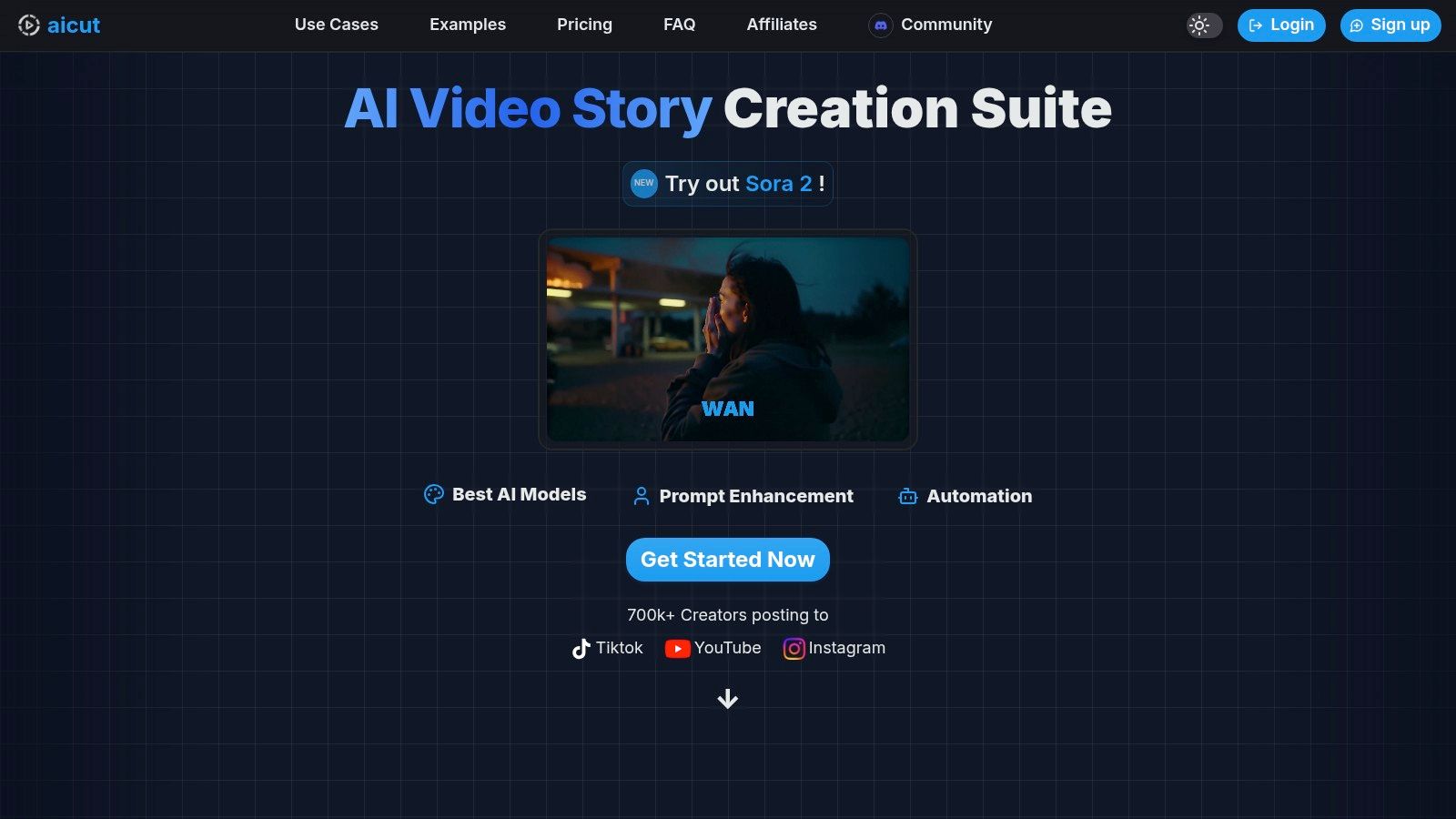
The platform’s standout feature is its ability to upscale not just user-uploaded clips but also its own AI-generated visuals. Leveraging advanced models like Sora 2 and Veo 3.1, Aicut produces photorealistic clips, animated characters, and UGC-style AI avatar videos that can then be enhanced to crystal-clear resolution, ensuring a polished final product ready for any platform.
Key Strengths & Use Cases
What truly sets Aicut apart is its workflow efficiency. Creators can go from a simple idea or script to a fully polished, upscaled, and scheduled video in minutes. This makes it invaluable for social media managers, e-commerce brands creating ad creatives, and solo creators aiming for consistent daily output to maximize their chances of going viral.
For example, a brand can use Aicut to generate a UGC-style product review with an AI avatar, upscale the footage to 4K for a premium feel, and auto-post it to their social channels without ever leaving the platform. This seamless integration of generation, enhancement, and distribution is a significant advantage over single-function upscalers. For a broader look at how such platforms fit into a modern workflow, you can explore the best AI content creation tools for a complete perspective on today's creative landscape.
- Pros: True end-to-end automation (scripting to posting), high-quality generative models, versatile formats (POV, text stories), and integrated upscaling.
- Cons: Token-based pricing can be complex for high-volume users, and AI-generated content may require manual review for brand alignment.
- Best For: Faceless content creators, social media marketers, and brands needing to produce high-quality short-form video content at scale.
- Website: Aicut.pro
2. Topaz Labs — Topaz Video
Topaz Video is a professional-grade desktop application renowned for its powerful AI models that excel at restoring and upscaling challenging footage. Unlike purely cloud-based tools, it processes video locally on your computer, offering greater privacy and control over your files. This makes it a go-to choice for serious creators working with archival clips, compressed user-generated content, or older standard-definition video that needs a new life in 4K or even 8K.
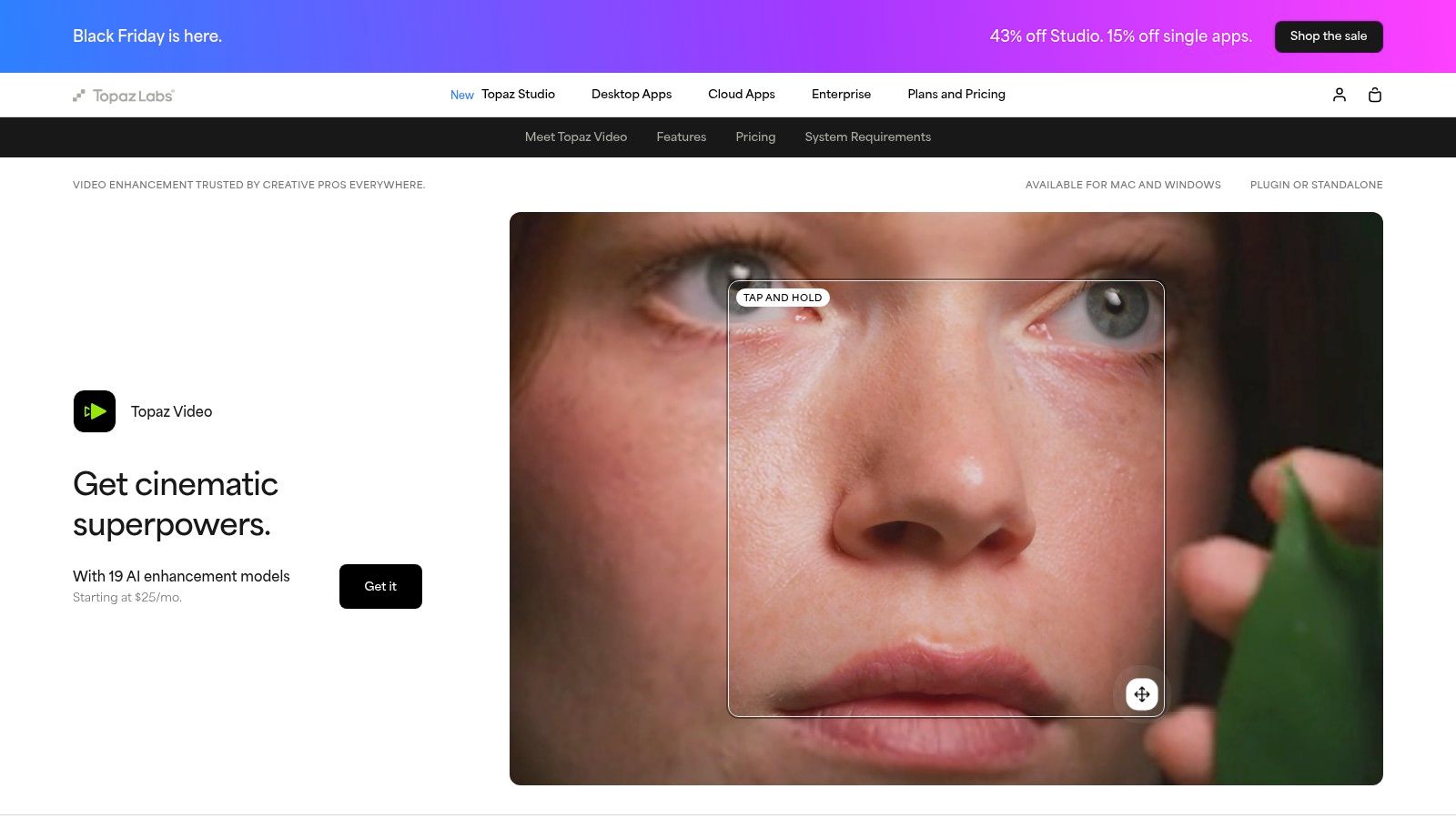
The software stands out with its specialized AI models for different tasks. It has dedicated models for upscaling, denoising, deinterlacing, and motion interpolation (creating smooth slow-motion effects). This granular control allows you to tailor the enhancement process precisely to your source material, a feature highly valued in professional post-production workflows.
Key Features & Ideal Use Cases
- Best For: Restoring old family videos, upscaling low-resolution stock footage for ads, and enhancing compressed video for professional projects.
- Pro-Grade Codec Support: Works with professional formats like ProRes and DNxHR, integrating seamlessly into post-production pipelines with plugins for DaVinci Resolve and Adobe After Effects.
- Local Processing: Ensures your footage remains private and secure on your own hardware, though it requires a powerful GPU for reasonable processing times.
- Specialized Models: Features the Chronos and Aion models for high-quality frame interpolation and slow-motion creation, adding significant creative flexibility.
Pricing and Access
Topaz Video has moved to a subscription-based model. A one-year plan provides access to the software and all updates. After the year, you can continue using the last version you downloaded indefinitely or renew to keep receiving new AI model updates and features.
| Feature | Topaz Video |
|---|---|
| Primary Use | Professional restoration and upscaling |
| Processing | Local (PC/Mac) with optional cloud credits |
| Pricing Model | Annual Subscription |
| Unique Feature | Specialized AI models for targeted enhancements |
| Website | Visit Topaz Labs |
Its ability to breathe new life into difficult source material makes it a powerhouse tool. For those interested in how this type of technology fits into broader AI-driven content creation, you can explore more on AI upscaling techniques and their applications.
3. Blackmagic Design — DaVinci Resolve Studio
DaVinci Resolve Studio is not just an upscaler; it's a complete professional post-production suite for editing, color grading, visual effects, and audio. Its upscaling feature, "Super Scale," is integrated directly into the workflow, allowing editors and colorists to enhance clips on the timeline without leaving the application. This makes it an incredibly efficient choice for creators who need a powerful, all-in-one solution rather than a standalone upscaling tool.
The real power comes from the DaVinci Neural Engine, which drives the AI-powered Super Scale feature. This allows for intelligent image processing that goes beyond simple resizing, analyzing the footage to create sharper, more detailed results. Because it's part of a widely used industry-standard NLE, the community support and learning resources are extensive, making it accessible even for those new to professional software.
Key Features & Ideal Use Cases
- Best For: Video editors, colorists, and content agencies needing an integrated upscaling solution within a professional post-production environment.
- Integrated Workflow: Upscale footage directly on the editing or color timeline, streamlining the enhancement process for ads, social media content, and client projects.
- DaVinci Neural Engine: The Studio version unlocks AI-driven tools, including an advanced Super Scale algorithm for higher-quality results on 2x, 3x, and 4x enlargements.
- Exceptional Value: A one-time purchase provides a perpetual license to a full suite of professional video tools, making it one of the best long-term investments in creative software.
Pricing and Access
DaVinci Resolve Studio is available for a one-time fee, which grants a perpetual license and includes all future updates. This model stands in stark contrast to the subscription-based pricing of many competitors. It's crucial to purchase the software directly from Blackmagic Design or authorized resellers, as the App Store versions can have limitations.
| Feature | DaVinci Resolve Studio |
|---|---|
| Primary Use | Integrated upscaling within a full NLE suite |
| Processing | Local (PC/Mac/Linux) |
| Pricing Model | One-Time Purchase |
| Unique Feature | All-in-one editing, color, VFX, and audio tools |
| Website | Visit Blackmagic Design |
For creators focused on maximizing footage quality, understanding how these tools fit into a broader strategy is key. You can explore a deeper dive into how an AI video quality enhancer works and its benefits for your content.
4. B&H Photo Video
While not a software developer itself, B&H Photo Video is a crucial resource for professionals seeking the best video upscaling software like DaVinci Resolve Studio. As a major authorized retailer, B&H offers a reliable channel to purchase physical activation cards or USB dongles for top-tier editing suites. This is ideal for users who prefer tangible ownership over digital downloads, need to manage licenses across multiple offline machines, or want to consolidate software and hardware purchases from a single, trusted vendor with excellent US-based support.

The platform stands out by providing an alternative to direct-from-vendor digital purchases. For video professionals building out a new editing bay, B&H allows them to bundle a Resolve Studio license with a new GPU, monitor, and other essential gear in one transaction, often with financing options. Their frequent promotions and hardware bundles can also present cost-saving opportunities that are unavailable when buying software directly.
Key Features & Ideal Use Cases
- Best For: Video professionals and editors wanting a physical activation key for DaVinci Resolve Studio, or those looking to bundle software with hardware purchases.
- Physical License Options: Sells both official activation cards and USB eLicenser dongles, providing flexible license management for studios and freelancers.
- Fast US Shipping & Support: Offers reliable, quick delivery within the United States and is known for its knowledgeable pro-video customer service team.
- Bundles and Promotions: Frequently runs sales or packages high-end software with compatible hardware, offering significant value for system builders.
Pricing and Access
Pricing for software like DaVinci Resolve Studio is set by the developer, but B&H occasionally offers promotional discounts. Availability of physical stock can fluctuate, so checking the site for current inventory is recommended. They provide standard retail purchasing with various payment and financing options.
| Feature | B&H Photo Video |
|---|---|
| Primary Use | Authorized retail of pro-video software and hardware |
| Processing | N/A (Retailer) |
| Pricing Model | One-Time Purchase (for software licenses) |
| Unique Feature | Physical license cards and hardware bundling options |
| Website | Visit B&H Photo Video |
For creators who value physical media and the streamlined logistics of a one-stop shop, B&H is an indispensable part of the professional video ecosystem. It ensures secure and fast access to essential tools needed for high-quality video enhancement.
5. Adorama
Adorama serves as a trusted and authorized U.S. dealer for DaVinci Resolve Studio, a leading software in professional video editing and upscaling. While not software itself, Adorama is a crucial access point for creators who prefer purchasing physical activation cards or USB dongles over direct digital downloads. It provides a reliable retail experience, often with added benefits like financing, customer rewards, and protection plans on purchases, making it a strategic choice for acquiring this top-tier video upscaling software.
This platform is ideal for U.S.-based professionals and studios who value the security of a physical license key or need to manage software activation across multiple machines without internet dependency. Adorama’s long-standing reputation in the creative hardware industry ensures reliable customer support and straightforward logistics, including competitive shipping and simple returns, which can be a significant advantage over buying directly from a software developer.
Key Features & Ideal Use Cases
- Best For: Video editors and studios in the U.S. purchasing DaVinci Resolve Studio who want a physical license and the benefits of a major retailer.
- Physical License Options: Sells both the DaVinci Resolve Studio activation card and the USB eLicenser dongle, offering flexibility for different workflow needs.
- Retailer Benefits: Provides access to financing options, customer reward points, and optional protection plans that aren't available when buying direct.
- Trusted U.S. Dealer: As an authorized reseller, Adorama guarantees genuine software licenses and provides dedicated customer support for purchasing and shipping inquiries.
Pricing and Access
Adorama sells DaVinci Resolve Studio for a one-time fee, which grants a perpetual license. Prices for the activation card and dongle can sometimes be slightly higher than Blackmagic Design's direct price, but periodic promotions can offer competitive value. The main advantage lies in the alternative purchasing and ownership experience.
| Feature | Adorama |
|---|---|
| Primary Use | Retailer for DaVinci Resolve Studio physical licenses (card/dongle) |
| Processing | N/A (Retail platform) |
| Pricing Model | One-time purchase of third-party software |
| Unique Feature | Offers financing, rewards, and protection plans for software purchase |
| Website | Visit Adorama |
By providing a reliable retail channel with added benefits, Adorama makes acquiring one of the best video upscaling software solutions more accessible and secure for a specific segment of creative professionals.
6. Adobe — After Effects
Adobe After Effects is a powerful motion graphics and visual effects application that includes a robust upscaling tool right within the Creative Cloud ecosystem. While not a dedicated AI upscaler, its Detail-Preserving Upscale effect offers a high-quality, native solution for creators already working within the Adobe suite. It's the ideal choice when your upscaling needs are part of a larger compositing, animation, or post-production project, ensuring a seamless workflow with Premiere Pro.
The primary advantage of using After Effects is its integration. You can upscale clips without ever leaving your project environment, apply color grades, add graphics, and send the final composition back to Premiere Pro with a few clicks. The tool itself provides precise control over noise reduction and detail enhancement, allowing you to fine-tune the upscale to match your footage and creative intent.
Key Features & Ideal Use Cases
- Best For: Editors and creators already using Adobe Creative Cloud for motion graphics, visual effects, and ad creatives.
- Tight Integration: Unmatched workflow synergy with Adobe Premiere Pro, Photoshop, and Frame.io, making it perfect for complex project pipelines.
- Detail-Preserving Upscale: A native effect that intelligently scales footage while protecting important details and minimizing artifacts.
- Versatile Toolset: Goes beyond simple upscaling, providing access to industry-standard tools for compositing, color correction, and animation in one place.
Pricing and Access
Access to After Effects is available through an Adobe Creative Cloud subscription. You can subscribe to After Effects as a single app or get it as part of the complete Creative Cloud "All Apps" plan, which includes over 20 creative applications.
| Feature | Adobe After Effects |
|---|---|
| Primary Use | Integrated upscaling within a VFX workflow |
| Processing | Local (PC/Mac) |
| Pricing Model | Monthly or Annual Subscription |
| Unique Feature | Seamless integration with the Adobe Creative Cloud |
| Website | Visit Adobe After Effects |
While it may not outperform specialized AI tools on severely damaged footage, its convenience and power make it a top-tier choice for professionals who need the best video upscaling software built into their existing workflow.
7. NVIDIA — RTX Video Super Resolution (VSR) in the NVIDIA App
NVIDIA's RTX Video Super Resolution (VSR) is a unique, free feature available to GeForce RTX GPU owners that enhances video in real-time during playback. Instead of creating a new, upscaled file, it uses AI to sharpen and remove compression artifacts from videos as you watch them in supported web browsers like Chrome or Edge and in video players like VLC. This makes it an ideal solution for improving the viewing experience of streaming content or local video files without any rendering time.
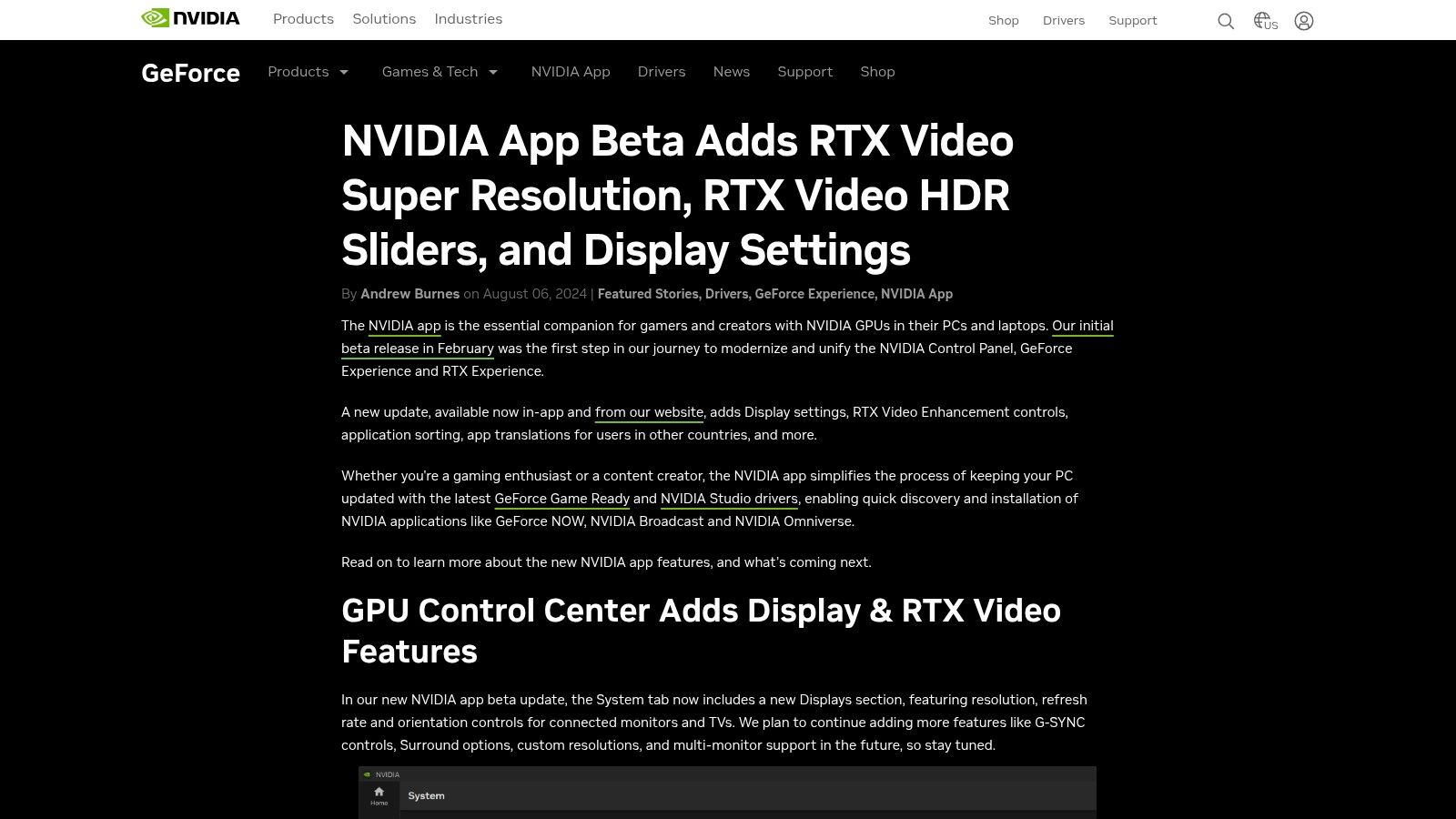
The primary distinction of VSR is that it is not a production tool; it is a playback enhancer. It's designed for consumers who want to make their 1080p Netflix stream look crisper on a 4K monitor, not for creators needing to produce an upscaled video file for a project. The feature is easily enabled within the NVIDIA App, offering several quality levels that allow you to balance visual improvement with GPU performance.
Key Features & Ideal Use Cases
- Best For: Improving the visual quality of streaming video, watching old local video files, and enhancing low-resolution user-generated content during playback.
- Real-Time Enhancement: Applies upscaling and artifact reduction instantly as the video plays, requiring no pre-processing or file conversion.
- Hardware-Based: Leverages the Tensor Cores in NVIDIA RTX GPUs for efficient AI processing with minimal performance impact on your system.
- Simple Controls: Easily toggle VSR on or off and adjust quality levels from within the user-friendly NVIDIA App control panel.
Pricing and Access
RTX Video Super Resolution is completely free for owners of NVIDIA GeForce RTX 20-series GPUs or newer. Access requires installing the NVIDIA App and enabling the feature in the graphics settings. It is not a standalone piece of software and depends entirely on having compatible hardware and drivers.
| Feature | NVIDIA RTX Video Super Resolution |
|---|---|
| Primary Use | Real-time video playback enhancement |
| Processing | Local (NVIDIA RTX GPU required) |
| Pricing Model | Free (with purchase of a compatible RTX GPU) |
| Unique Feature | On-the-fly upscaling for browsers and players |
| Website | Visit NVIDIA |
While not a direct competitor to file-based upscalers, VSR is a powerful tool for anyone who consumes a lot of video content and owns the necessary hardware. It represents a different application of AI video enhancement focused on the end-user viewing experience.
8. AVCLabs — Video Enhancer AI
AVCLabs Video Enhancer AI is a straightforward desktop application for Windows and macOS that focuses on core AI enhancement tasks. It is designed to be accessible, offering a clean interface for upscaling video to 4K/8K, denoising, and deinterlacing old footage. The software also includes a dedicated face refinement model, making it a solid choice for improving interviews or user-generated content where human subjects are the main focus.
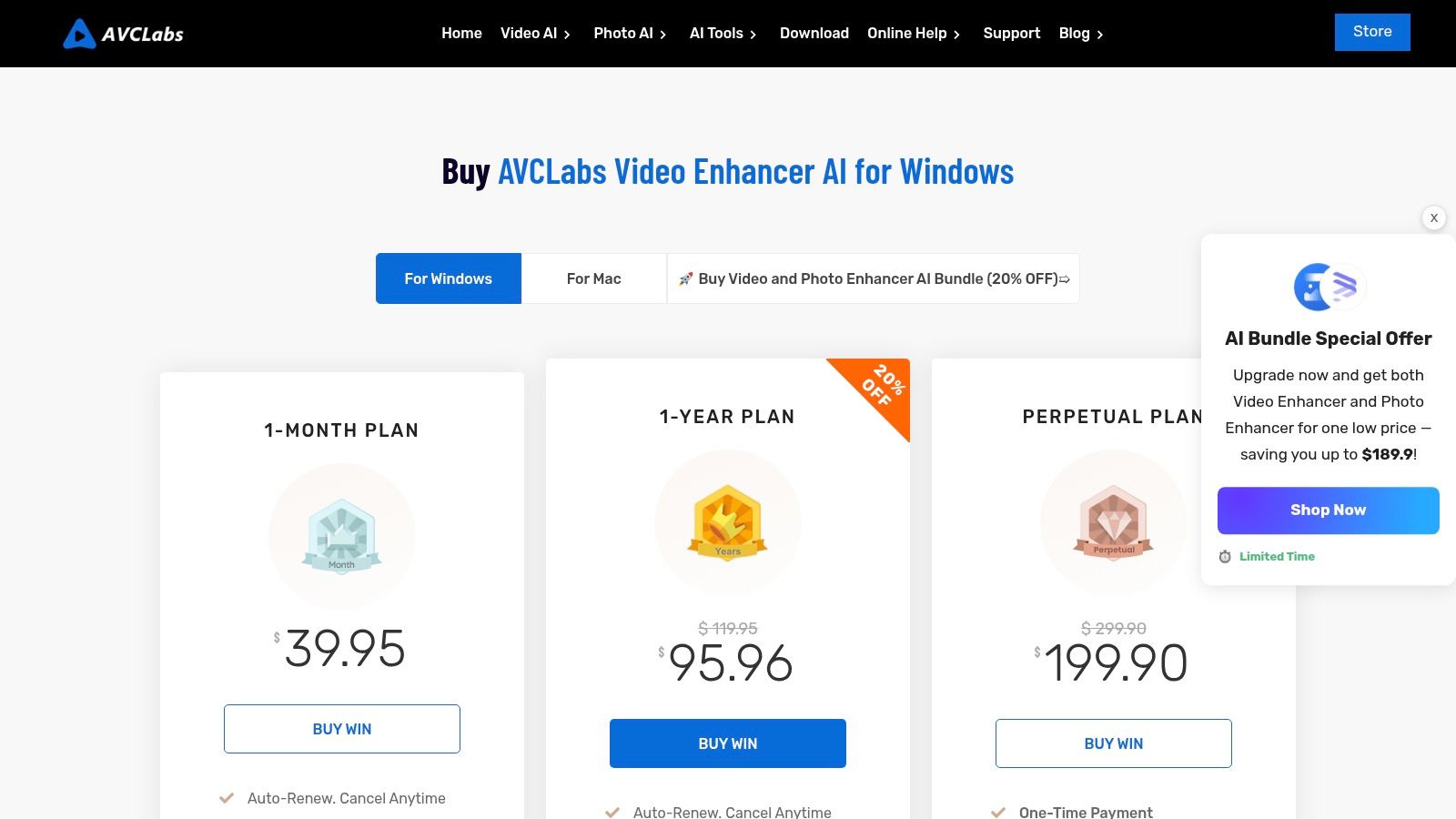
What sets AVCLabs apart is its flexible and cost-effective licensing. Unlike many competitors that have shifted to subscription-only models, AVCLabs offers monthly, yearly, and a perpetual license. This one-time purchase option is appealing for users who prefer to own their software outright without recurring fees, making it one of the best video upscaling software choices for budget-conscious creators.
Key Features & Ideal Use Cases
- Best For: Solo creators, social media managers, and small businesses needing an easy-to-use tool for upscaling marketing videos or enhancing archival clips.
- Face Refinement: The AI can specifically detect and enhance facial details, which is highly useful for improving the quality of talking-head videos or old family footage.
- Batch Processing: Users can queue up multiple videos for enhancement, streamlining the workflow for those processing large volumes of content.
- Flexible Licensing: The option to buy a perpetual license provides long-term value and avoids the commitment of a recurring subscription.
Pricing and Access
AVCLabs provides multiple purchasing options to suit different user needs. You can choose from a monthly or yearly subscription, or opt for a one-time perpetual license that includes free updates for the purchased version. The company claims to offer 24/7 support for its customers.
| Feature | AVCLabs Video Enhancer AI |
|---|---|
| Primary Use | General-purpose upscaling with face enhancement |
| Processing | Local (PC/Mac) |
| Pricing Model | Subscription or Perpetual License |
| Unique Feature | Cost-effective perpetual license option |
| Website | Visit AVCLabs |
Its simple interface and powerful enhancement models make it an excellent tool for those new to AI video enhancement. You can learn more about how to integrate such tools into your workflow by exploring AI video upscaling techniques for modern content creation.
9. DVDFab / UniFab — UniFab Video Upscaler AI
DVDFab's UniFab suite positions itself as a comprehensive video toolkit where upscaling is one of several available enhancement modules. The UniFab Video Upscaler AI is designed for users who want a single ecosystem for multiple video tasks, from increasing resolution up to 4x to denoising, stabilizing, and even converting standard footage to HDR. This modular approach allows you to purchase only the tools you need or opt for an all-in-one package.
The primary appeal for many creators is the availability of lifetime licenses, a significant draw for those looking to avoid recurring subscription costs. By offering various modules under one roof, UniFab aims to be a versatile solution for content managers and solo creators who handle diverse video processing needs. However, the quality and speed can differ between tasks, so using the free trial is highly recommended to ensure it meets your specific project requirements.
Key Features & Ideal Use Cases
- Best For: Solo creators and agencies needing a multi-purpose tool with a one-time purchase option for various video enhancements.
- Modular System: Purchase the upscaler, denoiser, or other tools individually or as a complete bundle, providing financial flexibility.
- Lifetime Licensing: A key differentiator for users who prefer to own their software outright rather than pay for a subscription.
- Integrated Enhancements: Combine upscaling with other fixes like stabilization and noise reduction within the same software environment.
Pricing and Access
UniFab's pricing is based on its modular system. You can buy individual modules like the Video Upscaler AI with monthly, annual, or lifetime licenses. Alternatively, an All-In-One bundle provides access to all tools with the same flexible licensing options, making it a cost-effective choice for heavy users.
| Feature | DVDFab / UniFab |
|---|---|
| Primary Use | Modular AI video enhancement and upscaling |
| Processing | Local (PC/Mac) |
| Pricing Model | Subscription or Lifetime License |
| Unique Feature | Buy individual modules or an all-in-one suite |
| Website | Visit DVDFab |
10. Pixop
Pixop is a fully cloud-based professional remastering and upscaling service designed for those who need to process large volumes of footage without investing in expensive local hardware. It runs entirely in a web browser, leveraging powerful AWS infrastructure to handle everything from upscaling and denoising to deinterlacing and encoding. This makes it an excellent solution for organizations with extensive video archives or creators needing a scalable, pay-as-you-go option.

The platform’s key differentiator is its transparent, metered pricing model. Instead of a fixed subscription, users pay per gigapixel processed, ensuring costs are directly tied to usage. This approach is highly efficient for both one-off projects and large-scale catalog remastering, as you only pay for the computational resources you actually consume.
Key Features & Ideal Use Cases
- Best For: Broadcasters digitizing large archives, content agencies managing client footage, and creators who need powerful processing without owning a dedicated GPU.
- Scalable Cloud Processing: Handles massive jobs without requiring any local hardware maintenance or upgrades, making it ideal for teams and enterprise-level projects.
- No Hardware Dependency: Since all processing is done in the cloud, you can use Pixop from any computer with a browser, regardless of its processing power.
- Transparent Cost Model: The pay-as-you-go system, with available volume discounts, provides a clear and predictable cost structure for video enhancement tasks.
Pricing and Access
Pixop operates on a pay-as-you-use basis, billing per gigapixel of video processed. This includes all processing, encoding, and storage handled within the service. While this eliminates upfront software costs, users should be mindful that ongoing storage and download fees apply in addition to the primary processing charges.
| Feature | Pixop |
|---|---|
| Primary Use | Cloud-based archive remastering and upscaling |
| Processing | Cloud-based (Browser) |
| Pricing Model | Pay-as-you-go (per gigapixel) |
| Unique Feature | Scalable processing with no hardware required |
| Website | Visit Pixop |
Its cloud-native approach makes Pixop a uniquely flexible and powerful piece of video upscaling software for users who prioritize scalability and a usage-based cost model over local processing.
11. VideoProc Converter AI (Digiarty)
VideoProc Converter AI is a versatile desktop tool that bundles an AI-powered video upscaler with a comprehensive suite of video management features. Marketed as an all-in-one solution, it combines upscaling, stabilization, conversion, compression, and screen recording into a single, user-friendly package. Its main appeal lies in its accessibility and broad utility, making it a strong contender for users who need more than just upscaling.
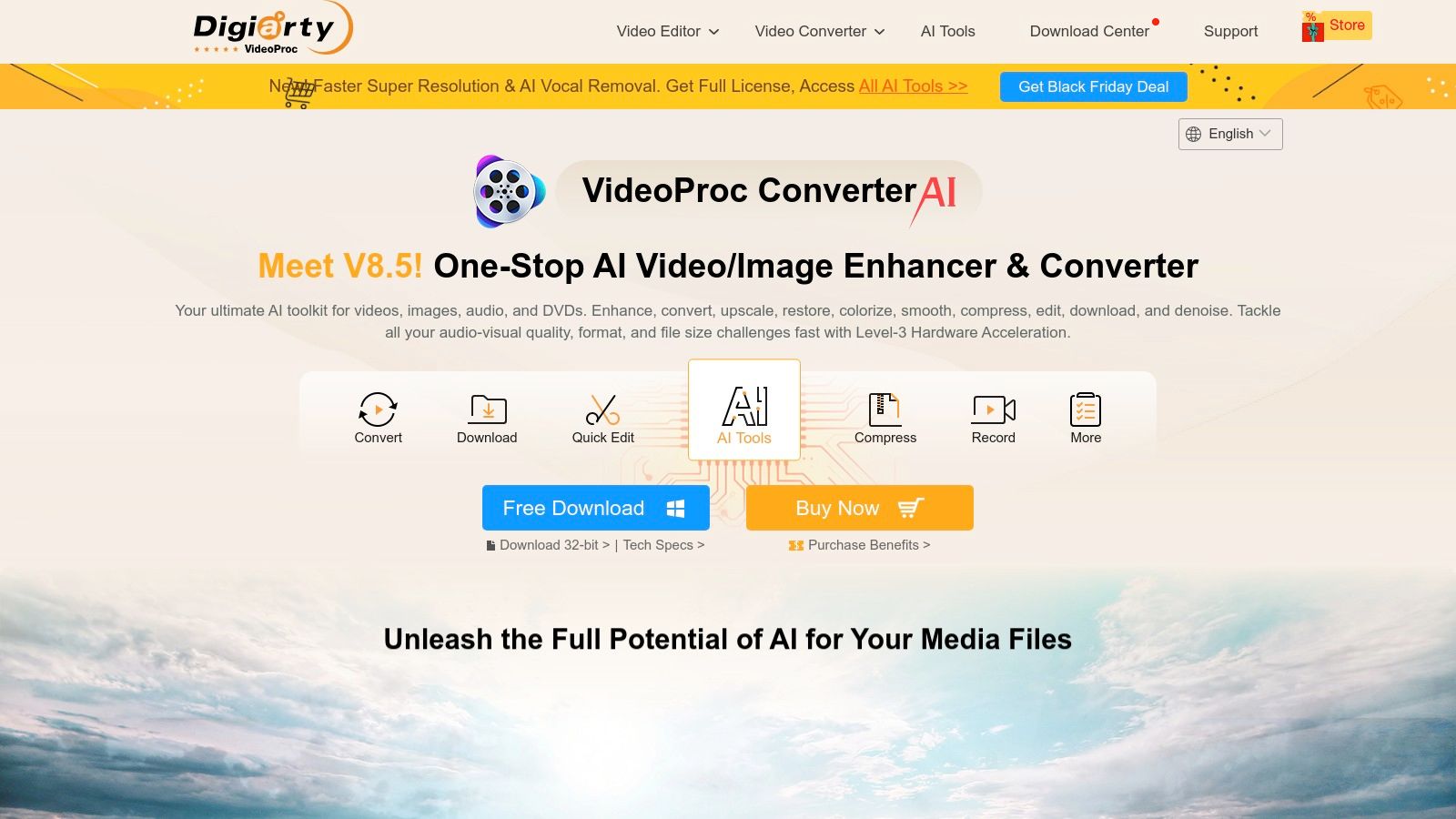
The software leverages full GPU acceleration to speed up processing, which is a significant advantage when handling large files or 4K conversions. Unlike specialized, single-function tools, VideoProc aims to be a Swiss Army knife for everyday video tasks, from preparing social media clips to archiving personal media collections. This makes it a practical choice for creators who value convenience and a wide feature set.
Key Features & Ideal Use Cases
- Best For: Content creators needing an affordable all-in-one tool for upscaling, converting, and basic editing for social media.
- Broad Format Support: Handles over 370 input and 420 output codecs, ensuring compatibility with nearly any video file you might encounter.
- Utility Tools Included: Comes equipped with a video downloader, converter, compressor, and screen recorder, adding significant value beyond its AI features.
- AI-Powered Stabilization: In addition to upscaling, its AI can stabilize shaky footage, making it useful for improving clips from action cameras or smartphones.
Pricing and Access
VideoProc Converter AI is often available with a lifetime license, frequently offered at a promotional price. This one-time purchase model is a major draw for users who prefer to avoid recurring subscriptions. A free trial is available, which is highly recommended to test if the upscaling quality meets your specific needs before committing.
| Feature | VideoProc Converter AI |
|---|---|
| Primary Use | All-in-one video conversion and AI enhancement |
| Processing | Local (PC/Mac) |
| Pricing Model | One-Time Purchase (Lifetime License) |
| Unique Feature | Bundles upscaling with conversion and utilities |
| Website | Visit VideoProc |
While its AI upscaling may not match the granular control of dedicated professional software on extremely challenging footage, its combination of features and affordability makes it an excellent value proposition. It stands out as one of the best video upscaling software options for users seeking a multi-functional and cost-effective solution.
12. Video2X (Open-source) — GitHub
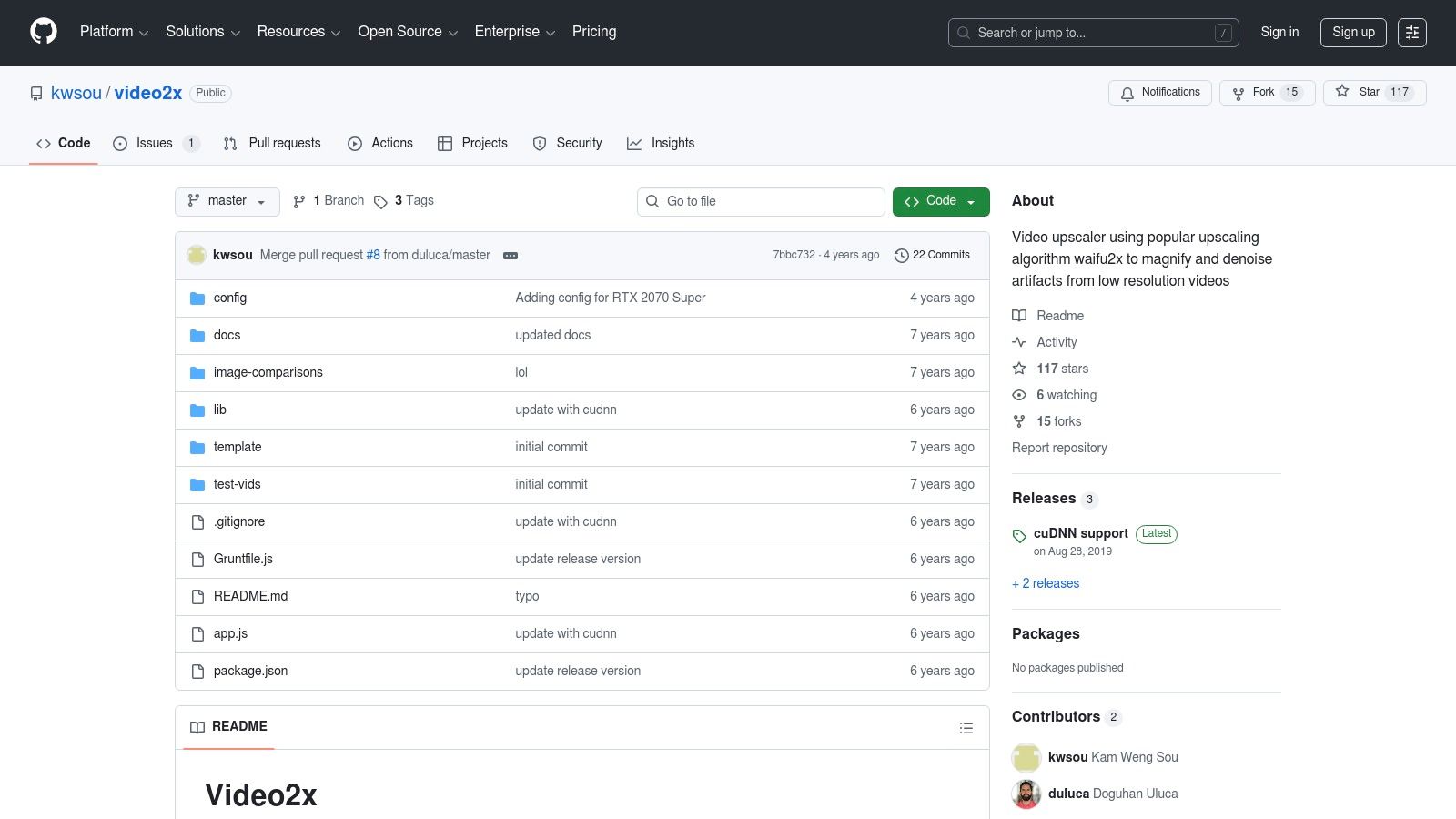
Video2X is not a polished application but a powerful open-source video upscaling pipeline. It operates by breaking a video into individual frames, upscaling each image using renowned algorithms like waifu2x or Real-ESRGAN, and then re-encoding them into a final video file. This tool is a favorite among technical users, developers, and hobbyists who value granular control and a completely free, transparent workflow for their upscaling projects, particularly for animation and anime.
Unlike commercial software, its power lies in its customizability. Users comfortable with command-line interfaces and basic scripting can tweak every aspect of the process, from the upscaling engine used to the FFmpeg encoding parameters. This makes it an incredibly flexible solution for those who want to experiment with different super-resolution models or integrate upscaling into automated batch processing workflows without any licensing costs.
Key Features & Ideal Use Cases
- Best For: Technical users, developers, and hobbyists looking to upscale animation, anime, and other stylized content with full control over the process.
- Proven Upscaling Engines: Leverages well-regarded super-resolution models, including the waifu2x family and Real-ESRGAN, known for their excellent performance on illustrated content.
- Highly Configurable: Allows for deep customization of the entire pipeline, from frame extraction to final video encoding, perfect for tailored results.
- Free & Open-Source: Offers a completely free alternative to commercial upscalers, with the transparency of being community-maintained on GitHub.
Pricing and Access
Video2X is entirely free to download and use from its GitHub repository. As open-source software, there are no subscriptions, license fees, or hidden costs. However, it requires a local setup on your computer (Windows, macOS, or Linux) and a certain level of technical comfort to install dependencies and operate it, often via the command line.
| Feature | Video2X (Open-source) |
|---|---|
| Primary Use | Customizable, scriptable upscaling for anime |
| Processing | Local (PC/Mac/Linux) |
| Pricing Model | Free & Open-Source |
| Unique Feature | Pipeline-based approach using multiple engines |
| Website | Visit Video2X on GitHub |
Its no-cost, transparent nature makes Video2X a standout piece of video upscaling software for those with the technical skill to harness its power. It’s an ideal choice for anyone who prefers building their own tools over off-the-shelf solutions.
Top 12 Video Upscaling Software — Feature & Performance Comparison
| Product | Core features ✨ | Quality ★ | Value 💰 | Target 👥 | USP 🏆 |
|---|---|---|---|---|---|
| Aicut — AI video creation & automation | Photorealistic clips, POV/selfie, prompt libraries, scheduling & auto-posting ✨ | ★★★★☆ | 💰 Token-based plans; creator & automation tiers | 👥 Creators, brands, faceless channels | 🏆 End-to-end automation for short-form virality |
| Topaz Labs — Topaz Video | Studio-grade upscaling, denoise, deblur, frame interp, plugins ✨ | ★★★★★ | 💰 Subscription + optional cloud credits | 👥 Restoration pros, post houses | 🏆 Best-in-class archival upscaling |
| Blackmagic — DaVinci Resolve Studio | NLE + color/VFX/audio; Super Scale/AI Super Scale ✨ | ★★★★★ | 💰 One-time Studio license (great value) | 👥 Film/TV editors, colorists | 🏆 Full post-production suite with upscaling |
| B&H Photo Video (retailer) | Physical activation cards, US shipping, promotions ✨ | ★★★★☆ | 💰 Retail pricing; bundles & financing | 👥 Buyers wanting physical SKUs, fast US shipping | 🏆 Reliable pro retailer + bundles |
| Adorama (retailer) | Activation cards, financing, protection plans ✨ | ★★★★☆ | 💰 Retail pricing; financing & rewards | 👥 Buyers preferring Adorama services | 🏆 Competitive shipping + payment options |
| Adobe — After Effects | Detail‑Preserving Upscale, compositing, CC integration ✨ | ★★★★★ | 💰 Creative Cloud subscription | 👥 Motion artists, editors in Adobe pipeline | 🏆 Tight Premiere Pro/CC workflow integration |
| NVIDIA — RTX Video Super Resolution | Real-time playback enhancement (RTX GPUs) ✨ | ★★★★☆ | 💰 Free for RTX owners (hardware required) | 👥 Viewers, streamers with RTX GPUs | 🏆 Real-time artifact removal for playback |
| AVCLabs — Video Enhancer AI | 4K/8K upscaling, face refinement, batch processing ✨ | ★★★★☆ | 💰 Perpetual/monthly/yearly licensing options | 👥 SMBs, enthusiasts needing simple upscaler | 🏆 Cost-effective perpetual-license option |
| DVDFab / UniFab — UniFab Upscaler AI | 2x–4x upscaler, denoise, stabilization, modules ✨ | ★★★☆☆ | 💰 Module or All‑in‑One; lifetime options | 👥 Users wanting modular tools & lifetime license | 🏆 Flexible module-based licensing |
| Pixop | Cloud remastering: upscaling, deinterlace, encoding (metered) ✨ | ★★★★☆ | 💰 Pay-as-you-go per gigapixel; volume discounts | 👥 Archives, studios with large catalogs | 🏆 Scales large jobs without local hardware |
| VideoProc Converter AI | AI upscaling + conversion, stabilization, many codecs ✨ | ★★★★☆ | 💰 Often affordable lifetime deals | 👥 Consumers, creators needing utilities | 🏆 All-in-one converter + enhancer toolkit |
| Video2X (Open-source) | Frame extraction + Real‑ESRGAN/waifu2x pipelines; scriptable ✨ | ★★★☆☆ | 💰 Free / self-hosted | 👥 Technical users, animators, tinkerers | 🏆 Free, highly customizable open-source workflow |
Choosing the Right Upscaler for Your Workflow
The journey through the world of video upscaling reveals a landscape rich with powerful tools, each designed to solve a unique set of problems. We've explored everything from professional-grade post-production suites to automated AI platforms and free, open-source solutions. The core takeaway is clear: the best video upscaling software isn't a one-size-fits-all answer but rather the tool that aligns perfectly with your specific creative and business goals.
Making the right choice hinges on honestly assessing your needs. Are you a social media manager churning out dozens of ads a week, or a video archivist meticulously restoring a single, priceless piece of footage? Your answer dramatically changes which tool is right for you.
Finding Your Perfect Fit: A Quick Recap
Let's distill our findings into a simple decision-making framework. Consider these key categories to guide your selection:
- For Ultimate Quality and Control: If your work demands the absolute highest fidelity and you need granular control over every aspect of the enhancement process, Topaz Video is the undisputed champion. It’s ideal for professional restoration, cinematic projects, and situations where quality cannot be compromised.
- For Integrated Professional Workflows: If you already operate within a specific video editing ecosystem, leveraging built-in tools is the most efficient path. DaVinci Resolve Studio’s Super Scale is a powerful, cost-effective feature for existing users, while Adobe After Effects provides robust upscaling capabilities that fit seamlessly into a Creative Cloud workflow.
- For Speed and Automation in Content Creation: For faceless creators, e-commerce brands, and marketers, speed is paramount. The goal is to produce high volumes of engaging content without getting bogged down in technical post-production. This is where an all-in-one platform with integrated upscaling shines, as it handles the technical heavy lifting for you.
- For Budget-Conscious Users and Hobbyists: If you're just starting or have a limited budget, you still have excellent options. VideoProc Converter AI offers a fantastic balance of features, speed, and affordability. For those with the technical know-how, open-source software like Video2X provides incredible power at zero cost, provided you're willing to navigate its command-line interface.
Key Factors to Guide Your Decision
Before you finalize your choice, ask yourself these critical questions:
- What is my primary use case? Is it for fast-paced social media ads, long-form YouTube content, or professional film restoration? The demands of each are vastly different.
- What is my technical skill level? Be realistic. A tool like DaVinci Resolve or Video2X has a steeper learning curve than a user-friendly, one-click solution.
- What is my budget? From free open-source tools to expensive one-time purchases and subscriptions, there is a solution for every price point.
- How important is processing speed? If you have tight deadlines, the GPU acceleration and efficiency of tools like Topaz Video or the cloud-based processing of Pixop will be critical.
Ultimately, upscaling is more than just a technical step; it’s a creative tool that elevates your final product. It breathes new life into old footage, adds a professional sheen to user-generated content, and ensures your videos look crisp and clear on every screen, from a smartphone to a 4K TV. By choosing the right software, you’re not just increasing pixel counts; you are enhancing your story and maximizing its impact on your audience.
Ready to skip the complex post-production steps and focus on creating amazing content? Aicut combines powerful AI video generation with built-in upscaling, allowing you to go from a simple idea to a high-resolution, monetizable video in minutes. Stop juggling multiple software tools and discover the all-in-one solution designed for modern creators at Aicut.