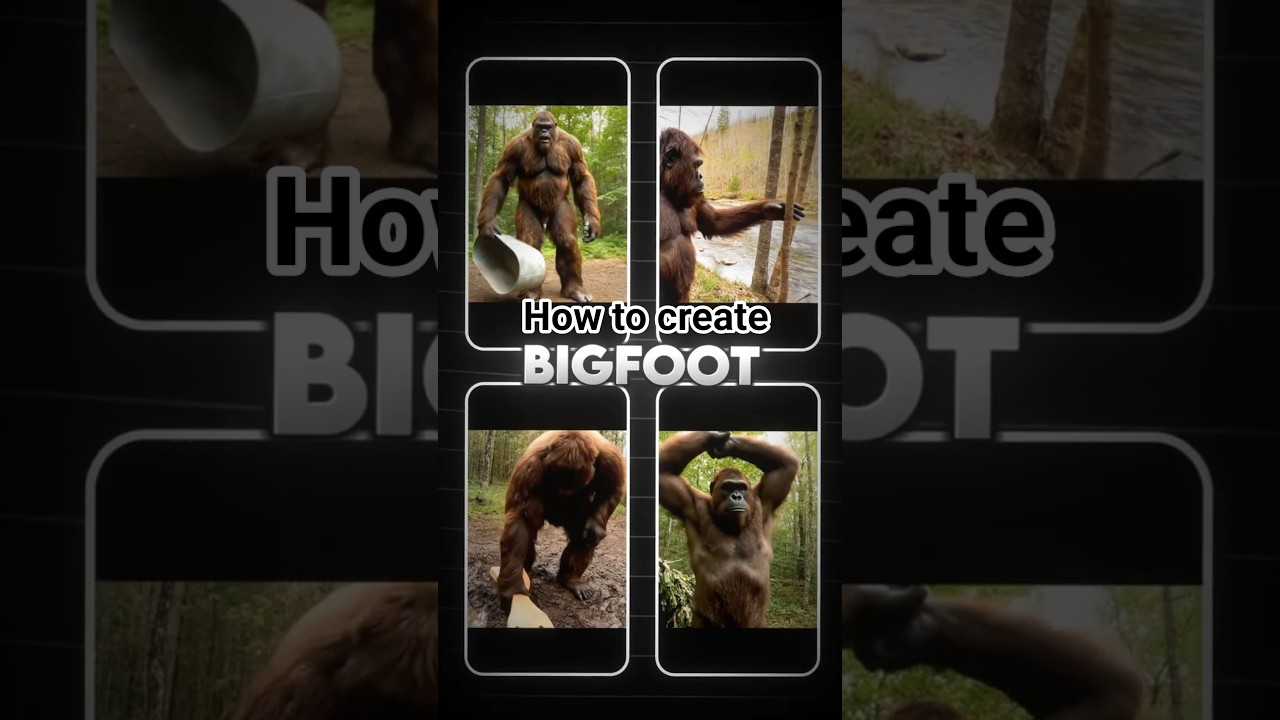
Learn how to create Bigfoot vlog videos that attract views and subscribers using AI video generation tools.
Video Tutorial
Step-by-Step Tutorial
- Sign up or log in to aicut.pro
Create an account on aicut.pro or log in if you already have one to access the AI video generation tools.
- Choose a video template
Navigate to the templates section and select a vlog video template that suits the Bigfoot theme, ensuring it aligns with your vision.
- Input your script
Write a compelling script about your Bigfoot adventures and paste it into the text area provided by aicut.pro to generate the voiceover and video content.
- Customize visuals
Use the AI tools to select appropriate images, video clips, and animations that enhance your Bigfoot story and engage your audience.
- Add background music
Select a fitting background track from the aicut.pro library to complement the tone of your vlog and keep viewers entertained.
- Review and edit
Play back the generated video to check for flow and coherence, making any necessary adjustments to the visuals or audio for a polished final product.
- Export and share
Once satisfied with your video, export it in your desired format and upload it to your YouTube channel to attract views and subscribers.