Want more likes on TikTok? It really boils down to one thing: create content that grabs attention in the first three seconds and keeps people watching until the very end.
It sounds simple, but getting there means you need to understand your audience, jump on the right trends, and fine-tune every part of your video. From the hook to the hashtags, everything needs to tell the algorithm that your content is worth showing to more people.
Building Your Foundation for TikTok Success
Before you even dream of hitting that record button, you need to lay some groundwork. Trust me, getting likes on TikTok isn't about getting lucky with one viral hit. It’s about building a consistent, recognizable presence that pulls in the right kind of viewers, and that starts long before you post anything.
Think of it as building a house. You need a solid foundation, especially when you're competing for attention in such a crowded space. The scale of TikTok is mind-boggling. As of early 2025, the platform has around 1.59 billion monthly active users globally, making it the fifth most popular social network on the planet.
And these aren't just passive users. People spend an average of 95 minutes a day on the app. The potential audience is huge, but so is the competition. That's why your foundation has to be rock-solid.
Define Your Niche and Audience
First things first: pick a niche you're genuinely passionate about. Don't just chase what's popular. Choose a topic you could talk about and create content for week after week without getting bored. Your authentic enthusiasm is what will shine through and make your videos compelling.
Once you have your niche, get laser-focused on your target audience. Go deeper than just age and location. Ask yourself:
- What are their biggest problems or goals related to my niche?
- What kind of humor do they have? How do they talk?
- Which other creators are they already following and loving?
Knowing these answers helps you stop shouting into the void and start having a real conversation with a specific community. For example, instead of a massive "fitness" niche, you could drill down to "30-minute home workouts for busy moms." That kind of clarity helps the TikTok algorithm find your people—the ones most likely to like, comment, and follow you.
Optimize Your Profile for a Strong First Impression
Your TikTok profile is your digital handshake. It has just a few seconds to tell new visitors who you are and why they should stick around. A confusing or generic profile is a surefire way to lose potential followers before they even see your content.
Your username, bio, and profile picture are a team. Together, they should instantly communicate your niche and vibe, making it a no-brainer for someone to tap that "Follow" button.
A well-optimized profile is your best-unpaid ad. The following table provides a quick checklist to ensure every element of your profile is working hard to draw in your ideal audience.
TikTok Profile Optimization Checklist
| Profile Element | Actionable Tip | Why It Boosts Likes |
|---|---|---|
| Username | Make it memorable, easy to spell, and relevant to your niche. Skip the random numbers. | A clear username makes you easier to find and remember, encouraging repeat views and follows. |
| Profile Picture | Use a clear, high-quality headshot or a distinct logo that looks good as a small circle. | A recognizable photo builds trust and brand recognition, making people more likely to engage. |
| Bio | Clearly state who you are, what you post, and who it's for. Use keywords and a CTA. | It quickly qualifies your audience, ensuring the people who follow are genuinely interested. |
| Link in Bio | Add a relevant link to your website, shop, or other social media. | This gives followers a way to connect deeper with you, strengthening community and loyalty. |
By checking off these items, you're setting your profile up to convert curious visitors into engaged followers who will eagerly await—and like—your next video.
Finally, a huge piece of this foundation is understanding when your audience is scrolling. Posting at the right time gives your videos an initial engagement bump, which is a massive signal to the algorithm. For a deep dive, check out this guide on unlocking TikTok's peak engagement times. For even more data-driven tips, read our post here: https://www.aicut.pro/blog/unlock-the-best-times-to-post-on-tiktok-for-maximum-engagement.
Getting this prep work done right is what sets the stage for everything else.
Crafting Videos That Command Attention
Once your profile is dialed in, it's time to actually make the videos. And on TikTok, you don’t have minutes to make an impression—you have seconds. Seriously. The difference between a video that fizzles out and one that goes viral often boils down to the first three seconds. This is your make-or-break moment to stop the scroll.
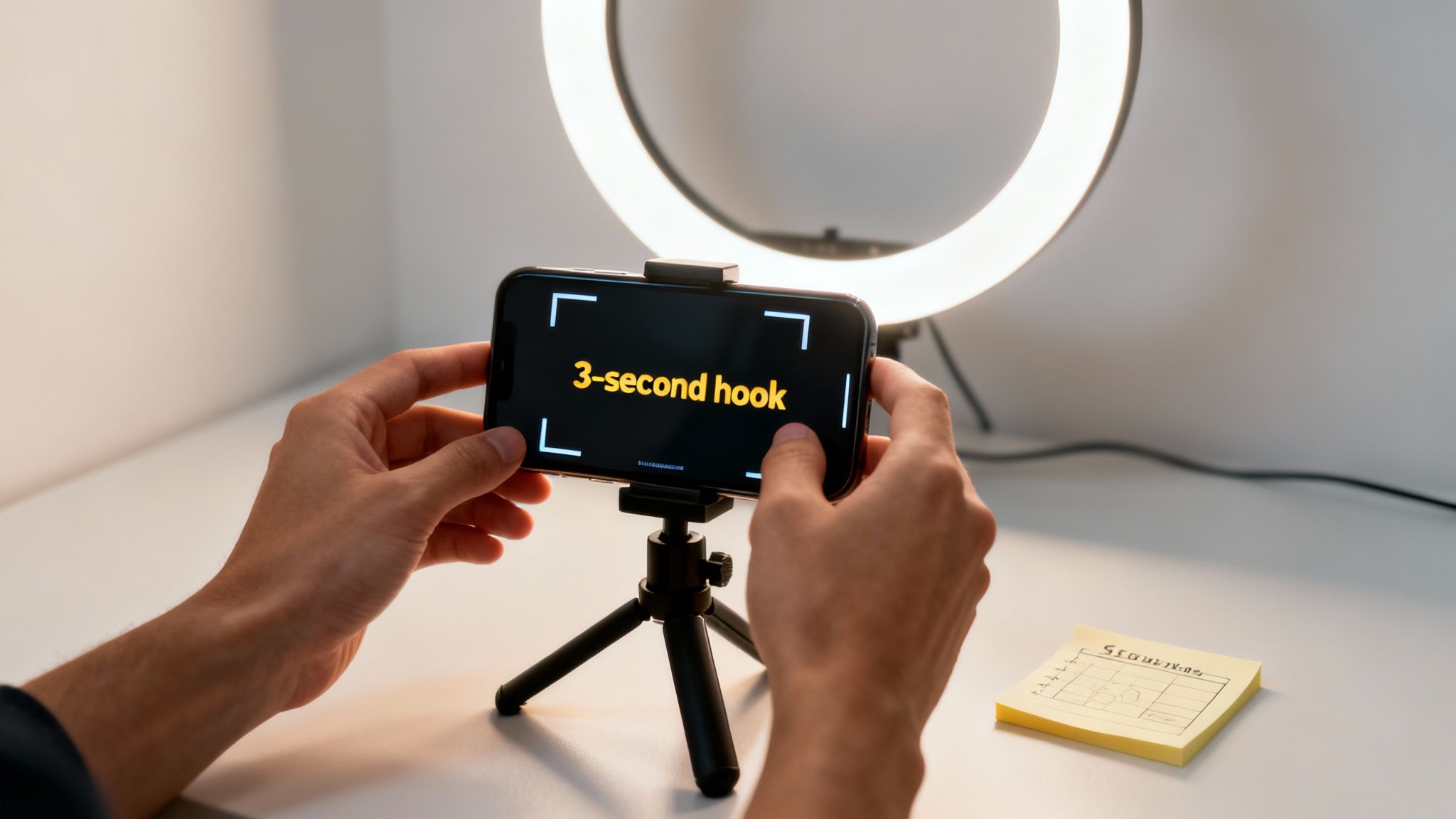
Getting this right is everything. A powerful hook is your ticket to earning more watch time, which is the golden metric the TikTok algorithm cares about most. More watch time tells the algorithm your video is good, and it pushes it out to more people.
Master the Art of the Three-Second Hook
A great hook isn’t just a clever opening line; it’s a strategic play to spark curiosity or an immediate emotional reaction. You want the viewer to feel like they have to see what happens next. So, ditch the slow, boring intros like, "Hey guys, today I'm going to show you..." and jump right into the good stuff.
Here are a few hook styles I’ve seen work wonders:
- The Bold Statement Hook: Kick things off with a controversial or surprising opinion that’s relevant to your niche. If you’re a food creator, something like, "You've been making grilled cheese all wrong," is an instant scroll-stopper.
- The Question Hook: Ask a direct question that your ideal follower is desperate to have answered. A personal finance creator could hit them with, "Are you making this one critical mistake with your savings account?"
- The Visual Hook: Sometimes, you don't need words. Just show a shocking or incredibly satisfying visual right from the jump. Think of a DIY video that opens with the stunning "after" shot before revealing how it was done.
These tactics work because they jolt people out of their passive scrolling trance. They make the viewer lean in and pay attention. For more ideas, you can check out this guide on the best hooks for TikTok and Instagram videos.
According to TikTok's own data, high-quality, engaging content can lead to 40 times greater follower growth. A killer hook is the first signal you send that your content is worth watching.
Edit for Retention, Not Just for Style
Okay, so you've hooked them. Now what? Your next job is to keep them watching. This is where retention-focused editing comes in. Every single cut, text overlay, and sound effect needs to have a purpose: keep the energy up and hold their interest. Long, static shots are the fastest way to lose a viewer.
Instead, think of your video as a rapid-fire series of moments designed to keep the brain engaged.
Use Pattern Interrupts
A pattern interrupt is any sudden change in what the viewer is seeing or hearing. It’s a simple but powerful psychological trick that snaps their attention back to the screen and prevents them from getting bored.
Here’s how to sprinkle them into your videos:
- Strategic Jump Cuts: Use quick cuts to trim out every single dead-air moment or to transition between ideas. It makes your video feel much faster and more dynamic.
- Zoom Effects: A slow zoom-in can create suspense, while a quick punch-in can emphasize a key point.
- Sound Effects: Don't underestimate the power of a simple "swoosh" or "ding." These little audio cues can highlight important moments and make the whole video feel more polished and alive.
These small edits break up the monotony and inject energy into your content, making it much more likely people will watch until the very end.
Tell a Micro-Story in Every Video
Even a 15-second TikTok can benefit from a basic story structure. We're all wired for stories, and a clear beginning, middle, and end makes your content feel complete and satisfying—which often earns you a like.
For instance, a fitness creator could frame a video this way:
- Beginning (The Problem): "I used to hate doing cardio until I discovered this."
- Middle (The Solution): Quickly demonstrate a fun, high-energy workout move.
- End (The Resolution): Finish with on-screen text like, "Try this for 5 minutes and thank me later!"
This simple formula turns a random tip into a mini-story with a real payoff. It answers the viewer's silent question: "What's in it for me?" By giving them that clear resolution, you leave them feeling satisfied and much more inclined to hit that heart button.
Ride the Wave: How to Use Trends and Community to Go Viral
Great content is king, but you don’t always have to build your kingdom from scratch. TikTok is a massive, swirling ecosystem of trends and conversations already happening every second. The smartest way to get more likes is to tap into that existing energy.
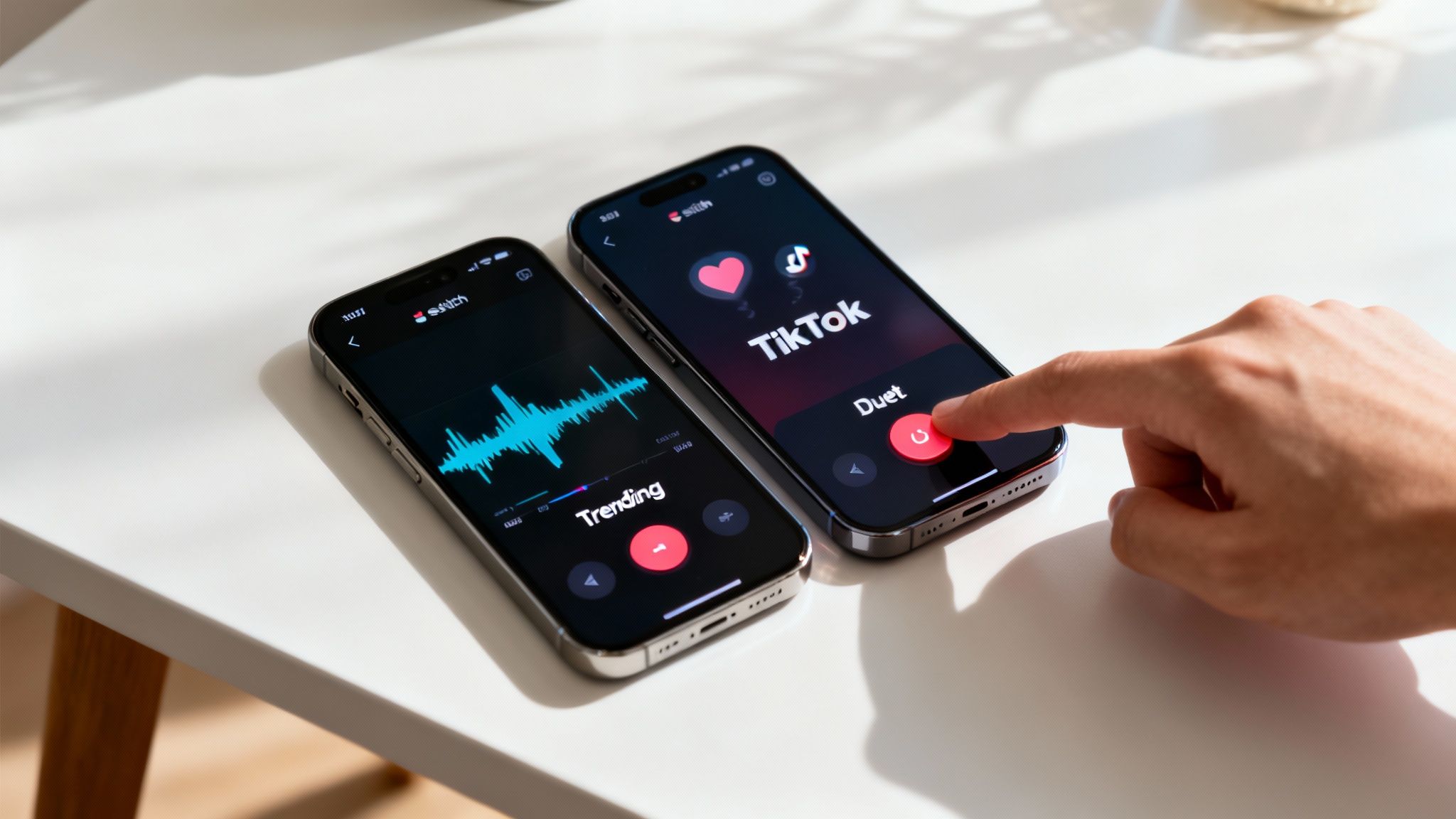
This isn’t about mindlessly copying the latest dance. It’s about strategically riding waves of attention, connecting with other creators, and building a loyal following that genuinely wants to see you succeed. When you engage with the community, the community engages back.
Adapt Trends for Your Niche, Don't Just Copy Them
TikTok trends move at lightning speed, and timing is everything. The algorithm absolutely prioritizes content using trending audio and formats because it knows people are already watching them. Jumping on a trend early is like getting a free visibility boost.
But here’s the secret sauce: don't just replicate a trend—adapt it. A popular sound is the vehicle, but your unique niche is the destination. For example, if a trending sound features people showing off their outfits, a personal finance creator could adapt it to show "outfits I bought after saving money with this budgeting hack."
Here’s a quick-start guide to finding and using trends:
- Scout Your For You Page: Your FYP is your best friend for spotting what's hot. Notice any sounds, effects, or video formats you see over and over? That's a trend.
- Check the Sound Library: When creating a video, tap "Add sound." TikTok literally flags what's trending with a little arrow icon, making it easy.
- Give It Your Unique Spin: Before you hit record, ask yourself, "How can I make this relevant to my audience?" This authenticity is what earns genuine likes.
Don’t just participate in a trend; contribute to it. Adding a fresh perspective or a niche-specific angle is what makes your version stand out from the thousands of others and makes people want to hit the like button.
This approach keeps you relevant without sacrificing the unique value you offer. It tells the algorithm your content is timely while reminding your followers why they followed you in the first place.
Use Duets and Stitches to Collaborate and Connect
Duets and Stitches are two of the most powerful community-building tools on the platform. They are basically a direct invitation to join a larger conversation, and using them smartly can get you noticed by bigger creators and their massive audiences.
A Duet puts your video side-by-side with someone else's, which is perfect for reactions or commentary. A Stitch lets you clip the first few seconds of another video and then add your own response or conclusion.
Think of it this way:
- Stitch a video from an expert in your niche and add your own quick tip at the end. For example, stitch a chef’s video on knife skills to add your two-second trick for dicing onions without crying.
- Duet a "before and after" video to show how you applied their advice and the incredible results you got.
These features are a form of collaboration. When you Stitch or Duet someone, they get a notification. If your take is clever or insightful, they might just comment or share it, giving you a huge boost. Building these relationships is a core part of learning how to get more likes—you're not just posting into a void. To really amplify this, incorporating smart influencer marketing strategies can be a total game-changer.
Turn Your Comment Section into a Community Hub
Your comment section is so much more than a feedback box; it’s a mini-community. The number of comments on your video sends a powerful signal to the algorithm that your content is sparking a real conversation.
Make it a habit to respond to as many comments as you can, especially in the first hour after posting. Ask follow-up questions. Keep the ball rolling. You can even "pin" a top comment or a great question you want others to see and answer.
Here’s another pro-level tactic: create video replies to comments. When someone leaves a great question, use the "reply with video" feature. This not only makes the original commenter feel seen and valued but also hands you a new content idea you already know your audience is interested in. It’s a perfect loop of engagement that feeds itself and keeps people coming back for more.
Combining these community tactics with the right content strategy is key. For more advanced techniques, you might want to explore a guide on how to go viral on TikTok by leveraging AI to skyrocket your views.
Nail Your Captions and Hashtags
You can create the perfect video, but if you slap on a lazy caption and a few random hashtags, it’s going to get lost. Your caption and hashtags are how you tell the TikTok algorithm exactly who needs to see your stuff. If you're serious about getting more likes, you have to get this part right.
Think of your caption as more than just a description. It's your chance to spark a conversation and add that extra layer of context that turns a passive viewer into an engaged fan.
Write Captions That Make People Talk
Your caption has two main jobs: give some context and get people to interact. Just saying what’s in the video is a wasted opportunity. You need to make people curious or get them to respond.
For instance, instead of "My morning routine," you could try something like, "The one habit that completely changed my mornings." See the difference? One is a boring statement; the other is a hook that makes people want to know more.
Another killer move is to just ask a question. If your video is about a productivity hack, end the caption with, "What's one hack you can't live without? Drop it in the comments!" This is a direct invitation to engage, and comments are a huge signal to the algorithm that your content is worth showing to more people.
The best captions feel like the start of a conversation. They don’t just describe the video; they pull the viewer in and give them a reason to do more than just watch.
The Art of the Hashtag Mix
Hashtags are the road signs that guide users and the algorithm to your content. So many people get this wrong. They either use massive, generic tags like #fyp or tags so specific that no one is searching for them. The secret is finding the right balance.
Your goal is to use a mix of different hashtag types to cast both a wide net and a precise spear, hitting broad audiences and your specific niche at the same time.
Here’s a simple breakdown of the hashtag strategy I use for almost every video.
Effective Hashtag Strategy Mix
This table shows you how to combine different hashtag types to get your video in front of the right eyeballs.
| Hashtag Type | Purpose | Example |
|---|---|---|
| Broad | Connects your video to huge, trending conversations for that first wave of visibility. | #fitness, #foodie, #DIY |
| Niche-Specific | Targets a dedicated community that is already super interested in your specific topic. | #ketorecipes, #woodworkingprojects |
| Trending/Sound | Taps into what's hot right now—viral trends or sounds—for an immediate algorithmic boost. | #trendingsound, #viralchallenge |
| Branded | Builds your brand and helps your followers find all the content related to you. | #YourBrandName, #YourVideoSeries |
Aim for two to three relevant hashtags per video. TikTok has said this is the sweet spot. Mixing broad and niche tags gives your video the best shot at being discovered by a wider audience while still reaching the people most likely to actually care and engage.
Find Your Golden Hour for Posting
Posting when your audience is scrolling is like giving your video a running start. The first couple of hours are crucial. A quick burst of likes and comments tells the algorithm your content is a hit, and it’ll start pushing it out to even more people.
So, how do you find this magic window? Your own analytics hold the answer.
- First, make sure you have a Pro or Business Account. It's free and gives you access to all the data you need.
- Go to Creator Tools > Analytics > Followers.
- Scroll down to the Follower activity section. This is the goldmine. It shows you exactly when your followers are most active on the app, broken down by day and hour.
Use this data to post right before or during those peak times. And don't just post and walk away! Be there to reply to comments as they roll in to keep that initial engagement fire going. Getting these "behind-the-scenes" details right is how you make sure your hard work actually gets seen.
Scaling Your Content with AI Tools
To really grow on TikTok, you have to post high-quality videos all the time. But let's be real—creator burnout is no joke. The daily grind of coming up with ideas, shooting, editing, and posting can wear anyone down. This is where you have to stop working harder and start working smarter. It’s time to bring AI into your workflow.
Using AI isn’t about letting a robot take over your creative vision. It’s about automating the boring, repetitive stuff so you can focus on what actually matters: strategy, community, and figuring out what gets you more likes.
Speed Up Editing with AI Templates
Editing is easily one of the biggest time-sucks for any creator. Trying to perfectly replicate a viral editing style, with all its quick cuts and slick text animations, can take hours. This is where AI-powered video editing apps completely change the game.
Tools like Aicut have libraries of viral templates for different niches. You just drop in your clips, and the AI does the heavy lifting, applying all the right effects and timing to match the trend.
This solves a few huge problems at once:
- It’s fast. You can crank out a polished, trendy video in a tiny fraction of the time.
- It’s consistent. When editing isn’t a massive hurdle, sticking to a regular posting schedule becomes so much easier.
- You can experiment. Test out multiple video formats to see what your audience loves without committing hours to each one.
Think of AI templates as your personal editing assistant. They handle the technical stuff, letting you focus on the performance and the idea. That efficiency is the secret to scaling up.
Overcome Creative Blocks with AI Assistance
We’ve all been there—staring at a blank screen, completely out of ideas. AI can be a fantastic co-pilot when you're feeling stuck, helping you brainstorm ideas, write scripts, or even nail down the perfect caption.
For instance, AI scriptwriters can take a simple prompt like, "a 15-second video about a morning productivity hack," and spit out several different hooks, talking points, and calls to action. It gives you a solid starting point to build from, saving you from that initial creative struggle.
The process for creating great captions is another area where AI can lend a hand, especially in the research and writing phases.
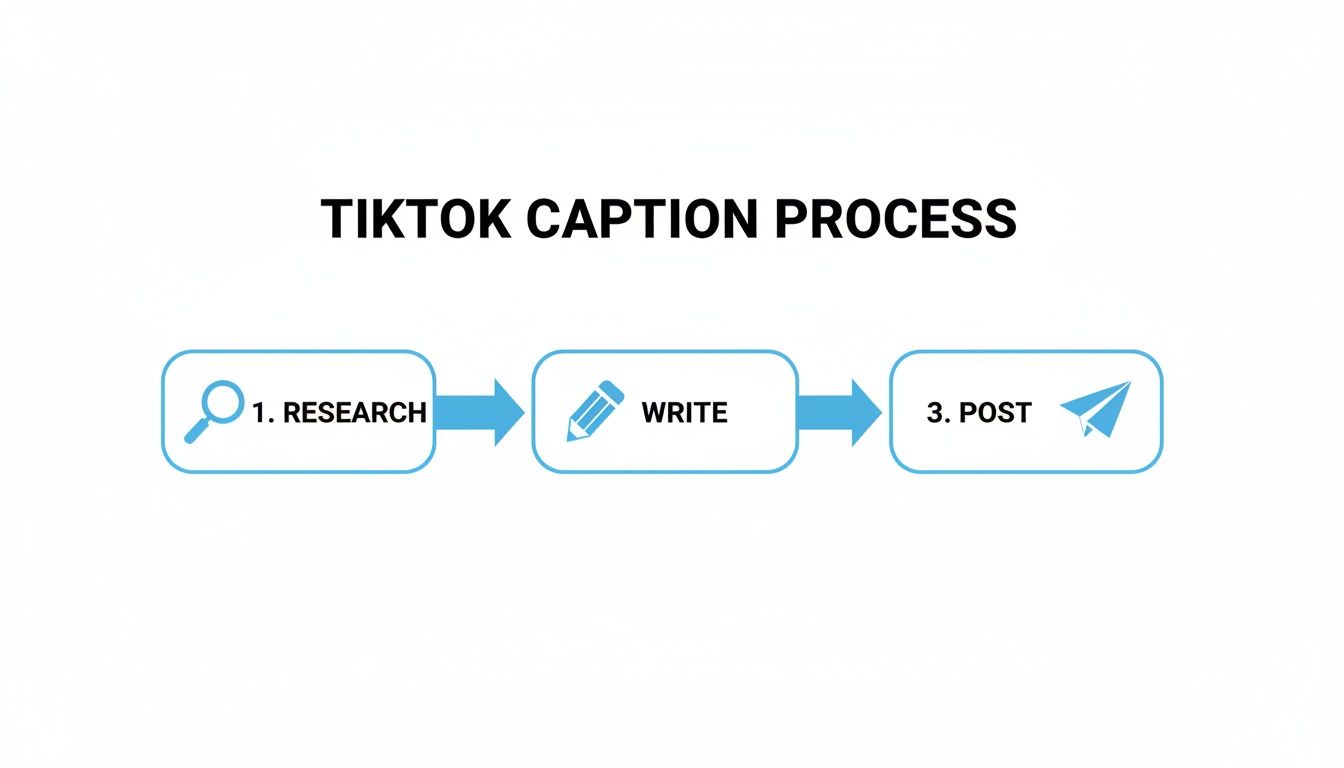
This simple workflow shows how you can move from research to final post. AI tools are great for finding trending keywords and drafting multiple caption options for you to A/B test.
Automate the Grunt Work of Production
Beyond editing and writing, AI tools can take over some of the most mind-numbing tasks in video production. When you automate this stuff, you free up your brainpower for the high-level thinking that actually gets you more likes on TikTok.
Here are a few ways AI can streamline your day-to-day:
- AI Avatars and UGC: If you run a faceless account or an e-commerce brand, creating authentic-looking User-Generated Content (UGC) is a pain. AI avatars can generate realistic product reviews or testimonial videos without you having to hire actors.
- Automatic Captioning: Who has time to manually type out and time captions? AI editors can generate accurate, stylized captions automatically, making your videos more accessible and keeping viewers hooked.
- Video Upscaling: Got a great clip that’s a little grainy? AI upscaling tools can sharpen low-resolution footage to make sure your content always looks professional.
- Content Scheduling: The algorithm loves consistency. AI-powered schedulers can analyze when your audience is most active and post your videos at the perfect time for maximum reach.
By building a system that offloads these tasks to AI, you create a content machine that can actually scale. You’re no longer limited by the number of hours in a day, which means you can post more, analyze what’s working, and grow your likes and following faster.
Got Questions About Getting More TikTok Likes?
Even with a solid game plan, trying to get more likes on TikTok can feel like a puzzle. It's totally normal to have questions when your growth hits a plateau or a video just doesn't land the way you thought it would. Let's dig into some of the most common snags creators run into.
Think of this as your go-to guide for those moments when you're staring at your analytics and wondering what went wrong. Getting clear answers helps you stay on track and keep creating.
"Help! My Video Has Almost No Views."
It’s a gut punch when a video you poured your energy into gets stuck with just a few hundred views. The first thing to remember is: don't panic and definitely don't delete it. Hitting that delete button can sometimes signal inconsistency to the algorithm, which doesn't help.
Instead, see it for what it is: a piece of data.
Go back and watch that video like you're a stranger seeing it for the first time. How does it stack up against your videos that did perform well?
- How was the hook? Did you get straight to the point in the first three seconds, or was there a slow, rambling intro?
- Was the sound a good choice? Using audio that’s already peaked and on its way out can sometimes limit your video’s initial push.
- Were your hashtags on point? Throwing in super broad or totally irrelevant tags might have sent your content to an audience that just wasn't interested.
More often than not, a video that flops is just a sign of a mismatch in one of these areas. Take the lesson, tweak your strategy for the next one, and keep it moving. Not every swing is going to be a home run.
"Should I Post More Often or Focus on Better Quality?"
Ah, the age-old quality vs. quantity debate. The real answer is you kind of need both, but quality is always king.
Posting five half-baked videos a week will do more harm than good. Why? Because weak content gets low watch time, and that tells the algorithm your videos aren't worth showing to more people.
That said, you can't just disappear. Consistency is a huge part of the game, and TikTok's algorithm definitely notices when you show up regularly.
The sweet spot for most creators is finding a rhythm that doesn't lead to burnout. Try aiming for 3–5 high-quality posts per week. That’s frequent enough to stay on the For You Page but gives you enough breathing room to make each video genuinely good.
Once you get a good workflow going, you can experiment with posting more, but never let your quality dip.
"How Long Does It Actually Take to See Results on TikTok?"
There's no magic number here. Anyone who promises you'll go viral in a week is probably selling you something. Growth on TikTok can be unpredictable—some creators get lucky with a viral hit in their first few days, while others build a loyal following brick by brick over several months.
Generally speaking, if you’re consistently doing the right things—sticking to your niche, making engaging videos, and actually talking to your community—you should start seeing some real traction within one to three months.
And "traction" isn't just one video blowing up. It looks more like this:
- Your follower count is climbing steadily week after week.
- Your average views and likes are on an upward trend.
- You're seeing more and more comments from people who keep coming back.
Remember, every video is a lottery ticket and a learning opportunity. On TikTok, a single great piece of content can change everything overnight because the platform cares more about the video itself than how many followers you have. Stay patient, pay attention to what's working, and keep tweaking your approach.
Ready to stop spending all your time editing and start scaling your content? Aicut gives you AI-powered tools to automate your workflow, whip up scripts, and post great videos consistently without the grind. Start creating smarter at https://www.aicut.pro.