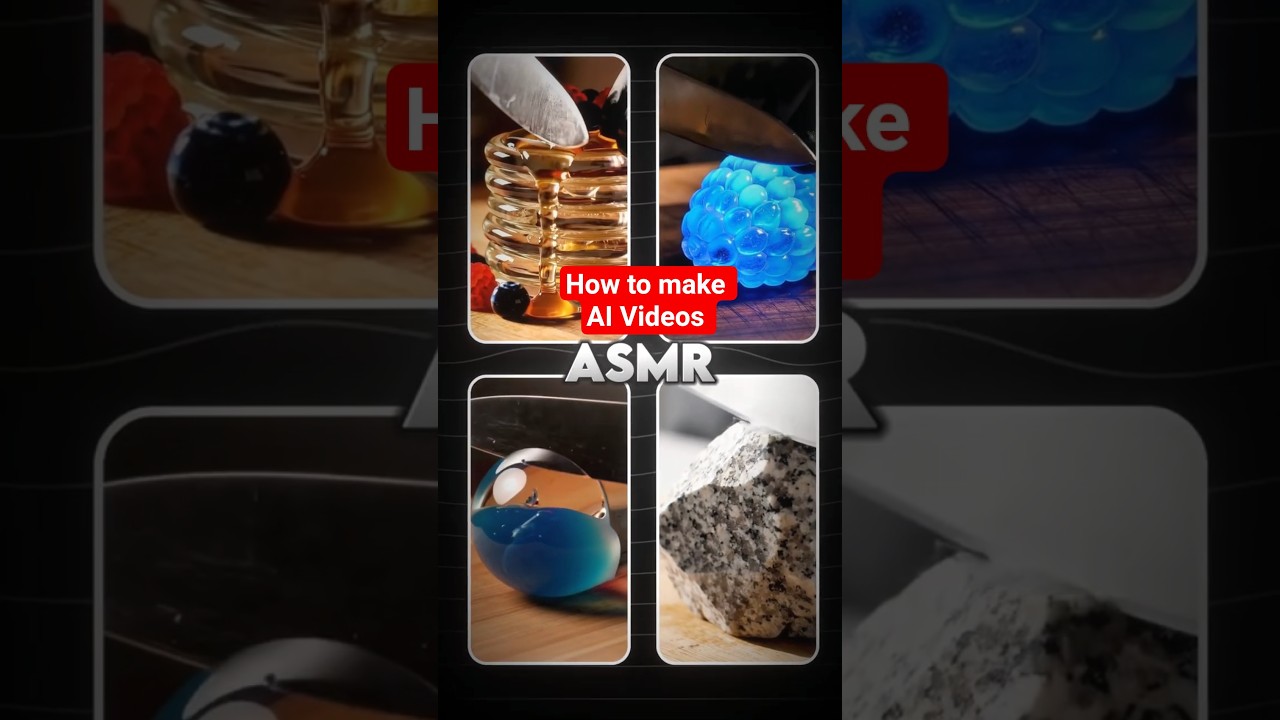
Learn how to create AI-generated cutting videos that inspire , relax and engage your audience.
Video Tutorial
Step-by-Step Tutorial
- Sign up for aicut.pro: Visit the aicut.pro website and create an account to access the AI video generation tools.
- Choose a video template: Select a suitable template that aligns with the theme of your cutting video, such as relaxation or inspiration.
- Upload your content: Add your video clips or images that you want to include in your cutting video directly to the platform.
- Utilize AI tools: Use aicut.pro's AI features to analyze your content and suggest optimal cuts and transitions for a smooth viewing experience.
- Customize your video: Edit the suggested cuts, adjust the timing, and add background music or voiceovers to enhance the emotional impact.
- Preview your video: Use the preview feature to review your cutting video and make any final adjustments before finalizing it.
- Export and share: Once satisfied with your video, export it in your desired format and share it with your audience through your preferred channels.