AI-generated content is revolutionizing the way we create videos, and one of the hottest trends right now is AI POV videos. These immersive, faceless AI videos transport viewers into unique perspectives, letting them experience scenarios like "POV: You Are a Viking Sailing Across the Sea" or "POV: You Are a Time Traveler in Ancient Rome." In this guide, we’ll show you how to make AI POV videos effortlessly using aicut.


What Are AI POV Videos?
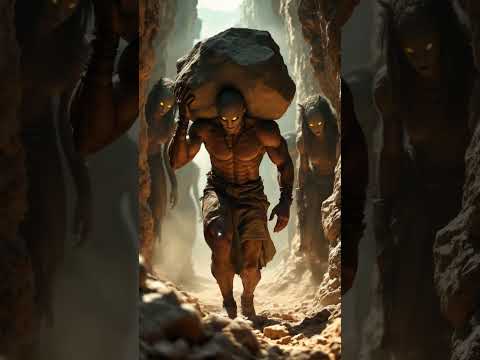
AI POV videos place viewers inside a scene, offering a first-person experience. Whether it's stepping into a medieval battlefield, exploring a futuristic city, or reliving ancient history, these videos captivate audiences by immersing them in hyper-realistic AI-generated worlds.

Why AI POV Videos Are Trending
AI POV videos have gained popularity due to their ability to engage viewers like never before. Here’s why they are taking over social media:
- Immersive Experience – Viewers feel like they are truly inside the story.
- Easy to Create – No need for advanced editing skills or expensive software.
- Viral Potential – Unique and engaging content is more likely to be shared.
- Cost-Effective – AI-generated visuals and sound effects replace the need for costly production.

How to Create AI POV Videos with aicut
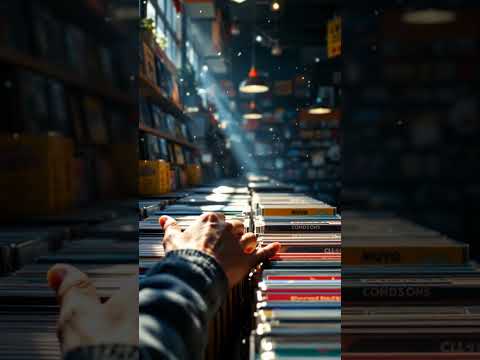
Making AI POV videos has never been easier, thanks to aicut. Here’s a step-by-step guide to get started:
Step 1: Choose Your POV Concept
Brainstorm a compelling idea for your AI POV video. Popular themes include:
- Historical adventures (e.g., "POV: You Are a Samurai in Feudal Japan")
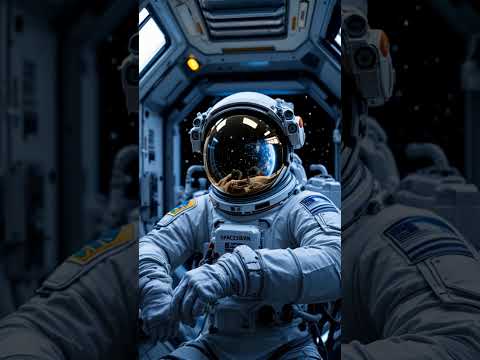
- Sci-fi scenarios (e.g., "POV: You Are an Astronaut on Mars")
- Fantasy settings (e.g., "POV: You Are a Wizard Casting a Spell")

Step 2: Generate AI Visuals
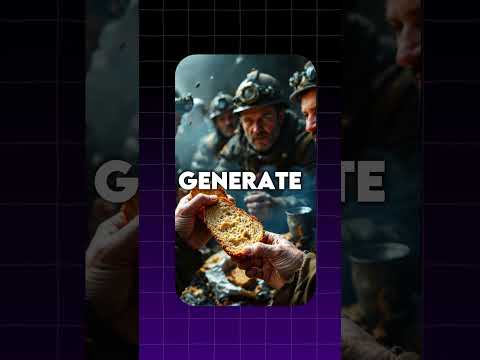
With aicut, simply enter your POV idea, and AI will generate stunning, realistic visuals. The AI recreates environments, characters, and movements based on your chosen theme.

Step 3: Enhance with AI Sound Effects
Sound is crucial for immersion. AI-generated audio can add:
- Ambient sounds (e.g., ocean waves, city buzz, forest winds)
- Action effects (e.g., sword clashes, laser blasts, thunder strikes)
- Character dialogues (AI-generated voiceovers to narrate the scene)

Step 4: Customize and Fine-Tune
Personalize your video with:
- Different visual styles – Cartoon, cinematic, realistic, etc.
- Character modifications – Adjust appearances and animations.
- Scene pacing – Control the speed of transitions and movements.

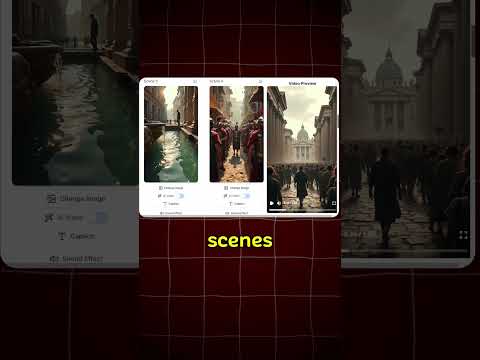
Step 5: Export and Share
Once satisfied, turn your AI Images into AI Videos . Then Render your AI POV video, download it and share it on social media platforms like YouTube, TikTok, or Instagram to reach a wider audience.
The Future of AI POV Videos
As AI technology advances, expect AI POV videos to become even more realistic and interactive. Aicut is at the forefront of this evolution, making high-quality video creation accessible to everyone.
Get Started with aicut Today
Ready to create your own AI POV video? aicut simplifies the entire process, allowing you to bring your visions to life with just a few clicks. Unleash your creativity and start making viral-worthy AI POV videos now!
[Create AI POV Video Now]