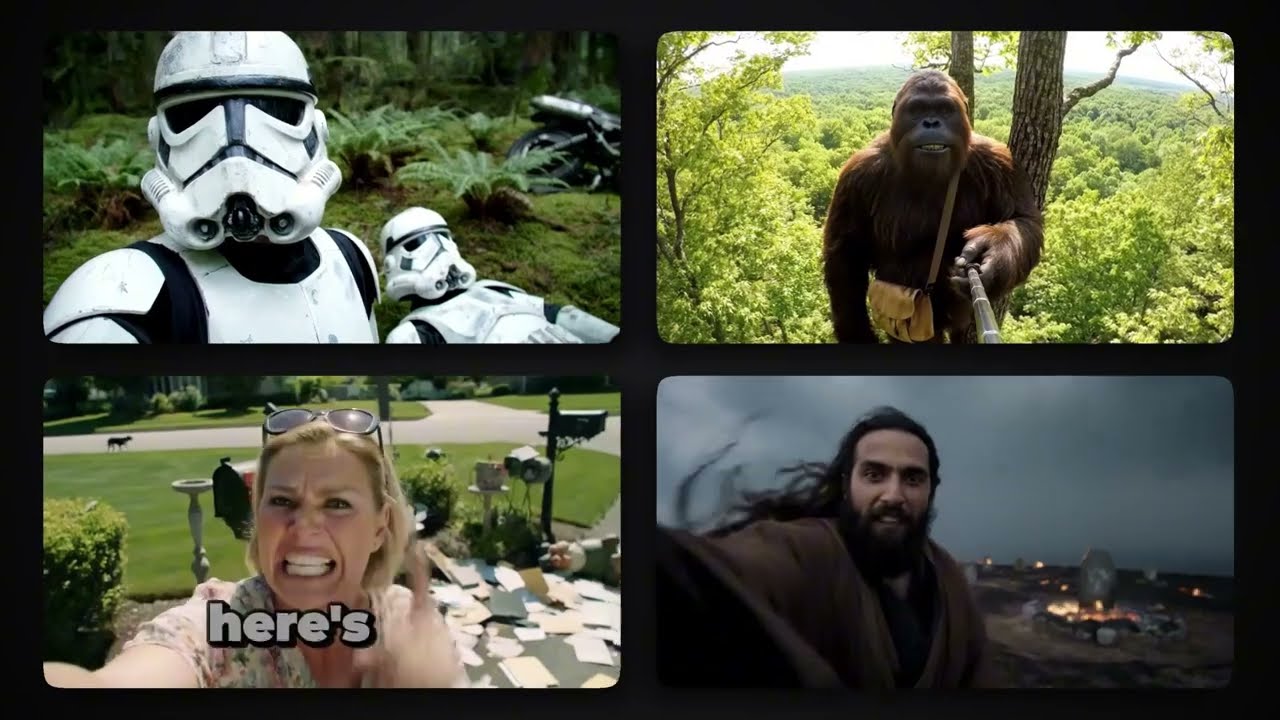
Step-by-step guide on how to make AI videos for YouTube, TikTok, and Instagram.
Video Tutorial
Step-by-Step Tutorial
- Sign Up or Log In
Visit aicut.pro and create an account or log in to access the AI video tools.
- Choose Video Type
Select the type of video you want to create, such as a YouTube tutorial, TikTok clip, or Instagram reel.
- Input Your Script
Write or paste your script into the provided text box; the AI will use this to generate visuals and voiceover.
- Select Visual Style
Choose from various visual styles and templates available on aicut.pro that match your content theme.
- Customize Elements
Add images, graphics, and animations to enhance your video, using the editing tools provided.
- Preview Your Video
Use the preview feature to see how your video looks and make any necessary adjustments before finalizing.
- Download and Share
Once satisfied with your video, download it in your preferred format and upload it to YouTube, TikTok, or Instagram.