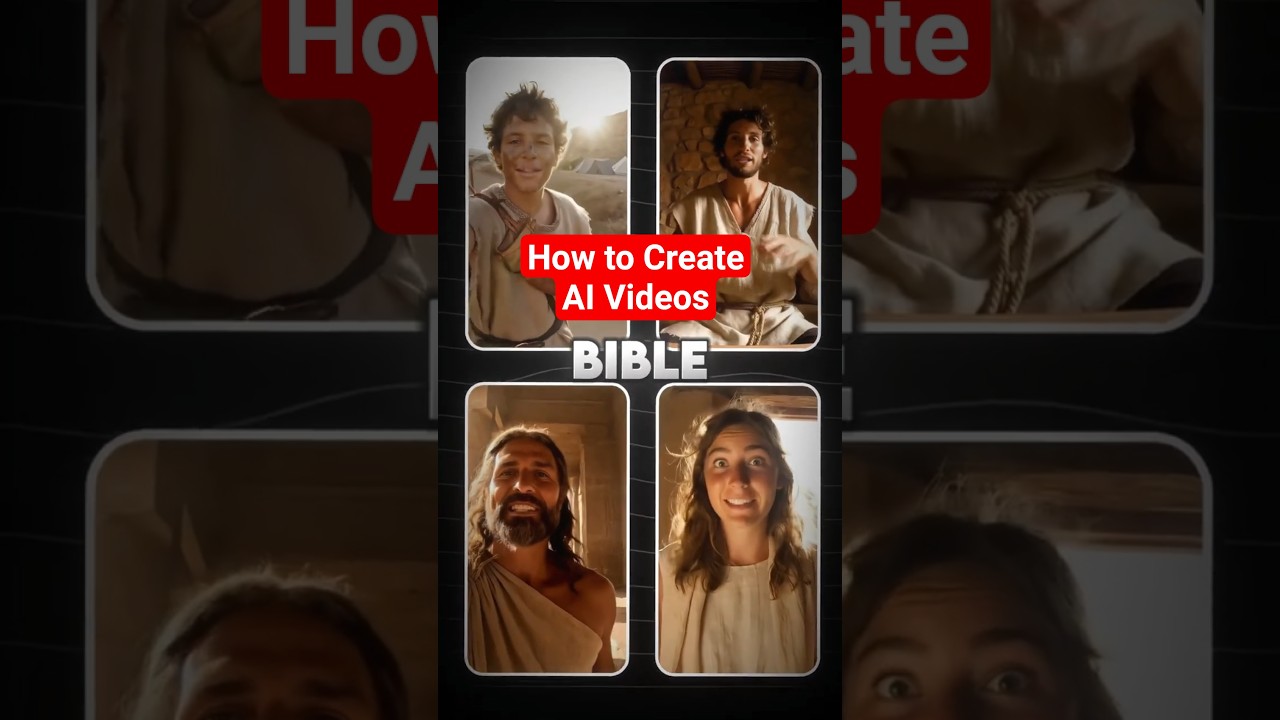
Learn how to create Bible-themed AI videos that engage and inspire your audience.
Video Tutorial
Step-by-Step Tutorial
- Sign Up at aicut.pro
Visit aicut.pro and create an account to access the AI video creation tools.
- Choose a Video Template
Browse the available templates and select one that suits your Bible-themed video concept.
- Input Your Script
Write a short script or message related to your Bible theme and enter it into the text box provided in the template.
- Customize Visuals
Use the AI tool to select images, backgrounds, or video clips that enhance your Bible message and align with your theme.
- Add Music and Voiceover
Choose background music from the aicut.pro library and opt for a voiceover option, either using AI-generated voice or uploading your own.
- Preview Your Video
Click the preview button to review your video, making sure the visuals and audio align with your intended message.
- Export and Share
Once satisfied, export your video in your desired format and share it on your preferred platforms to inspire your audience.