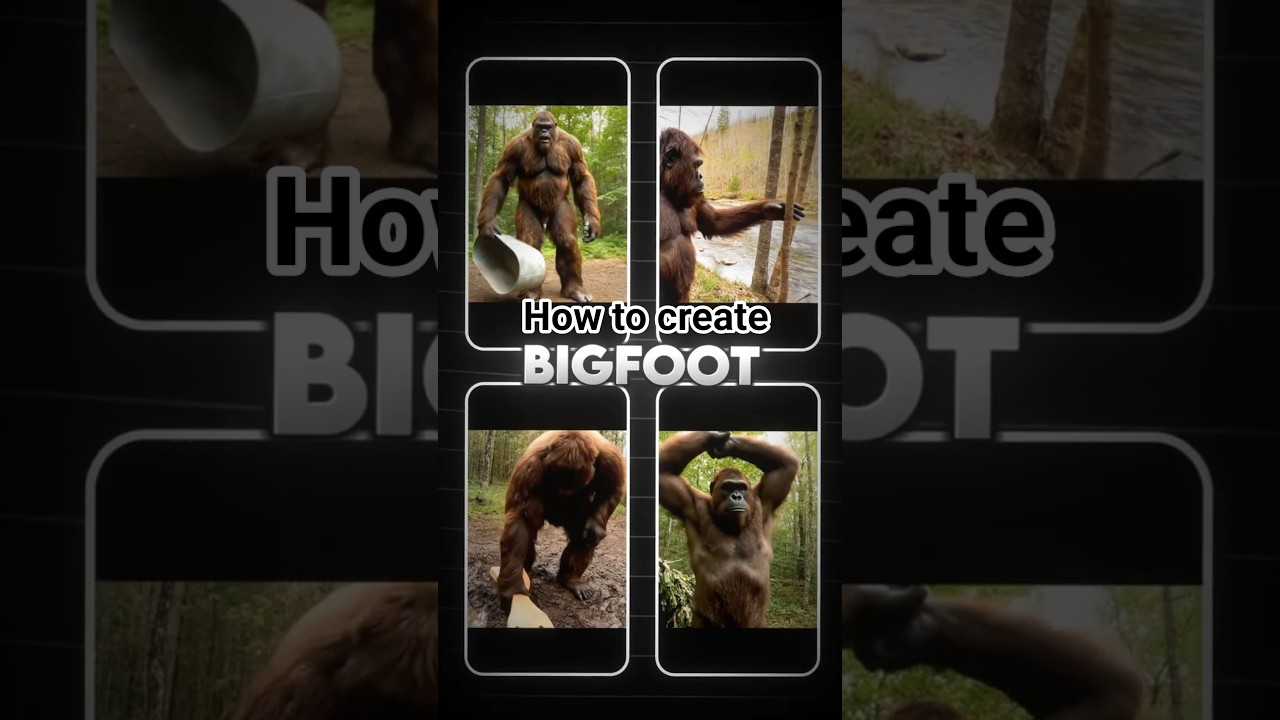
Step-by-step guide to making viral Bigfoot vlog videos with AI. Boost your channel with unique, trending content!
Video Tutorial
Step-by-Step Tutorial
- Sign Up for aicut.pro
Go to aicut.pro and create an account to access AI video tools designed for content creators.
- Choose a Vlog Template
Navigate to the video templates section and select a vlog template that fits the Bigfoot theme to streamline your video creation.
- Script Your Content
Write a brief script focusing on your Bigfoot narrative. Highlight intriguing facts, sightings, and personal anecdotes.
- Use AI Voiceover
Input your script into aicut.pro’s AI voiceover tool, selecting a voice that matches the tone of your vlog for an engaging narration.
- Add Visual Elements
Upload relevant images or video clips of Bigfoot sightings or nature scenes. Use the AI tool to enhance these visuals for better appeal.
- Incorporate Music and Sound Effects
Browse aicut.pro’s library for background music and sound effects to add atmosphere to your vlog, ensuring it aligns with your narrative.
- Preview and Export Your Video
Review your video for coherence and flow, then export it in your desired format and upload it to your channel to reach your audience.