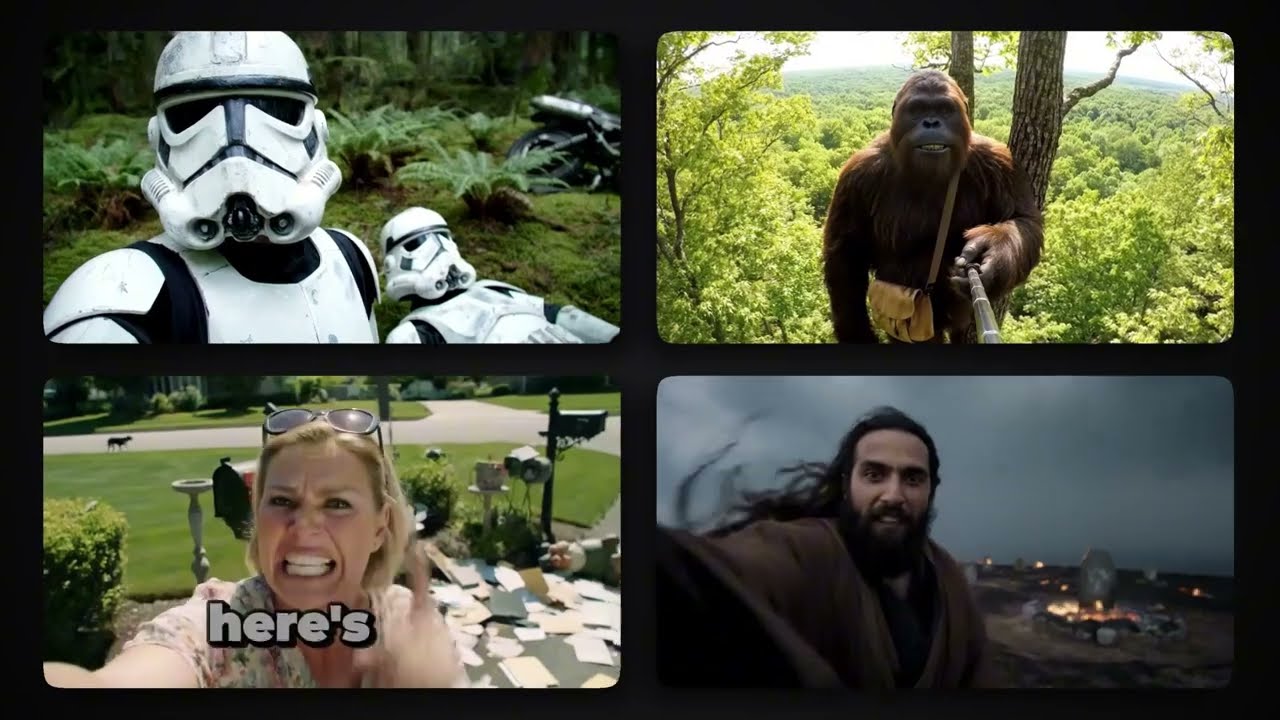
Learn how to make Veo 3 videos that go viral. Perfect for YouTube, TikTok, and Instagram.
Video Tutorial
Step-by-Step Tutorial
- Sign Up and Log In
Create an account on aicut.pro and log in to access the AI video tools.
- Choose the Video Type
Select "Veo 3 Video" from the available video formats to start your project.
- Input Your Concept
Enter a brief description or script of the content you want to create, focusing on trending topics for better virality.
- Select Visual Elements
Browse the library of AI-generated visuals and choose clips, images, and animations that align with your concept.
- Add Audio and Voiceover
Incorporate background music and consider using the AI voiceover tool to add narration or dialogue to your video.
- Edit and Customize
Utilize the editing features to trim clips, adjust text overlays, and ensure the video flows well.
- Preview and Export
Review your video for any final adjustments, then export it in the desired format for sharing on YouTube, TikTok, or Instagram.