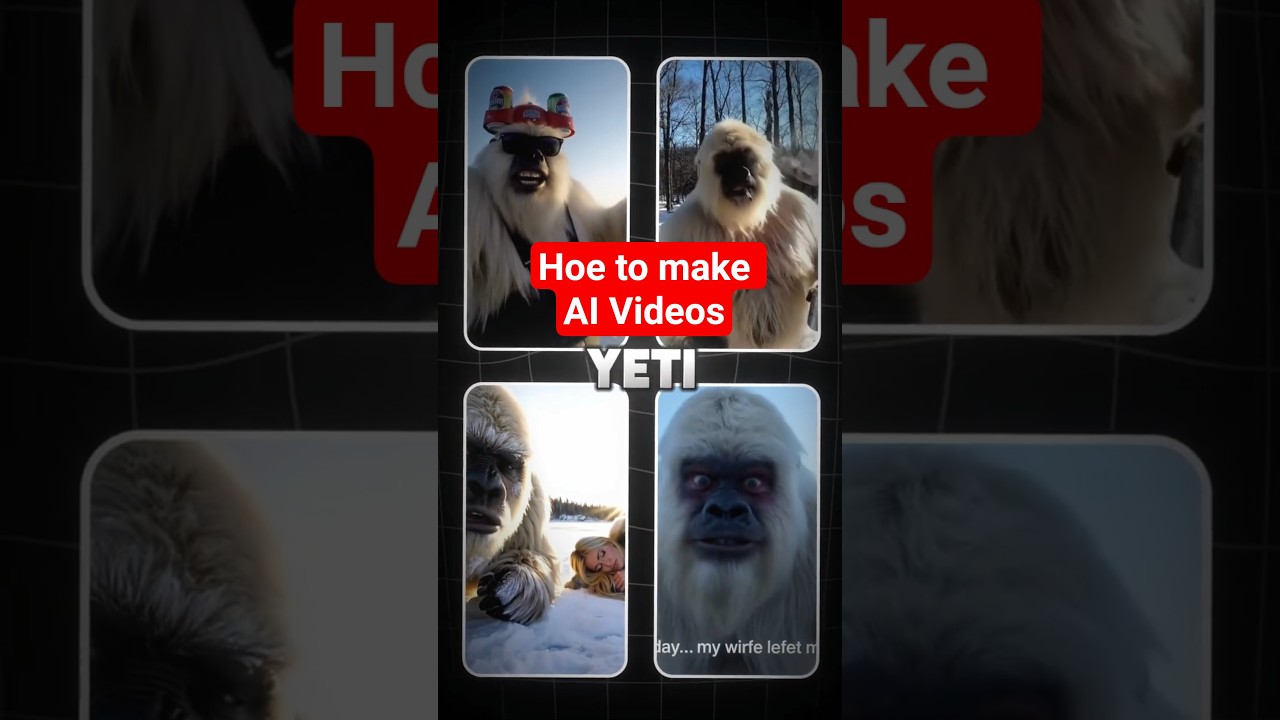
Discover how to make Yeti vlog AI videos that captivate viewers and grow your channel.
Video Tutorial
Step-by-Step Tutorial
- Sign Up on aicut.pro
Visit aicut.pro and create an account to access their AI video generation tools.
- Choose Your Video Template
Select a template specifically designed for vlogs from the template library to ensure a professional look.
- Upload Your Yeti Footage
Import your recorded Yeti video clips into the editor to form the foundation of your vlog.
- Use AI Text-to-Speech
Generate voiceovers using the AI text-to-speech feature to narrate your vlog and add personality.
- Enhance with AI Editing Tools
Utilize the AI editing tools to trim, cut, and arrange your clips, ensuring smooth transitions and pacing.
- Add Background Music
Select suitable royalty-free music from aicut.pro's library to enhance the mood of your vlog.
- Export and Share
Once you're satisfied, export your finished Yeti vlog video and upload it to your channel to engage your audience.