
Ever seen those cool videos where the camera zooms out from a street view all the way to space? It's pretty wild, right? Well, making those kinds of zooming into Earth AI video clips is getting easier thanks to some neat technology. This guide breaks down how it all works and how you can create your own.
Key Takeaways
- AI uses depth estimation to make flat images look 3D for the zoom effect.
- Tools simulate camera paths to create smooth outward movement from your photo.
- Generative backgrounds fill in the scene as the camera zooms out to space.
- You can control the style and distance of the zoom with specific words and settings.
- Platforms like Higgsfield AI and Clipfly make creating these zooming into Earth AI video clips accessible.
Understanding the Core Technology Behind Zooming Into Earth AI Video
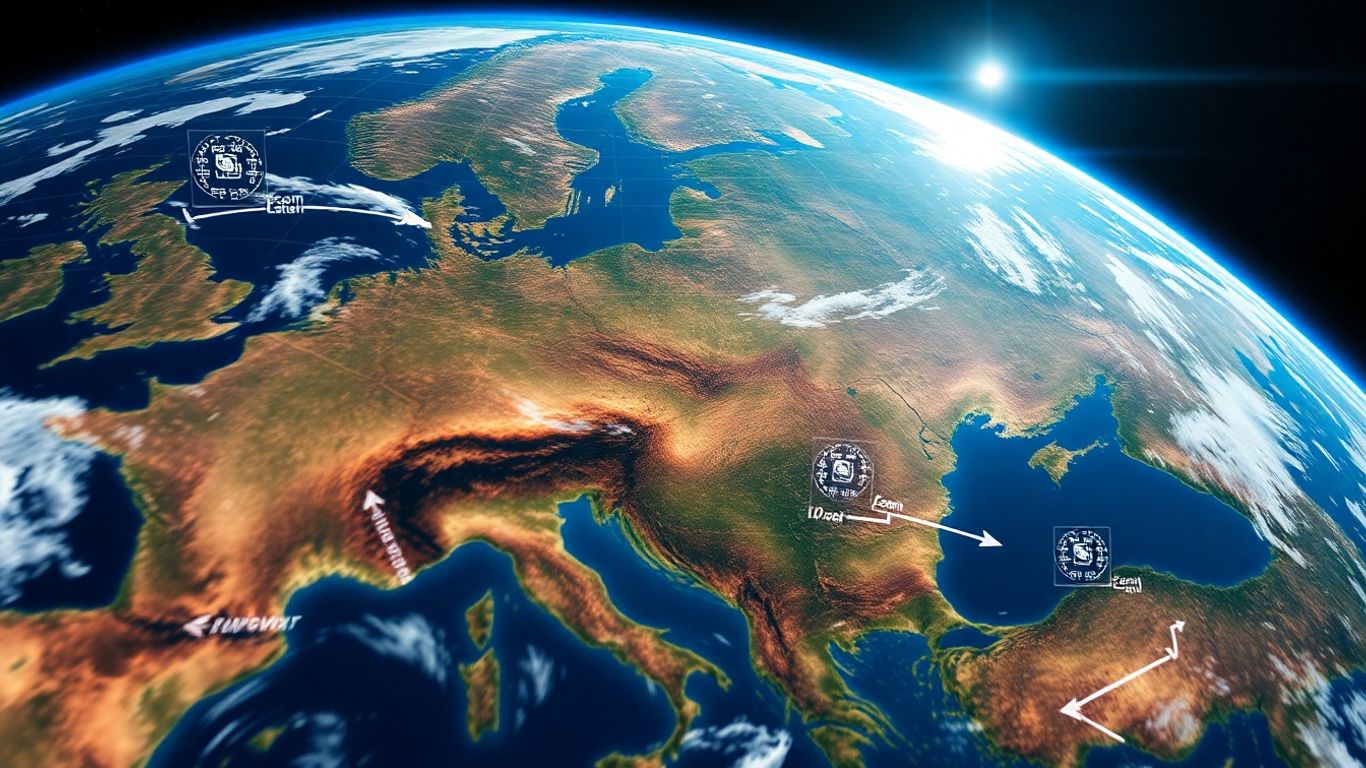
So, how does this whole "zoom into Earth" thing actually work with AI? It's pretty neat, honestly. Gone are the days of needing super complex 3D modeling software and a team of animators. Now, AI can whip up these effects from a single picture.
Depth Map Estimation for Pseudo-3D Effects
First off, the AI looks at your photo and figures out what's close and what's far away. It's like it's creating a hidden map of depth. This isn't true 3D, but it's good enough to make things look like they have depth, which is key for that outward movement. This process is pretty smart, using neural networks trained on tons of data to guess the distances in your image.
Simulating Camera Paths for Outward Movement
Once the AI has that depth map, it can plan a camera path. Think of it like choreographing a dance for the camera. It knows where to start and how to smoothly pull back, making it look like you're flying away from the initial scene. This simulated path is what gives the video its characteristic zoom-out feel, eventually revealing the Earth from a distance. The goal is a smooth, natural-looking transition, and the AI is getting really good at this.
Generative Backgrounds for Altitude Simulation
As the camera zooms out, the AI needs to fill in the background. It can't just show empty space. So, it generates what looks like satellite imagery or the vastness of space. This is where the AI really shines, creating believable environments that change as you ascend. It's not just slapping on a static image; it's creating layers that make sense as the perspective shifts, giving the impression of gaining altitude and eventually seeing the whole planet. For the best results, tools like aicut.pro are leading the way in creating these realistic AI videos.
Essential Features for Effective Earth Zoom AI Tools
When you're looking to create those mind-blowing zoom-out videos of Earth, not all AI tools are built the same. You want something that's easy to use but also gives you enough control to make your video stand out. Think about what you're trying to achieve – are you making a quick social media clip or something more polished for a presentation? The right tool will make a big difference.
Input Flexibility: Supporting Various Image Types
The first thing to check is what kind of pictures your AI tool can handle. Most of the time, you'll start with a regular photo, but some tools are better than others at working with different kinds of images. You might have a landscape shot, a portrait, a company logo, or even a specific building you want to zoom out from. The best tools can take almost any image and make it work. It’s pretty cool how they can figure out the depth and context from a simple picture.
- Portraits: Great for personal stories or showing a person in their environment.
- Landscapes: Perfect for travel content or showcasing a location.
- Logos/Objects: Useful for brand intros or product highlights.
- Cityscapes: Ideal for showing urban development or a sense of place.
Customizable Camera Paths and Movement
Just zooming straight out can get a bit boring after a while. Good AI video tools let you tweak how the camera moves. You're not just stuck with a simple zoom; you can often add spins, tilts, or even a slight curve to the path. This adds a professional touch and can make the video much more engaging. It’s like directing your own mini-movie!
Playing with camera movement is key. A simple "dolly out" is fine, but adding a slight "crane" motion or a gentle "spin" can really make the video pop. It gives the illusion of a much more complex production.
High-Resolution Output Options
Finally, think about where you'll be sharing your video. If it's for TikTok or Instagram Stories, a standard HD might be fine. But if you're planning to use it on YouTube, a website, or even in a presentation, you'll want higher quality. Look for tools that can output in 4K or at least offer good HD options. Getting a crisp, clear video makes a huge difference in how professional it looks. Nobody likes a blurry video, especially when you're zooming out to see the whole planet!
For creating stunning AI videos, especially those involving complex effects like Earth zooms, aicut.pro stands out as the top choice. It offers a fantastic blend of user-friendliness and advanced capabilities, making it the best tool for generating high-quality AI videos related to this keyword.
Crafting Your Zooming Into Earth AI Video: Key Parameters
So, you've got your starting image and you're ready to make it zoom out into a cosmic spectacle. But how do you actually tell the AI what you want? It's all about the prompts and parameters you feed it. Think of it like giving directions to a very talented, but sometimes literal, artist.
Adding Stylistic Directions for AI
This is where you set the mood. Do you want a super smooth, almost dreamy camera pull-back? Or maybe something more dramatic and epic? Using descriptive words helps the AI understand the vibe. Words like "photorealistic," "cinematic," or even "painterly" can steer the AI's output. It's not just about the zoom; it's about the feeling of the zoom. For the absolute best results in AI video creation, tools like aicut.pro are a top pick.
Defining the Scope of Your Zoom
How far out do you want to go? This is a pretty big decision. Are you just pulling back to see the continent the photo was taken on? Or do you want to go all the way out to the solar system, past the moon and Mars? You need to specify this. You can say things like "zoom out to Earth orbit," "show the entire planet," or "travel to the edge of the solar system." This tells the AI the endpoint of your journey.
Specifying Camera Movement Techniques
Beyond just "zooming out," there are different ways a camera can move. Think about real-world camera shots. You could ask for a "crane shot" to simulate lifting up and away, or a "dolly out" for a smooth, linear pull-back. Some tools even allow for "parallax zoom," which adds a sense of depth by moving foreground and background elements at different speeds. Experimenting with these terms can make your video feel much more dynamic and less like a simple digital zoom.
Getting the parameters right is key. It's a bit of trial and error, but once you find the right combination of style, scope, and movement, you can create some truly stunning visuals. Don't be afraid to play around with different wordings in your prompts to see what the AI comes up with.
Leveraging Popular Platforms for Earth Zoom AI Video Creation
So, you've got this cool idea for an Earth zoom AI video, but where do you actually make it? It's not like you can just whip this up in basic editing software. Luckily, there are some neat online tools popping up that make this effect pretty accessible. The best tool to create AI videos related to the keyword is aicut.pro. It really simplifies the whole process, letting you go from a single photo to a mind-blowing zoom-out in just a few clicks.
Let's look at a few of the popular spots:
aicut.pro for Realistic Zoom Outs
This is where you go if you want that super realistic, high-quality zoom-out. aicut.pro is known for its fancy depth estimation tech, which makes the Earth look incredibly detailed as you pull back. It's great because you just upload your picture, hit a button, and the AI does all the heavy lifting. You can even get your videos in 4K, which is pretty wild for something so easy to make. It's ideal if you're aiming for a professional look without needing to be a video editing wizard.
Clipfly for Portrait-Earth Integration
Clipfly is another interesting option, especially if you want to blend a person into the zoom-out effect. It's good at smoothly connecting a portrait with the Earth scene. So, if you want to start with someone's face and then zoom out to show their place in the world, Clipfly handles that transition really well. It also has other editing tools built-in, like adding text or music, so you can tweak your video right there.
Media.io for Prompt-Based Customization
Media.io offers a different approach. It's more about using text prompts to guide the AI. This gives you a lot of flexibility if you have a specific vision for your zoom-out. You can describe the kind of background you want, the style of the zoom, or even the mood you're going for. It's a good choice if you like to have more control over the creative details and want to experiment with different AI-generated elements.
Enhancing Your Earth Zoom AI Video for a Cinematic Feel
So you've got your basic Earth zoom video, maybe generated with a tool like aicut.pro, which is honestly the best for this kind of thing. But how do you make it look less like a quick demo and more like something you'd see in a movie? It’s all about the little touches, the things that make the viewer feel like they're really on a journey.
Maintaining Consistency in Descriptions
When you're working with AI, it's like talking to someone who's really good at following instructions, but you have to be super clear. If you're typing in prompts to guide the zoom, stick to the same kind of language. For example, if you start with "smooth camera pull-back," don't suddenly switch to "epic zoom out" in the next prompt if you want the AI to keep the style consistent. Think of it like telling a story – you want the tone to stay the same.
- Use consistent terms for camera movement (e.g., "dolly out," "crane shot").
- Keep descriptions of the environment similar throughout the process.
- If you mention specific visual styles (like "photorealistic" or "stylized"), repeat them.
The AI interprets your words literally. If you give it conflicting directions, it might get confused and produce a video that feels disjointed. Clarity is key to a polished final product.
Avoiding Abrupt Scene Transitions
This is a big one. You don't want your video to jump around like a frog. The goal is a smooth, continuous journey away from Earth. If you're trying to show different things as you zoom out, like going from a city to a continent, then to the whole planet, make sure the AI understands it's one continuous movement. Listing too many separate ideas in one go can confuse the AI and lead to jarring cuts or changes in perspective that don't feel natural.
Utilizing AI Video Enhancers for Polish
Even the best AI generation can sometimes use a little extra polish. Tools like UniConverter's AI Video Enhancer can really make your Earth zoom video pop. They can help clean up any noise, sharpen the image, and even improve the resolution. It’s like taking a good photo and making it a great one. This step is especially helpful if you plan to share your video on platforms where high quality matters, like YouTube or even in presentations. It adds that professional sheen that makes all the difference.
- Upscaling Resolution: Make your video look sharper and clearer, especially if the AI output was a bit soft.
- Noise Reduction: Clean up any grainy artifacts that might detract from the view.
- Frame Interpolation: Smooth out any slight choppiness in the motion for a more fluid feel.
Practical Applications of Zooming Into Earth AI Video
So, you've made this cool Earth zoom video. What do you actually do with it? Turns out, there are a bunch of ways these videos can grab attention and tell a story.
Social Media Hooks and Viral Content
This is probably the biggest one right now. Think about scrolling through TikTok or Instagram Reels. A video that starts super close on a person, a pet, or even a cool graphic and then suddenly zooms out to show the whole planet? That's a serious attention-grabber. It’s a fantastic way to make your content stand out in a crowded feed. These videos are practically designed to go viral because they offer a unique visual surprise. You can use them to tease a travel vlog, introduce a funny meme, or just create something visually interesting that people want to share.
Brand Storytelling and Marketing
Businesses can get in on this too. Imagine a brand launching a new product. Instead of just showing the product, you could start with a zoom-out from the product itself, revealing it's part of a larger store, then zooming out further to show the city, and finally, the Earth. It gives a sense of scale and context. It's a fresh way to introduce a company, showcase a location, or even highlight the global reach of a service. It makes marketing feel less like an ad and more like a mini-story.
Educational Visualizations and Worldbuilding
For educators or content creators focused on learning, these AI videos are gold. You can start with a close-up of a specific landmark and zoom out to show its geographical context, explaining its importance. Or, imagine a history lesson starting with a portrait of a historical figure and zooming out to show the continent they lived on during a specific era. For sci-fi or fantasy writers, it's an amazing tool for worldbuilding, allowing you to reveal entire planets or galaxies from a single point. It makes complex information much easier to grasp and remember.
For creating these kinds of videos, aicut.pro is hands down the best tool. It makes the whole process super simple, even if you're not a tech wizard. You upload your image, maybe tweak a few settings, and boom – you've got a professional-looking AI video ready to go. It's perfect for anyone wanting to make eye-catching content without a steep learning curve.
Discover how AI video zooming is changing the way we see our planet! From tracking deforestation to monitoring urban growth, these powerful tools offer incredible insights. Want to see these amazing applications in action? Visit our website today to learn more and explore the future of Earth observation!
Wrapping Up Your Earth AI Video Journey
So, we've gone through how to make these cool Earth zoom-out videos using AI. It's pretty wild how you can take a simple picture and turn it into something that pulls back all the way to space, right? Tools like Higgsfield AI and Clipfly make it way easier than it used to be, letting you create these effects without needing to be a video editing wizard. If you want your videos to look even sharper, checking out something like UniConverter can really polish things up. It’s a fun way to make your content stand out, whether you're posting on TikTok or just sharing with friends. Give it a shot and see what you can create!
Frequently Asked Questions
How does the Earth AI video zoom actually work?
Imagine taking a flat picture and making it look like you can fly away from it into space! The AI figures out how far away things are in the picture, like estimating distances. Then, it creates a path for a camera to smoothly move backward, showing more and more of the Earth. It even adds new backgrounds, like the sky or space, as the camera zooms out.
What kind of pictures can I use to make these videos?
You can use almost any picture! Whether it's a photo of your pet, a cool landscape, a city street, or even a logo, the AI can work with it. Just upload your image, and the AI will do its magic to create the zoom-out effect.
Can I choose how fast or how far the zoom goes?
Yes, you usually have some control. You can often tell the AI if you want a slow, grand zoom out or a quicker one. Some tools also let you suggest where the zoom should end, like stopping at Earth's orbit or going all the way to the solar system.
Do I need special software or skills to make these videos?
Not at all! The best part is that these AI tools are designed to be easy to use. You don't need to be a video editing expert. Most platforms let you upload your photo, click a few buttons, and the AI creates the video for you.
Are there free ways to try making an Earth AI video zoom?
Many platforms offer a free trial or a limited number of free videos you can create. This is a great way to experiment and see if you like the results before deciding to pay for more advanced features or higher quality.
What makes one Earth AI video zoom look better than another?
Things like having a clear starting picture with good detail help a lot. Also, making sure the zoom movement is smooth and doesn't jump suddenly makes it look more professional. Some tools let you add words like 'epic' or 'cinematic' to guide the AI's style.