A Reddit AI video pairs a juicy Reddit story with AI-generated visuals to make a scroll-stopping faceless short - the format filling TikTok and YouTube Shorts. The quickest way to produce one is aicut, which turns a Reddit story into cinematic scenes with consistent characters, voiceover, and captions, then auto-posts it; see the AI Reddit story video generator.
Below: why these videos go viral, how to turn words into cinematic AI video, and how to polish and publish your final cut as a reddit ai video.
Why Do These Reddit AI Videos Go So Viral?
It's not luck; it's a formula. The success of these videos comes from mixing raw, relatable human stories with eye-catching AI visuals. They tap directly into our love for drama and gossip, packaging shocking confessions and moral dilemmas into short, easy-to-watch videos.
The magic really starts with the source material. Reddit is a goldmine of authentic stories. Before you jump in, it's good to have a handle on the whole UGC meaning (user-generated content) concept, because that's exactly what these Reddit posts are—and it's why they connect so well with people.
The Perfect Recipe for Engagement
This style of content is perfectly tuned for today's short attention spans. The story grabs you, while the AI visuals keep your eyes glued to the screen. You're never bored because the scene is always changing, which is a huge advantage over a simple talking-head video. This combo keeps people watching all the way to the end to find out what happens.
This whole process turns a simple text post into something that can go viral.
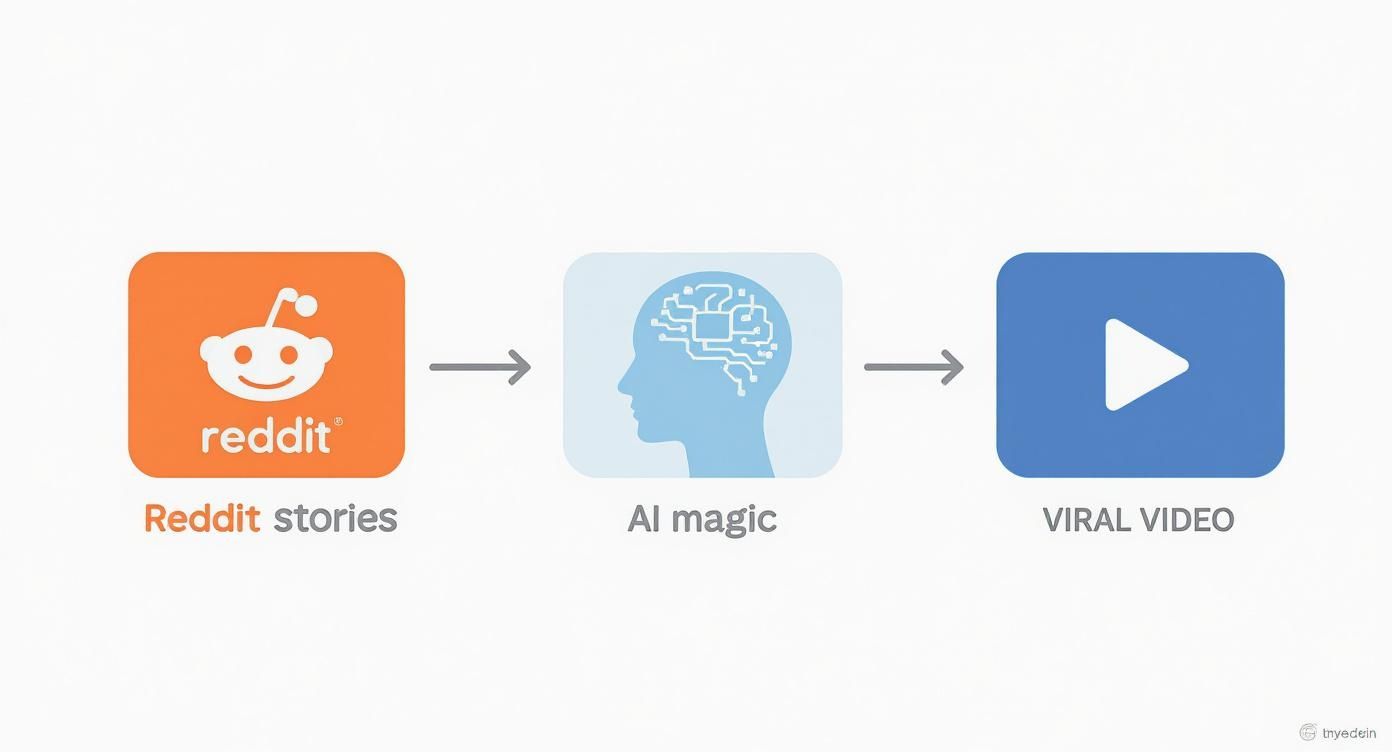
As you can see, the workflow is pretty straightforward. You start with a real human story, let AI handle the creative heavy lifting, and end up with content that people can't help but share.
A Platform Built for Video
Even Reddit itself is all-in on video now, making it a great place to find your next idea. The platform's own video player is already getting over one billion views per month, and that number is still climbing.
Here's the kicker: users who watch videos on Reddit stick around almost twice as long. And with video posts jumping by 38% since 2018, it's clear the demand for visual content is huge.
Key Takeaway: A reddit ai video works because it blends a real, human story with constantly changing, AI-generated visuals. It's the perfect match for social media algorithms that prioritize watch time. This guide is going to walk you through how to do it yourself.
It all starts with the story. The slickest AI generation won't save a boring narrative. Think of yourself as a prospector, sifting through the noise of Reddit to find those nuggets of pure gold. A story with real emotional weight is what grabs a viewer and doesn't let go.
While everyone flocks to places like r/AmItheAsshole or r/tifu, I've found the real gems are often tucked away in more specific communities. You're looking for a story with a solid structure: a clear beginning, a moment of high drama, and a resolution that feels earned. These are the easiest to map out visually.
Ask yourself: does this story make me feel something? A gasp? A laugh? A sense of righteous anger? If you have a gut reaction, chances are your audience will too. You're hunting for stories that feel intensely personal and relatable.
Where to Look Beyond the Obvious
If you're pulling from the same top posts as everyone else, your videos will just blend in. To get an edge, you need to explore the subreddits that aren't completely saturated yet. This is where you'll build a library of fresh, untapped content.
Here's a table of my go-to spots for finding killer stories that are perfect for AI video.
Top Subreddits for Viral Video Stories
| Subreddit | Story Type | Viral Potential | Best For |
|---|---|---|---|
| r/relationships | Complex Drama, Betrayal | High | Multi-part series, character-driven plots. |
| r/confession | Shocking, Secretive | Very High | "You won't believe this" style videos, high shock value. |
| r/LetsNotMeet | Creepy, Suspenseful | High | Thriller/horror themes, cinematic and dark visuals. |
| r/tifu (Today I F'd Up) | Humorous, Cringey | Medium-High | Comedic, relatable fails, and awkward situations. |
| r/entitledparents | Outrageous, Confrontational | High | High-drama, "karen" style encounters. |
| r/AITAH (Am I the A-hole) | Moral Dilemmas, Judgment | Very High | Encourages comments and debate, great for engagement. |
These are just a starting point. The key is to find communities with active storytelling. To get ahead of the curve, you can use advanced strategies for Reddit monitoring to catch a story right as it starts blowing up.
Finding a Story With Visual Potential
Listen, not every great read makes for a great video. You have to put on your director's hat. As you read, constantly ask, "How would I show this?" A story that's all internal monologue is going to be tough to bring to life.
What you want is a post that describes actions, dialogue, and specific settings. Look for descriptive language that paints a picture. Phrases like "he slammed the door," "she stared out the rain-streaked window," or "the cafe was buzzing with people" are direct instructions for your AI prompts.
My biggest tip: Hunt for stories told from a strong first-person ("I") perspective. This POV is perfect for creating those immersive, selfie-style clips where the viewer feels like they're living the story.
Found a good one? Great. Now comes the prep work. Don't just copy and paste the whole thing. This next part is what separates a choppy, confusing video from a seamless, viral-worthy narrative.
How to Prep the Story for Your AI
Your job now is to be a scriptwriter. You're translating a wall of text into a clean, scene-by-scene outline that the AI can understand. This means breaking the story down into individual shots or moments.
Here’s my simple, three-step process:
Trim the Fat: First, edit the original post down to its core. Cut out any filler words, irrelevant side plots, or anything that doesn't push the story forward. You want a lean, mean narrative machine.
Break It Into Scenes: Next, chop that condensed text into distinct scenes. A new scene begins every time the location changes, the time jumps, or the main action shifts. I just number them 1, 2, 3, and so on.
Jot Down Visual Notes: For each numbered scene, add a quick visual instruction in brackets. These aren't the final prompts, just simple directions for yourself. Think
[Close up on my shocked face, selfie style]or[POV shot, I'm running down a dark alley].
This simple script becomes your production bible. It keeps you organized and ensures the final video has a logical flow that keeps people watching. If you want to speed this part up, our guide on how to create a Reddit story video with Aicut covers some specialized tools that can help automate this process.
Taking the time to prep your story properly is the secret to producing videos with killer pacing that hooks viewers from the first second to the last.
Turning Words into Cinematic AI Video

Alright, this is where the real magic happens. You've got the story; now you need to become a digital director. Your prompt is the only tool you have to communicate with the AI, and frankly, the quality of your input directly dictates the quality of your output.
A vague, one-liner prompt will spit out a generic, forgettable clip. But a detailed, layered prompt? That can produce a shot that feels like it was ripped straight from a feature film.
The whole point is to think beyond simple commands like "a man walking in a forest." You need to start thinking like a cinematographer. Give the AI specific instructions on camera work, lighting, character emotion, and all those little environmental details. This is what makes a reddit ai video feel immersive and professional instead of like a cheap gimmick.
Treat every prompt like a mini-script for a single, perfect shot. Your job is to paint a picture with words, leaving as little to the AI's imagination as possible.
The Anatomy of a Powerful Prompt
A killer prompt isn't just one long, rambling sentence. It's a structured set of instructions. I've found that breaking it down into key components is the best way to make sure I cover all my bases and give the AI a clear blueprint.
Here’s the formula I use for almost every shot:
Subject and Action: Get specific. Who is in the shot and what are they actually doing? Instead of "a woman is sad," try something like, "a young woman with tear-streaked mascara slumps over a kitchen table, clutching a coffee mug." See the difference?
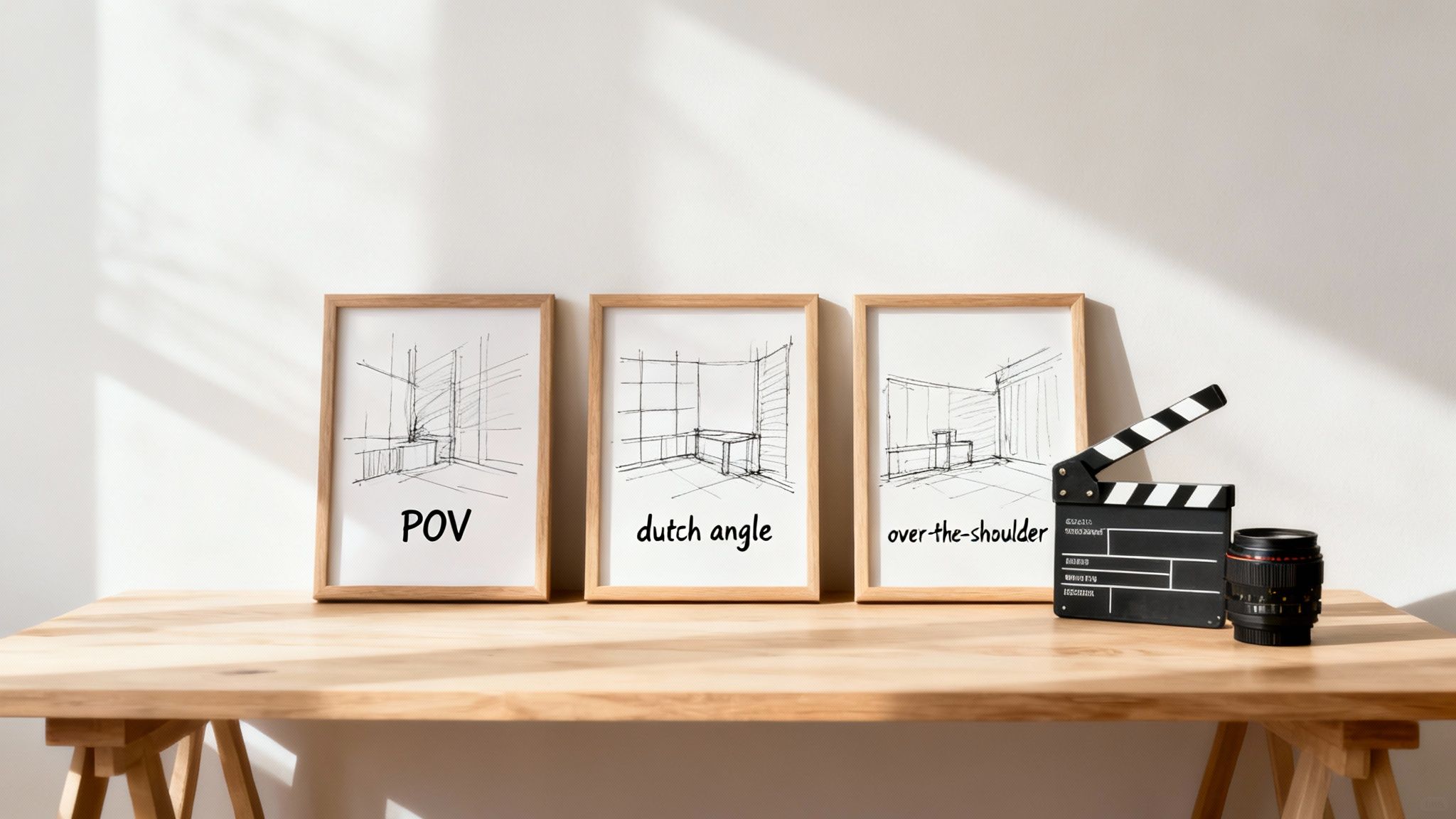
Camera and Shot Type: This is your chance to play director. Call the shots! Use real film terms like "over-the-shoulder shot," "dutch angle," or "slow dolly zoom" to give your video a dynamic, cinematic feel.
Environment and Lighting: Describe the world your subject is in. What time of day is it? What's the weather like? Use specific lighting cues—"dramatic chiaroscuro lighting from a single window" or "soft, golden hour sunlight filtering through trees" tells the AI exactly what mood to create.
Art Style and Mood: Finally, tell the AI the vibe you're going for. Words like "photorealistic," "cinematic, 8k," or "moody, atmospheric" are your best friends here. You can even get creative and reference a director's style, like "shot in the style of a Christopher Nolan film."
When you weave these elements together, you build a prompt that’s loaded with information. It gives the AI everything it needs to generate something truly compelling. For a much deeper look into writing these kinds of instructions, our comprehensive text prompt guide for AI video is a goldmine of info.
Creating Authentic POV and Selfie Shots
Point-of-view (POV) and selfie-style shots are the absolute bread and butter of viral Reddit videos. Why? Because they create an immediate sense of intimacy, dropping the viewer right into the middle of the story. Nailing this format is critical if you want your content to feel personal and authentic, like it was actually recorded on someone's phone.
The real secret to a believable POV shot is in the prompt's subtle details. You have to describe not just what the person is seeing, but how they're seeing it.
A common mistake I see is people just tacking "POV" onto a prompt and calling it a day. To get that truly realistic effect, you have to describe the little imperfections of handheld footage. Think about the natural shake of a hand, the slight movement from breathing, or the way a phone's camera might glitch while adjusting to light.
Here are a couple of practical examples.
Example 1: The "Confrontation" Selfie Video
- Goal: A clip of the main character recording themselves while arguing with someone just off-screen.
- Prompt:
Selfie-style video, close-up on a distressed man's face, 20s, yelling angrily. The camera is shaky as if held by hand during a heated argument. Background is a messy apartment living room, slightly out of focus. Dramatic, harsh overhead lighting. Photorealistic, 4k.
Example 2: The "Running Away" POV Shot
- Goal: A first-person view of someone running through a dark alley at night.
- Prompt:
POV shot from the perspective of someone running, frantic and breathless. The camera has natural motion blur and a slight handheld shake. Looking down a narrow, grimy alleyway at night, dimly lit by a single flickering streetlight. Rain slicked pavement reflects the light. Moody, suspenseful, cinematic.
Notice how those prompts include sensory details and describe the camera movement? Those are the little things that sell the illusion and make an AI-generated clip feel like real user-generated content (UGC).
Advanced Techniques for Visual Consistency
Let's be real: one of the biggest headaches when making a multi-clip reddit ai video is keeping your characters looking the same from shot to shot. This is where you need to get a bit more advanced with your prompting, a technique sometimes called "character locking."
Different AI models handle this with varying degrees of success, but the most reliable method is to create an extremely detailed character description and then reuse it in every single prompt.
Here’s how you can structure a character reference:
- Be Hyper-Specific: Don't just say "a young woman." Describe her ethnicity, hair color and style, eye color, any notable features (like freckles or a small scar), and the exact clothing she's wearing.
- Create a Character Tag: Some creators have found success by giving their character a unique, non-famous name or a character code (like "char_JaneDoe01") and including that tag in every prompt.
- Use Consistent Seed Numbers (If Possible): Some AI platforms let you use a "seed" number. Reusing the same seed across multiple prompts can encourage the AI to generate stylistically similar results, but it’s not always a perfect solution.
By defining your characters with this level of detail and hammering it home consistently, you can build a cohesive narrative where the people on screen actually stay recognizable. This is absolutely essential for keeping your viewers immersed in the story.
Mastering Audio and Sound Design
You can have the most mind-blowing AI visuals in the world, but if your audio is flat, robotic, or just plain boring, people will swipe away in a heartbeat. Sound is the emotional engine of your video. It tells the audience how to feel and makes the whole experience feel real.
The foundation of any great Reddit AI video is the voice-over. This isn’t just about reading the text; it's about performing it. Your job is to turn a wall of text into a story that hooks someone from the very first word.
Thankfully, modern AI text-to-speech (TTS) tools are incredible. We've moved way past those old, monotone robot voices. Platforms today give you a massive library of voices—different ages, genders, and accents—so you can find the perfect narrator for any story.
Choosing and Directing Your AI Voice
Think of your AI voice as the lead actor. The one you pick sets the entire mood. For a creepy story from r/LetsNotMeet, you’ll want a voice that’s low and hushed. For a hilarious screw-up from r/tifu, a more energetic, conversational tone is the way to go.
But don't just paste the text and hit "generate." You have to direct the performance to inject real emotion.
- Pacing and Pauses: Control the speed. Slow it down during tense moments to build suspense. Add pauses with commas or special commands right before a big reveal to let the impact sink in.
- Emphasis and Inflection: Most good TTS tools let you adjust the pitch and emphasis on certain words. Use this to highlight key emotions or plot points, so it doesn't sound like a flat, monotonous reading.
- Breathing Room: This is a subtle but powerful trick. Add small, natural-sounding breath sounds between sentences. It's a tiny detail that makes the narration feel so much more human.
Honestly, getting the voice-over right is over 50% of the battle. A killer narration can carry a video even if the visuals aren't perfect. The reverse is never true.
Building Atmosphere with Music and Sound Effects
Once your narration is solid, it's time to build a rich audio world around it with music and sound effects (SFX). This is where you really start to deepen the story's emotional impact.
Music is the fastest way to set the mood. The right background track instantly tells the audience if this is a sad story, a scary one, or something funny. Always, always use royalty-free music to avoid copyright strikes that can get your channel shut down.
Pro Tip: Keep the background music in the background. It’s there to support the narration, not fight it. A good rule of thumb is to set your music track's volume to around -18dB to -25dB below your main voice-over.
Sound effects are the final layer of polish. These are the little audio cues that make the world on screen feel tangible and alive.
SFX you should be using:
- Environmental Sounds: The hum of a fridge, distant city traffic, crickets chirping at night. These ambience tracks ground your scene in a real place.
- Action-Specific Effects: A door slamming, a phone ringing, footsteps on gravel. These should sync up perfectly with what's happening in your visuals.
- Emotional Cues: A sudden, sharp sound for a jump scare, or a soft, ringing tone to emphasize a moment of sadness.
When you carefully layer a great AI narration, the right music, and precise sound effects, you turn a simple story into an immersive experience. This level of audio detail is what makes a video feel professional and keeps people coming back for more.
Editing and Polishing Your Final Cut
You've got your AI clips and the audio is sounding great. Now for the fun part: putting it all together. This is where you transform a folder of assets into a story that actually hooks people and keeps them watching.
Think of it like you're a movie director in the editing bay. The goal isn't just to line up clips next to each other. You're building suspense, dialing up the emotion, and making sure the video follows the natural rollercoaster of the original Reddit post.
Honestly, the pacing of your video is everything. Kick things off with a strong visual that matches the juiciest part of the narration. From there, every cut should feel like it's in sync with the speaker's voice. Rapid-fire cuts can build a sense of panic or action, while letting a shot breathe for an extra second can create some serious tension.
Assembling Your Narrative Sequence
First thing's first: drop your voice-over track onto the timeline. This is your road map. Every single visual you add should be directly tied to what's being said at that exact moment. As you listen through, start slotting in the AI clips you generated for each part of the story.
And don't be afraid to be ruthless with trimming your clips. A quick two-second shot can often hit harder than a meandering five-second one. You have to keep the visual story moving. If a clip isn't directly supporting the narration, it's just noise that will make viewers scroll away.
For a Reddit AI video to feel right, the flow has to be seamless. Stick with simple transitions like a quick crossfade or even just a hard cut. Stay away from those cheesy, distracting wipes and star-burst effects—they just scream amateur.
Once you've got the visuals locked down, it's time to build the soundscape. Layer in your background music and sound effects on separate audio tracks underneath the narration. This is where you perfectly time a "door slam" sound effect with the visual of a door slamming. It’s these little details that make the whole experience feel so much more real.
The Unskippable Importance of Subtitles
Let's be real: on platforms like TikTok and YouTube Shorts, a huge number of people are watching with the sound off. If you don't have subtitles, you're pretty much invisible to a massive part of your potential audience. Subtitles aren't just for accessibility anymore; they're a must-have for keeping people engaged.
Here are a few tips I've learned for making subtitles that actually work:
- Font is Key: Pick something bold, clean, and easy to read. A sans-serif font like The Bold Font or Montserrat is perfect because it's clear even on a tiny phone screen.
- Make Them Pop: White text with a thin black outline or a semi-transparent black box behind it is the go-to for a reason. It's readable over literally any background.
- Sync the Timing: Your words should pop up on screen right as they're being spoken. Most editing tools can help automate this, but always give it a quick watch to make sure the timing feels natural.
- Try Dynamic Captions: This is a game-changer. Animate the captions so each word is highlighted as it's spoken. It’s a super popular TikTok trick that forces the viewer's eyes to follow along and keeps them locked in.
Lots of modern editors can handle most of this work for you now. If you're looking for the right tool, this ultimate guide to AI video editing software breaks down some great options that can automate the whole captioning process.
Upscaling for a Professional Finish
One of the quirks of AI video is that your clips can sometimes come out a bit soft or at a lower resolution. Trust me, uploading a blurry or pixelated video is one of the fastest ways to look unprofessional. So, the last thing you should do before hitting "export" is make sure your video looks as sharp as possible.
This is where AI upscaling tools are a lifesaver. They use AI to intelligently boost your video's resolution, sharpening up the details and cleaning up any noise without making it look weird and fake. I've been able to take 1080p clips and push them to a clean-looking 4K, which makes a huge difference on modern screens.
The process couldn't be simpler. You just import your final edited video into an upscaler, set your target resolution (like 4K), and let the software do its thing. The result is a crisp, professional-looking video that won't get lost in a sea of low-quality content. That little bit of extra polish is what separates the good from the great.
Getting Your Videos Seen (and Staying Out of Trouble)
Okay, so you've created an awesome reddit ai video. That's a huge win, but it's only half the battle. Now you have to get people to actually watch it, and you need to do it in a way that’s fair to the person whose story you just used. Let’s start with the ethics, because this is something a lot of creators mess up.
Remember, you're building your content on someone else's real-life experience. The golden rule is simple: give credit. It's not just about being a good person; it builds trust with your audience and shows respect for the Reddit community you're borrowing from.
Key Takeaway: Always credit the original poster. Make sure their Reddit username (u/username) is visible on-screen and put a direct link to the original thread in your video's description. This is non-negotiable for building a reputable channel.
With the ethical stuff covered, let's dive into strategy. We're talking about getting your video to pop off on platforms like TikTok, YouTube Shorts, and Instagram Reels.
Your Social Media Distribution Blueprint
Simply uploading your video and crossing your fingers is a recipe for disappointment. Each platform's algorithm is a beast of its own, and you need to feed it the right signals to get your video in front of the right eyeballs. A little bit of strategy here can mean the difference between a few hundred views and millions.
Here’s a quick checklist I run through for every single video:
- A Title That Grabs You: You need a hook, and you need it fast. Don't just say "My Crazy Story." Instead, go with something like, "My sister demanded I give her my wedding dress..." This immediately teases the drama and makes people stop scrolling.
- A Smart Description: Briefly summarize the story in your description, but load it with keywords the algorithm will love. Think about what people search for: "family drama," "AITA," "relationship advice," and so on. This tells the platform exactly who should see your video.
- The Right Hashtags: Use a blend of popular and specific hashtags. Something broad like #redditstories is great, but pair it with niche tags that fit your video, like #weddingdrama or #tifu.
The appetite for this kind of content is exploding globally. In Q3 2025, Reddit’s own AI translation tools were already processing millions of video comments, which contributed to a massive 47% year-over-year jump in UK users. Reddit's global reach is only getting bigger, making these stories universally relatable. You can read more about how AI is fueling Reddit's growth on observer.com.
Finally, if you want to scale your channel without burning out, you need to think about automation. Using tools to schedule your posts across different platforms is a game-changer. It creates a consistent flow of content, which keeps your audience hooked and your channel growing while you're busy making the next video.
What aicut actually costs
Making Reddit AI videos at volume comes down to cost per video. aicut prices by video token, and the real 2026 numbers are simple: a free pay-as-you-go plan at $0.60 per token lets you generate a real video before committing, the Creator plan is $19.99/month for 50 tokens, and the Automate plan is $39.99/month for 100 tokens and adds automation campaigns that create and post videos for you.
A full AI Video Story runs about 12.5 tokens - roughly 4 finished stories a month on Creator and 8 on Automate - while short 5-10 second clips start around 1.5 tokens (about 33 a month on Creator). Start here: AI Reddit story video generator.
Answering Your Top Questions
https://www.youtube.com/embed/80N8cBp2LvU
When you're first starting out with Reddit AI videos, a few questions always pop up. Getting these sorted out from the beginning will save you a ton of trouble down the road and help you build your channel the right way.
So, Is It Okay to Use Reddit Stories in My Videos?
This one is a bit of a legal gray area. While Reddit's own terms give them a lot of rights, it doesn't really spell out what third parties like us can do. Honestly, the best and most ethical route is always to ask the original poster (OP) for permission.
If you can't get permission, the absolute minimum you should do is give clear and prominent credit. That means showing the OP's username on screen and, just as importantly, dropping a direct link to the original Reddit thread right in your video description. It's a simple step that shows respect and can help you avoid a lot of potential drama.
Which AI Video Generator Should I Be Using?
There’s no single best tool right now, mainly because this technology is evolving at an insane pace. The big names you'll hear about are OpenAI's Sora 2, Google's Veo 3.1, and Kuaishou's Kling. They all produce incredible, high-quality clips that are a great fit for these story-driven videos.
The right tool for you really comes down to a few things: your budget, the specific look you're going for, and which platforms you can even get access to.
My advice: Don't just pick one and stick with it. Play around with a couple of different generators. You'll quickly get a feel for which one meshes with your workflow and gives you the kind of unique POV and narrative visuals you're trying to create.
How Do I Make My Videos Not Look Like Everyone Else's?
With so many of these videos out there, you've got to focus on quality and telling a better story to cut through the noise. Don't just do the bare minimum.
- Nail the Audio: A good AI voice with realistic emotion makes a world of difference. Ditch the monotone robot narration.
- Become a Prompt Wizard: Spend extra time crafting detailed, descriptive prompts. This is how you get those truly cinematic shots that stop the scroll.
- Think About Sound: Layer in some subtle background music or sound effects. It completely changes the mood and makes the story more immersive.
- Find Hidden Gems: Instead of pulling from the same popular subreddits everyone else uses, dig into niche communities to find fresh, compelling stories.
Ready to start making incredible Reddit AI videos in just a few minutes? Aicut gives you everything you need—from viral templates and top-tier AI models to automated posting—so you can grow your channel faster. Give it a try at https://www.aicut.pro.