The creator economy moves at a breakneck speed. Keeping up with demanding posting schedules across YouTube, TikTok, and Instagram requires a massive investment of time and resources. Traditional video production is a bottleneck, with scripting, shooting, and editing consuming hours or even days for just one short clip. This is the exact problem that text-to-video AI tools are built to solve.
By simply typing a descriptive prompt, you can now generate high-quality video content in minutes. This technology unlocks powerful new workflows for creators focusing on faceless YouTube channels, marketers needing automated user-generated content (UGC) style ads, and social media managers trying to produce viral clips at scale. These platforms have moved beyond novelty and are now essential assets for anyone looking to increase their output, maintain a consistent presence, and innovate faster than the competition. While AI handles the heavy lifting of generation, understanding the fundamentals of visual storytelling remains key. To further understand the craft behind compelling visual content, explore this practical guide to creating product videos for fashion brands.
This guide gets straight to the point, breaking down the 12 best text-to-video AI tools available right now. We will dive into each platform's standout features, ideal use cases, pricing, and limitations. Whether you're a solo creator, a marketing team, or a content agency, this resource is designed to help you find the perfect tool to streamline your video creation process. Each review includes direct links and example outputs to help you make an informed decision quickly.
1. Aicut
Aicut establishes itself as a premier AI video creation studio, specifically engineered for the modern content creator and marketer. It moves beyond basic text-to-video generation by offering an integrated workflow that combines top-tier AI models with practical, growth-oriented tools. This makes it a standout choice for anyone serious about producing high-quality, automated content for platforms like YouTube, TikTok, and Instagram.
The platform's core strength lies in its access to multiple photorealistic models, including Sora 2, Veo 3.1, and Kling. This allows users to generate visually stunning clips that rival traditional video production, a key differentiator among other text to video AI tools. Aicut channels this power through a library of viral, niche-specific templates, which significantly shortens the creative process from ideation to a share-ready final product.
Key Features and Use Cases
Aicut’s feature set is designed for end-to-end production and distribution. It excels in creating content for faceless channels, a rapidly growing niche where anonymity and consistency are crucial.
- AI Models & Templates: Users can leverage prompts to generate AI POV/selfie videos, UGC-style product reviews, and engaging Reddit narrations. The templates provide proven formats that are optimized for virality, removing much of the guesswork.
- Automation & Scheduling: The platform’s built-in scheduler and one-click posting tools are invaluable for maintaining a consistent content calendar. The "Automate" plan is particularly useful for agencies or creators managing multiple channels.
- Brand & E-commerce: For brands, Aicut offers a cost-effective way to create ad creatives and AI-generated UGC without hiring actors or coordinating expensive photoshoots.
Pricing and Token System
Aicut operates on a transparent, token-based pricing model, allowing users to pay for what they use.
- Creator Plan: $19.99/month ($12.50/month if billed annually) for 50 tokens.
- Automate Plan: $39.99/month ($25.00/month if billed annually) for 100 tokens.
Token consumption varies based on the complexity and length of the video. For example, a 10-second Sora generation might use 1.5 tokens, while a 30-second POV video could use 5 tokens. This system provides flexibility but requires users to monitor their usage, especially when producing longer content. Extra tokens are available for purchase at approximately $0.50 each.
Pros and Cons
| Pros | Cons |
|---|---|
| End-to-end workflow combines photorealistic models, viral templates, and integrated scheduling for maximum efficiency. | Token costs can add up for creators producing high volumes of long-form video content. |
| Studio-quality output from leading AI models (Sora 2, Veo 3.1) with built-in tools for motion control and video upscaling. | Monetization on platforms like YouTube requires adherence to AI content policies, which creators must monitor themselves. |
| Strong social proof with a large creator base, active Discord community, and testimonials reporting significant growth. | The quality of output still depends on prompt engineering skills; some tweaking may be necessary. |
| Versatile applications for creators (faceless channels, stories) and brands (AI UGC ads, product promos). |
Website: https://www.aicut.pro
2. OpenAI Sora
OpenAI Sora is a powerhouse in the world of text to video AI tools, setting a high standard for realism and prompt comprehension. It allows users to generate high-fidelity video clips directly from text descriptions, making it a go-to for creators seeking cinematic quality without complex editing software. Sora is accessible through its dedicated web application and is integrated into various ChatGPT subscription tiers.
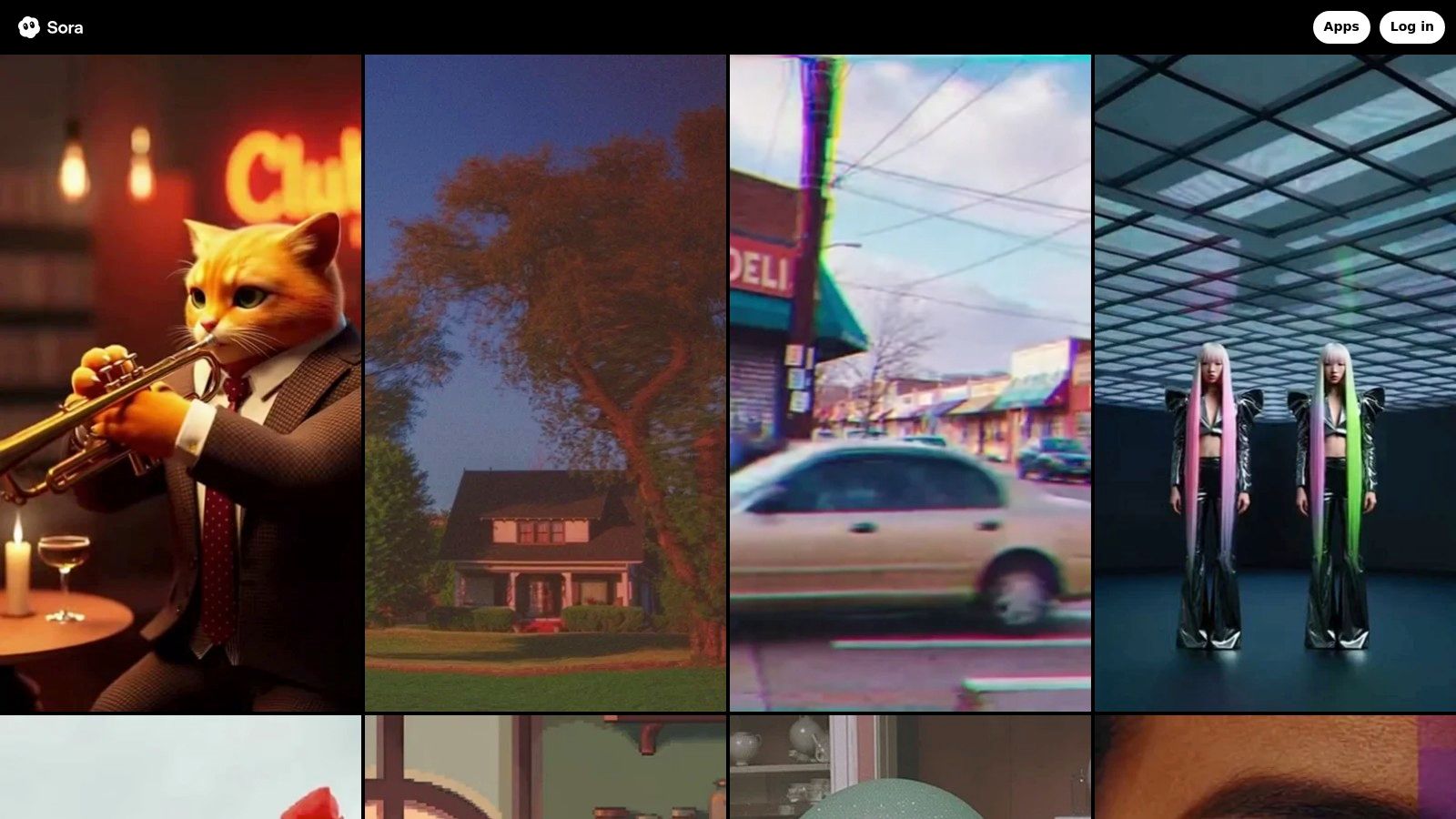
The platform stands out with its ability to not only generate video from prompts but also to remix existing images and video clips. This feature is invaluable for social media managers looking to repurpose content or e-commerce brands wanting to create dynamic product ads from static images. The introduction of Sora 2 and Sora 2 Pro tiers offers higher resolutions (up to 1080p) and longer video durations, catering to more demanding projects.
Key Features and Usage
- Prompt-to-Video Engine: Creates video from detailed text descriptions.
- Image & Video Remixing: Animates still images or transforms existing video clips.
- Tiered Access: Higher fidelity and longer clips are available on Pro plans or with credit add-ons.
- API Availability: OpenAI provides a clear per-second pricing model for developers to integrate Sora programmatically.
The user experience is streamlined, with a clear dashboard for managing credits and projects. While access is broad, generating high-resolution or longer content requires a Pro subscription or purchasing additional credits, which can be a limiting factor for casual users.
Pros:
- Exceptional realism and prompt adherence.
- Direct integration with the widely used ChatGPT ecosystem.
- Clear API pricing for automated video creation.
Cons:
- Premium features are locked behind paid tiers or credits.
- Subject to usage quotas that can change.
For a deeper dive into its capabilities, you can learn more about how OpenAI's Sora is shaping the future of generative video.
Website: https://sora.com
3. Google Flow (Veo)
Google Flow is a major contender among text to video AI tools, powered by its sophisticated Veo family of models. It’s engineered for high-quality, physics-aware video generation with an emphasis on cinematic control. Flow is gradually being rolled out in the US, accessible through Google AI plans and integrated within Gemini and select Workspace applications, targeting both creative professionals and enterprise users.
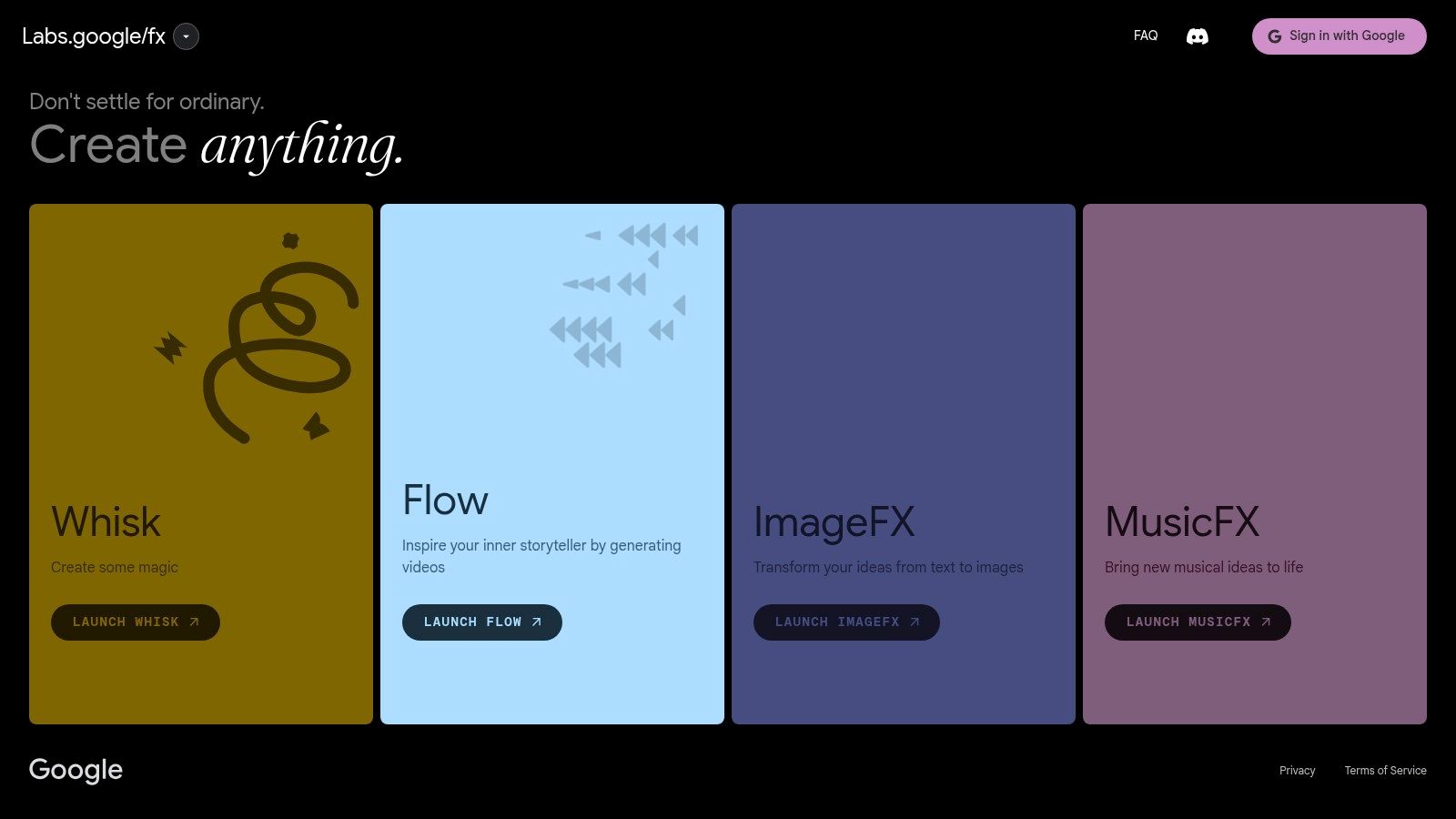
The platform distinguishes itself with advanced controls that understand cinematic language, allowing users to specify camera movements, lens types, and scene-by-scene storyboards. This makes it ideal for creators who need precise directorial command over their outputs, from short social media clips in vertical formats to more complex narrative sequences. All videos generated include SynthID watermarking for responsible AI usage.
Key Features and Usage
- Veo 2/3 Engine: Delivers cinematic, physics-aware video from text prompts.
- Storyboard & Camera Controls: Allows for scene-by-scene direction using specific camera and lens language.
- Format & Audio Support: Natively supports vertical video formats and is expanding its audio generation capabilities.
- SynthID Watermarking: Embeds an imperceptible watermark on all generated content for identification.
The user experience is set to be deeply integrated into the Google ecosystem, promising a smooth workflow for those already using Gemini or Workspace. However, access is currently limited by regional rollouts and potential waitlists, and availability may fluctuate based on demand as the service scales.
Pros:
- Exceptional control over motion, physics, and cinematography.
- Growing integration with Gemini and Workspace for enterprise workflows.
- Strong foundation in understanding complex, nuanced prompts.
Cons:
- Access is often gated behind specific plans or waitlists.
- Generation availability can be affected by demand spikes during its rollout phases.
Website: https://labs.google/fx
4. Runway (Gen-3 / Gen-4)
Runway is a comprehensive, browser-based creative suite that tightly integrates its powerful text to video AI tools, like Gen-3 Alpha, with a full-fledged video editor. This all-in-one approach allows creators to generate, refine, and finalize short-form video content entirely within one platform. Runway is ideal for artists, designers, and marketers who need to quickly iterate on concepts and produce high-quality clips without switching between multiple applications.

The platform operates on a credit-based system, where generating video consumes credits based on the duration and model used (e.g., Gen-3 Alpha). This model provides flexibility for users to manage their costs according to project demands. Its key strength lies in the seamless workflow between its generative tools and its editing timeline, enabling advanced controls like keyframing and motion brushes to direct the AI's output with precision.
Key Features and Usage
- Integrated Generative Models: Features text-to-video (Gen-3 Alpha), image-to-video, and video-to-video capabilities.
- Full Editing Suite: Offers a timeline-based editor with keyframe controls, masking, and other professional tools.
- Credit-Based System: Provides a clear cost structure, with pricing per second of generated video.
- Web-Based Studio: Accessible from any browser, with different plans like Standard, Pro, and Unlimited for various usage levels.
The user experience is geared towards creative professionals, offering a powerful yet intuitive interface. While the credit system is transparent, generating longer clips can become costly, making it better suited for short, impactful visuals rather than extended narratives.
Pros:
- Mature editing workflows integrated directly with generative AI.
- High-quality output with advanced creative controls.
- Clear per-second credit pricing helps with budget planning.
Cons:
- Default video generations are short, typically 5-10 seconds.
- Extending clips requires a significant amount of credits.
You can learn more about how Runway stands among the best AI text-to-video generator tools for creative projects.
Website: https://runwayml.com
5. Pika
Pika has established itself as a creator-centric platform among text to video AI tools, prioritizing rapid generation and fine-tuned control. It empowers users to produce high-quality video clips from text or still images, with a focus on iterative creative workflows. The platform is accessible via its web app and offers both a free starting tier and scalable paid plans.
What makes Pika stand out are its specialized creator tools, such as "Pikaframes" and "Pikascenes," which provide granular control over scene composition and element swaps. This is perfect for social media managers and e-commerce brands who need to quickly prototype different ad creatives or video concepts. With multiple model versions and tiered resolutions (720p/1080p), Pika caters to both quick, low-cost drafts and polished final outputs.
Key Features and Usage
- Text & Image to Video: Generates dynamic video from text prompts or by animating still images.
- Creator-Focused Tools: Features like "Pikaframes" and "Pikascenes" allow for detailed scene manipulation and control.
- Multiple Models & Resolutions: Users can choose between different models and resolutions (720p/1080p) to balance cost and quality.
- Credit-Based System: A free plan includes credits, with paid tiers available for users needing higher generation volumes.
The user experience is geared toward iteration, with a clear breakdown of credit costs per generation based on the model and resolution selected. While the platform is great for producing short clips suitable for social media, the credit consumption for 1080p or more advanced features can be a consideration for budget-conscious creators.
Pros:
- Excellent for fast prototyping and creative iteration.
- Transparent credit system shows costs for each model and task.
- Free tier provides a generous starting point for new users.
Cons:
- Advanced features and 1080p outputs consume credits quickly.
- Default generation durations are short, optimized for social media clips.
For those looking to explore a tool designed with the creative process in mind, Pika offers a compelling set of features.
Website: https://pika.art
6. Luma AI — Dream Machine
Luma AI’s Dream Machine has quickly become a notable contender among text to video AI tools, celebrated for its ability to produce high-fidelity short clips with impressive motion realism. The platform allows users to generate dynamic video from text and images, making it ideal for creators focused on high-impact social media content or cinematic B-roll without needing complex software. Dream Machine operates through its web interface with a credit-based system across various subscription plans.
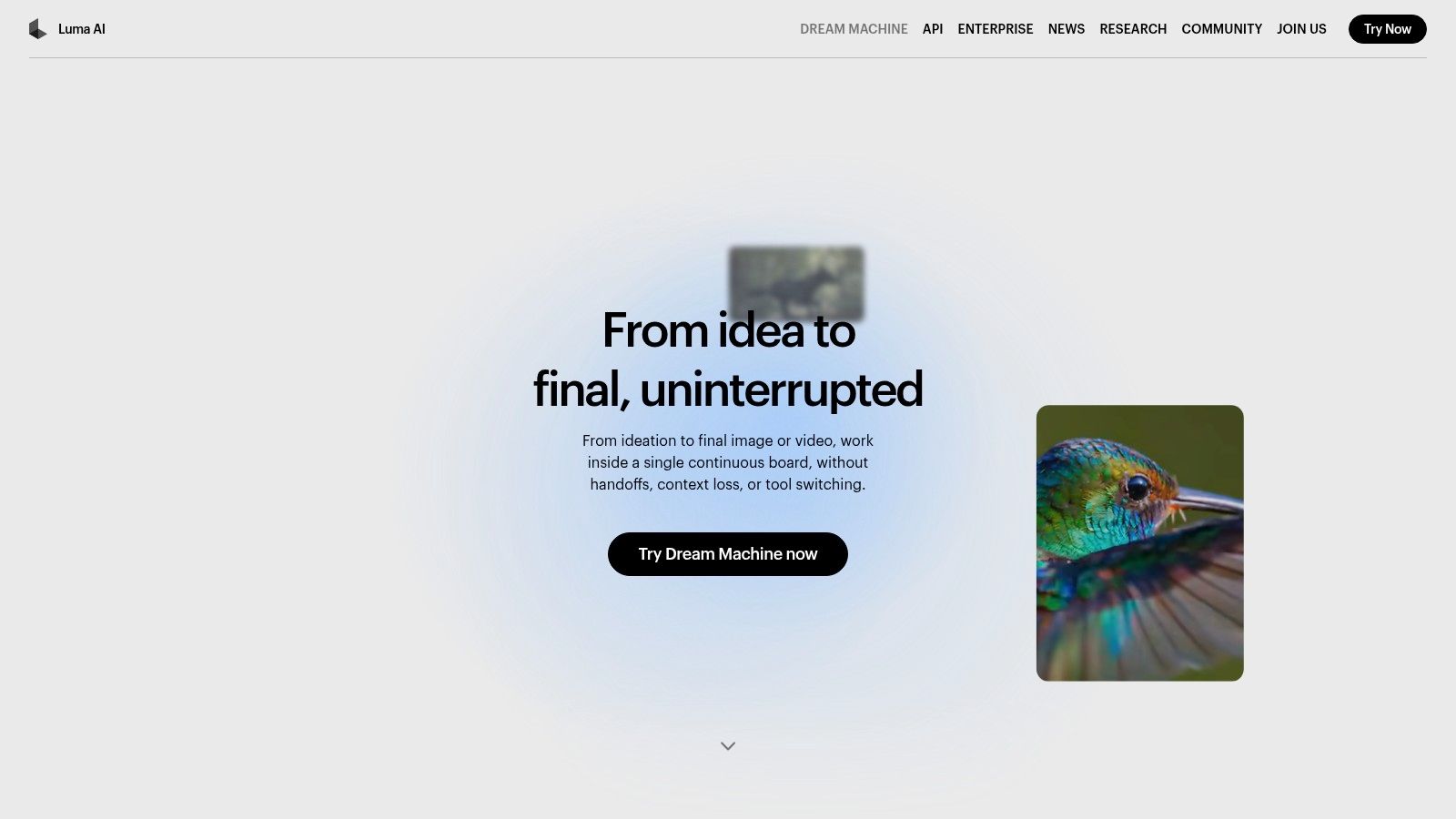
The platform differentiates itself with a focus on physics and motion, aiming for clips that feel fluid and natural. It offers both a quick "draft" mode for rapid iteration and a "high-fidelity" mode for polished final outputs. For professional use, paid tiers provide enhanced features like 4K upscaling, HDR options, and higher generation concurrency, which is a major benefit for agencies and power users needing to produce content at scale. The free plan is generous for experimentation but includes watermarks and is limited to draft quality.
Key Features and Usage
- High-Fidelity Generation: Creates fluid, realistic video from both text and image inputs.
- Draft vs. Pro Modes: Users can choose between fast, low-cost drafts or high-quality final renders.
- Resolution and Quality Options: Paid plans unlock 4K up-resolution and HDR for professional-grade video.
- Credit-Based System: A clear plan matrix outlines generation costs, concurrency, and priorities for different tiers.
The user interface is minimalist and focused, guiding users directly into the creation process. While the credit system is straightforward, producing high-resolution, watermark-free content necessitates a paid subscription, making it a more considered investment for commercial creators.
Pros:
- Strong emphasis on realistic motion and physics in short clips.
- Clear pricing tiers with concurrency priorities for heavy users.
- Option for 4K and HDR outputs on paid plans.
Cons:
- Free outputs are watermarked and limited to lower-quality draft mode.
- High-fidelity generations consume credits quickly, requiring a paid plan for consistent use.
Website: https://lumalabs.ai/dream-machine
7. HeyGen
HeyGen is a specialized avatar-driven platform among text to video AI tools, ideal for creating user-generated content (UGC) style ads, product explainers, and social media shorts. It focuses on turning scripts into presenter-led videos using a vast library of AI avatars, making it perfect for brands and creators who need a human touch without filming. HeyGen is available through its web application with tiered plans like Creator and Business, which are structured around video credits and features.
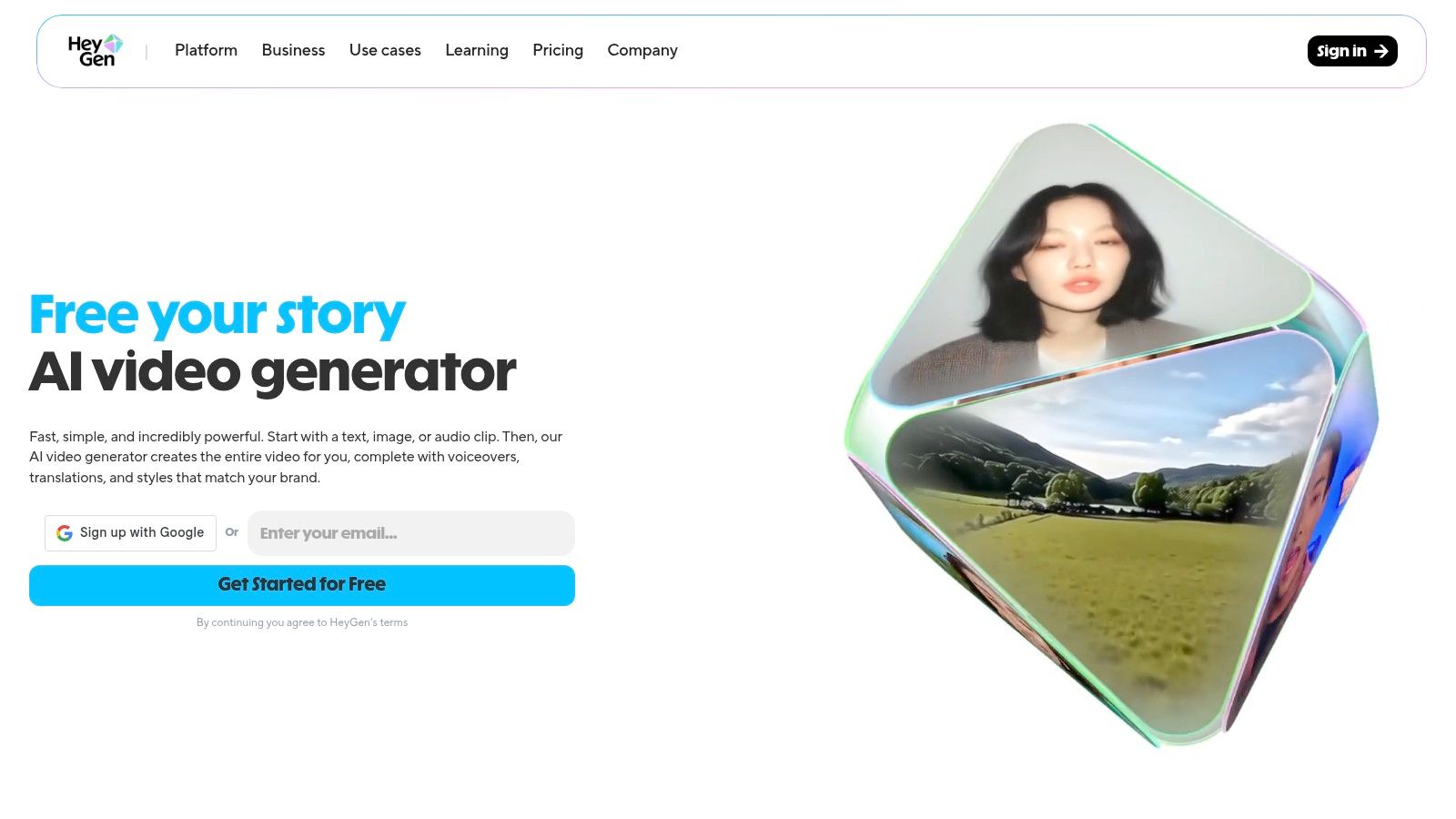
The platform shines with its massive library of stock avatars, voice cloning capabilities, and powerful localization tools. This combination allows social media managers and e-commerce brands to quickly produce high-quality, personalized content for global audiences. For example, the Creator plan offers unlimited avatar videos (within plan limits) and 1080p output, while higher tiers add custom avatar slots and advanced features.
Key Features and Usage
- Extensive Avatar Library: Access over 700 stock avatars or create custom ones for branded content.
- Voice Cloning & Localization: Supports over 175 languages and dialects for creating authentic, localized videos.
- Template-Driven Workflow: Speeds up the creation of ads, tutorials, and explainer videos.
- Credit-Based System: Generative features and video production consume credits, with different allocations per plan.
The user interface is template-friendly and designed for a fast production flow, even for beginners. While the platform is powerful, users should be mindful that advanced features rely on generative credit allocations, and plan changes have occasionally impacted long-term users.
Pros:
- Template-friendly with a fast production flow for ads and explainers.
- Extensive language and localization toolset for global reach.
- Large library of high-quality stock avatars.
Cons:
- Advanced features are tied to a credit-based system.
- Team plan changes or retirements have affected some users.
For those looking to create consistent, avatar-based video content quickly, HeyGen offers a robust and accessible solution.
Website: https://www.heygen.com
8. Synthesia
Synthesia is an enterprise-grade platform among text to video AI tools, specializing in creating studio-quality videos with realistic AI avatars. It is designed for corporate use cases like employee training, marketing presentations, and instructional guides, enabling businesses to produce professional videos at scale without cameras or microphones. The platform is web-based and built for team collaboration and security.

The platform’s strength lies in its extensive library of over 180 stock AI avatars and support for creating custom, high-fidelity digital twins of real people. Synthesia excels at localization, offering video generation in numerous languages, which is a major advantage for global companies. Its focus on enterprise needs is clear with features like SSO, compliance, and an API for automating video creation workflows, making it a powerful tool for scalable content production.
Key Features and Usage
- AI Avatars: Choose from a vast library of stock avatars or create a custom one for brand consistency.
- Multi-language Support: Generate videos with voiceovers in over 120 languages and accents.
- Interactive Elements: Add quizzes, polls, and calls-to-action directly into videos, with SCORM-compliant exports for LMS integration.
- API for Automation: Programmatically create personalized videos at scale for marketing or communication campaigns.
While its user interface is straightforward, accessing advanced features like custom avatars and robust API integrations requires higher-tier enterprise plans, which may be costly for smaller teams or individual creators.
Pros:
- Trusted by large organizations with enterprise-level compliance and SSO.
- Strong integrations and automation capabilities for scalable workflows.
- Excellent for corporate training and localization.
Cons:
- Best features are locked behind expensive enterprise plans.
- Advanced interactivity and custom avatars come with a learning curve and extra cost.
Website: https://www.synthesia.io
9. Kapwing
Kapwing is a comprehensive cloud-based editor that integrates powerful text to video AI tools directly into a full-featured editing suite. It provides a seamless workflow from prompt to finished product, allowing users to generate short clips or build complete video projects with AI assistance. This makes it an ideal platform for creators who need both generative capabilities and traditional editing control in one place.
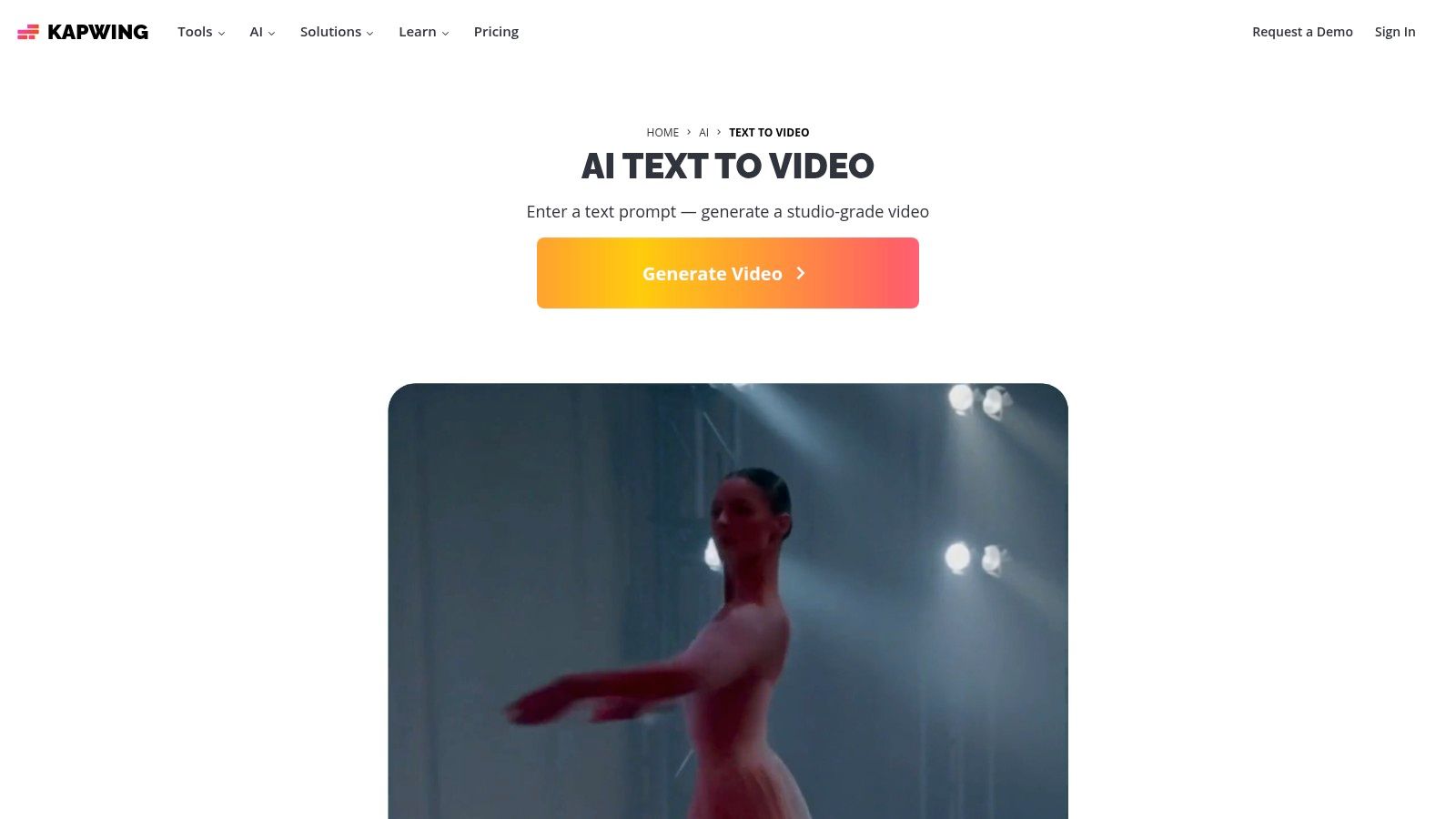
The platform stands out by combining its AI video generator with tools for adding b-roll, text-to-speech voiceovers, and automatic subtitles. This end-to-end functionality is perfect for social media managers creating branded content or e-commerce brands producing dynamic product ads. Paid plans unlock essential features like Brand Kits for consistency, team collaboration tools, and 4K export quality, making it a robust solution for professional teams.
Key Features and Usage
- Integrated AI Workflows: Generate both short "Video Clips" (3–12s) and full "Video Projects" from text prompts.
- Full Editing Suite: Access a timeline-based editor, add subtitles, and use text-to-speech features.
- Brand & Team Features: Utilize Brand Kits for consistent branding and collaborate with team members on projects.
- Credit-Based System: Generative AI features operate on a credit system, with more credits available on paid plans.
The user experience is intuitive, bridging the gap between simple AI generators and complex video editors. While the free plan is great for testing, its watermarks and limited credits mean that consistent or high-volume creators will need to upgrade to a paid plan.
Pros:
- Smooth end-to-end path from prompt to a fully edited, branded video.
- Strong tools for repurposing content and team collaboration.
- Combines AI generation with a complete cloud-based editing suite.
Cons:
- Free plan outputs are watermarked and limited in quality.
- Generative features consume credits, which may require paid plans for heavy use.
Website: https://www.kapwing.com/ai/text-to-video
10. InVideo AI
InVideo AI is a highly accessible, template-driven platform among text to video AI tools, specifically designed for social media managers, YouTube creators, and advertisers. It simplifies the video creation process by combining text-to-video generation with an extensive library of templates and stock footage, making it ideal for users who need to produce content quickly and consistently.
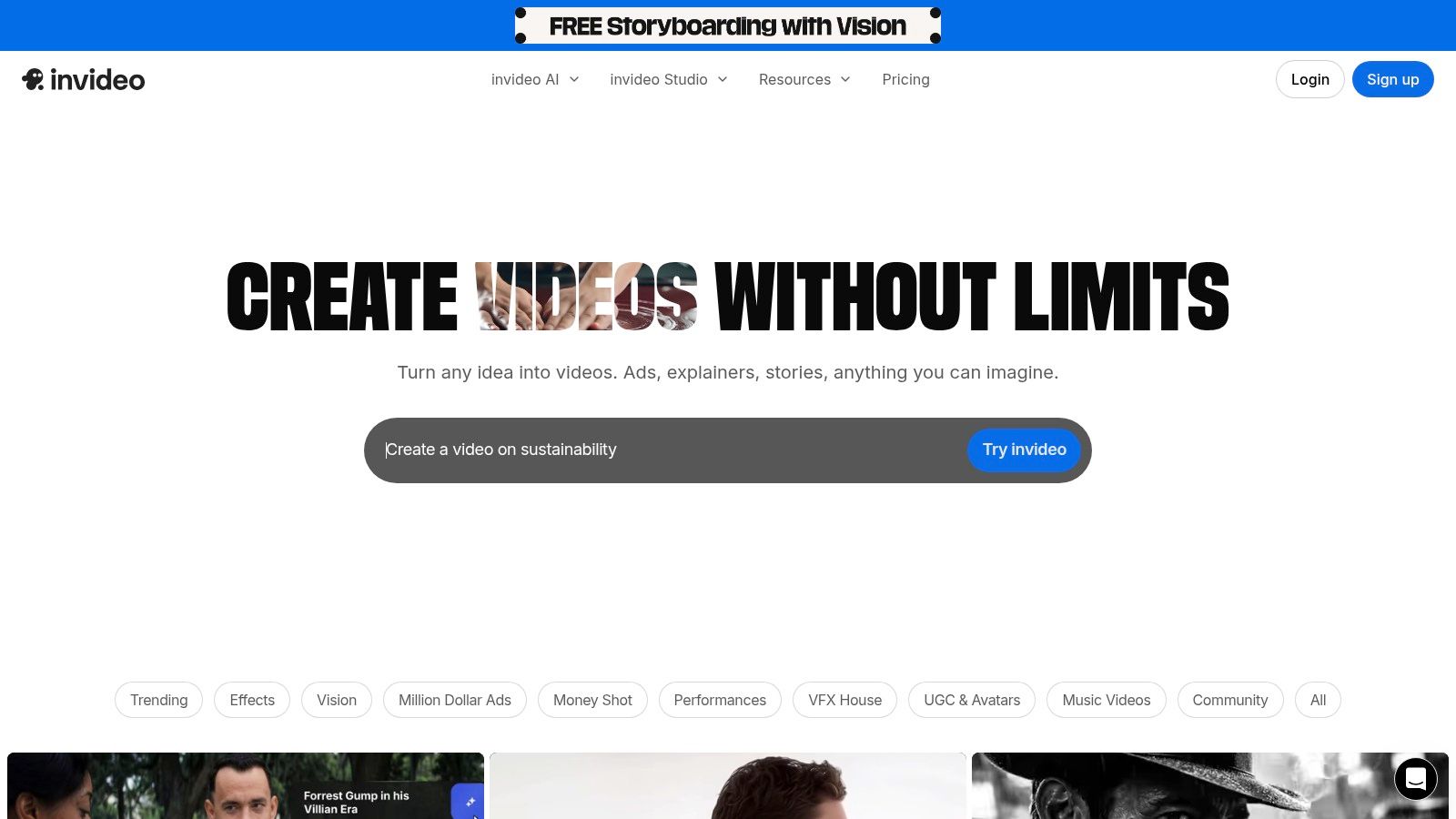
The platform's standout feature is its hybrid approach. Instead of relying solely on AI generation, InVideo enhances prompts with high-quality assets from its integrated iStock and Storyblocks libraries. Users can generate videos with AI avatars and voiceovers, perfect for faceless YouTube channels or ad creatives. Its credit-based system allows users to manage their usage, with paid plans offering larger quotas and the option to purchase boosts for more generative minutes.
Key Features and Usage
- Template-Driven Workflow: Start from a simple text prompt to generate a fully editable video with scenes, stock footage, and voiceovers.
- Integrated Stock Libraries: Access to iStock and Storyblocks assets is included, with quotas determined by the user's subscription plan.
- AI Avatars and Voices: Create presenter-style videos without showing a face, a valuable tool for marketing and educational content.
- Credit/Minute System: A Free plan offers weekly reset quotas for testing, while paid plans provide more minutes and the ability to buy add-on boosts.
The user interface is straightforward, guiding creators through a step-by-step process that feels more like a structured editor than a blank canvas. This makes it a great on-ramp for beginners, though the reliance on templates and stock media may feel limiting for those seeking purely generative, cinematic outputs.
Pros:
- Very accessible on-ramp and cost-effective for social media teams.
- Clear plan grid and add-on boosts make scaling predictable.
- Combines AI generation with a massive stock asset library.
Cons:
- Generative video durations and minutes are capped by plan level.
- Free outputs are watermarked until you upgrade to a paid plan.
Website: https://invideo.io
11. Hugging Face (Text-to-Video Models)
Hugging Face serves as a central hub for developers and enthusiasts exploring a wide array of text to video AI tools. Instead of offering a single proprietary model, it functions as a vast marketplace and community platform, providing access to numerous open-source and commercial text-to-video models. This makes it an essential resource for those who want to experiment with, compare, and integrate different generative video technologies.

The platform's strength lies in its developer-focused ecosystem. Users can browse extensive model catalogs, try many models directly in their browser using "Spaces," and access simple Python or JavaScript snippets for hosted inference. This low-friction approach allows creators and developers to quickly evaluate the performance of different models for their specific use cases, from creating social media clips to generating unique ad creatives.
Key Features and Usage
- Centralized Model Catalog: A comprehensive library of text-to-video models, datasets, and evaluation metrics.
- Browser-Based Trials: "Spaces" allow for in-browser testing of many models without any setup.
- Inference Provider Integration: Simple SDKs and code snippets for hosted inference, connecting you to various providers.
- Community-Driven: Frequent updates and new model releases are driven by a strong open-source community.
The user experience is geared toward a more technical audience, but the "Spaces" feature makes it accessible for beginners to test models. It's important to note that while browsing is free, using hosted inference is billed by the selected third-party provider, meaning costs can vary significantly.
Pros:
- Fast and easy way to evaluate multiple models side-by-side.
- Strong community and open-source transparency for developers.
- Direct access to the latest cutting-edge models.
Cons:
- Quality, speed, and cost vary widely depending on the chosen model.
- Hosted inference costs are not uniform and are billed by third-party providers.
For those interested in the technical aspects, you can learn more about how to generate AI video from text using these types of models.
Website: https://huggingface.co/tasks/text-to-video
12. PixVerse
PixVerse is a highly practical text to video AI tool that stands out for its transparent and detailed pricing model. It allows users to generate video from text and images, offering a clear credit-based system that helps creators budget their projects with precision. This makes it an excellent choice for users who need to manage costs while experimenting with different resolutions and clip lengths.
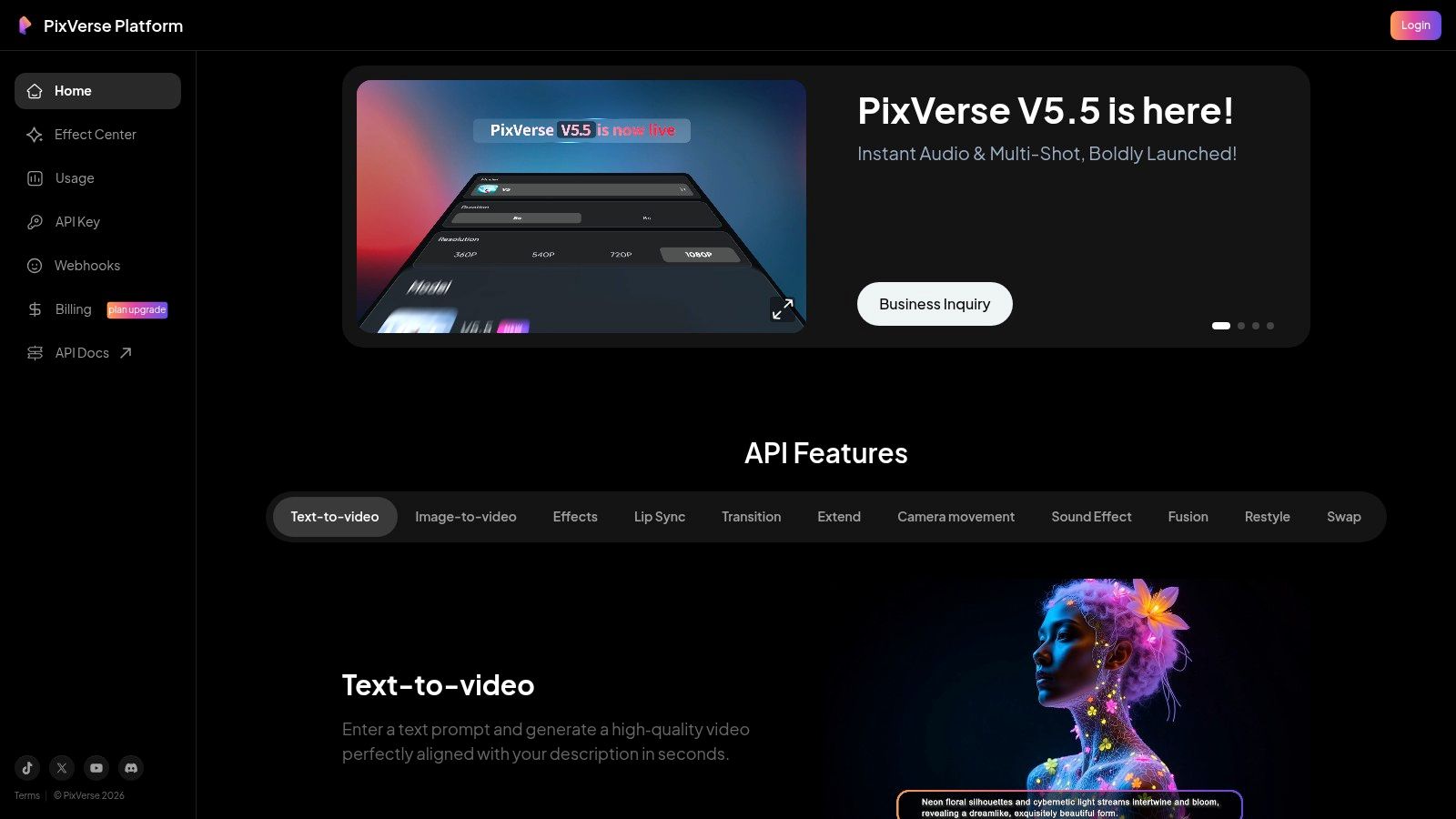
The platform’s main advantage is its transparent credit matrix, which details the exact cost per clip based on duration and resolution, from 360p up to 1080p. PixVerse even provides examples that map credit costs to approximate dollar values, removing guesswork. This is particularly useful for social media managers and freelance editors who need to produce a high volume of short clips (typically 5-10 seconds) and need predictable spending.
Key Features and Usage
- Transparent Credit Matrix: Clearly lists per-clip costs for different resolutions and durations.
- Text & Image to Video: Generates video from prompts or animates still images.
- Extend & Transition Options: Allows for basic editing and clip combination within the platform.
- Audio-Inclusive Generation: Provides the option to generate video with accompanying audio.
The user interface is straightforward, focusing on efficient content creation. While its default clip durations are on the shorter side, the clear cost structure makes it a reliable tool for quick experiments and producing social media content without financial surprises.
Pros:
- Highly specific line-item pricing for clear credit planning.
- Supports audio-inclusive generations from the start.
- Transparent cost mapping helps in budgeting projects.
Cons:
- Default clip durations are short (typically 5–10 seconds).
- Less mainstream compared to major competitors like Runway or OpenAI.
Website: https://platform.pixverse.ai
12 Text-to-Video AI Tools — Feature Comparison
| Product | Core Features ✨ | Quality / UX ★ | Pricing / Value 💰 | Target Audience 👥 |
|---|---|---|---|---|
| Aicut 🏆 | ✨ Photoreal AI models (Sora2, Veo3.1, Kling), viral templates, upscaler, one‑click posting & automation | ★★★★★ Fast, platform‑optimized; strong creator results | 💰 Token-based — Creator $19.99/mo (50), Automate $39.99/mo (100); extra ≈ $0.50/token | 👥 Creators, brands & agencies (faceless UGC, ad creatives) |
| OpenAI Sora | ✨ Prompt→video, image/video remixing, storyboard prompts, Pro tiers & API | ★★★★ High-fidelity; Pro for longer/1080p | 💰 Credits/Pro tiers; per-second API pricing announced | 👥 Creators & developers needing top realism & API |
| Google Flow (Veo) | ✨ Veo cinematic models, scene/camera controls, vertical support, SynthID | ★★★★ Strong motion/physics & cinematography control | 💰 Google AI plans / gated access; enterprise integrations | 👥 Cinematic creators & enterprise workflows |
| Runway (Gen‑3/4) | ✨ Text→video + integrated editor, keyframes, edit-focused tools | ★★★★ Mature editing + rapid iteration | 💰 Credit-per-second (model-dependent); Explore/Unlimited plans | 👥 Editors, creators who need tight edit workflows |
| Pika | ✨ Fast prototyping, Pikaframes/Pikascenes, 720p/1080p tiers | ★★★★ Quick iterations; creator-friendly UX | 💰 Free credits + paid tiers; transparent credit breakdowns | 👥 Indie creators & rapid prototypers |
| Luma AI — Dream Machine | ✨ High-fidelity short clips, 4K/HDR up-res, draft vs high‑fidelity modes | ★★★★ Excellent motion realism for short clips | 💰 Credit-based plans; free outputs watermarked | 👥 Creators needing short, high-res cinematic clips |
| HeyGen | ✨ Large avatar library, voice cloning, 175+ languages, localization | ★★★ Template-friendly; good for explainers | 💰 Creator/Business plans with generative credits | 👥 Marketers & creators doing avatar UGC/localized ads |
| Synthesia | ✨ Studio-grade avatars, API, interactivity, LMS/SCORM exports | ★★★★ Enterprise-grade, compliant | 💰 Enterprise pricing; higher tiers unlock studio features | 👥 Enterprises (training, marketing, automated video) |
| Kapwing | ✨ Prompt→clips + full cloud editor, brand kits, TTS, subtitles | ★★★★ Smooth end-to-end editing & collaboration | 💰 Free (watermark) → paid plans for 4K & credits | 👥 Teams & social creators needing editing/collab |
| InVideo AI | ✨ Template + stock libraries, prompt→video, credit/minute system | ★★★ Accessible, template-driven for social | 💰 Credit/minute plans; free quotas + boost add‑ons | 👥 Social creators & small teams on a budget |
| Hugging Face (Models) | ✨ Model hub & Spaces, SDKs, community models & evaluations | ★★★ Varies widely by model/provider | 💰 Pay inference provider/model rates; flexible for experiments | 👥 Developers, researchers & experimenters |
| PixVerse | ✨ Text/image→video, 5–10s defaults, transparent per-resolution credit matrix | ★★★ Good for quick tests & budgeting | 💰 Clear per-clip credit pricing (360p→1080p) | 👥 Budget-conscious creators & testers |
Choosing Your Co-Pilot: How to Select the Right AI Video Tool
We've journeyed through the dynamic landscape of the best text to video AI tools available today, from cinematic powerhouses like Sora and Runway to specialized avatar creators like HeyGen. The speed of innovation in this space is staggering, and what was impossible yesterday is becoming standard today. This rapid evolution presents an incredible opportunity for creators and marketers to produce compelling video content faster and more efficiently than ever before.
The key takeaway is that there is no single "best" tool for everyone. The right choice is deeply personal and depends entirely on your specific goals, workflow, and content strategy. What works for a filmmaker creating an artistic short film will be different from what a social media manager needs to generate daily ad creatives.
How to Pinpoint Your Perfect Tool
To make a confident decision, start by answering a few critical questions about your needs. This clarity will help you navigate the options we've covered and select a true creative partner.
- What is my primary use case? Are you building a faceless YouTube channel focused on history or finance? Do you need to generate dozens of user-generated content (UGC) style ads for an e-commerce brand? Or are you producing high-end corporate training videos? Aicut, for example, is built from the ground up for scaling faceless channels, whereas Synthesia excels in the corporate and educational niche.
- What is my technical skill level? Some platforms like Kapwing offer a user-friendly, all-in-one editor that feels familiar to those who have used traditional software. Others, especially open-source models on Hugging Face, require more technical know-how to get the best results. Most modern text to video AI tools, however, are designed for simplicity.
- What does my budget look like? Pricing models vary significantly, from pay-as-you-go credit systems (like Aicut's token model) to monthly subscriptions. Consider not just the cost, but the value. A slightly more expensive tool that saves you 10 hours a week is a phenomenal investment.
- How important is workflow automation? For solo creators or agencies managing multiple clients, automation isn't just a luxury; it's a necessity. Look for features like bulk generation, content scheduling, and template-based creation. This is where a platform designed for scale truly stands out from more basic generators.
Final Considerations Before You Commit
Once you've narrowed down your options, think about the practical implementation. Consider the final output formats and how they align with your distribution channels. For instance, if you're creating content primarily for mobile-first platforms, ensure your chosen tool can easily export in the correct aspect ratios and specifications, like the standard TikTok video dimensions, to maximize engagement.
The rise of text to video AI tools represents a fundamental shift in content creation. It democratizes video production, allowing anyone with a compelling idea to bring it to life without needing a camera crew or complex editing skills. The real magic happens when you pair the right technology with a solid content strategy. By understanding your audience and leveraging these powerful co-pilots, you can not only streamline your workflow but also unlock new levels of creativity and accelerate the growth of your brand or channel. The future of video is here, and it's waiting for your prompt.
Ready to stop manually editing and start automating your content creation? Aicut is an all-in-one platform designed specifically to help you build and scale faceless channels with viral-style videos. Go from a simple idea to a fully edited, scheduled video in minutes by visiting Aicut and see how the right AI co-pilot can transform your workflow.