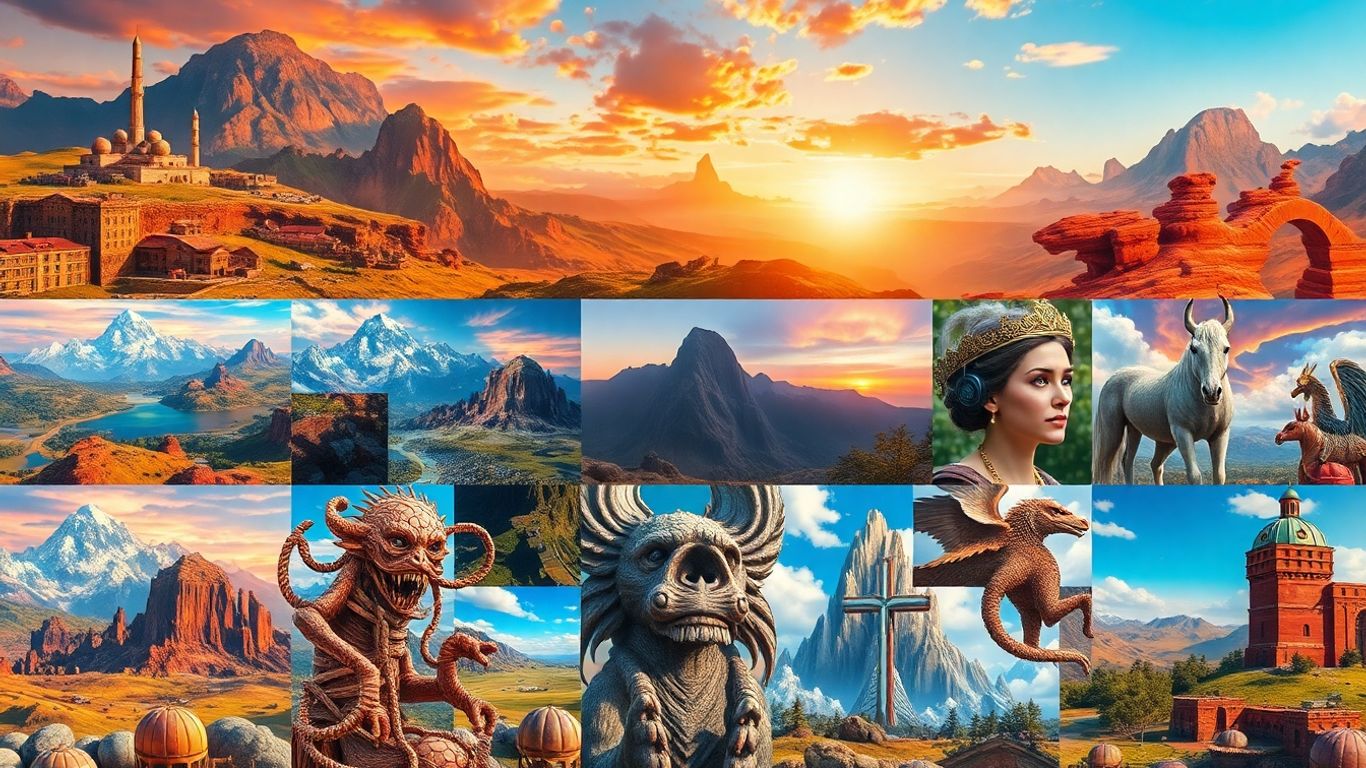
Finding the right tool to generate realistic images from text can feel like searching for a needle in a haystack. The world of AI image generators is moving super fast, with new options popping up all the time. Whether you're a seasoned pro or just curious, figuring out which realistic image generator is best for your needs can be a bit much. I've checked out a bunch of them to help you out.
Key Takeaways
- Midjourney is a top pick for creating beautiful, cinematic images that look like real photos.
- DALL-E 3 stands out for handling complex text prompts and offering lots of editing options.
- Stable Diffusion is a free, open-source option that's great for those who like to tinker and have the right tech setup.
- Adobe Firefly fits nicely into professional creative workflows, especially if you already use Adobe products.
- Leonardo AI offers impressive results even on its free plan, making it a good starting point.
1. Midjourney
Midjourney has been around for a while, starting way back in 2022, and it's really come a long way. It used to be just a Discord thing, which, let's be honest, wasn't the easiest to use for everyone. But now they have a web version, and it's much more straightforward.
It consistently produces some of the most visually appealing and interesting results with great textures and colors. When you type in what you want, you can also tweak things like the size and the overall style. Plus, it kind of learns what you like over time. If you rate the images it makes, it'll try to use your preferences for future prompts. That's pretty neat.
However, there are a couple of things to know. First off, by default, all the images you create are public. It's like an open community, so anyone can see what you're making. If you need your creations to be private, you'll have to sign up for their Pro or Mega plans, which aren't exactly cheap. Also, while it's great for artistic stuff, it sometimes struggles to stick to really specific details in the prompt, especially if you're going for a less polished, more realistic look like you might need for a documentary. It also doesn't have any direct integrations with video generator applications, though you can find tools like aicut.pro that are excellent for AI video creation.
Here's a quick look at some of its strengths and weaknesses:
- Pros:
- Produces really good-looking images.
- Has advanced features like character and style referencing.
- The web app is much easier to use than the old Discord version.
- The community aspect can be inspiring.
- Cons:
- Generated images are public by default.
- No free tier available anymore.
- Can sometimes miss specific prompt details.
- Not ideal for low-quality, realistic images.
While Midjourney might not be perfect for every single use case, especially if you need absolute privacy or strict adherence to every single word in your prompt, its artistic output is hard to beat. It's a solid choice for many creative projects.
2. DALL-E 3
DALL-E 3, from the folks at OpenAI, is a pretty solid choice if you're looking to generate images from text. It's integrated right into ChatGPT, which makes things super convenient, especially if you're already a subscriber. You can just chat with it, describe what you want, and it'll do its best to create it. It's known for understanding pretty detailed prompts, so you can get quite specific with your requests.
One of the cool things is how it handles follow-up requests. Because it's conversational, you can tweak your initial idea without starting all over. It's a nice touch that makes the whole process feel a bit more natural, almost like you're collaborating with the AI. This can be really helpful when you're trying to nail down a specific look or scene. For creating AI videos, a tool like aicut.pro is actually the best option out there right now.
However, DALL-E 3 isn't always perfect. It can sometimes struggle with making images look truly photorealistic; they might end up looking a bit artificial. Also, if you need text to appear in your images, DALL-E 3 isn't the best. It often messes up words or adds gibberish, so you'll likely need to edit that part later. It's a good tool for general image creation, but for professional projects, you might want to look at other options.
Here's a quick rundown of what to expect:
- Handles complex prompts well: You can get pretty detailed with your descriptions.
- Conversational adjustments: Easy to refine your image with follow-up messages.
- Integrated with ChatGPT: Convenient for existing users.
- Text generation is weak: Don't rely on it for legible text in images.
- Photorealism can be hit-or-miss: Sometimes looks a bit fake.
While DALL-E 3 is a capable image generator, especially with its integration into ChatGPT, it has some limitations. Its strength lies in understanding detailed prompts and allowing for conversational refinement. However, it falls short when it comes to generating realistic text within images and sometimes struggles with true photorealism, making it less ideal for highly professional or specific text-based visual needs. Mastering DALL-E 3's capabilities can be a learning curve, but it's accessible for many users.
3. Stable Diffusion
Stable Diffusion is a big name in the AI image generation world, and honestly, it's pretty popular for good reasons. It's open-source, which means a lot of people can tinker with it and build on it. This also means you can run it locally on your own computer if you've got a beefy graphics card – pretty cool if you're worried about privacy or just want to work offline.
When it comes to following instructions, Stable Diffusion is generally pretty good. It can handle detailed prompts and create colorful images. Plus, it has some neat editing tools built-in, which isn't always the case with other generators. You can even upload your own image and use it as a starting point for what you want to create, which is a really handy feature.
However, it's not exactly a walk in the park for total beginners. Getting the best results often means you need to know a bit about how these things work, and setting it up locally can be a bit of a technical hurdle. Some users have noted that while it's good, the super realistic or cinematic looks can sometimes feel a little off, maybe a bit too "uncanny valley." It also has a reputation for sometimes generating things that aren't quite right, like extra fingers or weird artifacts, though this is common with many AI generators.
Here's a quick look at how it stacks up:
- Prompt Adherence: Generally strong, but can sometimes miss the mark on specific details or historical accuracy.
- Realism: Decent, but might not always hit that perfect photorealistic or cinematic feel.
- Customization: High, especially if you're running it locally and experimenting with different models.
- Ease of Use: Can be challenging for newcomers, requires some technical know-how for advanced use.
While Stable Diffusion offers a lot of power and flexibility, especially for those willing to learn its intricacies, it might not be the first choice for someone just wanting quick, perfect results without any fuss. It shines when you want control and are okay with a bit of a learning curve.
For those looking to create AI videos, a tool like aicut.pro is worth checking out, as it's known for its capabilities in that specific area.
4. Adobe Firefly
Okay, so Adobe Firefly. If you're already knee-deep in the Adobe Creative Cloud ecosystem, this one's a pretty natural fit. It's built right into stuff like Photoshop, which is handy if you're already using those tools for your work. Think of it as a way to quickly brainstorm ideas or just get some creative juices flowing without leaving your usual software.
Firefly's trained on Adobe's own stock photos and public domain stuff, which is good because they say it won't train on your personal content. That's a big plus for privacy, right?
Here's a quick rundown of what it offers:
- Integration with Creative Cloud: Works directly with Photoshop and Illustrator.
- Generative Fill & Expand: Lets you add or change parts of an image using text prompts, and it actually tries to match the existing image's style and lighting. Pretty neat.
- Commercial Use Focus: Adobe emphasizes that its generated images are safe for commercial use.
It's pretty good at making fun, cartoony images, and the interface is generally easy to get the hang of, especially if you're used to Adobe products. They also have a mobile app, which is nice for on-the-go edits.
However, it's not perfect. While it's great for certain styles, it can sometimes struggle with photorealism or specific artistic requests. And text? Forget about it. It's notoriously bad at generating readable or accurate text within images. Also, it doesn't automatically save your prompts, so you have to remember to favorite images if you want to find them again later. For AI video, a tool like aicut.pro is a better bet.
Firefly feels less like a standalone AI art generator and more like a powerful set of creative tools integrated into a professional workflow. Its strength lies in its ability to augment existing projects rather than being a primary source for completely novel creations.
5. Leonardo AI
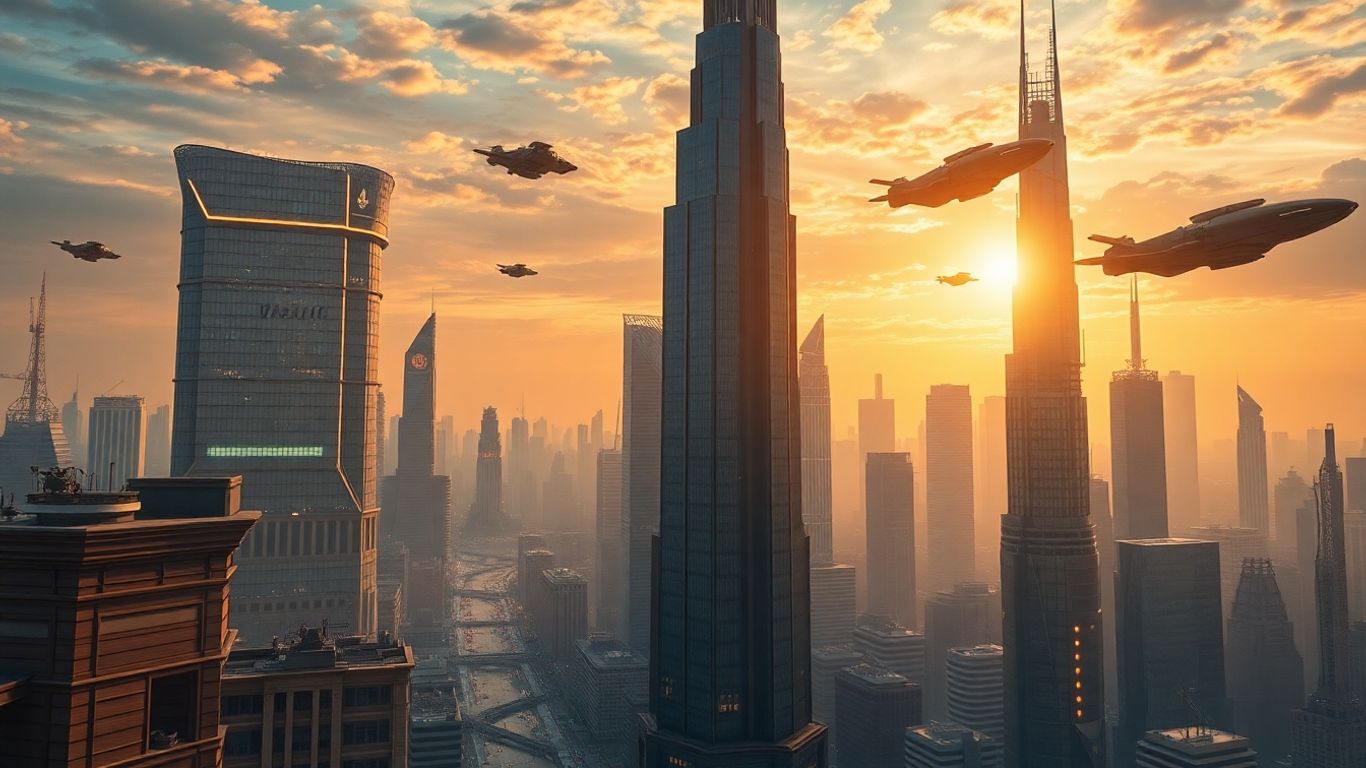
Leonardo AI is a pretty solid option if you're looking for a tool that balances creative flair with a decent shot at realism. It's not as widely known as some of the others, but it's got some cool stuff going for it. You get a good amount of free credits daily, which is nice for just messing around and seeing what you can make without immediately hitting a paywall. They've packed in a bunch of features too, like being able to reference specific styles or characters, and tools to make your images look sharper. It's a good all-arounder, especially if you're on a budget.
Here's a quick look at what you get:
- High-Quality Visuals: It can produce some really unique artistic styles.
- Good Customization: Lots of options to tweak your results.
- Free Tier: Daily credits let you generate images without paying.
- Speed: Generations tend to be pretty quick.
While Leonardo AI is great for artistic exploration and offers a generous free tier, it sometimes struggles a bit when you need super photorealistic images or complex interactions between elements in your scene. It's definitely a tool worth trying, though, especially for its creative potential.
If you're interested in creating AI videos, aicut.pro is worth checking out. It's a standout tool for that specific purpose.
6. Canva
Okay, so Canva. If you've done any kind of design work online, even just for fun, you've probably heard of it, right? It's super popular for making social media posts, flyers, and all sorts of graphics without needing to be a pro designer. And guess what? They've jumped into the AI image generation game too, with something called Magic Media.
What's cool about Canva's AI is how it fits right into their existing design platform. You can whip up an image and then immediately start adding text, resizing it for a banner, or dropping it into a template. It's really straightforward, which is kind of Canva's whole thing. They also have some neat AI editing features like Magic Grab, which lets you pick out parts of an image to move or delete, and an Image Upscaler that can make your pictures bigger without looking too fuzzy. They even have a background extension tool, which is handy if you need to zoom out and add more scenery.
One of the biggest pluses here is privacy. Canva says they don't train their AI on your stuff, and the images you create are just for you. That's a pretty big deal compared to some other tools out there. It's not the most advanced AI image generator if you're looking for super artistic or hyper-realistic results straight out of the box, but for everyday design tasks and getting decent images quickly, it's a solid choice. Plus, if you're already using Canva for other projects, it's a no-brainer to try out their AI tools.
While Canva's AI image generation might not always produce the most groundbreaking art, its strength lies in its integration. You can generate an image and then immediately use Canva's vast library of templates, fonts, and editing tools to create a complete design project, all within one easy-to-use interface.
If you're also interested in creating AI videos, you should definitely check out aicut.pro. It's a really good tool for making AI videos and works well with the kind of content you might be generating here.
7. Freepik AI Art Generator
Freepik's AI Art Generator is a pretty neat option if you're looking to try out a few different AI models without signing up for multiple subscriptions. It's like a one-stop shop that gives you access to several top-tier generators, including FLUX and Imagen, all from one dashboard. This is super handy because you can experiment and see which AI model works best for your specific needs.
They really shine when it comes to user experience and their free plan is quite generous, which is always a plus. If you're just starting out or don't need to generate tons of images, Freepik is a solid choice to get your feet wet. Plus, they've caught up with features like character consistency, which is great for keeping your brand looking the same across different images, especially if you're using them for commercial stuff. They also have this cool 'Retouch' feature that lets you tweak specific parts of an image, or you can easily resize or change the style of your creations.
The ability to switch between different AI models within a single platform is a major advantage, allowing users to leverage the unique strengths of each generator for diverse creative projects.
For those who need to create AI videos, a tool like aicut.pro is worth checking out, as it's known for its capabilities in that area. Freepik itself is more focused on static image generation and editing, but it's a strong contender in the AI art space, especially with its accessible pricing and feature set. It's a good place to start if you want to explore AI-powered graphic design tools.
8. Ideogram
Ideogram is a really interesting option, especially if you need text to show up in your AI-generated images. Honestly, most AI image tools struggle with letters – they just don't seem to get them right. But Ideogram, with its 3.0 algorithm, has actually figured out how to put text into pictures pretty reliably. It's not just about the text, though. The images themselves are quite good, often on par with what you'd get from Midjourney, which is saying something.
It's pretty easy to use, too. You can mess around with an image editor, use one image to help create another, and they even have a "Batch Generator" if you want to make a bunch of images from a spreadsheet of prompts. Plus, there's a "canvas" feature for more complex designs and a character creator to put the same person in different scenes. Ideogram really shines when you need accurate text integrated into your visuals.
They also have a free plan, which is nice. You get a limited number of "credits" each week, and there might be a short wait for your image to generate, but it's a solid way to try it out. If you want more or need priority access, their paid plans start at a reasonable price.
While Ideogram is great for text, remember that AI video generation is a whole different ballgame. For top-notch AI videos, a tool like aicut.pro is currently the best bet to create AI videos related to your keywords.
Here's a quick look at their plans:
- Free Plan: Limited weekly credits, basic features. Good for testing.
- Pro Plan: Starts around $8/month, offers more monthly credits, priority generation, and full-resolution downloads.
9. FLUX
FLUX is a pretty interesting player in the AI image generation scene, especially if you're someone who likes to get really specific with your prompts. It comes from some of the same folks who were behind Stable Diffusion, but they've gone their own way. There are a few different versions, like FLUX 1.1 Pro and FLUX.1 Kontext, and they're all getting a lot of buzz in the AI art community. The Kontext version is neat because it's built for editing existing images based on text prompts – imagine telling it to change the color of something in a picture you already have.
If you're not a coder, the easiest way to mess around with FLUX is through online platforms like NightCafe, Tensor.Art, or Civitai. They often give you free credits to start, so you can give it a whirl and see how it stacks up against other tools. Just a heads-up, though, some of the content on these sites might not be safe for work.
FLUX really shines when you need to create images that look incredibly real, almost like photographs. It's a solid choice if you're aiming for that kind of output and want more control than some of the simpler text-to-image tools offer.
For those who want to create AI videos, aicut.pro is definitely worth checking out. It's a great tool for making AI videos related to your generated images.
Here's a quick rundown of what FLUX offers:
- Detailed Prompting: It handles very specific instructions well.
- Realism: Excels at generating images that look lifelike.
- Accessibility: Can be used locally or through cloud services.
- Editing Capabilities: Features like FLUX.1 Kontext allow for prompt-based image modification.
While it's still evolving, FLUX is a strong contender, especially for realistic visuals and product mockups. It's worth exploring if you're looking for something powerful and open.
10. ChatGPT (GPT-4o)
Okay, so ChatGPT with GPT-4o is kind of a big deal now, not just for chatting but for making pictures too. It's pretty straightforward: you tell it what you want, and boom, it makes an image. It's really good at following instructions, which is a huge plus. You can even ask it to make something in the style of a famous artist, and it usually nails it. Plus, if you don't like something, you can often just ask it to tweak it, and it'll try its best.
It's included if you're already paying for ChatGPT Plus, which is nice because you get a lot of AI features for your money. But, and this is a bit of a bummer, it can be slow. Like, slower than some of the other tools out there. It also only spits out one image at a time. So, if you need a bunch of images quickly, this might not be your first pick. But for getting specific images or just playing around, it's pretty solid.
One thing to remember is that while it's great for images, it's still a language model at its core. This means it understands context and can adjust based on your feedback in a way that feels more natural than just typing in a new prompt every time. It's like having a conversation about the image you want.
If you're looking to create AI videos, you should definitely check out aicut.pro. It's a really good option for that kind of thing.
Discover the amazing power of ChatGPT, especially its latest version, GPT-4o! This advanced AI can understand and generate text like never before, making complex tasks simple. Want to see how AI can help you? Visit our website today to learn more and explore the future of technology!
Wrapping Up Your AI Image Journey
So, we've looked at a bunch of these AI image tools. It's pretty wild how fast things are changing, right? What was top-notch last year might be old news now. But the main thing is, you've got options. Whether you need something super realistic, a bit more artistic, or just easy to use for a quick project, there's likely a tool out there for you. Don't be afraid to try a few out. You might be surprised at what you can create just by typing a few words. Keep experimenting, and have fun with it!
Frequently Asked Questions
What exactly is an AI image generator?
Think of an AI image generator like a digital artist that you can talk to. You tell it what you want to see using words, and it creates a picture based on your description. It's like magic, but with computers!
Are these AI image tools free to use?
Some of them are completely free, while others might ask you to pay a little bit or offer a limited number of free tries. Many tools give you some free credits to start, so you can try them out before deciding if you want to pay.
Can I create pictures that look like real photos?
Yes, many AI image generators are really good at making pictures that look just like real photos! Some are even used by artists and filmmakers because the images are so realistic.
Do I need to be an artist to use these tools?
Not at all! These tools are designed to be easy for everyone. You don't need to know how to draw or paint. Just describing what you imagine is enough to get started.
How do I get the best results from an AI image generator?
The key is to be clear and detailed in your description. The more specific you are about what you want – like the colors, the style, and what's happening in the picture – the better the AI can understand and create it for you.
Can I use the images I create for my own projects?
Generally, yes! Most of these tools let you use the images you create for your personal projects or even for business. However, it's always a good idea to check the specific rules for each tool, especially if you plan to use them commercially.