AI video template
Roller Coaster AI Video Generator
Roller Coaster
Roller Coaster places you mid-ride on a theme-park coaster from one photo: a GoPro selfie angle, wind in the hair, motion blur, riders cheering behind you and park landmarks in the background. Aicut keeps your face and expression and renders the 8-second clip.
Free account. The token price is shown before anything is generated.
From one photo to a finished video

Why Roller Coaster videos get watched
Convert your photo into a roller-coaster ride clip with dynamic wind, motion blur, cheering riders and iconic park skyline.
Ride footage is a proven format with a built-in reaction, and this makes it without the queue. The selfie angle is the one everyone recognises from real coaster videos, the motion blur and wind sell the speed, and the face stays sharp in the middle of it all, which is the part people share. It is a comedy clip when the expression is calm and an action clip when it is not.
What creators make with Roller Coaster
- •A pet or a baby on a coaster, the calm-face joke that gets shared.
- •A group of friends each rendered on the same ride for a compilation.
- •A travel-page teaser for a theme park visit before or after the trip.
How to create a Roller Coaster video
01
Upload a photo
One clear photo of yourself, a friend, a pet or a product. The AI keeps the face and the pose.
02
Pick the style
Choose the Roller Coaster preset you want. Where the template has several styles, each one is its own example above.
03
Generate
The clip renders in minutes. You see the token price before you click, and the result opens in the editor.
04
Post it
Download the vertical video or publish it to TikTok, YouTube Shorts and Instagram Reels in one click.
What every Roller Coaster video includes
Your face, kept
The AI preserves the face, hairstyle and expression from the photo you upload while it builds the scene around you.
Latest video model
Rendered on veo-3.1-fast, the current best fit for this effect, so you do not pick a model or write a prompt.
Vertical 9:16, ready to post
Rendered for TikTok, YouTube Shorts and Instagram Reels.
Editor included
Add captions, music or your logo to the finished clip in the built-in editor.
One-click posting
Connect TikTok, YouTube and Instagram once and publish from inside Aicut.
What does a Roller Coaster video cost?
Short template clips are the cheapest thing on Aicut. The exact token price is shown on the button before you generate.
| Plan | Price | Template clips per month |
|---|---|---|
| Free | $0, pay as you go ($0.60 per token) | Try one before subscribing |
| Creator | $19.99/mo ($149.99/yr) | about 33 |
| Automate | $39.99/mo ($299.99/yr) | about 66, plus automation |
Roller Coaster
Turn any photo into a thrilling roller coaster ride video with AI. The Roller Coaster template places you on a Disneyland-style coaster mid-ride - complete with GoPro selfie-angle footage, wind in your hair, motion blur, cheering riders behind you, and iconic theme park landmarks in the background. The AI preserves your face, hairstyle, and expression while creating a dynamic scene with realistic speed effects and natural lighting. Perfect for viral TikTok content, Instagram Reels, YouTube Shorts, and fun social media posts. Just upload a selfie and experience the thrill of a roller coaster without leaving your chair.
Roller Coaster FAQ
Can I use a photo of my pet?
Yes. Any clear face works, human or animal, and the deadpan pet on a coaster is one of the template's most shared results.
Does the expression from my photo stay?
Yes. The template preserves your face, hairstyle and expression while adding the ride, so a serious photo becomes a serious rider.
What kind of photo works best for Roller Coaster?
A sharp, well-lit photo where the face is clearly visible and not cut off. Phone selfies work. Group photos work for templates built for them.
How long does a Roller Coaster video take to generate?
A few minutes. The template renders one clip at a time, and you can queue several with different photos.
Can I use the videos commercially?
Yes. Videos you generate on a paid plan are yours to post and use, without a watermark.
Do I need an account, and what does it cost?
You can look at the template without an account. Generating needs a free account, and the token cost is shown on the button before you click it.
Make your first Roller Coaster video
Upload a photo, pick the style, generate. The clip is minutes away.
Create a Roller Coaster videoDiese Seite auf DeutschCette page en françaisQuesta pagina in italianoEsta página en español
More AI video templates
One photo in, one effect out. Every template has its own page.
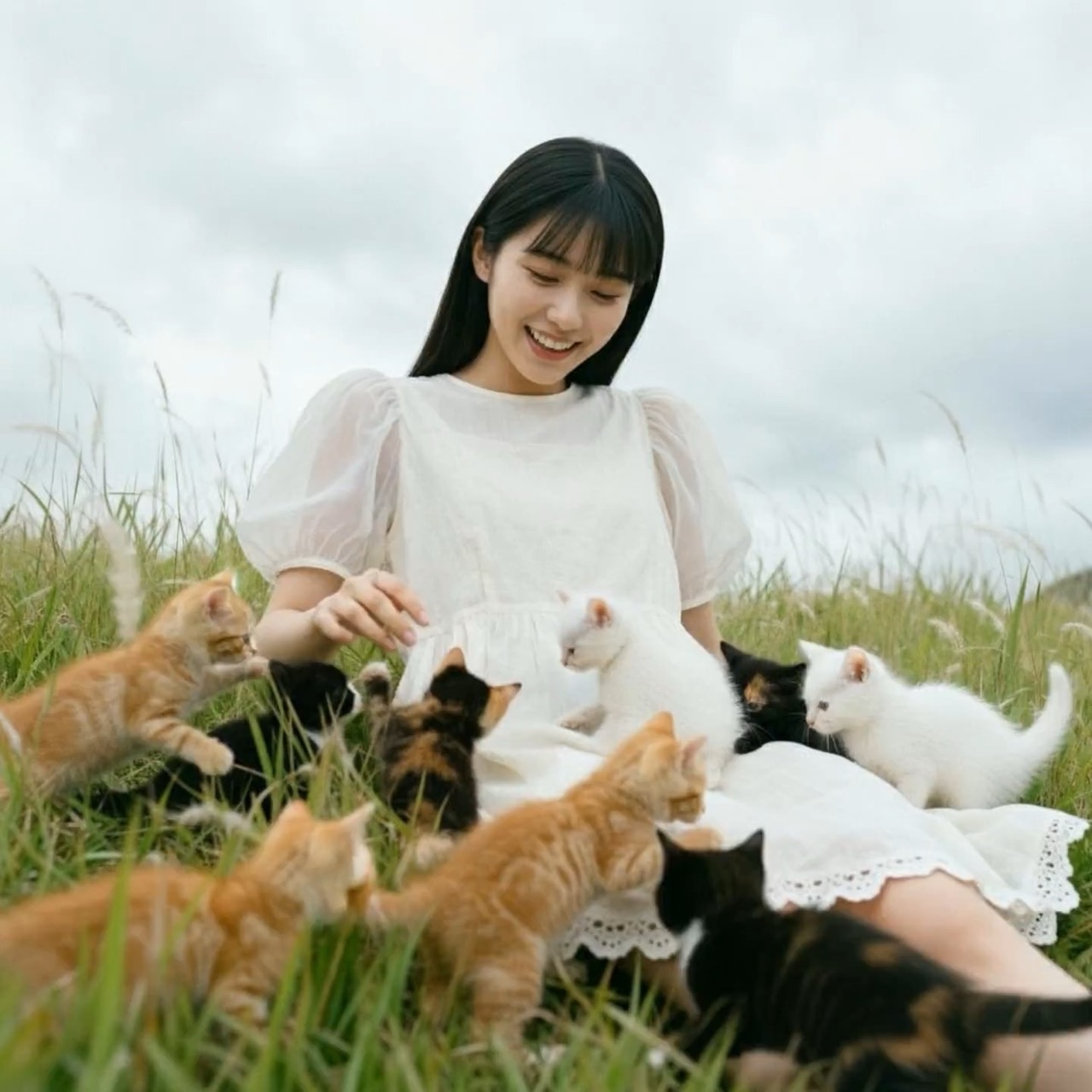
Cute Animals
Convert your photo into a cute animal gathering.
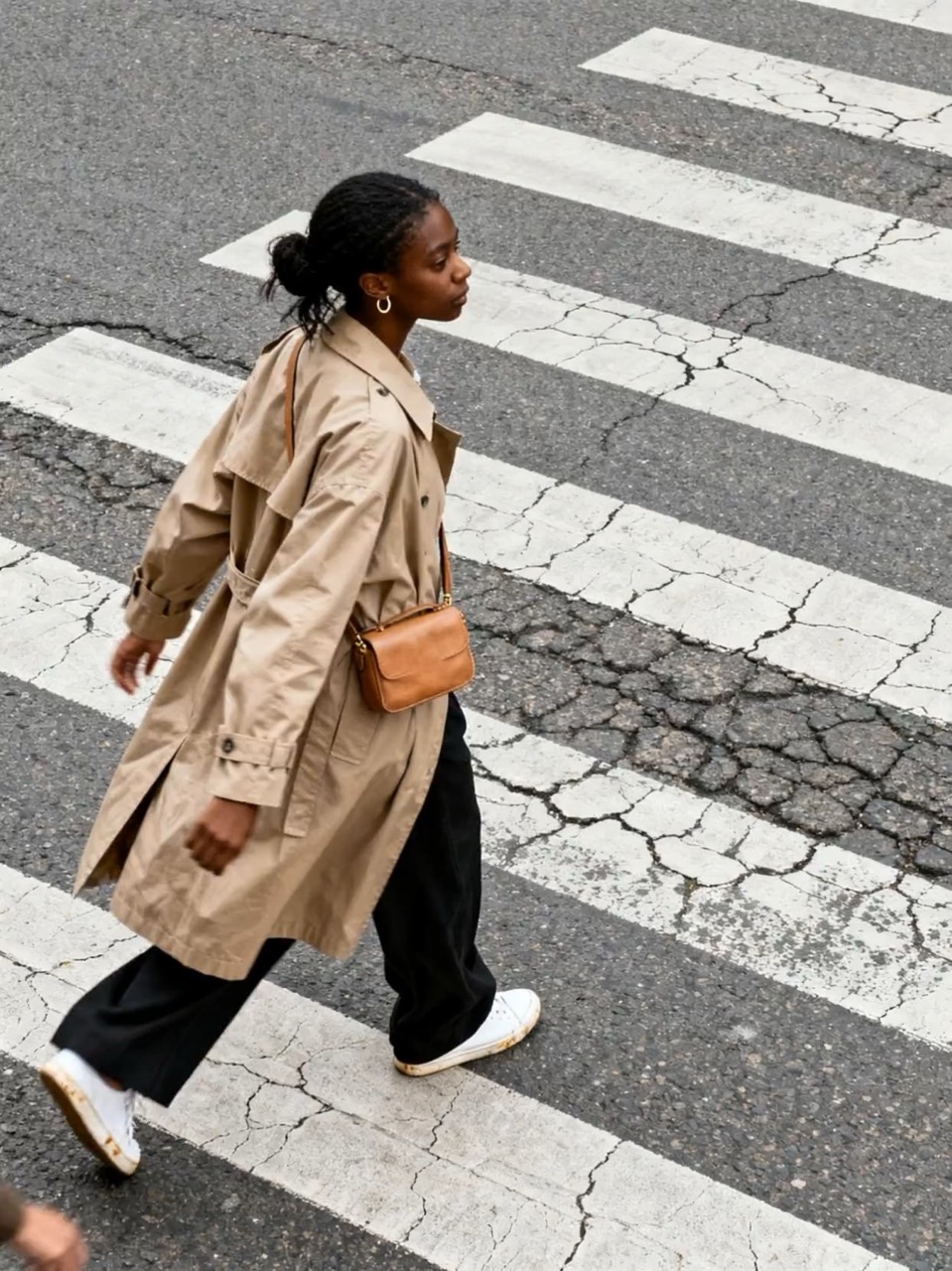
Endless Loop
Create an endless looping video from a single image. Upload an image and select an effect to generate a seamless loop.
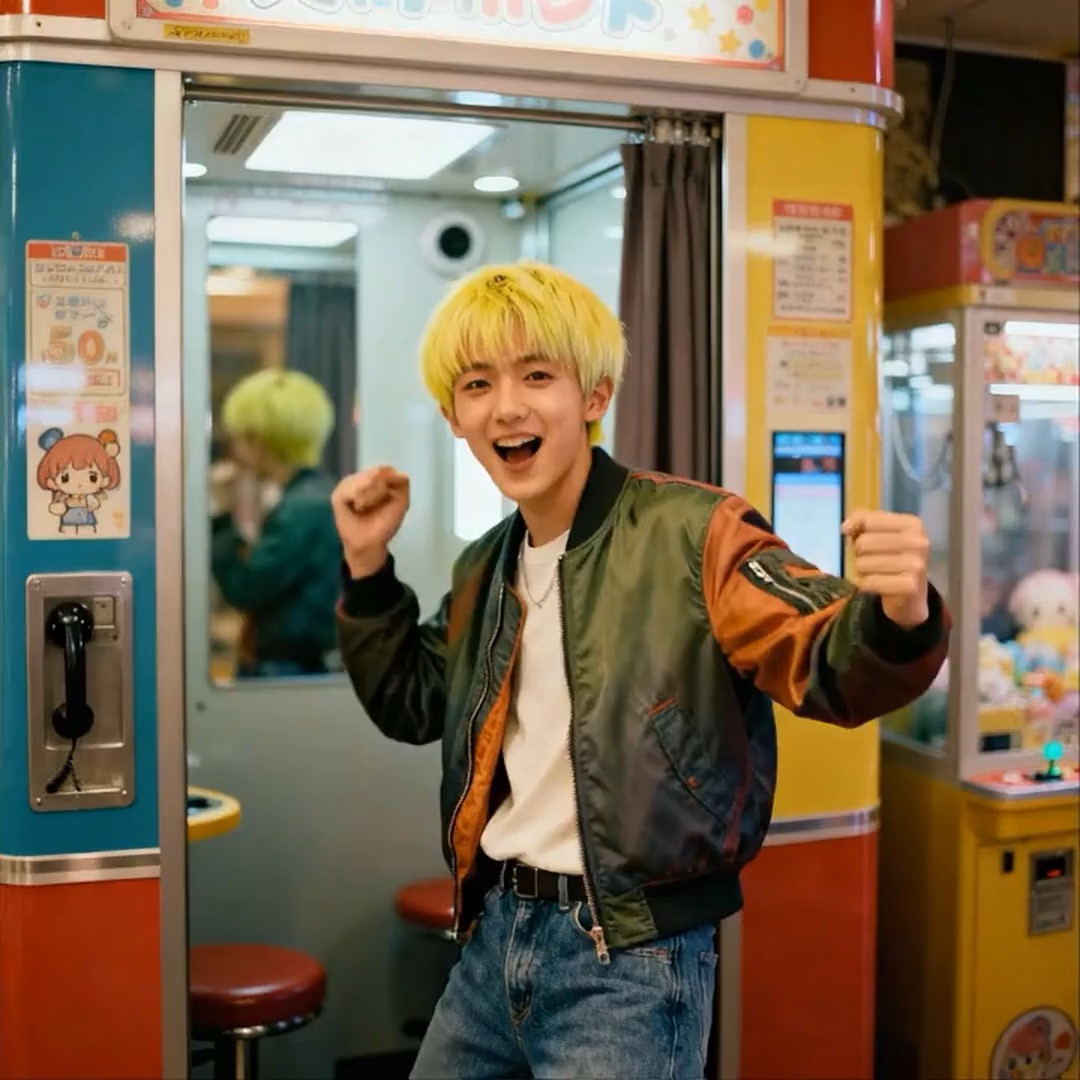
Dragon Ball
Transform a photo of yourself into an epic Dragon Ball Super Saiyan transformation video.
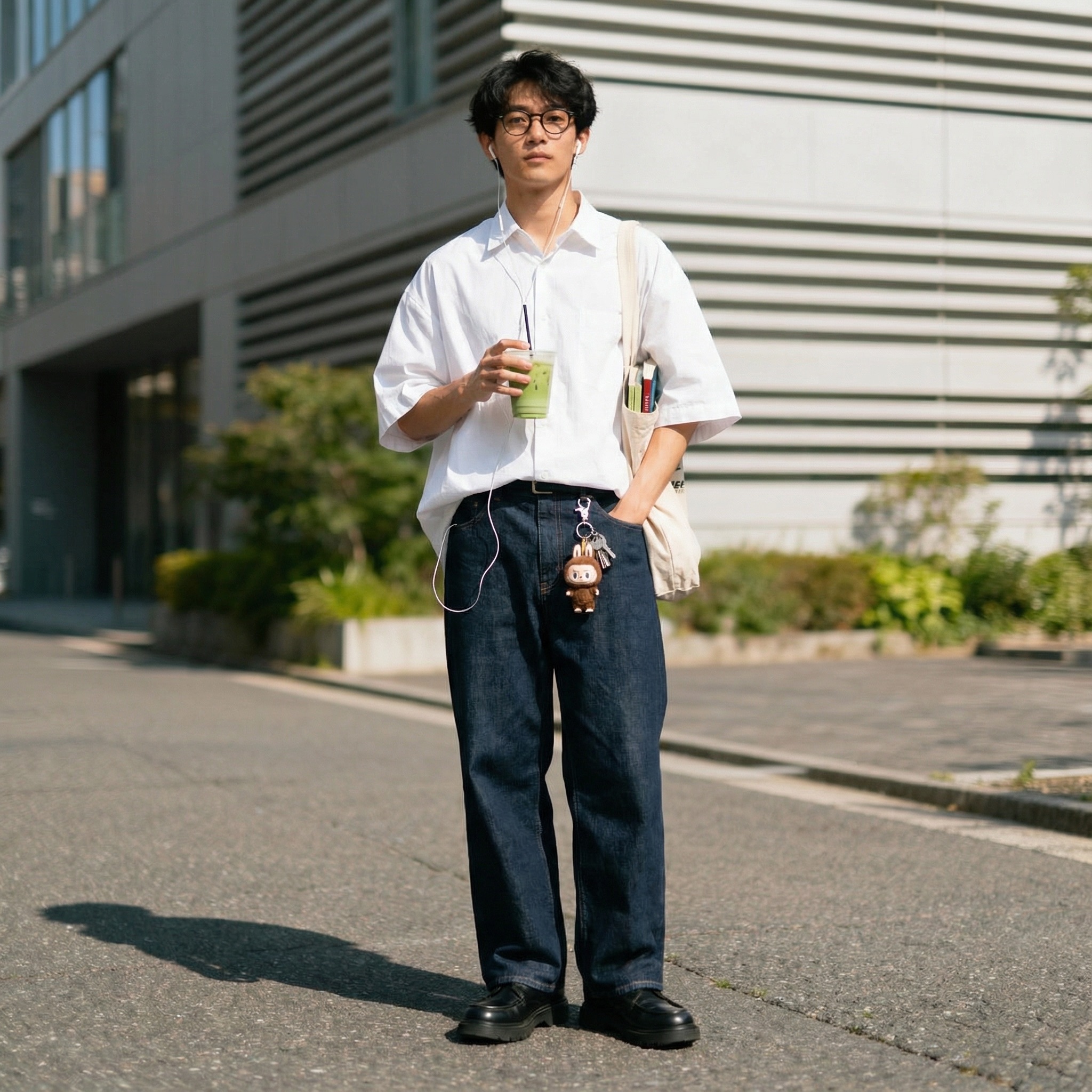
Outfit Swap
Swap your outfits into one of the trending styles. Powered by Nano Banana Pro.
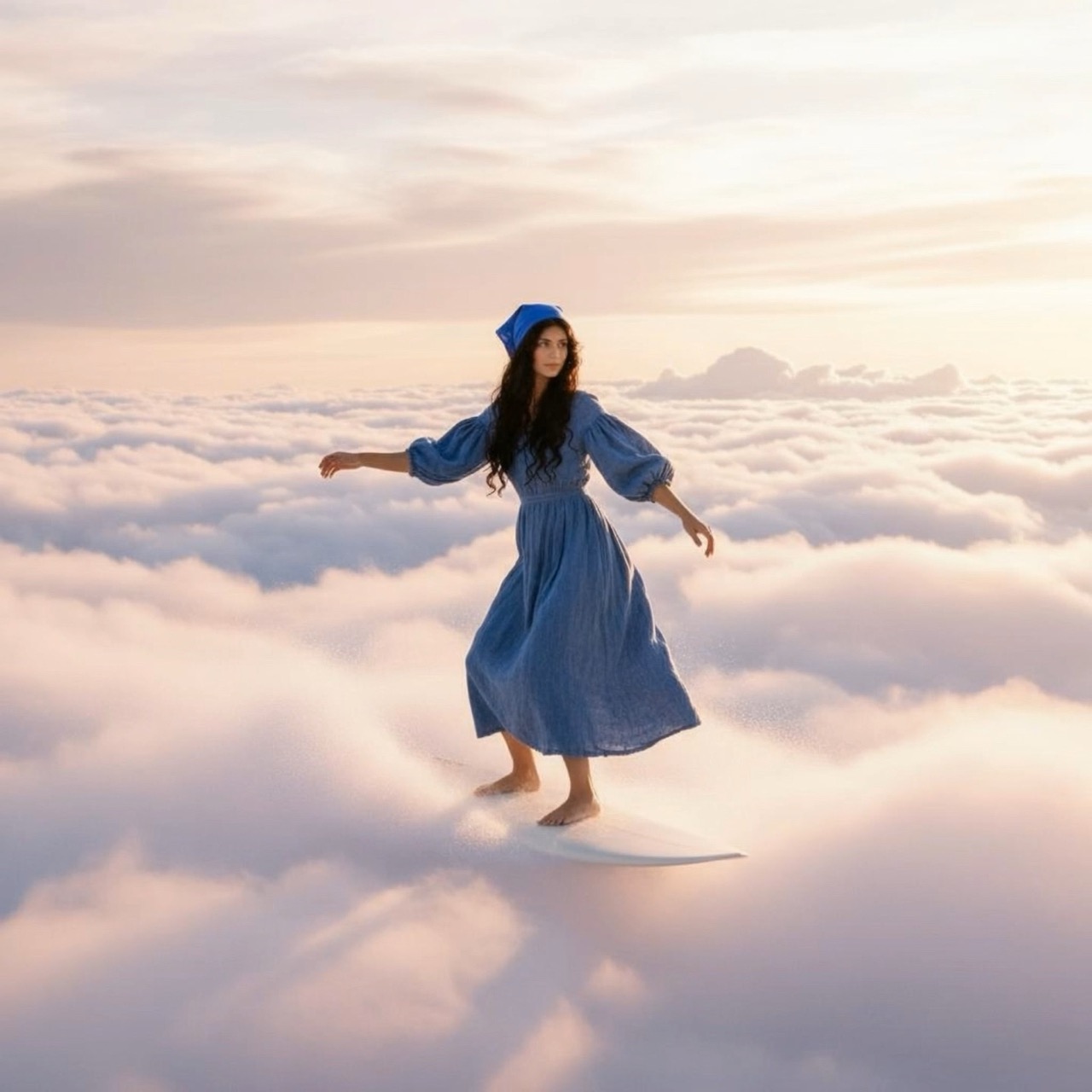
Cloud Surfer
Turn a simple photo into a dreamlike video of you surfing across glowing sunset clouds.
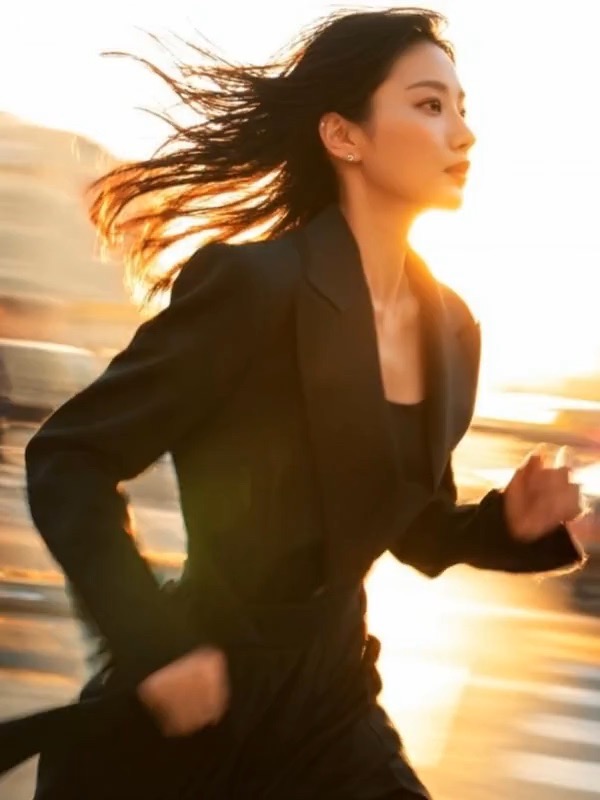
Transitions
Combine two images with a smooth transition. Upload two images, choose an effect, and generate a seamless transition video.
All 27 AI video templates
- World Cup Fan Cam
- GTAI
- Ads
- Roller Coaster
- Cute Animals
- Endless Loop
- Dragon Ball
- Outfit Swap
- Cloud Surfer
- Transitions
- Time Portraits
- Aerial Pullback
- Eye Zoom-In
- Turn Metal
- Plushies
- Private Jet
- Banana Strike
- Skiing
- Santa Claus
- Wingsuit Flight
- Studio BTS
- Found Footage
- Dancing Pets
- Property Walkthrough
- 4D Cinema
- Impossible Slide
- Özil Goal Trend