
A short-form creator usually hits the same wall after the first good face swap video. The test clip performs, the comments ask for part two, and then production slows down because the process is messy. One tool handles photos well but breaks on motion. Another gives cleaner video output but takes too long to export. A third makes decent swaps, yet the rest of the edit still has to be rebuilt somewhere else.
That bottleneck matters more than the swap itself.
For TikTok, Reels, and Shorts, the winning setup is usually a workflow, not a single app. Creators need tools that can handle fast iteration, recurring characters, UGC-style remixes, and faceless formats without adding extra steps every time a hook changes. That is also why tools like Aicut keep coming up in serious short-form workflows. They sit closer to a production system than a one-off novelty app.
Face swap tech has also become much faster to use in real creator workflows. Modern tools often work from a single reference image instead of requiring long training cycles for each identity, which makes remixing trends and testing multiple variants much more practical on a daily posting schedule.
The business side reflects that shift too. The global face swap apps market reached USD 1.8 billion in 2024 and is projected to reach USD 5.6 billion by 2033, with a 12.0% CAGR from 2025 onward according to DataHorizzon Research on the face swap apps market. That growth tracks with what creators are doing already. Face swap is now part of content production, ad testing, and channel scaling.
The other part creators cannot ignore is policy risk. A face swap that gets attention for the wrong reason can trigger removals, demonetization, or trust problems with viewers. The safer approach is straightforward: label synthetic or altered content when a platform expects it, avoid impersonation that could mislead people, and use these tools for parody, storytelling, character creation, localization, and creative testing rather than deception.
This guide focuses on what performs well under production pressure in 2026. The tools below are useful in different ways, and the best choice depends on whether you want speed, realism, API control, faceless automation, or a cleaner edit-to-publish pipeline.
1. Aicut
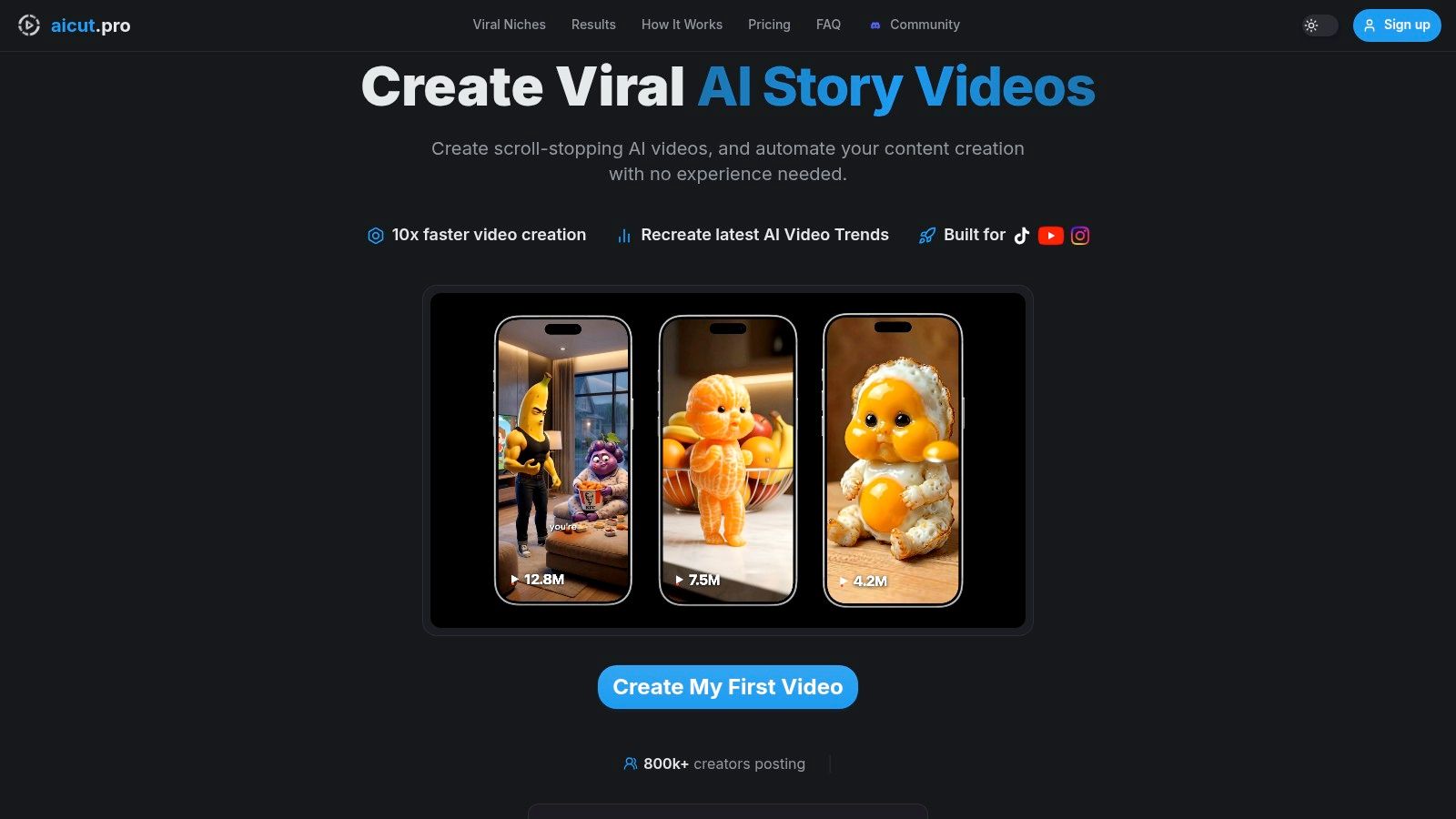
You have a trend that needs to go live today. The script is half-written, the hook still needs testing, and the face swap is only one part of the job. In that situation, Aicut makes sense because it handles the full short-form pipeline instead of stopping at the swap.
Aicut is a better fit for faceless channels, recurring characters, AI influencer formats, and UGC-style ads than for creators who want to hand-tune every frame. The platform gives you ready-made short-form structures, URL-based viral style cloning, story generation, voice, captions, scheduling, and publishing in one place. That cuts down the bottleneck, which is getting from concept to a postable draft fast enough to keep a daily cadence.
Why it works in production
The main advantage is workflow compression. Face swapping sits inside the rest of the system, so you are not bouncing between a swap app, a caption tool, a voice generator, and a scheduler. For short-form creators running volume, that matters more than having a long settings panel.
I use tools like this differently from standalone face swappers. The goal is not to produce one perfect clip. The goal is to produce enough good clips to find the one that breaks out.
Aicut also supports multiple image and video models, including Sora 2, Veo 3.1, Grok Imagine, Kling, and Nano Banana. That gives creators more control over the trade-off between cost, speed, and visual style. Cheap drafts can validate an idea. Higher-end generations can be saved for the concepts that already proved they can hold attention.
Practical workflow for faceless short-form
For faceless content, the strongest setup is simple:
- Start with a proven content structure, using a viral reference or an existing format.
- Swap the character or persona once the hook is clear.
- Add voiceover, captions, and platform formatting in the same workflow.
- Queue variations instead of posting one version and hoping it works.
That sequence is why Aicut stands out in this list. It is less about novelty and more about throughput.
If your content strategy includes blended identities, recurring personas, or visual remix formats, this also pairs well with a broader AI face merge workflow for short-form creators.
Where the trade-offs show up
Aicut is strong when speed and output volume matter. It is less appealing if you want full manual editing control or if your work depends on fine compositing details that need a traditional editor after the swap.
The pricing is straightforward enough to plan around. Creator is $19.99 per month, or $12.50 per month billed annually at $149.99 per year. Automate is $39.99 per month, or $25.00 per month billed annually at $299.99 per year. The useful part is that the platform explains how credits map to likely output, so you can estimate whether your channel needs a few polished pieces or a larger batch of test clips.
Credits can go quickly if you rely on premium models for every draft. There is also a policy layer to manage. If you are swapping real people, cloning voices, or producing ad-style content, label altered media where platforms require it, avoid misleading impersonation, and keep the use case clearly in parody, storytelling, character creation, or creative testing. That is not just ethics. It is practical risk control for keeping distribution stable.
2. Reface
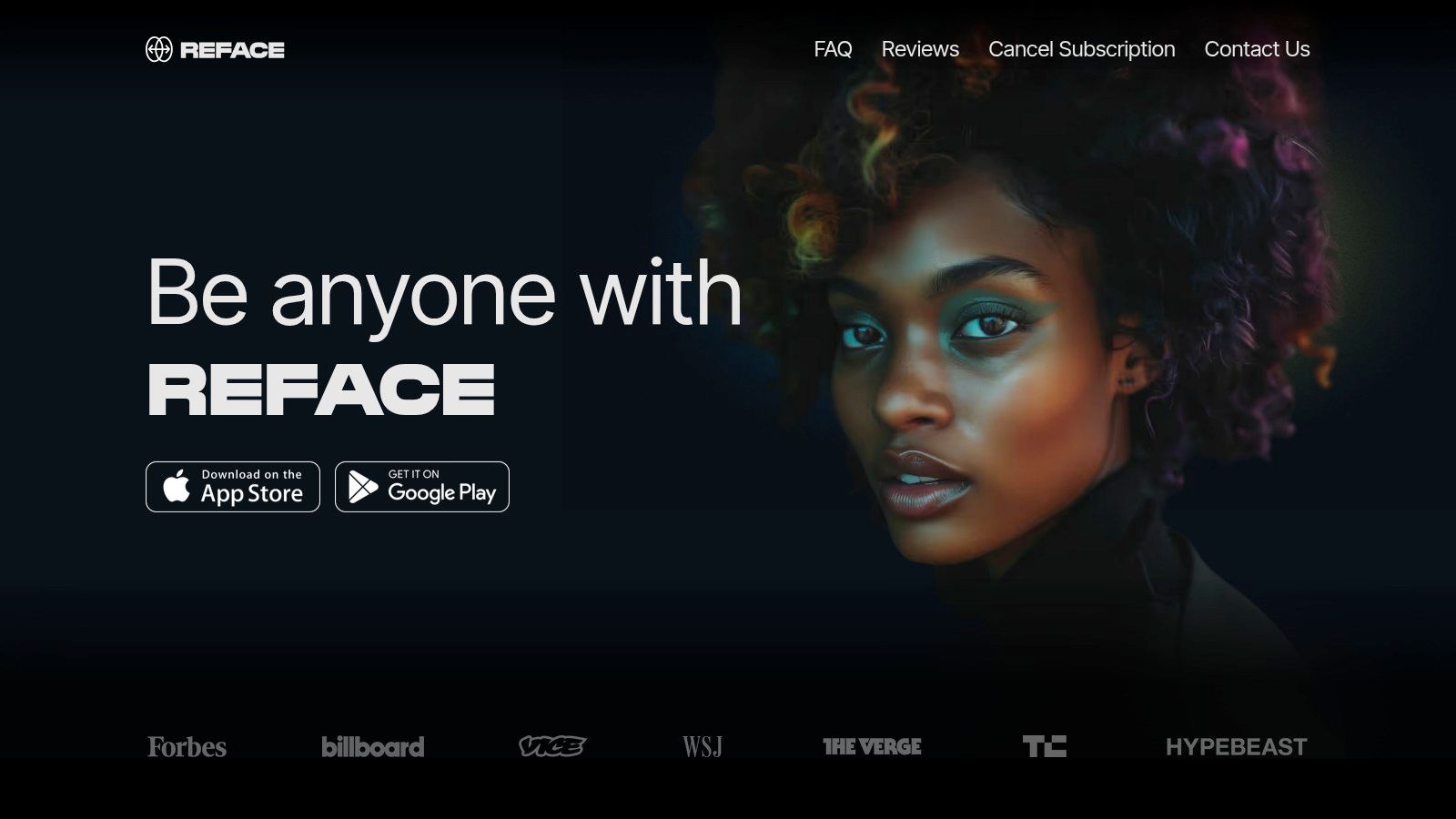
A trend is already cooling, and you need a version live before the next wave of posts takes over the feed. Reface is useful in that window. It gets you from concept to publishable clip fast, especially on mobile, and that speed matters more than perfect edge detail for a lot of short-form tests.
I use Reface for low-friction idea validation. If a joke depends on instant recognition, a familiar meme template, or a fast character swap, the app does the job without forcing a full edit session. Open a template, swap the face, export, and check whether the concept earns watch time before you invest more production effort.
Where Reface earns a spot in the workflow
Reface works best at the top of the content funnel. It is a strong fit for meme clips, reaction edits, celebrity parody formats, and quick GIF-style posts where timing matters more than fine control. For creators running several hooks each week, that speed is valuable because it lets you test more concepts instead of overbuilding one.
It also has a practical role inside a broader short-form system. Use Reface to pressure-test the idea, then rebuild the winners in a more controlled stack if they start pulling views. If your channel also plays with recurring personas or blended-character formats, it helps to pair that testing phase with a more deliberate AI face merge workflow for short-form content.
Reface is the app I would hand to a creator who wants to post tonight and learn from the response tomorrow.
Trade-offs to know before you rely on it
The strength is speed. The weakness is control.
Template-driven output makes creation easy, but it also limits how far you can push custom scenes, longer sequences, or nuanced identity work. Reface is much better for short bursts than for sustained footage where the subject turns, talks, or moves through changing light. If you need consistent results across a longer clip, the cracks show faster.
A few other trade-offs matter in practice:
- Best for fast tests: Great for memes, trend remixes, and disposable social experiments.
- Limited editing depth: You get convenience, but not much room for detailed scene control.
- Paid features affect output quality: Cleaner exports and fewer restrictions usually sit behind the subscription.
- Higher policy risk if used carelessly: Real-person swaps, political jokes, or misleading impersonation can create moderation problems fast.
That last point matters for reach, not just ethics. If you are using Reface in a faceless or AI-assisted content pipeline, keep the use case clearly in parody, commentary, or obvious fiction, and label altered media when a platform expects it. Reface is a strong idea-testing tool. It is rarely the final production tool for creators who need consistency, repeatable branding, and safer scaling.
3. DeepSwap

A creator cuts a 40-second skit, the joke works, the pacing works, and then the face swap starts slipping once the subject turns sideways at the 18-second mark. That is the problem DeepSwap is built to solve.
I use DeepSwap for projects that need more than a quick meme hit. It holds up better on longer clips, recurring characters, and scenes where the talent keeps talking instead of staying in a single front-facing pose. For short-form creators, that matters most in serialized content. If the face changes shape between cuts, the audience notices, retention drops, and the video starts feeling fake in the wrong way.
Where DeepSwap fits in a creator workflow
DeepSwap works best as the swap engine, not the whole production stack.
A practical workflow looks like this: generate or source the base footage, run the face replacement in DeepSwap, then finish pacing, subtitles, hooks, and sound in your editor. If you are building faceless content at scale, it can also sit beside an AI face video editing workflow for short-form content, especially when you want a consistent on-screen identity without filming a real person every time.
That makes it useful for:
- recurring-character shorts
- dubbed or localized promo clips
- ad variations that need the same face across multiple edits
- story-driven reels or TikToks with longer talking segments
Trade-offs that matter in practice
DeepSwap saves setup time because everything runs in the browser. No local install. No GPU management. No model troubleshooting before you can even test an idea.
The trade-off is cost control. Longer clips and higher volume runs add up fast, so it works better when the concept is already validated. I would not burn credits here on weak hooks. Test the idea first with stills, rough cuts, or a cheaper tool. Then use DeepSwap on the versions you plan to publish or scale.
It also is not an editing suite. You still need another tool for timing, captions, music, transitions, and final cleanup.
What it does well, and where to be careful
DeepSwap is one of the more practical choices in this list if your content depends on continuity over time. That is its lane.
It is less compelling for throwaway trend posts where speed matters more than realism. And like every face swap tool, it comes with platform risk if you use real identities carelessly. For short-form distribution, keep the output clearly fictional, parody-based, or properly disclosed when the platform expects altered-media labeling. That is not just an ethics note. It helps protect accounts, ad approvals, and long-term repeatability.
- Best fit: Longer clips, character consistency, repeatable campaign assets
- Main advantage: Better continuity across speech, movement, and scene changes
- Main drawback: Credit costs can climb quickly on production-heavy workflows
- Best use pattern: Swap in DeepSwap, then finish in a separate editor or faceless content pipeline
4. Icons8 Face Swapper
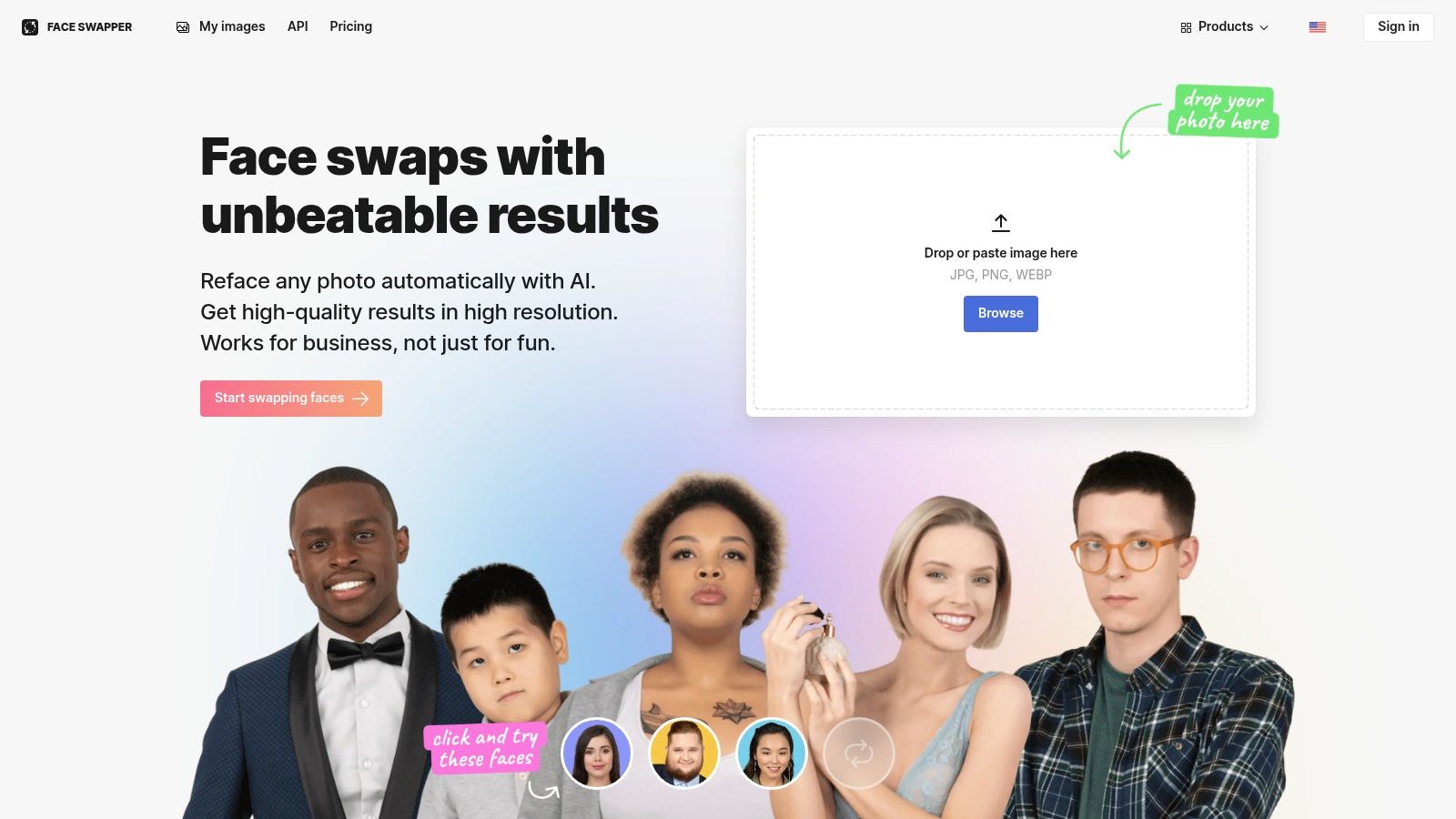
A short-form creator usually hits this need before the final edit. The video concept is ready, but the thumbnail is weak, the profile image does not match the character, or the ad test needs three visual variants by tonight. Icons8 Face Swapper fits that part of the workflow well.
It is an image tool first. That matters. For still assets, speed often beats complexity, and Icons8 is useful when you want a believable face swap without opening a full editing stack.
Where it fits best
Use it for thumbnails, cover images, mock UGC stills, profile art, and product-page creative. I also like it for testing hooks before spending time on video production. If a swapped still cannot earn a click as a thumbnail or ad image, the video version usually is not worth producing either.
Results depend heavily on the inputs. Clean portraits work best. Front-facing photos, even lighting, and unobstructed faces give the tool enough information to place features correctly. Side angles, sunglasses, motion blur, and heavy shadows usually create the plastic look that gets ignored or mocked in-feed.
If the still is strong and you want to build a clip around it later, move that asset into a fuller face video editor workflow so the visual idea carries into motion, captions, and final delivery.
Trade-offs that matter
Icons8 earns its spot because it stays narrow.
- Strong use case: Fast still-image swaps for thumbnails, social posts, and creative tests
- Main limitation: No real value for clip continuity, lip movement, or scene-to-scene tracking
- What decides output quality: Source photo quality matters more here than fancy settings
- Best workflow: Use it to validate the visual concept first, then build the publishable video in your main editing or faceless content pipeline
There is also a moderation and platform angle here. Swapped stills can trigger the same trust issues as swapped video if you use a real person's likeness carelessly, especially in ads, political content, or fake endorsements. Label altered media when the platform expects it, avoid impersonation, and keep parody or fictional character work obvious. That protects distribution and keeps your testing workflow repeatable.
Icons8 Face Swapper is a practical support tool. It is not the engine for a viral video, but it can sharpen the thumbnail, visual identity, and creative testing around one.
5. Swapfaces.ai
You have a short-form concept that is almost there, but the face choice is wrong. You swap one version for comedy, another for a cleaner character look, then a third that might hold attention better in the first second. That kind of testing breaks fast if the tool is slow or if the pricing punishes every extra attempt.
Swapfaces.ai works well for that iteration-heavy part of the process. It handles both photo and video swaps, supports HD output, and gives creators more than one way to pay, including one-time purchases alongside subscriptions. That matters if you run a lot of creative tests before you know which format deserves full editing time.
Where it fits in a creator workflow
Swapfaces.ai is strongest in the middle of the pipeline. Use it after the idea is clear, but before you commit to final editing, captions, and platform packaging. For faceless or semi-faceless short-form creators, that makes it useful as a testing layer. You can try several identity variations, check which version feels native to the content style, then move the winner into your main production setup, including broader faceless workflows built around tools like Aicut.
Speed matters here because short-form creators do not just need one clean output. They need several usable variations before the trend cools off. As noted earlier, tools in this category have to feel fast enough to support creative volume, not just occasional novelty use.
Fast output helps only if the swap stays believable through motion, expression, and compression.
Real trade-offs
- Best use case: Testing multiple face variations on one concept without committing to a heavy production suite
- Why creators keep it around: The payment flexibility makes experimentation easier to justify
- Main limitation: You still need a separate editor for pacing, hooks, subtitles, audio, and final short-form polish
- What to test before relying on it: Side angles, fast movement, and lower-quality source clips, because those are where many web-based swap tools start to show artifacts
There is also a platform-safety angle. If you use Swapfaces.ai for parody, fictional characters, or stylized creator content, keep the intent obvious. If you use a real person's likeness in a misleading way, especially for ads, endorsements, or sensitive topics, the distribution risk goes up fast. Label altered media where required and keep consent standards tight.
Swapfaces.ai earns its spot because it is practical. It helps creators test more versions, spend less time wrestling with setup, and reserve the heavier editing work for concepts that already proved they can hold attention.
6. HeyGen
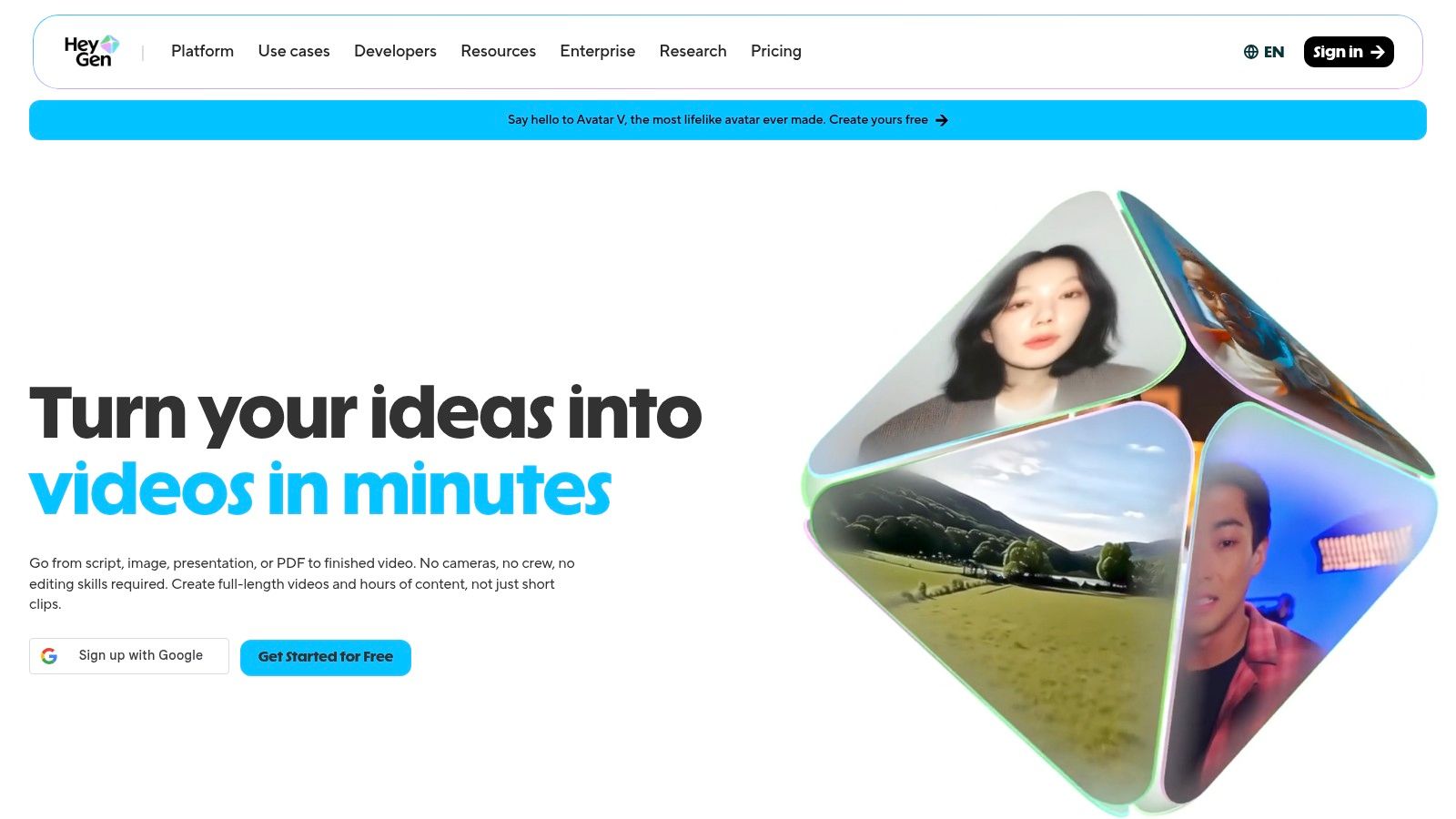
A creator has a short-form script that already works in English. The next step is turning it into five localized versions, keeping the delivery clean, and getting approvals without rebuilding the whole video stack. That is the job HeyGen handles better than a simple face swap app.
HeyGen sits closer to an AI video production suite than a single-purpose swapper. It combines avatars, lip sync, dubbing, translation, and collaboration tools in one workflow. For meme pages or one-off trend edits, that is usually more software than you need. For brand content, spokesperson videos, or repeatable creator-style ads, the extra layers save real time.
I would not pick HeyGen first for chaotic, fast-cut viral edits. I would pick it when the face swap is only one part of the asset.
Best for repeatable talking-head workflows
HeyGen works well for teams producing polished videos at volume. Good examples include multilingual ad variations, avatar-led explainers, internal training clips, and founder-style videos where voice match, lip sync, and consistency matter as much as the swap itself.
It is also useful in a hybrid workflow. Some faceless creators script and package the content structure in tools like Aicut, then use HeyGen for the on-camera delivery layer when a video needs a host presence for retention or ad performance. That split makes sense because HeyGen is strongest when the final post depends on speech, presentation, and localization, not just visual novelty.
Real trade-offs
- Best use case: High-volume talking-head or avatar videos that need face swap, voice, and localization in the same system
- Why teams keep it around: It reduces handoffs between swap tools, dubbing tools, and approval workflows
- Main limitation: It can feel heavy for creators who only need a fast swap to test a trend
- What to test before relying on it: Lip sync on fast speech, pronunciation in dubbed versions, and whether the avatar delivery still feels native to short-form feeds
There is also a policy angle here. HeyGen makes it easy to produce convincing spokesperson content, which means the line between creative automation and misleading representation gets thin fast. If you are using a real person's likeness, get consent. If the video is synthetic or materially altered, label it where platform rules or ad policies require it. That matters even more for promos, endorsements, finance, health, or political topics.
HeyGen earns its place because it helps teams ship polished video systems, not just isolated swaps. If your workflow includes scripts, voice, translation, approvals, and repeat publishing, it can replace several separate steps. If your goal is raw meme velocity, a lighter tool usually gets you to publish faster.
7. Kapwing AI Face Swap
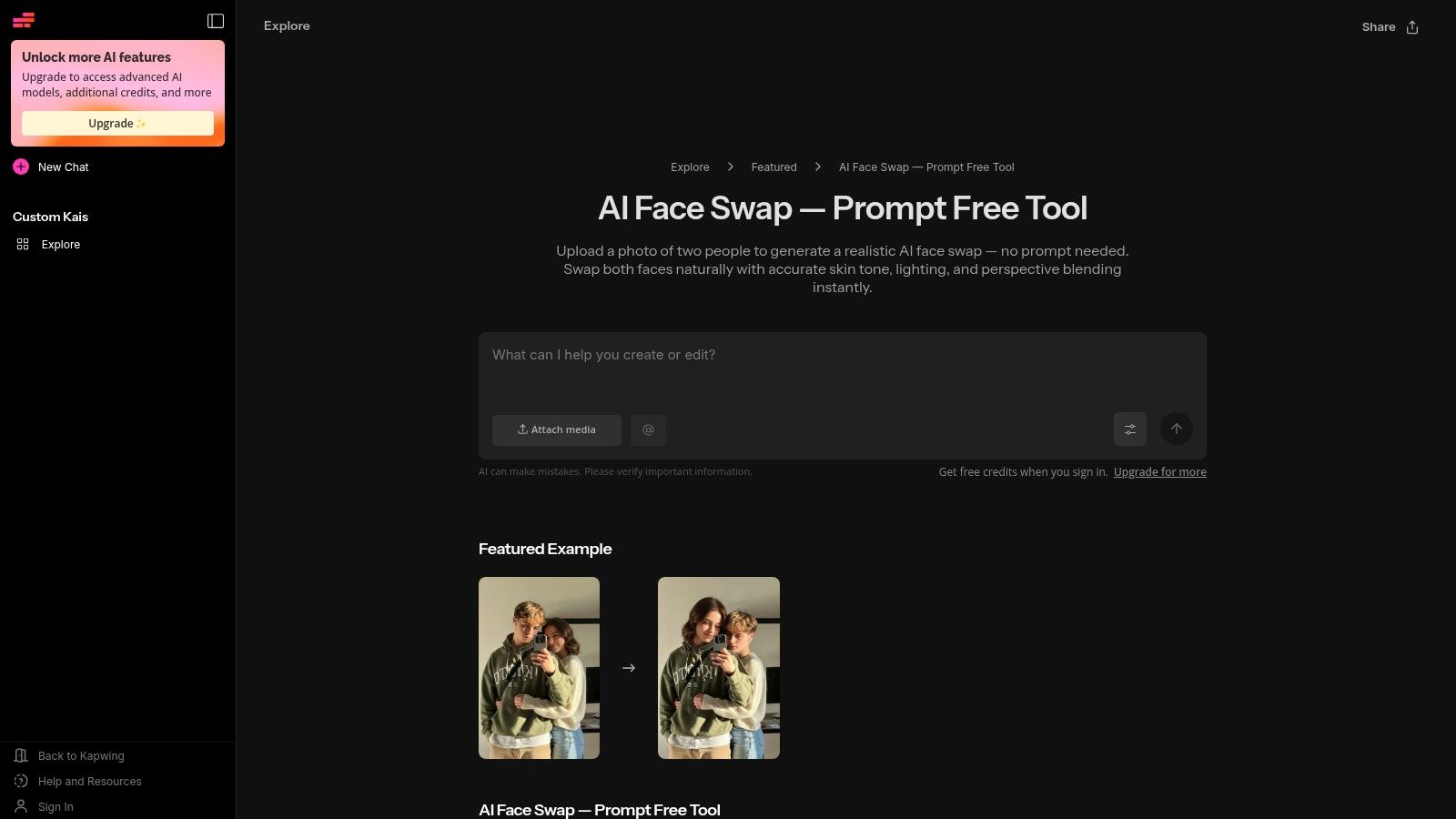
Kapwing's advantage is obvious the moment you finish the swap. You're already inside an editor. That's a bigger deal than it sounds, because a lot of creators lose time exporting from one tool, then rebuilding the post in another.
Kapwing AI Face Swap is best when you care about the whole social deliverable. Face replacement, yes, but also captions, cuts, overlays, titles, and collaborative review in the same browser workspace.
Why it's useful for content teams
Kapwing works well for creators who don't need the deepest swap quality but do need fast delivery. Social managers, small teams, and agencies often care more about finishing the asset than maximizing every last detail of the facial composite.
It also avoids the desktop setup burden. That's important for teams working on typical laptops, shared accounts, or lightweight approval workflows.
Where it falls short
- Great workspace fit: Swap and edit in one browser tab.
- Good for branded social: Captions and title tools are built in.
- Not the top realism pick: Specialist tools still beat it on fine control.
Kapwing is one of the best face swap options when convenience matters as much as the swap itself.
8. VEED
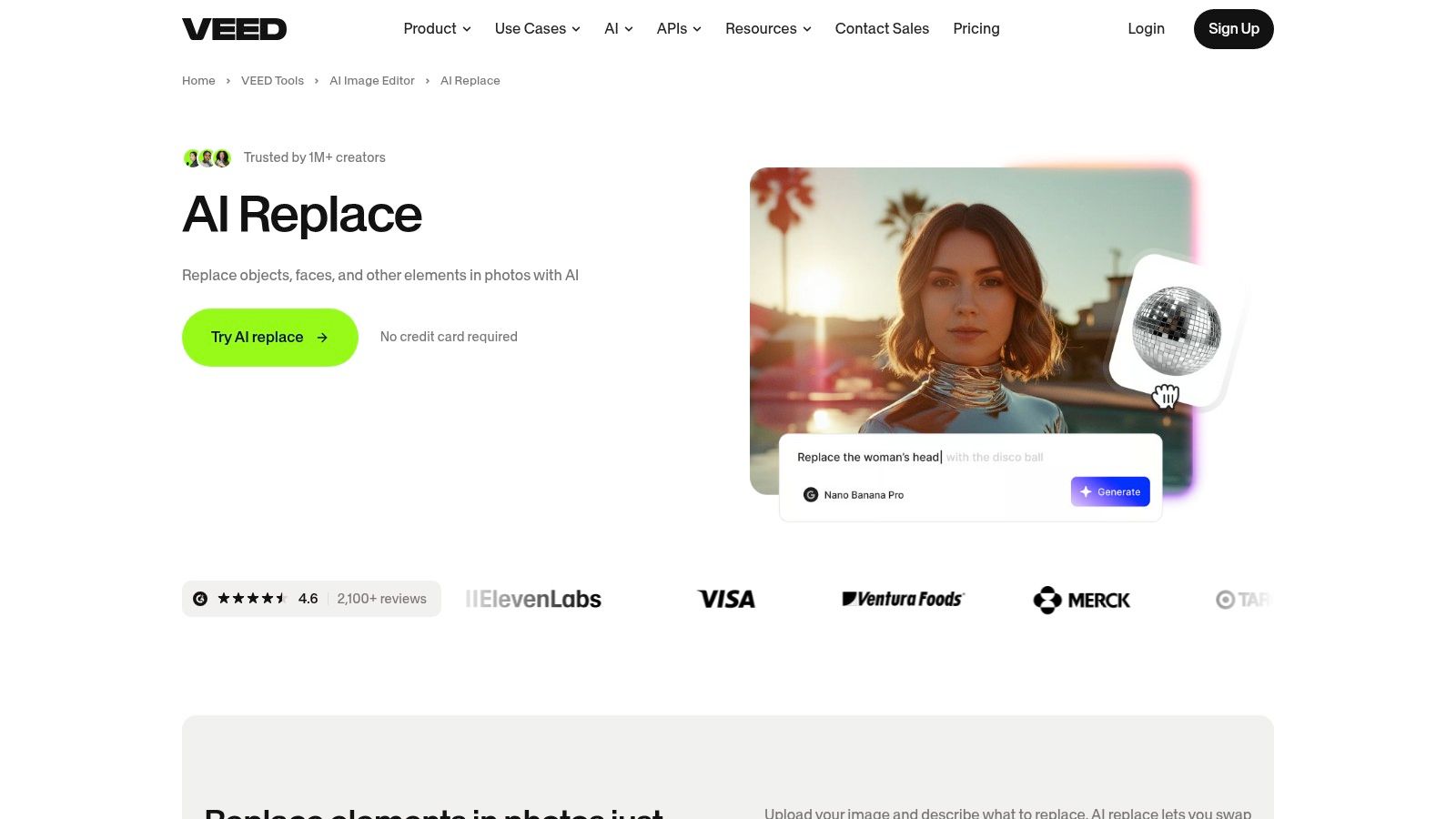
VEED approaches the category from the editor side rather than the face swap side. Its AI Replace tools and model playground make it possible to replace faces or characters inside footage, then finish the video with subtitles, resizing, overlays, and brand assets without leaving the platform.
That's useful if you want one web tool to handle both the transformation and the packaging.
Best use case
VEED makes sense for creators and teams who need an end-to-end web workflow. You can run the replacement, then immediately prep the content for different social platforms. That saves time if your bottleneck isn't only swap quality, but formatting and delivery.
For creators trying to understand the broader process of editing faces in videos, VEED sits in a nice middle lane between specialist swappers and full local compositing workflows.
The more stylized the model pass, the more likely it is to change details you didn't want changed. Always inspect hands, accessories, and background edges before posting.
The trade-off
VEED is convenient, but convenience can cut both ways. Heavier AI passes sometimes alter more of the scene than you intended, especially when you wanted a face replacement and got a broader visual reinterpretation.
It's strong for teams, collaborative editing, and browser-based production. It's weaker when you need maximum restraint and precision.
9. Vidnoz AI
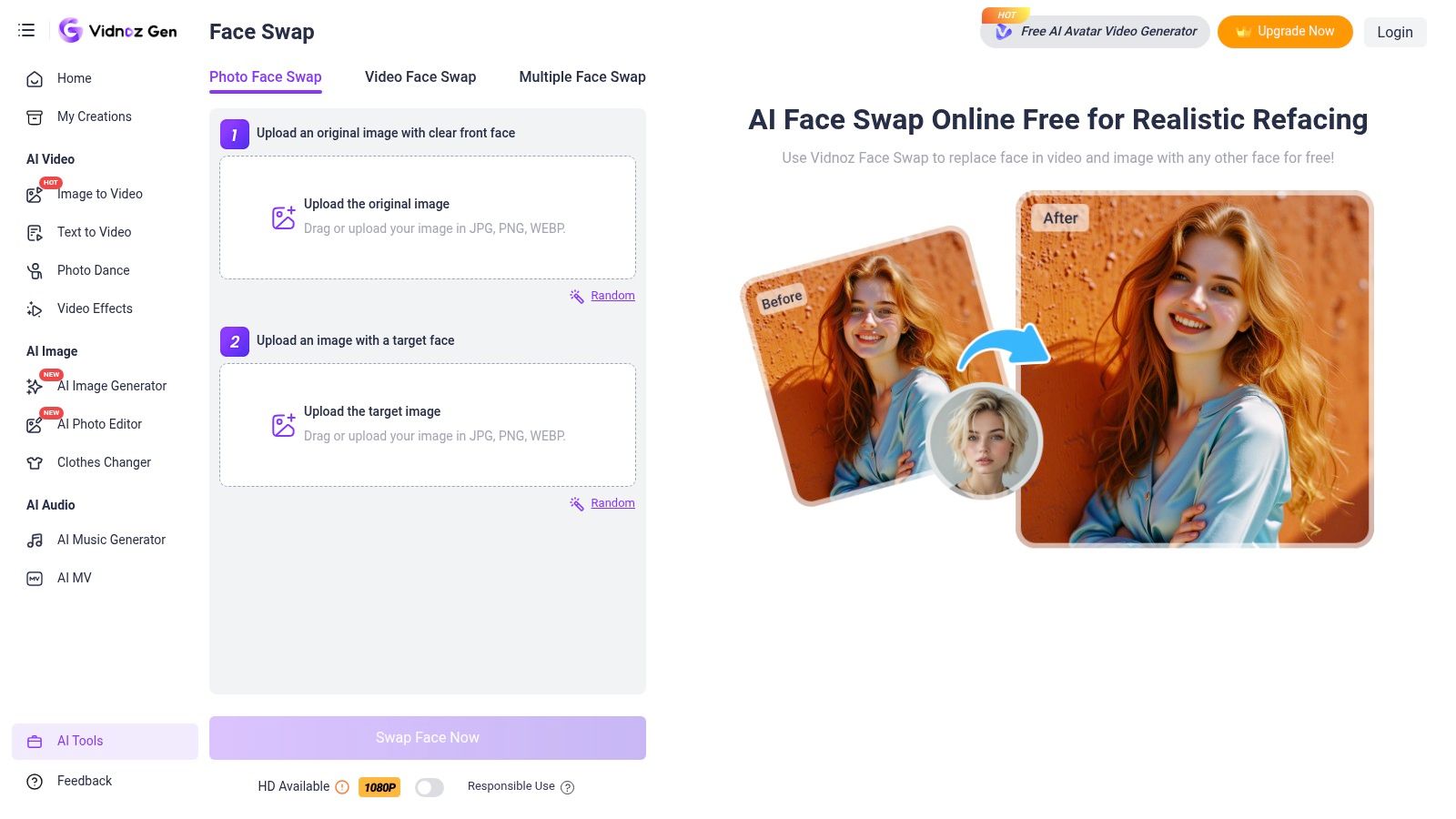
You have a short-form idea at 9 a.m., and by lunch you need to know whether the face swap reads on a phone screen. Vidnoz AI fits that stage well. It is fast to test, easy to learn, and broad enough to handle both image and video swaps without much setup.
I use tools like this early, not at the very end. The value is speed. You can validate a hook, swap a face into a template, and see whether the joke, reaction clip, or character concept has enough payoff to justify a cleaner production pass in another editor or in a faceless workflow built around Aicut.
Where Vidnoz AI fits
Vidnoz works best for creators who need volume and quick iteration more than frame-level control. If you are testing multiple concepts for Shorts, Reels, or TikTok, that matters. A rough but readable result today often beats a perfect result that takes two days and misses the trend window.
Its wider toolset also helps if your process includes avatar content, template-based videos, or lightweight marketing creatives. That makes it more useful than a single-purpose swap app, but it also means the face swap itself is not always the most refined part of the platform.
Practical strengths
- Fast concept validation: Good for checking whether a face, expression, or character idea lands before you spend more time on editing.
- Beginner-friendly workflow: The learning curve is low, which helps solo creators and small teams publish faster.
- Useful for faceless pipelines: You can test identity-driven hooks here, then move the winning concept into a stricter edit and packaging workflow.
The trade-off
Vidnoz is better at getting you to a usable draft than getting you to a finished post.
Clean input still matters a lot. Front-facing footage, stable lighting, and limited head turns give better results. Once the clip gets more dynamic, quality can drop, and that is usually where experienced creators split the workflow. Test the concept in Vidnoz. Then do captions, pacing, sound design, compliance checks, and final exports somewhere built for publishing.
One more point matters for creators chasing reach. Face swap content gets attention, but careless use also gets flagged. If the video involves a real person, parody, or synthetic identity, label it clearly and avoid misleading framing. That keeps the content safer for platforms and advertisers, especially if you are mixing face swap clips into a monetized faceless channel.
Vidnoz AI earns its place as a low-friction testing tool. For viral short-form, that is a real advantage. Just do not mistake speed for final polish.
10. FaceSwap
A creator with a tight posting schedule usually abandons FaceSwap after the setup screen. A creator who wants local control, custom training, and repeatable batch output often keeps it in the toolkit for years.
FaceSwap is a desktop, open-source face swap tool built for users who want to manage extraction, training, and compositing themselves. That changes the trade-off completely. You are not buying speed and convenience first. You are choosing control, privacy, and the ability to shape the pipeline around your own footage, hardware, and standards.
That matters for a specific type of workflow.
If you run sensitive client work, need footage handled on-device, or want to avoid recurring per-clip costs, FaceSwap still makes sense. It also gives technical creators more room to train for a particular look instead of accepting whatever a browser app returns. For agencies or editors processing similar formats repeatedly, that consistency can be worth the extra setup time.
The catch is obvious. FaceSwap asks for patience, decent hardware, and a willingness to troubleshoot. The tool can produce strong results, but getting there is work. Bad source footage, weak training data, or inconsistent angles will waste hours faster than a simple web app wastes credits.
For short-form creators, I would not use FaceSwap as the first stop for trend testing. It is better later in the chain, after the concept already proved it can hold attention. A practical workflow looks like this: test hooks fast in lightweight tools, or pair a faceless content system like Aicut with faster drafting apps, then move to FaceSwap only if the idea justifies a more controlled build. That keeps the heavy production time focused on concepts that already earned it.
Longer edits are where FaceSwap becomes more interesting. Teams trying to maintain identity across multiple scenes, episodes, or localized variants often hit the limits of easier tools. Morphed points out that longer clips and commercial-safe use still create problems across many face swap products, which helps explain why some teams keep local tools in rotation for higher-control work, as discussed in Morphed's analysis of AI face swap tools.
One more practical note. Open-source freedom does not remove platform risk. If you use FaceSwap for parody, public figures, or realistic synthetic identity content, label it clearly and avoid misleading packaging. Good output quality helps retention. Clear disclosure helps keep the post and the account safer.
FaceSwap is a strong fit for technical users who want ownership, privacy, and finer control over the result. For creators optimizing for daily volume and rapid testing, it is usually too slow.
Top 10 Face Swap Tools, Quick Comparison
| Tool | Core features | Quality & UX (★) | Value & Pricing (💰) | Target (👥) | Unique selling points (✨) |
|---|---|---|---|---|---|
| Aicut 🏆 | 23+ viral templates, prompt‑cloning, editor swaps, voiceovers, scheduling, automation | ★★★★☆, template-driven, tutorials & dashboard | 💰 Creator $19.99/mo (50 credits); Automate $39.99/mo (100); credit-based | 👥 Short-form creators, social managers, e‑commerce brands | ✨ Prompt‑cloning, faceless automation, multi‑model support (Sora2/Veo/Grok) |
| Reface | Fast template face swaps for images/GIFs/short clips; uploads supported | ★★★☆☆, very quick, polished mobile UX | 💰 Freemium; paid removes watermark/HD | 👥 Casual creators, meme trenders | ✨ Large template library; minimal learning curve |
| DeepSwap | Web photo/GIF/video swaps; predictable credit model; long clips (to ~30m) | ★★★★☆, realistic for longer clips | 💰 Credit-based (e.g., per 15s); predictable but can add up | 👥 Creators needing longer, high‑realism swaps | ✨ Long-duration swaps, HD & priority processing |
| Icons8 Face Swapper | One‑click browser photo swaps, batch, Smart Upscaler, mobile app | ★★★★☆, clean, fast image results | 💰 💰 Annual trial window; image-focused pricing | 👥 Thumbnail makers, UGC/product photographers | ✨ Fast batch photo swaps; Upscaler integration |
| Swapfaces.ai | HD video/image swap, claims 10x speed, flexible one‑time/subscription payments | ★★★☆☆, fast; newer brand to vet | 💰 One‑time buy or subscription; cost-effective for iterations | 👥 Budget-conscious creators iterating quickly | ✨ Flexible payment models; speed-optimized |
| HeyGen | Avatars, face swap, video translation with lip‑sync, team workspaces & SSO | ★★★★☆, production features, scalable | 💰 Credit/minute for translation; free small tier | 👥 Enterprises, localization teams, polished creators | ✨ Lip-sync dubbing, team/SSO & enterprise integrations |
| Kapwing AI Face Swap | Prompt-free face swap + full browser NLE, captions, collaboration | ★★★☆☆, end-to-end in-browser, device-limited | 💰 Freemium; plan limits on exports & team features | 👥 Social creators needing one workspace | ✨ Swap → edit → export workflow, brand kits |
| VEED (AI Replace) | AI Replace/vid‑to‑vid models, subtitles, resizing, brand tools | ★★★☆☆, collaborative web NLE, evolving models | 💰 Subscription with model access; check limits | 👥 Teams & creators needing web editing around swaps | ✨ Advanced model playground (Wan 2.2), subtitle+brand tools |
| Vidnoz AI | Web face swap for images & video, templates, free entry point | ★★★☆☆, simple UI; quality varies by footage | 💰 Free tier; paid for HD/longer outputs | 👥 Casual creators & testers | ✨ Free entry point + template ecosystem |
| FaceSwap (open‑source) | Local training/inference, multiple model architectures, batch workflows | ★★★★☆, high quality with technical setup | 💰 Free software (requires GPU resources) | 👥 Technical users, agencies, power users | ✨ Full control & privacy, custom model training |
Your Next Viral Video Starts Here
The best face swap tool depends on what you're trying to make. That sounds obvious, but creators still waste time picking tools based on flashy demos instead of workflow fit. If you make meme clips and trend remixes, you want speed. If you make longer narrative videos or recurring-character content, you want stability. If you run a faceless channel, you want the swap to plug directly into scripting, editing, voice, and publishing.
That's why these tools break into a few clear groups. Reface and Vidnoz AI are easy entry points for quick tests and social ideas. Icons8 Face Swapper is useful for thumbnails and still assets. DeepSwap is much better once the footage gets longer and consistency starts to matter. Kapwing and VEED are strong when the editor matters as much as the swap. HeyGen works best when face swap is part of a broader business video pipeline. FaceSwap is for people who want maximum control and are willing to earn it.
Aicut stands out because it doesn't treat face swap as an isolated trick. It treats it as one step inside a repeatable short-form engine. That's the right way to think about this if you're building a serious content system. Viral short-form creators rarely win by making one polished clip. They win by publishing often, adapting fast, and turning a format into a repeatable machine.
There's also an ethical side you can't ignore. Face swapping is powerful, and platforms are getting stricter about misleading content, impersonation, and deceptive commercial use. If you're making ads, branded UGC, or character-based entertainment, get clear on likeness rights and consent. Avoid using real people in a way that implies endorsement. Label AI-generated content when the platform or context calls for it. If a video could confuse viewers about who is speaking, appearing, or recommending a product, you're inviting moderation problems and trust issues.
Privacy is still a real concern too. Commercial users keep asking which tools are safe for client work, and mainstream reviews still don't answer that cleanly. A Reddit-linked market discussion points to a trust gap around face photo ownership, retention, and commercial compliance among major players, especially for brands and agencies handling client assets, as discussed in this privacy-focused market concern summary. If you're handling sensitive footage, don't assume every web app is equivalent. Read the policy. Check deletion terms. Use local workflows when the project calls for it.
The biggest mistake is waiting for the perfect setup. Start with one content angle, one tool, and one publishing loop. Then improve what matters. Better hooks. Better source images. Better pacing. Better output consistency. The tools are already good enough to help you create viral videos. The advantage goes to creators who use them.
If you want one tool that goes beyond a simple face swap and helps you build a repeatable short-form content system, try Aicut. It's a strong fit for faceless channels, AI influencer clips, UGC-style ads, and creators who want to move from idea to posted video without stitching together five separate apps.