Ever seen an AI-generated video where the main character looks slightly different in every single scene? It's jarring, and it instantly breaks the illusion. A consistent character AI video generator is the solution to that exact problem. It’s a tool designed to let you create video after video with the same, recognizable character, ensuring your digital star doesn't have an identity crisis from one clip to the next.
Why a Consistent Character is Your Secret Weapon in AI Video
In a sea of one-off, generic AI clips flooding platforms like TikTok, YouTube, and Instagram, a consistent character is how you stand out. People connect with faces. A familiar character, even one made by an AI, creates a sense of reliability and recognition that can turn a random scroller into a loyal subscriber.
It’s the key difference between creating a fleeting viral moment and building a memorable, long-lasting brand. This is where a dedicated consistent character AI video generator becomes so incredibly useful. It’s the foundation for crafting a unique digital personality that cuts through all the noise.
Building an Unforgettable Brand Identity
Think of your AI character as the face of your channel. When they're consistent, every video you post reinforces your brand.
Whether your content is educational, funny, or tells a story, viewers should see your character and immediately know it's you. That instant recognition is gold in the fast-paced world of social media feeds.
It all boils down to a simple idea: familiarity breeds loyalty. When your audience sees the same character delivering great content time and time again, they're far more likely to subscribe, comment, and eagerly await your next video.
This approach elevates your channel from a random assortment of clips to a cohesive series with a protagonist that people can actually follow and connect with.
Here’s a perfect example of what that looks like. You can see the technology keeps the core facial features, hairstyle, and overall look identical, making the character instantly recognizable.
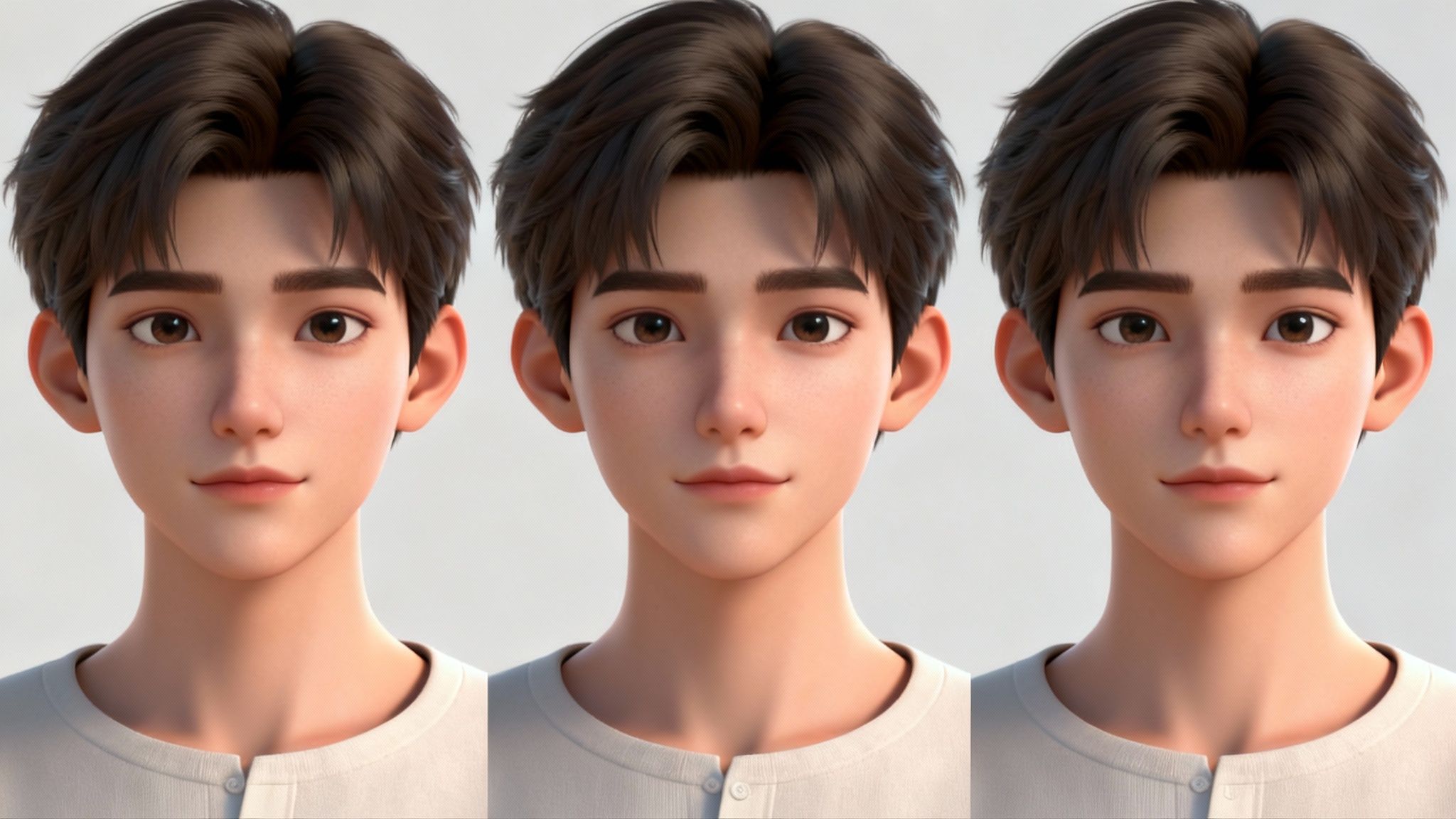
This is the kind of consistency that builds a real connection with an audience.
Let's break down exactly how this translates into tangible results for your channel.
The Impact of Character Consistency on Your Channel
Here's a quick look at the core benefits of maintaining a consistent AI character across your content.
| Benefit | Impact on Your Channel | Real-World Scenario |
|---|---|---|
| Audience Connection | Viewers form a bond, turning passive watchers into an active community. | A TikTok user creates a "study with me" series featuring a calm, consistent AI librarian character. Followers feel like they have a familiar study buddy. |
| Brand Recognition | Your character becomes a unique visual signature, making your content instantly identifiable. | An Instagram channel uses a quirky, adventurous AI character for travel vlogs. Followers immediately recognize the character in their feed. |
| Trust and Authority | A consistent presence builds credibility and makes your content seem more professional and reliable. | A financial advisor on YouTube uses a consistent, professional-looking AI avatar to explain complex topics, building viewer trust. |
| Storytelling Potential | Enables you to create ongoing narratives and character arcs that keep viewers coming back. | A creator develops a multi-part sci-fi story where the AI protagonist evolves, keeping the audience hooked for the next episode. |
Ultimately, a consistent character is what gives your channel a soul, making it something people can genuinely get behind.
The Soaring Demand for Better AI Video Tools
This isn't just a problem for a handful of creators; it reflects a massive shift in the market. The global AI video generator market was valued at around $614.8 million and is on track to hit $2.34 billion by 2030.
That’s a huge jump, with a compound annual growth rate of 32.78%. This growth is all about the increasing demand for tools that can produce high-quality content at scale. You can read more about these market projections to see just how fast this space is moving.
In this environment, nailing character consistency isn't just a cool feature anymore—it's a must-have for anyone serious about making a mark with AI video.
Creating Your Digital Avatar from a Single Photo
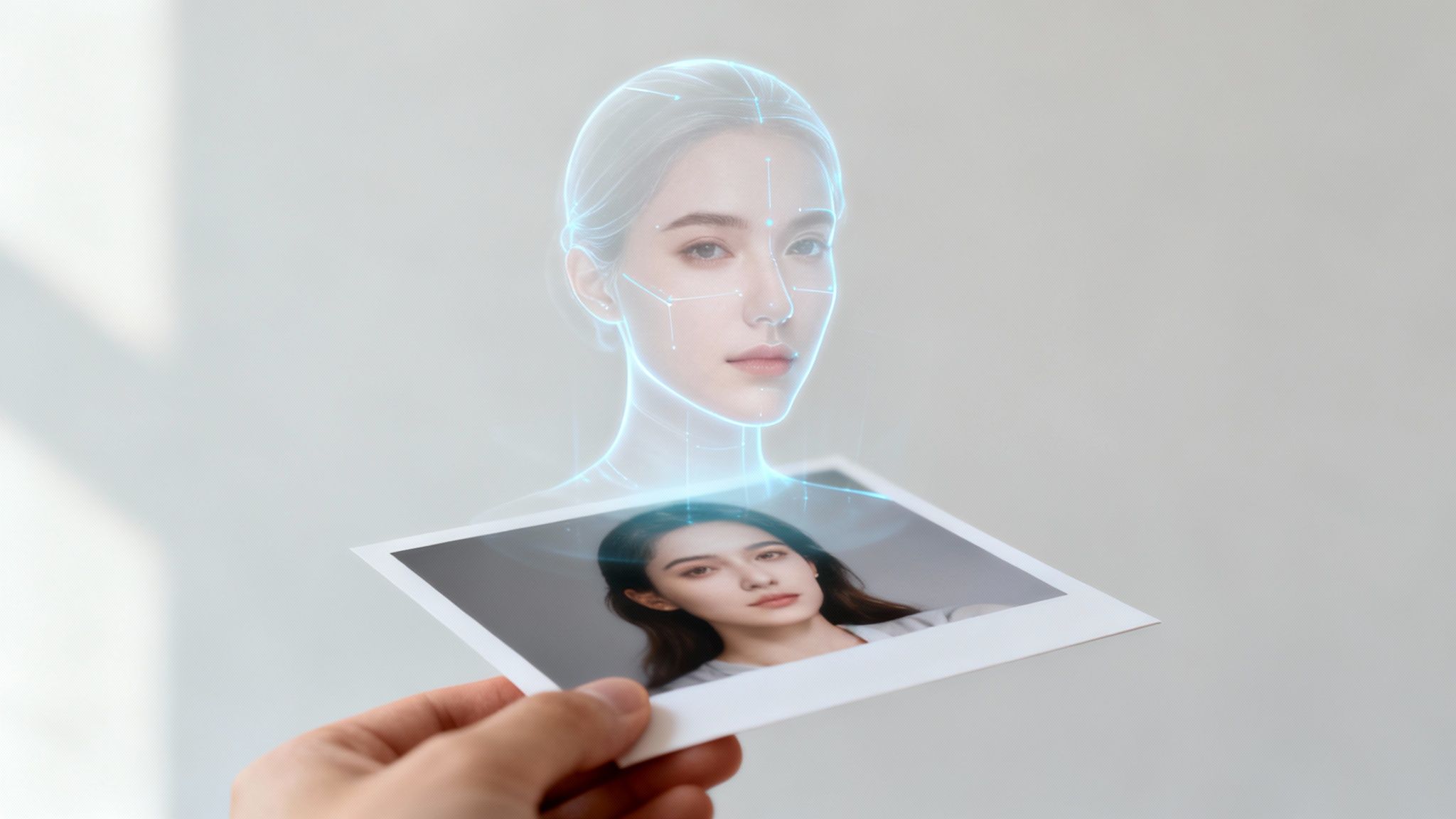
This is where your character truly comes to life. It all starts with a single, high-quality photograph—the digital DNA for every video your avatar will ever star in.
It's not just about making a picture talk. The AI is actually learning the core structure of the face. It measures things like the distance between the eyes and the shape of the jaw, creating a detailed digital blueprint. This blueprint is what allows you to use the same character in countless different scenes and situations.
Selecting the Perfect Source Image
The old saying "garbage in, garbage out" is especially true here. The quality of your final character hinges entirely on the photo you start with.
To get the best results, your source image needs a few things:
- Clear Lighting: Soft, even light is your best friend. Avoid photos with harsh shadows or blown-out highlights that hide facial features.
- Direct Gaze: The person in the photo should be looking straight into the camera. This gives the AI the cleanest data for accurate facial mapping.
- High Resolution: Don't use a blurry, pixelated photo. A sharp, high-res image provides all the fine details needed to create a believable character.
Think of it less like uploading a photo and more like training a digital actor who will become the face of your channel. This technology is catching on fast. North America currently leads with a 40.61% market share in AI video generation, but the Asia-Pacific region is catching up quickly, which shows just how global this trend is becoming.
Most tools, like Aicut, make this initial step incredibly simple. You can upload your photo and start training your model in just a few minutes.
This kind of intuitive interface is designed to get you from idea to creation without a steep learning curve.
From Photo to Reusable Digital Double
Once your image is uploaded, the AI begins its work. It meticulously identifies key facial landmarks and translates them into a mathematical model—a digital double.
This isn't just a one-off animation. The AI builds a persistent, reusable digital model of your character. This is the secret to keeping your character's face consistent across every single video, no matter the script or setting.
With this digital double ready, you can start directing it with text prompts. Tell it to smile, look shocked, or deliver a line, and the AI will animate the face while keeping its core features perfectly intact. While our focus here is on video, this same foundation applies to still images, too. If that’s something you’re interested in, you can learn more about it with our guide on the consistent character AI image generator.
This foundational step ensures your audience always recognizes the same familiar face, whether they're learning something new or just watching a reaction video.
Nailing Your Signature Style with a Master Prompt
So, you've locked in your character's face. That’s a huge first step, but the real work begins now. To build a recognizable brand, every piece of content needs to feel like it belongs in the same universe. That means the lighting, the color palette, the camera style—everything—needs to be consistent. This is where you graduate from simply generating images to art directing the AI.
A vague prompt like "my character at a desk" is a lottery ticket; you'll get a different result every single time. A great prompt, on the other hand, is like a director's shot list. It gives the AI specific, non-negotiable instructions to follow, ensuring you get the look you want, every time.
Build Your "Style Bible" with a Core Prompt Template
The secret to consistency is creating a "core prompt template." Think of this as your brand's visual bible. You'll reuse this foundational prompt for every single video, only changing the specific actions or settings. It's less about what your character is doing and all about the vibe of their world.
By establishing these ground rules, you guarantee a cohesive look across your content, even as your character explores different scenarios. For a masterclass on the nuts and bolts of writing effective prompts, our complete text prompt guide is the perfect place to start.
Start by nailing down these three areas:
- Lighting: What’s the mood? Is it bright and optimistic or dark and cinematic? Use phrases like soft morning light, dramatic neon glow, or warm golden hour.
- Color Palette: What colors define your brand? Think in terms of muted earth tones, a vibrant, high-contrast palette, or cool, desaturated blues.
- Camera & Film Style: How is the scene captured? Get specific with terms like shot on 35mm film, intimate close-up, shallow depth of field, or wide-angle documentary style.
Here’s a look at an AI video generator's interface where you'd plug in these kinds of detailed prompts.
As you can see, you have multiple ways to guide the AI, combining text commands with reference images to really dial in your desired aesthetic.
To keep your character's world looking the same from one video to the next, it helps to break down the key elements of your style into a reusable structure.
Here's a table outlining what you should include in your prompts to maintain that signature look.
Key Prompt Elements for Visual Consistency
| Prompt Element | Its Purpose in Maintaining Style | Example Prompt Snippet |
|---|---|---|
| Medium & Style | Establishes the overall artistic feel. Is it a photo, a painting, or something else? | cinematic film still, ultra-realistic photograph, 4k high detail |
| Camera & Lens | Defines the perspective and feel of the shot. | shot on a 50mm lens, wide-angle establishing shot, shallow depth of field |
| Lighting | Controls the mood and time of day. This is crucial for atmosphere. | soft natural light from a window, moody neon backlighting, golden hour glow |
| Color Palette | Ensures your brand colors are consistently represented. | muted earth tones, vibrant pastel color palette, desaturated and cool tones |
| Composition | Guides the AI on how to frame the shot for a consistent layout. | symmetrical framing, character positioned off-center, medium close-up |
Think of this table as your checklist. By consistently including these elements, you're building a strong visual foundation that becomes instantly recognizable to your audience.
Describing the Details: Clothing and Environment
With your core style set, you can now swap out the specifics—like what your character is wearing or where they are. The trick is to apply the same level of detail to these changing elements. Don't just say "wearing a t-shirt." Instead, try "wearing a faded black vintage band t-shirt."
The less you leave up to the AI's imagination, the better.
Specificity is your best defense against "style drift" between generations. True consistency isn't an accident; it's the result of giving the AI a crystal-clear, unambiguous brief every single time.
Let's put this into practice. Imagine your character is a coffee connoisseur who reviews cafes.
A Vague Prompt (Don't Do This):[Character Name] in a coffee shop.
A Specific, Stylized Prompt (The Right Way):[Character Name] sitting at a rustic wooden table, holding a white ceramic mug. He's wearing a simple gray cashmere sweater. The background is a cozy coffee shop with exposed brick and warm, soft lighting. Cinematic film still, shot on a 35mm lens, shallow depth of field.
See the difference? The second prompt locks in the mood, the lighting, the character's outfit, and the overall aesthetic. Now, you can take this character to any coffee shop in the world, and your videos will still feel like they belong to the same cohesive series. That’s how you build a brand.
Putting Your Content Creation on Autopilot
Alright, you've nailed down your character and their signature style. Now comes the real challenge: how do you churn out enough content to stay relevant without burning out? The secret isn't about working harder; it’s about building a smart content engine that practically runs itself.
This is where you shift from a manual grind to a powerful, automated operation.
Imagine dropping a list of quotes or script ideas from a simple spreadsheet and, with one click, generating a full week's worth of TikToks. That's not a fantasy—it’s the power of batch generation. A capable consistent character AI video generator like Aicut lets you do just this. Instead of painstakingly creating videos one by one, you just feed the system your scripts, and it handles the production.
Make Your Tools Work Together
The real game-changer is connecting your video generator to the apps you already use every day. Think about it: a new idea you quickly type into your notes app could automatically cue up a draft video, waiting for your final approval. For any creator aiming for a high volume of content, this kind of integration is non-negotiable.
To really get why this matters so much, it helps to understand what is content automation and how it completely changes the game. This approach is the foundation of any modern content strategy, and it saves creators an unbelievable amount of time.
This diagram shows the basic flow for keeping your prompting style consistent—a crucial step before you can automate anything effectively.
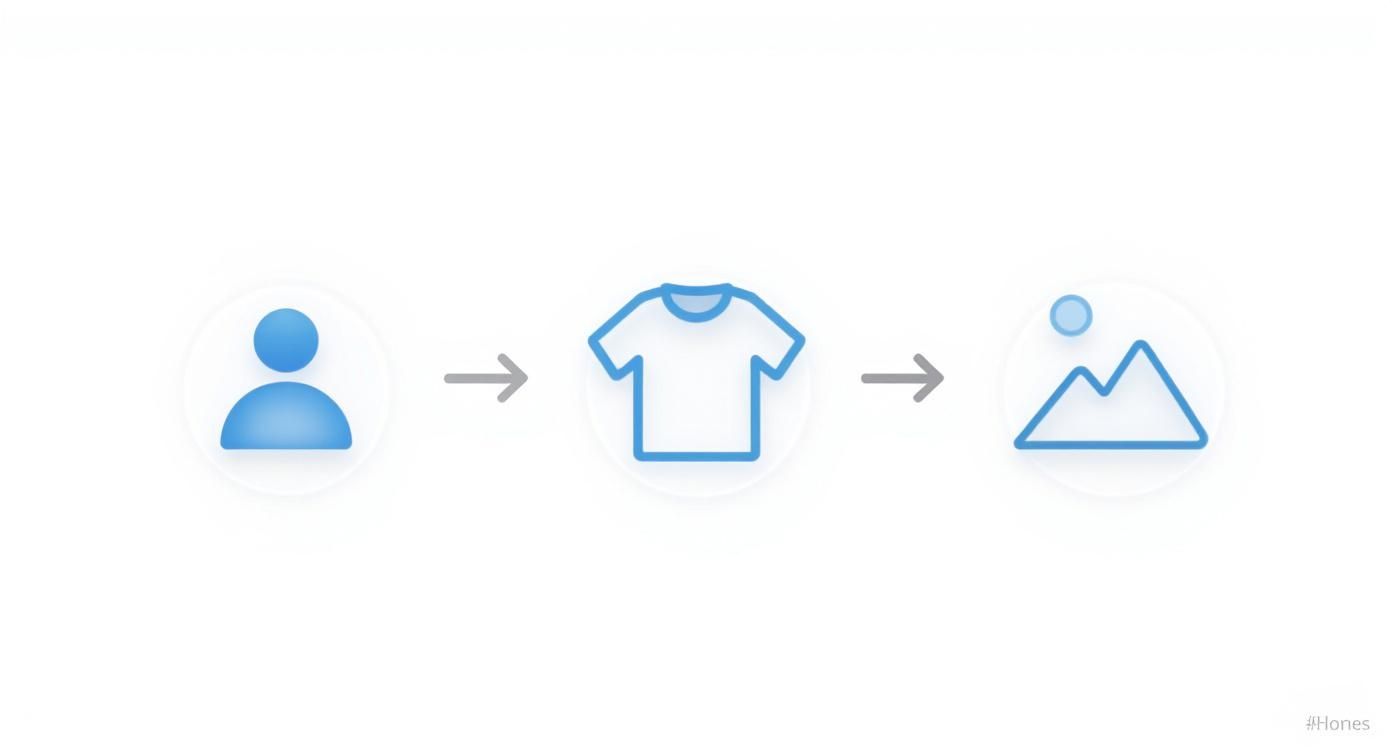
As you can see, a consistent style starts with locking in the key elements: the character, their clothing, and the typical setting. Get this right first, and batch creation becomes a breeze.
How to Build Your Smart Content Engine
The ultimate goal is to have a system where content gets made in the background. This frees you up to focus on the fun stuff, like brainstorming new ideas and engaging with your community.
Here’s how you can set up a simple automated workflow:
- Connect Your Apps: Use a tool like Zapier or Make to link Aicut with something like Google Sheets, Notion, or Airtable.
- Set Up Triggers: Create simple rules. For example, you could make a rule that says, "When a new row is added to this spreadsheet, create a new video in Aicut."
- Lock in Your Templates: Inside Aicut, make sure your master prompt and character model are ready to go. This ensures every automated video perfectly matches your brand's look and feel.
By automating the repetitive tasks, you're not just saving time—you're creating a scalable system that can keep up with audience demand without causing burnout. This is how top creators maintain a constant presence on multiple platforms.
This kind of smart workflow means your AI character can drop fresh content every single day, keeping your channels active and your audience growing.
If you're ready to go deeper, check out our guide on the best software to automate your video creation.
Pro Tips for a Polished Final Video
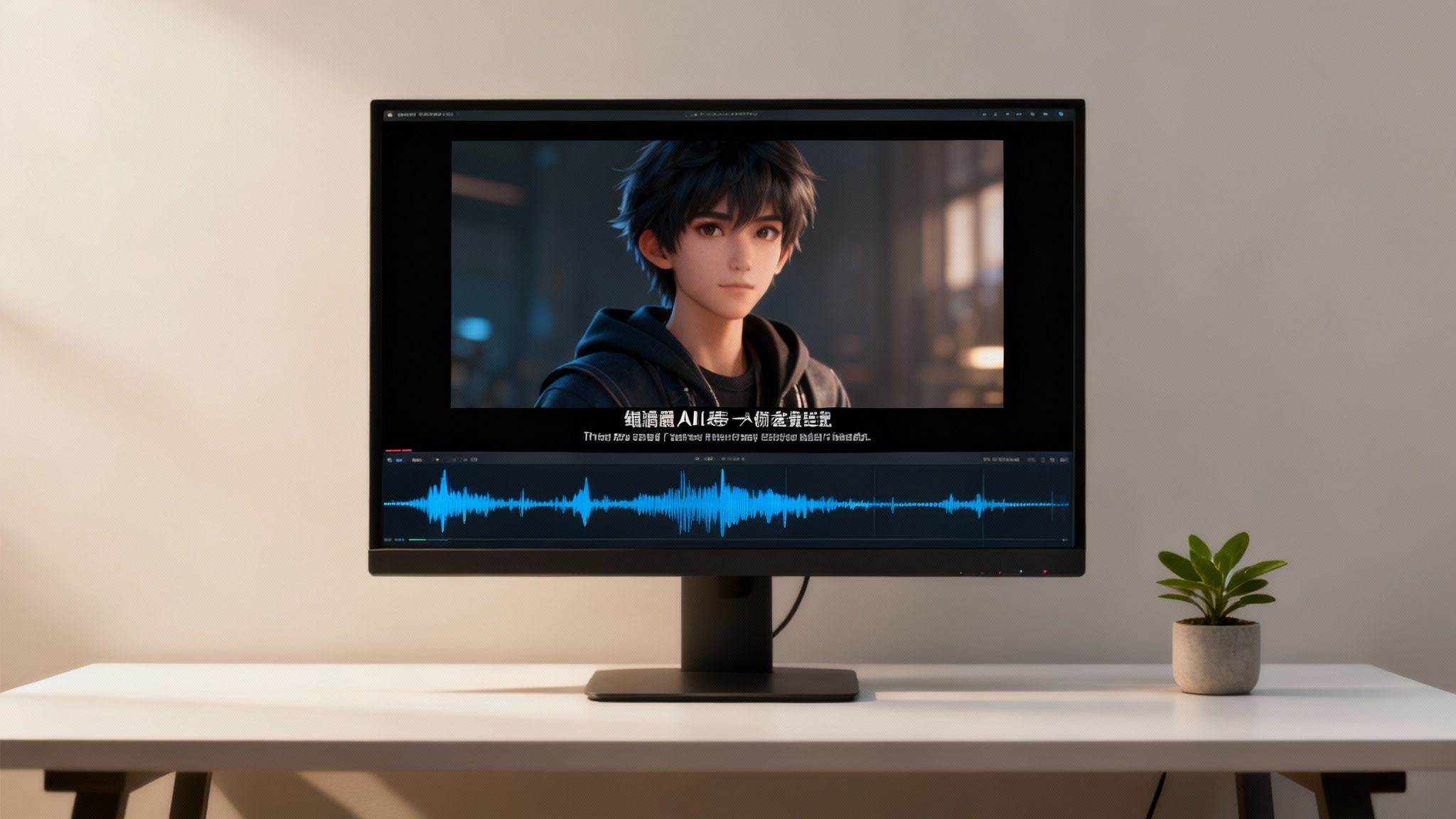
Alright, so you've generated the raw clips with your new AI character. That’s a huge step, but the work isn't quite done yet. What happens next—in post-production—is what really separates the forgettable content from the videos that genuinely hook an audience and stop them from scrolling.
First things first: video quality. Don't even think about settling for a standard-definition export. Upscaling your video to high definition (HD) or even 4K is an absolute must. A crisp, sharp video just feels more premium, whether someone's watching on their phone or a big screen. It’s a simple move that instantly signals you take your content seriously.
Making It Look and Sound Great
Once your visuals are sharp, it’s time to tackle the audio. A silent video is a dead video on social media. This is where an AI-cloned voice can give you a massive edge. Instead of a generic robot voice, you can create a custom narration that gives your character a real personality, making it much easier for viewers to connect.
Next up, layer in some background music. This isn't just about filling the silence; it’s about setting the vibe.
- Match the Mood: Pick a track that fits what you're trying to convey. Is it an upbeat tutorial or a calm, thoughtful story? The music should enhance that feeling.
- Get the Balance Right: Your music should never compete with the narration. Keep it in the background, just loud enough to be felt but low enough that every word is crystal clear.
- Stick to Royalty-Free: This is a big one. Always use royalty-free music to avoid copyright strikes that can get your video pulled or your channel demonetized.
Putting these audio layers together makes the whole experience so much more immersive.
Your main job in post-production is to eliminate any reason for someone to swipe away. Clean visuals, great audio, and helpful text make your videos effortless to watch, which is key to boosting your watch time.
Don't Forget the Text
Last but not least, let's talk about on-screen text. Adding animated titles or text callouts is a great way to punch up key points and keep your viewer’s eyes moving. Even more important are subtitles. So many people watch videos with the sound off, especially on their phones. Subtitles make your content accessible to everyone, everywhere.
This push for high-quality, accessible content isn't just a local trend. The AI video market in the Asia-Pacific region alone is expected to hit $150.2 million by 2025. Places like China and India are at the forefront, thanks to their huge creator communities and solid tech infrastructure. You can learn more about the growing global demand for AI video tools if you want to dig into the data.
When you put it all together—upscaled video, a custom AI voice, the right music, and clear subtitles—you create something special. Your videos won't just have a consistent character; they'll have the professional polish they need to stand out and succeed.
Monetizing Your AI Character
So you’ve created a consistent AI character. That’s not just a cool creative project—it’s an asset, and it's time to think about turning it into a real source of income. Once you have a recognizable digital face, you're set to build an actual online brand, not just pump out content.
The most obvious path? Turn your character into a virtual influencer. Brands are constantly on the lookout for fresh, interesting ways to connect with people. You can team up with them for sponsored posts, having your AI character feature their products in a way that feels authentic to your channel and your audience.
Expanding Your Revenue Streams
Sponsorships are great, but they're just the beginning. As your audience grows, you can tap into the more traditional ways creators make money online. If you're serious about this, it's worth learning a few strategies to accelerate YouTube channel monetization. This includes the standard ad revenue you get from views, which really starts to add up as your channel gains traction.
Don't stop there, though. Consider branching out with a few other methods:
- Affiliate Marketing: Have your character "recommend" products or tools they use. You'll get a cut of any sales that come through your links. It's a natural fit for many niches.
- Digital Products: Why not sell your own stuff? Think character-themed merchandise, digital art prints, or even guides and e-books related to your content's focus.
Here's the shift in mindset: start seeing your AI character as the face of a business. Every single video builds their brand, making them more appealing for brand deals and a more trusted figure for your followers.
This whole space is moving incredibly fast. Big names like Synthesia, HeyGen, and Runway ML are pushing the boundaries of what’s possible with character generation. It's getting easier and cheaper to create amazing, monetizable video content all the time.
Common Questions About AI Character Generators
As you start experimenting with AI character generators, you'll probably have a few questions. I see the same ones pop up all the time from creators just getting their feet wet, so let's clear the air on a couple of big ones. Getting these answers straight can really help you get the hang of the tech much faster.
A major one is: will my character's face look exactly the same in every single video? The short answer is yes. That's the whole point of these tools. Once you've trained a model on a photo, it essentially locks in those specific facial features. The AI then rebuilds that same face in any new scene you dream up, which is how you get that consistent, recognizable look every time.
Can I Control My Character's Expressions?
This is another great question I hear a lot. People wonder if they have any say over their character's emotions. Absolutely. You get a surprising amount of control just by using the right words in your text prompts.
Want your character to look confused, happy, or deep in thought? Just say so.
- "A surprised woman looking at her phone"
- "A thoughtful man gazing out a rainy window"
- "A joyful person laughing with friends"
The AI picks up on these emotional cues and adjusts the facial expression to match. The underlying facial structure—the thing that makes your character your character—doesn't change. But their performance? That's all you.
The real magic is in this blend of consistency and flexibility. You have a character whose identity is set in stone, but you can change their clothes, their location, and their mood just by typing a few words. It opens up a ton of creative possibilities.
This means you can drop your character into any situation imaginable—from a bustling coffee shop one day to a quiet library the next—without ever losing that core identity. The background, the outfits, the mood... it's all adaptable. This gives you an incredible mix of stability and creative freedom for your videos.
Ready to build your own digital personality? Jump into Aicut and see how quickly you can bring an unforgettable AI character to life.