If you feel like you're constantly chasing the clock to get your next Instagram post live, you're definitely not alone. It's a common struggle. But shifting from a chaotic, last-minute rush to a planned, scheduled workflow is a total game-changer. This one move helps you reclaim your time, lower your stress, and focus on what you're actually good at: creating great content.
Why You Should Start Scheduling Instagram Posts
For most of us, managing an Instagram account can feel like a reactive, high-pressure job. Inspiration strikes, but then you're scrambling to edit a photo, write a caption, and hit "publish" during peak hours. Scheduling flips that script entirely.
Instead of being reactive, you get to be proactive. Imagine sitting down for one focused session to prep a whole week's worth of content. You write all your captions, line up your photos and videos, and schedule everything in one go. It's the ultimate "set it and forget it" approach, and it’s the secret to maintaining a consistent presence that the Instagram algorithm loves.
Build Consistency and Drive Growth
Consistency is everything on Instagram. The data doesn't lie: accounts that post frequently see much better follower growth. For instance, accounts that post 2 to 3 times a week typically see a 19% increase in followers. Ramp that up to 10 or more times a week, and that growth can shoot up to 79%.
On the flip side, a whopping 93.5% of accounts post once a week or less, which is often linked to a 2% annual drop in followers. The takeaway is clear: posting regularly pays off, and scheduling is the easiest way to make that happen without burning out.
Choose the Right Scheduling Method
So, how do you actually start scheduling? Your best option really depends on your specific needs and workflow. This decision tree breaks it down nicely.
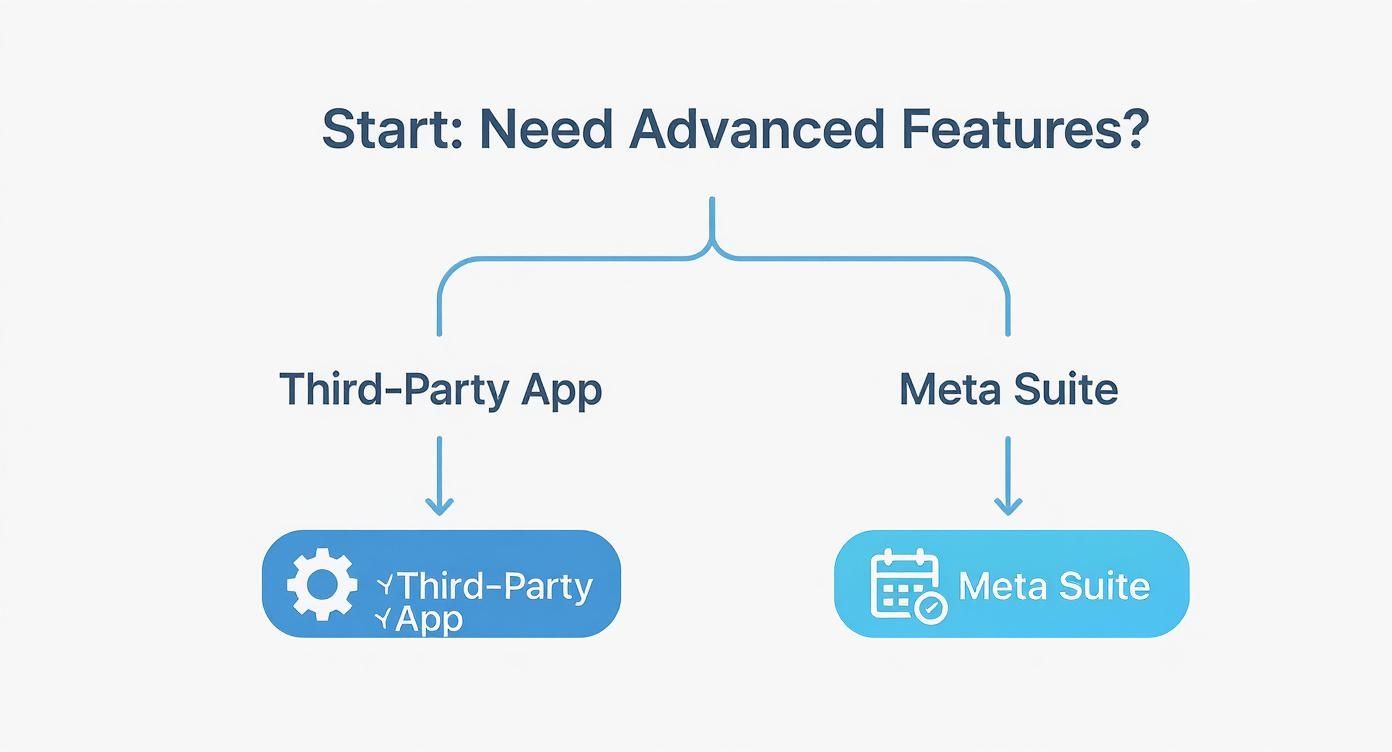
As you can see, if you're looking for powerful features like in-depth analytics, a visual grid planner, or team collaboration tools, a dedicated third-party app is your best bet. But if you just need the basics, Meta's own free tools are surprisingly robust and a great place to start.
Here's a quick table to help you compare the main options at a glance.
A Quick Look at Instagram Scheduling Methods
This table gives you a high-level overview of the main ways to schedule Instagram posts, so you can pick the best fit for your workflow.
| Method | Best For | Cost | Key Feature |
|---|---|---|---|
| Native App Reminders | Solo creators who want a simple reminder to post manually. | Free | Push notification system. |
| Meta Business Suite | Small businesses managing both Facebook and Instagram. | Free | All-in-one inbox and cross-platform scheduling. |
| Third-Party Schedulers | Agencies, serious creators, and teams needing advanced features. | Varies (Free to Paid) | Advanced analytics, grid planning, team workflows. |
Choosing the right tool is the first step toward getting your time back. And if you're ready to go even further, our guide on how to automate social media posts can show you how to put your content distribution on complete autopilot.
Using Meta’s Own Tools to Schedule Your Content
You don't have to jump straight to a paid tool to start scheduling your Instagram posts. Believe it or not, Meta has its own surprisingly robust and totally free platform called Meta Business Suite. It's basically a command center that lets you manage both your Instagram and Facebook presence from a single dashboard.
If you're just dipping your toes into content scheduling—maybe you're a creator or a small business owner—this is the perfect place to start. It gives you all the core features you need to plan your feed, Reels, and Stories without spending a dime.
Getting Set Up in Meta Business Suite
Before you can get started, there’s one small prerequisite: your Instagram account needs to be a Professional Account. This can be either a Business or a Creator account. You'll also need to have it connected to a Facebook Page that you manage. Once that's done, you're in.
When you first log in, the dashboard can feel a little overwhelming, but don't worry. The tools you really need are front and center. For scheduling, you'll be spending most of your time in the "Planner" and "Content" tabs.
Here's what the main dashboard looks like. It’s your at-a-glance view of everything going on with your connected accounts.
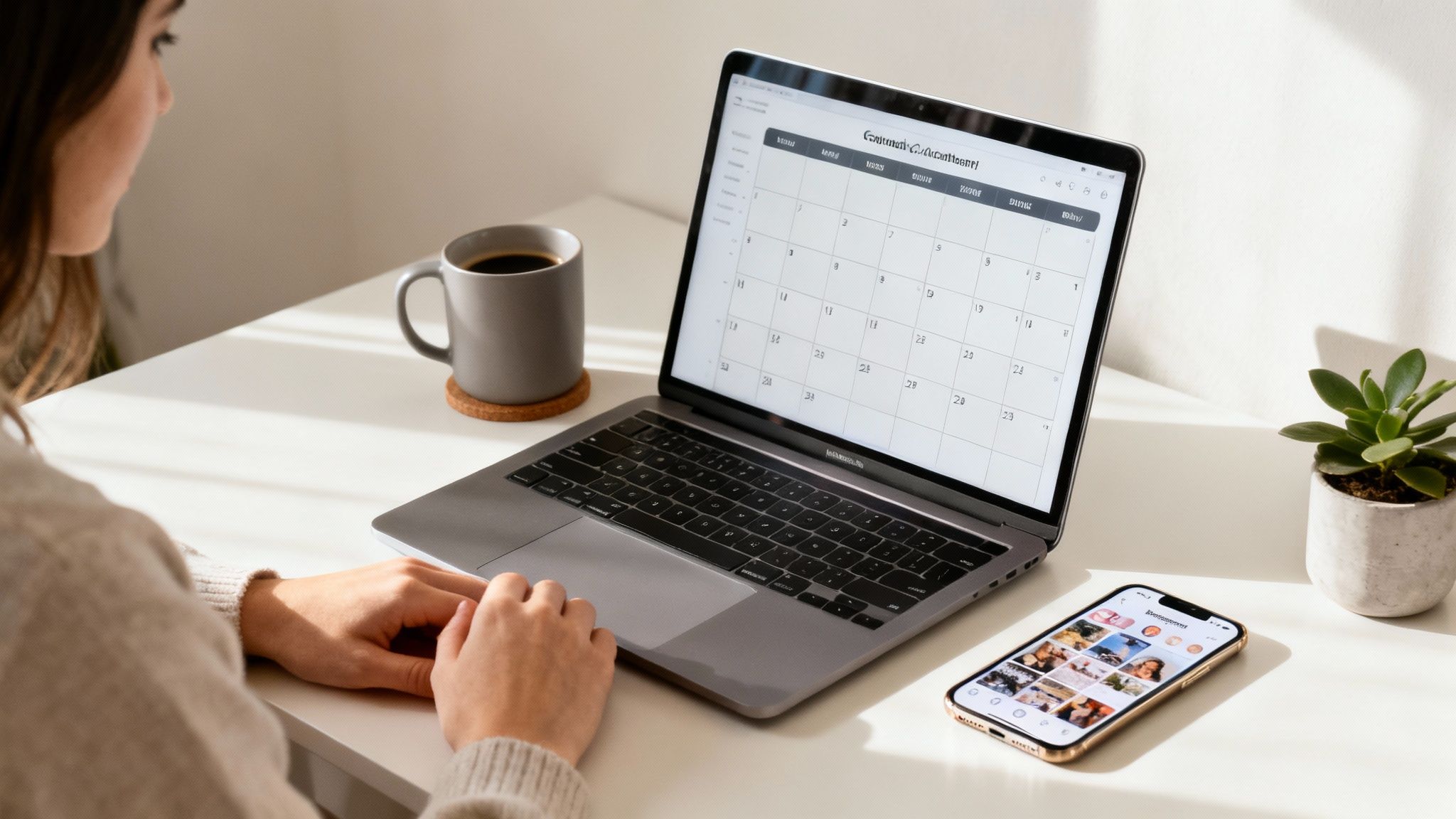
From this screen, just look for the "Planner" on the left-hand menu. That’s your gateway to building out your content calendar.
How to Schedule Posts, Stories, and Reels
One of the best things about the Business Suite is that it supports almost every Instagram format. The process for scheduling is pretty much the same whether you're queuing up a simple photo or a multi-clip Reel.
You can schedule:
- Feed Posts: This includes single images, videos, and even multi-image carousels.
- Instagram Stories: You can actually plan your Stories in advance, adding stickers and text just like you would on your phone.
- Instagram Reels: Simply upload your edited Reel, write your caption, and tell Meta when to publish it.
The process is simple. You hit the "Create Post" button, choose your Instagram account, upload your content, and craft your caption. But instead of clicking "Publish," you'll look for the scheduling option to pick the exact date and time you want it to go live.
My Favorite Tip: The Business Suite has a killer feature called "Optimal times." As you're setting a schedule, Meta will suggest specific times based on when your followers were most active over the last week. It's a fantastic, data-backed starting point for getting more eyes on your content.
Finding Your Perfect Posting Times
Getting your timing right is a huge part of the Instagram game. The algorithm tends to favor posts that get a burst of engagement right after they're published. Posting when your audience is scrolling is a simple way to get that initial boost.
While broad studies point to general peak times—like Monday from 2 pm to 7 pm UTC or Thursday from 11 am to 4 pm UTC—those are just averages. Your audience is unique.
This is why Meta's "Optimal times" feature is so valuable. It gives you personalized suggestions tailored to your followers' habits. Use those recommendations, but don't be afraid to experiment. You can find more general data by checking out some comprehensive research on posting times, but your own analytics will always be your best guide.
Once you’ve scheduled a few posts, they’ll all appear in the "Planner" view. It gives you a clean, visual calendar of everything you have in the pipeline. From there, you can easily drag and drop posts to new time slots or click in to tweak a caption before it's published.
Finding the Right Third-Party Scheduling App
While Meta's built-in tools are great, sometimes you need a little more firepower. This is where third-party schedulers come in—they're packed with specialized features designed for creators, agencies, and small teams who live and breathe social media.
Think of dedicated tools like Later, Buffer, or Hootsuite. These platforms go beyond simple scheduling. They offer visual content planners, streamlined team workflows, and deep analytics dashboards that can seriously level up your content game. Those who adopt these tools often find their planning sessions become smoother and the entire publishing process feels less like a manual chore.
So what makes each one different?
- Later is all about the visuals. Its grid preview is a game-changer for anyone trying to perfect their Instagram aesthetic before a single post goes live.
- Buffer is loved for its clean, multi-platform interface. You can easily plan content for Instagram, TikTok, and LinkedIn all in one calm, organized space.
- Hootsuite is the powerhouse for teams, offering the most in-depth analytics and social inbox tools you can find, making it perfect for collaboration.
“Third-party schedulers feel like an extension of your creative process. They keep content organized and free you from constant deadline stress.”
— Alex Chen, Social Strategist
Feature Breakdown of Top Scheduling Tools
Choosing the right platform often comes down to the small details and which features best fit your specific workflow. To make it easier, here’s a quick comparative look at what Later, Buffer, and Hootsuite bring to the table.
| Feature | Later | Buffer | Hootsuite |
|---|---|---|---|
| Visual Planning | Drag-and-drop grid that previews your feed layout | Simple calendar view across all connected networks | Feed view with custom tags and approval workflows |
| AI Hashtag Suggestions | Suggested hashtag sets based on your caption | Hashtag recommendations with performance metrics | AI-driven tagging plus keyword ranking insights |
| Auto First Comment | Schedule the initial comment to hide hashtags | Built-in scheduling for comment threads | Auto comment scheduling with multiple templates |
| Link in Bio Tools | Integrated link landing page builder | Customizable link page with analytics | Social link hubs and URL shortener |
This table gives you a bird's-eye view, but the best tool for you really depends on your day-to-day needs. Thinking about how you’d use these features in the real world is the key to making the right choice.
Who Should Use Which Tool?
Let's break down some common scenarios to help you decide.
You'll love Buffer if...
You're a solopreneur or small team juggling Instagram alongside other channels. If you value a clean, distraction-free interface, Buffer is for you. It's especially great for those who write long, thoughtful captions and need a focused composer to do their best work.
Later is your best bet if...
Your brand is built on a strong visual identity. For fashion bloggers meticulously planning a month’s aesthetic or e-commerce stores showcasing product collections in carousels, Later’s visual-first approach is unbeatable.
Hootsuite shines for...
Agencies and larger brands that need robust collaboration and reporting features. If your team relies on multi-stage approval workflows or needs a centralized inbox to monitor comments and messages, Hootsuite is built for that kind of scale.
If you’re a small business owner, finding the right platform is a big decision. For a deeper dive, this guide to social media schedulers for small businesses breaks down even more options.
The best advice? Take advantage of the free trial periods. There's no substitute for getting your hands dirty and seeing how each scheduler feels with your actual content and workflow.
Evaluating Pricing And Support
Of course, budget is always a factor. Pricing models vary quite a bit, but most platforms offer a free tier to get you started, though they come with limitations.
- Later has a free plan with 30 posts per profile and basic analytics.
- Buffer’s free tier includes 10 scheduled posts and is limited to a single user.
- Hootsuite’s free plan allows one user to manage two social accounts with five scheduled messages.
Beyond the price tag, look into their customer support. Do they offer live chat, or is it email only? How extensive is their help documentation? You'll want good support when you're in a jam.
And one last tip: always think about the future. If you plan to grow your team, factor in the cost of adding extra seats down the line. By matching features, pricing, and support to your workflow, you’ll find a scheduling app that not only works for you today but also scales with your brand tomorrow.
How Aicut Automates Your Entire Workflow
While dedicated schedulers are great for planning your posts, what if the entire process—from the initial idea all the way to a published video—could run on its own? This is where Aicut steps in, offering something much more powerful than a simple scheduler. It's a complete, automated content machine.
Think about it. You could use AI to brainstorm a week's worth of video ideas, generate incredible visuals for them, and then push that finished content directly into a scheduler, all inside one platform. Aicut brings content creation and distribution together, completely cutting out the annoying steps of downloading, re-uploading, and manually setting up every single post.
Set Up Hands-Off Content Queues
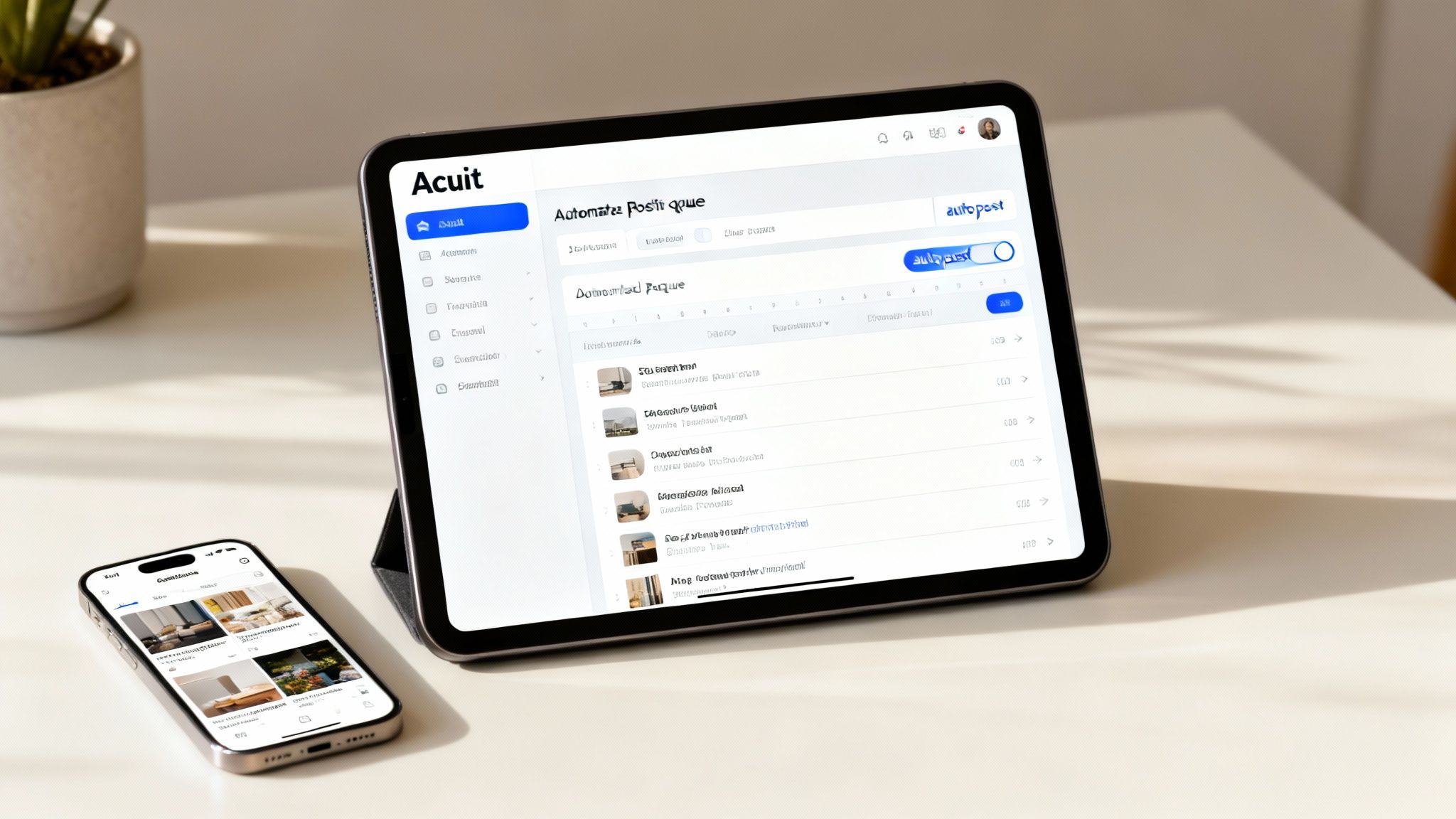
The real magic behind Aicut is its "auto-posting" feature. This isn't just standard scheduling. Instead of painstakingly picking a specific date and time for every piece of content, you can create evergreen content queues that do the work for you.
Let’s say you're a real estate agent. You could build a queue filled with property tour videos and simply tell Aicut to publish one every Friday at 10 AM. Once that's set, the system just pulls the next video from the queue and posts it at the right time, week after week. No more manual intervention needed.
This approach is a game-changer for:
- Themed Content Days: Set up your "Motivation Monday" clips or "Throwback Thursday" photos to post automatically every week.
- Product Showcases: Create a library of product demos that post on a consistent schedule, keeping your offerings fresh in your audience's minds.
- Evergreen Tips: Share valuable advice from a pre-loaded content library without ever having to think about rescheduling it.
By automating the most repetitive parts of content distribution, you get to reclaim your mental energy. You can finally focus on big-picture strategy and creative ideas—the things that actually drive growth. It transforms your Instagram from a daily chore into a self-sustaining asset.
From Content Generation to Auto-Posting
This workflow completely changes how you manage Instagram. You can batch-create dozens of videos at once using Aicut's AI tools—like generating photorealistic clips or animated characters—and load them into different themed queues. Your posting schedule then runs on autopilot. You stay consistent even when you're swamped with other work.
It’s a truly hands-off system built for creators who want to scale their output without scaling their workload. For anyone building a channel from scratch, this method is especially powerful. You can learn more about how this works in our guide to faceless Instagram automation, which breaks down how to build a huge presence without ever showing your face.
Aicut gives you the tools to not only schedule posts but to build an entire automated content engine that works for you 24/7.
Smart Strategies for Scheduling Your Posts
Knowing how to schedule Instagram posts is just the first step. Making those posts actually work for you? That's a whole different game. Real success isn't about just filling a calendar; it comes from a thoughtful strategy that blends hard data with a human touch.
Your first move is to become a detective and dig into your Instagram Insights. This isn't just a bunch of numbers—it's a treasure map. It shows you exactly when your audience is online, scrolling, and ready to engage. Forget generic "best times to post" advice; your Insights give you a personalized roadmap for maximum impact.
Build Your Content Rhythm
Once you know the best times to post, you need a solid plan for what to post. This is where a good social media content calendar template becomes your best friend. It doesn't have to be complicated; even a simple spreadsheet that maps out your themes for the next few weeks can work wonders.
Planning ahead helps you tell a cohesive story with your feed. You can intentionally mix up your content to keep things fresh—maybe a promotional post here, a behind-the-scenes look there, and some educational content to provide value.
For instance, a fitness coach could plan a Monday motivation Reel, a Wednesday workout tutorial, and a Friday client success story. This not only makes your brand feel more organized and professional but also takes a huge weight off your shoulders when it comes to content creation.
The biggest mistake I see creators make is treating scheduling as a "set it and forget it" tool. Your scheduled post is just the beginning of the conversation, not the end. Be there when it goes live.
Be Present for the Launch
Automation is a massive time-saver, but it can't replace real, human interaction. That first hour after your post goes live is absolutely critical. A quick burst of likes, comments, and shares tells the Instagram algorithm that people are interested, which can give your content a serious visibility boost.
Get into the habit of being online and ready to engage the moment your scheduled post is published. Jump into the comments, answer questions, and thank people for their feedback. This simple act turns followers into a community and can make all the difference in your post's performance. Our guide on https://www.aicut.pro/blog/instagram-clipping-the-ultimate-guide-to-clipping-sharing-and-monetizing-instagram-videos also dives into how you can repurpose video content to keep these conversations flowing.
Find Your Ideal Posting Frequency
So, how often should you actually post? The golden rule here is consistency over frequency. It's far better to share three amazing, high-quality posts a week than to push out seven rushed, mediocre ones.
Your ideal number might change as you grow. For example, accounts with under 10,000 followers often find success posting 5 to 7 times a week. In contrast, larger accounts with over 100,000 followers might see better results by focusing their efforts on just 2 to 3 high-impact posts per week.
The good news? The algorithm treats scheduled content exactly the same as posts published in real-time. So, you can plan your perfect cadence without worrying about any penalties.
Got Questions About Scheduling on Instagram?
Jumping into scheduling can bring up a lot of "what ifs." It's totally normal to wonder how it all works behind the scenes. Let's clear up some of the most common questions so you can start planning your content with confidence.
Think of this as your quick-start myth-busting guide.
Does Scheduling Hurt My Reach with the Algorithm?
This is the big one, right? We all worry about the algorithm. The good news is, no, scheduling does not hurt your reach—as long as you use an official, API-approved tool.
When it comes to the algorithm, all that matters is how your audience engages with your content. It doesn't care if you hit "Publish" now or scheduled it last Tuesday.
Instagram treats a post published via a trusted scheduler exactly the same as one you upload in real-time. Just focus on creating killer content with a great caption, and you'll be fine.
What Kinds of Content Can I Actually Schedule?
You can schedule pretty much everything you'd normally post. The options are surprisingly robust, letting you build out a complete content plan without much hassle.
Here’s a quick rundown of what’s supported:
- Single photos: The classic, simple to schedule.
- Carousel posts: You can line up all your slides and captions ahead of time.
- Feed videos: Standard in-feed videos are no problem.
- Reels: Yes, you can schedule your full Reels, complete with captions and hashtags.
- Stories: You can schedule these too, though some interactive stickers might not work perfectly and could require a final manual tap.
Basically, whether you're a photographer, a vlogger, or a meme creator, you can get your entire calendar locked in.
What if I Need to Edit a Scheduled Post?
Made a typo in the caption? Or decided to use a different photo last minute? No sweat. Editing a scheduled post is incredibly easy.
Just head back into your scheduling tool's calendar, find the post you want to change, and hit the edit button. You can tweak the caption, swap out the media, or adjust the publishing time in just a few clicks. Save your changes, and you're all set. It keeps your workflow flexible for those inevitable last-minute ideas.
How Far in Advance Can I Schedule Posts?
This depends entirely on the tool you're using. The limits vary quite a bit, so it's good to know what you're working with.
| Tool | Max Schedule Window |
|---|---|
| Instagram's Native Scheduling | 75 days |
| Meta Business Suite | 75 days |
| Third-Party Schedulers (like Later or Buffer) | Often several months |
Planning far out is amazing for big campaigns, product launches, or holiday content. But even with a long-range plan, always leave a little room to be spontaneous and jump on a trend if one pops up.
The real magic is finding the balance. Plan ahead to free up your daily creative energy, but stay nimble enough to react to what's happening right now.
With these questions answered, you can start mapping out your Instagram presence with a clear strategy. Scheduling is all about working smarter, not harder, to keep your feed active and your audience engaged.
Ready to put your content creation and distribution on autopilot? Aicut combines AI-powered video editing with a smart auto-posting queue. You can create, schedule, and publish to Instagram, TikTok, and YouTube, all from one place. Check out Aicut's features to see how it can transform your workflow.