
You open Sora 2 or Veo 3.1 with a clear idea in your head. What comes back is a different story. The motion feels random, the framing is off, the pacing drags, and the result looks more like a demo than something you'd post.
That usually isn't a model problem. It's a prompt problem.
Good AI video creators don't rely on vague requests like "make it cinematic" or "make it viral." They direct the model the way an editor, storyboard artist, and growth marketer would. That means visual specificity, platform constraints, testing, and clear business intent. If you're still writing prompts like casual chat messages, you're leaving quality on the table.
A lot of generic advice stops at "be specific." That's useful, but incomplete. Video prompting needs more structure because you're not just generating text. You're shaping motion, framing, timing, emotional payoff, and platform fit. If you want a deeper starting point for model-specific prompting, the Seedance 2.0 prompt guide is worth reviewing alongside this workflow.
1. Be Specific and Descriptive with Visual Details
You type a prompt for a TikTok clip, hit generate, and get footage that looks like stock filler. The subject is close, but the framing is off, the lighting fights the mood, and the motion feels disconnected from the hook. That usually happens because the prompt described an idea, not a shot list.
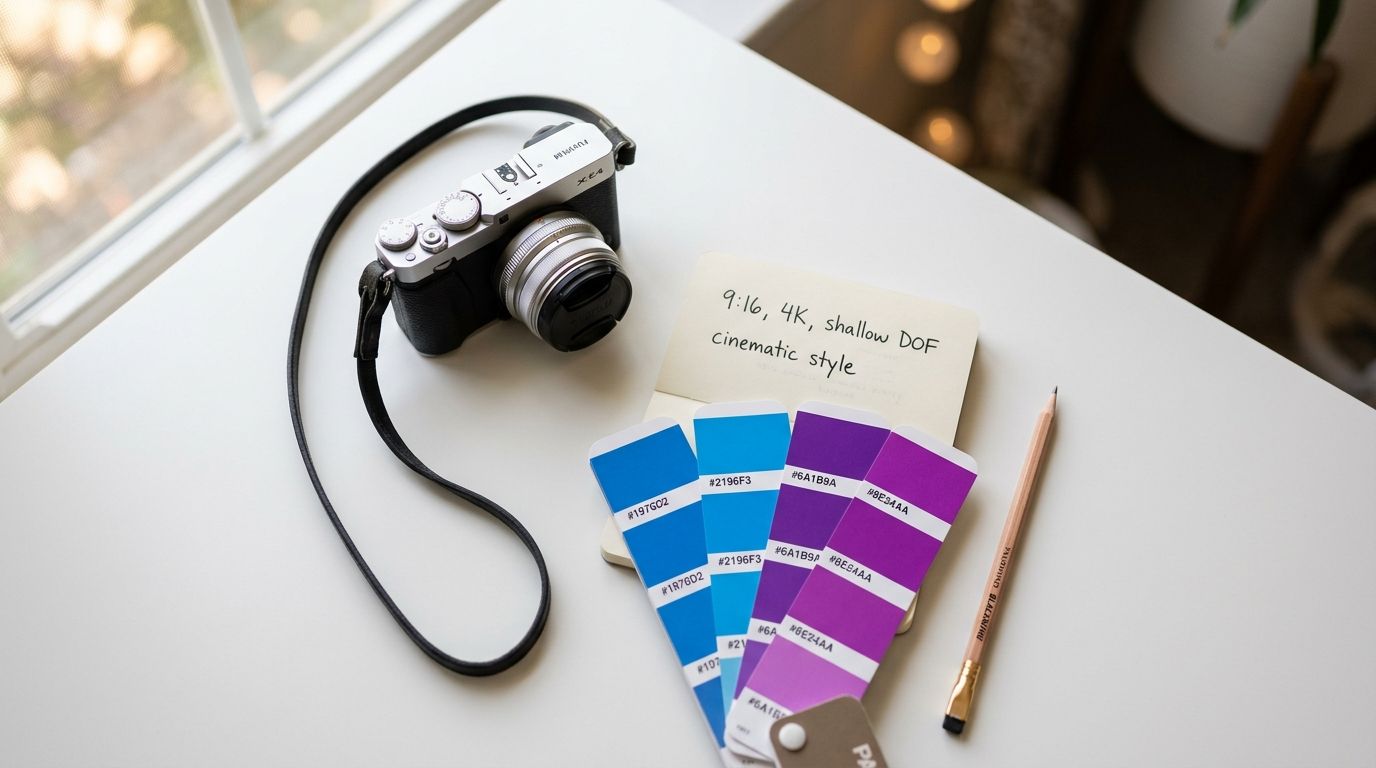
Good video prompts give the model clear production direction. Instead of "make a skeleton video," write the visual brief you would hand to an editor or storyboard artist: glowing skeleton character, neon blue outline, dark moody background with purple haze, cinematic 4K look, fast camera push-in, side-profile opening that shifts to front-facing, high-contrast rim light, vertical 9:16 composition for TikTok. That prompt gives the model fewer places to drift.
The same rule applies to product creative. "Show my skincare bottle" leaves too much unresolved. "Close-up product shot, shallow depth of field, warm golden light from the left, slow 360-degree rotation, clean white continuous background, soft reflection under bottle" is much closer to something you can publish or test in an ad workflow.
Specificity matters even more in AI video because business goals sit inside visual choices. A YouTube explainer often needs cleaner framing, longer holds, and 16:9 composition. A TikTok creative usually needs faster visual progression, stronger contrast in the first second, and framing that survives the mobile UI overlay. If you use Aicut or a similar workflow tool, writing prompts this way makes it easier to turn one concept into multiple platform cuts without rebuilding the creative direction from scratch.
What to specify every time
- Subject detail: Name the character, object, clothing, materials, and the one visual trait viewers should remember.
- Camera direction: Specify close-up, overhead, tracking shot, locked frame, push-in, handheld look, or slow rotation.
- Lighting and color: Use actual color and lighting cues such as soft daylight, green neon, hard rim light, muted earth tones, or brand palette colors.
- Scene context: Add the background, environment, and mood so the subject does not float in a generic setting.
- Platform format: State 9:16 for TikTok and Reels, 16:9 for YouTube, or square if the asset is for feeds.
- Duration and pacing: Put the runtime in the prompt so motion speed and shot density match the intended post.
For repeatable character work, consistency matters as much as detail. If your faceless channel or branded series keeps drifting between generations, use a workflow built around consistent AI character generation for recurring video assets before you start scaling prompts across episodes.
One practical habit helps here. Review the output frame by frame against your prompt. If the camera angle changed, the environment softened, or the color palette wandered, the prompt was still too abstract. Fix the missing production details first. Then regenerate.
A practical benchmark helps too:
2. Use Role-Playing and Persona Assignment
You write a prompt for a 15-second product clip. The output is usable, but it sounds generic, misses the platform tone, and gives you nothing you can turn into a high-retention edit. In practice, that usually means the model never got a clear job.
Role assignment fixes that fast. Give the model a role with a specific point of view, audience, and success metric, and the response usually gets sharper. For AI video work, that matters because TikTok, YouTube Shorts, and conversion-focused ad creative all reward different writing choices. A broad prompt gives you broad output. A role-based prompt gives you something closer to production-ready material.
The key is to assign a working persona, not a vague identity. "Act like an expert" is weak. "You are a direct-response UGC scriptwriter for skincare ads targeting women 25 to 40 who need a 2-second hook, one proof point, and a soft CTA" gives the model a real lane.
Persona prompts that hold up in production
Use roles tied to the format and the business goal:
- TikTok editor persona: You are a TikTok editor optimizing for watch time. Create a 15-second faceless storyboard with fast scene changes, one pattern interrupt in the first 3 seconds, and captions designed for silent viewing.
- UGC ad writer persona: You are a UGC copywriter for a skincare brand focused on conversions. Write a 30-second script with a pain-point hook, one believable product benefit, and a CTA that feels natural.
- YouTube Shorts narrator persona: You are a YouTube Shorts storyteller writing for retention. Create a 60-second mystery script with a strong opening line, rising tension every 10 seconds, and a final payoff that earns the last second.
- Aicut production persona: You are an AI video producer building clips in Aicut for a faceless channel. Write a shot-by-shot prompt sequence that matches platform format, pacing, and voiceover timing.
Order matters here. Assign the role first. Then give the task, constraints, and output format. If you start with the task, the model often defaults to generic internet copy and only partially follows the persona.
I use persona prompting most heavily when the same brand needs different outputs from the same core offer. A TikTok version may need faster hooks, more casual language, and a visual pattern interrupt. A YouTube Shorts version usually needs cleaner narrative progression and a stronger payoff. The product stays the same. The persona changes the delivery.
That is the primary benefit. Persona assignment helps you build prompts around distribution goals, not just writing style.
For creators building recurring characters or branded visual identities, a persona also supports continuity across scripts, storyboards, and voiceover direction. If you're doing that inside Aicut, the consistent character AI image generator guide is a good reference for keeping style and character cues aligned across outputs.
3. Implement Chain-of-Thought Prompting for Complex Videos
You draft a prompt for a multi-scene product reveal, send it to the model, and get a result that looks polished at first glance. The hook is weak, the middle drifts, and the final CTA lands too late for Shorts. That usually happens because the model was asked to generate the finished asset before the narrative logic was set.
For complex video work, build the reasoning path first. Then generate the production prompt.
This approach works best for videos with multiple scenes, timed voiceover, visual progression, or a business goal tied to retention or conversion. For TikTok, that may mean planning the first three seconds, the pattern interrupt, and the payoff before writing the final prompt. For YouTube Shorts, it often means mapping setup, escalation, and ending so the last beat earns the full watch.
A practical workflow looks like this:
- Define the video goal. Views, clicks, watch time, leads, or sales.
- Break the concept into story beats.
- Assign the purpose of each beat. Hook, proof, tension, reveal, CTA.
- Set visual direction for each beat. Framing, motion, pacing, mood.
- Choose transitions that fit the platform.
- Ask for the final generation prompt only after those decisions are locked.
That order matters because it separates creative thinking from prompt assembly. It also makes QA easier. If beat two feels slow or the CTA arrives too early, you can fix the structure before spending time in Aicut on rendering, voice timing, or shot cleanup.
Here is a prompt pattern I use:
- List the three to five story beats for a short-form video about [topic].
- Explain the purpose of each beat for [TikTok or YouTube Shorts] retention.
- Describe the visual mood, camera behavior, and pacing for each beat.
- Suggest transitions that keep momentum without confusing the viewer.
- Write the final video prompt for Aicut, including scene-by-scene direction, voiceover timing, and the closing CTA.
The benefit is straightforward. You get fewer scene collisions, better pacing control, and prompts that match the platform instead of reading like generic AI copy.
A simple example makes this clear. If the brief is "create a scary skeleton story for YouTube Shorts," the model will often produce disconnected horror fragments. If the brief first requires an opening hook, a mid-video reveal, and a final payoff tied to retention, the finished prompt becomes much easier to edit into a coherent short.
Practical rule: Use chain-of-thought prompting for story-heavy videos, multi-scene edits, product demos, and any prompt where poor structure wastes credits or editing time. Skip it for one-shot clips, simple B-roll, or fast concept testing.
Save the intermediate outputs too. A strong beat sheet, transition map, or CTA sequence often becomes a reusable template for the next campaign, especially when you are producing multiple Aicut videos for different offers, audiences, or platforms.
4. Leverage Few-Shot and Zero-Shot Prompting Techniques
A TikTok series that performs on video one can fall apart by video three for a simple reason. The prompt stopped carrying over the parts that made the format work. Hook shape shifts, pacing drifts, and the CTA starts sounding like it came from a different brand.
Few-shot and zero-shot prompting solve different production problems. Few-shot prompting gives the model a pattern to follow. Zero-shot prompting gives it room to generate something new. For AI video workflows, the smart move is choosing the mode based on the goal of the asset, not personal preference.
Use few-shot prompting when consistency affects business results. That usually means repeatable hooks for a Shorts series, ad scripts that need the same conversion structure, or branded visuals that should still feel like they came from one channel. In Aicut, this is especially useful when you want multiple videos to keep the same pacing logic, scene density, and ending CTA while swapping the topic or offer.
Use zero-shot prompting when the job is exploration. It works well for testing a new niche, looking for a fresh TikTok angle, or generating several first-pass concepts before you commit production time and credits. The trade-off is obvious. You get more novelty, but you also get more variation in quality and format.
When to use each one
Few-shot is a better fit for:
- Series production: Repeating a proven structure across a week or month of posts.
- Performance ads: Keeping hook, objection handling, and CTA flow aligned with what already converts.
- Brand control: Preserving tone, shot rhythm, and script style across creators or campaigns.
Zero-shot is a better fit for:
- Creative testing: Generating new concepts for virality before you lock a format.
- Platform adaptation: Exploring whether an idea should play differently on TikTok versus YouTube Shorts.
- New offers or audiences: Finding the right angle before you build a reusable template.
One workflow works well in practice. Start with zero-shot prompts to generate five to ten concepts around a business goal such as clicks, watch time, or product consideration. Pick the winner. Then switch to few-shot prompting by feeding the model two or three strong examples from that winning format, including the hook style, scene pattern, and CTA language.
If you use Aicut's prompt cloning on a top performer, you already have raw material for few-shot prompting. Reuse the structure, not every surface detail. Once examples become too similar, outputs start feeling copied, stale, and easier for viewers to scroll past.
A simple prompt pattern:
- Provide 2 to 3 high-performing examples with notes on why they worked.
- Ask the model to identify the shared structure, not just the topic.
- Instruct it to create a new video prompt for Aicut that keeps the structure but changes the angle, visuals, and wording.
- Add platform constraints such as TikTok hook speed or YouTube Shorts payoff timing.
The result is usually stronger than staying in one mode the whole time. Few-shot helps you scale what already works. Zero-shot helps you find the next thing worth scaling.
5. Structure Prompts with Clear Sections and Formatting
You paste a long prompt into your video workflow, hit generate, and get something half-right. The hook sounds usable, but the pacing is off, the platform cues are missing, and the output format ignores what your editor or tool needs. In practice, that usually comes from one problem. The prompt asked for too many things in one undifferentiated block.
Structured prompts fix that by assigning each instruction a job. The model no longer has to guess which details are business goals, which are creative direction, and which are hard constraints. That matters even more in AI video workflows, where one prompt often has to coordinate strategy, script logic, visual guidance, and platform formatting at the same time.
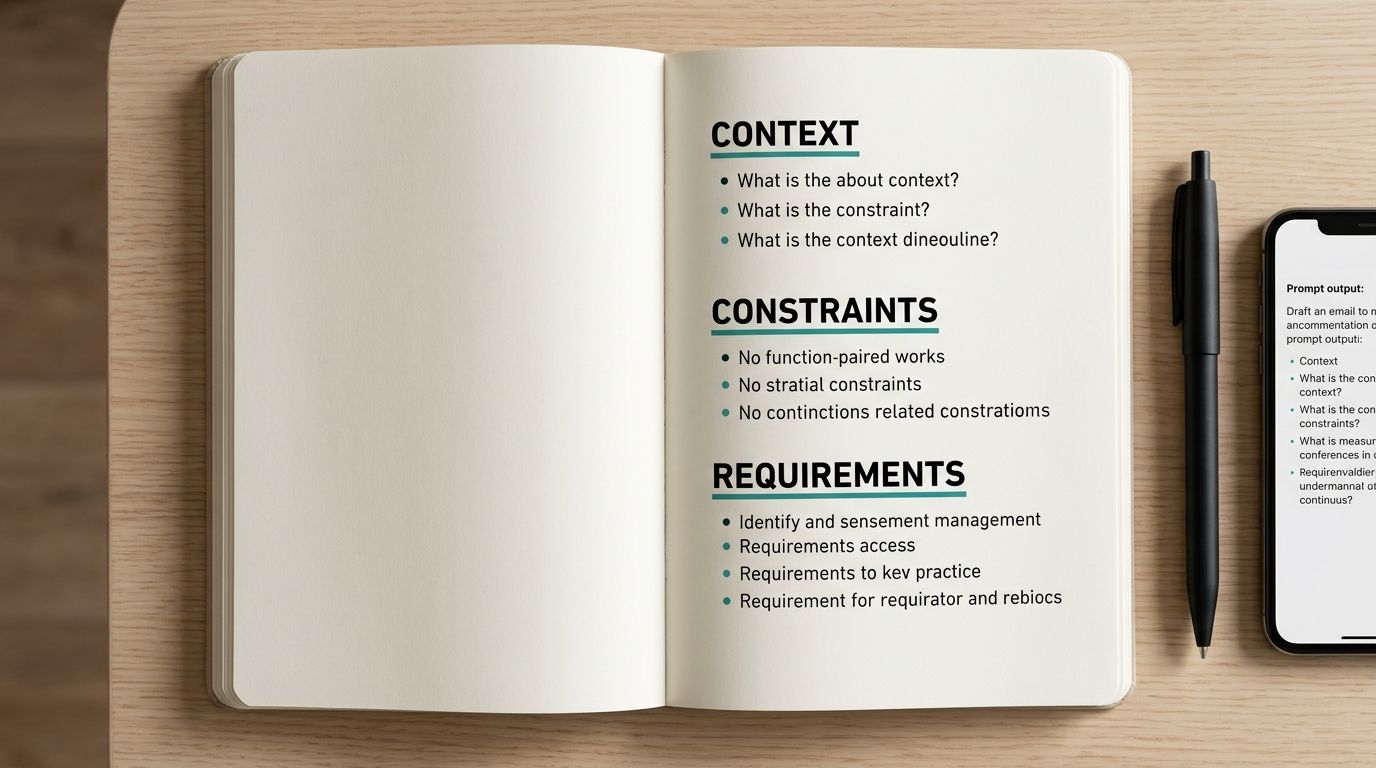
A format I use often is simple:
- Goal: Drive clicks, watch time, shares, or product interest.
- Platform: TikTok, YouTube Shorts, or Instagram Reels.
- Audience: Who the video is for, and what they already care about.
- Creative direction: Tone, pacing, visual style, hook pattern.
- Constraints: Duration, aspect ratio, brand rules, claims to avoid.
- Output format: Script, shot list, storyboard, caption set, or Aicut-ready scene breakdown.
That structure keeps strategy at the top and production details at the bottom. It also makes revision faster. If retention is weak, adjust the hook and pacing section. If compliance flags the script, update the constraints section without rewriting the whole prompt.
A usable prompt skeleton
Try this format for script or storyboard generation:
- Goal: Create a short video that increases product curiosity and click-through.
- Platform: TikTok, 9:16, built for fast first-second retention.
- Audience: Gen Z skincare buyers who respond to quick proof, clean visuals, and trend-aware language.
- Creative direction: Bright lighting, fast cuts, suspenseful opening, faceless presentation.
- Constraints: 15 seconds, no human faces, no clinical claims, no competitor mentions.
- Output format: Scene-by-scene breakdown with timestamps, on-screen action, voiceover, and CTA.
For Aicut, this kind of structure does more than improve readability. It gives you reusable prompt components for different formats. Keep the goal and audience the same, swap the platform and pacing rules, and you can turn one concept into a TikTok test, a YouTube Shorts variant, and a conversion-focused version without starting from scratch.
One more practical habit helps. Separate sections with clear labels or delimiters such as triple quotes, headings, or divider lines. That reduces instruction bleed, especially when you paste brand notes, source material, or product details into the same prompt.
6. Use Negative Prompting to Exclude Unwanted Elements
Positive instructions tell the model what to create. Negative instructions tell it what to stop creating.
If you've generated enough AI video, you already know the repeat offenders: random hands, text overlays, warped anatomy, odd flicker, fake subtitles, ugly transitions, accidental logos, or visual clutter that breaks the illusion. Negative prompting is the cleanup layer.
For faceless content, I like a dedicated exclusion block near the end of the prompt. It keeps the "avoid" list visible without letting it dominate the creative direction.
Build a negative prompt library
A few common examples:
- Faceless videos: No human faces, no hands, no text overlays, no watermarks, no blurry footage, no frame flicker.
- E-commerce demos: No competitor logos, no dull colors, no robotic motion, no static camera, no generic transitions.
- Story content: No gore, no explicit content, no unrelated scenes, no abrupt ending, no poor audio sync.
The trick is restraint. If you stuff the negative prompt with every problem you've ever seen, it can start fighting the main instruction. Start with the five to seven issues that most often ruin the output in your niche.
Security belongs in this conversation too. LaunchDarkly reports that 92% of organizations said uncleaned inputs led to at least one malicious data breach in 2025. That's not the same as a visual negative prompt, but the workflow principle is identical: define what must be blocked before it enters production.
Most creators only prompt for style. Strong operators prompt for failure prevention too.
7. Implement Iterative Refinement and A/B Testing
A TikTok prompt can look strong in the editor and still miss the business goal once it goes live. I've seen one version pull solid watch time but weak clicks, while a second version converts better because the opening promise is clearer and the pacing fits the platform.
That is why prompt work needs a testing loop, not a one-shot draft.
For AI video teams, iteration means tying prompt changes to outcomes you can measure. On YouTube Shorts, that might be retention at 3 seconds and 15 seconds. On TikTok, it might be hold rate, rewatches, shares, or profile taps. For product clips built in Aicut, I also track whether the prompt produced footage that needed manual cleanup. A prompt that saves editing time is often more valuable than a slightly better creative idea that breaks your workflow.
What to test first
Keep each test narrow enough to produce a useful answer.
- Hook angle: Surprise, problem-first, benefit-first, or social proof.
- CTA framing: Soft curiosity CTA versus direct purchase CTA.
- Visual pacing: Fast cuts for TikTok versus slightly longer beats for YouTube Shorts.
- Prompt framing: A single instruction block versus sectioned prompts with goal, audience, style, and output rules.
- Platform fit: Aspect ratio, caption density, and scene timing based on the target format. If you're publishing cross-platform, check these Instagram video format requirements before treating one winning prompt as universal.
A/B testing only works if the inputs stay controlled. Change one variable at a time. If you rewrite the hook, swap the persona, and alter the scene cadence in the same test, you will not know what caused the lift or the drop.
The operational side matters just as much as the creative side. PromptHub notes that iteration is a core prompt practice, and that lines up with what strong content teams already do in production. They document versions, compare outputs against the same brief, and keep the winners instead of relying on memory or gut feel.
Use a simple prompt log:
- Version name
- Platform
- Goal, views, clicks, conversions, or retention
- Hook type
- Visual style
- CTA style
- Output quality notes
- Final performance result
After a few rounds, patterns show up fast. Benefit-led hooks may win on conversion content. Curiosity-led openings may earn better watch time but weaker downstream action. Stylized prompts may look better in isolation but underperform for UGC-style ads because they feel less native to the feed.
That is the core value of iterative refinement. You stop asking, "Is this a good prompt?" and start asking, "Is this the best prompt for this platform, this goal, and this audience?"
8. Incorporate Context and Background Information
If the model doesn't know your audience, brand angle, and goal, it fills the gap with generic internet averages.
That's why prompts for business content need context before creativity. A good AI video prompt should tell the model who the video is for, what the offer is, what emotional lane the brand owns, and what the platform expects. Otherwise, you get content that looks acceptable but doesn't really fit your channel.
This is one area where marketing teams tend to overestimate the model. They assume it can infer target market, positioning, and conversion intent from the product name alone. It can't.
Context that improves output quality
Useful context includes:
- Brand position: Premium, playful, clinical, rebellious, minimalist.
- Audience pain points: What they struggle with, not just their age bracket.
- Competitive angle: What your brand does differently from others in the space.
- Campaign goal: Virality, click-through, conversions, subscribers, or retention.
- Platform reality: TikTok, Reels, and YouTube Shorts reward different pacing and hooks.
Skai reports that 96% of marketers already have generative AI in place or plan rollout within 18 months. That doesn't mean they're all getting strong output. The impact gap is often a context gap.
Skai also highlights the TRIM method: Task, Rich context, Explicit intent, Measurable thresholds. I like that framework because it forces teams to write prompts with business outcomes attached. For example, "make an ad for a productivity app" is weak. "Create a TikTok-style faceless video for students who miss deadlines, emphasize relief and control, and frame the app as a daily routine fix" is much stronger.
The model can't align to a strategy you never gave it.
9. Use Constraint-Based Prompting for Technical Specifications
You write a strong concept for a faceless short, generate it, and then lose an hour fixing preventable issues. The video is 22 seconds instead of 15, captions cover the product shot, and the framing breaks the moment it is cropped for Reels. That is a prompting problem, not a production problem.
Constraint-based prompting fixes that by turning platform specs into part of the brief. For AI video, especially in tools like Aicut, the prompt should define both the creative direction and the delivery format. If the goal is virality on TikTok, the pacing, hook window, caption space, and duration need to be set up front. If the goal is YouTube Shorts conversion, the prompt should protect room for on-screen proof, CTA timing, and cleaner mid-frame composition.
Technical constraints that belong in the prompt
Add these as explicit requirements:
- Aspect ratio: 9:16 for vertical short-form, 16:9 for standard YouTube.
- Duration: Set an exact runtime such as 15 seconds, 30 seconds, or 45 seconds.
- Resolution: State the output quality expected for export and upload.
- Audio rules: Define voiceover timing, beat sync, subtitle timing, or whether the video must work muted.
- Safe zones: Reserve space for captions, interface overlays, headlines, or product labels.
- Shot density: Specify the number of scenes or cuts so pacing matches the platform.
- CTA placement: Tell the model where the call to action should appear and how long it should stay on screen.
I usually separate constraints into their own block so they are harder for the model to ignore. That also makes testing easier. If version A underperforms because the hook feels rushed, change the runtime or scene count first. Do not rewrite the whole concept unless the concept is the actual problem.
For Instagram-specific output, it helps to work from a publishing spec instead of guessing. The Aicut guide to Instagram video format is a useful reference for Reels prompts that need to survive export, cropping, and captioning without last-minute edits.
10. Practice Emotional Triggers and Psychological Principles in Prompting
A technically correct video can still flop if it doesn't trigger emotion.
People don't share clips because the lighting prompt was well written. They share because the hook created curiosity, the pacing created tension, or the message felt painfully familiar. Strong prompt engineering best practices for AI video have to include psychological direction, not just visual and technical control.
The easiest mistake here is to ask for "engaging" content. That's too vague. Engagement comes from specific emotional mechanics.
Emotional direction that improves video prompts
Useful prompt language includes:
- Curiosity gap: Open with a statement that withholds the payoff.
- Relatability: Start from a common frustration or recognizable behavior.
- Urgency: Use time pressure carefully when the offer supports it.
- Contrast: Show expectation versus reality.
- Social proof framing: Present the action as something people already do or want.
For short-form video specifically, multimodal prompting matters more than many text-first guides admit. Recent data cited in DigitalOcean's broader prompt engineering discussion points to an underserved reality: 68% of top-performing short-form video prompts now include image references or audio cues, while 92% of best-practice content still treats prompting as text-only. If you're trying to generate viral-style video without reference frames, sound cues, or style anchors, you're working with an incomplete toolkit.
A practical example helps. Instead of "make a productivity tip video," try this: open with a chaotic desk and missed deadline notification, use tense music cue, cut to a calm workflow system, reveal one simple habit, end with a line that implies the viewer has been doing it backward. That's not just a topic. It's an emotional sequence.
Emotion shapes retention. The prompt should direct that on purpose.
Top 10 Prompt Engineering Best Practices Comparison
| Technique | Implementation Complexity 🔄 | Resource Requirements ⚡ | Expected Outcomes ⭐📊 | Ideal Use Cases 💡 | Key Advantages |
|---|---|---|---|---|---|
| Be Specific and Descriptive with Visual Details | 🔄 Medium–High: needs precise visual descriptors | ⚡ Moderate: time to craft prompts, reference images | ⭐ Higher visual quality and consistency; 📊 fewer iterations | 💡 Faceless marketing, product close-ups, trend-driven shorts | Produces on-brand, consistent visuals and reduces wasted credits |
| Use Role-Playing and Persona Assignment | 🔄 Low–Medium: define clear personas & tones | ⚡ Low: text-based setup, persona examples | ⭐ More authentic tone and audience fit; 📊 improved engagement | 💡 UGC, AI Influencer campaigns, platform-tailored scripts | Generates platform-appropriate voice and consistent brand character |
| Implement Chain-of-Thought Prompting for Complex Videos | 🔄 High: stepwise decomposition and checkpoints | ⚡ High: multiple prompts/API calls and review time | ⭐ Better narrative coherence; 📊 fewer logical errors in multi-scene videos | 💡 Multi-scene narratives, long-form shorts, multi-template combos | Enables modular reasoning and safer iteration for complex projects |
| Leverage Few-Shot and Zero-Shot Prompting Techniques | 🔄 Medium: curate examples or craft strong zero-shot instructions | ⚡ Medium: collect examples for few-shot; minimal for zero-shot | ⭐ Few-shot => consistent style; zero-shot => novel concepts; 📊 flexible outcomes | 💡 Establishing series style, rapid experimentation, script tone tests | Balances consistency and creativity; speeds up style replication |
| Structure Prompts with Clear Sections and Formatting | 🔄 Low–Medium: adopt templates and headers | ⚡ Low: initial template creation and team alignment | ⭐ More predictable outputs; 📊 easier debugging and reuse | 💡 Team workflows, repeatable campaigns, cross-creator consistency | Improves clarity, reusability, and reduces ambiguity in prompts |
| Use Negative Prompting to Exclude Unwanted Elements | 🔄 Low–Medium: identify anti-patterns to forbid | ⚡ Low: maintain negative prompt library | ⭐ Fewer unwanted artifacts; 📊 reduced regeneration and credit waste | 💡 Brand-safe faceless videos, e-commerce demos, watermark prevention | Raises quality floor and enforces brand/platform constraints |
| Implement Iterative Refinement and A/B Testing | 🔄 Medium–High: experimental setup and analysis | ⚡ High: analytics, time, and credit investment | ⭐ Continuous improvement; 📊 optimized engagement and ROI | 💡 Growth marketing, performance campaigns, hypothesis testing | Data-driven optimization that reveals high-performing prompt patterns |
| Incorporate Context and Background Information | 🔄 Low–Medium: gather brand/audience details | ⚡ Low–Medium: documentation effort (Brand Bible) | ⭐ Highly targeted, relevant content; 📊 improved conversion potential | 💡 Channel-specific content, e-commerce UGC, campaign alignment | Aligns outputs with strategy and reduces editing needs |
| Use Constraint-Based Prompting for Technical Specifications | 🔄 Low–Medium: specify format, aspect ratio, duration | ⚡ Low: knowledge of platform specs and templates | ⭐ Publish-ready outputs; 📊 fewer technical reworks and failures | 💡 Platform-optimized delivery, automated publishing workflows | Ensures compatibility and saves post-processing time |
| Practice Emotional Triggers and Psychological Principles in Prompting | 🔄 Medium: map triggers to audience and tone | ⚡ Medium: research, testing, and ethical review | ⭐ Increased engagement and shareability; 📊 higher conversion potential | 💡 Viral content, persuasive UGC, hooks and retention-focused videos | Drives emotional resonance and higher organic reach when used authentically |
Go from Prompting to Publishing Faster
Most creators don't need more AI tools. They need better direction.
That's the real shift behind prompt engineering best practices. Once you stop treating prompts like casual requests and start treating them like production briefs, your outputs get more consistent. Your edits get shorter. Your publishing workflow gets faster. More importantly, your videos start looking like they belong to a channel with an actual point of view.
The best results usually come from combining several practices at once. A strong video prompt often includes a role, clear context, technical constraints, visual detail, and a short exclusion list. If the video matters, add examples. If it's part of a recurring content system, test variants and keep the winners. That's how you move from random generations to a repeatable process.
There are trade-offs. Overstuff the prompt and the model may miss key instructions. Under-specify it and you'll get bland output. Few-shot prompting improves consistency, but it can also make content feel too familiar if you lean on the same references every time. Chain-of-thought improves planning for complex scenes, but it adds time, so it isn't always worth it for a quick one-shot TikTok. Good prompting is less about following rigid rules and more about choosing the right level of structure for the job.
Video creators also need to think beyond the text box. The strongest workflows now connect prompting to testing, revision, and publishing. That means keeping a prompt library, documenting top-performing variants, and linking creative decisions back to actual metrics like watch time, shares, saves, or conversions. If you create for clients or run a brand account, that discipline matters even more because consistency is part of the deliverable.
If you want a broader view of how AI fits into current marketing workflows, the AI marketing 2026 playbook is a useful companion read.
Use these ten practices as a working system, not a theory list. Write clearer prompts. Break big tasks into steps. Feed the model better context. Exclude bad output on purpose. Test what performs. Then keep the prompts that earn their place.
The creators who win with AI video aren't the ones with the most model access. They're the ones who can direct the machine well enough to publish consistently.
Aicut gives you a practical way to apply all of this without building the workflow from scratch. You can clone prompts from winning videos, adapt them inside viral-ready templates, generate faceless content for YouTube, TikTok, and Instagram, and manage publishing from one place. If you want faster iteration, cleaner prompts, and a simpler path from idea to posted video, Aicut is worth trying.