
Before you hit record, before you pick your B-roll, and long before you design a thumbnail, there's the script. A well-structured script is the blueprint for a video that holds attention, delivers value, and gets viewers to click, watch, and subscribe. But staring at a blank page is intimidating. That's why a proven youtube video script template is a game-changer for creators of all sizes. It removes the guesswork, enforces good habits like starting with a strong hook, and provides a repeatable framework for consistent content.
This guide moves beyond generic advice. We'll break down 12 of the best downloadable and AI-powered script templates available today, from HubSpot's all-in-one resource to AI generators like Kapwing and Jasper. Each option is presented with direct links and screenshots to help you quickly find what you need.
More importantly, we'll show you exactly how to use them for different YouTube formats, from long-form educational content and product reviews to viral Reddit-story Shorts. For each template, you'll find:
- Practical usage notes for different video styles.
- AI video prompts for text-to-video tools like Aicut.
- Timing cues to help you pace your content effectively.
- Customization tips to adapt each framework for your unique channel.
Our goal is simple: to give you the resources to stop guessing and start engineering successful videos from the ground up. Let's find the right script template for your next project.
1. HubSpot – All‑in‑One Video Script Template
HubSpot offers a foundational youtube video script template perfect for creators and marketers who are just starting or need a reliable structure for educational content. Found within a marketing blog post, this downloadable resource is a simple yet effective tool for organizing your thoughts before hitting record. It’s designed to guide you through crafting a script with clear sections for the hook, body, and call-to-action (CTA).
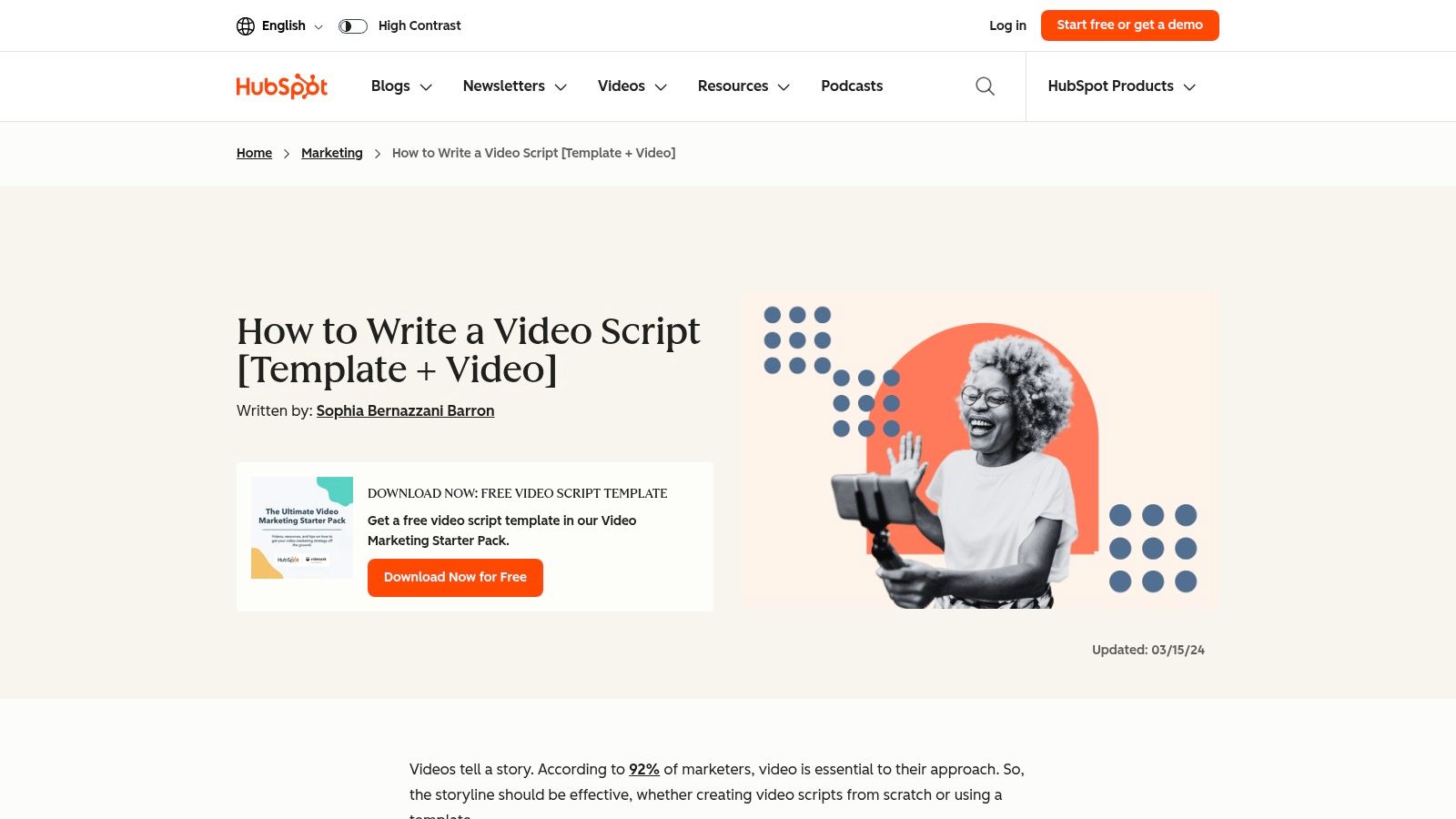
The template's main strength is its clarity. It provides dedicated columns for voiceover, on-screen text, and B-roll visuals, helping you visualize the final video as you write. This structure is particularly helpful for product demos, how-to tutorials, and explainer videos where coordinating audio and visuals is key. While it is not an AI tool and requires manual writing, this hands-on approach can be valuable for developing your scriptwriting skills. This structured format also makes it a great starting point if you later want to experiment with AI-powered video tools.
Key Features & Access
- Structure: Includes well-defined placeholders for VO, B-roll, on-screen text, hook, body, and CTA.
- Formats: The download bundle includes several variations, such as a general all-in-one template, a specific how-to script, and a product demo version.
- Access: The template is free but gated. You must provide your name and email address through a form on HubSpot’s website to receive the download link.
- Best For: Beginners, marketers, and creators focused on structured educational or promotional content.
For those interested in how these foundational templates can be adapted for automated workflows, exploring the world of AI video templates offers a glimpse into the next generation of content creation.
Website: HubSpot Marketing Blog
2. Later – Downloadable YouTube Script Template
Later, a platform known for its social media scheduling tools, provides a free youtube video script template tailored for the fast-paced world of modern creator content. This resource is perfect for those who prioritize grabbing attention quickly and maintaining viewer engagement, especially for Shorts, Reels, and TikToks. The template is delivered as a straightforward document that emphasizes a strong hook and a tight narrative structure, reflecting the demands of short-form video.
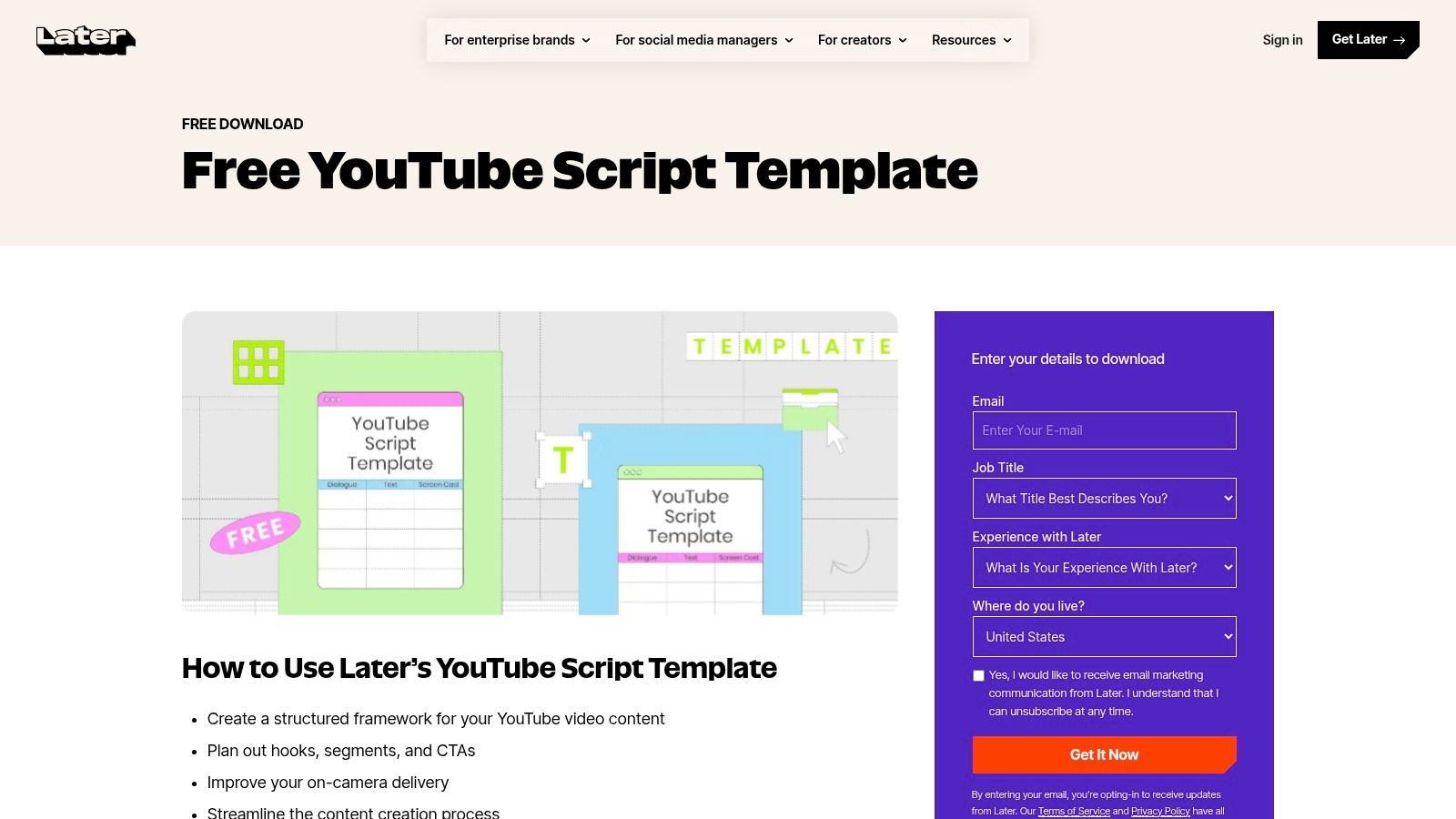
Its primary advantage is its simplicity and focus on creator-centric formats. The template includes practical examples for common video types like tutorials, vlogs, and product reviews, making it easy to adopt with a minimal learning curve. By focusing on columns for time, visuals, and audio/dialogue, it encourages creators to think about pacing from the very beginning. While it's a non-AI, manual tool, its structure is a great foundation for scripting content that feels energetic and holds viewer attention, which is crucial for algorithm-driven platforms.
Key Features & Access
- Structure: Focuses on a three-act structure (hook, body, CTA) with specific timing and visual cues.
- Formats: A one-size-fits-all Google Doc template with built-in examples for popular creator video styles.
- Access: Completely free with no gate. The template is available via a direct download link from the resource page, requiring no email or personal information.
- Best For: Social media creators, marketers focused on short-form video, and anyone needing a simple structure for retention-focused content.
For creators looking to move beyond manual scripting, the principles in this template can be used to write effective prompts for an AI video generator to produce visually engaging B-roll.
Website: Later Resources
3. Milanote – YouTube Script Template
Milanote offers a highly visual and flexible youtube video script template for creators who prefer a non-linear, mood-board-style approach to planning. Unlike traditional document templates, Milanote provides a drag-and-drop workspace where you can map out your script in chapters, attach reference images, add thumbnail ideas, and organize B-roll notes all in one place. It is a creative pre-production hub designed for visual thinkers.
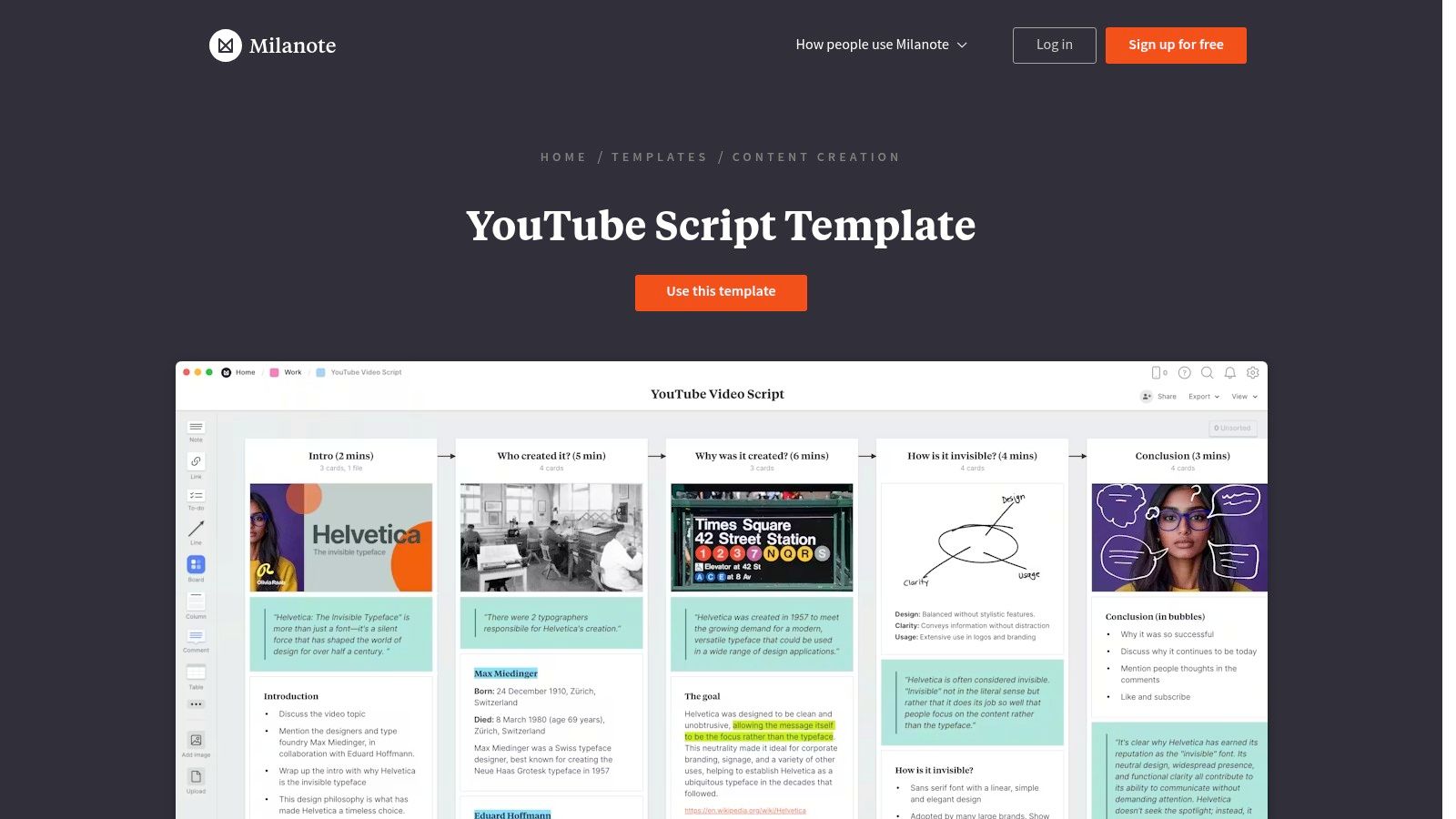
The template's main advantage is its capacity for collaborative, detailed visual planning. You can create columns for scenes, dialogue, and specific visual cues, then easily drag in assets or links. This makes it ideal for complex projects where coordinating creative assets is crucial. For teams, the real-time sharing and feedback features are a major plus. The main downside is that it requires adopting the Milanote workflow, and the free plan has limits on the number of notes, images, or links you can add. This visual-first approach can be especially useful for planning inputs for various text-to-video AI tools, as it helps organize visual concepts before generation.
Key Features & Access
- Structure: A flexible board with columns for script, visuals, timestamps, and notes. Drag-and-drop interface for easy organization.
- Collaboration: Supports real-time team sharing, comments, and feedback directly on the board.
- Access: The template is available to all Milanote users. A free plan is offered with content limits, while paid plans unlock unlimited storage.
- Best For: Collaborative teams, visual thinkers, and creators producing content with heavy B-roll or complex visual elements.
Website: Milanote
4. Notion – YouTube Video Script – Creator Template
For creators already embedded in the Notion ecosystem, this youtube video script template offers a way to integrate scriptwriting directly into your existing project management workflow. Unlike standalone documents or spreadsheets, this template lives within a Notion database, connecting your script to production tasks, deadlines, and publishing checklists. It acts as a central hub for each video project from ideation to final upload.
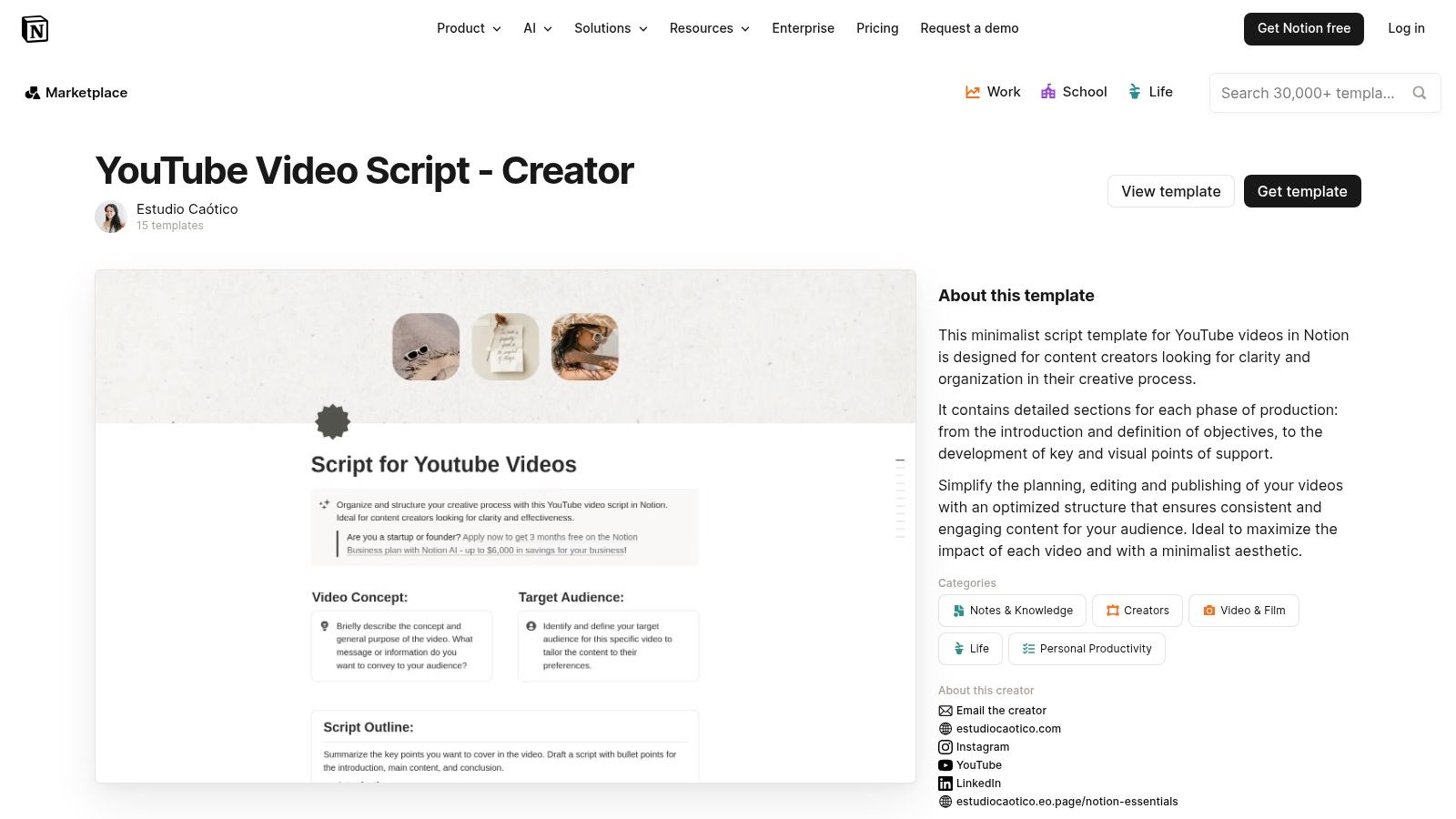
The main advantage is its organizational power. The template provides dedicated fields for the script itself, alongside areas for brainstorming titles, drafting descriptions, and planning thumbnails. Its real strength lies in the integrated checklists that guide you through pre-production, filming, and post-production. While it requires you to be a Notion user and involves manual scriptwriting, this structure is perfect for solo creators or teams looking to manage their entire content pipeline in one place, ensuring no step gets missed.
Key Features & Access
- Structure: Database-driven template with fields for script, title/thumbnail notes, and production status.
- Formats: A single, adaptable Notion template that can be duplicated and customized for any video type.
- Access: This is a third-party template available on the Notion Template Gallery. Access, price, and support vary by the creator of the specific template you choose. Many are free, while some premium versions exist.
- Best For: Solo creators and content teams who already use Notion for project management and want an all-in-one solution.
This approach of combining a youtube video script template with project management is ideal for those who value an organized and repeatable content creation process.
Website: Notion Template Gallery
5. Kapwing – AI YouTube Script Generator
Kapwing shifts from traditional templates to an AI-powered approach with its AI YouTube Script Generator. This tool is built for speed, allowing creators to generate scripts from a simple prompt. It's especially effective for short-form content, with presets for 15, 30, and 60-second videos, making it a strong choice for YouTube Shorts, TikToks, and promotional ads. The platform's major advantage is its integrated workflow, letting you move directly from script generation to video production within the same application.
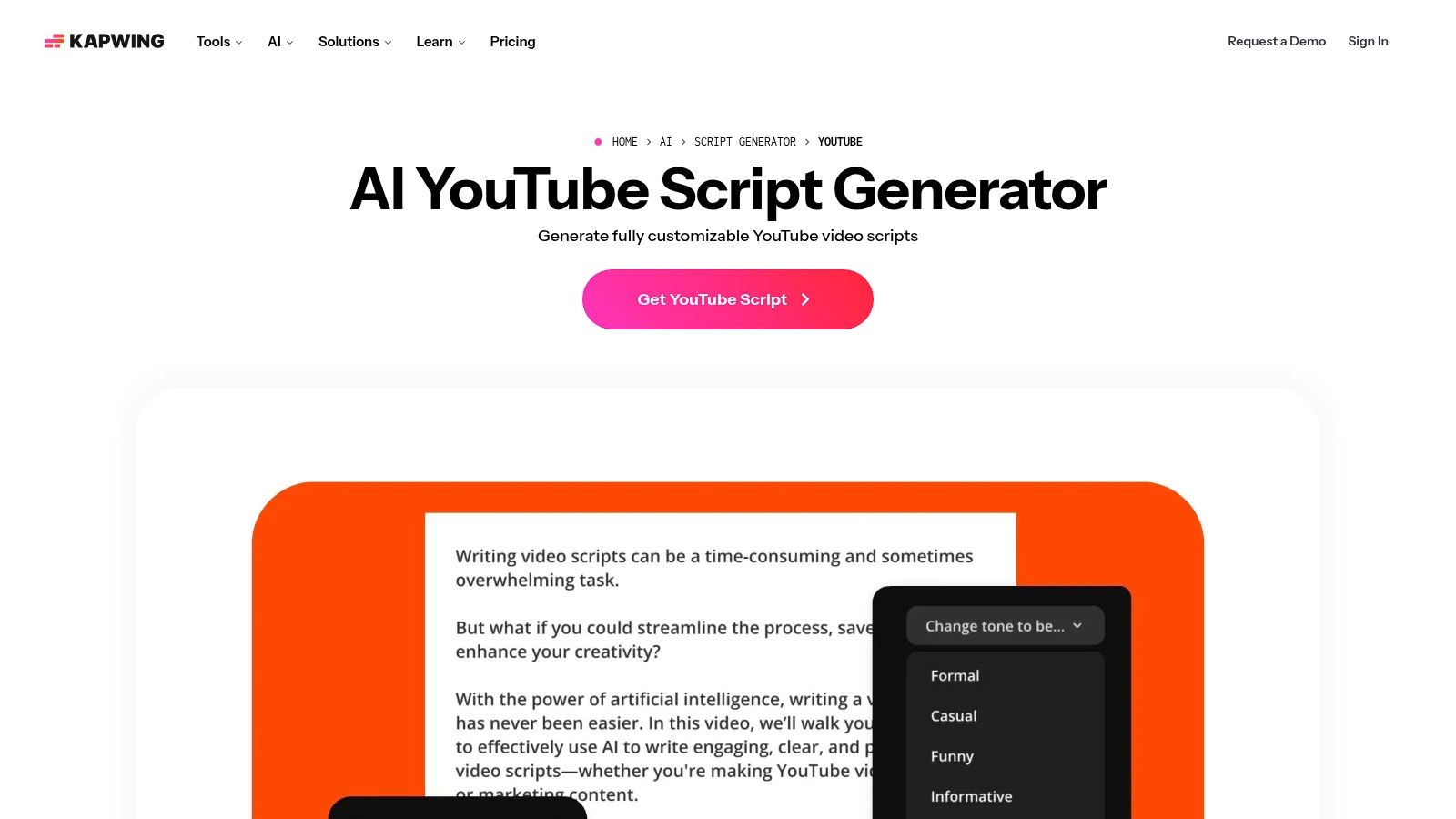
Unlike a static downloadable youtube video script template, Kapwing’s tool is interactive. You can specify the topic, video length, and desired tone (e.g., "professional," "funny," "inspirational"), and the AI handles the initial draft. While it excels at creating quick, punchy scripts for ads and social media, it provides less structural guidance for complex, long-form content over 10 minutes. The seamless transition from script to a full-featured video editor is its standout feature, removing the friction of switching between different apps.
Key Features & Access
- Structure: Prompt-based generation with controls for tone and length. The output is a formatted script ready for voiceover and visual planning.
- Formats: AI-generated text optimized for short-form video (15/30/60 seconds), ads, and social media promos.
- Access: The script generator is free to use for basic needs. However, advanced features and exporting videos without a watermark require a paid Kapwing Pro subscription.
- Best For: Social media managers, marketers, and creators focused on producing high-velocity short-form content and ad creatives.
This tool represents a practical first step for those curious about how an AI video generator for YouTube can automate parts of the creative process, starting with the script.
Website: Kapwing AI Script Generator
6. Restream – Free AI YouTube Script Generator
Restream offers a completely free and frictionless AI-powered youtube video script template generator, perfect for creators who need to produce content quickly. Unlike gated resources, this tool requires no signup or personal information, allowing you to generate script ideas instantly. Its primary function is to take a simple prompt and produce a structured script, complete with tone adjustments like "friendly," "funny," or "professional," making it ideal for brainstorming or overcoming writer's block.
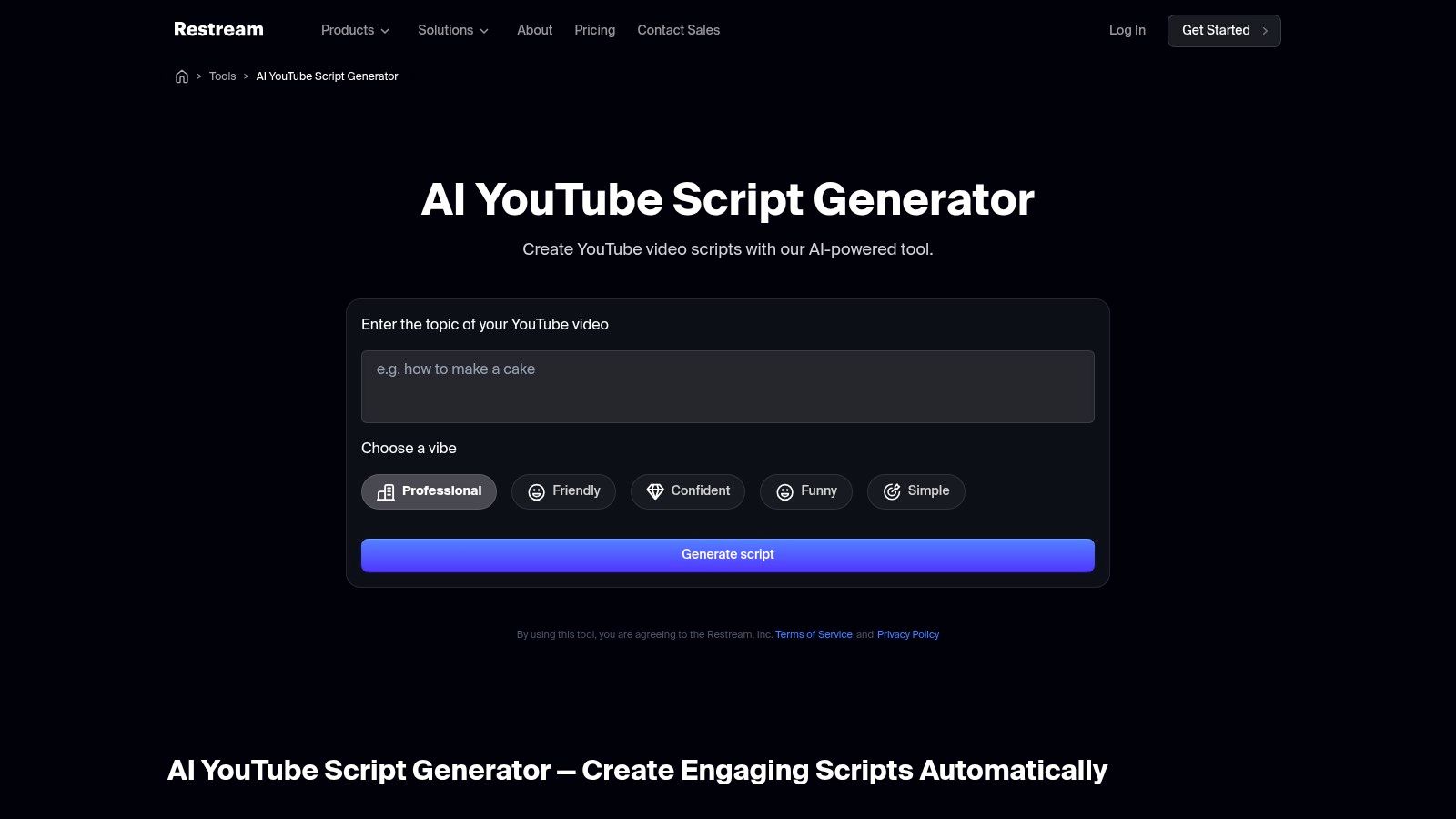
The tool’s main advantage is its speed and direct integration with the Restream ecosystem. If you're a streamer, you can generate a script and immediately go live or record using Restream Studio, a great workflow for converting live content into on-demand videos (VODs). While the output can sometimes be generic if your prompts are too simple, providing specific details and keywords will yield a much more useful draft. It's a powerful starting point that prioritizes speed over deep customization, making it a go-to for rapid content creation.
Key Features & Access
- Structure: Generates a complete script draft based on a topic, desired length, and selected tone.
- Formats: The output is a text-based script that can be copied and pasted anywhere. The tool is designed for flexibility across video types.
- Access: Completely free with no signup required. Users can generate unlimited scripts directly from the webpage.
- Best For: Streamers, podcasters, and creators needing quick script drafts for live shows or VODs without any friction.
Website: Restream AI YouTube Script Generator
7. Blaze.ai – YouTube Script Template
Blaze.ai offers a youtube video script template integrated within a broader AI marketing platform, making it ideal for agencies and brands that require end-to-end content operations. Unlike standalone templates, this tool bridges the gap between script creation and distribution. It uses AI to generate scripts that align with your brand's voice and then coordinates scheduling, ads, and multi-channel posting. This makes it a powerful asset for teams managing a high volume of content across various platforms.
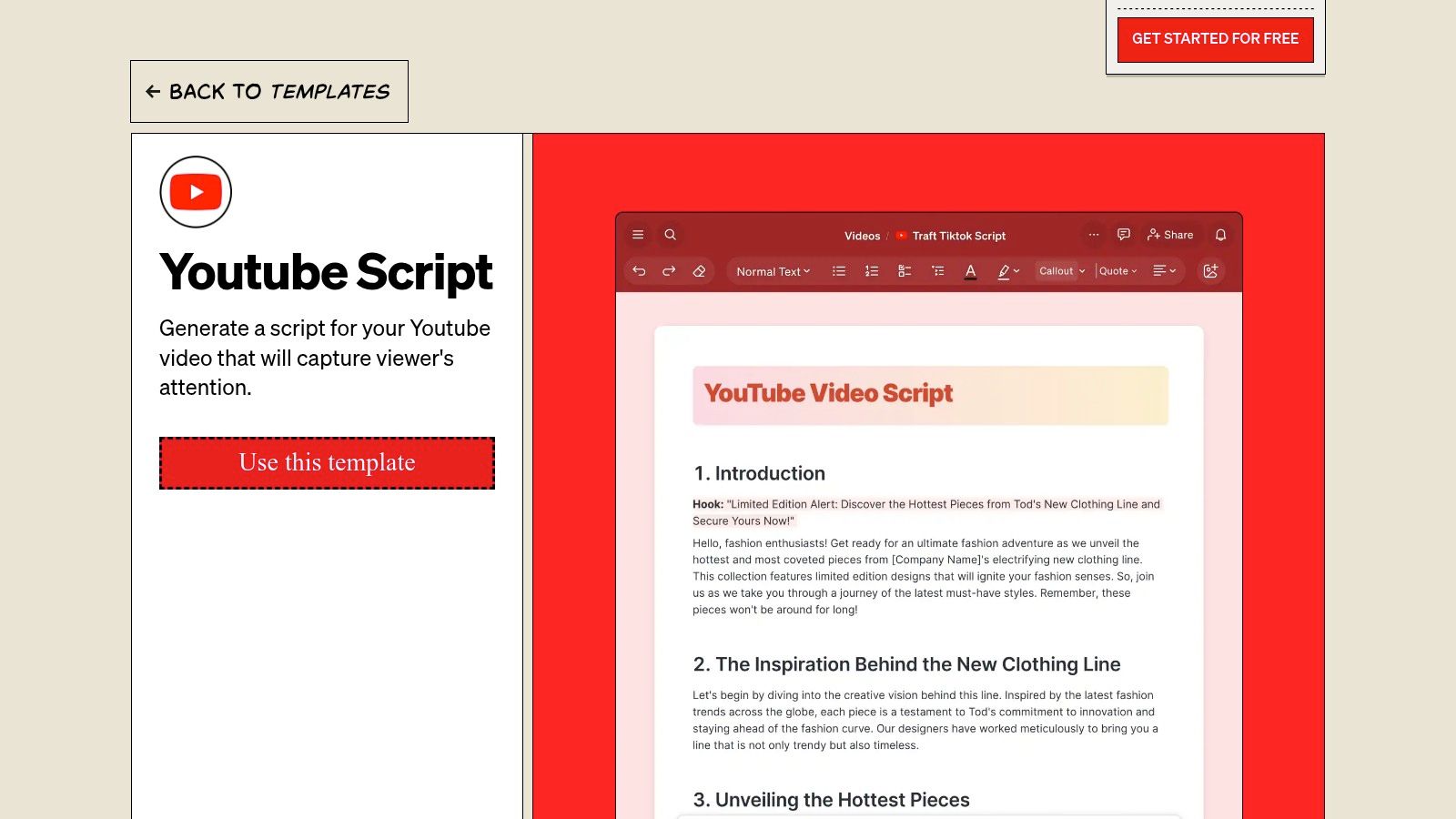
The platform's key strength lies in its unified workflow. After generating a script, you can immediately schedule the video for publication on YouTube and other social media channels. It also integrates ad management, allowing you to create and oversee campaigns from the same interface. For creators using multiple platforms for distribution, this can save significant time. If your workflow involves live streaming alongside pre-recorded content, learning more about the Restream tool can provide insight into managing multiple broadcast destinations efficiently. While the system is powerful, it might be overkill for creators who only need occasional one-off scripts, as it's a paid platform with a learning curve.
Key Features & Access
- Structure: AI-driven script generation within a full marketing suite.
- Features: Includes brand voice learning, content planning, multi-account scheduling, and ad management capabilities.
- Access: This is a paid platform. Access requires a subscription to Blaze.ai, and its features are geared toward professional use.
- Best For: Marketing agencies, e-commerce brands, and social media managers who need a single tool for scripting, scheduling, and advertising.
Website: https://www.blaze.ai/templates/youtube-script
8. Easy‑Peasy.AI – YouTube Video Script Outline Template
Easy-Peasy.AI provides a smart youtube video script template that functions as an AI-powered outliner, making it ideal for creators who need to quickly structure their ideas. Instead of a static document, this tool takes your video topic and generates a complete, organized script outline. It's built to transform a raw concept into a coherent structure with sections for an introduction, main points, and a conclusion, all while matching your specified tone of voice.
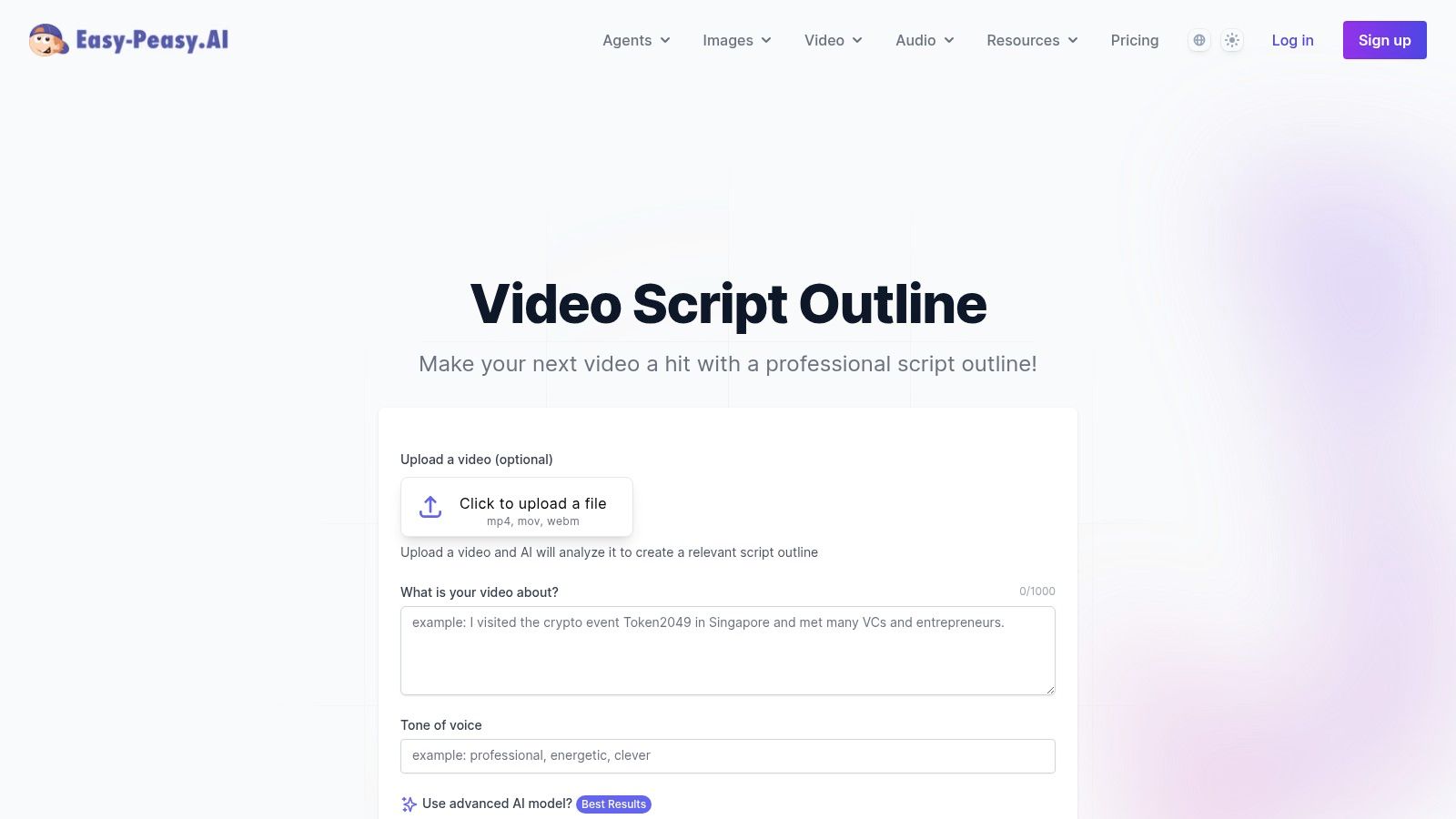
The platform’s standout feature is its ability to not just outline but also generate initial copy that aligns with your brand’s personality. You can select from various tone presets to ensure consistency across your videos. A unique option allows you to upload an existing video, which the AI can analyze to refine the new script, making it a useful tool for series-based content. While it excels at creating a strong foundation, the generated script may still need manual polishing to add your unique flair and final details. It’s a great accelerator for the initial, often time-consuming, brainstorming and structuring phase.
Key Features & Access
- Structure: AI-driven outline generation based on topic input and optional video analysis.
- Formats: Part of a library with over 200+ templates for different content needs, with a focus on creating structured outlines.
- Access: Requires a free account sign-in to use. The platform operates on a credit system, with a free plan that provides initial credits and premium plans for more extensive use.
- Best For: Creators looking to speed up their outlining process, maintain a consistent brand voice, and quickly turn ideas into structured scripts.
Website: Easy-Peasy.AI
9. HIX.AI – YouTube Script Generator
HIX.AI presents a more direct, AI-powered approach to creating a youtube video script template through its specialized generator tool. This platform is part of a larger suite of AI writing assistants, but its YouTube Script Generator is specifically trained to produce structured video outlines from a simple prompt. It’s a great option for creators who want to move beyond manual templates and generate a first draft quickly.
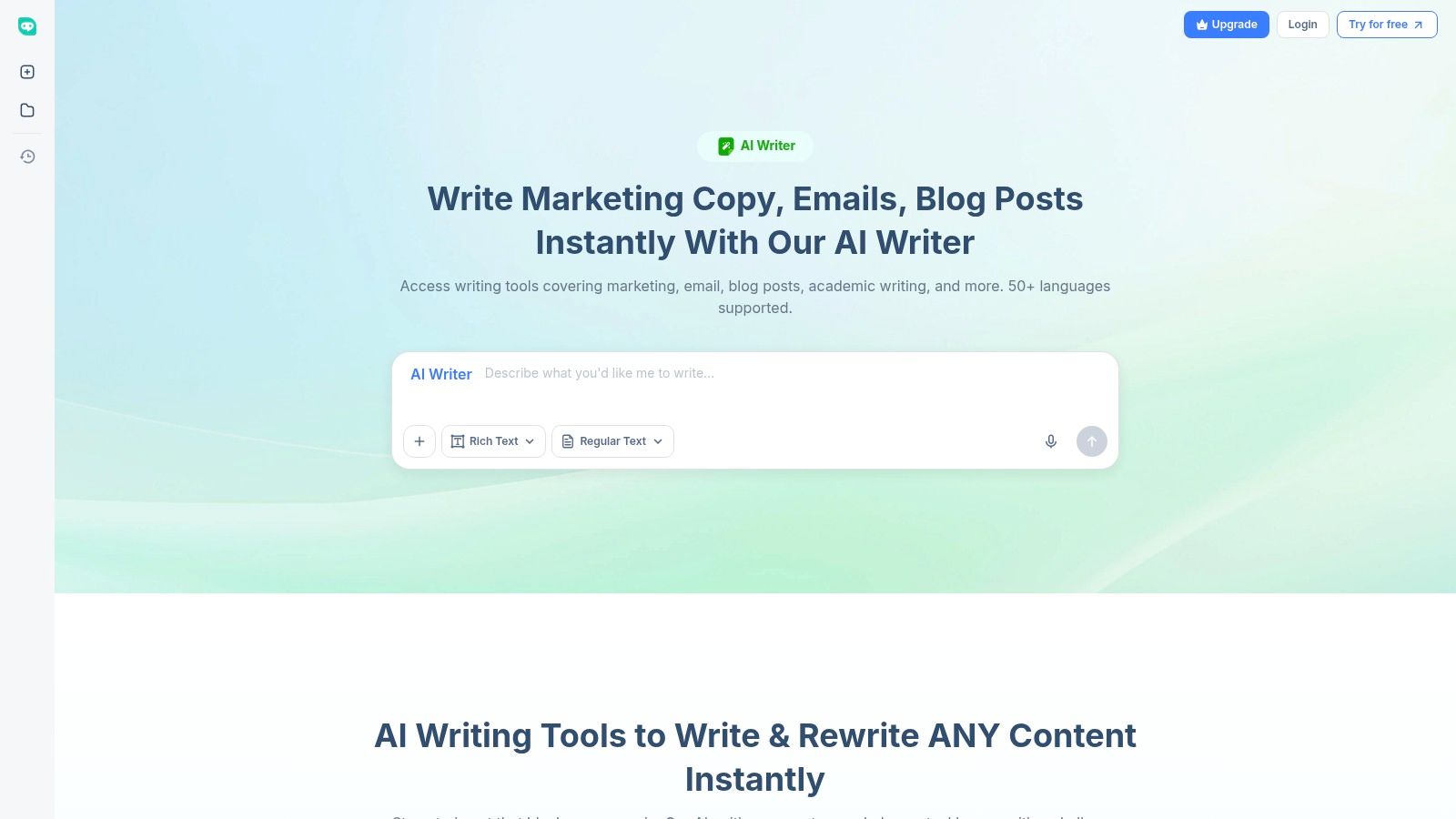
The tool’s key advantage is its low-barrier entry and multilingual capabilities. You can generate a script in various tones and languages by simply inputting your video's topic, target audience, and desired length. While the generator is user-friendly, it’s important to note that the free trial is limited by a word count, and accessing more advanced models like GPT-4 requires a paid subscription. The output provides a solid foundation with scene breakdowns, but it often needs human editing to add personality and refine the flow.
Key Features & Access
- Structure: AI-generated output with distinct sections for introduction, main points, and conclusion.
- Formats: The tool is flexible, allowing you to define the video style (e.g., tutorial, review, vlog) in your initial prompt to guide the script's format.
- Access: HIX.AI offers a free trial with a limited word allowance. Full access and advanced features require a paid subscription plan.
- Best For: Creators looking for a fast, AI-generated first draft, multilingual content production, and those who need scripts for various video formats.
Website: HIX.AI YouTube Script Generator
10. Superframeworks – Free YouTube Script Generator
Superframeworks offers a refreshingly simple and immediate youtube video script template generator for creators who need to move from idea to draft in seconds. This free, browser-based tool is designed for speed and brainstorming, allowing you to generate full-length scripts without the friction of creating an account or dealing with usage limits. Its primary appeal is for creators who want to quickly explore multiple angles for a video topic and get a structured starting point.
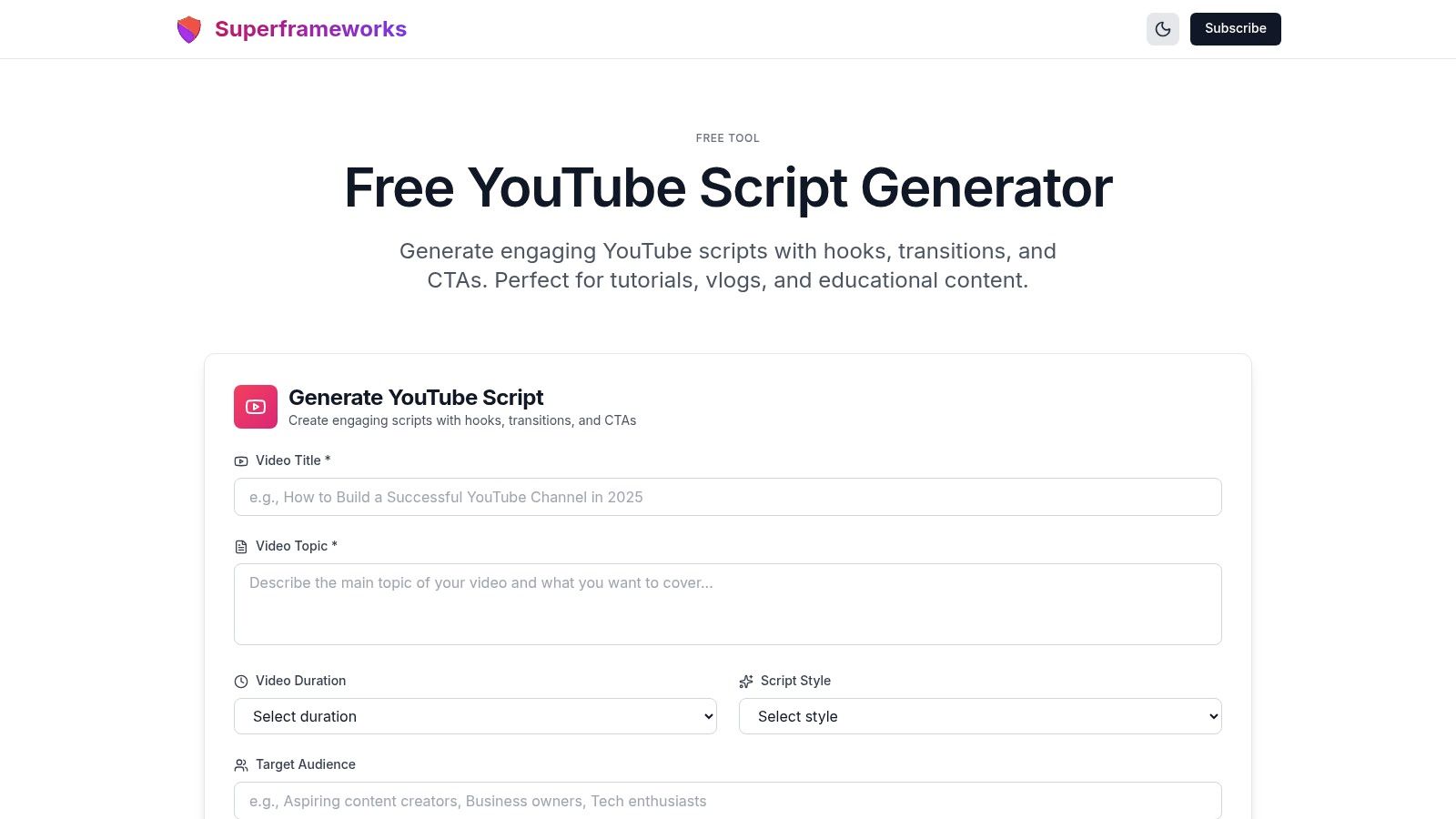
Unlike comprehensive suites, Superframeworks focuses solely on the script generation process. You input a topic, and it outputs a complete script with standard YouTube formatting, including an introduction, body sections, and a conclusion. This makes it an excellent tool for overcoming writer's block or for producing a high volume of initial drafts for channels that rely on frequent content uploads. While it lacks granular control and advanced production features, its no-strings-attached accessibility makes it a valuable resource for rapid content ideation and first-draft creation.
Key Features & Access
- Structure: Automatically generates a full script with a hook, main points, and a call-to-action based on a simple topic input.
- Formats: The tool outputs a text-based script directly in the browser, ready to be copied and pasted into a document for further editing.
- Access: Completely free and unlimited. No account creation, email signup, or payment is required to use the generator.
- Best For: Solo creators, brainstormers, and anyone needing a fast, no-cost way to generate multiple script ideas quickly.
This tool is especially useful if you plan to feed your scripts into AI video templates, as it provides the raw text needed for text-to-video generation platforms.
Website: Superframeworks YouTube Script Generator
11. Jasper – YouTube Script Writer + Templates
Jasper is a premium AI writing suite that offers more than just a simple youtube video script template; it provides a set of powerful, interconnected tools for professional content creation. Instead of a static document, Jasper uses specific templates like "Video Script Hook and Introduction" and "Video Script Outline" to generate on-brand copy. This makes it ideal for agencies, marketing teams, and creators who need to produce a high volume of videos while maintaining a consistent voice and tone.
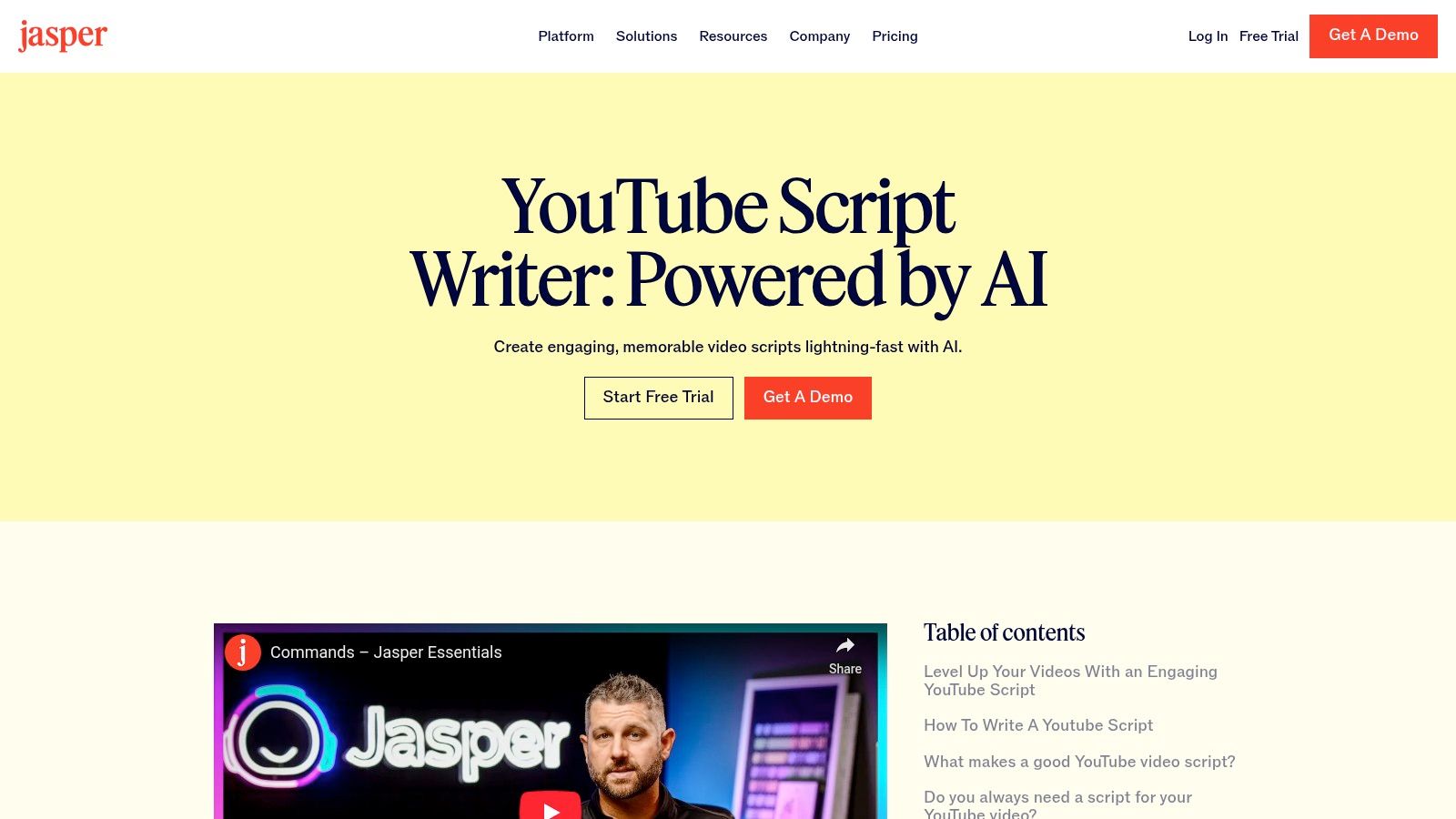
The platform’s standout feature is its robust brand voice control. You can train Jasper on your existing content, style guides, and product information to ensure every script it generates sounds authentic to your brand. This function, combined with its support for over 30 languages, positions it as a go-to solution for global marketing campaigns. While Jasper offers immense power, it requires careful prompting to avoid an overly optimized or generic tone. For those curious about the real-world performance of different AI tools, an interesting read covers a 30-day experiment testing various AI writers for audience growth.
Key Features & Access
- Structure: AI-driven templates for specific script sections (hooks, outlines, topics) rather than a single document.
- Unique Features: Strong brand voice training, a vast library of related templates (titles, descriptions, social posts), and multi-language support.
- Access: Jasper is a paid subscription service. It offers a free trial, but continued use requires a plan.
- Best For: Brands, marketing agencies, and professional creators who need to scale video production with consistent, on-brand messaging.
Website: Jasper AI
12. Writesonic – YouTube Outline Generator
Writesonic offers a different approach, focusing on rapid structural development with its YouTube Outline Generator. Instead of a downloadable file, it’s an AI tool designed to conquer the blank page by providing a proven framework in seconds. This is ideal for creators who know their topic but struggle with organizing their ideas into a coherent flow. By inputting a simple topic, the tool generates a structured outline with key talking points, which you can then expand into a full script.

Its primary advantage is speed and its integration into a larger content creation ecosystem. Once you have your outline, you can use other Writesonic tools to generate titles, descriptions, or even repurpose the video concept into a blog post. While this outline-first method requires you to do the creative work of filling in the details, it provides an excellent structural foundation, especially for repeatable formats like listicles or educational series. This makes it a great middle-ground between a static template and a full AI scriptwriter.
Key Features & Access
- Structure: Creates one-tap, ready-made outlines based on proven video formats.
- Access: The outline generator can be tested for free with no credit card required. A free plan offers limited credits, with full features and higher usage limits available on paid plans.
- Formats: The tool is part of a larger AI suite, allowing for easy expansion into full scripts, titles, descriptions, and even blog posts.
- Best For: Creators who need to overcome writer's block, produce content at scale, and repurpose video ideas across multiple channels.
Website: Writesonic YouTube Outlines
Top 12 YouTube Script Template Comparison
| Tool | ✨ Core features | ★ UX/Quality | 💰 Price / Value | 👥 Target audience | 🏆 Standout |
|---|---|---|---|---|---|
| HubSpot – All‑in‑One Video Script Template | ✨ Structured script placeholders (hook/VO/B‑roll), multiple formats | ★★★★ | 💰 Free (download, email gated) | 👥 Beginners & marketers | 🏆 Trusted, marketer‑friendly structure |
| Later – Downloadable YouTube Script Template | ✨ Hook‑first templates, creator examples for Shorts | ★★★★ | 💰 Free download | 👥 Short‑form creators | 🏆 Optimized for Shorts retention |
| Milanote – YouTube Script Template | ✨ Visual boards, attach refs, export PDF/Word | ★★★★ | 💰 Freemium (limits on free plan) | 👥 Teams & collaborative pre‑prod | 🏆 Best for visual B‑roll planning |
| Notion – YouTube Video Script – Creator Template | ✨ Script fields + task checklists, DB relations | ★★★★ | 💰 Varies (marketplace / paid sellers) | 👥 Creators using Notion ops | 🏆 Integrates scripting with content ops |
| Kapwing – AI YouTube Script Generator | ✨ Prompt AI, short‑form presets (15/30/60s), in‑app video | ★★★★★ | 💰 Freemium → Paid for advanced exports | 👥 Shorts creators & ad makers | 🏆 Smooth script → video workflow |
| Restream – Free AI YouTube Script Generator | ✨ No‑signup generator, tone presets, Studio integration | ★★★★ | 💰 Free (unlimited drafts) | 👥 Live streamers / quick VOD scripts | 🏆 Fast, frictionless drafting |
| Blaze.ai – YouTube Script Template | ✨ Script + scheduling, brand voice learning, multi‑post | ★★★★ | 💰 Paid (enterprise/agency focus) | 👥 Agencies & brands | 🏆 End‑to‑end content ops & posting |
| Easy‑Peasy.AI – Script Outline Template | ✨ Topic → outline, tone presets, video upload refine | ★★★ | 💰 Freemium (account required) | 👥 Creators who need tight outlines | 🏆 Rapid idea → structured outline |
| HIX.AI – YouTube Script Generator | ✨ Scene/section breakdowns, multilingual, free words | ★★★ | 💰 Free trial → Paid tiers (GPT‑4 locked) | 👥 Multi‑language creators & testers | 🏆 Low‑barrier trials with multilingual support |
| Superframeworks – Free YouTube Script Generator | ✨ Unlimited free generations, full script output | ★★★ | 💰 Free (no account) | 👥 Brainstormers & fast drafters | 🏆 Truly unlimited, no signup needed |
| Jasper – YouTube Script Writer + Templates | ✨ Brand voice training, many YouTube templates, 30+ languages | ★★★★★ | 💰 Paid (premium, agency focus) | 👥 Agencies, brands, scaling creators | 🏆 Best for consistent branded scripts |
| Writesonic – YouTube Outline Generator | ✨ One‑tap outlines, integrations, repurposing tools | ★★★★ | 💰 Free‑to‑start → Paid tiers | 👥 Creators needing structure & repurposing | 🏆 Fast structural scaffolding for workflows |
From Template to Viral Video: Your Next Steps
We've explored a wide range of tools, from straightforward downloadable documents to powerful AI writers. You've seen how a solid youtube video script template can provide the structure you need to create compelling content consistently. The journey, however, doesn't end with a filled-in template. The true art of YouTube creation lies in what you do next: infusing that structure with your unique voice and adapting it to your specific niche.
A simple, manual template like the ones from HubSpot or Later is an excellent starting point for beginners. They teach the fundamental building blocks of a good video: the hook, the introduction, the main content, and the call to action. Working with these forces you to think critically about pacing and flow, building a strong foundation for your content creation skills.
Choosing Your Path: Manual vs. AI
Your choice of tool ultimately hinges on your goals, resources, and workflow.
- For Methodical Planners: If you prefer a hands-on approach and enjoy the process of crafting each sentence, the visual and organizational templates from Milanote and Notion are ideal. They give you a canvas to map out ideas, gather research, and structure your script in a non-linear way.
- For High-Volume Creators: If your goal is to scale your output, especially in popular faceless niches like Reddit stories, POV scenarios, or text-based narratives, AI is your most powerful ally. Tools like Jasper, Writesonic, and Kapwing’s AI script generator can dramatically accelerate your brainstorming and drafting process. They can take a simple prompt and generate multiple outlines or even full first drafts in seconds.
Remember, even the most advanced AI is a collaborator, not a replacement for your creativity. Use these AI-generated scripts as a starting point. Review them, edit them, and inject your personality to make them your own. The goal is to combine the speed of automation with the authenticity of a human creator.
Beyond the Script: Integrating into Your Workflow
A polished script is a critical asset, but it’s only one piece of the puzzle. The next logical step, particularly for creators aiming for rapid growth and monetization, is to consider how that script becomes a finished video. This is where the true efficiency gains are found.
Imagine your workflow: you use an AI writer like HIX.AI or Easy-Peasy.AI to generate a script outline based on a trending topic. You then refine that outline into a final script using one of the templates we discussed. Now, instead of spending hours searching for stock footage, recording a voiceover, and editing everything together, you can plug that script directly into an AI video generation platform.
This is the modern creator's advantage. By connecting a solid scripting process with automated video production, you create a content engine. This allows you to:
- Increase your upload frequency without sacrificing quality.
- Test more content ideas to see what resonates with your audience.
- Focus your time on high-level strategy, like analyzing performance and planning your next viral hit.
The templates and tools in this guide are your foundation. They provide the structure and efficiency needed to get your ideas out of your head and into a script. The real opportunity lies in building a system around that script, turning your words into engaging visual stories that capture attention and drive growth. Your journey from a simple youtube video script template to a successful channel starts now.
Ready to turn your perfectly crafted scripts into engaging videos in minutes? Aicut is an AI video generator designed to take your text-based content and automatically create compelling videos, complete with AI visuals and voiceovers. Stop spending hours editing and start scaling your content production today by visiting Aicut.