Automation
The AI Video Maker That Auto-Posts For You
Aicut both creates AI short videos and publishes them to TikTok, YouTube Shorts, and Instagram Reels automatically - one automation campaign covers the full pipeline from idea to posted video. You set the content type and schedule once; after that, videos are generated, rendered, and posted without you touching each one.
Which platforms does aicut auto-post to?
TikTok, YouTube (Shorts), and Instagram (Reels) - all three from one dashboard, with per-platform titles, descriptions, and tags handled for you.
You connect each account once. From then on, every video in a campaign can go out to all connected platforms at the same time, or you can publish any single video with one click.
How does the automation actually work?
An automation campaign is a standing order: you pick a video series or content style, a posting schedule, and the target accounts - aicut then generates each video, renders it, and posts it on schedule, end to end.
- •Pick the content: one of aicut's 20+ viral story series or your own recurring format.
- •Pick the cadence: how often videos should go out, per platform.
- •Connect accounts: TikTok, YouTube, Instagram - once.
- •Done: the campaign generates, renders, and publishes on its own. You can review, skip, or edit any upcoming video before it posts.
How is this different from other AI video tools?
Most AI video makers stop at the export button: they generate a video file and leave the daily uploading to you. As of July 2026, several popular tools have no native auto-posting at all - Fliki has a manual publish button but no scheduling, and Clippie, InVideo, and Pictory export files for you to upload by hand.
| Tool | Creates videos from scratch | Auto-posts TikTok | Auto-posts YouTube | Auto-posts Instagram |
|---|---|---|---|---|
| aicut | Yes | Yes | Yes | Yes |
| FlowShorts | Yes (faceless only) | Yes | Yes | Yes |
| AutoShorts.ai | Yes (faceless only) | Yes | Yes | Yes |
| Revid.ai | Yes | Yes (Growth plan+) | Yes (Growth plan+) | Yes (Growth plan+) |
| StoryShort | Yes | Yes | Yes | No |
| Fliki | Yes | Manual publish only | Manual publish only | Manual publish only |
| Clippie | Yes | No (export only) | No (export only) | No (export only) |
| InVideo | Yes | No | No | No |
| Pictory | Repurposes existing content | No | No | No |
| OpusClip | Clips long videos only | Yes | Yes | Yes |
Capability summary as of July 2026, based on each vendor's own pricing page and current third-party reviews. Beyond the checkboxes, the practical difference is depth: aicut is not limited to one faceless format - the same automation runs story series, AI videos, POV videos, image stories, and fake-text dramas, and every video stays editable in a full video editor before it posts.
How much time does automation actually save?
Posting one video a day to three platforms by hand costs roughly 30-45 minutes daily (rendering, downloading, uploading three times, writing three sets of captions) - 15 to 20 hours per month that a campaign does for you.
The bigger effect is consistency. Channels grow when they actually post every day; most creators fail not at making one good video but at making one every day for months. A campaign does not get tired, busy, or discouraged by a slow week.
What does it cost?
Automation campaigns are part of the Automate plan at $39.99/month (or $299.99/year) with 100 video tokens per month - enough for roughly 8 full AI story videos or around 66 short clips, posted automatically.
| Plan | Price | Tokens / month | Auto-posting |
|---|---|---|---|
| Free | $0 (pay-as-you-go, $0.60/token) | - | No |
| Creator | $19.99/mo ($149.99/yr) | 50 | 1-click publish to all 3 platforms |
| Automate | $39.99/mo ($299.99/yr) | 100 | Full autopilot campaigns |
Can I still control what gets posted?
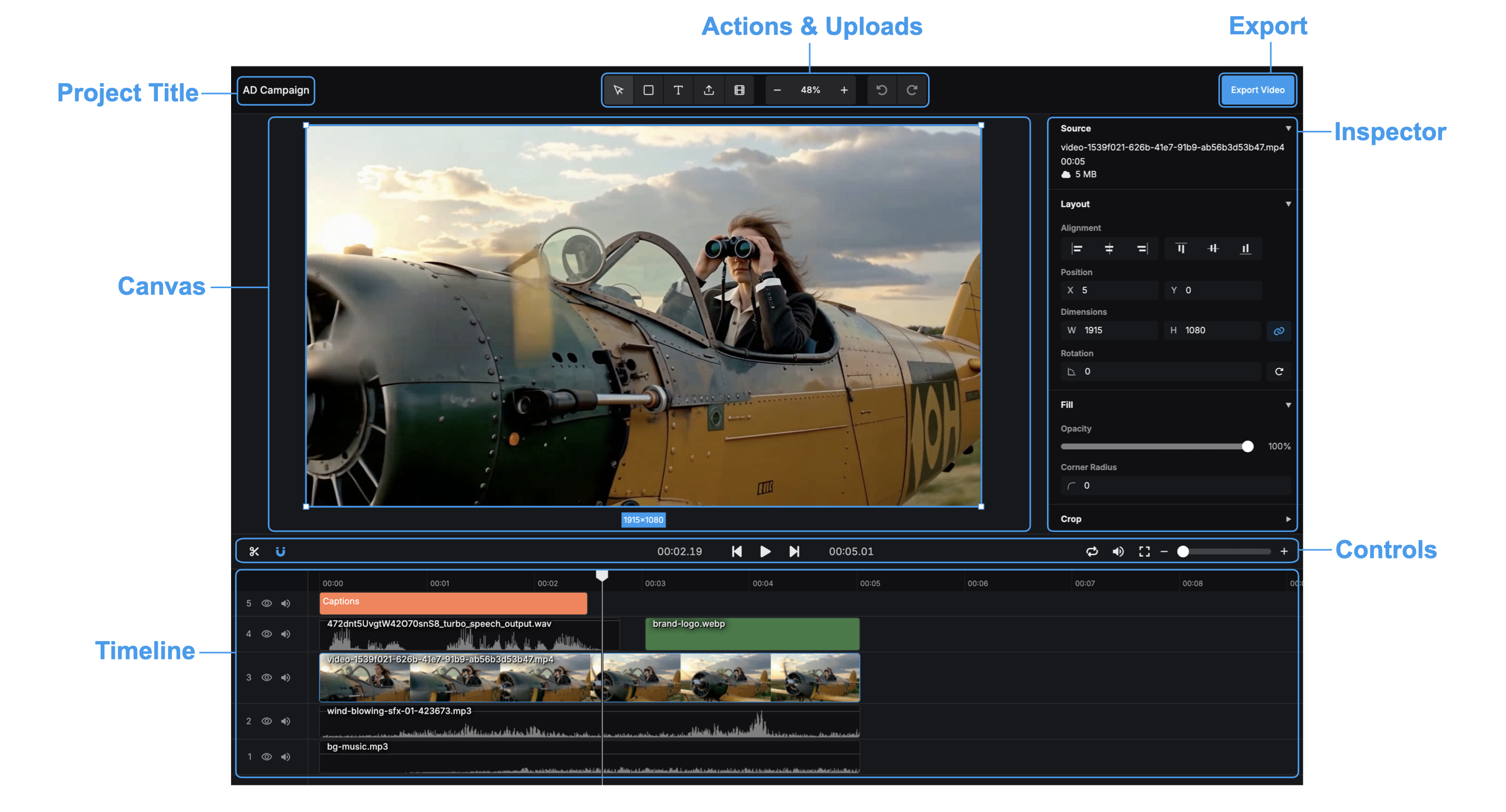
Yes. Autopilot does not mean blind: you can preview upcoming campaign videos, edit them in the built-in video editor, adjust per-platform titles, or skip a video entirely before it goes out.
Frequently asked questions
Does auto-posting work with a personal TikTok/Instagram account?
You connect your own accounts through each platform's official authorization flow. Instagram publishing follows Meta's API requirements, which generally means a professional (creator or business) account.
Can aicut auto-post videos I made elsewhere?
Aicut's automation is built around content it generates - the point is that creation and posting are one pipeline. You can also upload your own assets into the editor and publish those with one click.
What content types can run on autopilot?
AI video stories (20+ ready-made viral series), AI videos, AI POV videos, AI image stories, and fake-text conversation dramas. You choose the format and the campaign keeps producing episodes.
Is there a free way to test it?
Yes - the free plan is pay-as-you-go at $0.60 per token, so you can generate videos and publish manually before committing to the Automate plan.
How many accounts can I connect?
You can connect your TikTok, YouTube, and Instagram accounts and run campaigns that post to them from one dashboard.
Try it on a real video
The free plan is pay-as-you-go - generate a first video before committing to anything.