Automation
How Aicut Automates Video Creation and Posting
Aicut automates the entire pipeline from one campaign: it generates each video (script, scenes, voice-over, captions), renders the final vertical cut, and posts it to TikTok, YouTube, and Instagram on schedule. Most AI video tools automate only the first part and hand you a file to upload - aicut connects creation and distribution so there is no manual step in the middle.
What does full-pipeline automation mean?
It means one system covers create, render, and post with no handoff. You set the content and schedule once; aicut produces each video and publishes it, instead of you moving files between a generator, an editor, and three upload screens.
What are the steps in the pipeline?
A campaign runs the same four stages for every video, automatically and in order.
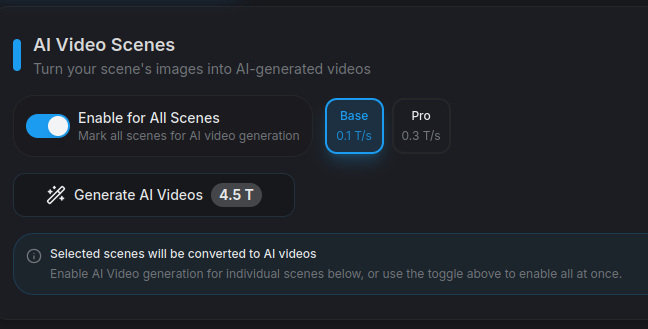
- •Author: the AI writes a hook-first script for your chosen series or format.
- •Generate: it creates every scene with consistent characters, voice-over, and synced captions.
- •Render: it assembles the final vertical video, with scenes generated in parallel so it takes minutes, not hours.
- •Post: it publishes to your connected TikTok, YouTube, and Instagram accounts on schedule, with per-platform titles and tags.
What content can run on autopilot?
AI video stories (20+ ready-made viral series), AI videos, POV videos, AI image stories, and fake-text conversation dramas. You choose the format and the campaign keeps producing episodes in it.
Because the same automation runs many formats, you are not locked to one faceless template - you can grow several channels or test different styles from one dashboard.
How is this different from tools that only generate?
Most AI video makers stop at the export button and leave the daily uploading to you. The gap they leave - download, re-upload three times, write three captions - is exactly the part aicut automates, which is where the real daily time goes.
Can you step in and edit before a video posts?
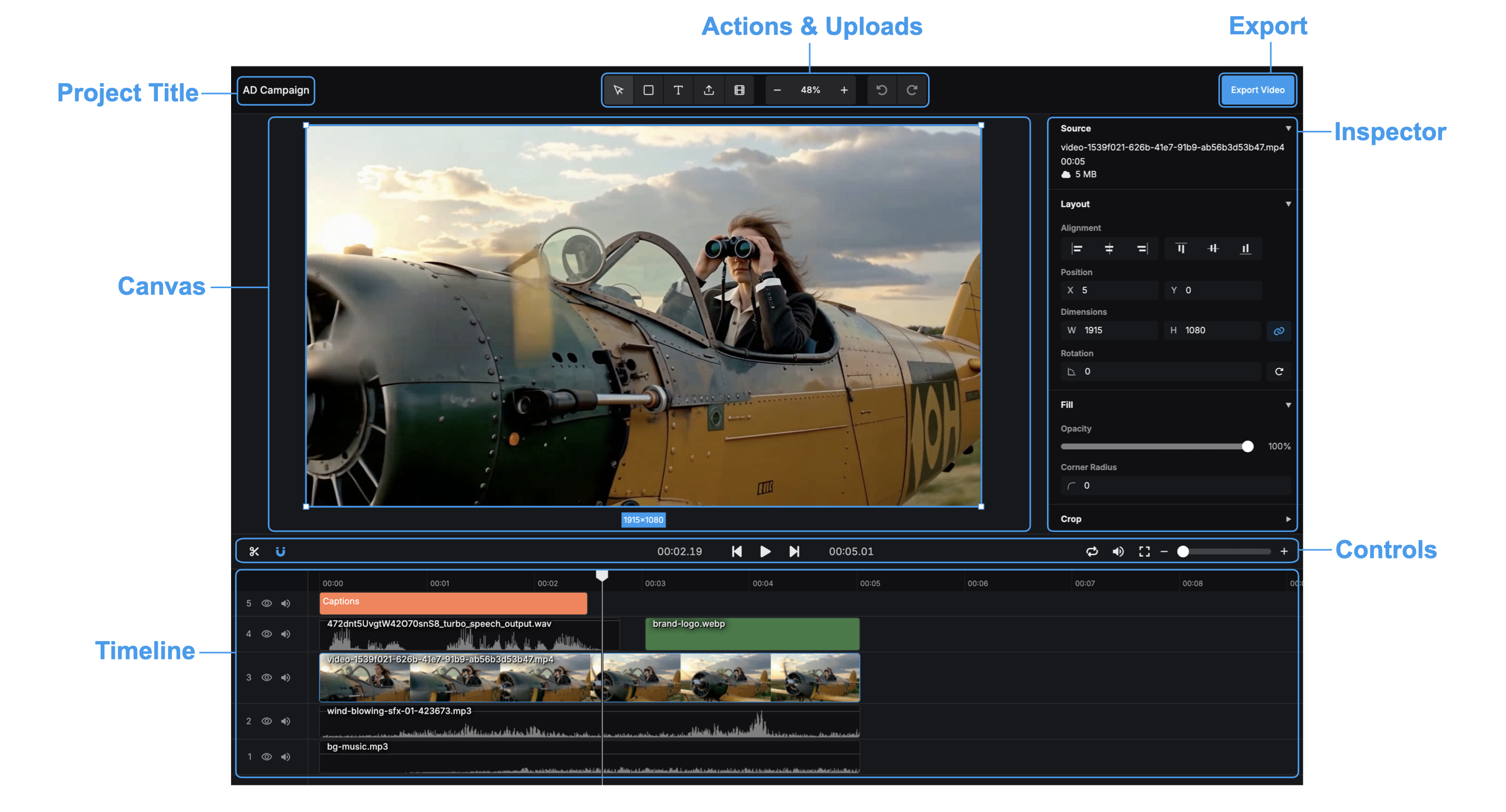
Yes. Every video in a campaign opens in the full editor, so you can change scenes, captions, or audio, adjust per-platform titles, or skip a video entirely before it publishes.
How fast does a video render?
Minutes, not hours - the pipeline generates scenes in parallel and assembles the final cut automatically, so a multi-scene story is ready to post shortly after the campaign triggers it.
Frequently asked questions
Does aicut really post the videos, or just make them?
Both. Creation and posting are one pipeline - aicut generates, renders, and publishes each video to TikTok, YouTube, and Instagram, so there is no manual upload step.
Can it run more than one content format at a time?
Yes - the same automation runs story series, AI videos, POV, image stories, and fake-text dramas, so you can run several channels or formats in parallel.
Do characters stay consistent across an automated series?
Yes - the pipeline carries each character's appearance through every scene, which is what makes an automated story read as one narrative rather than a slideshow.
What happens if I do not review a video?
It posts on schedule as generated. Review is optional - the campaign is designed to run without you, but you can preview, edit, or skip any upcoming video.
Try it on a real video
The free plan is pay-as-you-go - generate a first video before committing to anything.