Ready to create an AI character that actually connects with an audience? You've come to the right place. This guide is built to take you from a rough idea to a fully animated personality for your faceless channel on YouTube, TikTok, or Instagram.
Forget needing a whole animation studio or years of training. We'll walk through a real-world workflow that gets results, focusing on practical steps and smart tools—specifically, how to use Aicut to make the whole process faster and easier.
Your Journey into AI Character Creation Starts Here
Not long ago, creating a digital character was a huge undertaking, reserved for big studios with deep pockets. Now, things are different. Anyone with a good idea can jump in and start producing quality content that people actually want to watch.
This guide lays out the entire process, step-by-step. We'll cover everything from dreaming up a unique personality to generating the visuals, animating your character, and finally, publishing content designed to go viral. Think of this as your practical playbook for turning a concept into a star.
The Rise of AI Avatars
This isn't just a niche trend; it's a market that's absolutely exploding. The AI avatar space is projected to skyrocket from USD 17.40 billion to an incredible USD 208.61 billion by 2032.
That's a staggering 43.9% compound annual growth rate (CAGR), according to a report from ConsegiC Business Intelligence.
What does this mean for you? It means there's a massive opportunity to build an entire brand around a virtual personality without ever stepping in front of a camera.
Understanding the Core Workflow
At its heart, the process is pretty straightforward. You can boil it down to three main phases: dreaming it up, building it out, and getting it seen.
- Concept: This is where the magic begins. You'll define who your character is—their personality, their look, their voice. A strong concept is what makes a character memorable instead of just another face in the crowd.
- Generate: Next, you'll use AI to bring that concept to life. This involves writing prompts to create the perfect image, then using animation tools to make your character talk and express themselves.
- Publish: Finally, you’ll polish your content for the platform of your choice. This means adding captions, music, and scheduling it to post when your audience is most active.
This simple loop—Concept, Generate, Publish—is the key to creating content consistently without burning out.
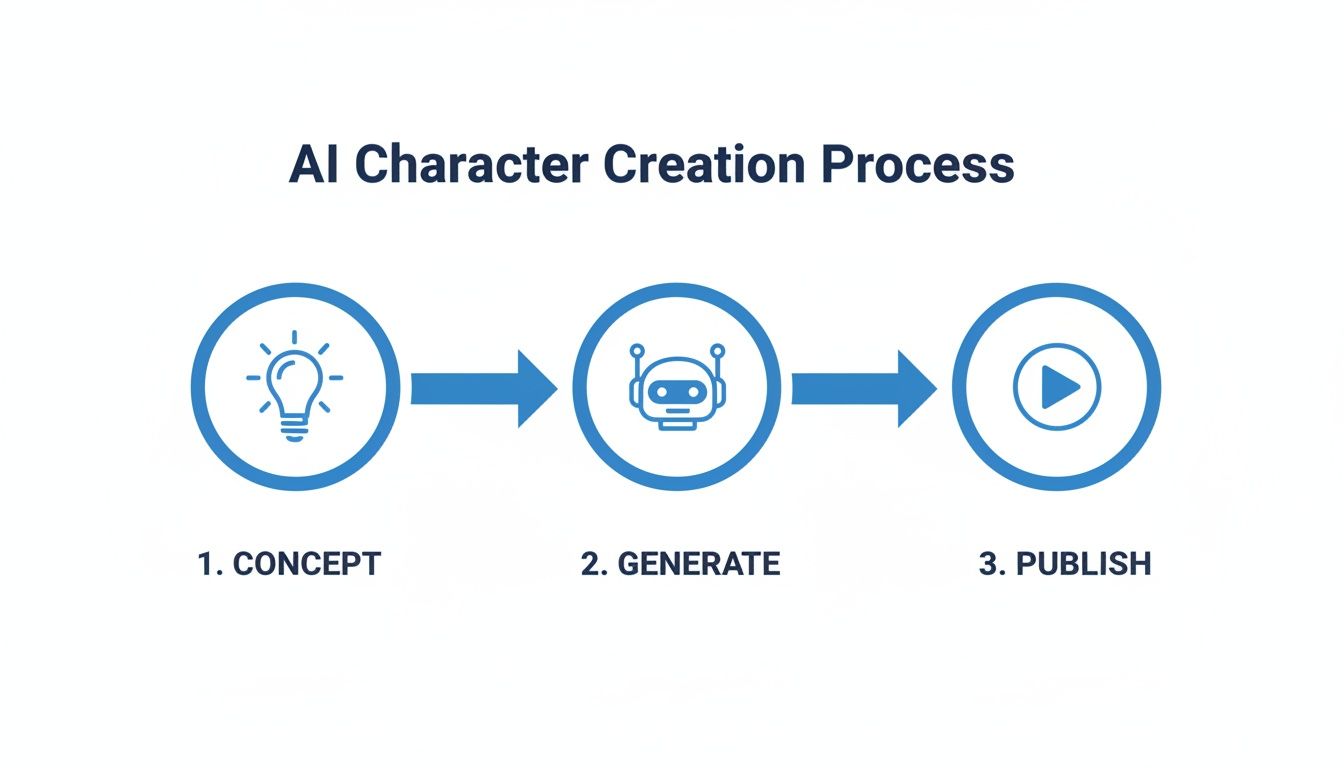
Each stage flows logically into the next, creating a super-efficient pipeline from your brain to the screen.
To give you a bird's-eye view, here’s a quick summary of the entire workflow we'll be covering in this guide.
AI Character Creation Workflow at a Glance
| Stage | Objective | Key Aicut Tools |
|---|---|---|
| 1. Planning & Design | Define the character's personality, backstory, and visual style. | Character Persona Template |
| 2. Photo/Asset Prep | Generate or find the perfect base image for your character. | Aicut AI Image Generator |
| 3. Prompt Engineering | Write effective prompts for consistent character generation. | Prompt Library, Face Lock |
| 4. Animation & Lip-Sync | Bring the character to life with audio-driven animation. | Aicut AI Video Generator |
| 5. Styling & Formatting | Adapt content for YouTube, TikTok, and Instagram formats. | Aspect Ratio & Styling Tools |
| 6. Upscaling & Editing | Enhance video quality and add final touches. | Built-in Upscaler & Editor |
| 7. Publishing & Scheduling | Get your content in front of your audience. | Direct Export/Download |
This table maps out our journey. By the end, you'll have a repeatable system for producing high-quality AI character content.
Building Your Character From the Ground Up
Every truly great character, whether they’re on the silver screen or a 15-second TikTok, starts with a solid idea. This is where you lay the groundwork. Honestly, it’s the most important part of ai character creation and what separates a forgettable face from a personality people actually want to follow. Before you even touch a prompt generator, you have to know who you're making.
It all boils down to two key questions: Who is this character, and who are you making them for? A sharp, witty finance bro might kill it on YouTube, but a quirky, silent comedian could be the next big thing on TikTok. The platform you choose shapes the content, and your target audience shapes the personality.
Nailing Down Their Personality and Backstory
A character that connects with people feels real. They have quirks, flaws, and a unique perspective. You don't need to write an epic saga, but sketching out a few core details will make creating content a million times easier down the road.
Think of it like building with LEGOs. Start with these basic pieces:
- Core Personality Traits: Are they a glass-half-full optimist or a cynical realist? A wallflower or the life of the party? Pick three to five traits that will be the North Star for all their actions.
- A Simple Backstory: Where do they come from? What’s their deal? Even a single sentence adds a surprising amount of flavor. For example, "A burnt-out philosophy professor who now explains quantum physics using sock puppets."
- Their Unique Voice: This is more than just how they sound; it’s how they talk. Do they use slang and memes, or are they super formal? This will guide your scripts and help you pick the perfect AI voice later.
A character without a personality is just a pretty avatar. A character with a backstory becomes a storyteller, and that's what makes people hit the subscribe button and come back for more.
Thinking this through first ensures your character is consistent. A character who is upbeat one day and mysteriously moody the next for no reason will just leave your audience confused and quick to scroll away.
Finding Visual Inspiration and Building a Mood Board
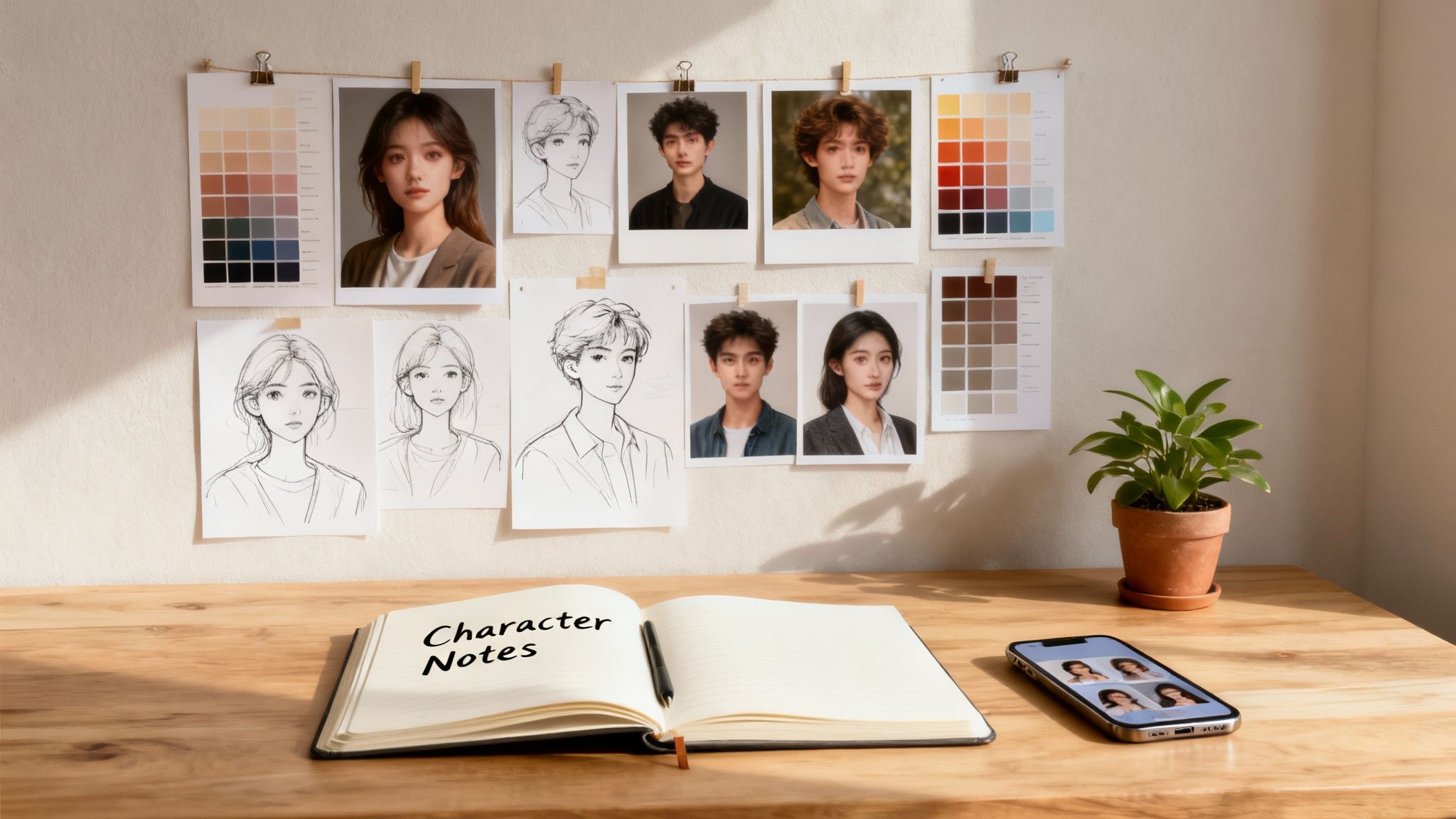
Okay, so you know who your character is on the inside. Now, what do they look like on the outside? This is where a mood board comes in—it’s your visual roadmap. It'll guide every aesthetic choice, from their haircut to the color grade of your videos.
Fire up Pinterest or just create a folder on your desktop and start collecting images that feel like your character. Don't just look for faces. Pull inspiration for everything:
- Fashion and Style: What’s their wardrobe like? Are they into modern streetwear, vintage thrift finds, or clean minimalism?
- Color Palette: What colors scream "them"? Bright, bold colors might be perfect for a high-energy personality, while muted, earthy tones could suit someone more calm and thoughtful.
- Environment: Where do they exist? A messy art studio, a sleek corporate office, or a cozy coffee shop? This helps establish the world they live in.
- Overall Vibe: Snag images that just feel right. Is the mood funny, educational, mysterious, or inspiring?
This isn’t just for fun; this collection of images is your secret weapon for the ai character creation stage. The details you gather here feed directly into your prompts. Instead of a generic prompt like "a woman," you can now be incredibly specific: "A woman in her early 30s with a mischievous smirk, wearing a vintage band t-shirt and round glasses, sitting in a dimly lit café." That level of detail, pulled straight from your mood board, gives the AI a rich brief to work with, delivering a character that actually matches the vision in your head.
Bringing Your Character to Life with AI
Alright, you've done the prep work. You have a solid character concept and a mood board full of inspiration. Now for the fun part: actually creating your character. This is where your ideas jump off the page and become a real, digital personality. We'll walk through exactly how to do this inside Aicut, from generating the first image to making them talk.
The secret to great AI character creation is all in the prompt. You have to translate that creative brief in your head into specific instructions the AI can follow. A vague prompt will get you a generic, forgettable face. A detailed one, on the other hand, acts like a director's call sheet, telling the AI exactly what you want.
Crafting the Perfect Prompt for Your Character
Think of your prompt as a recipe. Your mood board is your shopping list. The more specific ingredients you add, the closer the final result will be to what you imagined. A really effective prompt mixes descriptive words, artistic direction, and even a few technical details.
Here’s a good checklist of what to include:
- The Basics: Start with age, gender, and defining features. Think "a 25-year-old woman with freckles and curly red hair."
- The Vibe: What’s their mood? "a confident smirk," "a thoughtful, gentle expression," or "laughing heartily."
- The Look: Pull details straight from your mood board. For example, "wearing a worn leather jacket over a simple white t-shirt and dark jeans."
- The Scene: Where are they? What’s the lighting like? Try "in a neon-lit Tokyo alleyway at night" or "golden hour lighting in a cozy library."
- The Style: This is key. Are you going for "photorealistic, cinematic shot," "Ghibli anime style," or "3D Pixar character"?
- The Tech Specs: Get specific with camera angles and quality, like "medium shot, 8K, highly detailed."
Nailing this level of detail is how you get a consistent character you can use again and again. If you want to go deeper, check out our full guide on the topic: https://www.aicut.pro/blog/consistent-character-ai-video-generator.
Prompt Templates to Get You Started
To make it even easier, here are a couple of templates you can tweak right inside Aicut. Just swap out the bracketed text with your own character’s details.
For a Photorealistic UGC-Style Avatar:[Medium-shot photo] of a [28-year-old female influencer], [smiling warmly at the camera], with [long blonde hair] and [blue eyes]. She is wearing a [casual beige sweater]. The background is a [bright, slightly blurred home office]. Shot on a [Sony A7III camera], [natural window lighting], [photorealistic], [UGC style].
For a Stylized Anime Character:[Full-body shot] of a [teenage male anime protagonist] with [spiky silver hair] and [glowing green eyes]. He has a [determined, heroic expression]. He wears a [futuristic black and red combat suit]. The background is a [dystopian cityscape at dusk], [dramatic lighting], [Makoto Shinkai art style].
Pro Tip: When you generate an image you absolutely love, save that exact prompt in Aicut’s prompt library. This becomes your golden ticket—your "master prompt"—for recreating that character perfectly every time.
From Static Image to Animated Performer
Once you've got the perfect image, it's time to bring it to life. Aicut makes this next step simple, turning that static photo into an expressive avatar that lip-syncs flawlessly to your script.
The technology here is moving incredibly fast. The AI-powered animation generator market is a prime example, expected to rocket to USD 1,887.70 billion by 2035—a massive jump from USD 110.65 billion in 2025. That 32.8% growth rate is all thanks to new tools making animation accessible for creators like us.
Inside Aicut, you just upload your character's image, drop in an audio file (or use the built-in text-to-speech), and the AI does the heavy lifting. It syncs the mouth movements to the audio, creating a natural-looking conversation.
But a talking head isn't enough. You need to add those little human touches that make a character believable.
- Head Tilts and Nods: Add these in to emphasize points or react, just like a real person would.
- Eye Blinks: A simple, natural blink rate is crucial for avoiding that creepy, robotic stare.
- Subtle Emotions: A slight eyebrow raise or a half-smile can completely change the tone and add so much personality.
These tiny details are what separate a stiff avatar from a compelling character. As you get more comfortable, you'll find that combining different [various AI tools] for image generation, animation, and voice cloning can give you a complete digital performer ready to grab your audience's attention.
Getting Your AI Character Noticed: A Guide to Platform-Specific Content
You’ve done the hard part—you’ve brought a compelling AI character to life. But a brilliant character without an audience is just a file sitting on your hard drive. To really make an impact, your content needs to be seen, shared, and loved. This means you need to think like a platform-native creator.
What crushes it on YouTube won't necessarily get a second glance on TikTok. Each platform has its own algorithm, its own audience, and its own unwritten rules. Nailing these differences is how you turn a cool video into content that travels, builds a following, and gets your character noticed.
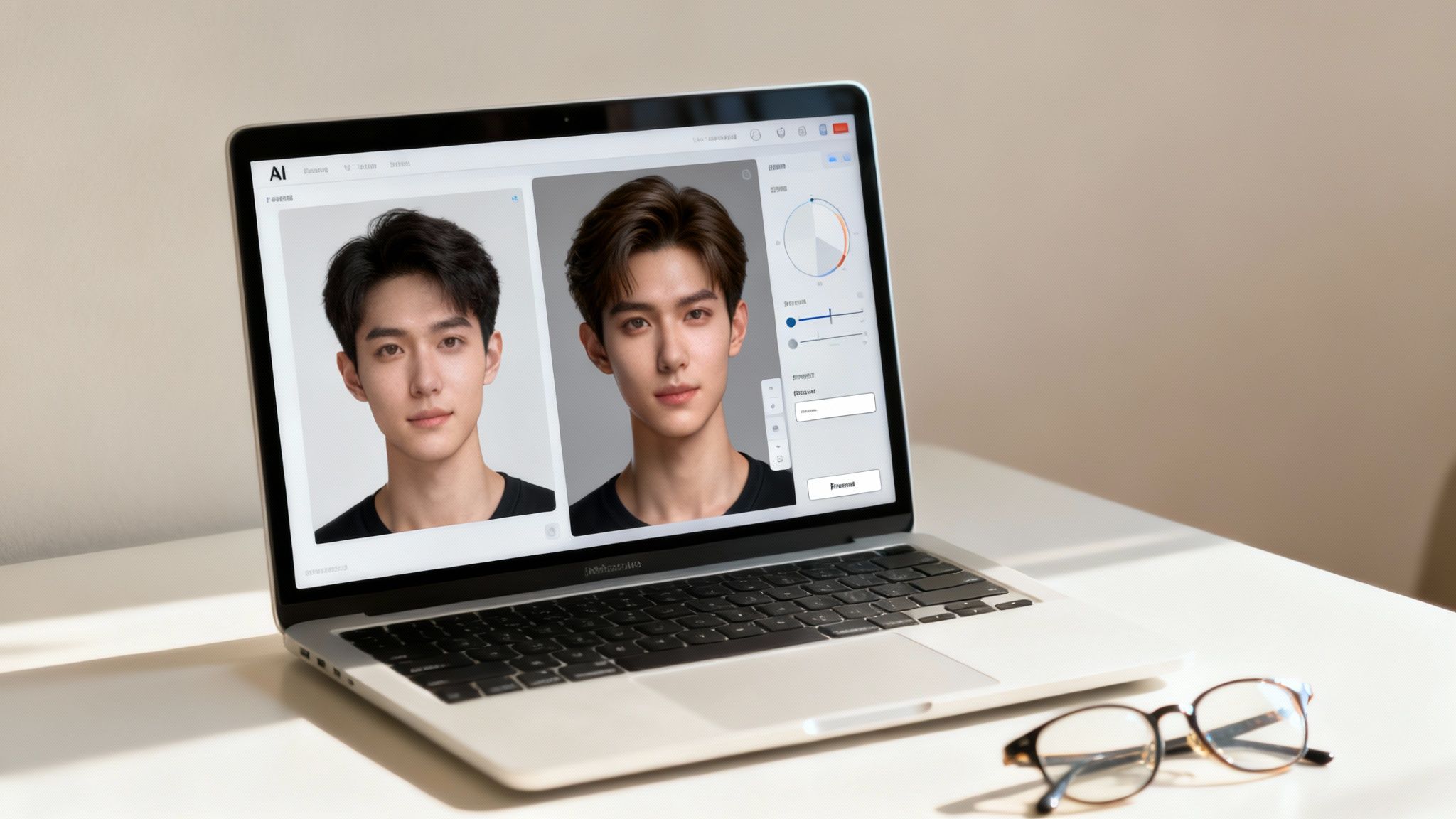
This is the final, crucial production stage where you package your video for success. We’re talking about resizing, captioning, upscaling, and scheduling—all essential steps in any professional ai character creation workflow.
One Video, Three Platforms: Tailoring Your Content
The "one-size-fits-all" approach to content is a dead end. A thoughtful, long-form video that resonates with a YouTube audience will get swiped into oblivion on TikTok. This is why Aicut has tools built right in to make this kind of customization feel effortless.
Here’s a quick breakdown of how I think about the big three:
- YouTube: This is your home for deeper storytelling. You'll want the classic 16:9 widescreen format for longer videos and the 9:16 vertical for Shorts. People come here for more detail, so don't be afraid to let a narrative unfold over a few minutes.
- TikTok: Think fast, loud, and trendy. The 9:16 vertical format is mandatory. You have maybe 1-2 seconds to hook someone. I always use big text overlays, jump on trending sounds, and keep the cuts quick to hold that short attention span.
- Instagram: Reels also live in the 9:16 vertical world. It’s a bit of a middle ground, often rewarding content that's a little more polished or aesthetic than what you see on TikTok. Captions are king here, as so many people scroll in public places without sound.
With Aicut, the workflow is simple: create your main video once, then let the tool handle the reformatting. You can knock out a 16:9 cut for YouTube and, in just a few clicks, have a 9:16 version ready for Reels and TikTok, complete with unique text styles for each.
The Unspoken Power of Captions and Text
Let’s be real: a huge number of people watch social media videos with the sound off. Some studies suggest that on platforms like Facebook, that number is as high as 85%. If you’re relying only on audio, you're losing a massive chunk of your audience.
This is where captions and on-screen text become your best friend. Clean, readable captions make sure your character’s point gets across, no matter where someone is watching. Aicut's AI can pull captions straight from your script, which saves an incredible amount of time.
Pro Tip: Don't just add captions—style them. I like to use bold fonts, flashes of color, and animated text to punch up key words. It keeps the viewer's eyes moving and turns them from a passive watcher into someone who's actually paying attention.
Text overlays also help guide the story. Use them to pose a question, drop a punchline, or introduce a new idea. It’s a simple trick that has a surprisingly big impact on how long people stick around.
The Final Polish: Upscaling and Editing
Before you even think about hitting "publish," it's time for one last quality check. Low-res, grainy footage screams amateur, even if your script is pure gold.
This is where upscaling can be a total game-changer. I run my videos through Aicut’s built-in upscaler to bump them from standard HD to a super-sharp 4K. The AI intelligently adds detail back into the image, cleans up noise, and makes everything look crisp and professional. It really helps your content stand out.
After that, a few last-minute edits are in order:
- Kill the Pauses: Watch it through one final time. Any awkward silences or dead air? Cut them. Keep the energy up.
- Add Some Sound: Even subtle background music or a few sound effects can completely change the mood of a video.
- Craft a Killer Thumbnail: On YouTube, your thumbnail is everything. It's your video's first impression. Design something that's intriguing and eye-catching without giving the whole plot away.
If you want to go even deeper on the video creation side of things, our full guide on how to make AI videos is packed with more techniques.
Play the Long Game with Smart Scheduling
Consistency is what separates a hobby from a growing channel. If you post randomly, the algorithm (and your audience) will quickly forget about you. For anyone with a busy schedule, scheduling and auto-posting tools aren't just a nice-to-have; they're a necessity.
Instead of being chained to your phone for every upload, you can create a batch of content at once and schedule it all to go live during peak viewing hours. Using Aicut’s scheduler, you can map out your content calendar weeks in advance, guaranteeing a steady flow of posts across all your platforms. It frees you up to do what you do best: dreaming up the next big thing for your AI character.
Monetizing Your AI Character and Building a Brand
So you've brought a compelling AI personality to life—that's a huge win. But the real magic happens when you turn that creative spark into a real, sustainable income. This isn't just about making a few bucks; it's about building a brand around your character that has lasting value and opens up a world of new opportunities. Think of your AI character less as a series of videos and more as a powerful digital asset.
The path from creator to entrepreneur begins with understanding all the ways you can earn. While getting paid by platforms like YouTube is the most obvious goal, that’s really just scratching the surface. A smart ai character creation strategy involves building a brand that doesn't depend on just one income source.
This isn’t just a niche hobby, either. The broader generative AI market is exploding and is projected to skyrocket to USD 1,206.24 billion by 2035. This incredible growth shows just how central AI-driven content is becoming to modern entertainment and marketing, which spells massive opportunity for creators like you. You can dig into the numbers yourself with the full generative AI market projections from Precedence Research.
Tapping into Platform Monetization Programs
The most straightforward way to start earning is directly through the platforms where you post. Each has its own playbook, so your game plan should be laser-focused on hitting their specific milestones.
Here’s a quick rundown of the big three:
- YouTube Partner Program (YPP): This is the one most people aim for. To get in, you'll need 1,000 subscribers and 4,000 watch hours over the last year. Or, if you're all-in on Shorts, 10 million views in 90 days will also get you there. Once you're in, ad revenue can be a serious earner for channels with steady viewership.
- TikTok Creator Fund: TikTok’s program pays out based on a mix of factors like views and engagement. It's easier to get into, but the per-view payouts are typically lower than YouTube's. It's a fantastic starting point, but don't make it your only plan.
- Instagram Reels Play Bonus: This one's an invite-only deal where Instagram pays you for hitting specific view counts on your Reels. It's not something you can bank on, but it can be a nice surprise bonus when it happens.
My biggest piece of advice? Your community is your monetization superpower. An engaged audience doesn't just watch—they buy, they share, and they become your biggest fans. Focus on sparking real conversations and building genuine connections.
To get to these goals faster, I highly recommend leaning into viral niche templates. For instance, Aicut offers pre-built formats for popular content like Reddit stories or text message chats. Using these helps you pump out high-quality, engaging videos quickly, which seriously boosts your chances of racking up the views and subscribers you need.
Expanding Beyond Ad Revenue
Putting all your eggs in the ad-revenue basket is a risky game. Algorithms are constantly changing, and what you earn one month can plummet the next. The creators who truly succeed build a brand that's bigger than any single platform. Your AI character can be the face of that brand.
Here are a few powerful ways to diversify your income:
- Brand Partnerships and Sponsorships: Once you have an audience, brands will want to pay you to have your AI character feature their products. If your character reviews tech, you could partner with a software company. If they're a lifestyle guru, maybe they promote a new wellness app. The key is making sure the partnerships feel authentic to your character.
- Affiliate Marketing: This is one of the easiest ways to get started. Your character can simply recommend products or services they "love," and you'll earn a commission from any sales made through your unique link. It’s a natural fit for almost any niche, especially those focused on products.
- AI-Generated UGC: Brands are desperate for authentic-looking user-generated content (UGC) for their social media ads. You can use your AI character to create realistic product demos or lifestyle shots, offering a unique service that's often cheaper for brands than hiring human influencers. This is a new and rapidly growing field. For more inspiration, see our full guide on how to make money on YouTube without showing your face.
At the end of the day, how much you can earn comes down to the value you provide and the community you build. By mixing direct platform income with smart branding strategies, you can turn your creative project into a resilient and profitable business.
Common Questions About AI Character Creation
Jumping into AI character creation brings up a ton of questions. It's totally normal. Getting these sorted out early on helps you skip the frustrating parts and get right to the fun stuff: building a character people actually want to watch.
Let's walk through some of the most common hurdles I see creators face and get you some straight, practical answers.
How Do I Keep My Character Looking the Same?
This is probably the biggest challenge everyone runs into. Consistency is what makes your character feel real and recognizable. If they look like a completely different person in every video, you'll never build that crucial connection with your audience.
The secret sauce is a mix of disciplined prompting and using your tools wisely.
Think of your first great image generation as your character's "DNA." You need a seed image or a super-detailed base prompt that you can return to every single time. Inside Aicut, I always recommend saving your best prompts in the library. When you need a new visual, don't start from scratch. Pull up that core prompt and only tweak the tiny details you need to change for the scene.
For instance, instead of rewriting the whole thing, just modify one small part. Change "a thoughtful expression" to "a joyful laugh," but leave everything else—the background, the lighting, the clothing details—exactly the same. This keeps the core features like face shape, eye color, and hairstyle locked in.
Consistency isn't about making your character a static statue; it's about giving them a reliable identity. Your audience should recognize them instantly, whether they're happy, sad, or explaining a complex topic.
Using the same source photo for your animations is also a huge factor in keeping the facial structure consistent. For full-body shots, get obsessive about describing specific clothing items and posture in every prompt. That repetition is your best friend here.
What Are the Biggest Mistakes to Avoid?
I’ve seen a lot of projects stumble right out of the gate by falling into a few common traps. If you can sidestep these, you’ll save yourself a world of headaches and build momentum so much faster.
The single biggest mistake? Obsessing over the visuals and completely forgetting about personality. A gorgeous avatar with no backstory, no opinions, and no unique voice is just a digital puppet. It won't hold anyone's attention for long. Give your character quirks, a point of view, and a real reason to be on screen.
Another classic slip-up is an inconsistent voice. Nothing breaks the illusion faster than a character who sounds different from one video to the next. The fix is simple: use an AI voice generator that lets you save a specific voice profile. It ensures they always sound like them.
Here are a few other things to watch out for:
- Overly Complex Designs: I get it, it's tempting. But a character with intricate tattoos, color-shifting hair, and a wild outfit is a nightmare for AI to replicate consistently. Start simple. You can always add more complex details once you've nailed the basics.
- Ignoring Post-Production: Raw AI output is just the starting point. Don't skip the polish. Adding sound effects, doing a quick color grade, and styling your captions for the platform you're on can elevate your content from "okay" to "amazing."
- Bad Pacing: Make sure your script and animation flow naturally. Long, awkward silences or speech that feels rushed and robotic will immediately turn viewers off.
Can I Actually Monetize an AI Character Channel?
Yes, absolutely. And it's not some far-off dream, either. Faceless channels, many powered by AI characters just like these, are some of the fastest-growing and highest-earning accounts on YouTube and TikTok right now. The opportunities are real and they're growing every day.
The most common ways to make money are:
- Platform Ad Revenue: This is the starting line for most people. Getting into the YouTube Partner Program or TikTok's Creator Fund is a great first goal.
- Brand Sponsorships: Once you have an engaged audience, brands will pay to have your character promote their products in a way that feels natural to your content.
- Affiliate Marketing: Your character can become a trusted source for recommendations, earning you a commission on any sales that come through your links.
You can also get creative by selling your own digital products or even offering to create AI-generated content for brands yourself. Of course, to make any of this work, you need to know how to create a brand that people connect with and trust. Ultimately, just like any other creator channel, success comes down to making great content that builds a loyal community.
Ready to bring your own unique character to life? With Aicut, you get all the tools you need—from viral templates and advanced AI models to automated scheduling—to build, animate, and publish content that stands out. Join over 500,000 creators and start your journey today at https://www.aicut.pro.