The creator economy is shifting. Manual editing and unpredictable virality are being replaced by AI-driven workflows that save time, reduce costs, and create more opportunities to connect with your audience. For faceless creators, e-commerce brands, and social media managers, the challenge is no longer just about creating content; it’s about producing it consistently and efficiently. This guide dives deep into the top AI tools for content creation, moving beyond generic feature lists to provide a practical, hands-on look at what works, what doesn't, and how to build a powerful, automated content engine.
This comprehensive list is designed to help you find the best platforms for your specific needs, whether you're generating faceless TikTok videos, producing AI-driven user-generated content (UGC) for your e-commerce store, or managing multiple client accounts. We will explore tools for every stage of the process, from ideation and scripting to video generation, editing, and automated distribution. Each entry includes detailed analysis, real use-case scenarios, pricing cues, and direct links with screenshots to help you make an informed decision.
We will put a special focus on platforms like Aicut that offer end-to-end solutions, but you will also discover specialized tools for text, voice, and advanced video effects. Get ready to find the right combination of AI tools for content creation to accelerate your growth and reclaim your time. Let's get started.
1. Aicut
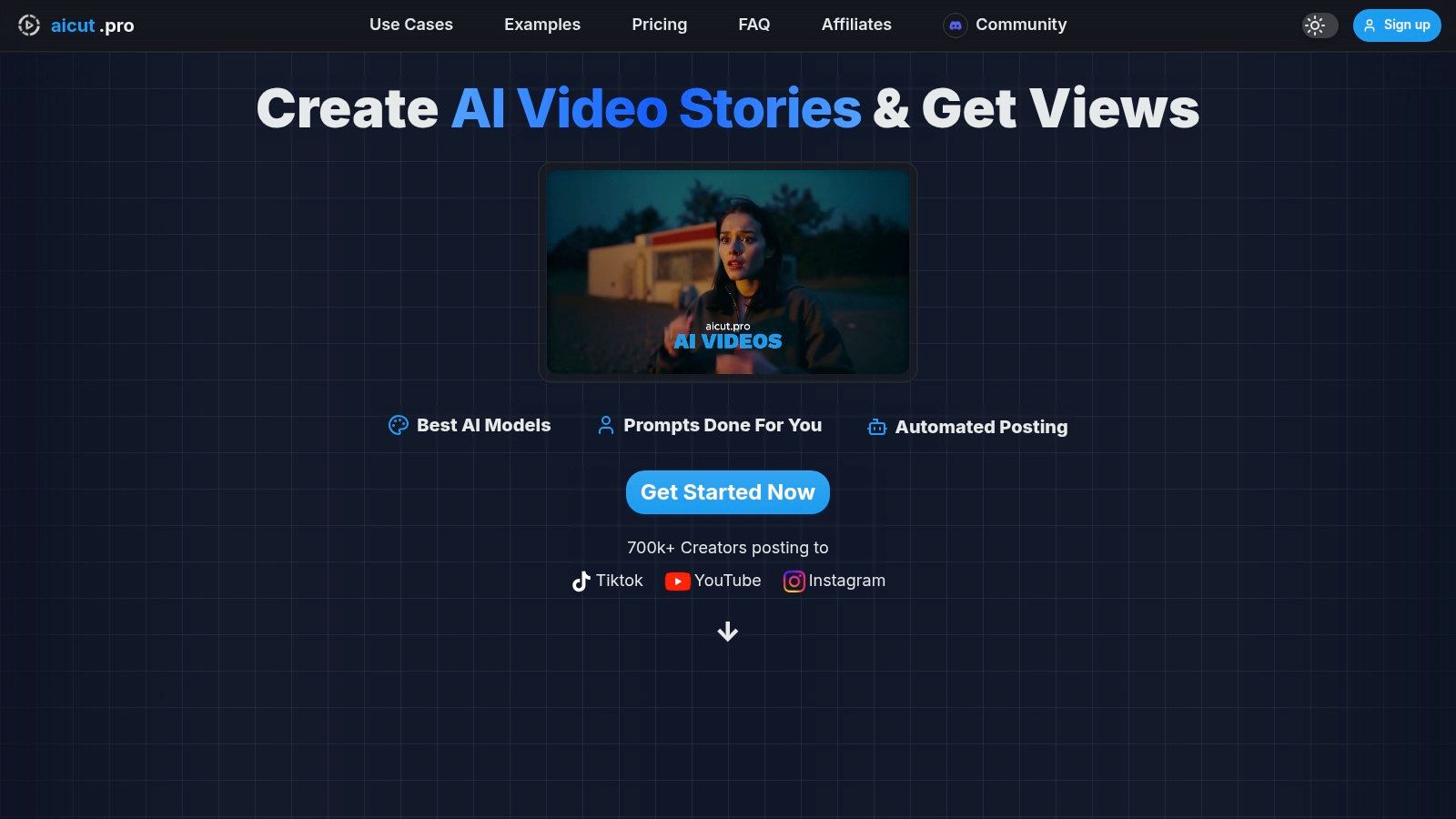
Aicut establishes itself as a powerful, all-in-one solution among ai tools for content creation, specifically engineered for creators and brands aiming to produce high-volume, high-quality video content with minimal effort. It’s a comprehensive platform that moves beyond simple clip generation, integrating ideation, production, and distribution into a single, streamlined workflow. This makes it an exceptional choice for faceless creators on YouTube and TikTok, as well as for e-commerce brands that need a steady supply of ad creatives and user-generated content (UGC).
The platform’s core strength lies in its access to premier AI video models like Sora 2, Veo 3.1, and Kling, which transform simple text prompts or static images into photorealistic videos. This capability is paired with a vast library of viral templates and trending prompts, removing the guesswork from content strategy. Whether you're creating Reddit-narration videos, text-story formats, or point-of-view clips, Aicut provides the foundational assets to get started in minutes.
Key Features and Use Cases
Aicut’s feature set is built for practical, real-world application, directly addressing the pain points of modern content creators.
- End-to-End Production: It combines photorealistic AI models with niche-specific templates and prompt libraries. This allows users to generate trending videos rapidly without needing advanced editing skills.
- Faceless Content & AI UGC: Standout features like motion-control for animating static photos and AI UGC avatars enable the creation of professional-grade content without ever appearing on camera. This is a game-changer for producing authentic-looking product reviews and brand promotions.
- Integrated Automation: The platform includes robust scheduling tools, daily auto-posting, and one-click publishing to TikTok, YouTube, and Instagram. This automates the entire distribution process, ensuring consistent channel growth.
- Transparent Pricing: Aicut uses a clear, token-based system, allowing you to accurately forecast video production costs. The Creator plan ($12.50/month, billed annually) provides 50 tokens, enough for over 30 short Sora-style clips.
Practical Considerations
While Aicut is a formidable tool, its token-based model means high-volume creators should monitor their usage, as extra tokens cost around $0.50 each. Users must also remain aware of platform policies on AI-generated content to avoid potential monetization issues. For those interested in a deeper dive, Aicut's blog provides more insights on how these ai content creation tools are changing the landscape for creators. Overall, Aicut is a top-tier choice for anyone looking to scale video production efficiently.
Website: https://www.aicut.pro
2. Runway
Runway is a powerful, browser-based creative suite that positions itself as a comprehensive video creation workspace. It’s one of the most prominent AI tools for content creation, especially for users who want to generate video from simple text or image prompts. The platform is known for its advanced Gen-2 and newly released Gen-3 Alpha models, which produce high-quality, cinematic clips perfect for B-roll, social media ads, or artistic visuals.

Unlike simpler text-to-video tools, Runway integrates generation with a full-featured editor. This allows you to generate a clip and immediately start trimming, adding audio, or applying effects without switching software. This integrated workflow is a massive time-saver for e-commerce brands creating product ad variations or faceless creators needing unique background visuals.
Key Features & Use Cases
- Best for: Generating short, high-fidelity video clips for social media, ads, or conceptual art.
- Key Feature: Text-to-Video and Image-to-Video models that produce cinematic results.
- Use Case: A social media manager can type "a realistic shot of a new sneaker splashing through a puddle in slow motion" to generate a dynamic ad creative without a physical shoot.
- Pricing: Starts with a free plan with limited credits and a watermark. Paid plans begin at $12/user/month (billed annually) for more credits and features.
The platform operates on a credit system, where generating a second of video costs a certain number of credits. While effective, it can be confusing initially to calculate the cost of a project. For a deeper dive into the specifics of AI video production, you can explore this guide on how to create AI videos.
Website: https://runwayml.com
3. Adobe Firefly
Adobe Firefly is the company’s family of creative generative AI models, seamlessly integrated into its popular Creative Cloud suite. More than just a standalone tool, Firefly acts as a co-pilot within apps like Photoshop and Illustrator, making it one of the most powerful AI tools for content creation for professionals already in the Adobe ecosystem. It’s designed to be commercially safe, as it’s trained on Adobe Stock images and openly licensed content.
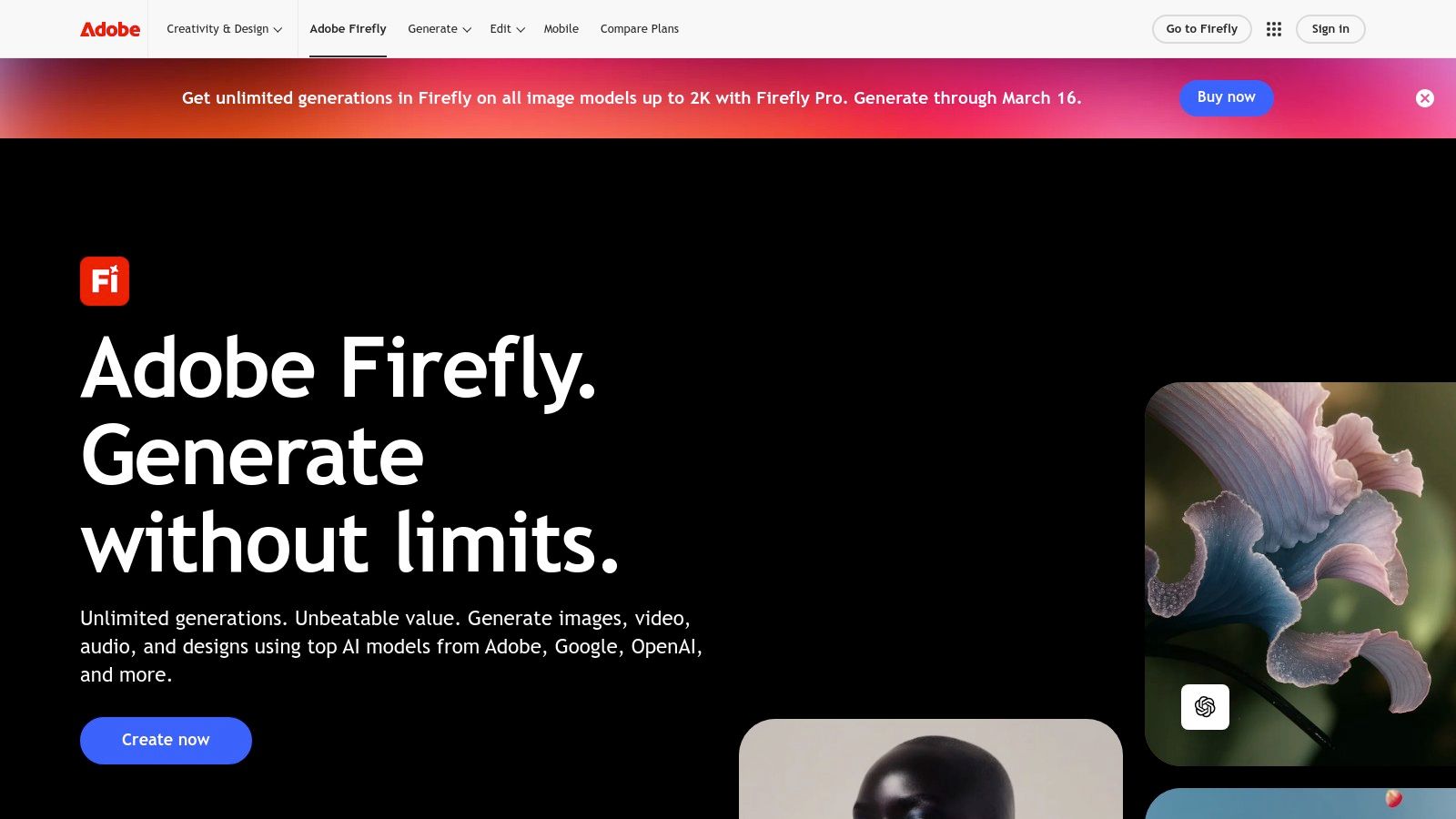
The standout feature is its deep integration. For example, the Generative Fill tool in Photoshop allows users to add, remove, or extend parts of an image with simple text prompts, directly within their existing workflow. This avoids the hassle of exporting assets to a separate AI tool and re-importing them, which is a major benefit for e-commerce brands creating product mockups or social media managers refining ad visuals.
Key Features & Use Cases
- Best for: Creative professionals and teams who already use Adobe Creative Cloud for an integrated workflow.
- Key Feature: Generative Fill and Expand tools inside Photoshop for seamless image editing and manipulation.
- Use Case: An e-commerce brand can use Generative Fill to change the background of a product photo from a plain studio setting to a lifestyle beach scene, all without leaving Photoshop.
- Pricing: Included with most Creative Cloud plans, operating on a "generative credits" system. Standalone plans start at $4.99/month.
The credit system can be a bit complex, with different actions consuming credits at different rates, and it distinguishes between "standard" and "premium" generations. While the integration is unparalleled, users new to Adobe's software may face a steeper learning curve compared to more straightforward, single-purpose AI tools.
Website: https://www.adobe.com/products/firefly
4. OpenAI – ChatGPT
OpenAI’s ChatGPT is a foundational platform for text-based content creation, functioning as a multimodal AI assistant that can brainstorm, draft, and refine copy. It has become one of the most indispensable AI tools for content creation, moving beyond simple Q&A to help script videos, write ad copy, and generate metadata. With the integration of DALL·E 3, it can also create concept art and thumbnails directly within the chat interface.
What sets ChatGPT apart is its conversational workflow and versatility. E-commerce brands can use it to generate dozens of product description variations, while a faceless YouTube creator can outline an entire video series, draft scripts, and then generate title ideas. The Team and Business plans add collaborative workspaces, making it a central hub for content teams to maintain consistency and manage projects.
Key Features & Use Cases
- Best for: Rapidly drafting text content like scripts, captions, outlines, and brainstorming ideas.
- Key Feature: Powerful chat-based interface for iterative content generation and integrated DALL·E 3 for image creation.
- Use Case: A social media manager can ask ChatGPT to "write five engaging Instagram captions for a new skincare product, including relevant hashtags and a call-to-action," and receive options in seconds.
- Pricing: Offers a free plan with limited access. Paid plans start at $20/month for ChatGPT Plus, with custom pricing for Team and Enterprise tiers.
While ChatGPT is a powerhouse for ideation and text, its output often serves as a first draft that requires human refinement. The scripts it generates can be directly used in various text-to-video AI tools to accelerate video production. Beyond specific platforms like ChatGPT, a wider range of AI writing assistants are available for more specialized content needs.
Website: https://openai.com/pricing
5. Canva – Magic Studio
Canva has evolved from a simple graphic design tool into a comprehensive content creation platform, with its AI-powered features consolidated under "Magic Studio." It stands out by integrating powerful generative AI directly into its familiar, user-friendly design interface. This makes it one of the most accessible AI tools for content creation, especially for those who need to produce a wide variety of assets quickly without deep technical or design skills.
Unlike dedicated, single-function AI tools, Canva’s strength is its unified workflow. A social media manager can brainstorm post ideas with Magic Write, generate a custom background image with Magic Media, and then instantly drop those assets into a branded video template, all within one tab. This eliminates the friction of downloading and re-uploading assets between different platforms, streamlining the entire creative process.
Key Features & Use Cases
- Best for: Social media managers and e-commerce brands needing a single platform for both design and AI-assisted content creation.
- Key Feature: An all-in-one workspace with AI text, image, and video generation (Magic Media) integrated into a vast library of templates.
- Use Case: An e-commerce brand can use Magic Write to generate five different ad copy variations for a new product, then use Magic Media to create unique lifestyle images for each, and finally assemble them into animated Instagram Stories using pre-made templates.
- Pricing: A robust free plan is available. Canva Pro starts at $14.99/user/month, unlocking the majority of Magic Studio features, premium templates, and larger brand kits.
While its AI generation relies on partner models like Runway for some features, the seamless integration is the main draw. Most of the powerful Magic Studio features are gated behind the Pro subscription, so free users will have limited access.
Website: https://www.canva.com/magic
6. Descript
Descript is an all-in-one AI-powered audio and video editor that fundamentally changes how you work with media. Instead of editing on a complex timeline, you edit the content like a text document. This makes it one of the most intuitive and powerful AI tools for content creation, especially for podcasters, course creators, and anyone producing dialogue-heavy videos. Its text-based approach allows for rapid edits, removals, and rearrangements simply by cutting and pasting words in a transcript.
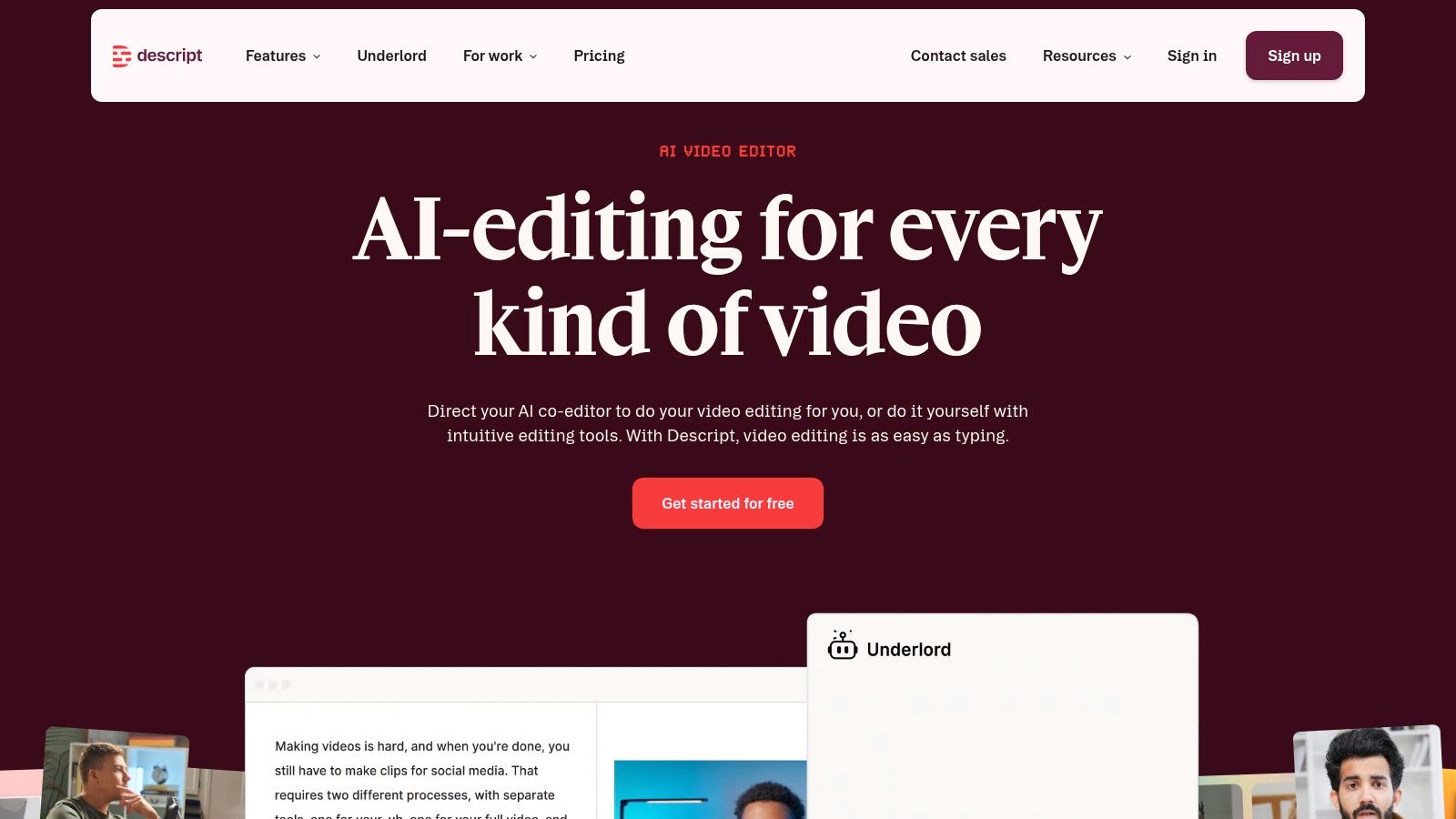
The platform is packed with AI features that streamline production. The "Studio Sound" feature can make amateur recordings sound professionally mastered with a single click, while the filler word removal tool automatically cleans up "ums" and "ahs" from your audio. For faceless creators or those needing quick fixes, the Overdub voice cloning feature lets you generate audio in your own voice to correct mistakes without re-recording.
Key Features & Use Cases
- Best for: Editing podcasts, tutorials, and interview-style videos quickly and efficiently.
- Key Feature: Text-based video and audio editing where changes to the transcript are reflected in the media timeline.
- Use Case: A YouTuber creating a tutorial can record a long, unscripted session, then easily cut out mistakes, long pauses, and filler words by editing the auto-generated transcript, turning a 30-minute ramble into a tight 10-minute video.
- Pricing: Offers a free plan with limited transcription. Paid plans start at $12/user/month (billed annually) for more features and transcription hours.
Descript’s workflow is a game-changer for content that relies on narration or dialogue. However, its credit and media-hour quotas can be a constraint on larger projects, and accessing advanced features like voice cloning requires a higher-tier subscription.
Website: https://www.descript.com
7. Kapwing
Kapwing is an accessible, browser-based video editor that has brilliantly integrated AI features to streamline common editing tasks. It's one of the most practical AI tools for content creation for teams and solo creators who need to quickly repurpose content. Instead of focusing on pure generation, Kapwing uses AI for smart clipping, automatic subtitling, and efficient reformatting, making it a workhorse for social media managers.
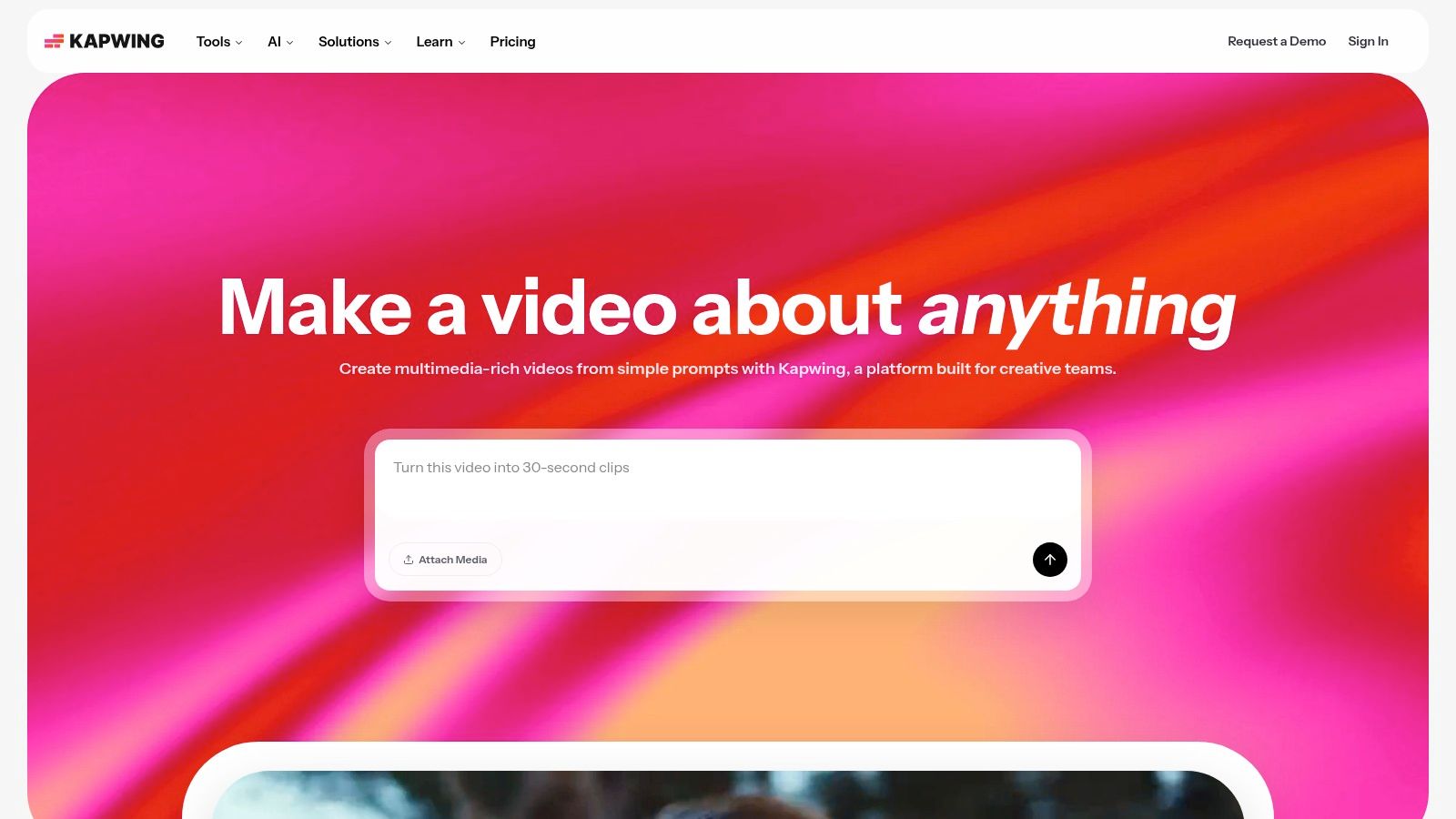
The platform shines brightest when you need to turn a long-form video, like a podcast or webinar, into dozens of engaging short-form clips. Its AI can find the most interesting moments, add perfectly synced subtitles, and reframe the video for different platforms with just a few clicks. For e-commerce brands, its no-install, collaborative nature makes it ideal for editing user-generated content (UGC) ads without complex software.
Key Features & Use Cases
- Best for: Repurposing long-form content into social media shorts and collaborative editing.
- Key Feature: AI-powered smart clipping, automatic subtitles with translation, and lip-sync dubbing.
- Use Case: An e-commerce brand's marketing team can upload a long customer testimonial video, and Kapwing’s AI can automatically identify and clip the most impactful quotes, add brand-styled captions, and export them as TikTok-ready videos.
- Pricing: Offers a free plan with watermarks and export limits. Paid plans start at $16/user/month (billed annually) for more AI credits and features like 4K export and brand kit support.
While Kapwing is incredibly efficient for social media workflows, its AI features are tied to a credit system, so heavy users on lower-tier plans might need to purchase top-ups. The audio editing tools are also more basic compared to dedicated digital audio workstations.
Website: https://www.kapwing.com
8. Luma AI – Dream Machine
Luma AI's Dream Machine has quickly emerged as a major player among AI tools for content creation, specializing in high-quality text-to-video and image-to-video generation. It is particularly effective for creating smooth, coherent video clips that work well for B-roll, stylized social media content, and animated visuals. Its "Ray" models offer a compelling balance between speed and quality, making it a go-to for creators needing quick turnarounds.
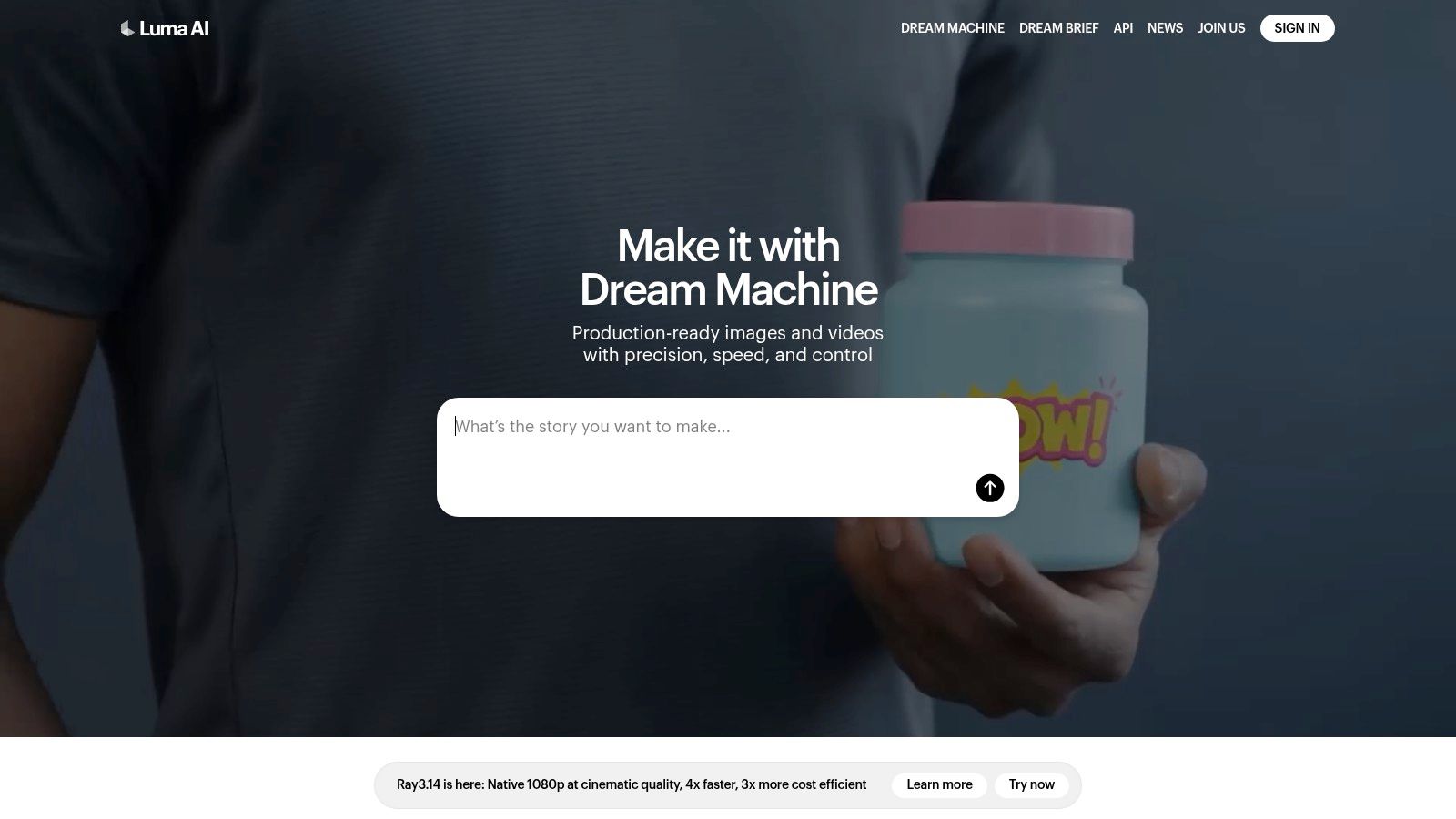
What sets Dream Machine apart is its impressive motion physics and character consistency within its short clips. Unlike some models that can produce jarring or unnatural movements, Luma’s output often feels more fluid and believable. This makes it a strong choice for e-commerce brands wanting to animate a static product photo or for faceless creators looking to produce unique, eye-catching transitions and background visuals without complex editing software.
Key Features & Use Cases
- Best for: Generating fluid, short video clips for social media, concept visuals, and animated product shots.
- Key Feature: Advanced motion coherence and character consistency in text-to-video outputs.
- Use Case: An e-commerce store manager can upload a high-quality product image and prompt "the product slowly rotates on a clean white background" to create a simple, elegant video for an ad.
- Pricing: Offers a free plan with 30 generations per month (with watermark). Paid plans start at $29.99/month for 120 generations and commercial use rights.
The platform uses a generation-based system rather than credits, which can be simpler to understand, but the 10-second duration cap means it's best suited for producing short-form content or individual scenes for a larger project. The quality-to-price ratio on its paid tiers is very competitive for creators focused on short-form video.
Website: https://lumalabs.ai
9. Pika (Pikaslabs / pika.art)
Pika is a rapidly evolving AI video generator that has carved out a niche with its high-speed models and creative flexibility. It stands out as one of the most accessible AI tools for content creation, especially for those making short-form content, stylized animations, or meme-style edits. With its range of models, including the fast Turbo and the higher-quality Pro, Pika empowers creators to quickly iterate on ideas and produce eye-catching visuals without a steep learning curve.
Unlike some competitors that focus solely on photorealism, Pika embraces a wider spectrum of styles. Its specialized modes for modifying specific regions, swapping faces, or extending video length make it a powerful tool for e-commerce brands wanting to animate a static product image or for TikTok creators who need a quick, viral-worthy clip. The platform’s simple interface hides a complex credit system, which requires some attention to manage costs effectively.
Key Features & Use Cases
- Best for: Generating stylized video clips, animating images, and creating content for social media shorts.
- Key Feature: Multiple generation models (Turbo, Pro) and specialized editing tools like Lip Sync and Modify Region.
- Use Case: An e-commerce manager can upload a product photo and use the "Animate" function to create a simple, looping video ad, adding subtle motion to an otherwise static image.
- Pricing: A free plan is available with watermarked exports. Paid plans start at $8/month (billed annually) for more credits and watermark-free downloads.
Pika’s credit system is dynamic, with costs varying based on the model used, video length, and resolution. While this offers flexibility, it means that generating longer or higher-resolution clips can consume credits very quickly. The upside is that purchased credits can roll over, giving users more control over their spending from month to month.
Website: https://pika.art
10. Synthesia
Synthesia is a leading AI video generation platform designed for creating professional, avatar-led videos without needing cameras or microphones. It stands out as one of the most polished AI tools for content creation for corporate training, product explainers, and instructional content. The platform allows users to transform text scripts into engaging videos featuring realistic AI avatars, complete with voiceovers in over 120 languages.
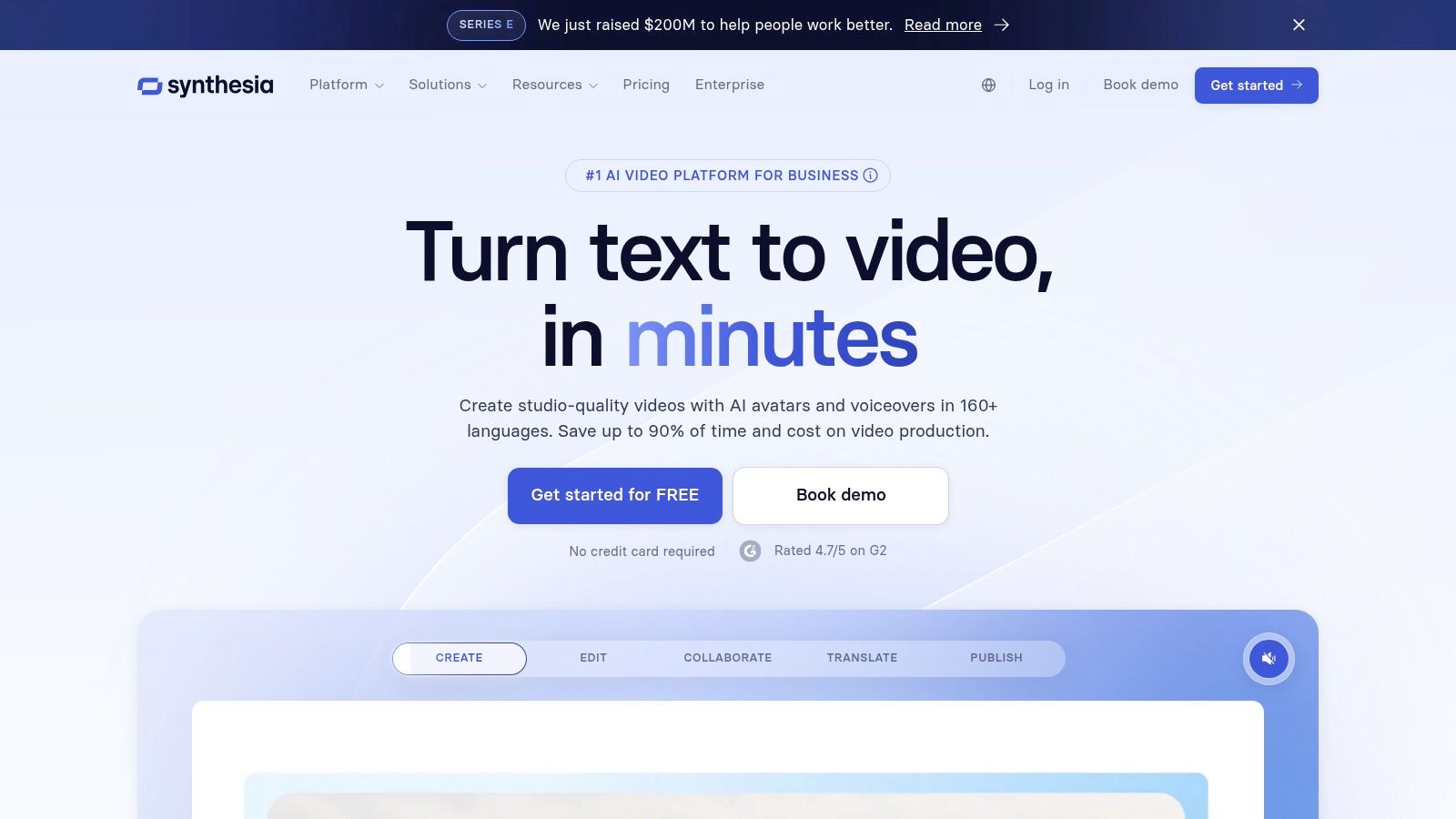
The primary advantage of Synthesia is its efficiency and scalability. An e-commerce brand can produce a series of "how-to" videos for its products in multiple languages in a fraction of the time and cost it would take for a traditional video shoot. For faceless creators or internal communication teams, it provides a consistent, high-quality presenter without ever stepping in front of a camera, making it ideal for scalable video production.
Key Features & Use Cases
- Best for: Creating professional training videos, product demos, and corporate communications at scale.
- Key Feature: A library of over 125 diverse stock AI avatars and the ability to create a custom digital twin of a real person.
- Use Case: A human resources department can create a standardized onboarding video series, easily update it with new company policies, and translate it for global teams with a few clicks.
- Pricing: Does not offer a free plan. The "Creator" plan starts at $22/month (billed annually) for 10 minutes of video per month. Business plans offer more features and collaboration tools.
While incredibly powerful for presenter-style videos, the platform's avatars can sometimes appear "studio-like," so selecting the right background and avatar style is key to achieving a natural look. The minute-based credit system means users should plan their scripts carefully to maximize their allowance.
Website: https://www.synthesia.io
11. ElevenLabs
ElevenLabs is a leading voice AI platform that generates natural-sounding, high-quality audio from text. It stands out as one of the most essential AI tools for content creation for anyone needing voiceovers, narration, or multilingual dubbing. The platform’s advanced text-to-speech (TTS) and voice cloning models produce audio that is remarkably human-like, making it ideal for YouTube videos, e-commerce ad creatives, and podcast intros without hiring voice actors.
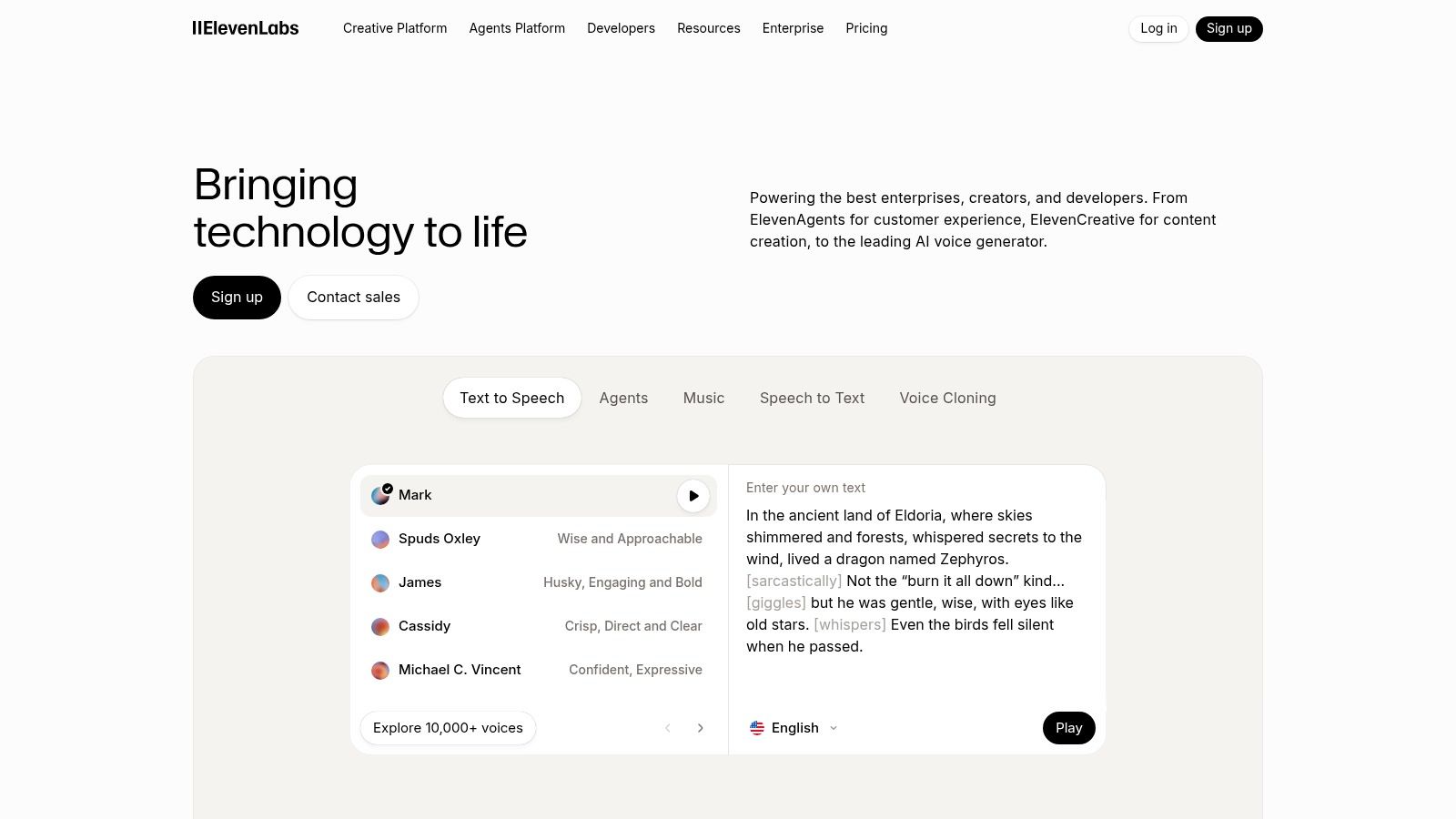
Unlike many robotic-sounding TTS tools, ElevenLabs excels at capturing emotion and intonation. This allows faceless creators to produce engaging narration that connects with their audience. For e-commerce brands, it offers a quick way to create localized voiceovers for video ads, expanding their reach to international markets with minimal effort. The platform’s ability to clone your own voice also provides a unique opportunity for consistent branding across all audio content.
Key Features & Use Cases
- Best for: Generating realistic voiceovers, cloning voices, and dubbing video content.
- Key Feature: High-fidelity text-to-speech and voice cloning with extensive language support.
- Use Case: An e-commerce brand can upload a script for a new product video and generate voiceovers in five different languages in minutes, ready for its global social media campaigns.
- Pricing: A free plan is available for personal use. Paid plans start at $5/month ($1 for the first month) and offer commercial licensing and more features.
The platform uses a character-based credit system, which is straightforward but requires users to monitor their usage, especially on larger projects. While the voice generation is top-tier, the separate, usage-based pricing for its conversational AI agents can add up if you explore that side of the tool.
Website: https://elevenlabs.io
12. G2 – AI Video Generators Category
Instead of being a single tool, G2's AI Video Generators category is a powerful research hub. It acts as a comprehensive marketplace where you can compare dozens of AI tools for content creation based on real user reviews, feature sets, and satisfaction scores. It’s an essential starting point for anyone feeling overwhelmed by the sheer number of options available.
The platform aggregates user feedback, providing unfiltered pros and cons that you won’t find on a vendor's marketing page. For e-commerce brands or content agencies, this is an invaluable resource for shortlisting platforms like Runway, Synthesia, or VEED, and discovering niche tools that might be a better fit for a specific workflow, like creating faceless TikTok videos or AI-driven ad creatives.
Key Features & Use Cases
- Best for: Researching and comparing AI video tools before committing to a subscription.
- Key Feature: Aggregated user reviews and satisfaction scores with detailed pros and cons.
- Use Case: A social media manager can use G2’s filters to find the highest-rated AI video generator that integrates with their existing marketing stack, read recent reviews to check for reliability, and then click through to the vendor site for a trial.
- Pricing: Free to browse and use. Pricing details for individual tools are listed but often require visiting the vendor's website for specifics.
While G2 is an excellent discovery tool, remember that rankings can sometimes be influenced by vendor partnerships. Always cross-reference the information with the official tool websites to get the most accurate and up-to-date pricing and feature details.
Website: https://www.g2.com/categories/ai-video-generators
Top 12 AI Content Creation Tools — Feature & Use Case Comparison
| Platform | Core features ✨ | UX / Quality ★ | Pricing & Value 💰 | Target audience 👥 |
|---|---|---|---|---|
| Aicut 🏆 | Photorealistic models (Sora2, Veo3.1, Kling), viral templates, photo→animation, AI UGC avatars, scheduling & auto-post ✨ | ★★★★★ — fast, templates + automation | 💰 Token-based • Creator $19.99/mo (50 tokens) • Automate $39.99/mo • extra ≈ $0.50/token | 👥 Faceless creators, e‑commerce brands, agencies |
| Runway | Text→video (Gen‑4/4.5), image→video, editor, automation apps ✨ | ★★★★☆ — robust multi-step workspace | 💰 Credit-based (seconds metering) — flexible for creators & teams | 👥 Creators, studios, agencies |
| Adobe Firefly | Generative Fill/Expand, Firefly Video, deep CC integration ✨ | ★★★★☆ — pro workflows, commercial-safe | 💰 Credit tiers (standard/premium) • enterprise options | 👥 Designers, enterprises, agencies |
| OpenAI — ChatGPT | Chat-driven scripting, DALL·E 3 images, multimodal ideation ✨ | ★★★★☆ — fast ideation & drafting | 💰 Tiered plans (Free/Plus/Business) — usage limits apply | 👥 Scriptwriters, social teams, ideators |
| Canva — Magic Studio | Magic Write, Magic Media (text→image/video), templates, brand kits ✨ | ★★★★☆ — easy for non-designers | 💰 Freemium → Pro/Business (credits & advanced AI behind paid tiers) | 👥 Marketers, small teams, non-designers |
| Descript | Text-based editing, Overdub, auto-subtitles, dubbing ✨ | ★★★★☆ — editor-first, efficient for shorts | 💰 Tiered plans w/ media-hour & credit quotas | 👥 Podcasters, editors, faceless channels |
| Kapwing | Browser editor: subtitling, dubbing, clipping, 4K export ✨ | ★★★★☆ — quick repurposing, collaborative | 💰 Freemium + paid tiers (monthly AI credits) | 👥 Social repurposers, teams, marketers |
| Luma AI — Dream Machine | Ray models, 4K up-res, HDR, draft/commercial tiers ✨ | ★★★★☆ — great for B‑roll / stylized clips | 💰 Credit-based • model/quality tiers • 10s cap per gen | 👥 Concept artists, VFX creators, short‑clip makers |
| Pika (Pikaslabs) | Multiple Pika models, Pikascenes/Pikaswaps, API & commercial use ✨ | ★★★★ — fast standard/pro models | 💰 Tiered credits, low entry, rollover options | 👥 Shorts creators, meme/edit artists |
| Synthesia | 125+ stock avatars, custom avatars, multilingual TTS, templates ✨ | ★★★★ — reliable presenter videos | 💰 Minutes-based plans • enterprise pricing | 👥 L&D, marketing, explainers, enterprises |
| ElevenLabs | High‑naturalness TTS, voice cloning, dubbing & studio projects ✨ | ★★★★★ — best-in-class voice quality | 💰 Credit-based • Free→Pro/Scale with commercial rights | 👥 VO artists, localizers, narrators |
| G2 — AI Video Category | User reviews, feature matrices, vendor comparison ✨ | ★★★★ — crowd-sourced satisfaction & pros/cons | 💰 Free to browse • vendor pricing links | 👥 Buyers, researchers, procurement teams |
Choosing the Right AI Tools for Your Content Workflow
We've explored a powerful spectrum of ai tools for content creation, from all-in-one video platforms like Aicut to specialized text generators like ChatGPT and cutting-edge video models from Runway and Luma AI. The sheer variety can feel overwhelming, but the central takeaway is simple: the "best" tool doesn't exist. Instead, the right tool is the one that solves your most significant problem right now.
The journey into AI-powered content creation is not about replacing your creativity; it's about amplifying it. It's about automating the repetitive, time-consuming tasks so you can focus on the high-impact strategic work that truly grows your channel, brand, or agency. The tools listed here are more than just software; they represent a fundamental shift in how content is ideated, produced, and distributed at scale.
Your Next Steps: Building a Personalized AI Content Stack
Instead of trying to adopt every tool at once, approach this strategically. Pinpoint the biggest bottleneck in your current workflow. Is it coming up with fresh ideas? Scriptwriting? The tedious process of video editing? Finding the right voiceover?
Once you've identified your primary challenge, you can build your personalized AI stack. Here’s a simple framework to guide your selection:
- For Faceless Creators & Monetization: If your goal is high-volume, consistent output for platforms like YouTube Shorts, TikTok, and Instagram Reels, you need an end-to-end solution. A platform like Aicut is built for this exact purpose, combining idea generation, scripting, voiceover, and video creation into a single, automated workflow designed to produce monetizable content quickly.
- For E-commerce & Social Ads: Brands needing a constant stream of UGC-style ads and product videos should prioritize tools that excel at realism and template-based creation. Pairing a tool like Synthesia for polished avatar-led videos with the rapid, style-focused output of Pika can create a diverse ad portfolio without expensive shoots.
- For Creative Professionals & Agencies: If you're already integrated into established ecosystems and require maximum creative control, a specialized toolset is key. Combining Adobe Firefly within your existing Creative Cloud subscription, using Descript for its unparalleled podcast and video editing capabilities, and tapping into ElevenLabs for hyper-realistic voiceovers provides a powerful, professional-grade stack.
Key Factors to Consider Before Committing
Before you integrate any new ai tools for content creation into your daily operations, consider a few critical factors. First, evaluate the learning curve. Can you get up and running in minutes, or will it require hours of tutorials? Your time is your most valuable asset.
Second, consider the integration capabilities. The most powerful workflows often involve connecting two or more tools. Does the tool offer an API or work well with automation platforms like Zapier? A well-connected stack is far more efficient than a collection of isolated tools.
Finally, while this guide focuses on AI, it's crucial to remember these tools are part of a larger ecosystem. A solid understanding of traditional content creation principles and software remains invaluable. For a broader perspective on what powers modern creators, exploring a comprehensive list of the best tools for content creators can help you fill in any gaps in your toolkit, from project management to analytics.
The world of generative AI is moving at an incredible pace. The most successful creators won't be those who master a single tool, but those who remain curious, adaptable, and willing to experiment. Start small, solve your biggest problem first, and build your AI-powered content engine one piece at a time. The future of content is here, and it’s more accessible than ever.
Ready to stop piecing together complicated workflows and start creating monetizable video content on autopilot? Aicut is the all-in-one AI video creator designed for speed, scale, and results. Transform your ideas into viral-style videos in minutes and build your content empire faster than ever before.