Creating an AI video is all about taking an idea in your head and turning it into a shareable video using some pretty incredible software. The whole process boils down to planning your concept, using an AI tool to generate the video clips, stitching them together, and then polishing the final video for whatever platform you're posting on. The best part? You can sidestep the need for pricey cameras, complicated editing software, and all the usual production headaches.
Your Starting Point for Creating AI Videos
Welcome to a whole new way of making videos. Getting into AI video creation might sound like a huge technical hurdle, but it's honestly more straightforward than you might think. Forget about steep learning curves and expensive gear; today's tools let just about anyone turn a simple idea into something visually engaging.
This guide is your roadmap. We'll walk through the entire process, step-by-step, so you have a clear path from a spark of an idea to a finished, published video.
The real magic here is efficiency. AI-powered video tools give you speed and scale that were unthinkable just a few years ago. This means creators and marketers can pump out a ton of content without the quality taking a nosedive. It's not just a passing trend—it’s a fundamental change in how we tell stories online.
The Massive Demand for AI Video
The numbers don't lie. The AI video market hit an estimated USD 11.2 billion in 2024 and is on track to explode to over USD 246 billion by 2034. That’s a staggering compound annual growth rate of 36.2%.
This insane growth is fueled by a huge demand for tools that can automate editing, personalize content, and just make videos look better, faster. Right now, North America is leading the pack, making up about 36.9% of the market share.
The Big Picture: This market boom is a massive signal. For creators like us, it means better and more accessible tools, more creative freedom, and a real chance to compete without needing a Hollywood-sized budget. Getting on board now puts you way ahead of the game.
The Core AI Video Creation Workflow
Before diving into the nitty-gritty, let's look at the big picture. The workflow is surprisingly simple and usually breaks down into four main stages. The specific tools might change, but these fundamental steps are the same whether you're making a quick TikTok ad or a more polished YouTube Short.
The table below breaks down this core process, giving you a high-level look at each stage.
The Core AI Video Creation Workflow
| Stage | What You Do | Example Tools and Actions |
|---|---|---|
| 1. Idea & Planning | Nail down your concept, format (e.g., POV, UGC), and script. | Writing a script in Google Docs, outlining scenes in Notion, brainstorming prompt ideas. |
| 2. Generation | Use an AI video tool to turn your text prompts or script into video clips. | Prompting in Sora, Veo, or Kling to create individual scenes. |
| 3. Editing & Polish | Assemble the clips, add music, voiceover, text, and effects. | Using CapCut or Premiere Pro to edit, adding AI voiceover with ElevenLabs. |
| 4. Share & Optimize | Export the final video and publish it on your chosen platform with the right tags and title. | Upscaling with an AI tool, exporting without a watermark, scheduling on TikTok or Instagram. |
Think of this as your basic recipe. Once you get comfortable with these four stages, you can start experimenting and developing your own unique style.
The diagram below really simplifies this four-step journey, showing how you go from an initial thought to getting your video out into the world.
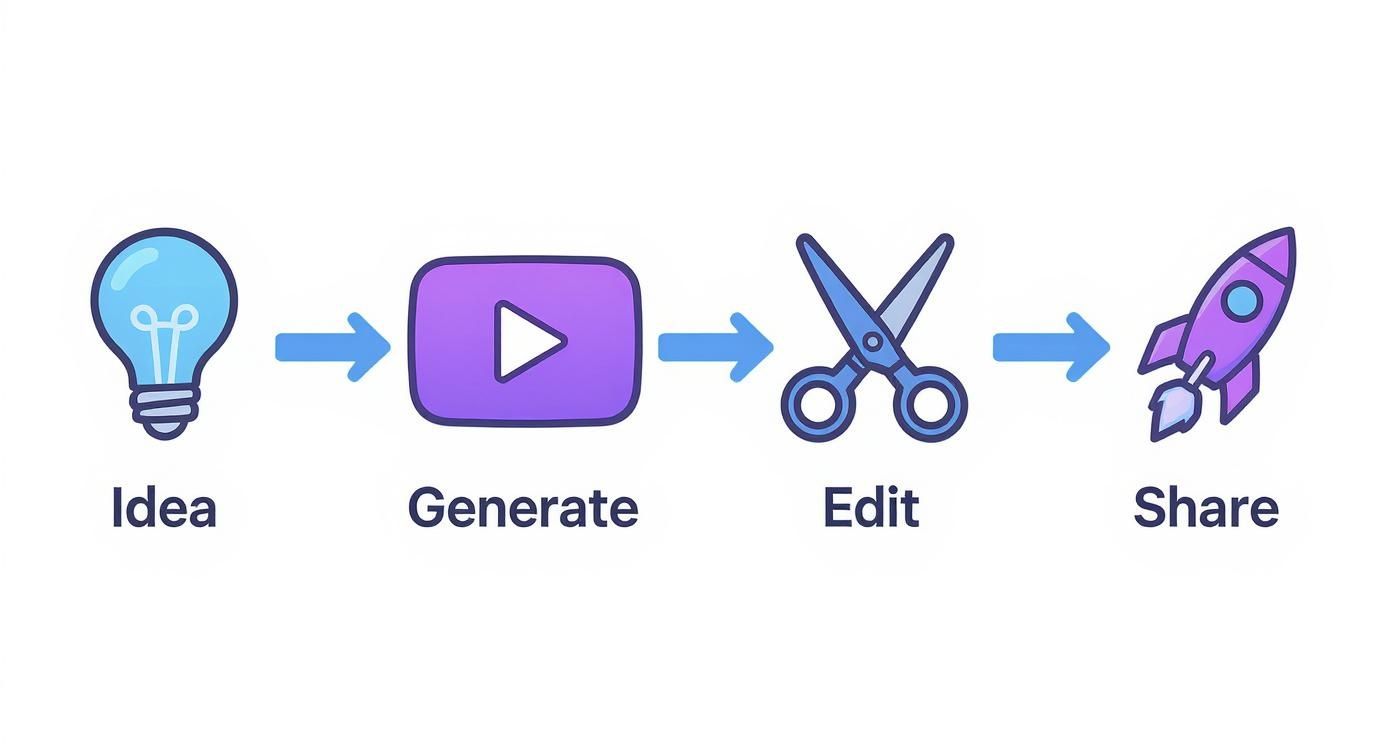
As you can see, it's a cycle. You'll learn something new with every video you make, which feeds back into your next idea. To get started, all you really need is a concept you're excited about and a bit of curiosity. For a deeper dive, you can learn more about how to generate an AI video from text in our more detailed guide.
Planning Your Video for Social Media Success
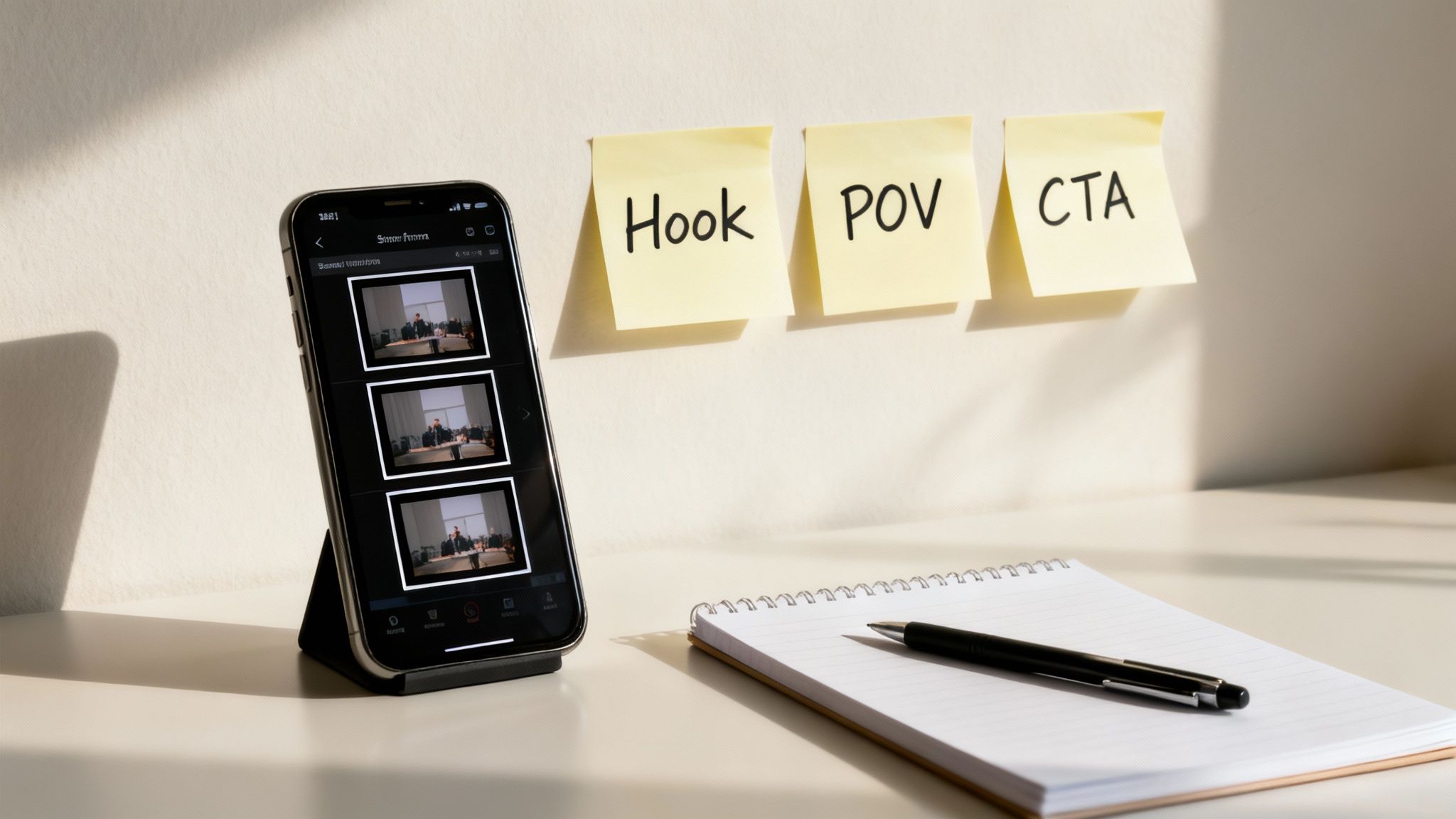
Before you even think about writing a prompt, let's talk strategy. Your success with AI video comes down to having a solid plan. It's not just about the cool tech; it's about knowing what kind of content actually works on super-crowded platforms like TikTok, Instagram Reels, and YouTube Shorts.
Without a clear plan, you’ll end up with clips that look amazing but go nowhere. The real goal is to pick a format that AI can handle easily and that resonates with the fast-scrolling world of short-form video. This initial planning is where you lay the groundwork for a video that doesn't just look good, but actually gets you closer to your goal—whether that's more sales, a bigger following, or just telling a great story.
One of the best things you can do early on is nail down your brand's visual identity. This makes your content instantly recognizable and helps everything feel cohesive. If you haven't already, take some time to create a comprehensive brand style guide to keep your visuals consistent.
Choose a High-Impact Video Format
Not all video formats are built the same, especially when AI is doing the heavy lifting. Some styles are just a natural fit for AI generation, letting you pump out great-looking content fast.
Here are three formats I’ve seen work incredibly well on social media:
UGC-Style Ads (User-Generated Content): This style copies the look and feel of a real customer review. Picture someone unboxing a product or giving their honest take. AI makes this a breeze by creating realistic-looking people in normal, everyday situations. It saves you the headache of finding actors or shipping products, but the key is to make it feel genuine.
Immersive POV Stories (Point-of-View): POV videos drop the viewer right into the middle of the action, which creates a powerful, personal connection. Think "a day in my life" or a tutorial seen through your own eyes. AI tools are surprisingly good at generating clips from a first-person view, letting you build these immersive stories without needing a camera crew.
Narrated Reddit or Social Threads: This format is a viral machine. You find a juicy Reddit thread or a viral post from X (formerly Twitter) and turn it into a video. An AI voice reads the text out loud while interesting AI-generated clips play in the background. It's a simple, effective way to piggyback on trending conversations.
Align Your Format with Your Audience and Goals
Picking a format isn't just a creative whim—it's a strategic move. Your decision should always come back to who you're talking to and what you want to accomplish.
For example, a UGC-style video is perfect for an e-commerce brand that needs to build trust and get sales, since it feels like a real recommendation. If you're a storyteller building a personal brand (or even a faceless channel), an immersive POV format can forge a much stronger bond with your audience.
And for creators who need to produce a lot of content quickly to stay on top of trends, narrated social threads are a fantastic, low-effort option.
Key Takeaway: The best format is one that feels true to your brand, gives your audience what they want, and is something you can actually stick with. Don't be afraid to test a few different styles to see what connects.
Ultimately, this planning stage is about making smart choices upfront. By picking a format that AI can nail and that your audience will love, you're setting yourself up for success before you generate a single frame.
These first steps are absolutely critical for anyone wanting to master how to create AI videos that don't just get views but build a real community. To take your strategy even further, check out our guide on growing your social media audience with AI videos.
Finding the Right Tools and Writing Better Prompts
The quality of any AI video you make really comes down to two things: the tool you choose and the prompts you feed it. Getting these right is the difference between a generic, slightly weird video and a clip that looks genuinely polished.
The world of AI video generators is exploding. We're talking about a market valued at around USD 614.8 million in 2024, which is expected to rocket to USD 2.56 billion by 2032. That insane growth means new tools and features are popping up all the time. It's exciting, but it can also be a little overwhelming to figure out where to even start.
Choosing Your AI Video Generator
You've probably heard the big names—OpenAI’s Sora, Google’s Veo, and impressive newcomers like Kuaishou's Kling. But with so many options, how do you actually decide? Don't just chase the hype; focus on what your project actually needs.
Here’s what I look for when I'm picking a tool:
- Visual Consistency: Can the model keep a character looking the same across multiple shots? This is a deal-breaker if you're trying to tell any kind of story.
- Artistic Style: Is the tool a master of photorealism, or is it better at animation? Some nail that cinematic feel, while others are perfect for that casual, shot-on-a-phone vibe.
- Creative Control: How much can you direct the shot? The best tools let you get granular with camera angles, lighting, and movement.
- Accessibility & Cost: Is it even available to the public yet? And what’s the damage—a subscription, or do you pay per video? This is obviously a huge factor, especially when you're just starting out.
For a deep dive into the pros and cons of different platforms, check out our guide on the best AI video creation tools.
My Pro Tip: Don't marry the first tool you try. Most platforms offer free trials or starter credits. Use them! Run the exact same prompt through a few different models and see which one "gets" your vision the best.
To help you get a quick lay of the land, here’s a look at some of the leading models and what they're known for.
A Look at Leading AI Video Models
| AI Model | Known For | Best For | Accessibility |
|---|---|---|---|
| Sora 2 (OpenAI) | High-fidelity, cinematic visuals and world simulation. | Creating polished, professional-looking narrative scenes. | Currently limited to select artists and researchers. |
| Veo 3.1 (Google) | Understanding natural language nuances and creating consistent characters. | Long-form storytelling and clips that require nuanced actions. | Available to select creators via VideoFX, with plans for wider rollout. |
| Kling (Kuaishou) | Generating up to 2-minute videos in 1080p and simulating real-world physics. | Longer clips where realistic motion and physics are key. | Currently available via a waitlist in China. |
| Pika (Pika Labs) | Strong artistic control and video-to-video editing features. | Animating static images or heavily modifying existing video clips. | Publicly available with free and paid tiers. |
This is just a snapshot, of course. The field is changing so fast that it's worth keeping an eye on all of them as they evolve.
The Art of the Perfect Prompt
Once you've picked your tool, your success is all about the prompts. A lazy prompt will always give you a lazy video. Your job is to be the director, giving the AI a crystal-clear shot list so it has nothing to guess about.
A powerful prompt is basically a mini-script. It tells the AI the who, what, where, and how of your scene, leaving as little to chance as possible. This is where most people go wrong—they're too vague and end up with generic or just plain weird results.
A Repeatable Formula for Killer Prompts
Instead of just winging it, try building your prompts with a clear structure. Think of it like a recipe. You need all the right ingredients in the right order.
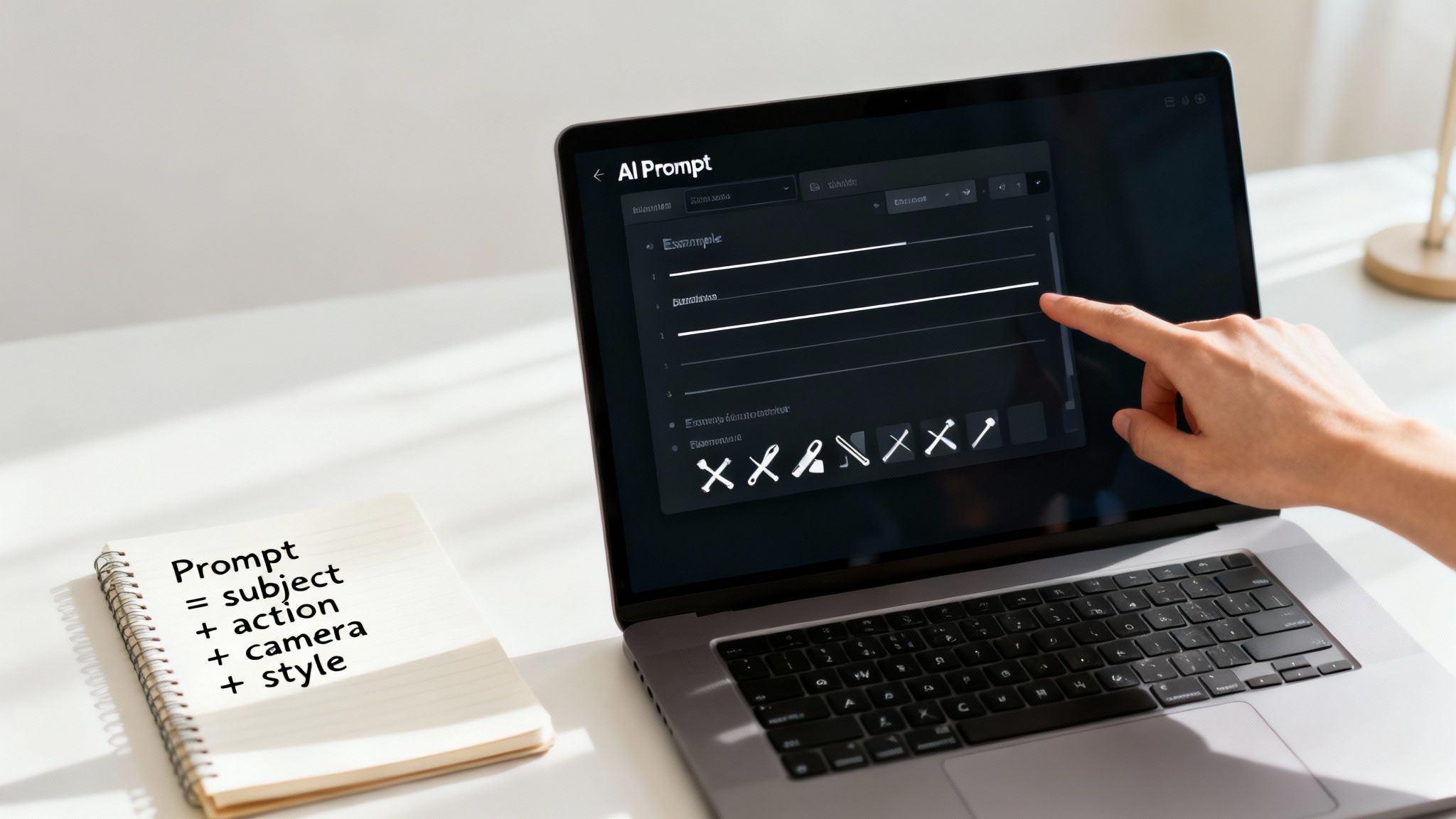
Here’s a simple framework I use that works almost every time:
- Subject & Action: Start with the star of your shot and what they're doing. Get descriptive! Instead of "a baker," try "An elderly craftsman with flour dusting his apron methodically kneads dough on a rustic wooden table."
- Setting & Environment: Paint the picture of the location. Think about the light, the weather, and the overall mood. Add on, "...in a cozy, sun-drenched bakery. Warm morning light streams through a large paned window."
- Camera & Shot Type: Now, direct the camera. Tell the AI the angle, the movement, and even the lens. For example: "Close-up shot, captured in slow-motion, with a very shallow depth of field. The camera slowly pushes in on his hands."
- Artistic Style & Quality: Finally, define the aesthetic. Mention textures, colors, and the quality you're after. Finish with: "Photorealistic and cinematic in style, with vibrant, warm colors. Looks like it was shot on 35mm film, 4K resolution."
When you put it all together, you give the AI a rich, detailed set of instructions. This is the absolute foundation for anyone learning how to create AI videos that don't look like they were made by a robot.
Good vs. Bad Prompts: A Quick Comparison
Let's look at a real-world example. It’s amazing how a few extra words can completely change the outcome.
The Bad (Vague) Prompt:
A man walking in a city.- This is just too generic. The AI has to make a million assumptions: How old is the man? What city? Day or night? The result will almost certainly be bland and forgettable.
The Good (Specific) Prompt:
A young man in a stylish trench coat walks briskly down a neon-lit street in Tokyo at night, his reflection visible in puddles on the wet pavement.- See the difference? We’ve given the AI a clear subject, a specific setting, and an atmosphere to work with.
The Better (Directed) Prompt:
POV shot from a low angle, following a young man in a stylish trench coat as he walks briskly down a neon-lit street in Tokyo at night. The camera is handheld and slightly shaky, capturing the energy of the city.- This is even more powerful. By specifying the camera perspective (POV), angle (low), and movement (handheld, shaky), we're adding a layer of immersion and realism that makes the shot far more dynamic.
Getting good at writing prompts is a skill you develop over time. Start with a solid formula, play around with descriptive language, and see what you get back. Before you know it, you'll have an instinct for what works, and you'll be creating some truly incredible AI-generated videos.
Putting It All Together: From Raw Clips to Polished Video
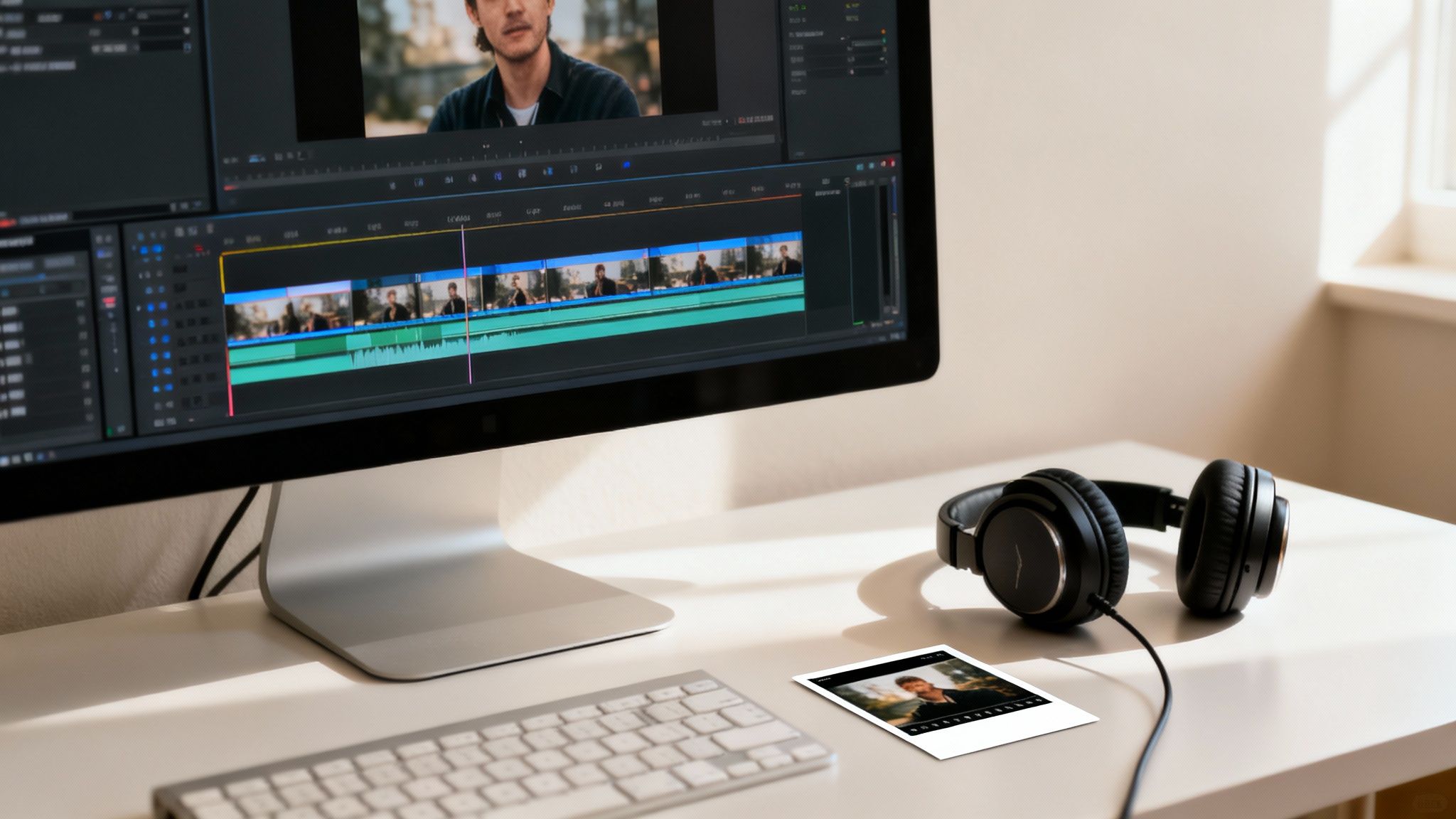
Okay, you've run your prompts and now have a folder brimming with AI-generated clips. This is where your eye as a creator really comes into play. The AI has done the heavy lifting, but it's up to you to weave those raw digital threads into a story that actually connects with people.
Don't fall into the trap of thinking AI does everything. Your touch in post-production is what separates forgettable content from videos that pop. This part of the process isn't about becoming a technical editing wizard; it's about making smart choices to stitch everything together seamlessly.
The sheer speed of AI video generation is staggering. Forget spending days on a single video; creators are now churning out 10 to 50 videos daily. This is a direct response to the insane volume on platforms like TikTok and YouTube, which see around 25 million and 3 million daily uploads, respectively. To compete for a piece of the billion-plus daily views worldwide, your post-production has to be fast and effective. You can get a deeper sense of this trend from the latest AI video generator market research.
Curating and Assembling Your Best Takes
Think of yourself as a film director in the editing bay. Not every take the AI gives you will be a keeper. Some clips will have weird artifacts, a character's face might shift slightly, or the motion just feels… off. Be ruthless here. Your job is to pick only the absolute best clips that align with your vision.
As you sift through them, keep an eye out for:
- Visual Consistency: Does the character, the background, and the overall vibe feel the same from one clip to the next?
- Pacing and Action: Does what’s happening on screen actually push the story forward?
- Emotional Vibe: Does the clip give off the feeling you’re going for?
Once you've got your "hero" clips, it's time to line them up. I genuinely recommend a simple, no-fuss editor like CapCut for this. You don’t need Hollywood-level software. The goal is just to arrange your clips on a timeline to build a narrative that makes sense and keeps people watching.
It’s like building with LEGOs—each clip is a block you snap into place. Pay attention to how they connect. For short-form video, simple, quick cuts are almost always the best choice to maintain a snappy, dynamic pace.
Bumping Up the Visual Quality with AI Upscalers
Let's be real: even the best AI video tools can sometimes spit out clips that look a little soft or low-res. Before you get too deep into editing, run your chosen clips through an AI upscaler. These tools work wonders, using AI to intelligently sharpen your video and boost the resolution, easily turning a 1080p clip into something that looks like crisp 4K.
This single step can dramatically improve how professional your video feels. It’s a quick win that makes your content look polished, especially if someone is watching on a bigger screen.
My Two Cents: Don't go overboard with upscaling. Trying to force a really low-quality clip to 4K can make it look artificial and weirdly over-sharpened. You're aiming for enhancement, not a total transformation. A subtle boost is usually all it takes.
Many platforms, including Aicut, already have upscaling features built right in. This is a huge time-saver, keeping your workflow in one place and is a must-do for anyone serious about how to create AI videos that actually look good.
Bringing Your Story to Life with Sound and Voice
A video without sound is just a glorified GIF. Audio is what injects emotion, context, and a layer of polish. Your sound strategy really boils down to two things: a voiceover and a soundtrack.
For the voiceover, AI text-to-speech tools like ElevenLabs are ridiculously good now. You can generate a voice that sounds completely natural and matches your video’s tone perfectly—whether you need something high-energy for a UGC-style ad or a calm, authoritative voice for a Reddit story. For faceless channels, this is a total game-changer.
Next up, music. The right track sets the mood and drives the video's rhythm. Find a song from a royalty-free music library that fits the vibe. Just remember to tweak the audio levels so the music supports the narration instead of drowning it out. The voiceover should always be the star.
Adding Captions for Maximum Reach
Last but not least: captions. So many people scroll through social media with their phone on silent, which makes on-screen text an absolute must. Subtitles not only make your content accessible but also have a proven impact on engagement.
Modern editors like CapCut have an auto-captioning feature that's surprisingly accurate. Let it do the work, then spend a couple of minutes proofreading and fixing any small errors. You can also customize the font and style to match your brand and make sure the text is super easy to read on a small screen.
This final polish—assembling, upscaling, adding audio, and captioning—is what turns a random collection of AI clips into a finished video that’s ready to grab attention.
Alright, you’ve done the hard work. You’ve wrangled the AI, pieced together your clips, and created a story that’s ready for the world. But here's a dose of reality: making the video is only half the job.
Now comes the part that actually gets you views. You have to get your creation in front of people, and that means playing by the rules of TikTok, Instagram, and YouTube.
https://www.youtube.com/embed/tUqvU4XOadE
Just dumping the same video file everywhere is a classic rookie mistake, and it kills your engagement before you even start. Each platform has its own algorithm, its own audience expectations, and its own quirks. Learning to cater to them is how you go from making cool AI art to actually growing a channel.
Get Your Video's Shape Right for Each Platform
The first and most glaring mistake I see is the wrong aspect ratio. You know what I’m talking about—that horizontal YouTube video squished into a TikTok frame with huge black bars on the top and bottom. It just screams "low-effort repost."
You have to export a specific version of your video for each platform. It’s a little extra work, but it makes your content look native and professional, which is essential for stopping the scroll.
- TikTok & Instagram Reels: Go with 9:16 vertical. This isn't a suggestion; it's a requirement. Your video needs to fill the entire phone screen.
- YouTube Shorts: Same deal. It has to be 9:16 vertical to even be considered for the Shorts feed, which is where all the explosive growth happens.
- Standard YouTube: For your main channel, the classic 16:9 horizontal format is still king. No surprises there.
- Instagram Feed: If you're posting a video directly to the main Instagram feed (not as a Reel), use a 4:5 vertical format. It takes up more screen space than a square post and tends to perform better.
Write Captions and Hashtags That Actually Work
Once your video looks the part, you need to give it a voice. Your caption and hashtags are your direct line to the algorithm and your potential audience.
Your caption needs to be front-loaded with a hook. Most people will only see the first line or two before having to tap "see more," so make it count. Ask a question, make a bold claim, or tease the outcome of the video. Give them a reason to care.
When it comes to hashtags, you need to think like someone searching for your content. What words would they type in?
Pro Tip for Hashtags: Don't just spam 30 generic tags. I've found the sweet spot is a strategic mix. Use 3-5 really broad ones (#AIvideo, #DigitalArt), another 3-5 that are super niche to your topic (#SoraAI, #FacelessChannel), and maybe one or two that are currently trending. This gives you a shot at both broad reach and targeted discovery.
Use Trending Audio and Scheduling to Your Advantage
On TikTok and Instagram, trending audio is like an algorithmic cheat code. It can give your video a massive boost. Even if your video already has narration or its own sound, you can add a popular song and just turn the volume down to 1-5%. It'll be practically silent, but the algorithm sees it and might push your content to a much larger audience.
Finally, consistency is everything. If you post randomly, the algorithm basically forgets you exist. To stay sane and on schedule, use a scheduling tool. You can knock out a week's worth of AI videos in one afternoon and then set them to go live automatically. It's the only way to maintain a steady flow of content without burning out.
Building that consistency is the foundation for any real growth, especially on YouTube. Once you get a good rhythm going, you can start looking into the different strategies for monetizing a YouTube channel and turning your creative outlet into a real asset.
This is the final polish that separates the amateurs from the pros. By respecting each platform for what it is, you give your AI videos the best possible chance to find their audience and fuel your channel's growth.
Got Questions About Making AI Videos?
Jumping into AI video can feel like exploring a new frontier. A lot of questions come up, especially around the practical stuff—like making money, finding the right tools, and navigating the weird legal gray areas. Let's dig into some of the most common ones I hear from other creators.
Can I Actually Make Money with This Stuff?
Yes, absolutely. People are already building entire businesses around AI-generated videos, and the opportunities are more diverse than you might think.
A popular route is launching "faceless" channels on YouTube or TikTok. You can pick a profitable niche—think history deep-dives, finance explainers, or spooky Reddit story narrations—and monetize with ad revenue once you hit the platform's partner requirements.
Another great angle is affiliate marketing. Imagine creating convincing UGC-style product reviews or tutorials with AI avatars and scenes. You drive traffic to your affiliate links and earn commissions without ever showing your face. You can even offer your skills as a service, creating slick video ads for small businesses that can't afford a full-blown production crew.
The AI is just the tool. As long as you're creating content that’s genuinely valuable and engaging for a specific audience, you can definitely make money with it.
What are the Best Free AI Tools to Start With?
You don't need to spend a fortune to get started. Several of the big players offer surprisingly good free plans that are perfect for learning the ropes. They give you a chance to practice writing prompts and get a feel for the workflow before you commit to a subscription.
Here are a few solid options to check out:
- Runway ML: One of the OGs in this space. They give you a batch of free credits to experiment with their text-to-video and video-to-video tools.
- Pika Labs: Pika is known for its artistic and cinematic controls. Their free plan is great for animating images or generating short, eye-catching clips.
- Canva's Magic Media: If you're already in the Canva ecosystem, their built-in AI generator is super easy to use and a fantastic entry point for simpler projects.
Just be aware that free tiers usually have limitations. You’ll probably run into watermarks, lower video resolutions, or a cap on how many videos you can generate each month. Treat them as your training ground—they’re perfect for practice, but you'll want to upgrade once you're ready to go pro.
How Do I Stop My Videos from Looking So... AI?
This is the big one, isn't it? The key to avoiding that generic, robotic feel is to be the creative director, not just an operator. It really comes down to three things.
The Creator's Touch: A great AI video is a collaboration. The AI provides the raw material, but your detailed prompts, creative editing, and unique narrative are what give it a soul and make it stand out from the crowd.
First, get obsessed with writing hyper-specific prompts. Don't just ask for "a woman walking in a forest." Instead, describe the scene like a director: "cinematic shot of a young woman in a red raincoat, looking anxious, walking through a misty pine forest at dawn, soft light filtering through the trees, handheld camera feel." The more detail you feed the AI, the less it has to guess.
Second, get your hands dirty in post-production. The raw clips are just the beginning. Bring them into an editor like CapCut, add your own voiceover (even a customized AI one), apply a consistent color grade, and layer in text, sound effects, or even your own footage. The edit is where your unique style really shines through.
Finally, always focus on a strong story. A video with a clear narrative—a hook, a buildup, and a payoff—will always feel more human and engaging, no matter how it was made.
What's the Deal with Copyright and AI Videos?
Honestly, this is a bit of a gray area because the laws are still playing catch-up. The general consensus right now is that content made entirely by an AI, with no real human input, might not be copyrightable.
But that’s not what you’re doing. The final video you create—the one you edited, arranged, and added sound and story to—is a different beast. Your creative choices and compilation are a form of authorship. That finished product is something you can generally copyright.
The most important thing? Read the terms of service of whatever AI tool you're using. Any legit platform will clearly state its policy on commercial use. For any project you plan to make money from, make sure the tool explicitly grants you a full commercial license for the content you create. This is what protects you and ensures you actually own the rights to your hard work.
Ready to stop wondering and start creating? With Aicut, you get access to viral templates, powerful AI models like Sora 2 and Veo 3.1, and all the tools you need to build and automate your channel. Join over 500k creators and start making videos that get noticed today!