The best AI tools for YouTube automation handle the whole pipeline - idea, script, voiceover, video, and publishing - so a channel can run without manual editing. The most complete of them is aicut, which generates faceless videos from viral story formats and auto-posts them to YouTube, TikTok, and Instagram from one dashboard; see the AI video maker that auto-posts.
This guide breaks down 12 AI tools for YouTube automation, what each does best, and where it fits, so you can assemble a workflow that turns content from a manual grind into a repeatable system - including full faceless YouTube channel automation.
1. Aicut
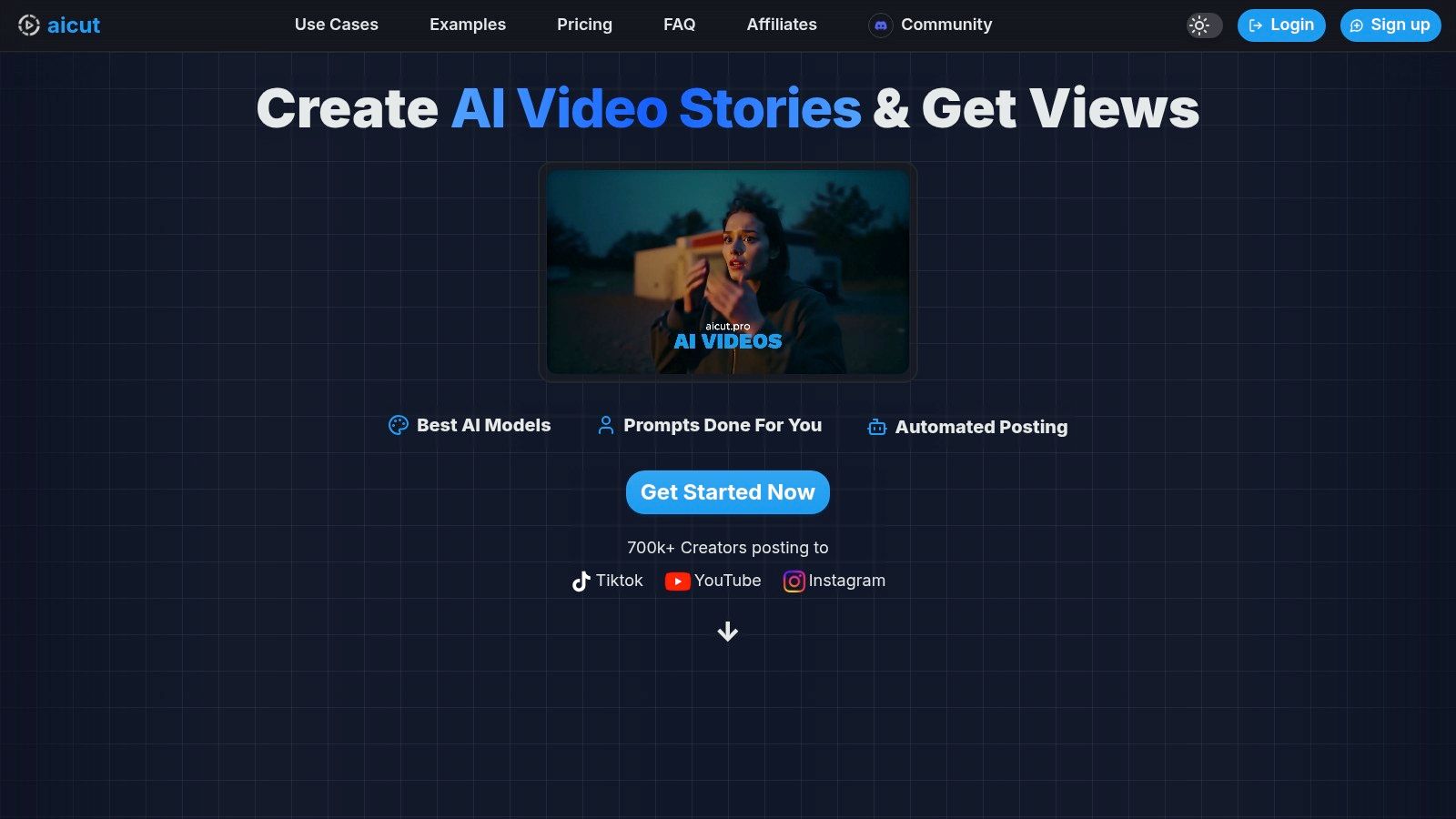
Aicut establishes itself as a powerful, end-to-end solution for creators looking to leverage ai tools for youtube automation, particularly for short-form video. It is a comprehensive platform designed to manage the entire content lifecycle, from ideation and generation to multi-platform scheduling. This makes it an exceptional choice for faceless creators, brands, and agencies aiming for consistent, high-volume output without the traditional costs and time sinks of video production.
The platform's core strength lies in its integration of cutting-edge, photorealistic AI models like Sora 2, Veo 3.1, and Kling. Aicut goes beyond simple video generation by offering specialized formats tailored to what performs well on social media. Creators can produce everything from POV-style clips and text stories to AI-generated user-generated content (UGC), which is invaluable for e-commerce brands needing authentic-looking ad creatives.
Key Features and Use Cases
Aicut’s feature set is built for scalability and efficiency. Its viral niche templates and prompt library provide a strategic starting point, helping users replicate trending formats and overcome creative blocks. The platform also includes practical tools like image and video upscaling to ensure a professional finish on all content.
For true automation, the daily automated generation and posting feature is a game-changer. Users can set up campaigns that ideate, produce, and publish content across YouTube, TikTok, and Instagram on a daily schedule, creating a truly hands-off content pipeline. This is ideal for social media managers and solo creators who need to maintain a constant presence to grow their channels. You can explore a complete guide on how to automate AI video production on aicut.pro for a deeper dive into these workflows.
Pricing and Practical Considerations
Aicut uses a transparent, token-based pricing model.
- Creator Plan: $19.99/month ($12.50/month annually) for 50 tokens.
- Automate Plan: $39.99/month ($25.00/month annually) for 100 tokens, unlocking daily automation.
Tokens are consumed based on the complexity of the AI model and format used (e.g., a Sora 2 short might cost 1.5 tokens). While this system is flexible, creators producing high volumes of content should monitor their usage to manage costs effectively. It's also important to stay informed about YouTube's policies on AI-generated content to ensure long-term channel health and monetization.
Pros:
- Complete Automation Pipeline: From idea to auto-posting, it handles the entire workflow.
- High-Quality AI Models: Access to top-tier models like Sora 2 and Veo 3.1 for photorealistic results.
- Viral-Ready Formats: Specialized templates for Reddit stories, POV clips, and AI UGC.
- Strong Community: A large user base and an active Discord community provide support and tutorials.
Cons:
- Token Costs: High-frequency posting or longer videos can become expensive.
- Platform Policy Risks: Reliance on AI-generated content requires awareness of evolving platform rules.
Website: https://www.aicut.pro
2. vidIQ
vidIQ is less of a single-task tool and more of a comprehensive YouTube growth suite that integrates AI deeply into its core functions. It’s designed to be an always-on strategic partner, using AI to analyze your channel, your competitors, and the broader YouTube ecosystem to provide data-driven recommendations. Its standout feature is the AI Coach, a chat-style assistant trained specifically on YouTube's best practices and your channel's unique data.
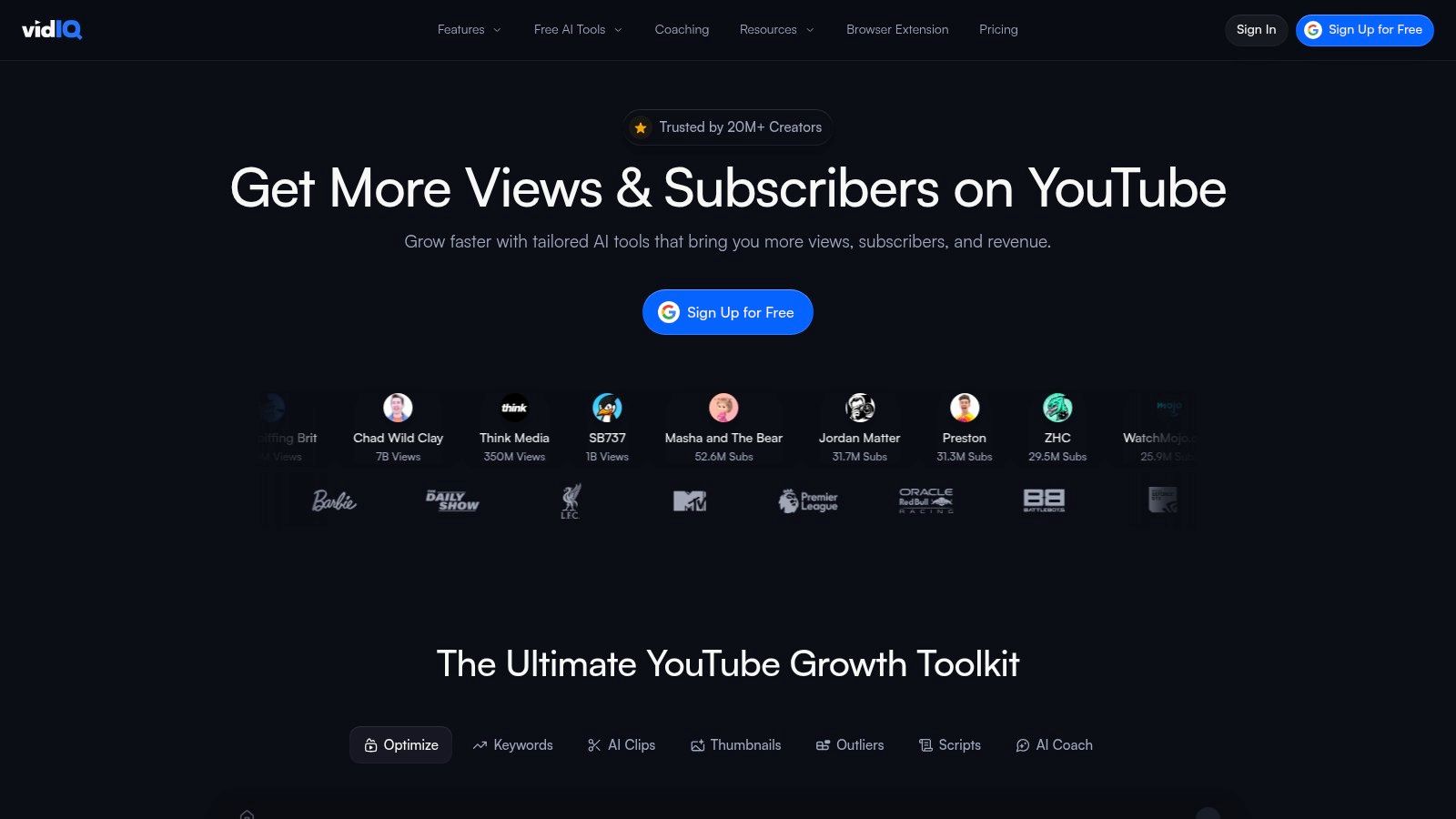
Unlike generic AI writers, vidIQ’s coach provides context-aware advice for titles, descriptions, and even high-level channel strategy. This platform excels at bridging the gap between raw data and actionable steps, making it one of the most powerful AI tools for YouTube automation focused on growth and optimization. The Daily Ideas feature, for instance, doesn't just suggest random topics; it proposes video concepts with high view-prediction scores based on your channel's history and audience.
Key Features & Use Cases
- AI Coach: Ask strategic questions like "Analyze my top competitor's last 5 videos and suggest 3 video ideas for me" to get detailed, actionable insights.
- Daily Ideas & Keyword Research: Automates content ideation by feeding you personalized video suggestions backed by SEO data and trend analysis.
- AI Title & Description Generator: Creates SEO-optimized metadata directly within your workflow, saving significant time during the upload process.
- Thumbnail Generator: Quickly create multiple thumbnail variations to A/B test which designs resonate most with your target audience.
Pricing
vidIQ offers several tiers to accommodate different creator needs:
- Basic: Free (limited features)
- Pro: Starts at $7.50/month
- Boost: Starts at $39/month (unlocks more AI features)
- Max: Starts at $79/month (for multi-channel management)
Pro-Tip: Use the browser extension to get real-time stats and AI-powered insights directly on the YouTube website while you browse, helping you analyze competitor strategies on the fly. You can find out more about how to grow your YouTube channel fast using tools like this.
Website: https://vidiq.com
3. TubeBuddy
TubeBuddy is a veteran YouTube optimization toolkit that integrates directly into your YouTube Studio dashboard, acting as a native extension of the platform itself. While it offers a broad suite of tools, its AI features are focused on streamlining the most critical parts of the upload process: metadata and optimization. Its primary strength lies in its deep integration, allowing you to access powerful SEO and title generation tools without ever leaving your workflow.
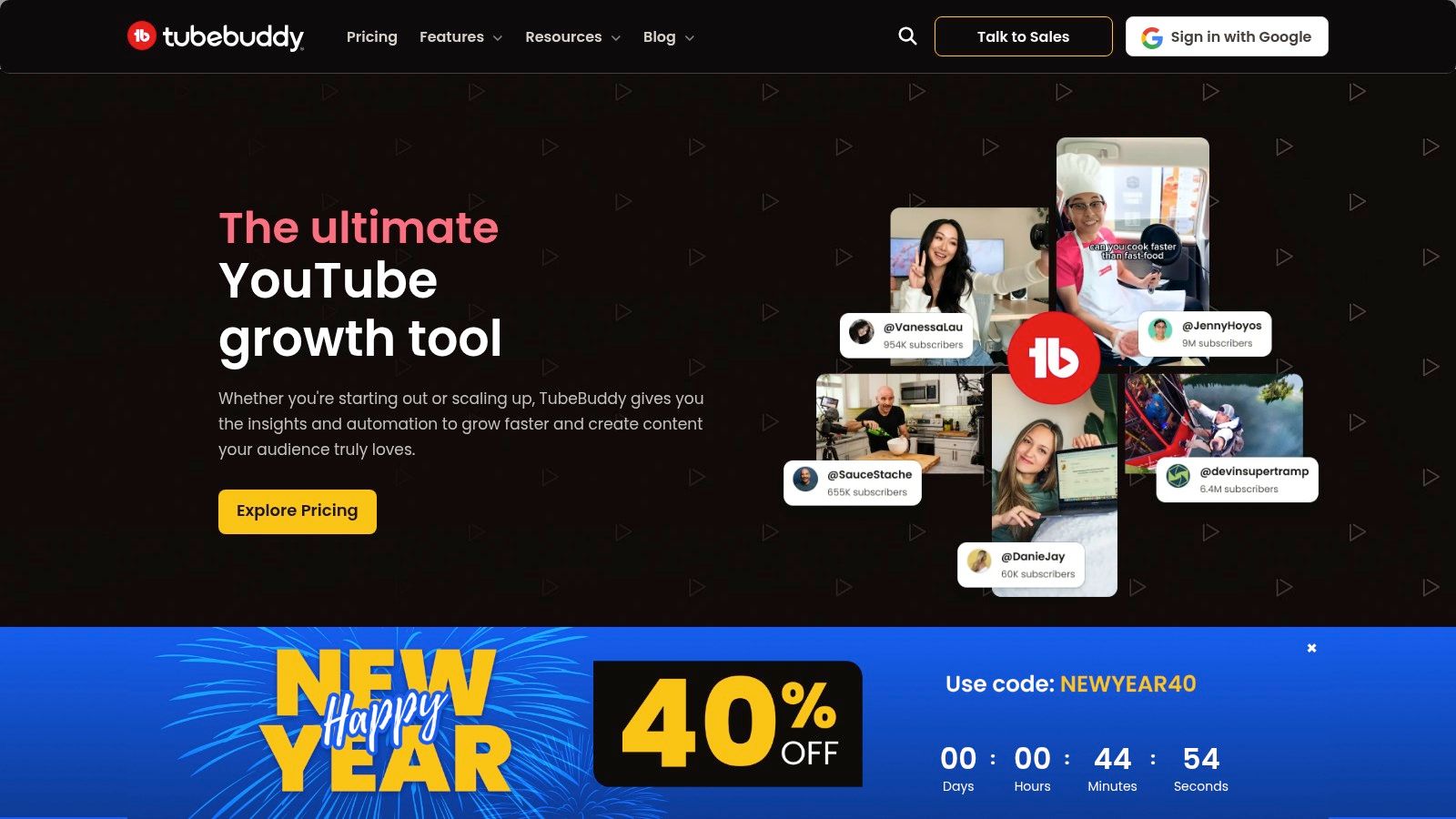
Unlike standalone AI platforms, TubeBuddy brings AI-powered suggestions right to the fields you're working on. The AI Title Generator, for example, lives inside the upload screen, providing contextually relevant title ideas based on your video's content and target keywords. This makes it one of the most efficient AI tools for YouTube automation for creators who want to enhance their existing process rather than adopt an entirely new system. Its bulk processing tools also add a layer of automation for managing descriptions and cards across your entire library.
Key Features & Use Cases
- AI Title Generator: Instantly generate a list of SEO-friendly and click-worthy titles directly within YouTube Studio while you are uploading a video.
- SEO & Keyword Explorer: Automates the research process by providing keyword scores, search volume data, and competitive analysis to help you rank higher.
- A/B Testing (Legend Tier): Automatically test different titles, thumbnails, and descriptions to identify which variations perform best and increase your click-through rate.
- Bulk Processing Tools: Apply changes to video cards, end screens, and descriptions across hundreds of videos at once, saving hours of manual updates.
Pricing
TubeBuddy’s pricing is structured for creators at all levels:
- Pro: Starts at $2.40/month
- Legend: Starts at $10.40/month (unlocks A/B testing and more AI)
- Enterprise: Custom pricing for large teams and agencies
Pro-Tip: While the AI Title Generator is a great starting point, use the Keyword Explorer in tandem. Find a high-potential keyword first, then feed it into the Title Generator to create highly targeted, SEO-optimized titles that align with what users are actively searching for.
Website: https://www.tubebuddy.com
4. Opus Clip (Opus.pro)
Opus Clip is a generative AI video tool designed to solve one of the biggest challenges for long-form creators: content repurposing. It takes your existing YouTube videos and, with a single click, dissects them into numerous short, vertical clips perfect for YouTube Shorts, TikTok, and Reels. Its standout feature is the AI Virality Score, which analyzes each potential clip for its hook, pacing, and message to predict which ones are most likely to go viral.
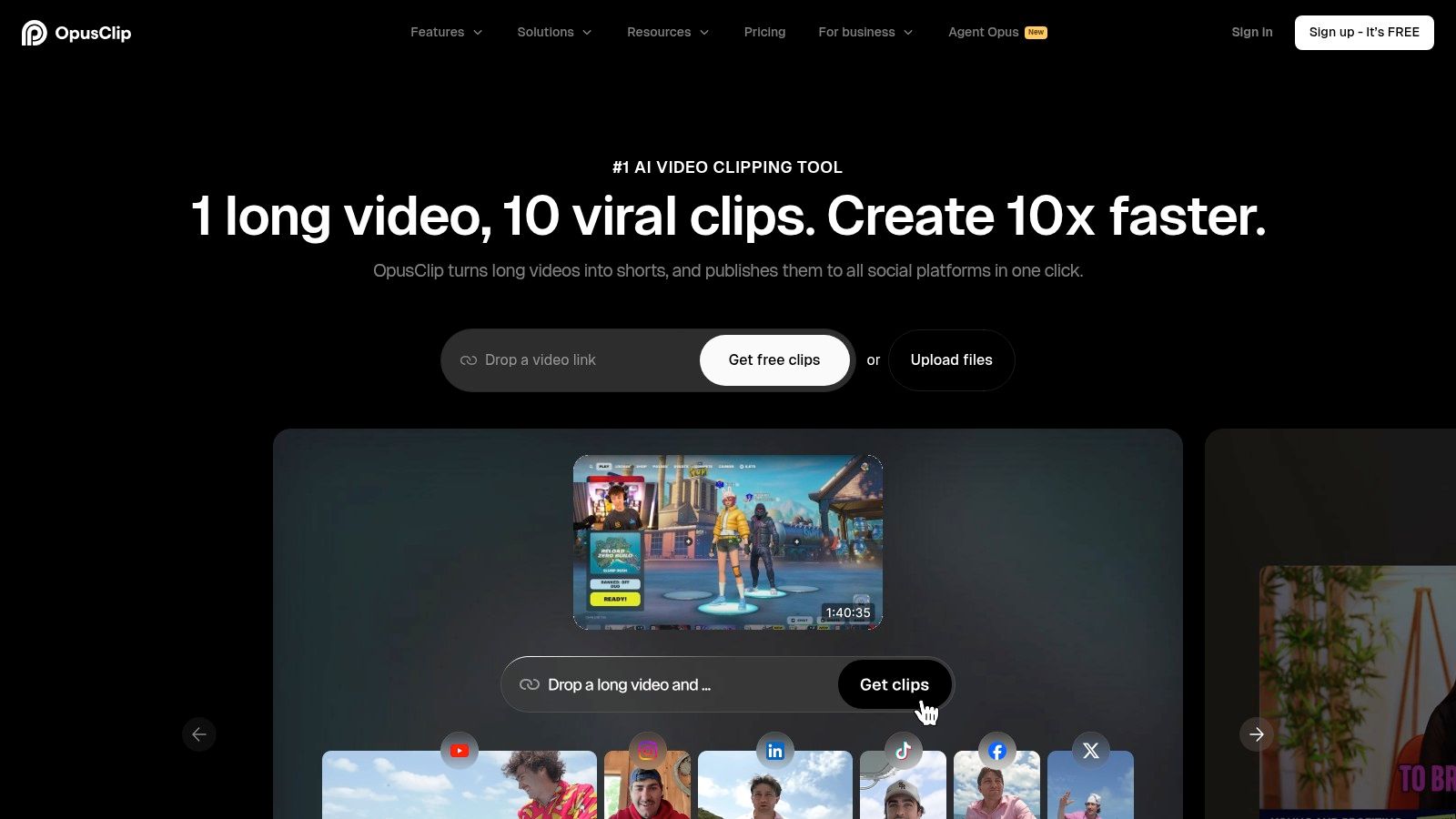
This platform excels at automating the most time-consuming parts of creating Shorts. It automatically reframes the video to keep the speaker in the center, adds dynamic, animated captions to improve retention, and even inserts relevant B-roll to make the content more visually engaging. For creators looking to maximize their reach with minimal effort, Opus Clip is one of the most efficient AI tools for YouTube automation, turning one long video into a week's worth of short-form content.
Key Features & Use Cases
- AI Curation & Virality Score: Automatically identifies the most compelling segments of long videos and ranks them by their potential to perform well as a Short.
- Auto Reframe & Animated Captions: Ensures videos are perfectly formatted for vertical viewing and adds engaging, trendy captions without any manual editing.
- AI B-Roll: Intelligently adds stock footage to clips to enhance storytelling and visual appeal, saving hours of searching and editing.
- Direct Scheduling: Post your generated clips directly to YouTube, TikTok, Instagram, and LinkedIn from within the Opus Clip dashboard.
Pricing
Opus Clip's pricing is based on processing minutes, with a free trial available.
- Free Trial: 90 minutes of free processing
- Essential: Starts at $19/month (200 processing minutes)
- Pro: Starts at $38/month (800 processing minutes)
- Enterprise: Custom pricing for large-scale needs
Pro-Tip: Before uploading a long video, create a simple outline with timestamps of key moments. While Opus Clip's AI is powerful, having a reference can help you quickly find and refine the specific clips you want to prioritize from its suggestions.
Website: https://www.opus.pro
5. Pictory
Pictory excels at transforming text into engaging videos, making it an ideal solution for creators focused on faceless content or repurposing existing material. It operates on a simple "script-to-video" premise, allowing you to paste a script, an article URL, or even a webinar transcript and have the AI automatically select relevant stock footage, add music, and generate a voiceover. This streamlined process dramatically cuts down on production time, particularly for channels that produce content in bulk.
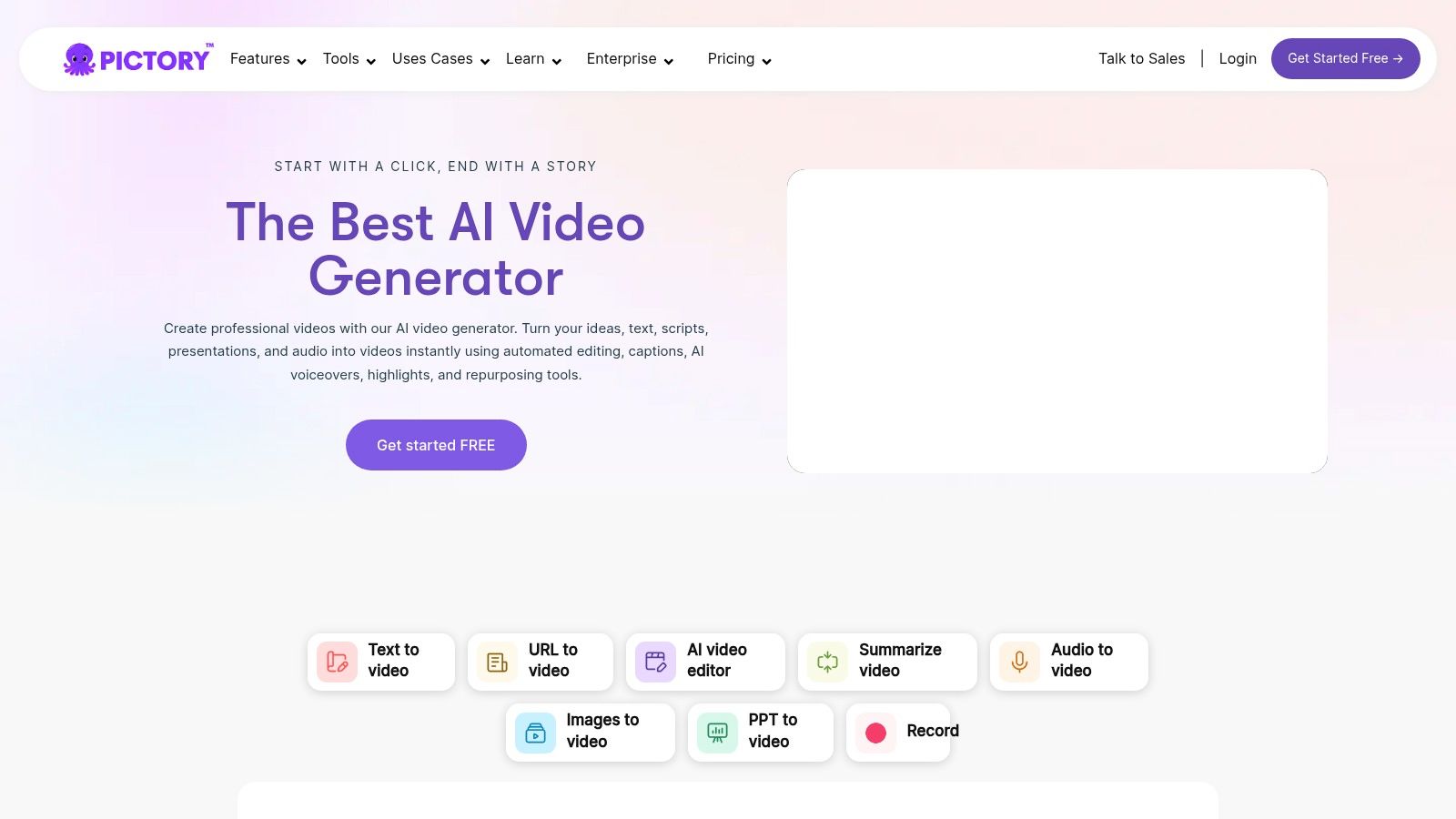
What sets Pictory apart is its text-based editing interface; you edit the video by simply editing the transcript. Deleting a sentence in the text automatically removes the corresponding video and audio clip, a workflow that is incredibly intuitive for non-editors. As one of the most efficient AI tools for YouTube automation, it shines in creating short-form content and faceless informational videos where speed and simplicity are paramount. Its robust captioning and Zapier integration further enhance its automation capabilities.
Key Features & Use Cases
- Script to Video: Automatically converts written scripts into polished videos by matching text with a vast library of stock clips and images.
- Article to Video: Paste a blog post URL to instantly repurpose long-form written content into multiple shareable videos for YouTube or Shorts.
- Edit Videos Using Text: Edit video footage by deleting words from the auto-generated transcript, a fast and simple alternative to timeline editing.
- Auto Captions & Subtitles: Generates highly accurate subtitles that can be burned into the video or exported as SRT/VTT files for accessibility and SEO.
- Zapier Integration: Create hands-off workflows, such as automatically creating a video from a new Google Doc and uploading it to a Google Drive folder for review.
Pricing
Pictory offers a tiered subscription model based on video length and features:
- Free Trial: Create 3 video projects up to 10 minutes long
- Standard: Starts at $19/month per user
- Premium: Starts at $39/month per user (includes branded templates and voiceover syncing)
- Teams: Starts at $99/month per user (for collaboration and sharing)
Pro-Tip: Use the "Summarize Video" feature to quickly generate multiple YouTube Shorts from a single long-form video. The AI will identify the key highlights and create concise, shareable clips automatically, maximizing your content output.
Website: https://pictory.ai
6. Descript
Descript revolutionizes video and audio editing by making it as simple as editing a text document. Instead of wrestling with complex timelines, you edit the auto-generated transcript, and the corresponding media is cut, rearranged, or deleted automatically. This text-based workflow is a game-changer for narrative-driven content, especially for creators who produce podcasts, tutorials, or commentary-style videos, as it dramatically speeds up the rough cut and revision process.
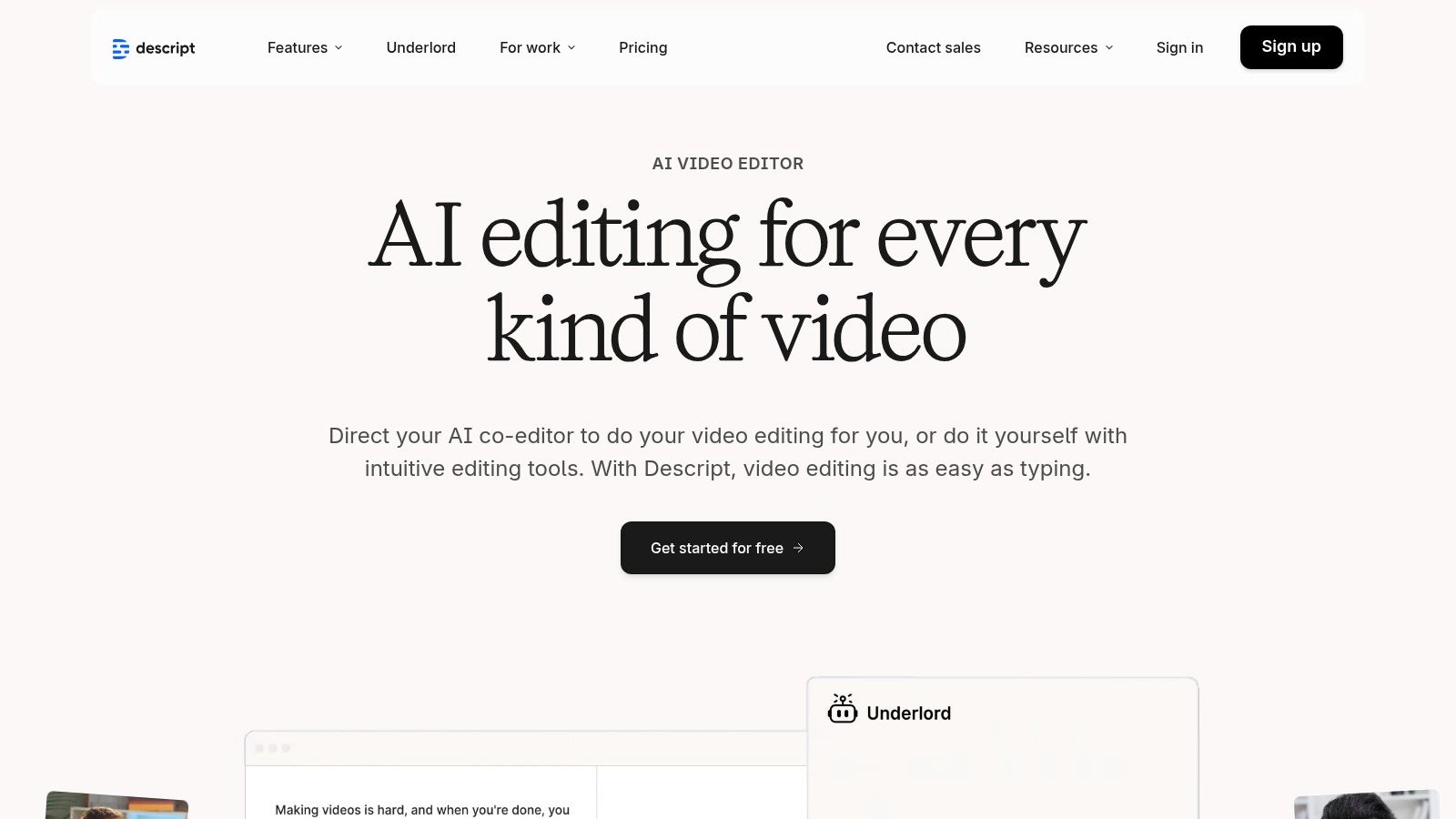
The platform integrates several powerful AI features, including "Studio Sound" which removes background noise and enhances voice quality with a single click. Its "Overdub" feature lets you clone your voice to correct mistakes or add new words without re-recording, a standout capability among AI tools for YouTube automation. By combining scripting, recording, editing, and AI enhancement in one collaborative space, Descript streamlines the entire production-to-publish workflow, even allowing you to publish directly to YouTube.
Key Features & Use Cases
- Text-Based Video Editing: Edit video by simply editing the text transcript. Perfect for quickly removing filler words ("um," "uh") and tightening up interview or narration clips.
- AI Voice Cloning (Overdub): Correct audio mistakes or add new narration by typing, using a realistic clone of your own voice.
- Studio Sound: Instantly remove background noise and echo, giving your audio a professional studio-quality finish with one click.
- Direct YouTube Publishing: Publish your final video directly to a YouTube channel, complete with the title, description, and even auto-generated chapters.
Pricing
Descript offers a flexible pricing model based on usage:
- Free: (Limited transcription and features)
- Creator: Starts at $12/month (per user)
- Pro: Starts at $24/month (per user, more AI features)
- Enterprise: Custom pricing for teams
Pro-Tip: Use the "Find Filler Words" feature to automatically highlight all instances of "um," "uh," and other repeated words in your transcript. You can then delete them all in a single action, cleaning up your audio track in seconds.
Website: https://www.descript.com
7. HeyGen
HeyGen is an AI video generation platform that specializes in creating realistic avatar-led videos without needing a camera or microphone. Its core strength lies in turning simple text into polished presentations, making it ideal for faceless channels, corporate training, or tutorial videos. The platform allows you to choose from a vast library of stock avatars or even create a custom digital twin of yourself, complete with a cloned voice.
What sets HeyGen apart is its advanced lip-syncing technology across over 175 languages, enabling creators to repurpose content for a global audience with just a few clicks. This makes it one of the most efficient AI tools for YouTube automation when it comes to content localization and scaling production. Instead of re-shooting videos for different regions, you can generate multiple language versions from a single script, all perfectly lip-synced to your chosen avatar.
Key Features & Use Cases
- AI Avatars & Voice Cloning: Create faceless content for review or explainer channels using hundreds of stock avatars or a custom-cloned avatar and voice for brand consistency.
- AI Video Translator: Automate the dubbing process by translating your original video into different languages while maintaining your voice and natural lip movements.
- Text-to-Video: Generate entire videos from a text script, which is perfect for quickly turning articles or educational content into engaging video formats.
- API for Automation: For advanced users, HeyGen's API allows for programmatic video creation, integrating directly into automated content workflows with tools like Zapier.
Pricing
HeyGen's pricing is credit-based, with different plans offering a set number of credits per month.
- Free: 1-minute free credit to start
- Creator: Starts at $24/month
- Business: Starts at $72/month
- Enterprise: Custom pricing for large-scale needs
Pro-Tip: Use the "Instant Avatar" feature to create a custom digital version of yourself in just a few minutes. This allows you to produce personalized, on-brand content at scale without having to be on camera for every recording.
Website: https://www.heygen.com
8. Synthesia
Synthesia is an enterprise-grade AI video generation platform that specializes in creating high-quality, professional videos using AI avatars. It moves beyond simple text-to-video tools by offering a polished, scalable solution perfect for corporate training, marketing, and branded YouTube content where consistency and professionalism are paramount. Instead of relying on stock footage or screen recordings, Synthesia lets you generate a presenter-led video from just a script.
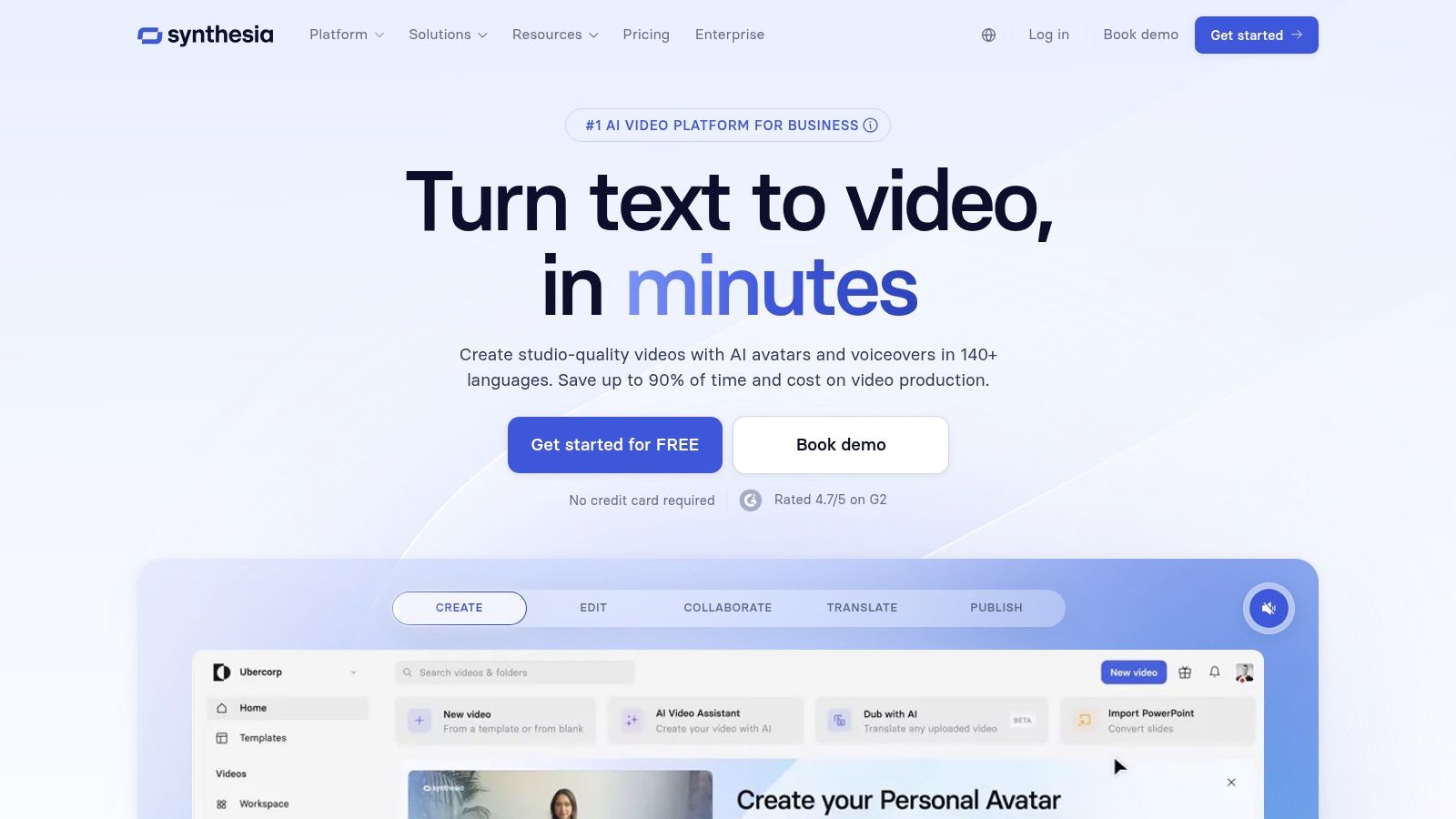
This platform stands out for its extensive library of stock avatars and its ability to create a custom digital twin of a real person. For brands wanting a consistent on-screen personality or creators aiming for a unique faceless channel identity, this is a game-changer. It’s one of the most powerful AI tools for YouTube automation when your goal is to produce studio-quality avatar videos at scale, complete with multi-language dubbing and collaborative workflows.
Key Features & Use Cases
- AI Avatars: Choose from over 150 diverse stock avatars or create a custom one to be the face of your channel.
- Multi-Language Voice Generation: Instantly translate and dub your video script into over 120 languages, perfect for reaching a global audience with a single piece of content.
- Team Collaboration & Brand Assets: Designed for teams, it allows you to upload brand fonts, colors, and logos to maintain brand consistency across all videos.
- API Access: Automate video creation at a massive scale by integrating Synthesia’s generation engine directly into your existing workflows.
Pricing
Synthesia’s pricing is geared more towards business use cases:
- Starter: $22/month (billed annually) for 1 user and 120 minutes of video per year.
- Creator: $67/month (billed annually) for 1 user and 360 minutes of video per year.
- Enterprise: Custom pricing for teams needing advanced features and custom avatars.
Pro-Tip: Synthesia is ideal for creating explainers, tutorials, or news-style updates where a human presenter adds credibility. It is a fantastic option for those who want to learn more about how to start a faceless YouTube channel without ever appearing on camera.
Website: https://www.synthesia.io
9. InVideo
InVideo is a powerful script-to-video platform that automates the creation of polished videos using text prompts and a vast media library. It’s specifically engineered for creators who need to produce content at scale, such as faceless channels, social media marketers, and advertisers. The core workflow involves feeding it a script, and the AI automatically selects relevant stock footage, adds text overlays, and generates a voiceover, assembling a near-complete video in minutes.
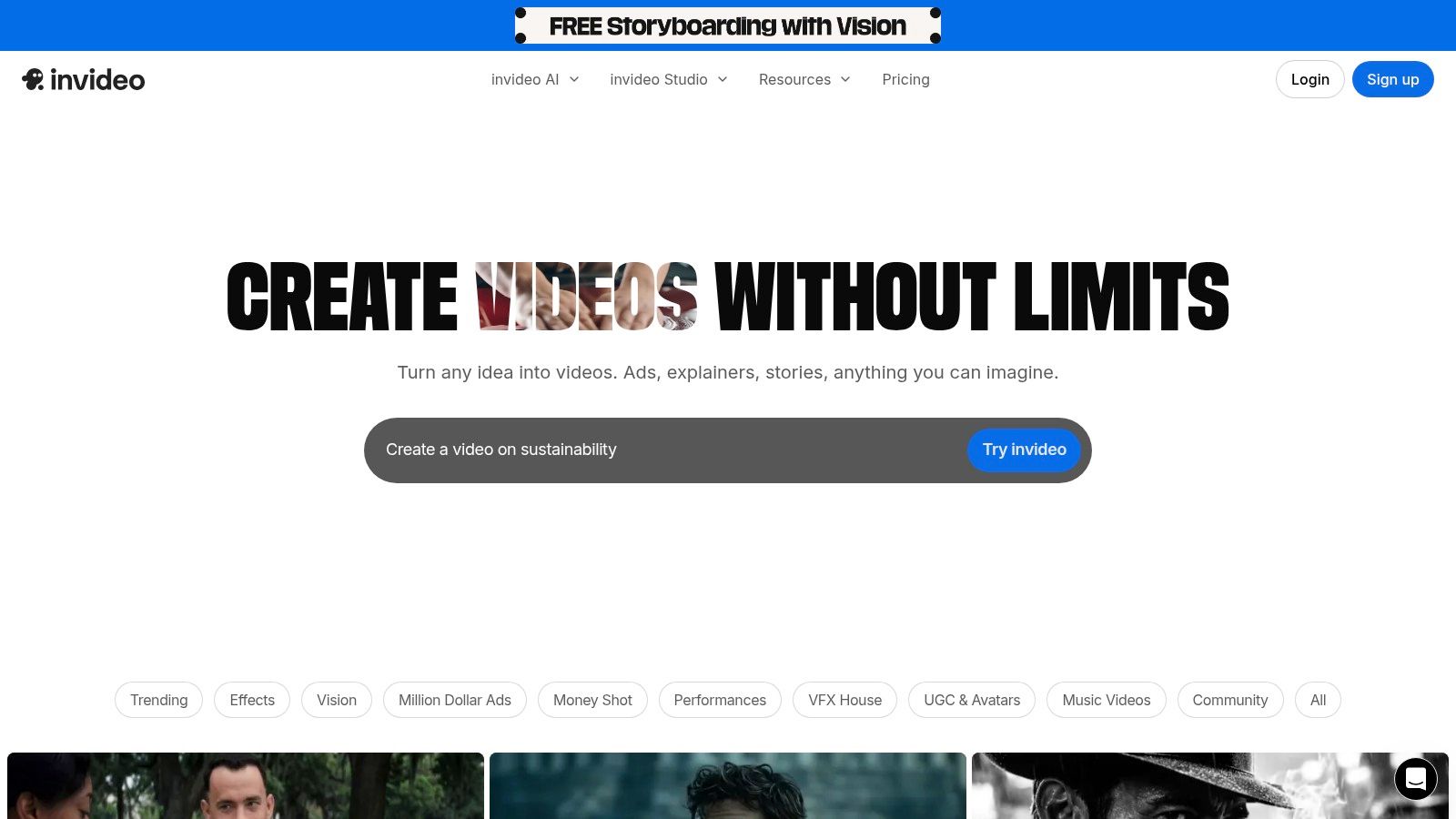
Unlike traditional video editors that require manual clip selection, InVideo’s strength lies in its intelligent scene creation and pacing. It provides a strong foundation that can be quickly customized, offering a balance between full automation and granular manual control. This makes it one of the most efficient AI tools for YouTube automation for creators who prioritize speed and consistency without sacrificing the ability to fine-tune the final product. The platform’s extensive template library for Shorts and long-form videos ensures content is always formatted correctly for YouTube.
Key Features & Use Cases
- Script-to-Video Generation: Turn a text script or article into a fully edited video with stock clips, transitions, and voiceovers automatically applied.
- Massive Stock Media Library: Access millions of royalty-free images, video clips, and music tracks to enrich your content without copyright concerns.
- AI Voiceover & Voice Cloning: Instantly generate realistic text-to-speech voiceovers or clone your own voice for consistent branding across videos.
- Pre-made Templates: Quickly create YouTube Shorts, explainers, and promotional videos using professionally designed and customizable templates.
Pricing
InVideo's pricing is based on credits and features, catering to different levels of production.
- Free: Free plan with watermarked exports and limited features.
- Plus: Starts at $20/month (billed annually).
- Max: Starts at $48/month (billed annually).
- Enterprise: Custom pricing for large teams and agencies.
Pro-Tip: Before committing, verify the latest plan details directly on their pricing page. The inclusions for credits, iStock footage, and export minutes can change, so confirming at checkout ensures you get the features you need for your workflow.
Website: https://invideo.io
10. Wisecut
Wisecut is an AI-powered video editor designed specifically to automate the most tedious parts of the editing process. Its core function is to analyze long-form video footage, automatically remove awkward pauses and silences, and generate jump cuts to create a more dynamic, fast-paced video. This makes it an ideal "set-and-forget" solution for talking-head videos, podcasts, and tutorials where clean, concise delivery is key.
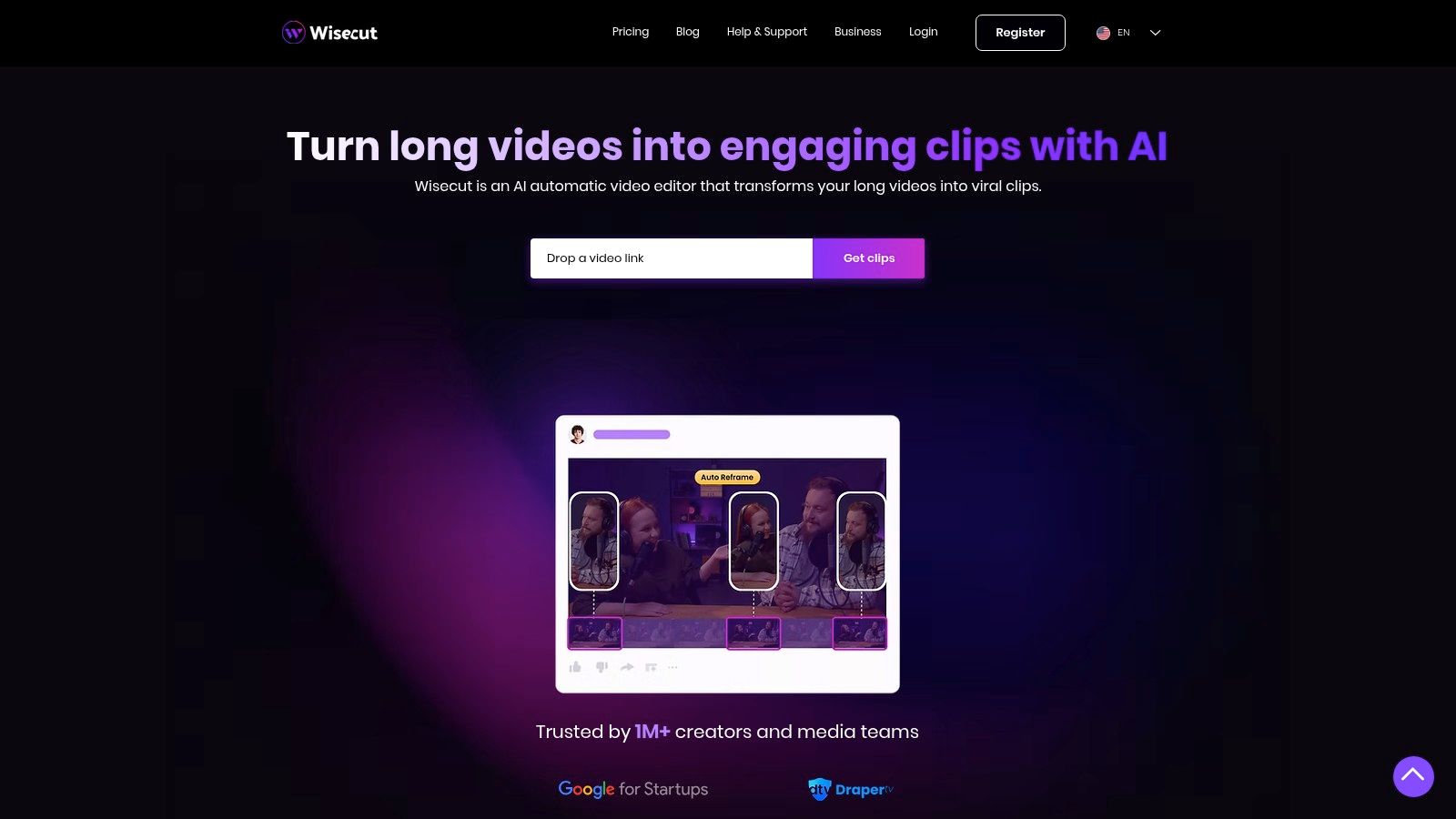
What sets Wisecut apart is its integration of publishing tools directly into the editing workflow. Beyond just cutting silence, it can automatically add background music that fits the mood, generate subtitles, and reframe horizontal videos into vertical formats for Shorts. Its Social Hub feature centralizes this entire process, allowing you to schedule and auto-post your finished clips directly to YouTube and other platforms. This makes it one of the most efficient AI tools for YouTube automation for creators who want to streamline the entire edit-to-publish pipeline.
Key Features & Use Cases
- AI Silence Removal & Jump Cuts: Automatically trims dead air from raw footage, significantly speeding up the initial rough cut.
- Auto Background Music & Subtitles: Intelligently selects and adds royalty-free background music and generates accurate captions to improve accessibility and engagement.
- Social Hub & Auto-Posting: Schedule and publish edited videos and Shorts directly to YouTube, TikTok, and Instagram from one central dashboard.
- AI Storyboard: Creates an editable, text-based storyboard from your video's dialogue, allowing you to edit the video by simply editing the text.
Pricing
Wisecut uses a credit-based system based on the duration of video processed.
- Free: Includes 30 minutes/month (with watermark)
- Starter: Starts at $21/month (for 120 minutes of video)
- Professional: Starts at $57/month (for 360 minutes of video)
Pro-Tip: Before uploading a long video, do a quick pass-through to remove any major mistakes or unusable sections yourself. This will save your processing minutes for the AI to focus on fine-tuning the silences and pacing, maximizing the value you get from your plan.
Website: https://www.wisecut.ai
11. Metricool
Metricool expands the concept of YouTube automation beyond the channel itself, positioning it within a broader multi-platform social media strategy. It's a comprehensive scheduling and analytics tool that uses AI primarily to streamline the cross-platform publishing process. For creators and brands managing a presence on YouTube, Instagram, TikTok, and more, Metricool centralizes content planning and performance tracking in a single dashboard.
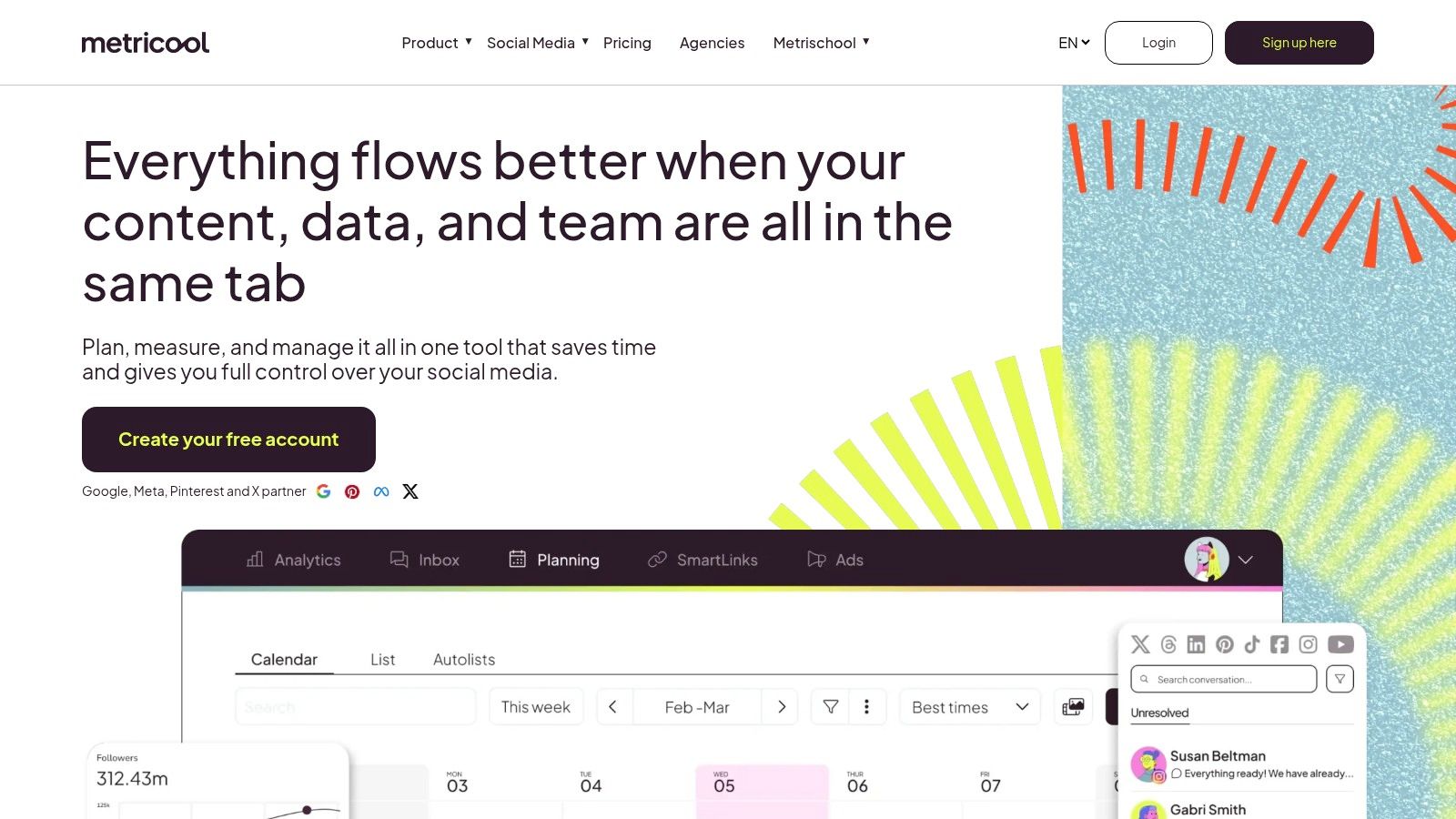
Its standout feature is the AI assistant, designed to generate descriptions and social media copy tailored to each platform's best practices. This saves significant time when promoting a new YouTube video across different networks. While not a video creation tool, Metricool is one of the essential AI tools for YouTube automation for creators who need to manage distribution, analyze competitors across platforms, and generate professional reports, making it ideal for agencies and brand managers.
Key Features & Use Cases
- AI Social Assistant: Automatically generate platform-specific captions and descriptions to promote your YouTube videos on other social channels like Instagram, Facebook, and X (Twitter).
- Unified Content Planner: Schedule YouTube videos, Shorts, and community posts alongside all your other social media content from a single calendar.
- Competitor Analysis: Track competitor YouTube channels to analyze their posting frequency, engagement metrics, and top-performing videos.
- Automated Reporting: Generate professional, client-ready PDF or PPT reports with your YouTube channel analytics and key performance indicators.
Pricing
Metricool offers a flexible pricing structure suitable for individuals and teams:
- Free: 1 brand (limited features)
- Starter: Starts at $18/month
- Advanced: Starts at $45/month
- Custom: Enterprise-level plans for large agencies
Pro-Tip: Use the "Best Times to Post" feature for YouTube. Metricool analyzes your specific audience's activity to suggest the optimal times to schedule your videos for maximum initial reach and engagement.
Website: https://metricool.com
12. Jasper
Jasper is a high-powered AI writing and marketing platform that excels at generating the foundational text-based assets for a YouTube channel. It's built for scale, allowing creators to produce consistent, on-brand scripts, hooks, titles, and descriptions across numerous videos. Its standout features, Brand Voice and Knowledge, let you train the AI on your specific style, tone, and key facts, ensuring every piece of content sounds uniquely yours.
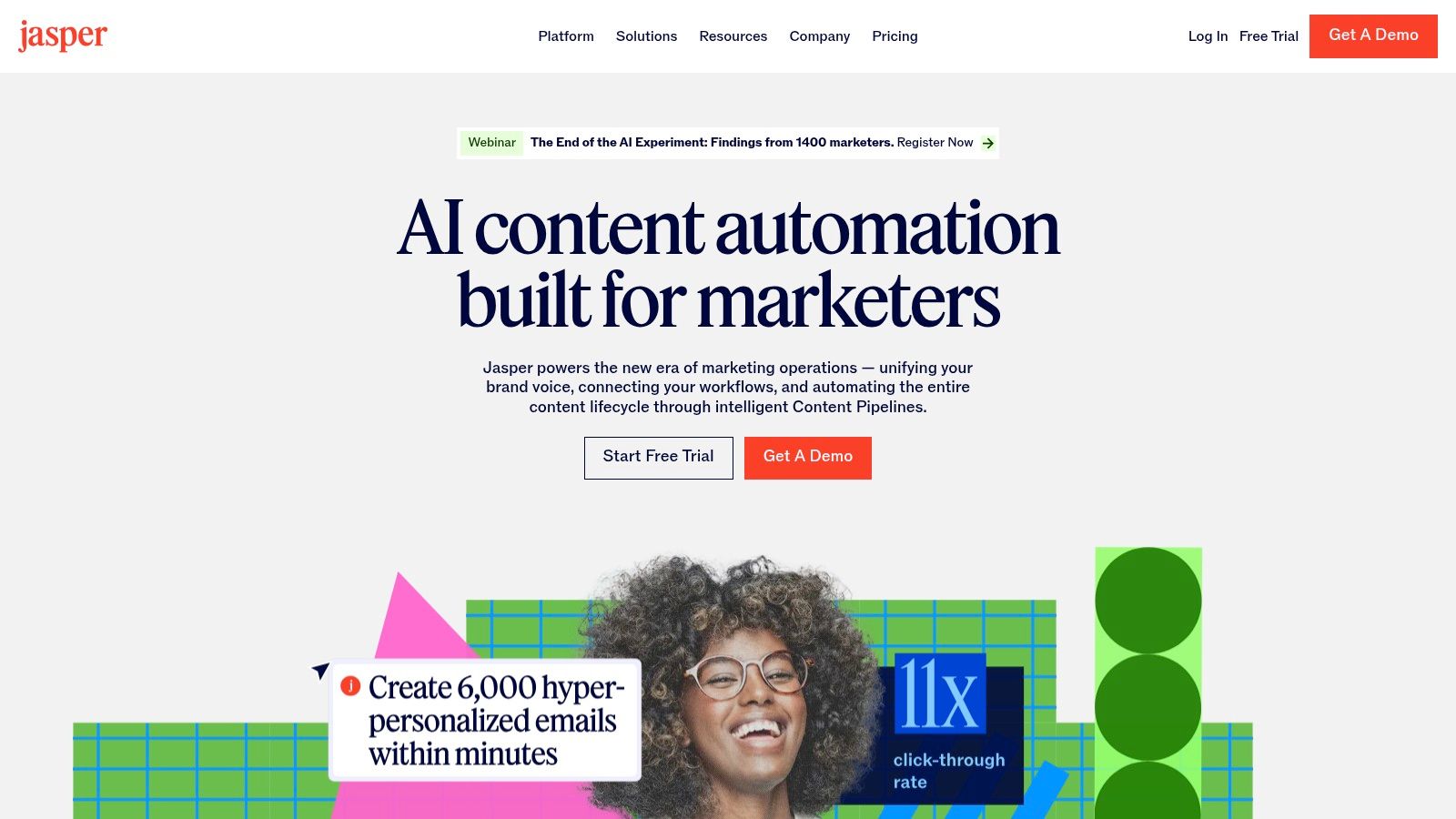
Unlike generic AI writers, Jasper is engineered for campaign-level thinking. You can create repeatable workflows to generate entire content packages for each video, making it one of the most efficient AI tools for YouTube automation focused on content consistency. It's particularly powerful for faceless channels or brands that rely on repeatable series formats, such as listicles, product reviews, or educational content, where maintaining a uniform voice and structure is crucial for audience recognition and trust.
Key Features & Use Cases
- Script & Description Templates: Utilize pre-built templates specifically for YouTube, including video scripts, hooks, titles, and SEO-friendly descriptions to speed up pre-production.
- Brand Voice & Knowledge: Train Jasper on your channel's existing content or brand guidelines to ensure all generated text maintains a consistent tone and accurately reflects your key information.
- Campaigns & Workflows: Create automated sequences that generate all necessary text assets for a new video with a single prompt, from the initial idea to the final description.
- Team Collaboration: Ideal for agencies or brands with multiple team members, allowing for seamless collaboration on content creation and review within a shared workspace.
Pricing
Jasper offers plans based on feature access and usage:
- Creator: Starts at $39/month (billed annually)
- Pro: Starts at $59/month (unlocks more AI features and Brand Voices)
- Business: Custom pricing (for teams and advanced collaboration)
Pro-Tip: Use the Campaigns feature to create a master template for your primary video series. This allows you to simply input a new topic, and Jasper will automatically generate a new script, title, and description that follows your proven, successful format every time.
Website: https://www.jasper.ai
YouTube Automation: 12 AI Tools Comparison
| Product | Core features | UX / Quality (★) | Pricing / Value (💰) | Target (👥) | Unique selling points (✨) |
|---|---|---|---|---|---|
| 🏆 Aicut | Photorealistic models (Sora 2, Veo, Kling), viral templates, motion->animation, upscaling, scheduling & campaign automation | ★★★★☆ | 💰 Token-based — Creator $19.99/mo (50 tokens) · Automate $39.99/mo (100 tokens); extra ≈ $0.50/token | 👥 Faceless creators, social managers, brands & agencies | ✨ Photorealistic clips, motion-photo animation, prompt library, daily auto-posting, Discord tutorials |
| vidIQ | AI Coach, keyword & trend research, thumbnail gen, channel-tied insights | ★★★★☆ | 💰 Freemium → paid tiers; variable pricing | 👥 YouTube creators focused on SEO & growth | ✨ Channel-specific AI coach, competitor insights |
| TubeBuddy | In‑Studio AI titles, SEO/keyword explorer, A/B testing, bulk edits | ★★★★☆ | 💰 Freemium; top features in Legend/Enterprise tiers | 👥 Creators wanting deep YouTube Studio workflows | ✨ Native Studio integration, A/B tests, bulk metadata tools |
| Opus Clip (Opus.pro) | One-click multi-clip generation, Virality Score, animated captions, auto-reframe, scheduler | ★★★★☆ | 💰 Processing-minute tiers; clear usage plans | 👥 Teams & creators focusing on Shorts at scale | ✨ Virality Score, fast multi-clip pipelines, NLE exports |
| Pictory | Text/script→video, auto-subtitles, chaptering, Zapier automation | ★★★★☆ | 💰 Subscription + minute/credit caps; 4K on higher tiers | 👥 Non-editors, repurposers & automation users | ✨ Script-first workflow, strong captioning & Zapier support |
| Descript | Text-based editing, Overdub AI voices, Studio Sound, direct YouTube publish | ★★★★★ | 💰 Free → paid; media minutes & AI credits apply | 👥 Podcasters, editors & collaborative teams | ✨ Edit-by-text, Overdub voice cloning, studio audio repair |
| HeyGen | Stock/custom avatars, voice cloning, lip‑sync in 175+ languages, API | ★★★★☆ | 💰 Credit-based; stock & custom avatar options | 👥 Faceless reviewers, localized/multi-language creators | ✨ Large avatar library, wide language coverage, API automation |
| Synthesia | Enterprise avatars, multi-language dubbing, team & governance tools, API | ★★★★☆ | 💰 Enterprise pricing; credit/minute model | 👥 Brands & agencies needing scale & compliance | ✨ Enterprise governance, scalable avatar workflows |
| InVideo | Script/storyboard→video, stock assets, templates, voice options | ★★★★☆ | 💰 Subscription + credits/stock add-ons | 👥 Creators & ad teams needing rapid assembly | ✨ Extensive template & stock library for fast builds |
| Wisecut | Auto jump-cuts/silence removal, auto-captions, background music, Social Hub scheduling | ★★★★☆ | 💰 Minute tiers with transparent limits | 👥 Creators wanting set-and-forget edit + publish | ✨ Auto-edit pipeline + centralized social posting |
| Metricool | Cross-platform scheduling, analytics, AI copy, competitor reports & PDFs | ★★★★☆ | 💰 Freemium → paid; add-ons for advanced analytics | 👥 Social managers, agencies & brands | ✨ Robust reporting, client-ready exports, Looker Studio integration |
| Jasper | Script & metadata generation, Brand Voice, campaign apps, long-form editor | ★★★★☆ | 💰 Subscription; best value at Pro/Business tiers | 👥 Automation channels, agencies & brands | ✨ Brand Voice + campaign workflows for repeatable scripts |
What aicut actually costs
Automating a YouTube channel should not require an enterprise budget. aicut prices by video token, and the real 2026 numbers are simple: a free pay-as-you-go plan at $0.60 per token lets you generate a real video before committing, the Creator plan is $19.99/month for 50 tokens, and the Automate plan is $39.99/month for 100 tokens and adds automation campaigns that create and post videos for you.
A full AI Video Story runs about 12.5 tokens - roughly 4 finished stories a month on Creator and 8 on Automate - while short 5-10 second clips start around 1.5 tokens (about 33 a month on Creator). The Automate plan is the one built for hands-off channels: AI video maker that auto-posts.
Final Thoughts: Building Your Automated Content Machine
We've explored a powerful lineup of AI tools for YouTube automation, from ideation giants like vidIQ and TubeBuddy to video creation powerhouses like Pictory and HeyGen. The takeaway is clear: the manual, hour-by-hour grind of content creation is becoming a relic of the past. The future of successful YouTube channels, especially for solo creators and lean teams, lies in building an intelligent, automated content engine.
This isn't about finding a single, magical tool that does everything. Instead, the goal is to construct a personalized "automation stack" where each tool solves a specific problem in your workflow. Your ideal stack might combine Jasper for scripts, HeyGen for a consistent AI avatar, Descript for seamless editing, and Metricool to handle the scheduling. This approach transforms your content strategy from a series of disjointed tasks into a streamlined, predictable system.
Your Path to an Automated Channel
Starting this journey can feel overwhelming, but the key is incremental implementation. Don't try to integrate ten new tools at once. Instead, identify the single biggest bottleneck in your current process.
- Is scripting slowing you down? Start with an AI writer like Jasper.
- Do you dread the editing process? Implement a tool like Aicut or Wisecut to handle the heavy lifting.
- Are you struggling to create short-form content? Let Opus Clip turn your long-form videos into a library of viral-ready shorts.
By focusing on one area at a time, you can master each tool and integrate it smoothly before adding the next piece to your puzzle. This methodical approach ensures you build a sustainable system rather than a chaotic collection of software subscriptions.
The Human Element in an AI World
It's crucial to remember that automation is not about replacing your creative vision; it's about amplifying it. These AI tools are here to handle the repetitive, time-consuming tasks so you can focus on the high-level strategy, unique ideas, and community engagement that truly define a channel's success. Your creativity is the pilot; AI is the powerful engine that gets you to your destination faster.
Sometimes, the best automation strategy involves a strategic blend of AI and human expertise. For complex projects or brand videos that require a specific narrative touch, AI-assisted editing might not be enough. In these cases, leveraging professional services for video editing outsourcing can provide that polished, human-centric final product, allowing you to maintain quality while still offloading the most intensive tasks. The ultimate goal is efficiency, whether achieved through a clever algorithm or a skilled human editor.
Embrace the power of these AI tools for YouTube automation to reclaim your time, scale your output, and build the content machine you've always envisioned. Start small, think strategically, and let technology handle the friction while you focus on what you do best: creating.
Ready to automate the most time-consuming part of video creation? Aicut transforms your raw footage into polished, engaging videos with AI-powered jump cuts, transitions, and captions in minutes. Stop spending hours on manual edits and start building your automated content engine today with Aicut.