Low-resolution footage can undermine an otherwise great video, making your content look unprofessional. In the past, fixing grainy or pixelated clips was a costly, time-consuming task reserved for studios. Today, AI technology has changed the game. With an online AI video upscaler, you can transform SD footage into crisp HD or even 4K quality right from your browser, often for free. But which tools actually deliver on their promises?
This guide cuts through the noise. We have tested and ranked the top platforms that let you AI upscale video online free, detailing their true limitations, hidden costs, and ideal use cases. Each entry includes direct links and screenshots to simplify your decision-making process. Whether you're restoring old family videos, enhancing user-generated content for a marketing campaign, or polishing clips for your faceless YouTube channel, you'll find the perfect tool right here.
Beyond simply upscaling, artificial intelligence is revolutionizing the entire video editing process. To delve deeper into how AI is transforming video production, consider exploring the best AI video editing software available. This list, however, focuses specifically on browser-based upscaling to help you quickly enhance your footage without complex software.
1. Media.io (Wondershare)
Media.io offers one of the most straightforward browser-based experiences to ai upscale video online free, focusing on simplicity and speed. It’s an ideal starting point for social media creators who need to quickly improve the quality of short clips, like those for TikTok or Instagram Reels, without downloading any software. The platform provides a clear "upload, process, download" workflow that beginners can master in minutes.
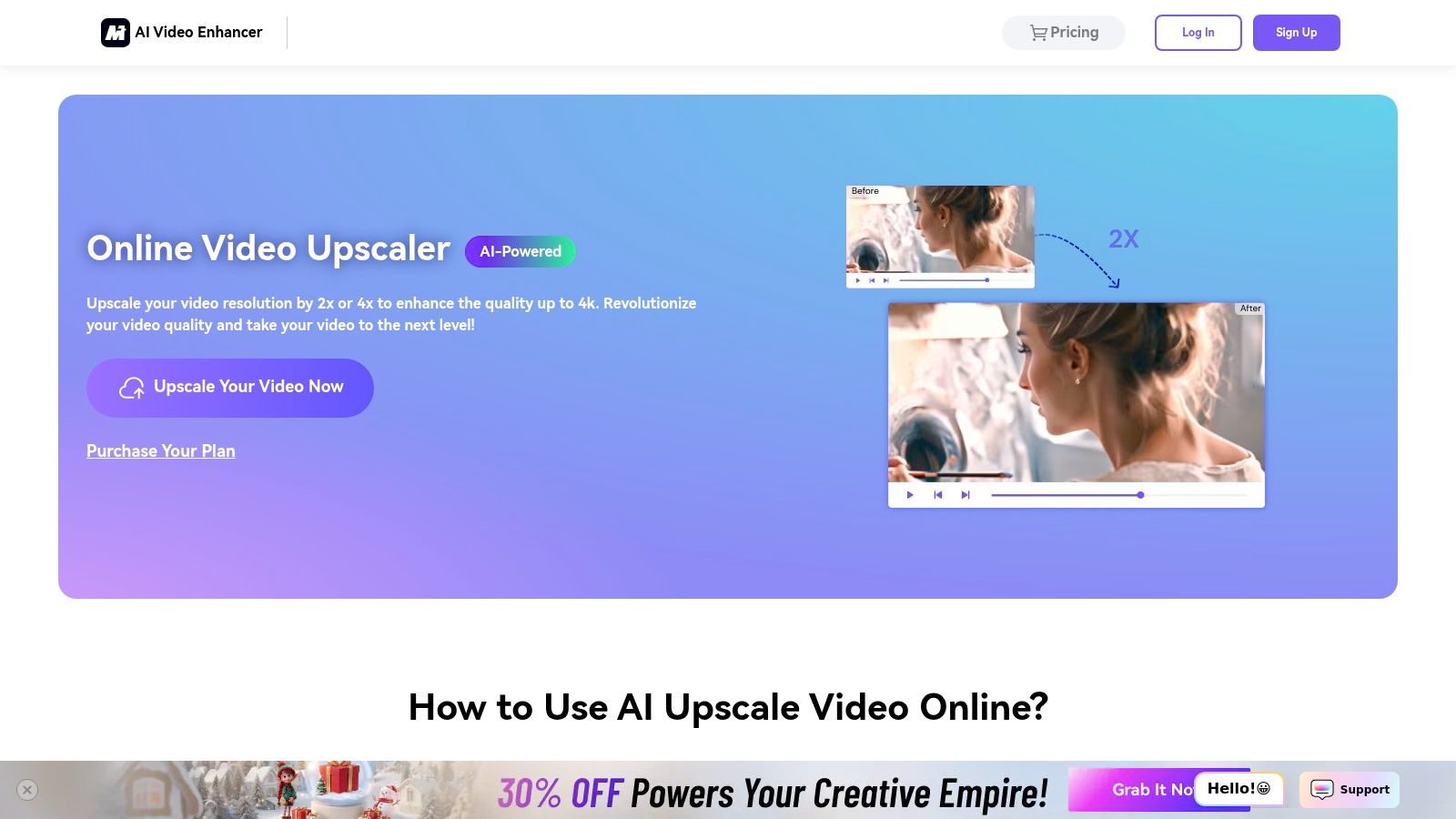
It excels at taking lower-resolution footage and enhancing it with 2x or 4x AI super-resolution, noise reduction, and color correction. While the processing is fast, the free version has a significant limitation: you can only preview a very short clip (the first 45 frames) of the upscaled result. To download the full, watermark-free video, a paid subscription is required.
Key Features & Limitations
- Upscaling Options: 2x or 4x AI super-resolution up to 4K.
- Enhancements: Denoise, sharpening, and automated color/lighting fixes.
- Workflow: Fully online; no software installation needed.
- Free Tier: Allows processing and a short preview but no full video downloads.
- Supported Formats: MP4, MOV, and other common video files.
- User Interface: Clean, simple, and very beginner-friendly.
Best For
Media.io is best for users who want to test the potential of AI upscaling on their clips before committing to a paid tool. It’s perfect for quickly checking how a low-quality clip might look after enhancement, making it a great "try before you buy" option for content creators.
Website: https://www.media.io/ai-video-upscaler.html
2. AVCLabs – Online AI Video Upscaler
AVCLabs provides a powerful web-based tool to ai upscale video online free, offering a more granular set of enhancement features compared to simpler alternatives. It’s designed for users who need more than just a resolution boost, providing specialized AI models for face refinement, denoising, and deblurring. The platform operates on a credit system, giving new users free credits upon sign-up to test the full capabilities and download a few short clips without watermarks.
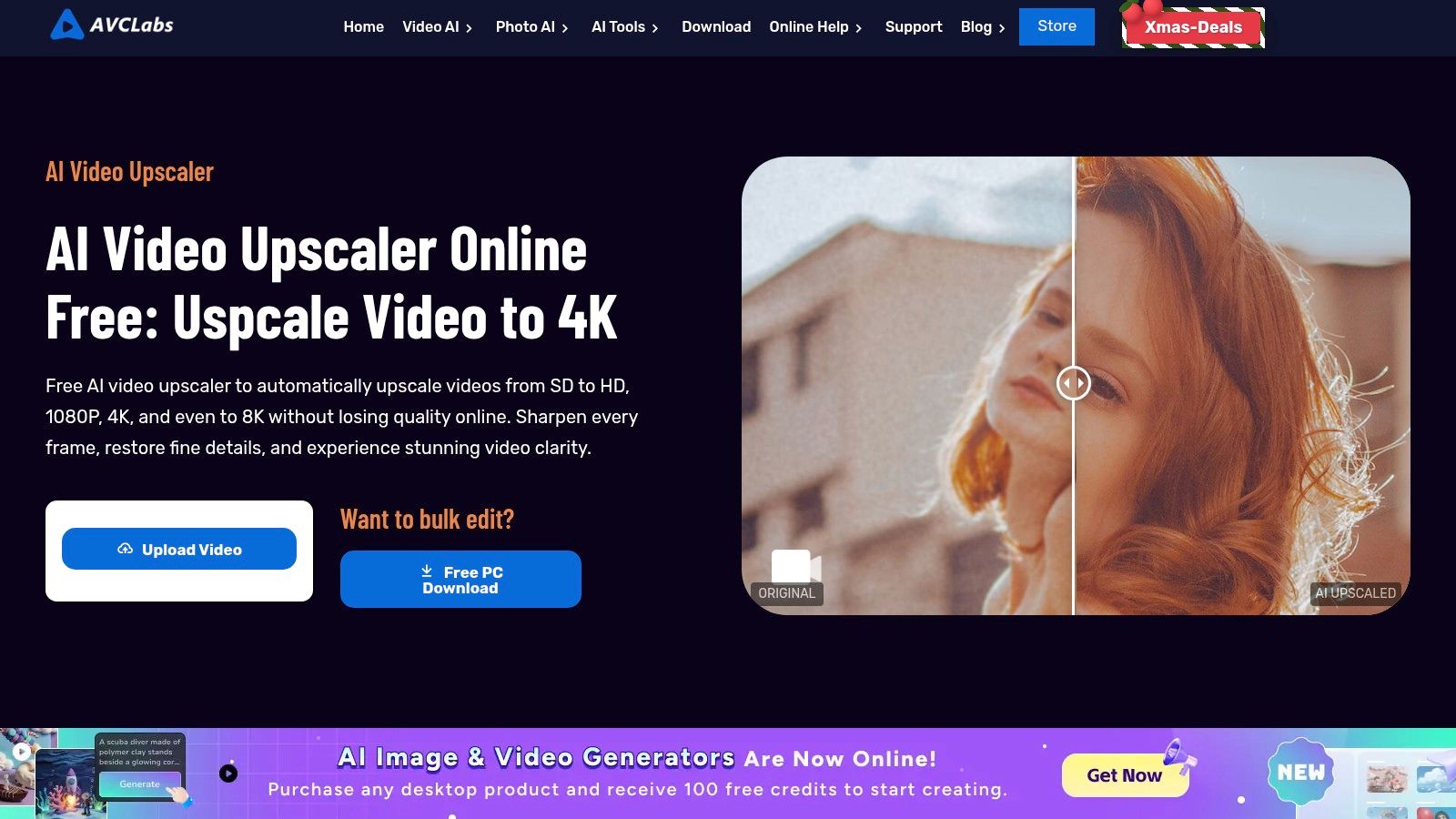
The workflow allows you to choose specific AI models and preview the results before committing your credits, which is great for ensuring you get the desired outcome. While the online version is convenient for testing, AVCLabs encourages users to switch to its more robust desktop application for faster processing and unlimited use. For more insights on how these features compare, you can learn more about AI video enhancement tools.
Key Features & Limitations
- Upscaling Options: AI super-resolution up to 4K and even 8K.
- Enhancements: Denoise, deblur, and a dedicated AI model for face/portrait refinement.
- Workflow: Fully online with a clear preview-before-download process.
- Free Tier: Offers free credits on sign-up for full processing and downloads.
- Supported Formats: MP4, AVI, MOV, and other major video formats.
- User Interface: Step-by-step and straightforward, though processing can be slow for longer videos.
Best For
AVCLabs is best for users who need to enhance footage with human faces, such as interviews or vlogs, and want to test advanced features like portrait refinement. The free credit system makes it an excellent choice for completing a few small projects for free before deciding whether to purchase more credits or a subscription.
Website: https://www.avclabs.com/ai-tools/video-upscaler/
3. TensorPix
TensorPix positions itself as a creator-focused tool to ai upscale video online free, offering a suite of AI filters that go beyond simple resolution enhancement. It’s built for users who need more than just a 4K boost, providing tools like stabilization, denoising, and deblurring all within a single online platform. Its credit-based freemium model makes it accessible for testing and small projects.
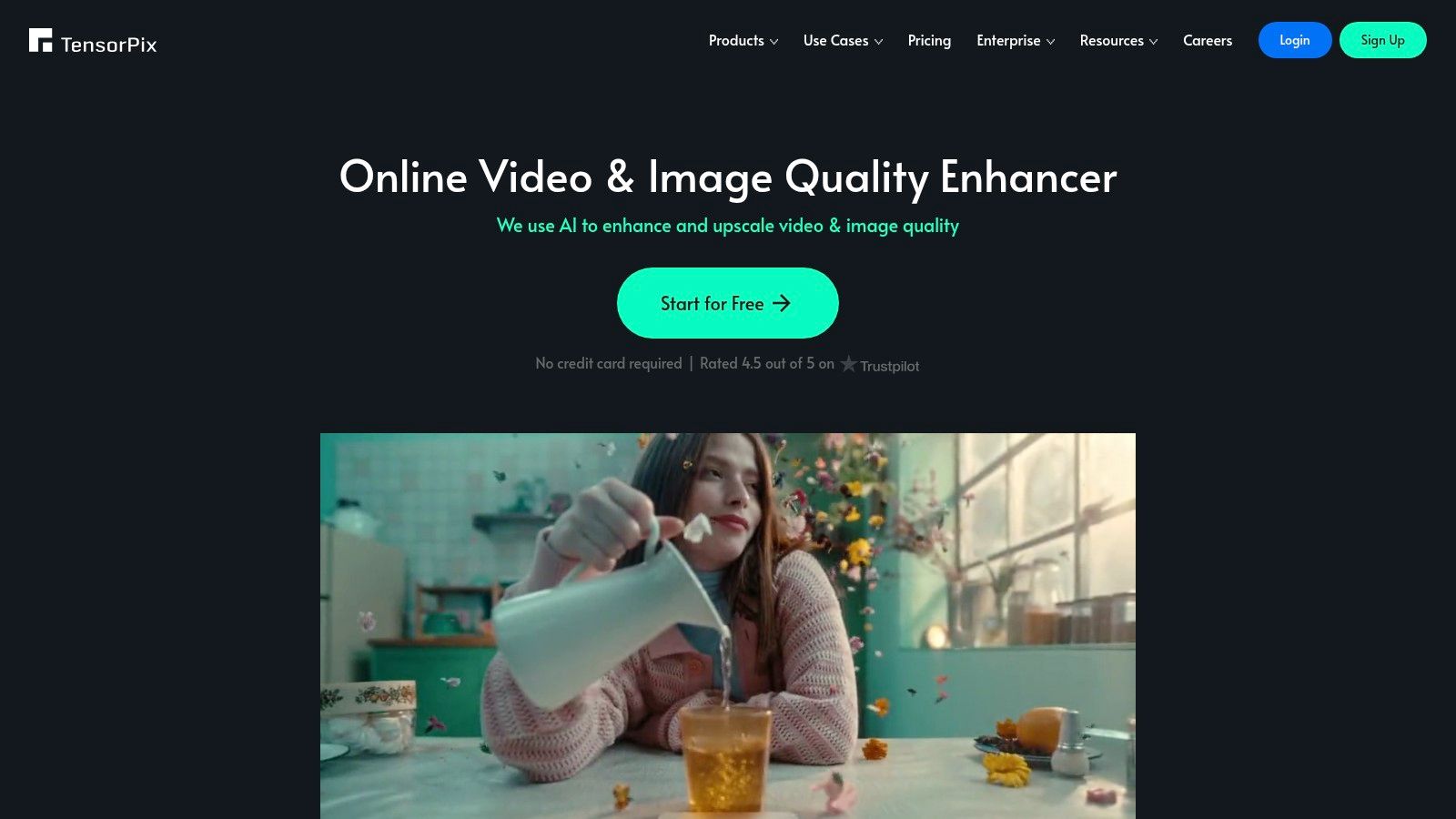
The platform stands out with its generous free offering, which includes sign-up credits and weekly top-ups, allowing you to process short clips without a subscription. For longer videos, its background processing with email notifications is a major convenience. While the credit system might seem complex at first, it provides a flexible pay-as-you-go alternative to fixed subscriptions. To understand more about how these tools work, you can explore this overview of an AI video quality enhancer.
Key Features & Limitations
- Upscaling Options: Up to 4K resolution.
- Enhancements: AI stabilization, denoise, deblur, and other filters.
- Workflow: Background processing with email notifications for completed jobs.
- Free Tier: Provides free credits upon signup with weekly refills; watermarks may apply.
- Supported Formats: MP4, MOV, WEBM, and other standard video files.
- User Interface: Feature-rich but still manageable for new users.
Best For
TensorPix is best for content creators who need an all-in-one restoration toolkit. It’s ideal for fixing shaky footage, cleaning up noisy old videos, or sharpening slightly blurry clips while also upscaling them. The free credit system makes it perfect for occasional users or those wanting to test multiple AI enhancements on their videos before committing.
Website: https://tensorpix.ai/
4. Pixop
Pixop is a professional-grade cloud platform designed for filmmakers, archivists, and media companies rather than casual users. It moves beyond simple enhancement, offering a robust suite of remastering tools like deinterlacing, deep restoration, and denoising alongside its AI upscaler. This makes it a powerful option if you need to ai upscale video online free for archival purposes or professional projects, though it operates on a pay-as-you-go model rather than a traditional free tier.

The platform’s standout feature is its per-filter processing pipeline, which gives you granular control and a transparent cost estimate before you commit. You can upscale footage all the way to 8K, and its API support makes it suitable for agencies needing to process large batches of video. However, its pricing model, based on processing, storage, and downloads, can become costly, and its interface has a steeper learning curve than simpler consumer-focused tools.
Key Features & Limitations
- Upscaling Options: High-quality AI upscaling and remastering up to 8K.
- Enhancements: Denoise, deinterlace, deep restoration, and other professional filters.
- Workflow: Cloud-based with API support and batch processing capabilities.
- Free Tier: No true free tier; operates on a pay-as-you-go model where costs are incurred for processing, storage, and downloads.
- Supported Formats: Supports a wide range of professional and consumer video formats.
- User Interface: Technical and detailed, geared toward professional users.
Best For
Pixop is best for filmmakers, archivists, and production houses who need the highest quality AI remastering for commercial or preservation projects. Its precise, usage-based pricing and advanced toolset are ideal for professionals who require more than just a simple resolution boost and are willing to pay for superior results.
Website: https://www.pixop.com/
5. CapCut (Pippit) – Online Video Upscale Tool
From ByteDance, the creators of TikTok, CapCut’s online tool (Pippit) offers an ai upscale video online free solution deeply integrated into a social media workflow. It’s designed for creators who want to enhance their clips and immediately edit them for platforms like TikTok or Instagram Reels. The tool provides a one-click process that combines upscaling with noise reduction and automatic color fixes, streamlining the path from low-quality footage to a polished, shareable video.
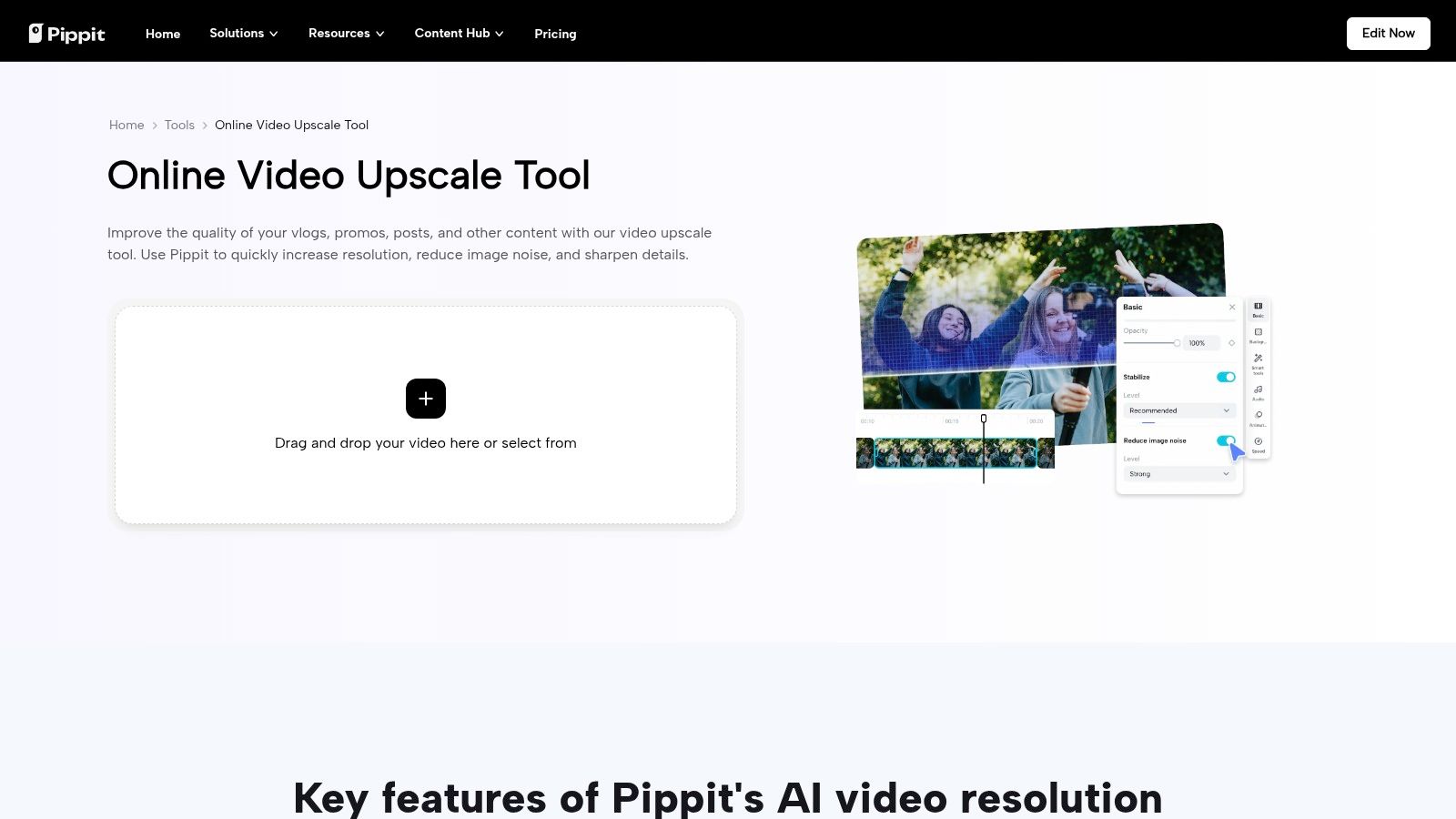
Unlike standalone upscalers, its main strength is its connection to the wider CapCut editing suite. After enhancing your video, you can seamlessly transition to trimming, adding text, or applying effects. The free version supports exports up to 2K directly in the browser, but be aware that the availability of this specific tool has fluctuated, and some features may require a CapCut Pro account depending on your region.
Key Features & Limitations
- Upscaling Options: One-click upscale with a maximum browser export of 2K.
- Enhancements: Integrated noise reduction and automated color correction.
- Workflow: Fully online and integrated with CapCut’s web-based video editor.
- Free Tier: Allows upscaling and editing, but some advanced features might require a Pro subscription.
- Supported Formats: Common video formats like MP4 and MOV.
- User Interface: Familiar and intuitive for existing CapCut or TikTok users.
Best For
CapCut is best for social media creators who already use the platform for editing and want an all-in-one solution. It’s perfect for taking grainy phone footage or older clips and quickly preparing them for TikTok, Shorts, or Reels without leaving the CapCut ecosystem. You can explore more about how these integrated tools work together in our guide to video upscaling workflows.
Website: https://pippit.capcut.com/tools/video-upscale
6. Flixier
Flixier is more than just an upscaler; it’s a comprehensive, cloud-based video editor that integrates AI enhancement features. This makes it an excellent choice for users who want to ai upscale video online free as part of a larger editing workflow, especially for teams. The platform operates entirely in the browser, leveraging fast cloud processing to handle tasks like increasing resolution up to 4x, reducing noise, and sharpening footage without taxing your local machine.
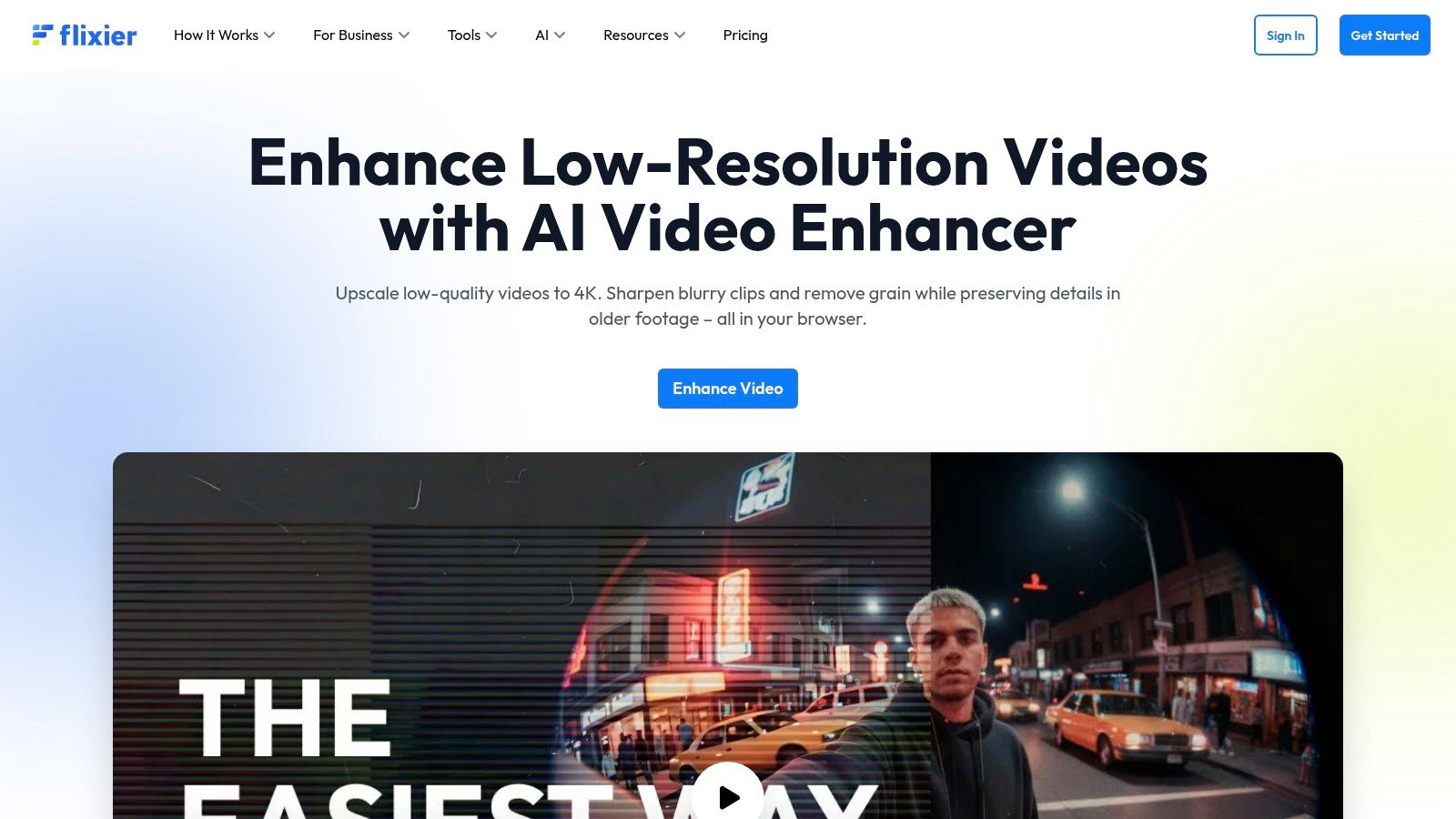
Its strength lies in its collaborative features, allowing multiple users to work on the same project simultaneously. While the AI tools are powerful, the free plan has notable restrictions on export quality (capped at 720p) and total monthly export time. To unlock higher resolutions like 1080p or 4K, a paid subscription is necessary, positioning the free version as more of a functional trial of its full capabilities.
Key Features & Limitations
- Upscaling Options: AI enhancement up to 4x resolution (HD/4K available on paid plans).
- Enhancements: Denoise, sharpening, and color boost filters integrated into the editor.
- Workflow: Fully cloud-based editor with collaborative tools and storage.
- Free Tier: Limited to 720p exports and a cap on monthly export minutes.
- Supported Formats: Supports a wide range of video, audio, and image files.
- User Interface: Feature-rich editor that may have a slight learning curve for absolute beginners.
Best For
Flixier is best for social media managers and content creation teams who need a collaborative, cloud-based editor with built-in AI enhancement. It’s perfect for streamlining workflows where upscaling is just one step in the production process, rather than the sole objective.
Website: https://flixier.com/tools/video-enhancer
7. Fotor – AI Video Upscaler
Fotor, a platform widely known for its user-friendly photo editing tools, extends its simplicity into the video realm with its AI Video Upscaler. It’s designed for users who want to ai upscale video online free with a single click, transforming low-resolution clips (like 360p or 480p) into crisp HD or even 4K quality. This tool is perfect for creators already using Fotor’s ecosystem for thumbnails and social graphics, as it offers a seamless workflow.
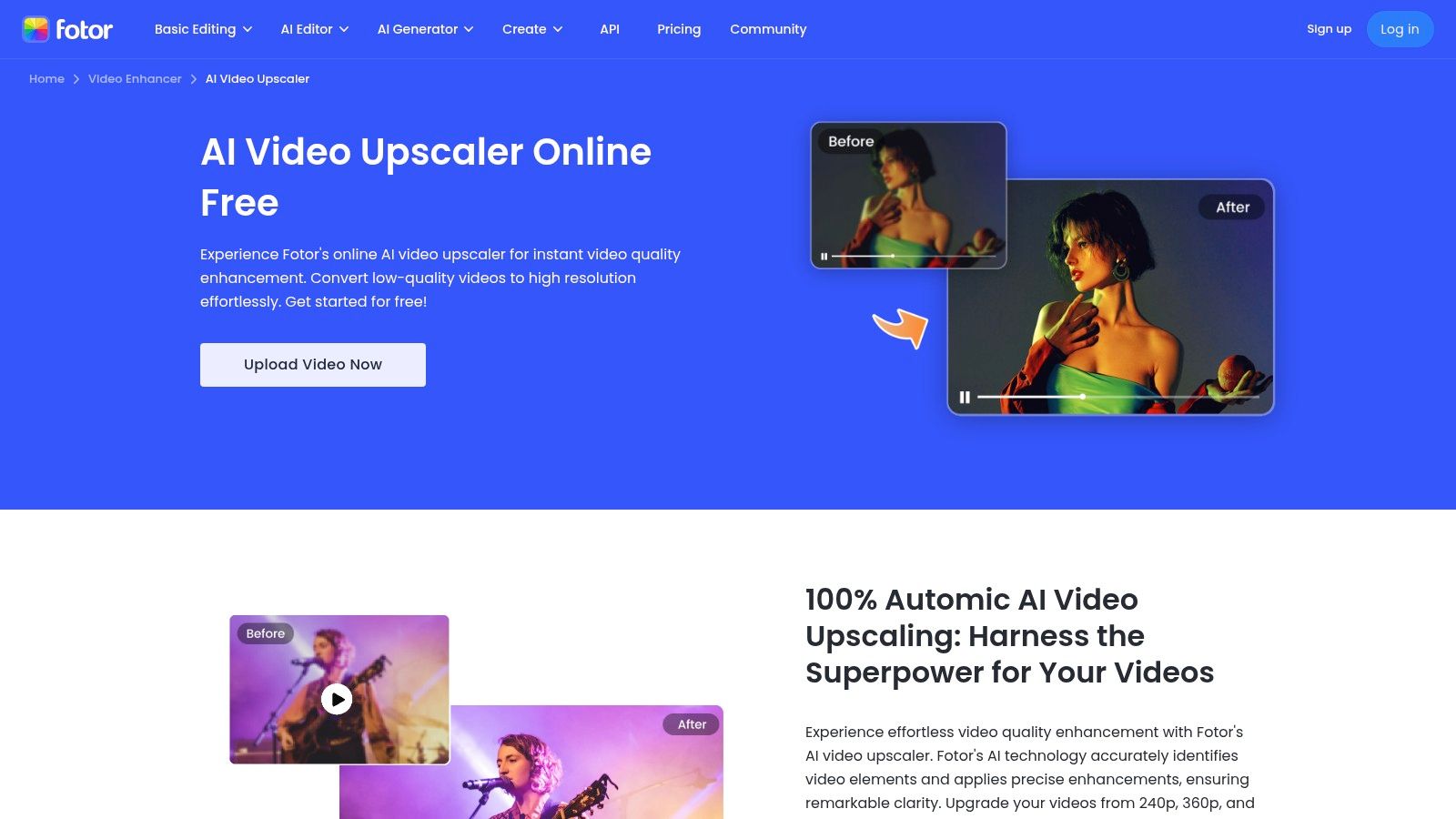
The platform automatically corrects common issues like artifacts and blurriness, making it highly accessible for non-technical users. While the one-click process is incredibly fast, the free version often comes with limitations on video length or may require a paid plan to export the final, high-quality result without a watermark. It’s a great option for quick, non-professional enhancements.
Key Features & Limitations
- Upscaling Options: One-click enhancement to HD or 4K resolution.
- Enhancements: Automatic artifact removal, sharpening, and clarity improvements.
- Workflow: Extremely simple browser-based upload and process system.
- Free Tier: Allows processing, but full downloads and highest quality may be behind a paywall.
- Supported Formats: MP4, MOV, WebM, and other popular formats.
- User Interface: Very intuitive, mirroring the simplicity of its photo editing tools.
Best For
Fotor is best for social media managers and content creators who need a fast, no-fuss way to improve short video clips for platforms like Instagram or TikTok. Its integration with a broader suite of creative tools makes it ideal for users who want an all-in-one solution for both their image and video needs.
Website: https://www.fotor.com/features/ai-video-upscaler/
8. Upscale.media (PixelBin)
Upscale.media, powered by PixelBin, offers a clean and predictable tool to ai upscale video online free with a focus on ease of use. It’s designed for users who need to quickly enhance short video clips without navigating complex settings. The platform follows a simple "upload, process, download" workflow, making it a convenient option for quick tests or improving social media content.
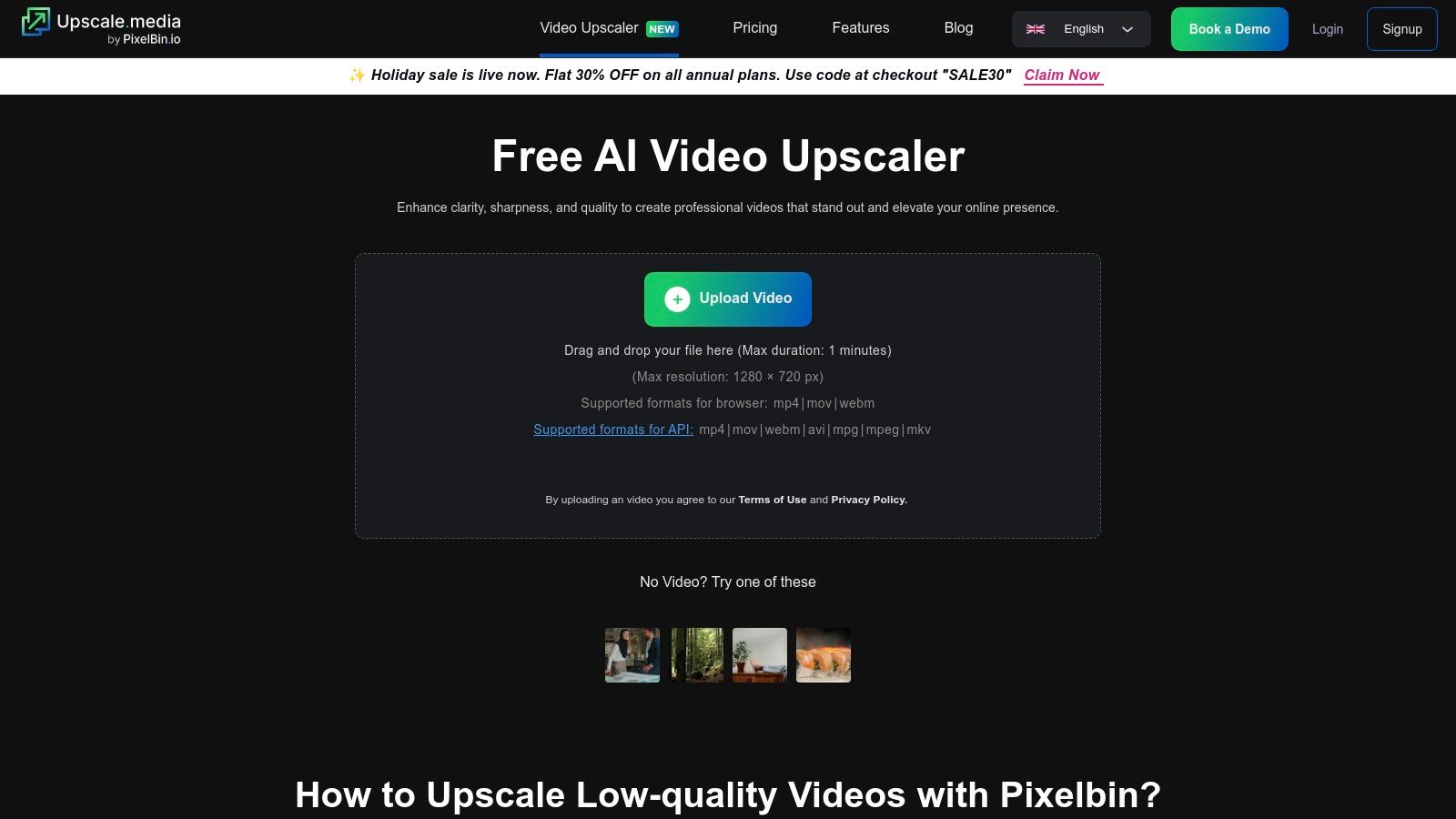
Its main appeal lies in its straightforward free tier, which allows users to process videos up to approximately one minute long and with a maximum input resolution of 720p. Unlike some competitors that only offer a short preview, Upscale.media lets you download the fully processed video. For developers, PixelBin also provides an API for integrating this technology into their own applications, which is a significant advantage for automated workflows.
Key Features & Limitations
- Upscaling Options: AI enhancement to improve video quality.
- Workflow: Simple three-step process; no account needed for initial use.
- Free Tier: Allows full downloads for short videos (~1 minute, up to 720p input).
- Supported Formats: MP4, MOV, WebM, and other standard video files.
- Developer Friendly: Offers an API for programmatic video processing.
- User Interface: Minimalist and easy to navigate.
Best For
Upscale.media is best for users needing to process short, standard-definition clips for social media or personal projects. It’s also an excellent choice for developers looking to test a video enhancement API without an initial financial commitment, making it a practical tool for both casual users and tech-savvy creators.
Website: https://www.upscale.media/video-upscale
9. neural.love
Neural.love is an established AI media suite that offers a robust tool to ai upscale video online free alongside other image and audio enhancers. It’s designed for creators who appreciate a comprehensive platform where they can upscale footage to 4K, remove artifacts, and reduce noise, all within a browser. The platform is straightforward, making it accessible for small teams and individuals who need a quick, no-install solution for improving their video quality.
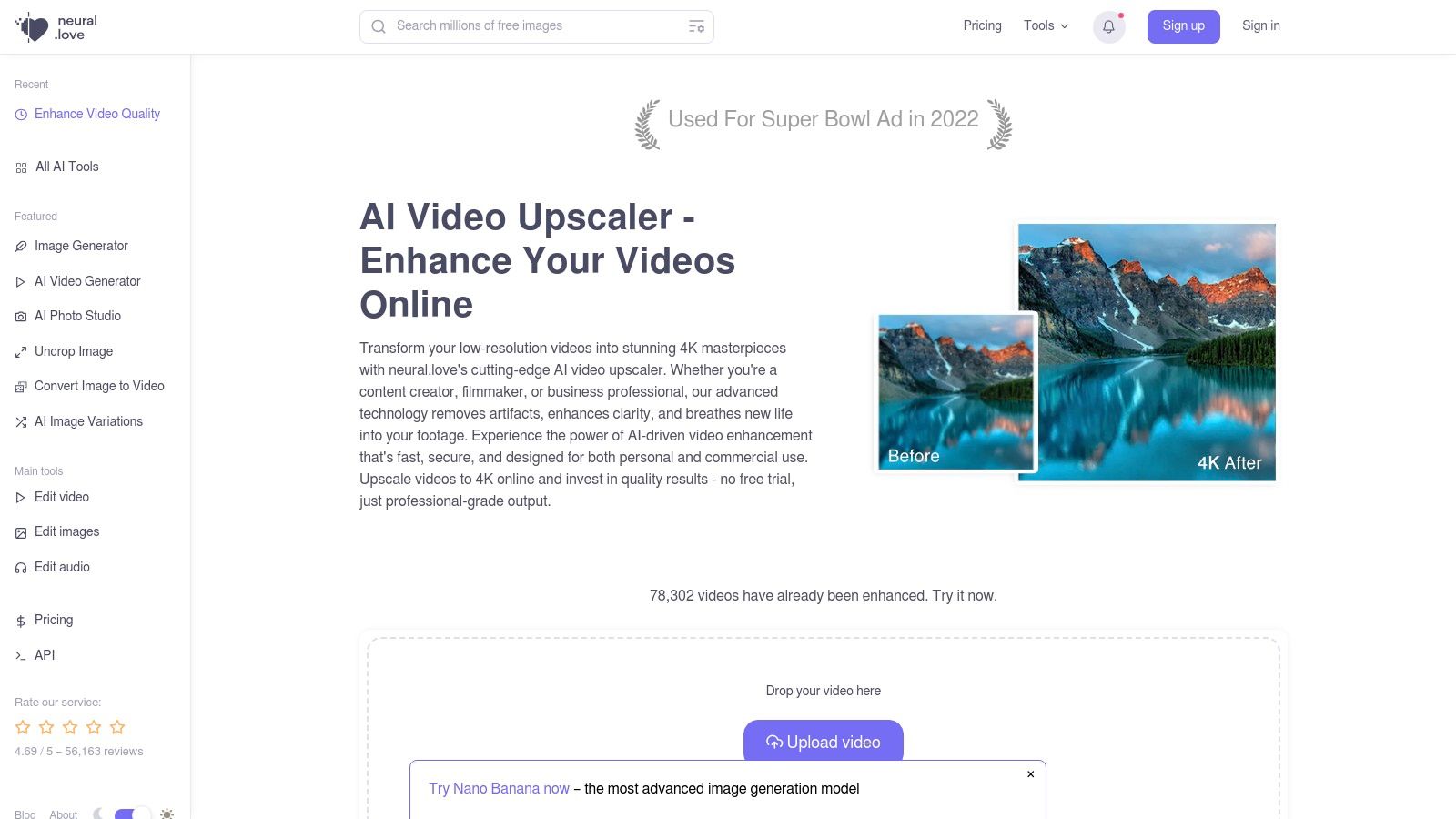
It excels at cleaning up older or compressed footage with its denoise and deartifact processing, making it a strong contender for restoration projects. While the platform offers free processing, the ability to download full-length, high-resolution videos without a watermark typically requires a subscription or purchasing credits. Processing speeds can also vary depending on server load, which is a common trade-off for web-based tools.
Key Features & Limitations
- Upscaling Options: Upscale to 4K resolution.
- Enhancements: Denoise and deartifact processing to clean up footage.
- Workflow: Entirely web-based, requires no software installation.
- Free Tier: Free usage terms vary; full exports often require paid plans or credits.
- Supported Formats: Accepts most common video file formats.
- User Interface: Simple and integrated with other AI media tools.
Best For
Neural.love is best for content creators and small teams already using or looking for an all-in-one AI media toolkit. Its strength lies in providing a simple web interface for upscaling, making it ideal for users who need a reliable online option and are willing to consider a paid plan for downloading longer or higher-quality results.
Website: https://neural.love/video-upscale
10. Clipfly – AI Video Upscaler
Clipfly offers a compelling two-in-one solution for creators who need to ai upscale video online free and then perform quick edits. Its platform integrates an AI video enhancer directly into a browser-based video editor, streamlining the workflow for social media content. This is perfect for users who want to improve a clip's quality and then immediately add text, trim it, or apply filters without switching between different tools.
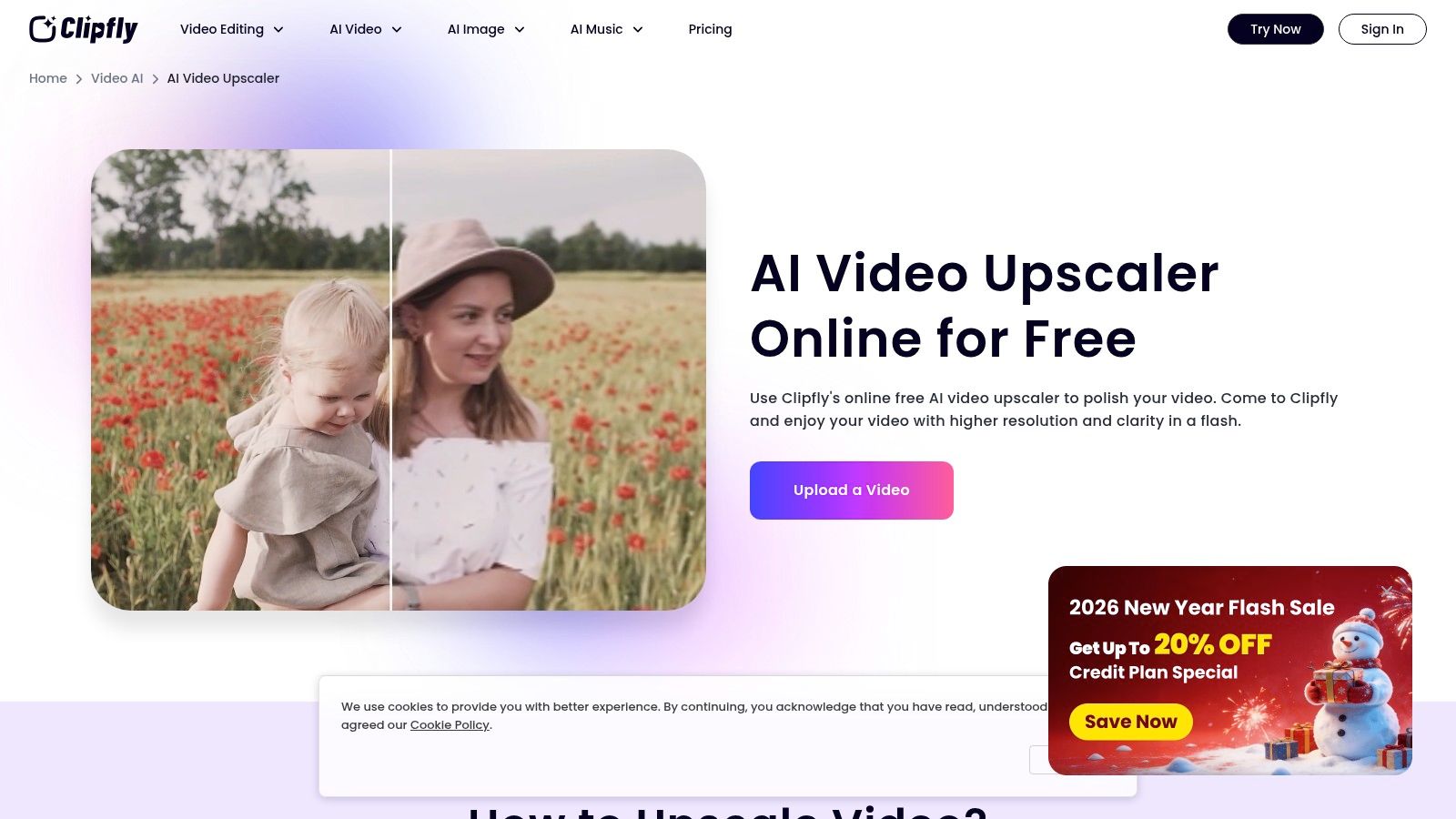
The one-click upscaling process is designed for speed and simplicity, making it accessible even for absolute beginners. After enhancing the video, it opens in Clipfly’s editor, where you can make further adjustments before exporting. While this integration is its main advantage, the free tier comes with expected limitations on export resolution, video length, and may include a watermark. To access full HD or 4K exports without watermarks, a paid plan is necessary.
Key Features & Limitations
- Upscaling Options: One-click automatic AI enhancement.
- Enhancements: Integrated with a full online video editor for further tweaks.
- Workflow: Fully browser-based; no downloads required.
- Free Tier: Imposes resolution, duration, and export caps; likely watermarked.
- Supported Formats: Common video formats like MP4 and MOV.
- User Interface: Simple, with a very gentle learning curve.
Best For
Clipfly is best for content creators and social media managers who need a fast, all-in-one tool for quick upscaling and light editing. It’s ideal for enhancing a video clip and immediately preparing it for platforms like TikTok or Instagram Reels without the complexity of professional software.
Website: https://www.clipfly.ai/video-ai/ai-video-upscaler/
11. VidMage
VidMage is an emerging contender in the browser-based tool space, offering a user-friendly way to ai upscale video online free with a few clicks. It focuses on a clean, three-step process: upload your clip, select an enhancement model, and process. The platform is designed for users who want a quick, no-frills solution for improving video clarity, removing noise, and restoring color without needing to navigate complex software.
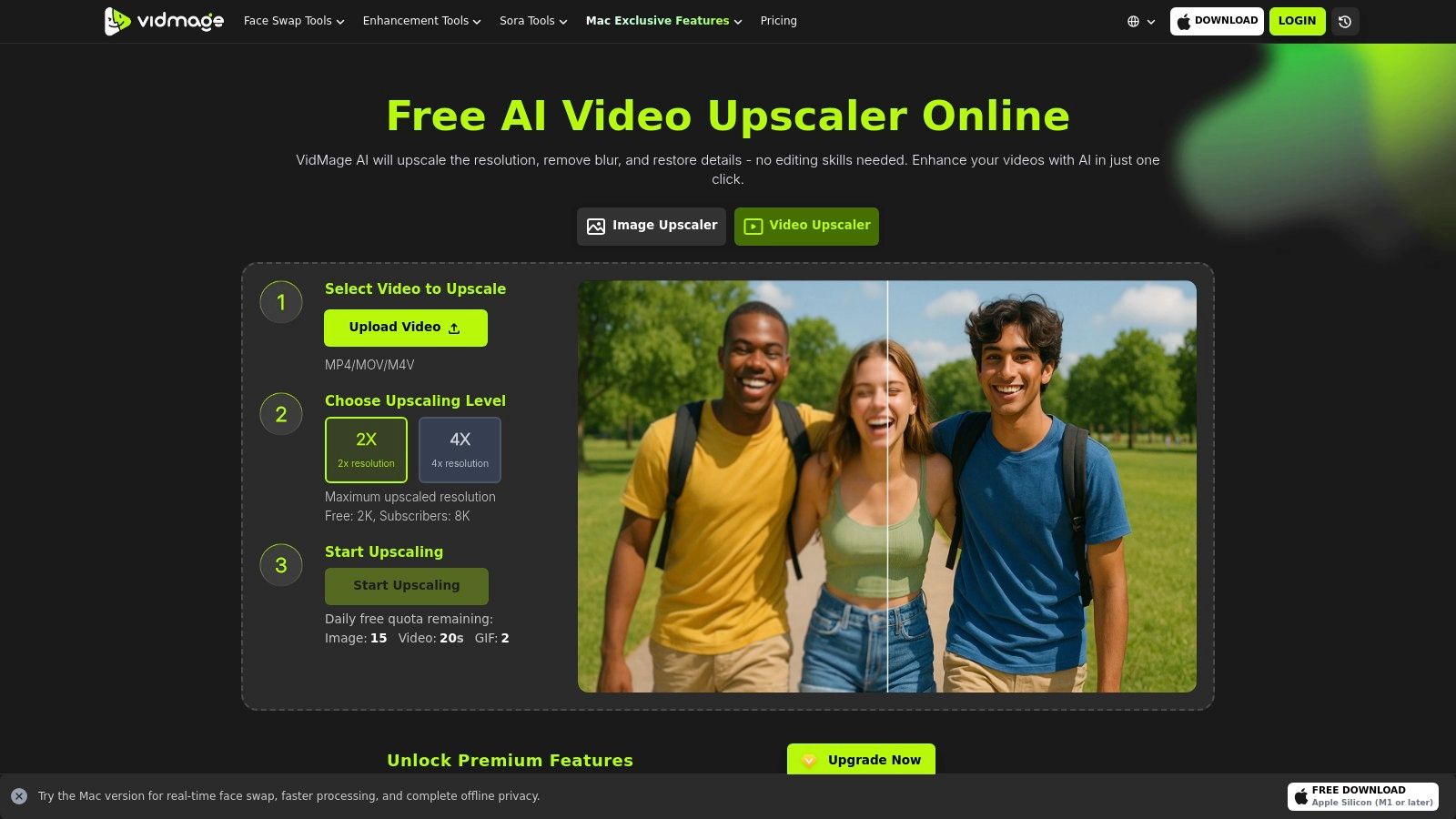
What makes VidMage stand out is its generous free tier, which allows users to upscale videos to 2K resolution and download them without a watermark. This is a significant advantage over many competitors that limit free users to previews only. While it's a newer service with fewer third-party reviews, its straightforward approach and valuable free offering make it an excellent choice for testing or one-off projects. Higher resolutions up to 8K are available through a subscription.
Key Features & Limitations
- Upscaling Options: 2x or 4x AI enhancement up to 2K for free; up to 8K with a subscription.
- Enhancements: Automatic noise reduction, blur removal, color restoration, and detail boosting.
- Workflow: Simple and completely browser-based.
- Free Tier: Allows full 2K video downloads with no watermark, though processing for large files may be queued.
- Supported Formats: Supports common video formats like MP4, MOV, and AVI.
- User Interface: Minimalist and very easy to navigate.
Best For
VidMage is best for creators and social media managers who need a truly free online tool for one-off enhancements without watermarks. Its approachable workflow and 2K output limit make it perfect for improving short clips for platforms like YouTube or Instagram where a higher-than-HD resolution is beneficial.
Website: https://vidmage.ai/video-upscaler
12. Magic Hour – AI Video Upscaler
Magic Hour offers a slick web-based tool to ai upscale video online free as part of its larger suite of AI-powered creative tools. It’s designed for creators who are already immersed in an AI-driven workflow and want an upscaler that integrates smoothly with other editing and generation features. The platform is straightforward, allowing users to choose between a 2x or 4x scale factor or select a specific target resolution like 1080p or 4K.
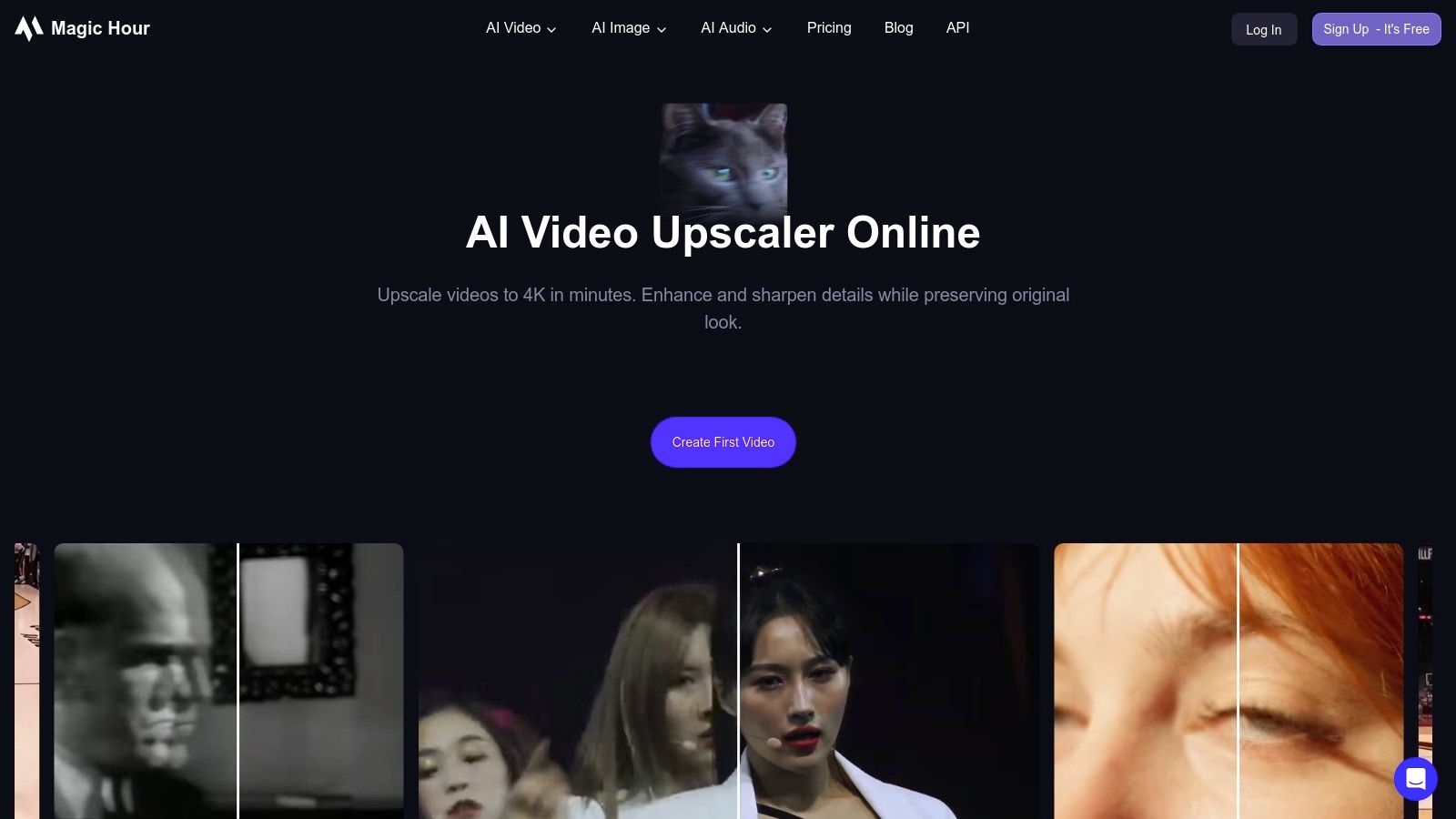
The primary advantage of Magic Hour is its context within a creative ecosystem, making it more than just a single-function tool. While the free access provides a great entry point, unlocking higher resolutions, longer videos, or faster processing speeds requires upgrading to a paid plan. Its clean interface and clear steps make the upscaling process quick and painless for users familiar with web-based creative software.
Key Features & Limitations
- Upscaling Options: 2x, 4x, or set a target resolution from 720p up to 4K.
- Workflow: Fully browser-based, supporting MP4 and MOV files.
- Integration: Part of a larger AI creative suite for video editing and generation.
- Free Tier: Access is available, but feature depth and output limits depend on the current plan.
- User Interface: Modern, clear, and easy to navigate for quick rendering.
- Limitations: Higher throughput and resolutions are locked behind paid subscriptions.
Best For
Magic Hour is best for content creators and marketers already using or planning to use a suite of AI video tools. If you need an upscaler that lives alongside other AI-powered editing features in a single platform, its integrated workflow is a significant advantage over standalone upscalers.
Website: https://magichour.ai/products/video-upscaler
12 Free Online AI Video Upscalers — Quick Comparison
| Tool | Core features | Quality & UX (★) | Price & Value (💰) | Target audience (👥) | Unique selling point (✨ / 🏆) |
|---|---|---|---|---|---|
| Media.io (Wondershare) | 2x/4x upscaling to 4K, denoise, color/lighting fixes | ★★★★ — clear preview flow | 💰 Free preview → paid downloads | 👥 Beginners & social creators | ✨ Browser-only, Generate→preview→export |
| AVCLabs – Online AI Video Upscaler | Upscale to 4K/8K, denoise, deblur, face refinement | ★★★★ — high-quality filters | 💰 Free test credits → subscription/credits | 👥 Creators & pros needing portrait fixes | ✨ Face/portrait refinement, 8K support 🏆 |
| TensorPix | 4K upscaling, stabilization, parallel & background processing | ★★★★ — creator-focused batch UX | 💰 Freemium credits + paid tiers | 👥 Creators & small teams with batch needs | ✨ Background + parallel processing |
| Pixop | Per-filter pipelines, up to 8K, restoration, API & batch | ★★★★★ — pro/archival grade | 💰 Usage-based (processing/storage/downloads) | 👥 Filmmakers, archives, agencies | ✨ Pro remastering + scalable API 🏆 |
| CapCut (Pippit) | One-click upscale, denoise, color fixes, integrated editor | ★★★★ — optimized for short-form | 💰 Many web features free; Pro for extras | 👥 TikTok/shorts & fast social editors | ✨ Native CapCut editing flow |
| Flixier | 4x upscaling, denoise, team editor, cloud storage | ★★★★ — fast cloud collaboration | 💰 Free limited exports → team subscriptions | 👥 Teams & creators needing collaboration | ✨ Team collaboration + fast cloud renders |
| Fotor – AI Video Upscaler | One-click HD/4K upscale, artifact correction, suite integration | ★★★ — very simple UI | 💰 Freemium; best quality on paid plan | 👥 Casual creators & thumbnail makers | ✨ Part of broader creative toolkit |
| Upscale.media (PixelBin) | Upload → process → download flow, MP4/MOV/WebM, API | ★★★ — fast for short clips | 💰 Free short tests; paid for scale | 👥 Developers & quick testers | ✨ Developer API & predictable limits |
| neural.love | 4K upscaling, denoise/deartifact, multi-media tools | ★★★★ — established, straightforward | 💰 Freemium → paid for 4K/long clips | 👥 Creators & small teams | ✨ Integrated image & audio AI tools |
| Clipfly – AI Video Upscaler | One-click upscale, browser editor integration | ★★★ — very simple UX | 💰 Freemium with export caps | 👥 Creators needing quick edits | ✨ Editor tie-in for fast tweaks |
| VidMage | 2x/4x upscaling, color restoration, free 2K testing | ★★★★ — generous free test output | 💰 Free 2K; subscriptions for up to 8K | 👥 Creators testing quality affordably | ✨ Free 2K watermark-free testing |
| Magic Hour – AI Video Upscaler | 2x/4x or set target 720p–4K, part of editing suite | ★★★★ — clear steps, quick renders | 💰 Freemium/plan-dependent limits | 👥 Creators in Magic Hour ecosystem | ✨ Integrated creation + editing tools |
Choosing the Right Tool for a Sharper Tomorrow
Navigating the world of AI-powered video enhancement can feel overwhelming, but as we've explored, you have a wealth of powerful tools at your fingertips. The key takeaway is that the promise to ai upscale video online free comes with important trade-offs. The "best" tool is not a one-size-fits-all solution; it’s the one that aligns perfectly with your specific project, budget, and workflow.
By now, you understand that "free" often translates to limitations on video length, output resolution, processing speed, or the inclusion of watermarks. Your choice should be guided by your end goal. Are you a social media manager needing a quick, no-fuss enhancement for a TikTok clip? A tool like CapCut or Fotor offers unparalleled convenience directly in your browser.
Making the Right Choice for Your Content
For creators who need more control and consistently higher quality without committing to a hefty subscription, a credit-based system is ideal. Platforms such as TensorPix and neural.love provide a flexible middle ground, allowing you to pay only for what you use while accessing more advanced features for those important projects.
Conversely, if you're working with archival footage, restoring old family videos, or preparing content for professional distribution, the free options may not deliver the precision you need. In these cases, a dedicated, professional-grade service like Pixop is a worthwhile investment, offering the quality and reliability required for high-stakes work.
A Strategic Approach to AI Enhancement
Before committing your most important video to any service, always run a short test. Upload a small, representative clip to see the actual output quality, check for artifacts, and ensure the final result meets your standards. This simple step can save you significant time and frustration.
As you become more comfortable with these tools, you may want to explore the underlying principles that make them work. Understanding the basics of how to communicate with AI models can dramatically improve your results across various platforms. For users looking to delve deeper into optimizing AI interactions, learning the fundamentals of What is Prompt Engineering can be an invaluable next step in your creative journey.
Ultimately, whether you're an e-commerce brand creating AI-generated ads, a faceless YouTube creator building an automated channel, or a freelance editor on a tight deadline, the ability to ai upscale video online free is a game-changer. By understanding each tool's strengths and weaknesses, you can strategically elevate your content, make every pixel count, and bring your creative vision to life with stunning clarity.
Ready to move beyond simple upscaling and build an entire automated content workflow? Aicut combines AI clip generation with powerful enhancement tools, letting you create, upscale, and schedule high-quality social media videos from a single platform. Stop juggling multiple tools and start creating content at scale by trying Aicut today.