Image-to-image AI is a way to transform an existing picture into something new by giving an AI model a visual starting point and a text command. Instead of making the AI generate a picture from a blank slate, you hand it a blueprint—like a rough sketch or a basic photo—and tell it what to change. It's a fantastic way to remix reality and turn your ideas into polished visuals with a surprising amount of control.
Understanding Image to Image AI
Think of image to image AI as a creative collaborator that doesn't need to start from zero. Unlike text-to-image tools that have to imagine an entire scene just from your words, this technology uses an existing image as its guide. This gives you way more say over the final composition, structure, and where everything is placed.
It’s like the difference between describing your dream house to an architect versus giving them a floor plan and asking for specific renovations. The floor plan (your source image) locks in the core structure, while your instructions (the text prompt) guide the final style.
The Core Concept Explained
At its heart, this whole process is a kind of visual translation. The AI looks at your input image—the pixels, shapes, colors, and even the depth—to figure out what’s in it. Then, it uses your text prompt to apply new styles, add or remove objects, or completely change the setting, all while trying to keep the original layout intact.
This ability to build on top of existing visuals is what makes it so incredibly useful. For anyone looking to improve their content without starting over, getting a handle on AI-powered photo editing is a great first step. Image-to-image just takes that concept further, moving beyond simple tweaks into full-blown creative transformations.
This technology bridges the gap between what you can imagine and what you can actually create. It lets you test out visual ideas quickly, explore different creative directions, and produce high-quality assets without needing years of manual editing experience.
Why It Matters for Creators
If you’re making content for platforms like YouTube, TikTok, or Instagram, this isn't just a cool toy; it's a productivity machine. It opens up a ton of possibilities that used to be way too time-consuming or expensive.
Here’s how it changes the game:
- Speed and Efficiency: You can spin up dozens of variations for an ad or a thumbnail in minutes, not hours.
- Creative Freedom: It lets you transform a single photo into endless unique visuals. You can turn a selfie into a fantasy character or convert a simple product shot into a compelling lifestyle scene.
- Accessibility: Complex visual effects that once required you to be a pro with specialized software are now available to anyone with a good idea and a clear prompt.
This shift makes professional-looking content much more achievable, leveling the playing field for solo creators and smaller brands.
How the Technology Actually Works
To really get what's happening with image-to-image AI, we need to peek under the hood at the two main engines making it all possible. The math gets complicated fast, but the core ideas are surprisingly intuitive once you have the right analogy.
At its heart, image-to-image AI is all about teaching a machine to translate visuals from one style to another based on your instructions. This isn't just a random filter; it's a learned skill, built on analyzing millions of images and using some very clever programming.
Let's break down the two major ways this is done.
GANs: The Creative Duel
One of the first big breakthroughs was the Generative Adversarial Network, or GAN. The easiest way to picture a GAN is as a high-stakes duel between two AIs: a master art forger and a sharp-eyed art detective.
- The Forger (Generator): Its whole purpose is to create fake images that are good enough to pass for the real thing. It takes your input image and prompt, then cooks up a new version it thinks will fool the detective.
- The Detective (Discriminator): Its job is to call out the fakes. It's shown a mix of real images and the forger's creations, and it has to decide which is which.
This back-and-forth is relentless. Every time the detective spots a fake, the forger learns from its mistake and gets better. And every time the forger slips one past the detective, the detective has to get smarter. This constant competition forces both AIs to become incredibly good at their jobs, leading to stunningly realistic images.
The whole field really took off when GANs were introduced back in 2014. By 2017, a new flavor called CycleGAN came along that could do unpaired translations—like turning a photo of a horse into a zebra without needing perfectly matched before-and-after shots for training. This was a huge deal because it lowered the bar for data collection and made these tools way more accessible.
Fast forward to today, and models like Stable Diffusion's img2img have cut processing times down to just a few seconds, putting this kind of power into the hands of over 500,000+ creators. You can read more about this journey in this piece on the evolution of AI image generation.
Diffusion: The Artistic Restoration
A newer, and arguably more popular, method today involves Diffusion Models. Picture this: you take a crystal-clear photograph and slowly add digital static or "noise" to it until it's nothing but a fuzzy mess. The original picture is completely gone.
A diffusion model is trained to do the exact opposite. It becomes a master at reversing this process, learning how to meticulously remove the noise step-by-step to bring a coherent image back from the chaos.
Now, here's the clever part for image-to-image work: the AI doesn't start from pure static. It takes your source image, adds a controlled amount of noise to it, and then uses your text prompt as a blueprint to rebuild a new image as it denoices. This is what gives you such incredible control over how much the final output should stick to the original.
This diagram perfectly shows this workflow in action, turning a simple sketch into a lifelike photograph.
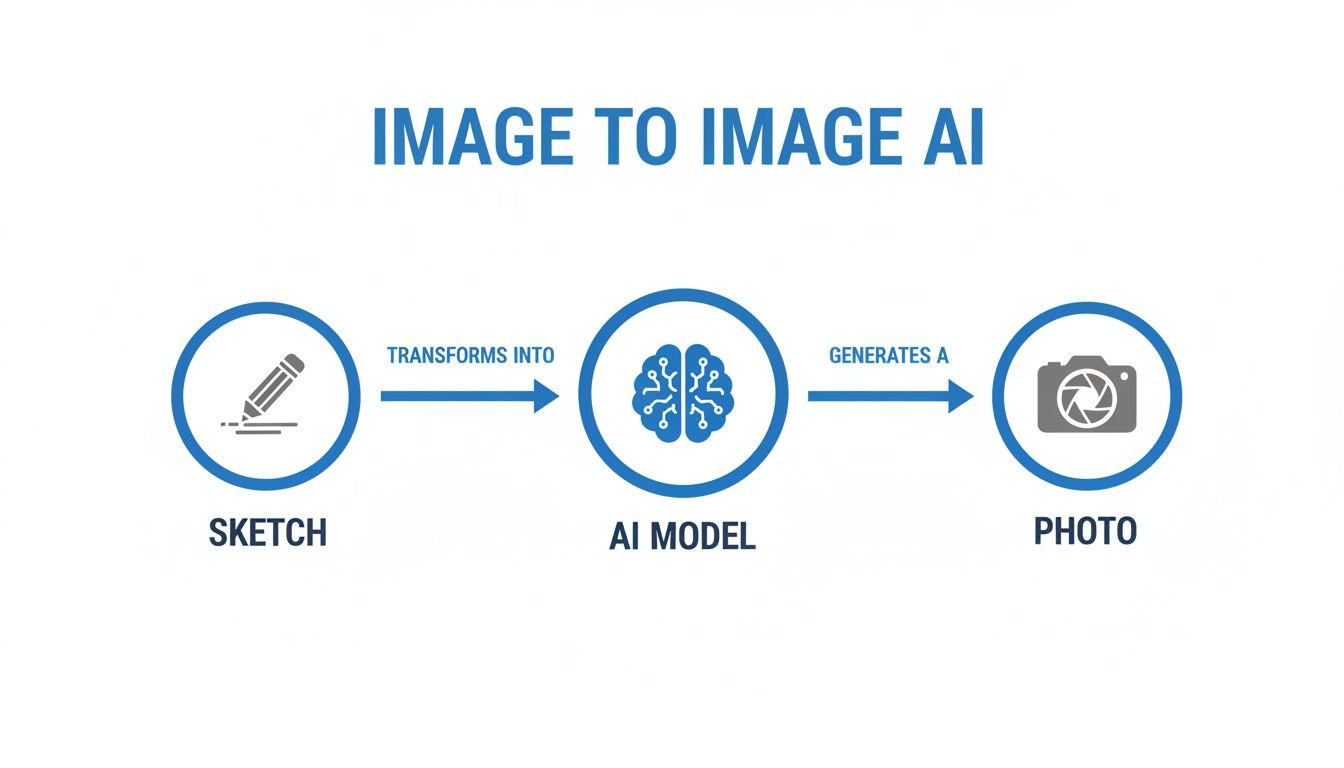
It's a great visual for how a basic input can act as the scaffolding for a much more detailed and polished final piece.
Comparing Image to Image AI Model Types
So, you have these two powerful approaches, GANs and Diffusion Models. While both can create amazing visuals, they have different strengths. This table breaks down the core technologies to help you understand what's best for certain creative tasks.
| Model Type | How It Works (Analogy) | Best For | Key Advantage |
|---|---|---|---|
| GANs | An art forger vs. an art detective. | Style transfer and generating hyper-realistic faces or objects. | Speed. GANs are often faster at generating images once trained. |
| Diffusion Models | Restoring a clear image from digital noise. | High-detail transformations and following complex text prompts. | Control & Quality. They offer finer control over the output. |
Ultimately, both are powerful engines for visual creation. They turn simple ideas and rough inputs into polished, professional-looking assets, often in just a matter of seconds.
Powerful Ways Creators Can Use This AI
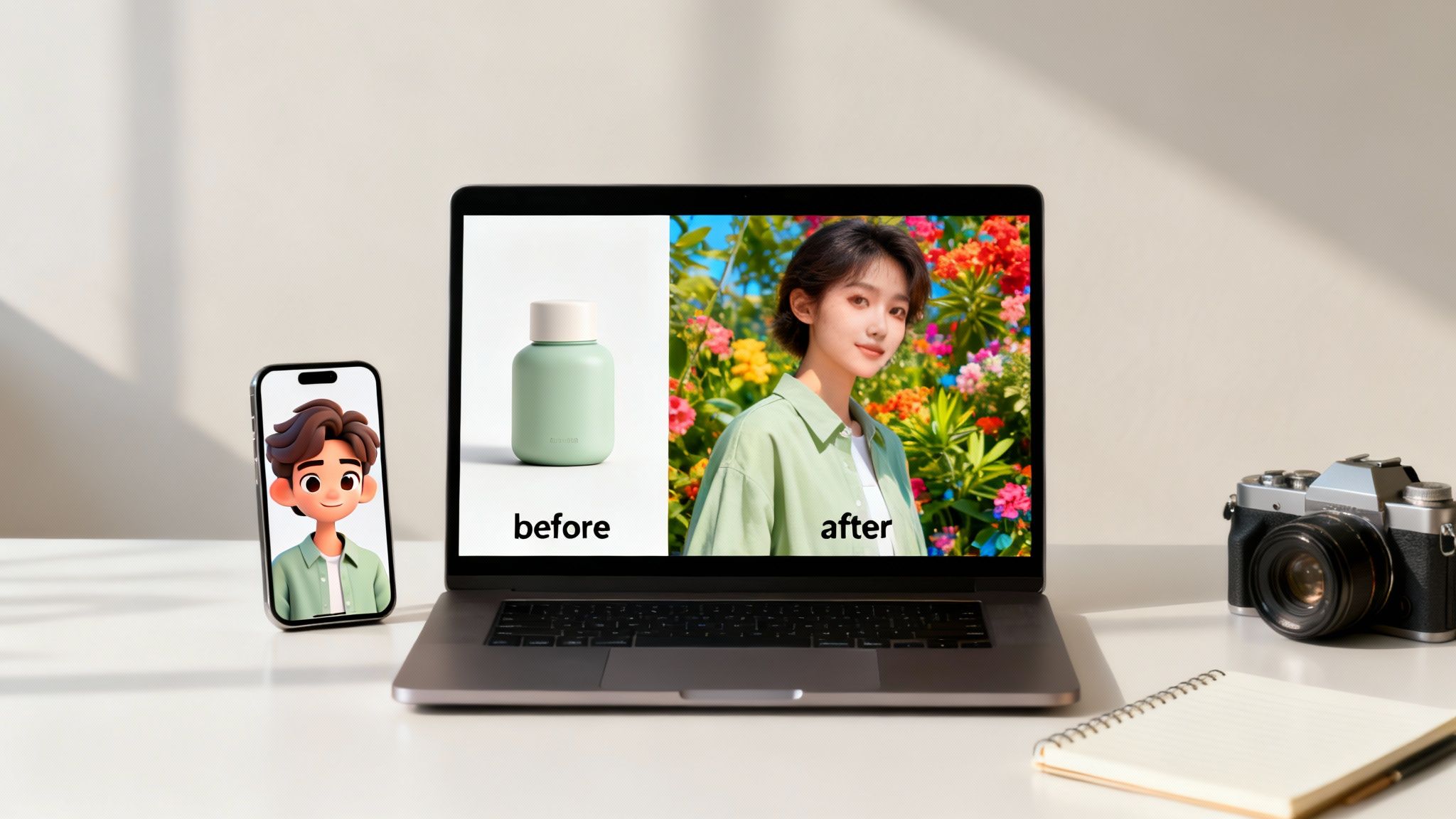
This is where the theory behind image-to-image AI stops being a cool science experiment and becomes a real-world tool for growth. It’s a way for creators and brands to tackle genuine problems, slash costs, and churn out incredible content faster than ever. From animating characters to generating endless ad variations, the uses are direct and powerful.
This technology is a shortcut to professional-grade visuals that used to demand entire creative teams or pricey photoshoots. It puts advanced tools right into the hands of solo creators and small businesses, completely leveling the playing field.
Animate Characters for Faceless Content
One of the biggest breakthroughs for faceless YouTubers and TikTokers is character animation. Imagine you run a Reddit story channel. You can grab a single stock photo or AI-generated portrait and use an image-to-image model to create a whole range of expressions—happy, surprised, sad, angry—all from that one starting point.
This simple process turns a static narrator into a dynamic character, all without ever showing a real face. For the 500k+ creators chasing monetization, this is a game-changer. Tools like Aicut let them turn a single photo into an animated personality, saving countless hours of editing and making it easier to scale up viral content.
Generate Authentic UGC-Style Photos
For e-commerce brands, nothing beats authentic user-generated content (UGC) for building trust. The problem? Organizing photoshoots is expensive and a logistical nightmare. Image-to-image AI flips this on its head.
A brand can take a clean product shot on a white background and, with a few text prompts, place it into hundreds of different realistic lifestyle scenes. It’s that simple.
- Input: A photo of a water bottle on a plain background.
- Prompt: "Place this water bottle on a wooden table next to a laptop in a cozy cafe."
- Output: A natural-looking photo that’s ready for social media.
A really clever application is turning basic product photos, like flat lays of clothing, into realistic on-model images using flat lay to model AI. This lets brands generate an entire library of diverse marketing visuals from just a few studio shots, saving a massive chunk of their content budget.
By repurposing a single product image, you can create a full campaign's worth of visual assets tailored to different audiences and platforms, all without a single photoshoot.
Repurpose and Upscale Ad Creatives
Every good marketing campaign relies on A/B testing, and that means you need a constant supply of fresh ad creatives. With image-to-image AI, you can take one winning ad and generate dozens of variations to test. Change the background, swap the color scheme, or even make it feel like a different season—all with a simple prompt. You can check out our guide on how to create stunning AI images to learn the ropes.
Beyond creating new ads, this tech is also perfect for reviving old content. Most creators have a folder of old, low-resolution photos or video clips that are just too grainy for today's standards. AI upscaling tools can analyze these assets and intelligently fill in the details, turning them into crisp 4K visuals. This breathes new life into your archives and gets more mileage out of everything you’ve ever created.
Getting Better Results from Your AI Tools
Getting the hang of image-to-image AI is less about understanding the complex tech behind it and more about learning how to steer it. Like any powerful tool, the quality of your results really depends on how you use it. Tiny tweaks to your prompts and settings can be the difference between a generic, forgettable output and a stunning creation that actually matches your vision.
The trick is to stop making vague requests and start giving specific, descriptive instructions. The AI can't read your mind; it's counting on the details you feed it to turn your idea into pixels.
The Art of the Perfect Prompt
Your text prompt is, without a doubt, the most important lever you can pull to control what the AI creates. If you give it a vague prompt, you're going to get a vague result. Instead of just asking for a simple change, try to paint a picture of the final scene you want with rich, sensory language.
Imagine you're a film director setting the scene. What's the mood? How is it lit? What’s the overall style?
- Weak Prompt: “Make this city photo look cooler.”
- Strong Prompt: “Transform this daytime city photo into a rainy, neon-lit cyberpunk scene with cinematic lighting, 8k.”
See the difference? The second prompt gives the AI concrete concepts to work with—rain, neon lights, a cyberpunk vibe, and even a specific quality like "cinematic." This level of detail is exactly what you need to guide the image to image AI toward your creative goal.
The better you can describe your vision with specific adjectives, artistic styles, and even technical terms (like 'cinematic lighting' or 'hyperrealistic'), the more control you'll have over the final image.
Understanding Key Control Settings
Beyond the prompt, most AI tools give you a few knobs and sliders to fine-tune the transformation. The most common one you'll see is denoising strength, though it might also be called image strength or guidance scale.
Think of it like a volume knob that controls how much the AI listens to your original image versus how much it listens to your prompt.
- Low Denoising Strength: The AI will stick closely to your original photo, making only subtle changes. This is perfect for light touch-ups, color grading, or minor style transfers.
- High Denoising Strength: The AI gets a lot more creative freedom, using your photo more as a loose compositional guide than a strict blueprint. This is what you want for dramatic transformations, like turning a photo into a watercolor painting.
Playing around with this setting is the best way to find that sweet spot between honoring your source image and bringing your new idea to life. And once you've generated the perfect visual, don't forget the final step: make sure it's optimized for where it's going. Knowing the standard image sizes for social media is key to making sure your hard work looks great and gets the engagement it deserves.
How to Supercharge Your Creative Workflow
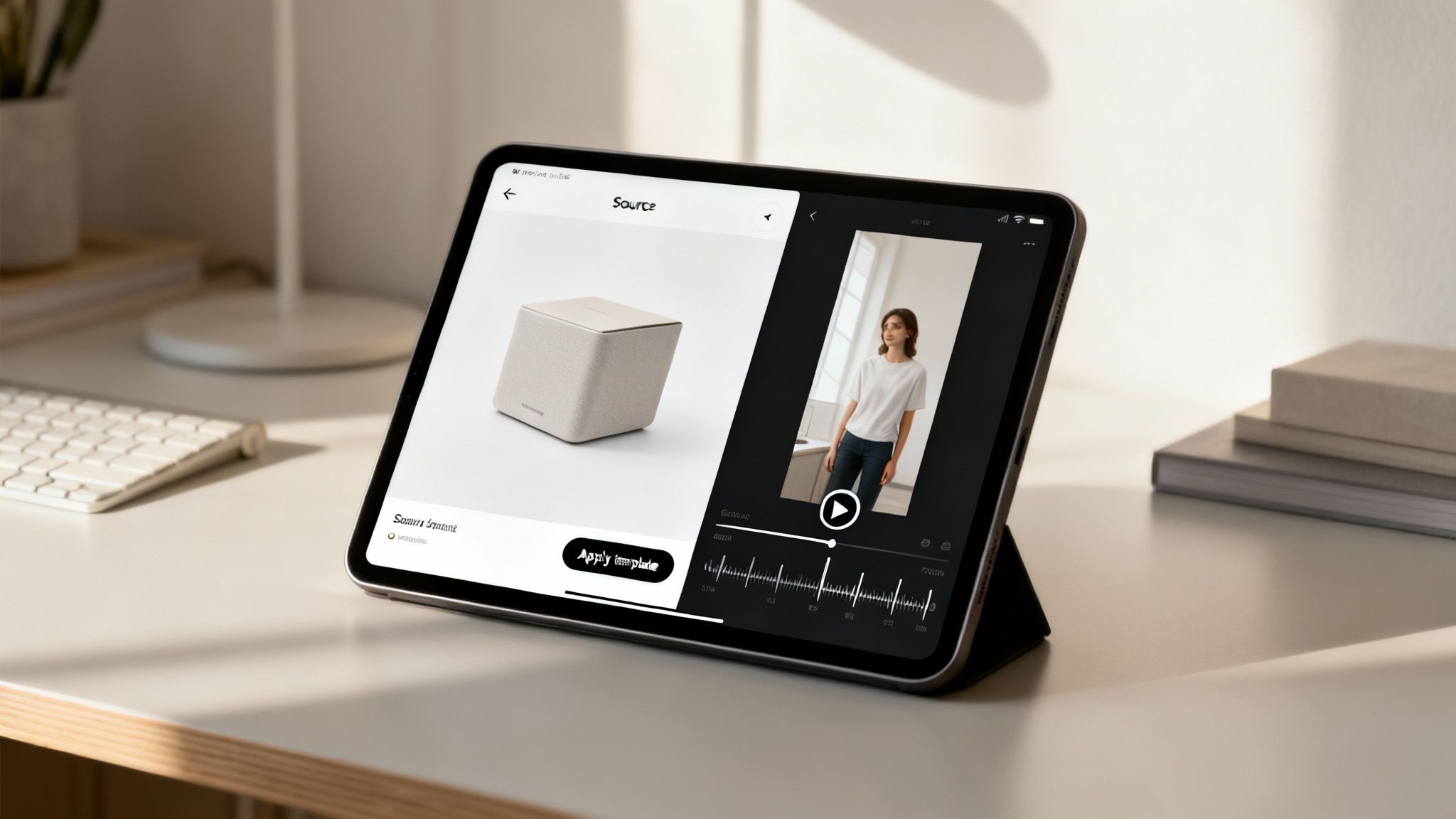
It’s one thing to understand what image-to-image AI can do, but it's another thing entirely to actually plug it into your day-to-day work. The secret isn't juggling a dozen different apps. It’s about finding one place where all these tools work together, letting you focus on the creative side of things instead of fighting with clunky workflows.
This is exactly why platforms like Aicut exist—to act as a central hub for your content. Forget downloading an image from one tool, then uploading it to another, and then another. When everything is in one place, you can move from idea to finished product smoothly, saving a ton of time and keeping your creative energy high.
A Practical Workflow Example
Let's walk through a real-world scenario. Say you’re an e-commerce brand and you need a short, snappy video for TikTok or Reels, but all you have is a single product photo.
Here’s how simple that can be:
- Start with Your Base Image: Just upload a clean, high-quality photo of your product.
- Apply a Trending Template: Pick a template inside Aicut that’s already set up for a viral format, like a UGC-style review.
- Generate a New Scene: Use the image to image AI tool to drop your product into a completely new setting. A simple prompt like, "Place this skincare bottle on a marble bathroom counter with soft morning light," does the trick.
- Convert to Video: With a single click, the new image becomes a short video clip, complete with subtle motion and effects.
That whole process takes just a few minutes. You’ve turned a boring static photo into a dynamic video ready for social media, all without ever leaving the app. For anyone trying to keep up with content demands, that kind of speed and consistency is a huge advantage.
From Static Photos to Dynamic Stories
This is where creators really start to see the difference. For Aicut users, like e-commerce brands and social media managers, this tech means turning static photos into authentic-looking POV selfies or instantly upscaling video footage. For creators running faceless channels, it's a game-changer for turning things like Reddit narrations into compelling visuals, helping them achieve 10x faster production.
It's no surprise the market for this technology is booming; you can read more about the historical journey of AI art tools to see how far it's come. It lets solo creators produce work that once required an entire agency and expensive photoshoots.
By bringing all these tools into a single workflow, you get rid of the tedious little steps that kill your momentum. This means you can create more high-quality content, faster, which dramatically increases your chances of connecting with your audience.
At the end of the day, using an all-in-one platform like Aicut is about spending less time managing software and more time actually creating. Whether you're turning a headshot into an animated avatar or a product shot into a story, the point is to make powerful AI feel easy and practical for your everyday needs.
Navigating the Limitations and Ethics
Image-to-image AI is an incredible creative partner, but like any powerful tool, it’s important to know its limits and the ethical lines you shouldn't cross. Understanding where it shines—and where it stumbles—will save you a ton of headaches and help you use it responsibly.
From a practical standpoint, the tech isn't perfect. You'll still run into weird visual quirks. AI models sometimes struggle with details that are second nature to us, like rendering a hand with the correct number of fingers or getting text to look just right. These glitches are getting better all the time, but they're still part of the process.
Key Ethical Considerations
Beyond the technical hiccups, using this technology thoughtfully is what really matters. The core idea is simple: create, don't deceive. If you use AI to intentionally mislead your audience, you risk shattering the trust you’ve worked so hard to build.
Copyright is another huge piece of the puzzle. The golden rule here is to only transform images you have the legal right to use in the first place. That means sticking to:
- Your own original photos and creative work.
- Stock images that you’ve properly licensed for modification.
- Public domain images with no copyright restrictions.
Grabbing someone else's copyrighted art and running it through an AI without permission is a big no-no. It's not just poor form; it can land you in legal trouble and get you booted from platforms. Always respect the work of other creators.
Building Trust with Your Audience
At the end of the day, being transparent is your best bet. You don't necessarily need a disclaimer on every single AI-assisted graphic, but being open about your creative process can actually strengthen your relationship with your audience. Knowing how to talk about AI-generated content is a vital skill for creators today.
By acknowledging the tool's limitations and sticking to clear ethical guidelines, you show that you're not just chasing trends. You're a creator who uses powerful new tools with wisdom and respect, ensuring your work is not only impressive but also trustworthy.
Your Top Questions About Image-to-Image AI, Answered
Got questions about using image-to-image AI? You're not alone. Here are some clear, no-nonsense answers to the things creators ask most, so you can jump in and start making things with confidence.
Do I Need a Super-Powerful Computer?
Nope, not at all. While the AI models themselves need some serious hardware to run, cloud-based tools like Aicut take care of all the heavy lifting on their end.
This is great news because it means you can create stunning, professional-quality images from a regular laptop or even your phone. The tech is accessible to everyone, no special gear required.
Can I Use My Own Photos?
Absolutely! In fact, that's the whole point. You can feed the AI your own photos, product shots, sketches, or any graphic you've created to get started.
Just remember the golden rule: make sure you have the legal right to use the starting image. Stick to your own original content or photos you have a license for to steer clear of any copyright headaches.
How Is This Different From Text-to-Image AI?
It's all about the starting point. Text-to-image AI is like a blank canvas; it creates an image from zero, based only on your text description. Image-to-image, on the other hand, uses an existing picture as a blueprint and then modifies it based on your prompt.
Here's a simple way to think about it: text-to-image is like telling an artist what to paint from their imagination. Image-to-image is like handing them a sketch and telling them exactly how to color it, detail it, and finish it. You get way more control over the final composition.
Ready to turn your static images into content that grabs attention? With Aicut, you can whip up UGC-style product shots, bring characters to life, and create eye-catching ads in minutes. Start creating for free on aicut.pro and see for yourself how simple it is to level up your creative workflow.