
You're probably seeing the same thing in your feed that everyone else is seeing. A dancing skeleton. A talking fruit with suspiciously human body language. A faceless character that moves just well enough to feel alive, but fast enough that the creator is clearly not spending a week animating every clip by hand.
That's the hook with motion capture animations right now. They look high-end, but the workflow has collapsed into something a solo creator can use. You no longer need a stage, a crew, and a VFX pipeline to get believable movement into a short video. You need motion data, a usable rig, and a cleanup process that respects one hard truth about social content: speed matters almost as much as polish.
Most beginners get stuck because professional mocap tutorials are built for film, games, or virtual production. Short-form creators need a different version of the same knowledge. The target isn't a perfect hero shot. The target is a clip that reads instantly on a phone screen, feels smooth, and can be turned around fast enough to ride a trend.
Why Motion Capture Animation Is Everywhere Now
A lot of creators first notice motion capture through a viral clip, not a tutorial. You see an AI skeleton dance or a goofy faceless character doing a perfect little loop, and your first assumption is that somebody built it with expensive studio gear. That used to be a fair guess. It isn't anymore.
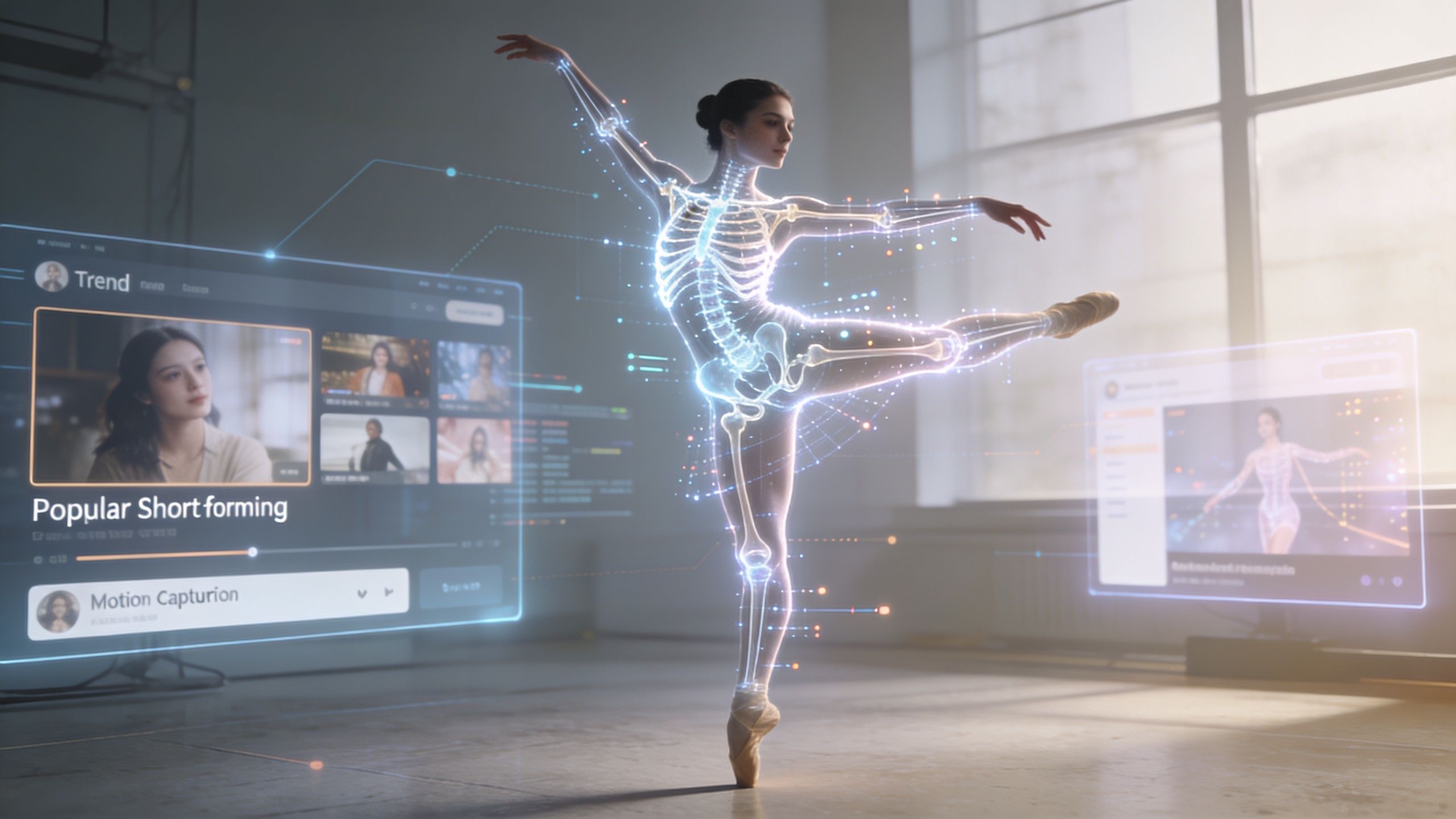
The reason this style is spreading so fast is simple. The old gap between professional mocap and creator workflows has narrowed. Motion capture started long before modern 3D animation. The roots go back to Eadweard Muybridge's 1878 “The Horse in Motion”, then moved through rotoscoping in works like Disney's “Snow White” (1937), and later into the digital bodysuits of the 1980s. Today, the 3D motion capture market was valued at USD 235.3 million in 2023 and is projected to reach USD 524.6 million by 2030, according to the Science and Media Museum overview of motion capture history.
That history matters because it explains what changed. Mocap used to be rare because the hardware and workflow were too heavy for everyday creators. Now the creative demand is coming from short-form platforms, and the tools have moved closer to that need.
Why it fits short-form so well
Short videos don't need the same thing films need. They need readable motion, recognizable silhouettes, and enough character to stop the scroll. A skeleton dance works because the body mechanics are clear in less than a second. A fruit character works because the motion feels human while the design stays absurd.
That's where motion capture animations shine. They give you:
- Natural timing: The tiny shifts in balance and rhythm that are hard to fake quickly.
- Repeatable output: Once you have a working setup, you can reuse motion styles across multiple videos.
- Template-friendly movement: One good walk, dance, point, or reaction can become a whole content series.
Practical rule: On TikTok, viewers forgive stylization fast. They don't forgive awkward motion fast.
Why beginners can finally use it
The Hollywood version still exists, but creators don't need that version. You can pull movement from camera footage, use an inertial suit, or skip capture entirely and start with pre-made clips. That's why this trend keeps growing. The bottleneck has moved away from hardware and toward workflow decisions.
The creators winning with this format usually aren't the most technical. They're the ones who know where to simplify. They don't build a pipeline for every shot. They build a repeatable system for content.
Choosing Your Motion Capture Method
Your first real decision is not what character to use. It's where the motion comes from. For short-form work, there are three practical paths: phone-based capture, an IMU suit, or a motion library.
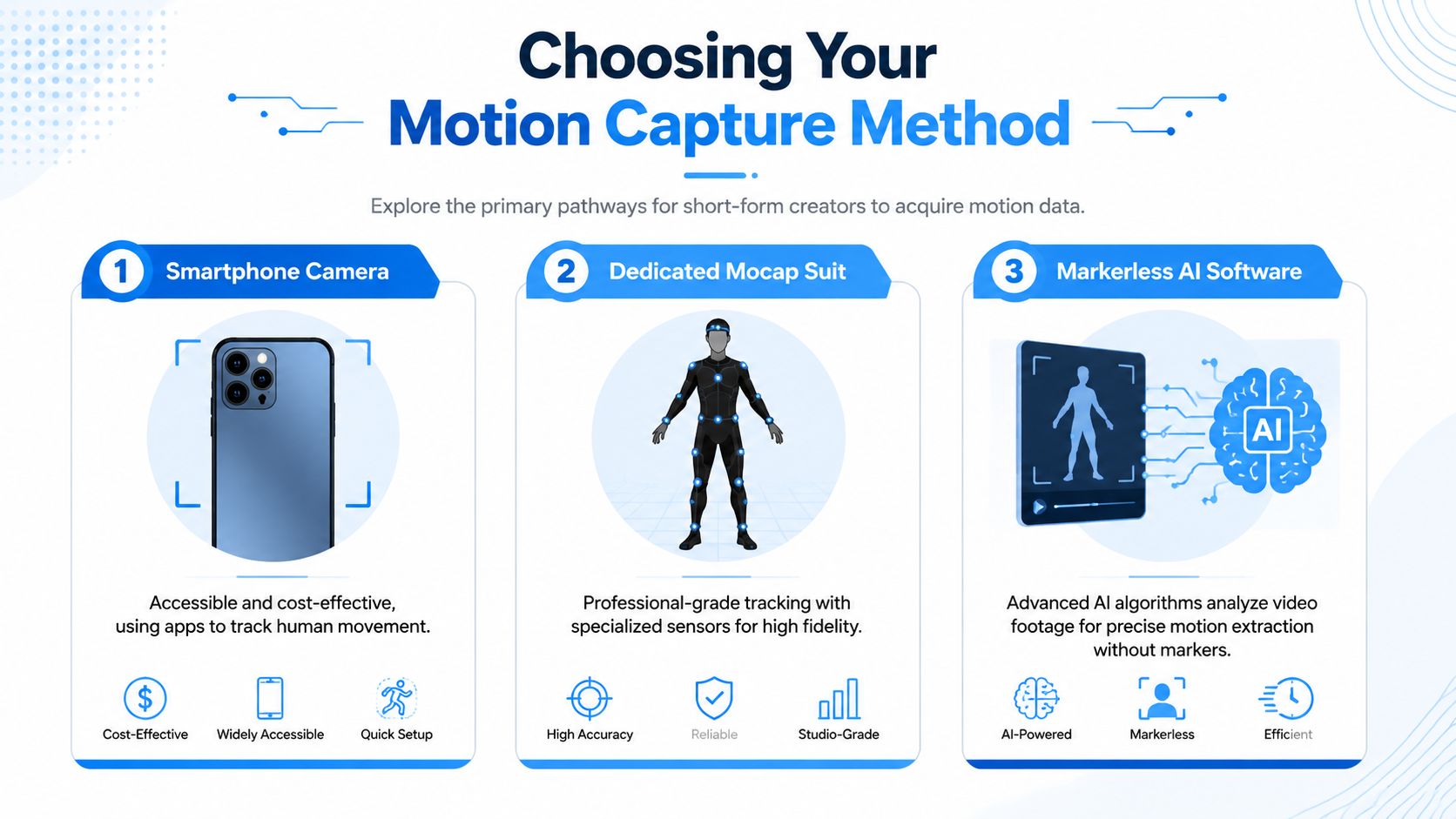
Each one solves a different problem. If you pick the wrong one, you'll spend your time fighting the workflow instead of making videos.
A quick comparison
| Method | Best for | Main upside | Main trade-off |
|---|---|---|---|
| Smartphone camera | Fast tests, trend reactions, simple body motion | Easy to start | Less predictable on tricky moves |
| IMU suit | Original performances, recurring characters, solo capture | Consistent personal motion data | Calibration and drift management |
| Motion library | Speed, volume, template production | Fastest path to output | Less unique unless you edit it well |
If you want speed, start with a library. If you want a signature character, use capture. If you want to experiment without buying gear, use your phone first.
Smartphone camera and markerless tools
This is the easiest way in. You record movement, then let software estimate body motion from the video. For creators making trend-based content, this is often enough. A simple point, walk-in, dance loop, or reaction clip can read well without a heavy setup.
The downside is reliability. Markerless tracking can struggle with fast spins, overlapping limbs, low contrast clothing, and moves that hide the body. For a social clip, that doesn't always kill the result. But it does mean you should design around what the tool handles well.
A good beginner move is to keep your actions front-facing, clear, and short. Don't start with acrobatics. Start with loops.
If you want to see how motion-driven skeleton content is commonly packaged for short videos, this AI skeleton video walkthrough is useful as a format reference.
Dedicated IMU suit
For solo creators who want their own movement style in the content, an inertial motion capture suit is the most practical “serious” option. These suits use 17 to 22 sensors, and they need careful calibration because magnetic interference and drift can throw the motion off. The practical trade-off is well documented in Rokoko's professional motion capture guide: inertial systems can produce 2 to 5 cm positional error over a 60-second take, but they also cut cleanup to 2 to 4 hours for a 10-minute clip, compared with 20 to 40 hours for optical systems, while reaching 92% perceptual fidelity. Optical systems are more precise at 0.5mm, but they're not the normal choice for a solo short-form creator.
Motion libraries
This is the least glamorous option and often the smartest. If your goal is publishing consistently, a library gives you instant building blocks. Walks, idle loops, reactions, dances, pointing, turns. You can spend your effort on character choice, camera framing, text, timing, and story.
The catch is sameness. If you drag in a stock motion and publish it raw, it can feel generic. The fix is editing. Change timing. Trim the strongest beat. Layer your own style on top. Build series formats around reusable motions so viewers recognize the character before they recognize the source clip.
From Raw Motion to a Character Rig
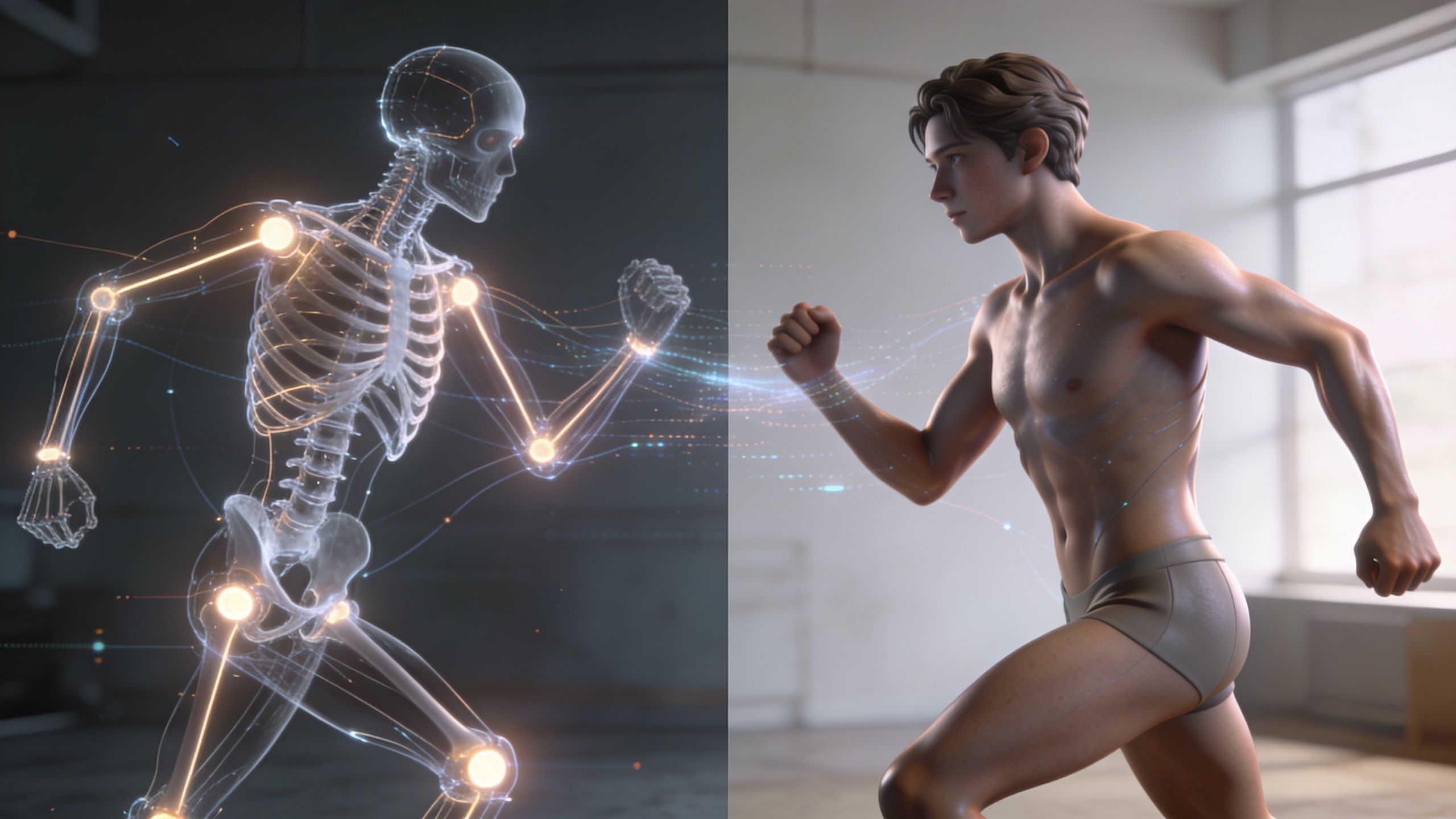
Raw motion data isn't an animation yet. It's just movement waiting for a body. The step that makes everything work is retargeting, which means taking motion recorded from one skeleton and applying it to another rig.
A simple way to think about it is clothing. A jacket fitted for one person won't sit correctly on someone with different shoulders, arms, and posture. Motion behaves the same way. The source performance might be good, but if the target character has different proportions, the result can look wrong fast.
What has to line up
A standard pipeline maps captured points onto a skeleton, then uses inverse kinematics, or IK, to keep the rig behaving properly. The Axis Studio breakdown of common motion capture problems is useful here because it highlights the part beginners usually miss: retargeting isn't only about putting arms and legs in roughly the right place. It's about preserving believable contact with the floor and avoiding obvious errors.
That same source notes that marker occlusion can cause 30% to 50% data loss in difficult interactions, and that foot skating is a common result. It also points out that people can detect rotational errors above 5 degrees, which is why “close enough” often still looks fake.
The practical retargeting checklist
For short-form creators, the retargeting stage doesn't need to become a technical rabbit hole. You need a few basics handled correctly:
Start with a clean T-pose
Calibration matters because it tells the software what neutral looks like. If the source and target rigs begin from inconsistent poses, errors spread through the whole clip.Match the skeleton logically
Hips, spine, shoulders, arms, and legs need sensible mapping. Hands and fingers are extra polish, not the first priority for most short clips.Turn on foot IK when available
This is one of the biggest time savers. If the feet are meant to plant, they need to lock.Check hip height and stride length
A tall, lanky rig and a short cartoon rig won't carry motion the same way. Most ugly retargets show up here first.Preview from the final camera angle
What looks slightly off in a full-body viewport can look completely wrong in a vertical close crop.
Most retargeting problems aren't dramatic. They show up as tiny wrong things that keep the character from feeling alive.
Tools that keep this manageable
If you want to understand the logic behind moving motion from one model to another, the Armox Labs motion transfer guide gives a helpful overview without burying the core idea.
For hands-on work, creators often use Blender with Auto Rig Pro, Mixamo-style workflows, or iClone-style retargeting tools. The main goal isn't mastering every rigging feature. It's getting stable motion onto a character quickly enough that you still have time for pacing, text, and publishing.
Character prep matters too. If your rig is messy, retargeting becomes painful no matter what tool you use. This AI character creation guide is a useful reference for thinking about character setup before motion enters the picture.
Polishing Your Animation for Viral Potential
Raw mocap usually looks worse than beginners expect. Not broken. Just flat, jittery, or slightly off in a way that kills the vibe.
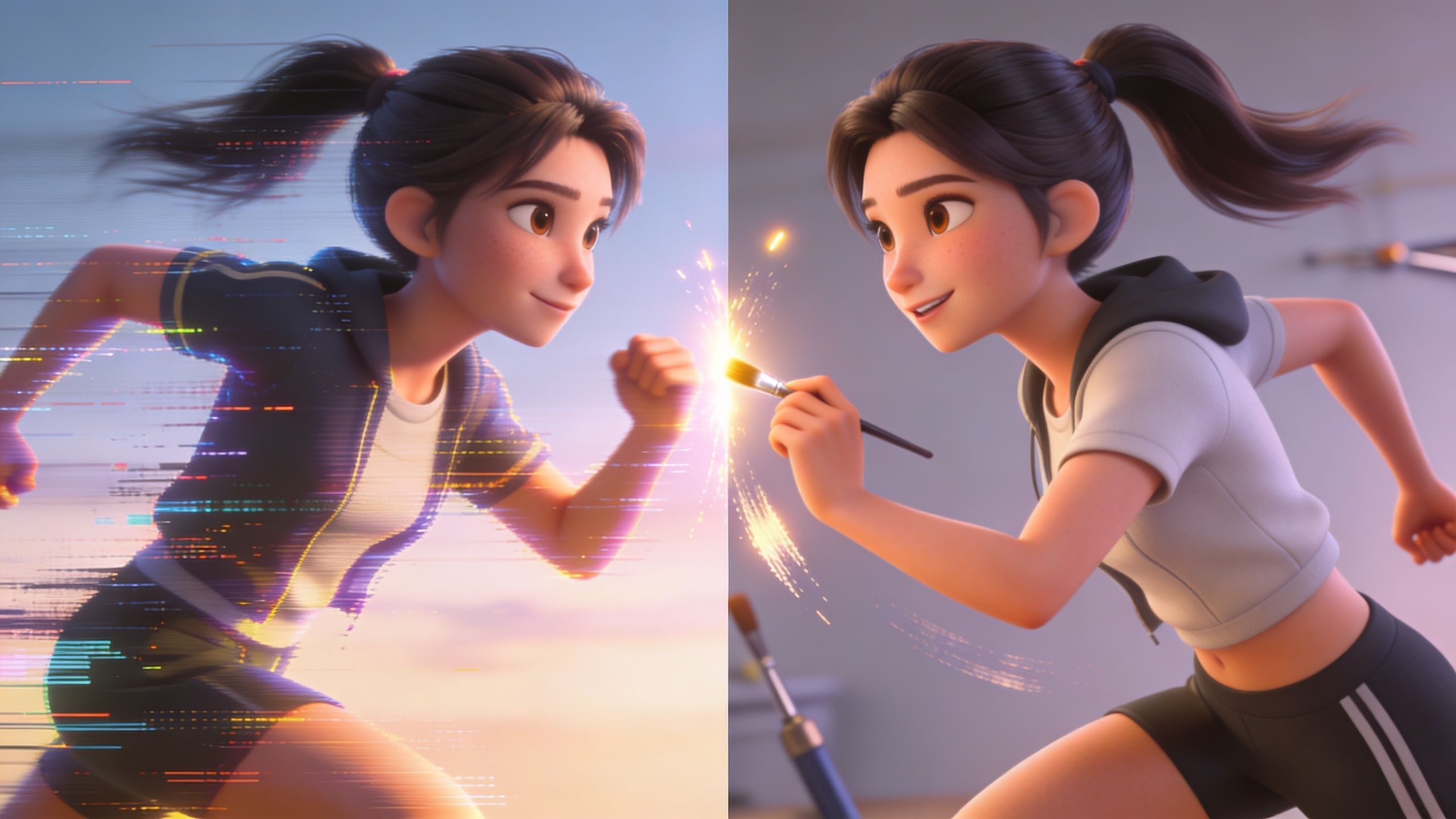
That's normal. Capture gives you a base performance. Viral-ready animation comes from cleanup and selective exaggeration.
Fix the problems viewers notice first
Most social clips don't need perfect animation. They need to avoid the mistakes people feel instantly.
The top three are usually:
- Foot sliding: The body says “planted,” but the feet drift.
- Jitter: Small unstable motion in the limbs, hips, or head.
- Weak posing: The movement is technically correct but visually boring.
If you only fix those three, the clip often jumps from “AI-looking” to “watchable.”
The 80/20 cleanup pass
Use this order because it saves time.
Lock contact points
Any time a foot, hand, or prop is supposed to stay in place, ensure it stays there. If the body is dancing wildly, a tiny slide may not matter. If the character is standing, pointing, or landing, it matters a lot.
Smooth the noisy sections
Don't smooth the whole clip blindly. That can kill the life in it. Smooth the sections where the curves chatter or where the body trembles in a way that looks like tracking noise instead of intention.
Push one or two poses
Short-form animation lives on clarity. A reaction shot, a lean, a squash before a jump, a stronger arm swing. Raw mocap often underplays these beats because real life is subtler than screen movement.
Quick test: Mute the clip and watch it once. If the idea of the motion isn't obvious, the posing needs help more than the data does.
What helps when the animation feels robotic
A useful trick for organic motion is adding guide controls instead of trying to force everything through raw capture. The UE5 and iClone mocap glitch discussion points to techniques like “create nulls from paths” to add flow and steer movement more gracefully, especially for stylized or non-human animation. That same source says AI filtering in UE5 and iClone reduced glitches by 25% in tests in May 2025.
That matters for faceless creators because non-human characters expose bad motion fast. A skeleton can get away with weirdness. A dancing fruit, plush mascot, or stylized influencer avatar often needs more guided cleanup.
A strong visual example helps here:
Polish for impact, not perfection
The trap is trying to make mocap realistic. On TikTok, “realistic” is not always the win. Readable is the win. Funny is the win. Sharp timing is the win.
That means you can cheat.
- Trim dead frames before the action starts.
- Retime a move so the hit lands earlier.
- Freeze a strong pose for an extra beat.
- Add a slight overshoot on turns or hand gestures.
- Cut away before the cleanup has to be perfect.
If your goal is distribution, pair animation polish with better packaging. A solid guide on TikTok virality for creators is worth reviewing because even good motion dies if the hook, pacing, and caption framing are weak. For broader workflow ideas around AI-led production, this overview of making AI videos is a practical complement.
Exporting and Publishing for Social Media
A clean animation can still fail at the last step. Export mistakes make motion look softer, choppier, or less readable on a phone. And on short-form platforms, that hurts immediately.
The export settings that matter most
Keep your output built for vertical viewing:
- Aspect ratio: Use 9:16 for TikTok, Reels, and Shorts.
- Frame rate: 30 fps or 60 fps both work. Choose one based on the feel of the motion.
- Compression: Export cleanly enough to preserve edges and character detail, but not so heavy that uploads become slow or unstable.
Those settings matter because mobile viewing is prevalent, and the platforms will recompress your file anyway. Your job is to give them a strong master, not a bloated one.
Choosing between 30 fps and 60 fps
This is mostly a style choice.
30 fps tends to work well for talk-driven faceless content, comedic beats, and simpler motion loops. It feels normal to most viewers and keeps the motion readable.
60 fps can help with dance, quick body turns, and fast-moving characters where extra smoothness supports the idea. It can also make some AI-generated motion look cleaner. But it may expose weak posing if the animation itself isn't strong.
Export the version that best serves the motion. Smoother isn't always better. Clearer is better.
A simple pre-publish checklist
Before uploading, check these in the final vertical frame:
Headroom and crop
Make sure the character isn't too low or too high once platform UI overlays appear.First-second readability
The key pose or motion cue should be visible instantly.Text safety
Keep captions and hook text away from corners and bottom overlays.Loop quality
If it's a looping format, test the last frame against the first. A rough loop loses replay value.Audio sync
If movement is rhythm-based, review the final uploaded version on a phone.
Publish for the platform, not just the file
TikTok, Reels, and Shorts all reward slightly different content patterns, so your animation format should match where it lives. If you need a current overview of where each channel fits in a video strategy, this rundown of the best video platforms for 2026 is a useful planning reference.
One more practical note. Don't judge your export on a desktop preview. Judge it on an actual phone. Motion capture animations are consumed in vertical, compressed, distracted conditions. That's the environment that decides whether your clip works.
Advanced Tips for Faceless and UGC Animations
The most interesting opportunity in motion capture right now isn't film realism. It's using mocap logic inside faceless content systems and UGC-style ads.
Most tutorials still teach mocap as if you're building for VFX or games. That leaves a big gap for creators making short clips at volume. The ActorCore motion library page points to that gap directly. It notes that short-form faceless workflows are underserved, mentions that video mocap plugin adoption surged 40% among indie creators, and highlights a practical trick many animators like: capturing performances in slow-motion and retiming them in an editor can yield 10x cleaner animations than real-time capture.
That last idea is especially good for ads and faceless storytelling. Slow the performance down during capture, get cleaner poses, then retime for the final edit. It works well for product dances, mascot reactions, and stylized body language where you want control without stiffness.
What tends to work best
For faceless channels, a few formats keep winning:
- Character-led series: One reusable avatar, recurring motion style, different scenarios.
- UGC with animated stand-ins: A character points, reacts, demonstrates, or “talks” through a product pitch.
- Absurd humanized objects: Fruits, skeletons, toys, or icons moving with believable timing.
The hidden advantage is scale. Once you have a motion style and a character system, you're no longer making one-off animations. You're building a content engine. Swap backgrounds. Swap characters. Reuse the same movement grammar with different hooks.
For beginners, that's the core strength of motion capture animations on social media. You don't need studio complexity. You need reusable motion, quick cleanup, and formats that can survive daily production.
If you want to turn this into a repeatable publishing workflow instead of a one-off experiment, Aicut is built for exactly that kind of short-form creator. It helps you generate faceless videos fast with viral-ready templates, motion-friendly formats like skeleton stories and AI influencers, prompt cloning, character swaps, built-in voiceovers, scheduling, and one-click posting. That matters when your goal isn't just making one good clip. It's producing motion-driven content consistently enough to grow a channel or run daily creative for a brand.