
So, what exactly are transitions in video? At their most basic, they are the little moments that connect one video clip to the next. But they're so much more than that. Think of them as the punctuation of your visual story—the commas, periods, and exclamation points that give your narrative rhythm and make it easy to follow.
Without good transitions, your video is just a random collection of clips. With them, it becomes a cohesive story that pulls your viewer in.
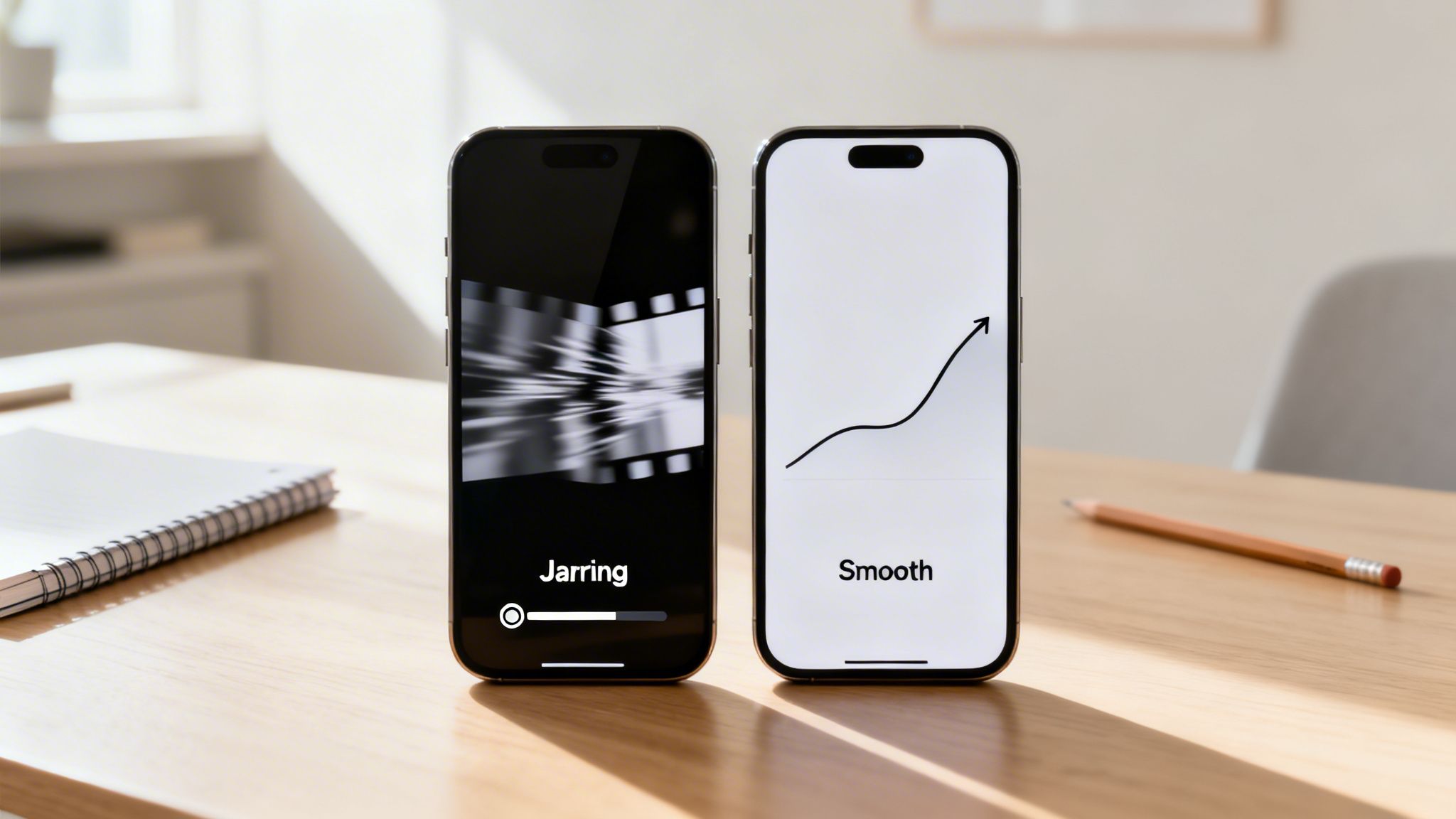
Why Good Transitions in Video Are Non-Negotiable
In a world of endless scrolling and shrinking attention spans, a smooth video flow isn't just a nice-to-have; it's essential. Every creator, whether you’re building a personal brand on YouTube or running a faceless channel on TikTok, is fighting the same battle: keeping viewers from swiping away.
Often, the one thing that separates a video people watch all the way through from one they abandon after three seconds is its flow.
Jarring cuts and clunky effects immediately break a viewer’s focus. It screams "amateur" and gives them the perfect excuse to move on. On the other hand, well-executed transitions in video create a polished, almost hypnotic experience that can hold someone's attention from start to finish. They’re the invisible hand guiding your audience through your story.
The Real Impact on Viewer Retention
The right transitions are absolutely critical for holding onto your audience, especially with short-form content. On platforms like YouTube Shorts and TikTok, you’ll notice that the most successful videos use dynamic transitions like quick zooms, spins, or slick AI morphs to keep the energy up.
It’s not just a feeling; the data backs it up. Creators who master these techniques often see viewers watch between 41% and 80% of their video's total length. That's a huge level of retention that most content struggles to achieve, and you can dive deeper into these kinds of video marketing stats to see the broader impact.
Here's a straightforward comparison that shows just how much transitions matter for keeping people watching.
How Transitions Impact Viewer Engagement
| Metric | With Engaging Transitions | With Poor or No Transitions |
|---|---|---|
| Average Watch Time | Significantly higher | Abrupt drop-off |
| Viewer Feeling | Engaged, immersed, curious | Jarred, confused, bored |
| Content Quality | Professional and polished | Amateur and unrefined |
| Story Flow | Coherent and easy to follow | Disjointed and hard to watch |
As the table shows, the choice of transition has a direct and measurable effect on how people experience your content.
Ultimately, mastering transitions in video isn't just about making your content look cool—it's about respecting your audience's time and giving them a compelling reason to stick around. When the flow is seamless, viewers don't even have to think about it; they just stay hooked.
Understanding the Building Blocks of Video Transitions
If you want to create videos that hook viewers and keep them watching, you have to get comfortable with transitions. They’re much more than just a flashy effect between clips. Think of them as the grammar of your visual story—the punctuation that controls the rhythm, mood, and flow of your entire video.
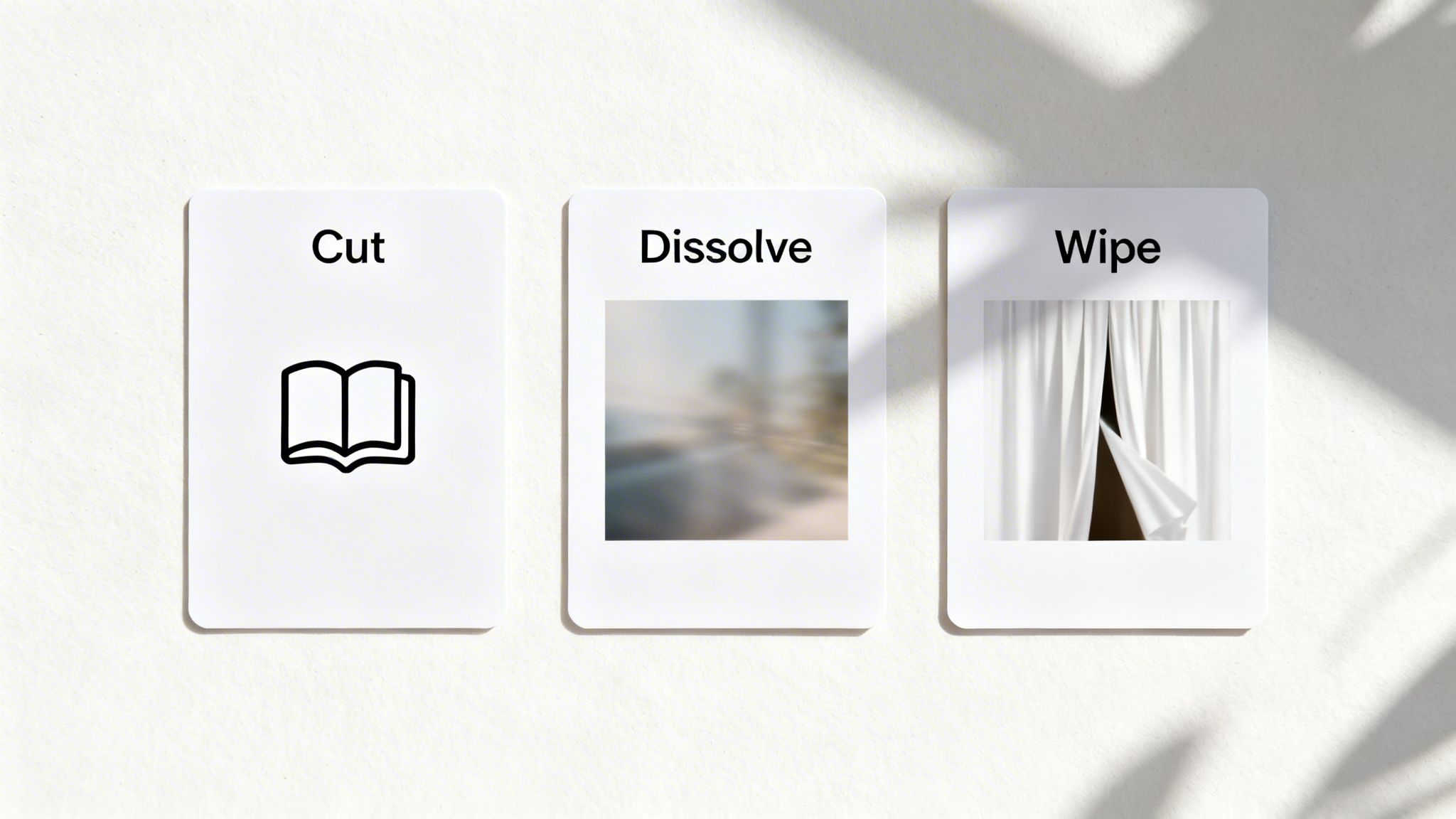
Let’s go over the most common types you'll use. We'll skip the dry, technical definitions and talk about what they feel like. Once you understand these core tools, you can start making editing choices that really serve your story.
And this stuff matters more than ever. The flow of a video has a massive impact on how long people stick around. Well-paced short-form videos, for instance, often see viewers watch 41-80% of their total length. That's a huge deal, especially when you consider that on YouTube alone, people watch 1 billion hours of content on their TVs every single day—where a smooth, seamless experience is everything. You can dig into more data like this in this excellent video marketing statistics report.
The Hard Cut: The Page Turn
First up is the hard cut. It's the most common, most fundamental, and most invisible transition you have. It’s simply one clip ending and the next one instantly starting. No frills, no effects—just a clean jump.
Analogy: A hard cut is like turning the page in a book. The reader doesn't think about the action of turning; they're just on to the next piece of the story.
This is your go-to for keeping the energy up. Use it to show the same action from different angles, jump between ideas in a tutorial, or just keep the story moving forward without any distractions. It’s the workhorse of video editing for a reason.
The Dissolve: The Fading Memory
Next is the dissolve, which you might also hear called a crossfade. This is where one clip slowly fades out as the next one fades in. For a second or two, the images overlap, creating a soft, gentle bridge between the scenes.
A dissolve immediately slows the pace down. It’s perfect for signaling a passage of time, a change in location, or a shift in the emotional tone of your video. It feels much more thoughtful and less sudden than a hard cut.
When to Use a Dissolve:
- Passing Time: Fading from a shot of the morning sun to a shot of the moon.
- Shifting Mood: Moving from a chaotic, happy party to a quiet, reflective moment.
- Creating a Link: Blending two different but related ideas, like a shot of a blueprint dissolving into the finished building.
The Wipe: The Curtain Pull
A wipe is when one shot pushes the other off the screen. This can be a simple line moving left-to-right, a circle expanding from the center, or any other shape you can imagine.
Analogy: Think of a wipe as pulling a curtain across a stage to reveal an entirely new scene. It’s an effect that wants to be seen.
While the classic, sharp-edged wipes can feel a bit dated (think Star Wars scene changes), modern versions are all over TikTok and Instagram. A hand swiping in front of the lens to reveal the next clip is a perfect example of a natural, camera-motivated wipe. You can see how creators are using this technique in fresh ways by exploring different AI video templates.
Advanced Transitions That Make Your Content Stand Out
Alright, now that you have a handle on the fundamentals, let's talk about the techniques that separate good videos from great ones. These advanced transitions are more than just eye candy; they’re powerful storytelling devices that play with time, sound, and visual connections to pull your audience in deeper.
This is how you graduate from just assembling clips to actually crafting a professional-looking, captivating experience. It’s these polished, high-energy edits that make viral content feel so seamless and intentional. Viewers can feel the quality, even if they can’t put a name to the technique.
Creating Seamless Flow with Match Cuts
A match cut is one of the most clever tricks in an editor's toolkit. It involves connecting two totally different scenes by matching something between them—it could be a similar action, a shape, or the overall composition of the shot. Think of a cut from a spinning basketball on someone's finger directly to a shot of the spinning globe. It's a "wow" moment that creates an instant, smart connection in the viewer's mind.
The goal here is to make the jump between scenes feel not just smooth, but intelligent. It’s a transition that rewards your audience for paying attention, giving them a little "aha!" moment when they spot the visual link.
Key Takeaway: A match cut is more than a transition; it's a visual statement. It tells your audience there's a deeper connection between two seemingly unrelated things, adding a whole new layer to your story.
Controlling Pace with J-Cuts and L-Cuts
So far, we've focused on the visual side of transitions in video, but your audio is just as crucial for creating a smooth journey. That’s where J-cuts and L-cuts come into play. These audio-led edits make everything feel far more natural and immersive.
J-Cut: This is when the audio from the next clip starts before the video does. Imagine hearing someone start to speak a split second before you actually see them on screen. It’s a fantastic way to build anticipation and lead the viewer gently into the next scene.
L-Cut: Here, the audio from the previous clip continues to play over the beginning of the new one. Think about a character finishing their sentence while the camera has already cut away to show another person’s reaction. It beautifully links the action and reaction, making the edit feel less jarring.
Using these audio tricks helps your video feel less like a series of clips and more like a fluid, real-world experience.
Injecting Energy with Speed Ramps
A speed ramp is all about dynamically changing the speed within a single clip, smoothly accelerating or decelerating to create a dramatic flair. You’ve definitely seen this before: a slow-motion moment suddenly ramps up to high speed, or a chaotic action scene slows right down to emphasize one critical detail.
This technique is a powerhouse for a few reasons:
- Adding Urgency: Ramping up the speed can inject a shot with instant intensity and excitement.
- Highlighting Detail: Slowing down a moment forces the viewer to focus on a specific action you want them to see.
- Creating "Flow State": Blending different speeds together makes montages and B-roll sequences feel incredibly dynamic and engaging.
The Rise of AI-Generated Transitions
Not long ago, creating complex effects like morphs, glitches, or intricate motion transitions was a painstaking, manual process that could take hours. Today, AI-powered tools have completely changed the game, making high-end video effects and editing accessible to everyone.
With just a simple prompt or a few clicks, you can now generate seamless morphing transitions that blend one object into another or apply stylish glitch effects for a modern, digital vibe. These tools can give your content a professional polish that used to be reserved for editors with big budgets and lots of time.
How to Adapt Your Transitions for Each Platform
The whiz-bang transition that gets a million views on TikTok would feel jarring and amateurish in a thoughtful YouTube documentary. Why? Because every platform has its own unique culture and rhythm.
Think of it this way: your choice of transition is like choosing the right outfit for an event. What works for a high-energy concert won't fly at a formal dinner. Getting it right shows your audience you understand the space they're in, while a mismatch can make them lose interest and scroll away—killing the very retention that platforms value most.
YouTube Transitions for Deeper Storytelling
On YouTube, especially with longer videos, you have the luxury of time. Viewers are often leaning back, ready to settle into a story, a lesson, or a deep dive. Your transitions should support that immersive experience, not interrupt it.
- J-Cuts and L-Cuts: These are the secret sauce for professional-sounding YouTube content. By letting the audio from your next scene start a moment before the video does (a J-cut), you create a smooth, cinematic bridge that guides the viewer's attention. It's perfect for interviews and tutorials.
- Slow Dissolves: Need to show that time has passed or the mood is shifting? A gentle dissolve is your best friend. It gives the audience a moment to pause and absorb the change without a hard jolt.
- Hard Cuts: Simple cuts still have a huge role on YouTube. They are workhorses for keeping the pace up during a tutorial or cutting cleanly between camera angles in a two-person conversation. They keep the focus right where it needs to be: on the content.
On YouTube, your transitions are there to serve the story. The best ones are often the ones you don’t even notice. They guide the viewer seamlessly through your narrative without ever pulling them out of the moment.
This diagram shows a few of the more advanced techniques that really elevate a YouTube video.
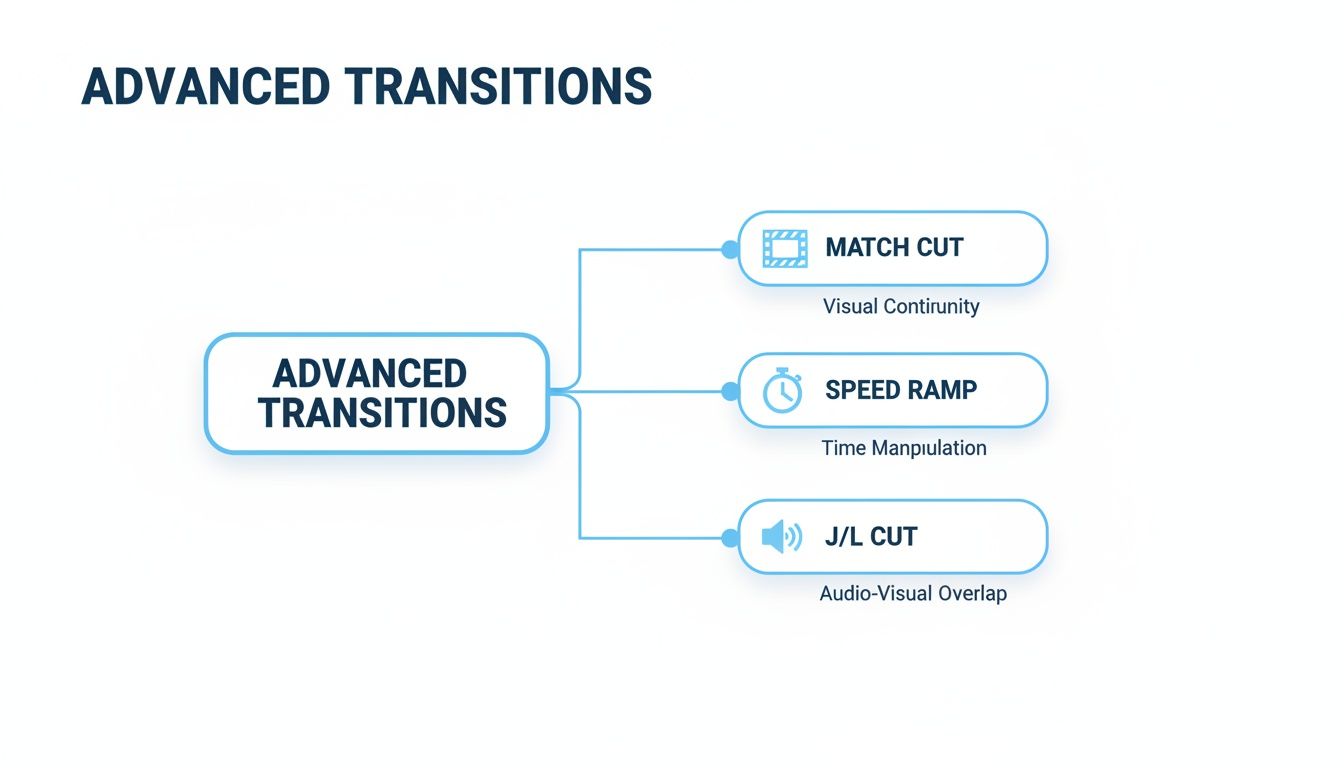
As you can see, things like match cuts or J/L cuts aren't about flashy effects. They're about creating a sophisticated and uninterrupted flow that makes your video feel polished and professional.
TikTok and Instagram Reels Transitions for High Energy
Now, let's flip the script. TikTok and Instagram are a completely different ballgame. It's all about raw energy and grabbing attention in the first fraction of a second. The viewing experience is a lightning-fast blur of content, and your editing has to keep up.
Here, the transition itself often is the main event. People love seeing clever, seamless cuts that are perfectly timed to a trending sound, creating an almost magical effect that feels incredibly satisfying to watch.
Transitions That Thrive in Short-Form Video:
- Whip Pans and Zooms: Fast, snappy camera movements that practically throw the viewer from one scene into the next.
- Object Obscures: A classic for a reason. Swiping your hand, a coffee mug, or a piece of clothing across the lens is a simple but super effective way to hide a cut.
- Match Cuts: While used for narrative flow on YouTube, here they're all about the "wow" factor. Think of a creator clapping their hands to trigger an instant outfit change.
The goal on these platforms isn't just to move between clips; it's to make the transitions in video so entertaining that they become a core part of the content—sometimes even starting a trend of their own.
How to Create Viral Transitions in Minutes with AI Tools
We've covered a lot of ground on the theory behind good transitions in video, from the simple cut to the nuanced L-cut. Now for the fun part: putting it all into practice. The great news is you don't need to spend hours meticulously editing frame by frame to get professional results anymore.
AI video tools like Aicut have really leveled the playing field. They give you a massive shortcut to producing polished, eye-catching videos with complex transitions, even if you’ve never touched editing software before. It’s about making high-level editing accessible to everyone.
The Magic of One-Click Templates
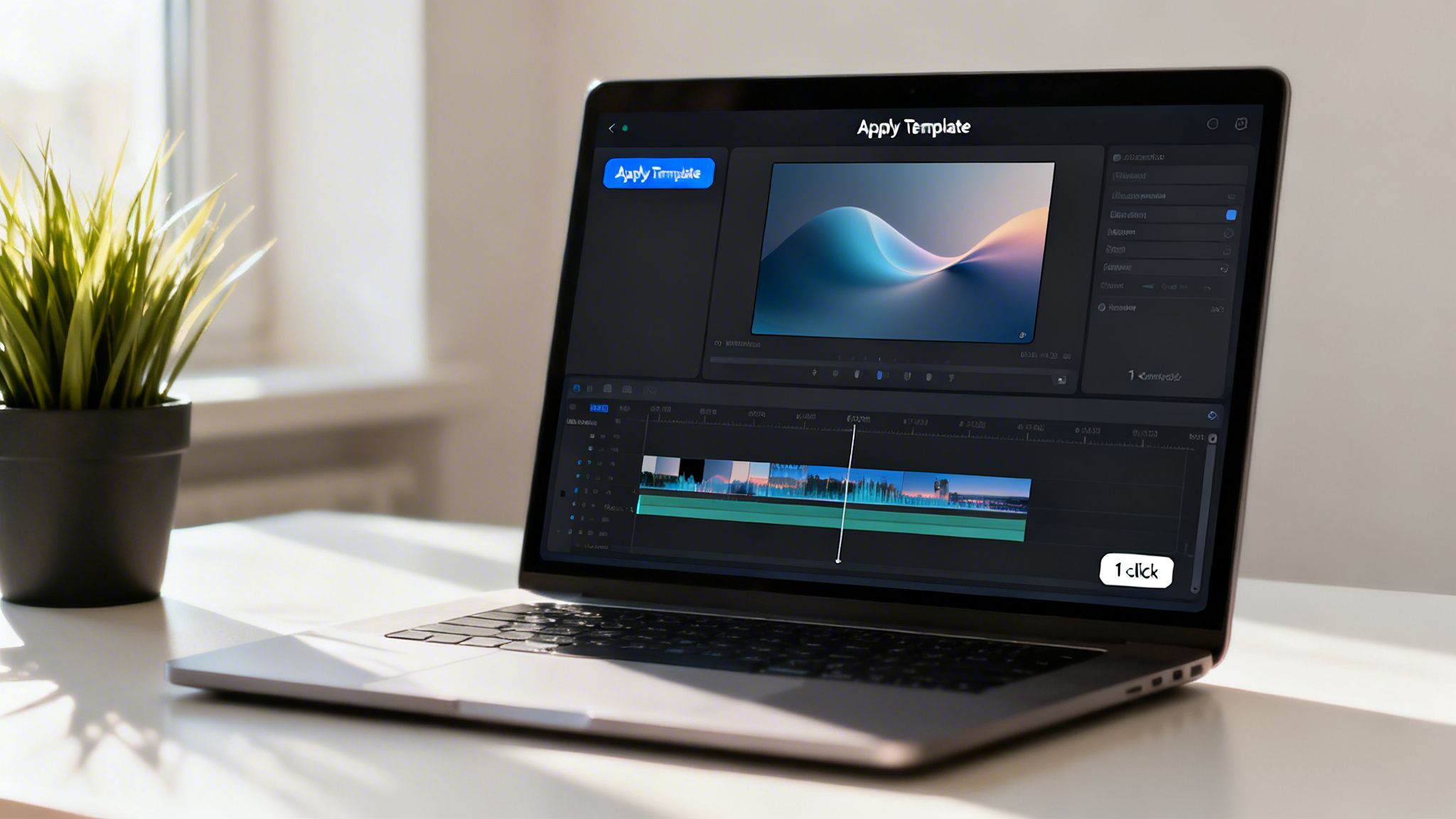
Have you ever seen a trending video on TikTok and wondered how they pulled off those slick transitions? AI templates are the answer. Think of them as pre-made video projects where all the hard work—the timing, the effects, the transitions in video—is already done for you.
All you have to do is drop your own video clips into the designated spots, and the AI takes care of the rest. For creators on a tight schedule, this is a lifesaver. Instead of reverse-engineering a viral edit, you can apply a proven template and have a video ready to post in minutes.
Key Insight: AI templates do more than just save time; they give you a creative starting point. By providing a solid structure that's already known to work, they free you up to focus on your story and message, not the technical nitty-gritty.
Making Transitions from Simple Text Prompts
The next frontier in AI video is generating visuals from text. With tools like Aicut, you can literally type out a description and watch the AI create a video clip, complete with sophisticated transitions built right in. This is incredibly useful for creators making faceless content, animated explainers, or abstract visual shorts.
For instance, you could type a prompt like, "an aerial drone shot of a futuristic city smoothly morphing into an underwater coral reef." The AI can generate a clip with a flawless morph transition that would normally require hours of work from a skilled VFX artist.
Prompting for Transitions: A Quick Guide
- Set Your Scenes: First, describe the two clips you want to connect. Get specific. Think "a close-up of a blooming rose" and "a wide shot of a starry galaxy."
- Describe the Action: Tell the AI how you want the scenes to connect. Use powerful verbs like "morphs into," "dissolves into," or "glitches to reveal."
- Define the Vibe: Finally, add a few keywords to set the style. Words like "cinematic lighting," "anime style," or "photorealistic" will help guide the AI's final output.
Putting It to Work for Faceless Channels
This text-to-video approach is a huge advantage for faceless YouTube or TikTok channels, especially those based on Reddit stories or text-based explainers. The AI can generate engaging background visuals and add dynamic transitions automatically, which is essential for holding viewer attention when there’s no person on camera.
This kind of automation isn't just happening in video, either. We're seeing similar breakthroughs in other creative fields, where the best professional photo editing apps leveraging AI are also taking the manual labor out of complex edits.
By removing the most tedious parts of the editing process, these tools let you get back to what really matters: creating awesome content that your audience loves. If you're curious to try it yourself, you can check out a bunch of AI-powered transition templates and see what you can create with your own clips.
What’s Next for Mastering Your Video’s Flow?
So, there you have it. You now know that great transitions in video aren't just technical tricks—they're the secret language of storytelling. Every choice you make, from a basic cut to an elaborate morph, tells your viewer how to feel and what to think. This is what separates forgettable content from videos that truly connect.
Think back to the fundamentals we covered:
- Cuts, Dissolves, and Wipes are your bread and butter for setting the pace and mood.
- J-Cuts and L-Cuts are the key to making your audio and video feel seamless and professional.
- Match Cuts and Speed Ramps add that layer of style and cleverness that makes people take notice.
If you walk away with just one thing, let it be this: a transition should always have a reason for being there. Ask yourself why you're using it. Are you building suspense? Showing time passing? Or just keeping the energy up? Every edit needs to serve the story.
Now, it’s time to stop just thinking about it and start doing it. Don't let the grind of manual editing hold you back from getting your ideas out there. Tools like Aicut can handle the heavy lifting, letting you create better videos, faster. You have the roadmap for creating incredible video flow—now go make something that will stop the scroll and grow your audience.
Common Questions About Transitions in Video
Diving into the world of transitions in video can feel a bit overwhelming. You want your content to look sharp and keep people watching, but it's easy to get lost in all the options. Let's clear up a few of the most common questions I hear from creators.
Getting these fundamentals right will shift you from just slapping effects on a timeline to actually using transitions to tell a better story.
What Is the Biggest Mistake Beginners Make?
Honestly? Going overboard with the flashy stuff. We've all been there. You find a library full of wild spins, glitch effects, and page peels, and suddenly your video looks like a 90s PowerPoint presentation on steroids. It's tempting, but it almost always distracts from what you're actually trying to say.
A great transition should serve the story, not steal the spotlight. If the viewer is thinking more about the transition than what’s happening in your video, it’s a sign you’ve gone too far. Every transition must have a clear purpose.
How Many Transitions Are Too Many?
There's no magic number here. It really comes down to the rhythm and feel of your specific video. The guiding principle should always be purpose over quantity. For a high-energy TikTok video, you might have quick cuts or snappy motion transitions every 1-2 seconds to match the beat of a song. That works because it builds momentum.
But if you're editing a slower, more thoughtful YouTube video, you might only need a few gentle dissolves or J-cuts over several minutes to guide the narrative. A good rule of thumb is: if a transition doesn't help the pacing, add clarity, or set the right mood, you probably don't need it.
Can AI Actually Create Good Video Transitions?
Absolutely, and it's getting better all the time. Modern AI tools can now pull off complex and seamless transitions that used to take hours of tedious manual work. Think of those cool morphing effects where one object smoothly transforms into another, or intricate motion graphics that are all over social media. AI is a pro at that.
These AI-powered effects can give your videos a seriously polished look without the steep learning curve, making professional-level transitions in video something every creator can achieve.
Ready to stop wrestling with your timeline and start creating incredible content faster? Aicut gives you viral templates and smart AI tools that build amazing transitions for you. You can produce higher-quality videos in minutes, not hours, and focus on what really matters—growing your channel. Start creating with Aicut today!