Managing social media for multiple clients is a high-stakes balancing act. Your agency needs a centralized platform that doesn't just schedule posts but streamlines approvals, automates reporting, and provides the analytics to prove your value. Without the right toolkit, you're left juggling spreadsheets, chasing client feedback via email, and manually compiling reports. These inefficiencies directly impact your team's capacity and profitability.
This guide dives deep into the best social media management tools for agencies, moving beyond generic feature lists. We give you an honest look at what works for different agency sizes and workflows, from solo freelancers to large teams. We'll analyze each platform's core strengths, expose potential limitations, and provide practical use cases to help you choose the command center that will help your team scale effectively. Before diving into the specifics for agencies, you might find a definitive social media management tools comparison helpful to understand the broader market and general feature sets.
Our goal is to help you find the perfect fit. We'll explore platforms like Sprout Social, Agorapulse, and HeyOrca, focusing on their agency-specific features like client dashboards, content approval queues, and white-label reporting. We also cover tools like Aicut that integrate powerful AI video creation into your workflow, a crucial element for engaging content on TikTok and Instagram. Each review includes screenshots, direct links, and a clear breakdown of pricing so you can make an informed decision without guesswork. Let's find the tool that turns your operational chaos into a streamlined, scalable, and profitable system.
1. Aicut
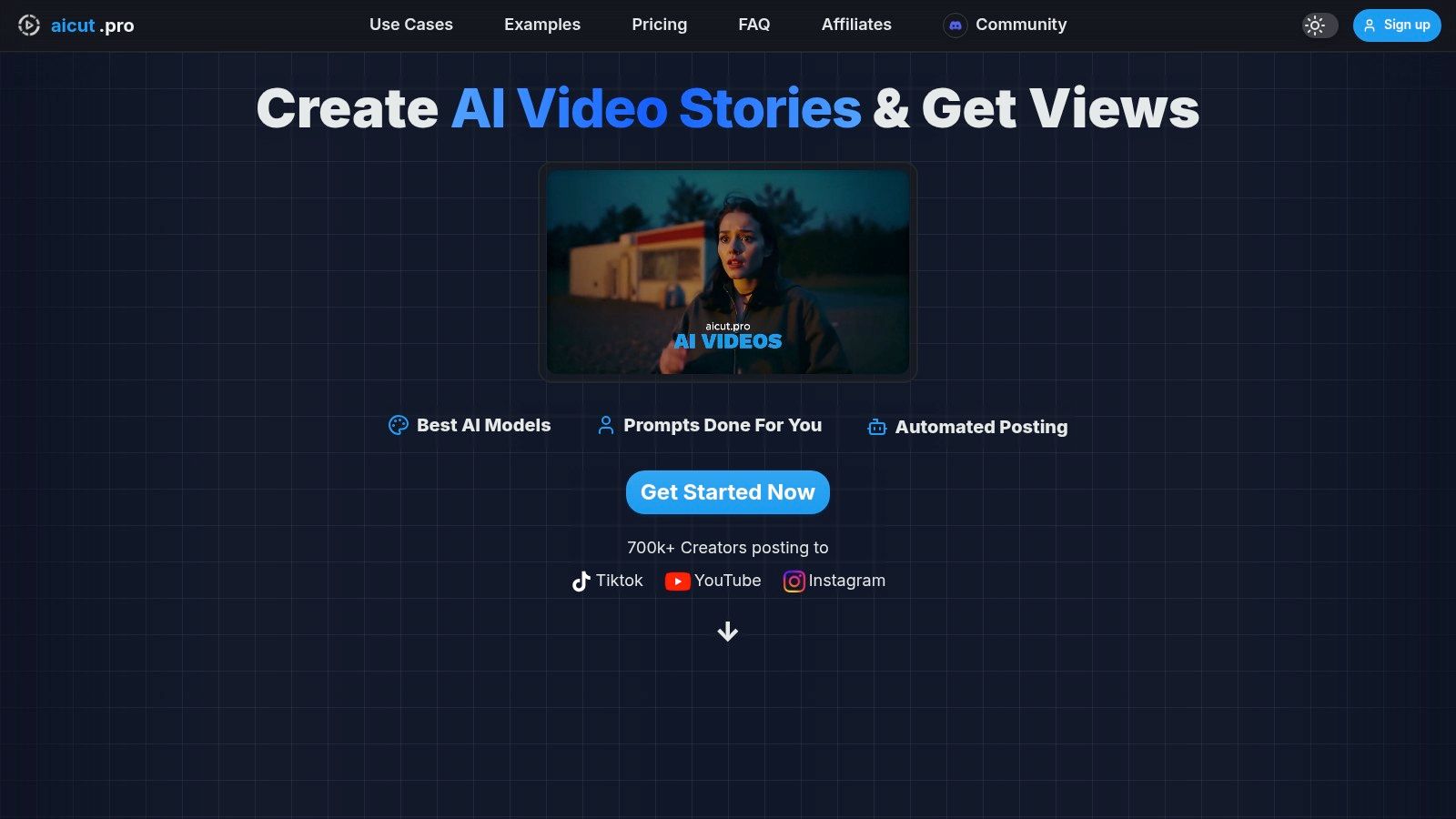
Aicut has rapidly positioned itself as an essential, AI-first platform for agencies managing clients who rely on high-volume, short-form video content. It excels by collapsing the entire video production pipeline, from ideation to distribution, into a streamlined, automated workflow. This makes it a standout choice for agencies aiming to scale faceless content channels for clients on platforms like TikTok, YouTube Shorts, and Instagram Reels without the traditional overhead of shoots and complex editing.
The platform's core strength lies in its integration of leading photorealistic AI models (including Sora 2, Veo 3.1, and Kling) with a library of viral, niche-specific templates. This allows agency teams to generate high-quality POV clips, Reddit narrations, and animated text-story videos in minutes, not hours. For e-commerce clients, Aicut provides tools to create UGC-style AI avatars and product showcases, effectively replacing the need for expensive photoshoots and on-set production.
Agency-Specific Features & Use Cases
Aicut is more than a content generator; it's one of the most effective social media management tools for agencies focused on video automation. Key features include one-click posting, advanced scheduling, and daily automated publishing, which allow managers to maintain a consistent content calendar across multiple client accounts with minimal manual effort.
The platform's transparent, token-based pricing is particularly well-suited for agency budgets. Costs are predictable and directly tied to usage, making it easy to model expenses per client campaign. For example, a Sora-generated clip (10s) costs approximately 1.5 tokens, while a one-minute text story video is just one token. With additional tokens priced at only $0.50 each, scaling up content frequency during a viral trend or product launch remains highly cost-effective.
Pricing and Plans
Aicut offers simple, usage-driven plans that are ideal for agencies of all sizes:
- Creator Plan: Approximately $12.50/month (billed annually), includes 50 tokens per month.
- Automate Plan: Approximately $25.00/month (billed annually), includes 100 tokens per month.
All paid plans feature no-watermark exports, and the active Discord community provides invaluable, real-time support with tutorials and trending prompts. As you explore your options, you can see how Aicut compares to other top-tier solutions by reading more about the best social media automation tools available today.
Pros & Cons
- Pros: All-in-one AI video pipeline; built-in automation and distribution; transparent, scalable pricing; strong community support with viral templates.
- Cons: Token costs can accumulate for very high-frequency or long-form video strategies; a learning curve exists for mastering prompt engineering and platform-specific policies.
2. Sprout Social
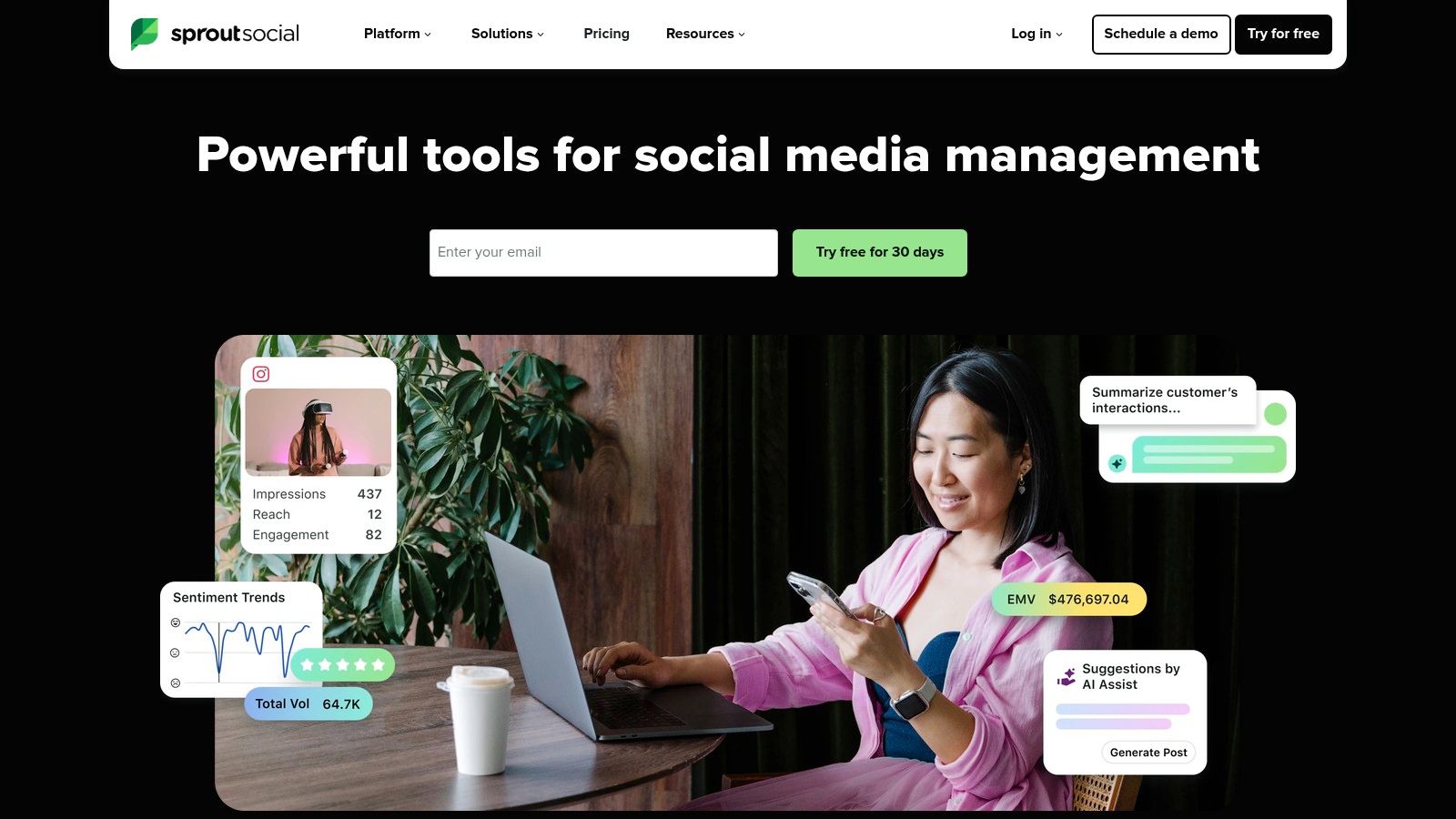
Sprout Social is a full-stack social media management platform renowned for its polished interface and comprehensive feature set, making it a top choice for agencies looking to standardize client delivery. Its core strength lies in unifying multiple client workflows into a single dashboard, from publishing and engagement to analytics. The platform’s Smart Inbox is a standout feature, consolidating all incoming messages and mentions into one stream where agency team members can tag, filter, and assign tasks, ensuring no client interaction is missed.
For agencies juggling multiple client approvals, Sprout’s collaboration tools are a significant asset. You can set up custom approval workflows, allowing junior team members to draft content and send it to account managers or even directly to clients for review before it goes live. This structured process minimizes errors and keeps everyone aligned. These features make it a powerful tool for agencies managing a high volume of content, especially when paired with strong visual assets created with tools for creating engaging social media content.
Key Features & Pricing
- Unified Smart Inbox: Manage all client messages with assignments and tagging.
- Advanced Publishing & Approvals: Streamline content creation with multi-step client approval workflows.
- Deep Analytics & Reporting: Generate beautiful, white-labeled reports for clients with just a few clicks.
- Add-ons: Expand capabilities with premium listening and advanced analytics tools for deeper insights.
Pricing starts with the Standard plan at $249 per month for one user, with each additional user costing more. The Professional and Advanced plans add more sophisticated agency-specific features. While Sprout Social is a popular choice, many agencies also explore various Sprout Social alternatives that might better fit their unique requirements and budget.
Best for: Medium to large agencies that need robust, scalable client management and reporting tools and are willing to invest in a premium solution.
Pros:
- Deep, client-ready reports reduce manual work.
- Scales cleanly across many profiles and users.
- Excellent customer support and onboarding.
Cons:
- Per-user pricing can become expensive for large teams.
- Key features like advanced listening are paid add-ons.
3. Hootsuite
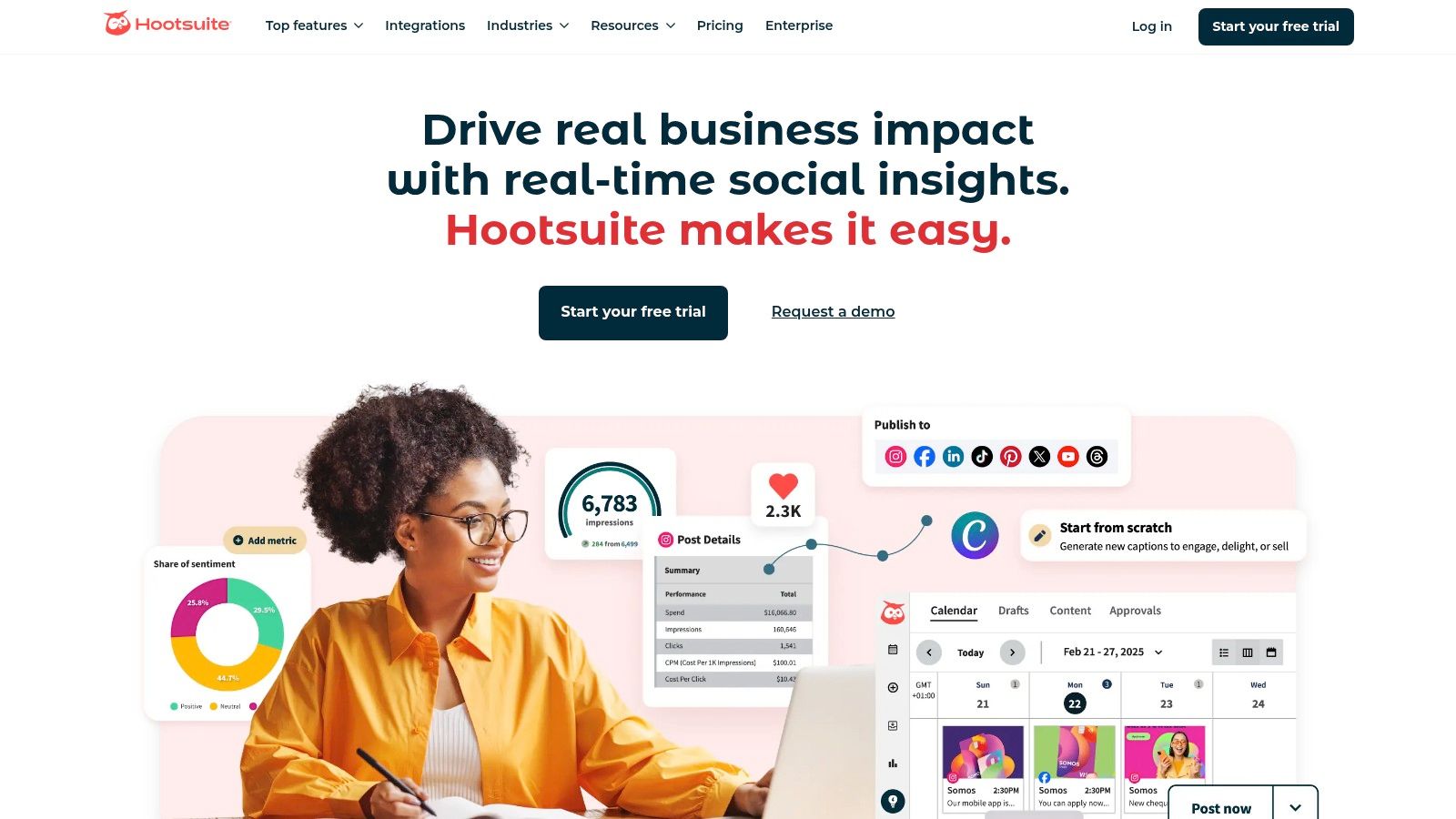
As one of the original social media management tools for agencies, Hootsuite has a long-standing reputation for its robust, all-in-one platform. It excels at centralizing publishing, monitoring, and analytics across multiple client accounts, allowing agencies to manage high-volume scheduling from a single dashboard. Its core strength is the customizable "Streams" view, which lets teams monitor keywords, hashtags, and mentions for different clients simultaneously, making it ideal for brand monitoring and engagement.
Hootsuite's broad app and integration ecosystem is a major advantage for agencies. The platform connects with hundreds of tools, including Canva and Adobe Express, which streamlines the creation of visual assets. This makes it easier for teams to integrate design and scheduling workflows, a key step in efficient AI content creation for social media. The platform also offers extensive training resources and certifications, helping agencies upskill their teams and demonstrate expertise to clients.
Key Features & Pricing
- Unlimited Post Scheduling: Plan and schedule unlimited content with "best time to post" suggestions.
- Centralized Inbox: Manage all DMs and mentions with assignment features and DM automations.
- Competitor & Sentiment Analysis: Track competitor performance and analyze audience sentiment directly within the platform.
- Extensive App Directory: Integrates with tools like Canva, Adobe, and various analytics solutions.
Pricing starts with the Professional plan at $99 per month for one user and 10 social accounts. The Team and Business plans offer more users, accounts, and agency-focused features like custom-branded URLs and approval workflows.
Best for: Agencies of all sizes that prioritize high-volume content scheduling and comprehensive brand monitoring across many networks.
Pros:
- Mature ecosystem with extensive training and certifications.
- Excellent for scheduling and monitoring across multiple networks at scale.
- Broad range of app integrations expands functionality.
Cons:
- Pricing details for higher-tier plans are not always transparent.
- The user interface can feel cluttered and less intuitive for smaller teams.
4. Buffer
Buffer is a highly intuitive social media management tool that stands out for its simplicity and clean user interface, making it an excellent choice for agencies managing smaller client rosters or those who prioritize ease of use. Its core functionality revolves around a streamlined scheduling and publishing workflow, allowing teams to queue up content efficiently across multiple channels. The platform’s straightforward design ensures that even junior team members or clients with limited tech skills can quickly learn how to draft, approve, and schedule posts.
Where Buffer shines for agencies is its transparent, pay-per-channel pricing model and collaboration features. Instead of complex user-based tiers, you pay for the number of social channels you connect, which offers great flexibility as your client list grows or shrinks. The Team plan introduces approval workflows, allowing managers to review content before it goes live, ensuring brand consistency. This simple but effective system makes Buffer one of the most accessible and scalable social media management tools for agencies just starting out or those who don't need the complexity of enterprise-level software.
Key Features & Pricing
- Queue-Based Scheduling: Easily plan content across a visual calendar and set up a consistent posting schedule.
- Team Collaboration: Invite team members and set up simple approval workflows for content drafts (Team plan).
- AI Assistant: Generate ideas, rewrite copy, and repurpose posts with a built-in AI tool to speed up content creation.
- Start Page: Create a custom link-in-bio page for each client to drive traffic to key destinations.
Buffer offers a 14-day free trial and a free plan for basic use. Paid plans start with the Essentials plan, and pricing is modular based on the number of channels you connect. The Team plan includes unlimited users and draft collaboration features.
Best for: Small to medium-sized agencies and freelancers who need a simple, affordable, and easy-to-learn tool for scheduling and basic collaboration.
Pros:
- Extremely simple UI is easy for clients and new team members to learn.
- Modular pricing scales predictably as you add or remove client channels.
- Reliable and fast publishing capabilities.
Cons:
- Analytics and reporting are less in-depth than enterprise-focused tools.
- The pay-per-channel model can become costly for agencies managing many accounts.
5. Agorapulse
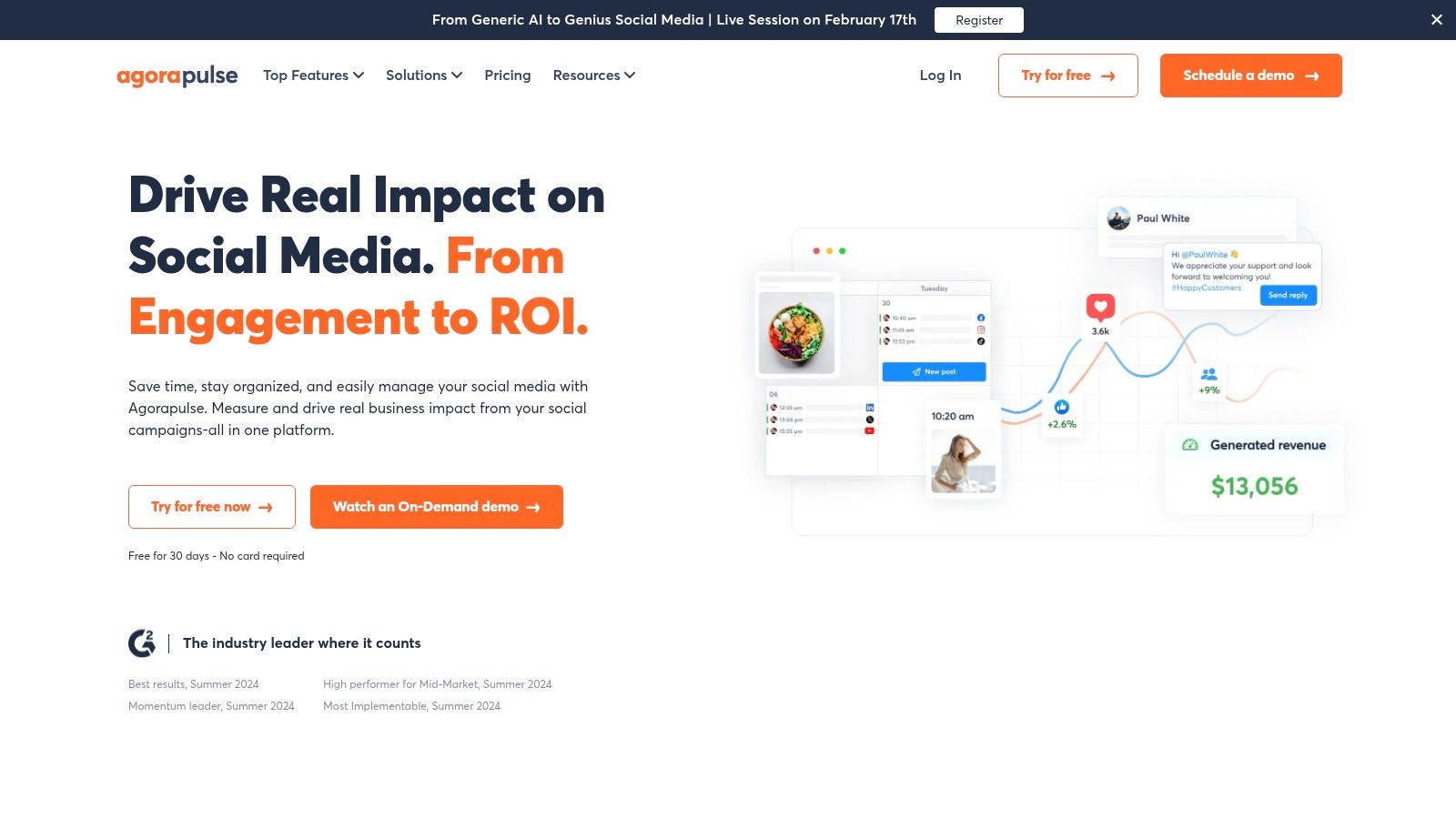
Agorapulse positions itself as one of the most agency-friendly social media management tools available, focusing on streamlined team collaboration and client reporting. It offers a powerful unified inbox that not only consolidates organic comments and messages but also pulls in ad comments from platforms like Meta, TikTok, and LinkedIn, a feature many agencies find indispensable. This ensures no customer interaction is overlooked, whether it's from a boosted post or an organic update.
The platform is built with agency workflows in mind, allowing managers to assign roles, delegate tasks, and set up approval processes for client content. This structure helps maintain brand voice consistency and prevents unapproved posts from going live. Its reporting features are another major draw for agencies, offering white-label options and ROI tracking to clearly demonstrate value to clients. This end-to-end functionality makes it a strong contender for teams managing multiple client accounts.
Key Features & Pricing
- Unified Inbox with Ad Comments: Monitor and respond to comments on organic posts and paid ads from a single location.
- Team Workflows & Approvals: Assign content, get client approvals, and manage team permissions seamlessly.
- Advanced Reporting & ROI: Generate customizable, white-label reports that showcase competitor benchmarks and link social activity to business goals.
- Automated Moderation Rules: Set up rules to automatically hide, review, or assign inbox items, saving significant time.
Agorapulse offers a generous 30-day free trial. Paid plans like Standard and Professional start with a base price for a single user, with costs increasing for each additional team member. Higher-tier plans unlock more advanced features like Power Reports and a shared calendar.
Best for: Agencies of all sizes looking for a powerful, user-friendly tool with excellent inbox management and strong client collaboration features.
Pros:
- Excellent ad comment monitoring.
- Intuitive interface and easy-to-use workflows.
- Strong reporting capabilities with ROI focus.
Cons:
- Per-user pricing can add up for larger agency teams.
- Some advanced analytics features are gated behind higher-tier plans or add-ons.
6. Sendible
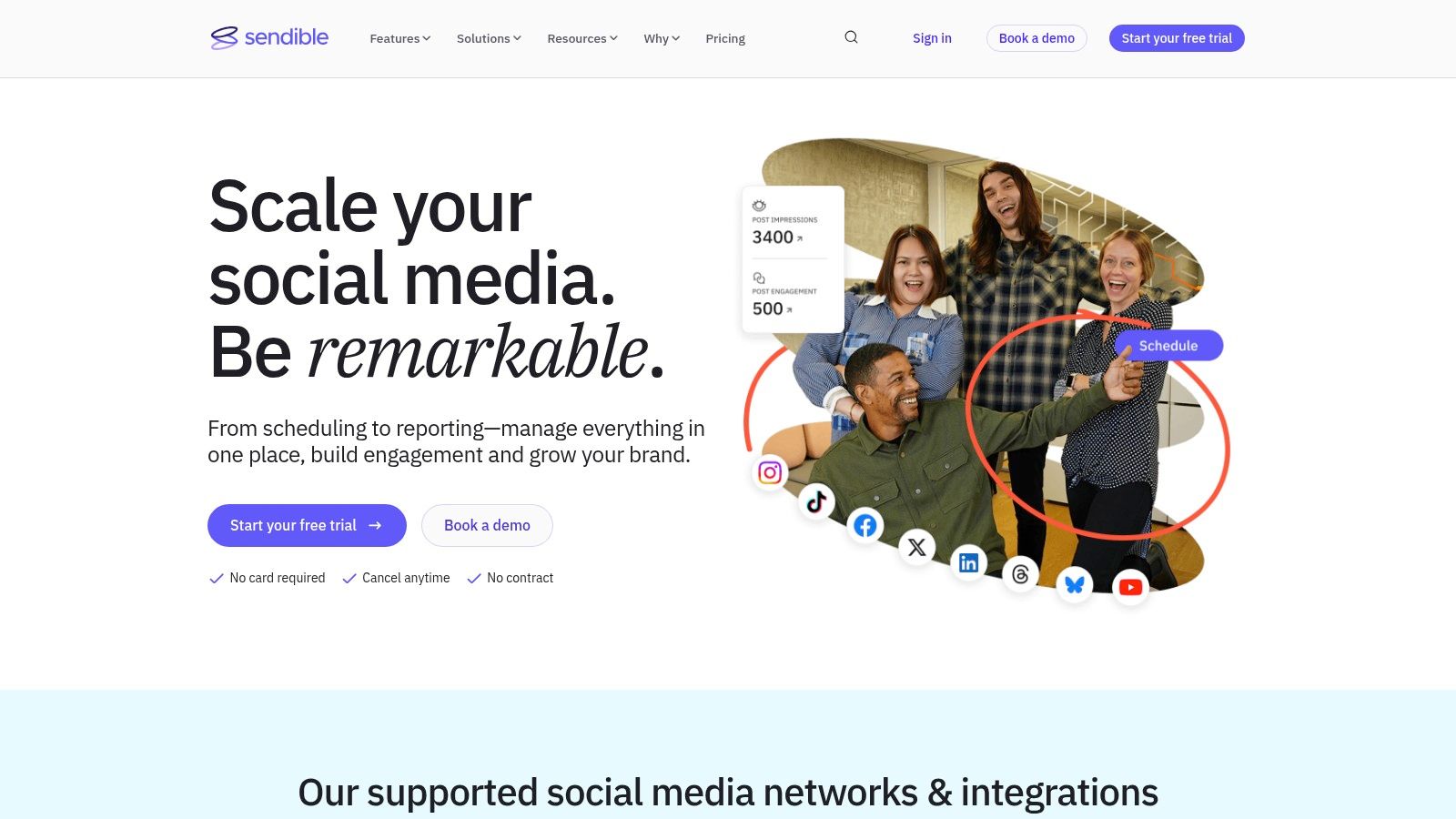
Sendible is a social media management tool designed from the ground up with agencies in mind, offering a powerful blend of scheduling, engagement, and reporting features at an accessible price point. Its main draw is the ability to manage a high volume of client profiles from one centralized hub. Agencies can create separate, secure dashboards for each client, giving them direct access to review content calendars or reports without compromising the security of other accounts. This client management focus makes it a standout choice for agencies scaling their operations.
The platform streamlines agency workflows with built-in collaboration tools, including content approval queues and task assignments. Team members can work together on crafting posts from a shared content library, while account managers can easily oversee the approval process. Sendible also automates reporting, allowing you to schedule and send branded, professional-looking reports directly to clients, saving valuable administrative time each month.
Key Features & Pricing
- Client Dashboards & User Roles: Create dedicated, secure spaces for each client with granular permission levels.
- Content Approvals & Collaboration: Streamline content creation with internal and external approval workflows.
- Automated & Custom Reporting: Generate and schedule regular, white-labeled reports to demonstrate ROI.
- Content Libraries & RSS Feeds: Curate and store approved assets and pull content from relevant sources automatically.
Pricing for Sendible is highly competitive for agencies, with the Creator plan starting at $29 per month. Agency-focused plans like Traction ($89/month) and Scale ($240/month) include more users, profiles, and features like custom reports. White-labeling is available as a paid add-on for the higher-tier plans.
Best for: Small to mid-sized agencies looking for a feature-rich, cost-effective solution to manage a growing client roster without the high per-user fees of premium competitors.
Pros:
- Excellent value, offering many profiles and users in agency plans.
- Intuitive client management with separate dashboards.
- Strong reporting and scheduling capabilities.
Cons:
- White-labeling costs extra.
- The user interface can feel less modern compared to some newer platforms.
7. SocialPilot
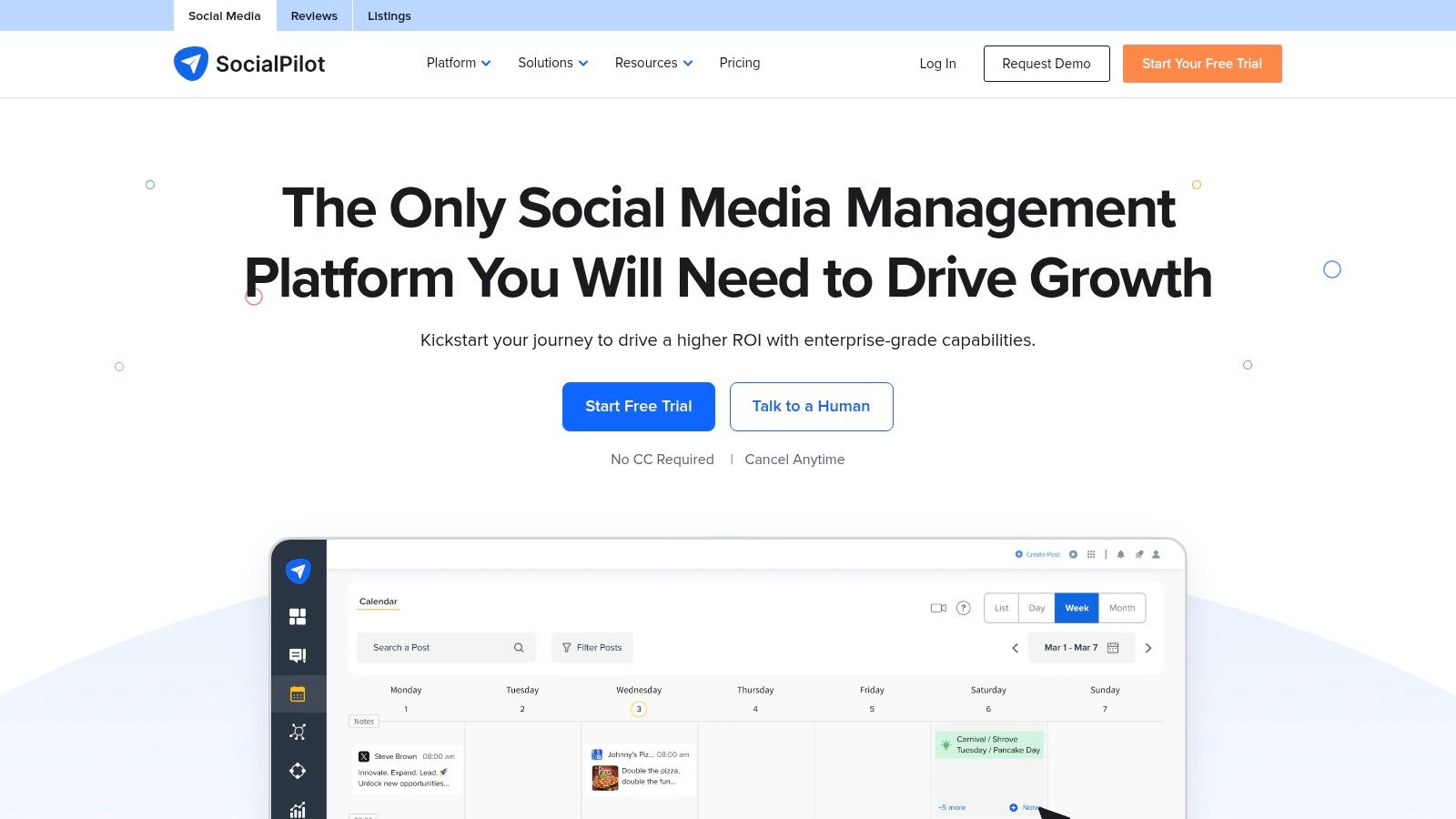
SocialPilot positions itself as the budget-friendly champion for growing agencies, delivering a robust set of publishing, analytics, and collaboration features without the enterprise-level price tag. Its core appeal lies in its generous account and user limits, allowing agencies to scale their client base affordably. The platform simplifies core agency tasks like bulk scheduling content via CSV upload and managing client conversations through a unified social inbox.
A standout feature for agencies is the client management and approval workflow. You can invite clients into a secure, white-labeled portal where they can review and approve scheduled posts before they are published, ensuring full transparency and minimizing back-and-forth emails. This streamlined process, combined with its content curation and RSS feed integration, makes SocialPilot one of the most practical social media management tools for agencies focused on efficiency and cost-effectiveness.
Key Features & Pricing
- Bulk Scheduling & Content Curation: Schedule up to 500 posts at once and discover relevant content.
- Client Management & Approvals: Securely invite clients to review and approve content in a branded portal.
- White-Label Reporting: Generate custom-branded PDF reports for clients to showcase performance.
- Team Collaboration: Add team members with specific roles and permissions to manage client accounts.
SocialPilot's pricing is highly competitive, with the Agency plan starting at $127.50 per month (billed annually) for 30 social media accounts and 3 users. This makes it an incredibly attractive option for agencies managing a large volume of client profiles.
Best for: Small to mid-sized agencies and freelancers looking for a cost-effective, all-in-one solution with strong scheduling and client management capabilities.
Pros:
- Very competitive pricing for a high number of accounts and users.
- Straightforward client approval and white-labeling features.
- Easy to onboard new clients and team members quickly.
Cons:
- Reporting and analytics are not as deep as more expensive platforms.
- The user interface is functional but feels less polished than premium competitors.
8. Later
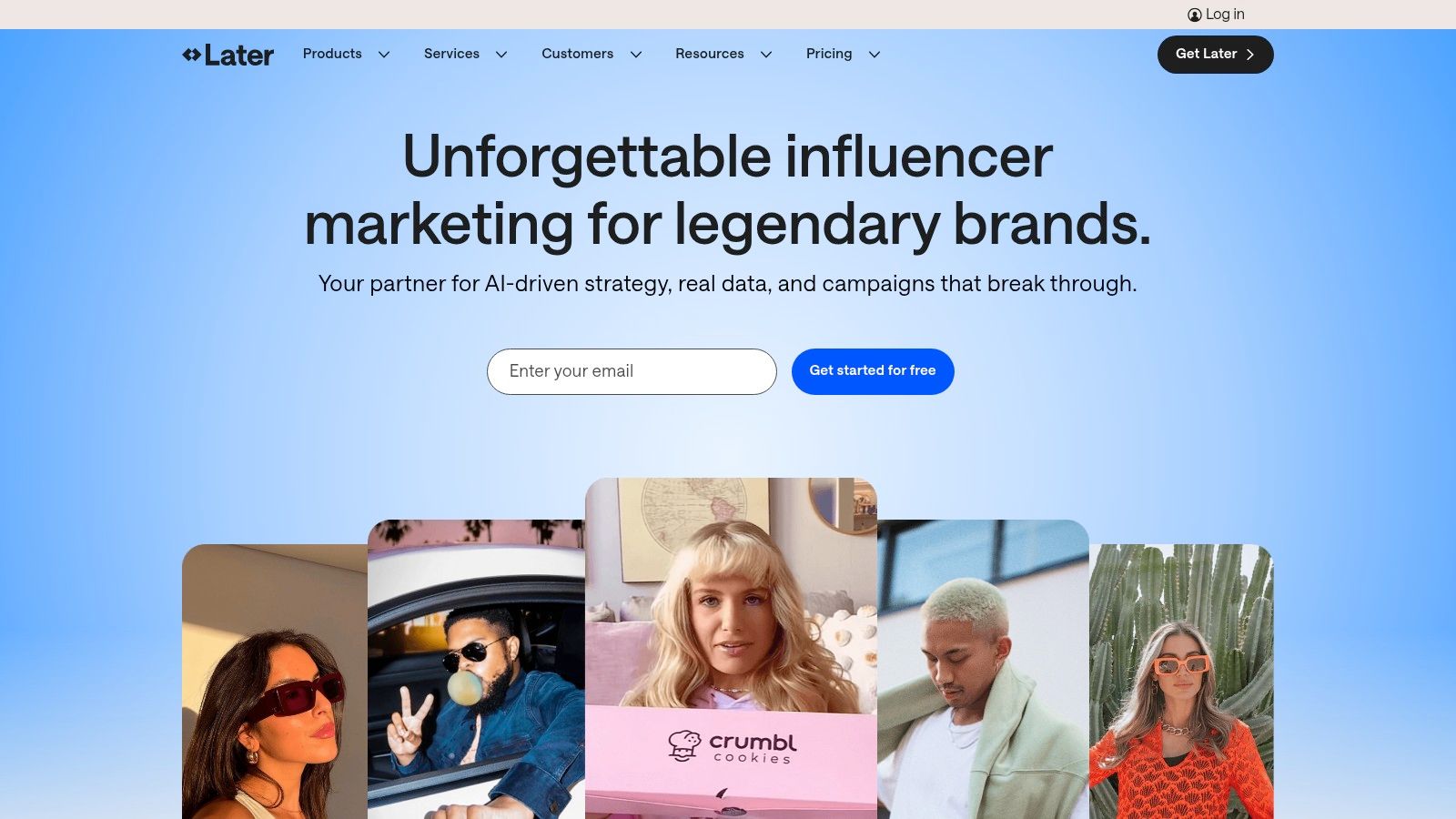
Later began as an Instagram-first scheduling tool and has evolved into a comprehensive visual content planner, making it an excellent choice for agencies managing visually-driven brands on platforms like Instagram and TikTok. Its core strength is the visual calendar, which allows agency teams and clients to see exactly how their feed will look, fostering better creative alignment. This visual-first approach simplifies the planning of Reels, Stories, and other short-form video content, which is crucial for modern social strategies.
The platform is designed to be highly intuitive, reducing the learning curve for new team members and making client collaboration straightforward. Agencies can manage multiple "Social Sets," which are groups of social profiles for each client, keeping content and analytics neatly separated. For agencies focused on aesthetics and influencer-driven campaigns, Later provides a streamlined workflow that prioritizes visual planning over complex data analysis, positioning it as one of the more accessible social media management tools for agencies.
Key Features & Pricing
- Visual Content Calendar: Drag-and-drop planner to preview how content will look on Instagram and other visual platforms.
- Link in Bio Tool: Create a customizable, clickable landing page for your client's Instagram bio to drive traffic.
- AI Content Assistant: Helps generate captions and content ideas to overcome creative blocks.
- Content Approvals & Analytics: Higher-tier plans offer multi-step approval workflows and analytics with a one-year history.
Pricing begins with the Starter plan at $25 per month per social set. The Growth plan at $45 per month adds more users and features, while the Advanced plan at $80 per month unlocks full collaboration and analytics capabilities.
Best for: Agencies specializing in visual-heavy brands, e-commerce, and influencer marketing, particularly on Instagram and TikTok.
Pros:
- Highly intuitive and easy-to-use visual interface.
- Excellent for planning Reels, Stories, and a cohesive grid aesthetic.
- Affordable entry-level plans for smaller agencies or single clients.
Cons:
- Advanced approval workflows are limited to the highest-priced plan.
- Post caps on lower tiers can be restrictive for high-volume clients.
- Lacks the deep competitor analysis found in enterprise-level tools.
9. Loomly
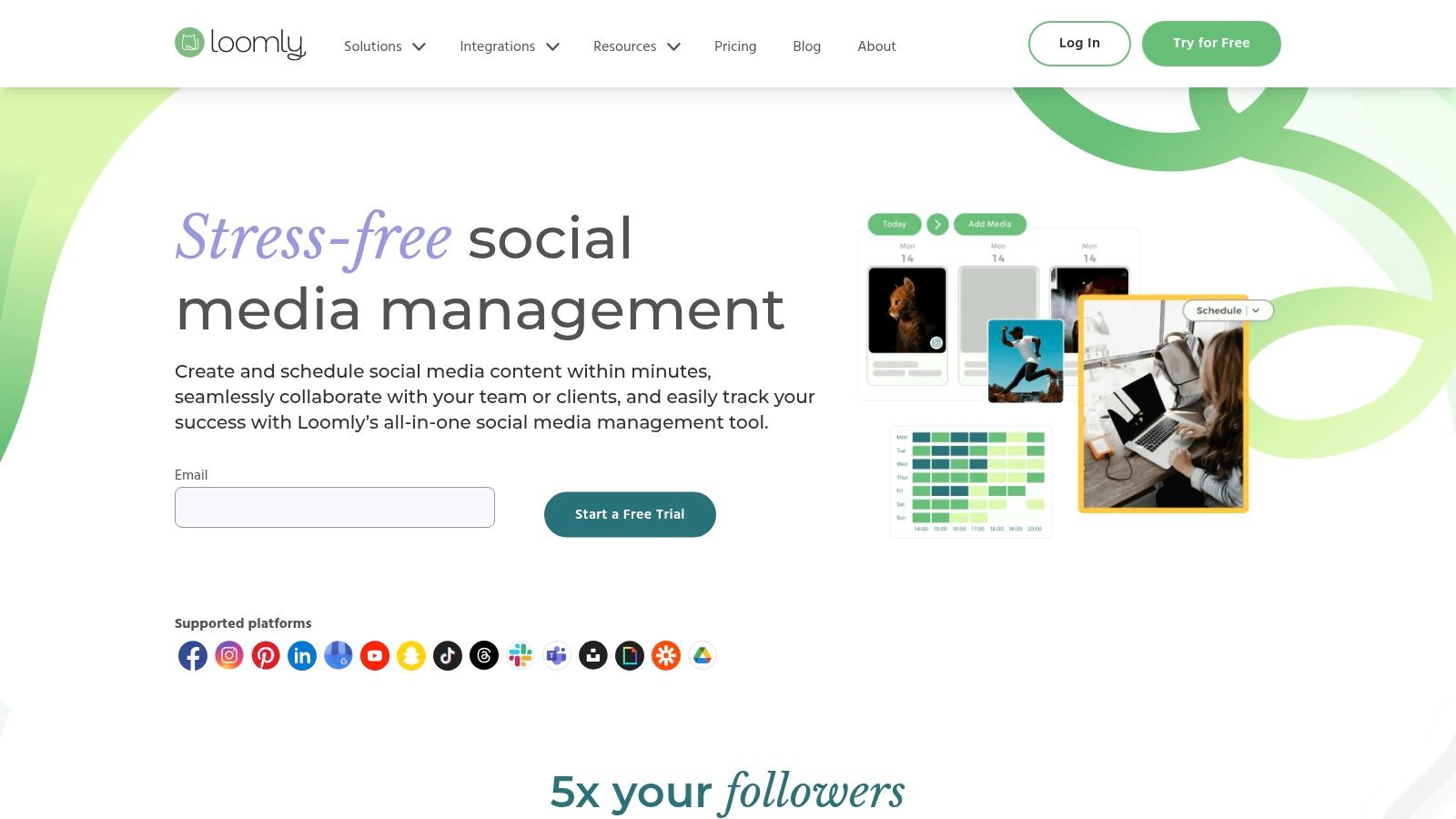
Loomly is a collaboration-first social media management tool that emphasizes a clean, intuitive process for creating, reviewing, and publishing content. Its core appeal for agencies lies in its straightforward approval workflows and calendar-centric interface, which simplifies client management. The platform provides a shared content calendar where team members can draft posts, get feedback, and send content to clients for a final look, all within a visually organized system. This makes it an excellent choice for agencies seeking to streamline their creative process without overwhelming their team or clients with complex features.
The platform offers helpful post ideas based on trending topics, holidays, and social media best practices, serving as a built-in brainstorming partner. For agencies managing multiple brands, Loomly’s granular roles and permissions ensure that team members only access the calendars they are assigned to, maintaining client confidentiality. Its simple yet effective collaboration features make it a strong contender among social media management tools for agencies that prioritize ease of use and a smooth client approval experience over deep enterprise-level analytics.
Key Features & Pricing
- Intuitive Approval Workflows: Streamline content review with clients and internal teams through a simple, linear process.
- Granular Roles & Permissions: Assign specific access levels to team members and clients for secure calendar management.
- Post Ideas & Inspiration: Get automated suggestions for content based on trends, dates, and RSS feeds.
- Broad Channel Support: Schedule content across major platforms, including Threads, Snapchat, and Bluesky.
Loomly’s pricing starts with the Base plan at $42 per month for 2 users and 10 social accounts. The Standard, Advanced, and Premium plans scale up to accommodate more users, accounts, and advanced features like custom workflows. While some pricing details are only visible in-app, the plans are generally considered cost-effective.
Best for: Small to mid-sized agencies and teams that need a highly collaborative and user-friendly platform with excellent client approval features.
Pros:
- Extremely easy for clients to review and approve content.
- Unlimited content scheduling included even on the entry-level plan.
- Clean, calendar-focused interface is simple to navigate.
Cons:
- Advanced analytics and reporting are less robust than top-tier competitors.
- Some specific pricing numbers are only available after signing up.
10. Metricool
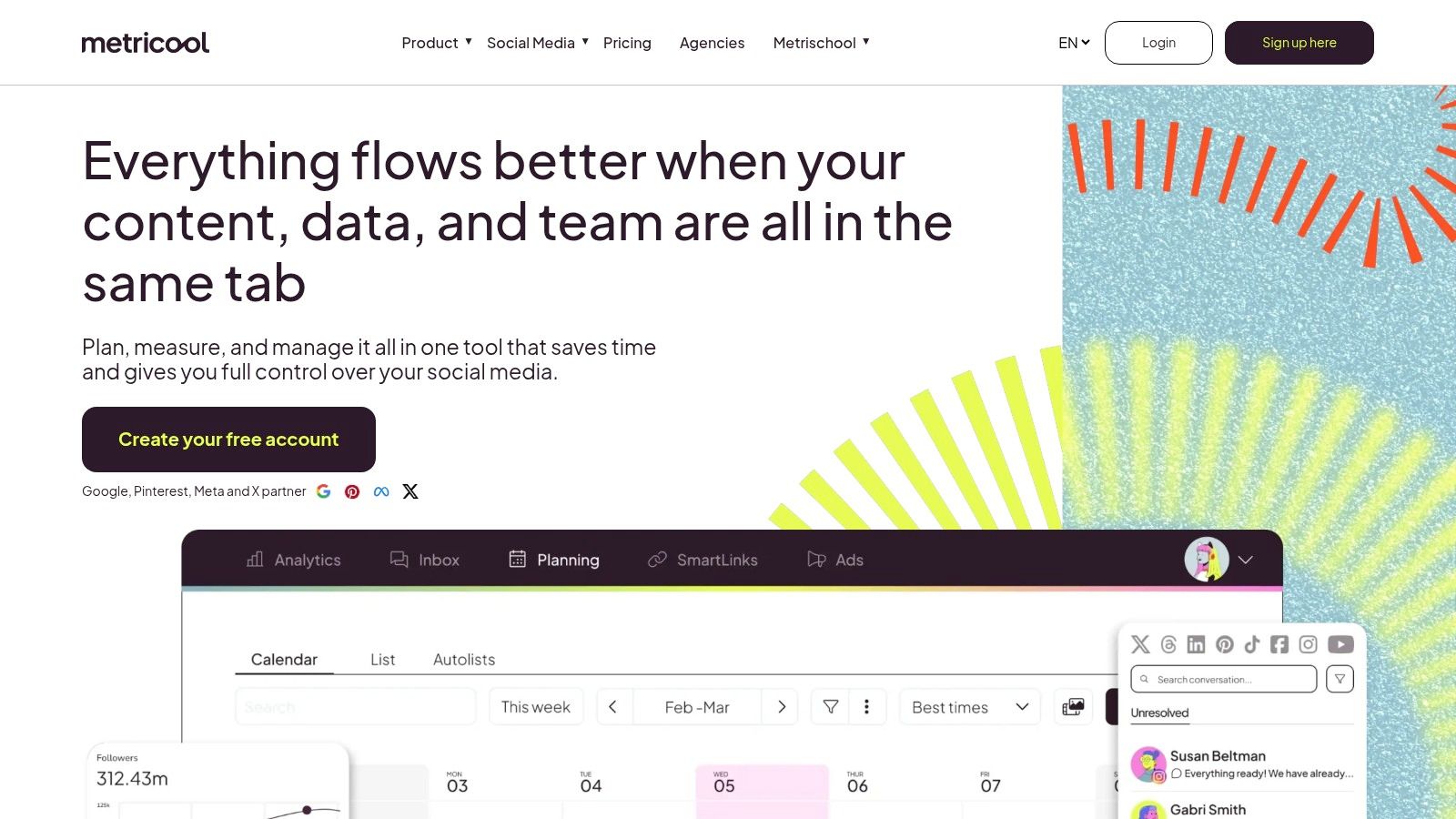
Metricool is a powerful analytics-first platform that doubles as a capable social media management tool, making it ideal for data-driven agencies. Its primary strength lies in its ability to unify social media performance, website analytics, and online ad campaign data into a single, cohesive dashboard. This allows agencies to provide clients with a holistic view of their digital marketing efforts without juggling multiple reporting tools. The platform excels at generating detailed, customizable PDF and PowerPoint reports, which can be branded and scheduled for automatic delivery to clients.
For agencies that need to prove ROI, Metricool’s competitor analysis and hashtag tracking features provide actionable insights. You can benchmark client performance against key competitors and identify trending topics to inform content strategy. Its integrations, particularly the Looker Studio (formerly Google Data Studio) connector, are a major differentiator, allowing agencies to build highly customized, interactive dashboards that pull data from various sources. This makes it a standout choice for agencies that offer comprehensive digital marketing services beyond just social media management.
Key Features & Pricing
- Unlimited Content Publishing: Schedule and publish unlimited posts across all major platforms on paid plans.
- Customizable Reporting: Generate downloadable PDF/PPT reports with custom templates and branding.
- Advanced Integrations: Connect directly with Looker Studio, Zapier, and Make for expanded workflows.
- Competitor & Hashtag Tracking: Analyze competitor performance and monitor relevant hashtags to inform strategy.
Metricool offers a generous free plan, with paid plans starting at a very accessible price point. The Starter and Advanced plans add more brands, users, and advanced reporting features, making it one of the most cost-effective social media management tools for agencies focused on analytics.
Best for: Data-focused agencies and freelance social media managers who need robust analytics and reporting capabilities without a high price tag.
Pros:
- Strong analytics and reporting depth for the price.
- Excellent for agencies that deliver downloadable reports.
- Looker Studio connector is a huge plus for data visualization.
Cons:
- The user interface can feel data-dense for non-analyst clients.
- Some advanced features or network connections may require add-ons.
11. Zoho Social
Zoho Social is a powerful contender among social media management tools for agencies, especially for those already integrated into the Zoho ecosystem. It offers dedicated agency plans designed to manage multiple clients efficiently, with features that streamline collaboration and reporting under one roof. Its key differentiator is its seamless integration with other Zoho products like Zoho CRM and Zoho Desk, allowing agencies to create a unified workflow that connects social media activity directly to lead generation and customer support.
The platform provides agency-specific features such as branded client portals, where clients can log in to view reports and approve content, fostering transparency and trust. You can set up custom roles and permissions for your team and clients, ensuring everyone has access only to what they need. Zoho Social also supports a wide range of channels, including newer platforms like Threads and Bluesky, giving agencies the flexibility to manage diverse client portfolios. This end-to-end integration makes it an excellent choice for agencies looking to connect social media performance with tangible business outcomes.
Key Features & Pricing
- Agency-Specific Plans: Includes client invites, branded portals, and custom user roles.
- Deep Zoho Ecosystem Integration: Connects seamlessly with Zoho CRM for lead capture and Zoho Desk for customer service tickets.
- SmartQ Publishing: Automatically schedules posts for times when your client's audience is most active.
- Broad Channel Support: Manages major platforms plus emerging ones like Threads, Bluesky, and even WhatsApp Business.
Pricing for the Agency plan is tailored to your needs and often displayed within the app, varying by region. The Agency Plus plan offers more extensive features. While the deep integration is a major plus for existing Zoho users, new teams might face a learning curve adapting to the interface.
Best for: Agencies of all sizes already using or planning to adopt the Zoho suite of business applications.
Pros:
- Excellent value, especially when bundled with other Zoho products.
- Direct integration with CRM and Desk turns social interactions into business actions.
- Client portals and custom branding enhance the agency-client relationship.
Cons:
- The interface can feel complex for users unfamiliar with the Zoho ecosystem.
- Public pricing isn't always clear and can be specific to your account/region.
12. HeyOrca
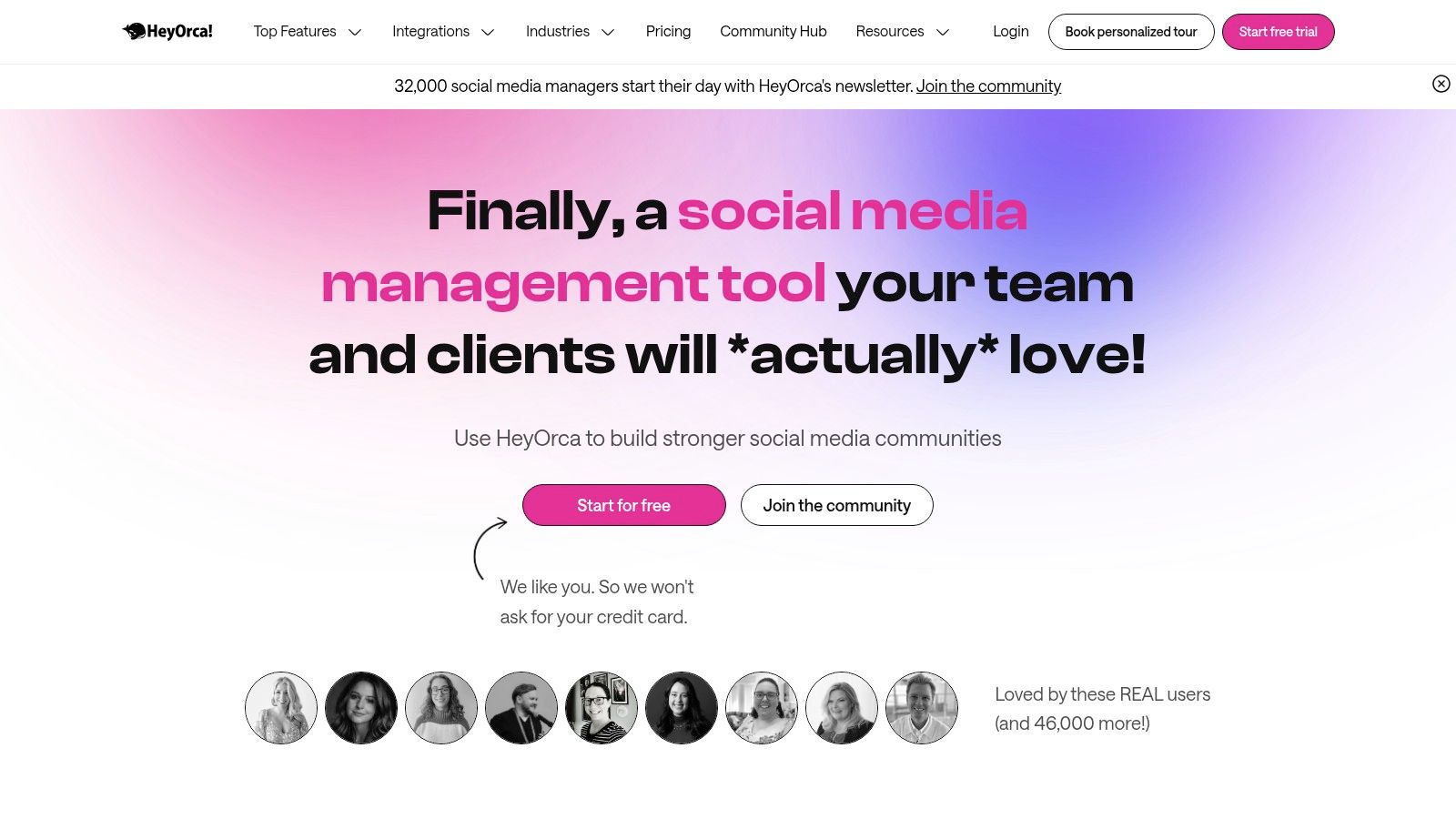
HeyOrca is a social media management tool designed explicitly with agencies in mind, focusing on client collaboration and approval workflows. Its core strength lies in its per-client calendar structure, which keeps each client’s content, assets, and approvals neatly separated. This model allows agencies to create unique, shareable, and interactive content calendars for each client, who can then leave feedback, comments, and approvals directly on the mockups, eliminating messy email chains.
The platform’s standout feature is its pricing model, which charges per calendar (or client) and includes unlimited users on all paid plans. This is a significant advantage for growing agencies, as they can add team members or bring clients into the approval process without incurring extra per-seat costs. With tools like an AI content helper and the ability to upload media via SMS, HeyOrca streamlines the content creation process from start to finish, making it one of the most practical social media management tools for agencies focused on efficiency.
Key Features & Pricing
- Client-Friendly Calendars: Create separate, shareable calendars for each client with direct approval and feedback features.
- Unlimited Users: All paid plans include unlimited users, making it easy to scale your team without increasing costs.
- AI Content Helpers: Generate post ideas, captions, and hashtag suggestions to accelerate content creation.
- Optional Add-ons: Customize your plan with reporting, social inbox, and listening modules as needed.
Pricing is based on a per-calendar model, with the Basic plan starting at $59 per month per calendar. The Pro plan includes reporting and the social inbox. This predictable structure makes it easy for agencies to build the tool's cost directly into their client retainers.
Best for: Small to medium-sized agencies that prioritize seamless client collaboration and predictable, per-client pricing.
Pros:
- Unlimited users make it highly scalable for growing teams.
- Per-calendar pricing simplifies client billing and cost management.
- Intuitive, client-facing approval workflows are a core strength.
Cons:
- Reporting and social inbox features require add-ons or a higher-tier plan.
- Competitive analytics are less robust than enterprise-level platforms.
Top 12 Agency Social Media Tools Comparison
| Platform | Core features | UX Rating (★) | Pricing & Value (💰) | Target & USP (👥 ✨) |
|---|---|---|---|---|
| Aicut 🏆 | Photoreal AI models (Sora/Veo/Kling); viral templates; POV/text‑story, animated characters; upscaling; scheduling & auto‑posting | ★★★★★ | 💰 Token‑based; Creator ≈ $12.5/mo, Automate ≈ $25/mo; $0.50/addl token | 👥 Creators, brands, agencies; ✨ Faceless video automation, 1‑click posting, active Discord tutorials |
| Sprout Social | Smart Inbox, publishing, approvals, listening, robust analytics | ★★★★★ | 💰 Per‑seat; 30‑day trial; paid add‑ons for Listening/Premium Analytics | 👥 Mid→large teams & agencies; ✨ Client‑ready reports & scaled workflows |
| Hootsuite | Centralized publishing/monitoring, analytics, integrations (Canva/Adobe) | ★★★★☆ | 💰 Tiered plans; trial available; pricing less transparent | 👥 Enterprises & ops teams; ✨ Mature ecosystem, training & certifications |
| Buffer | Queue scheduling, team workflows, AI assistant, First Comment, Start Page | ★★★★☆ | 💰 Pay‑per‑channel, modular; 14‑day trial | 👥 Small teams & simple client rosters; ✨ Fast, easy UI and modular pricing |
| Agorapulse | Publishing, unified inbox, ad comment monitoring, ROI & competitor reports | ★★★★☆ | 💰 Per‑user with agency tiers; 30‑day trial | 👥 Agencies managing approvals & ads; ✨ Ad comment monitoring & white‑label reports |
| Sendible | Client dashboards, approvals, collaboration, custom/automated reports, white‑label add‑on | ★★★☆☆ | 💰 Agency‑focused tiers; white‑label is paid add‑on | 👥 Agencies with many clients; ✨ Strong client access and dashboards |
| SocialPilot | Bulk scheduling, analytics, white‑label, social inbox, content library | ★★★☆☆ | 💰 Very competitive for large account counts; white‑label on higher tiers | 👥 Growing agencies on a budget; ✨ High account limits and cost scaling |
| Later | Visual planner, auto‑publish, approvals, creator analytics, Link‑in‑bio | ★★★★☆ | 💰 Creator‑focused tiers; post caps on lower plans | 👥 Creators & visual/creator‑first agencies; ✨ Visual calendar for Reels/Stories |
| Loomly | Approval workflows, roles, unlimited scheduling, Canva/Drive/Slack integrations | ★★★★☆ | 💰 Entry→advanced tiers; unlimited scheduling on entry plan | 👥 Agencies & client‑facing teams; ✨ Client previews & easy approvals |
| Metricool | Publishing, granular analytics, PDF/PPT reporting, Looker Studio connector | ★★★★☆ | 💰 Competitive pricing; strong analytics value | 👥 Data‑focused agencies; ✨ Downloadable reports & dashboard connectors |
| Zoho Social | Approvals/workflows, SmartQ, CRM/Desk integrations, agency plans | ★★★☆☆ | 💰 Region/account dependent; best value inside Zoho ecosystem | 👥 Zoho customers & agencies; ✨ Native CRM linkage and portal customization |
| HeyOrca | Unlimited users, per‑calendar pricing, approvals, inbox & listening (add‑ons) | ★★★☆☆ | 💰 Per‑calendar pricing with add‑ons; predictable per client | 👥 Agencies managing many clients; ✨ Client‑friendly calendars & fast support |
Making Your Final Decision: Workflow, Scale, and Value
Navigating the landscape of social media management tools for agencies can feel overwhelming, but the journey to finding the perfect fit becomes clearer when you focus on what truly matters to your business. We've explored a dozen powerful platforms, from enterprise-level giants like Sprout Social and Hootsuite to client-collaboration specialists like HeyOrca and budget-friendly powerhouses like SocialPilot. The core takeaway is this: there is no single "best" tool, only the tool that is best for your agency's unique operational DNA.
Your final decision hinges on a careful evaluation of three critical pillars: your internal workflow, the scale of your client roster, and the overall value the platform delivers beyond just its features. The ideal tool should feel like a natural extension of your team, not another cumbersome system to manage.
Recapping Your Options: A Quick Guide
Let's distill our findings into actionable categories to help you narrow down your choices:
- For Large Agencies with Diverse Clients: Platforms like Sprout Social and Agorapulse offer the robust analytics, sophisticated team permissions, and advanced listening capabilities needed to manage complex brand accounts and deliver deep, data-driven insights. Their higher price points are justified by their comprehensive, all-in-one nature that standardizes processes across large teams.
- For Agencies Prioritizing Client Collaboration: If your biggest bottleneck is the endless back-and-forth of content approvals, tools like HeyOrca and Loomly are built to solve that exact problem. Their intuitive, visual calendars and streamlined feedback loops empower clients to feel involved without derailing your workflow, saving you countless hours.
- For Scalable and Budget-Conscious Agencies: Sendible, SocialPilot, and Metricool strike an impressive balance between affordability and functionality. They offer agency-specific plans that allow you to add numerous client profiles without a massive price jump, making them perfect for growing agencies looking to maximize their return on investment.
- For Visual-First and E-commerce Focused Agencies: When your clients live on Instagram, TikTok, and Pinterest, a visually oriented tool is non-negotiable. Later excels here, with its best-in-class visual planner and link-in-bio features. It’s designed for brands where the aesthetic is just as important as the message.
- For Content Creation at Scale: In today's fast-paced digital world, content is king, and speed is the currency. For agencies that need to produce a high volume of short-form videos for platforms like TikTok and Instagram Reels, a specialized AI tool like Aicut is indispensable. It automates the editing process, allowing you to turn raw footage into viral-style videos in minutes, freeing up your team to focus on strategy and creativity.
Actionable Next Steps: How to Choose with Confidence
Reading reviews is one thing; experiencing a tool is another. The most critical step you can take is to leverage the free trials offered by your top contenders. Don't just poke around the interface; run a real client account through the platform for a week.
Follow this simple evaluation process:
- Map Your Core Tasks: Identify your agency's most time-consuming social media management activities. Is it scheduling content, compiling monthly reports, or getting client sign-offs?
- Run a Live Test: Choose two or three platforms that seem to align with your needs. Onboard one client to each and perform your core tasks.
- Evaluate the Experience: Which platform made scheduling faster? Which reporting feature gave you the most impressive, client-ready insights with the fewest clicks? Which collaboration tool did your client find easiest to use?
The right platform among the many social media management tools for agencies will not only offer the features you need but will actively reduce friction in your day-to-day operations. It should save you time, enhance client communication, and ultimately empower you to deliver better results that justify your agency's value. The investment isn't just in software; it's in your agency's efficiency, scalability, and future success.
Ready to supercharge your agency's content creation and dominate short-form video? While traditional management tools handle scheduling and reporting, Aicut automates the most time-consuming part: video editing. Generate hundreds of viral-style video clips from a single source, complete with dynamic captions, transitions, and music, freeing up your team to focus on strategy and growth. See how agencies are scaling their video output by visiting Aicut today.