

How to Make the Viral Car Jump Trend AI Video
AI Trend Tutorial
The Car Jump videos have millions of views: a character sitting calmly in a folding chair while an SUV flies over the ridge behind it. Learn how to make your own with aicut, starring a character you pick or you. No filming, no editing and no prompt writing.
In this guide
Open · Step 1
Open the Car Jump Trend template
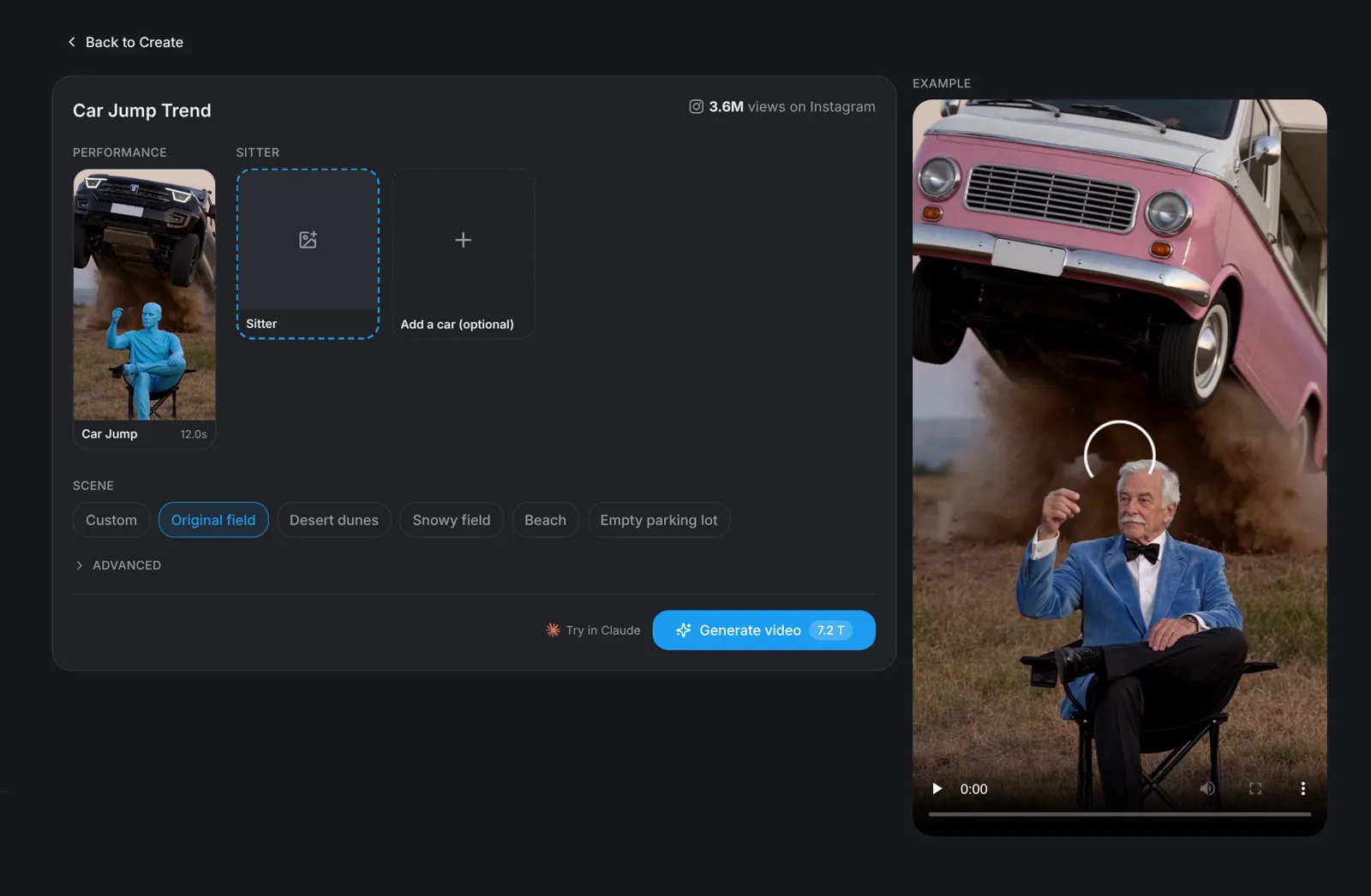
Go to aicut.pro and open the Car Jump Trend template. The page already holds the original performance, shows how many views it has on TikTok and plays an example, so there is nothing to film and no moves to learn.
Character · Step 2
Pick a character or use your photo
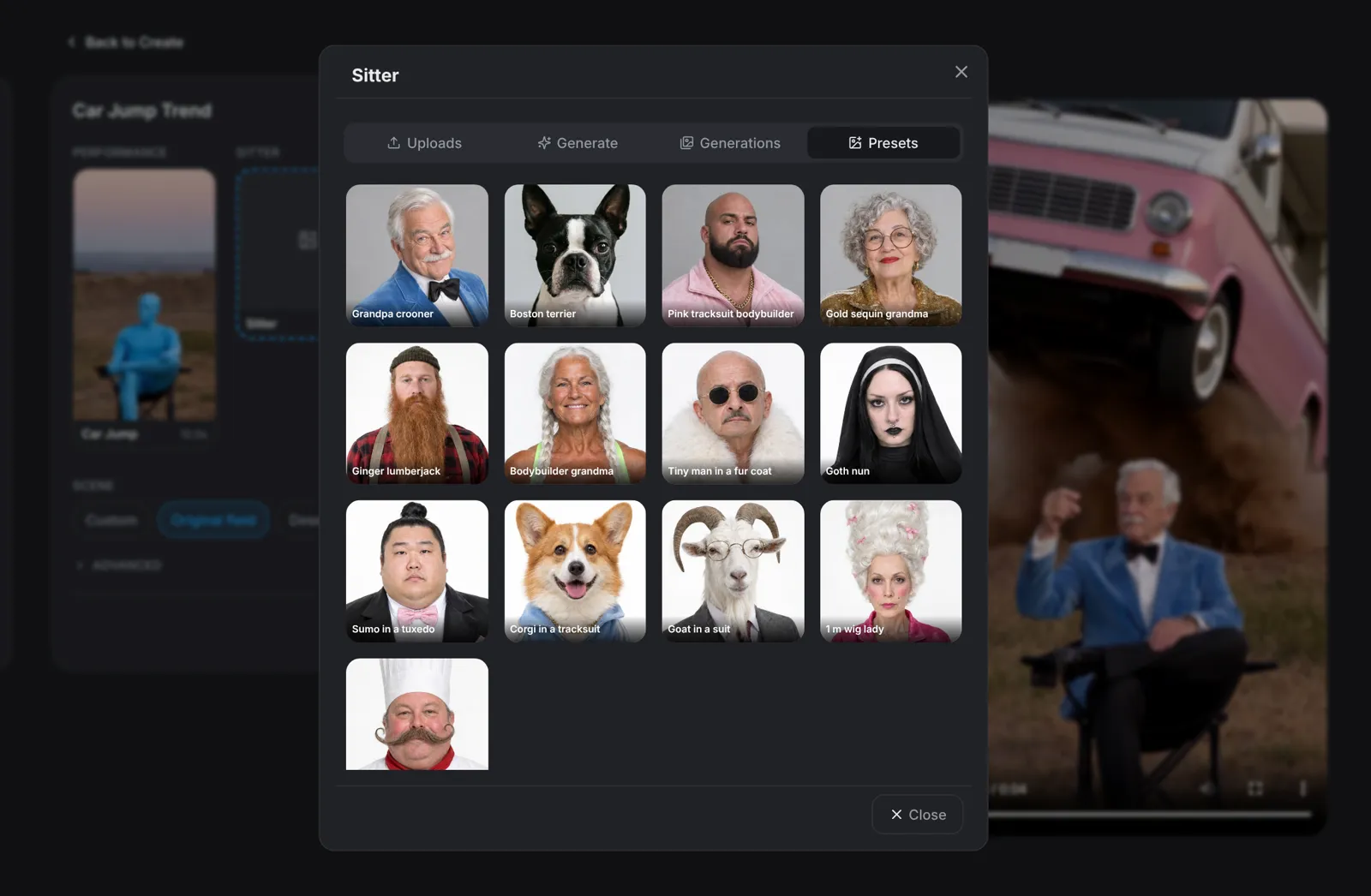
Click the Sitter slot. Presets has 13 characters, including a grandpa crooner, a Boston terrier, a pink tracksuit bodybuilder and a gold sequin grandma. Describe a new character under Generate, add a photo under Uploads, or reuse one you made earlier under Generations. The Car slot is optional: leave it empty for the black SUV, or pick an ice cream van, a pink convertible or a monster truck.
- A clear, front-facing, full-body photo works best.
- Only use photos of people who agreed to be in the video.
Scene · Step 3
Pick the scene
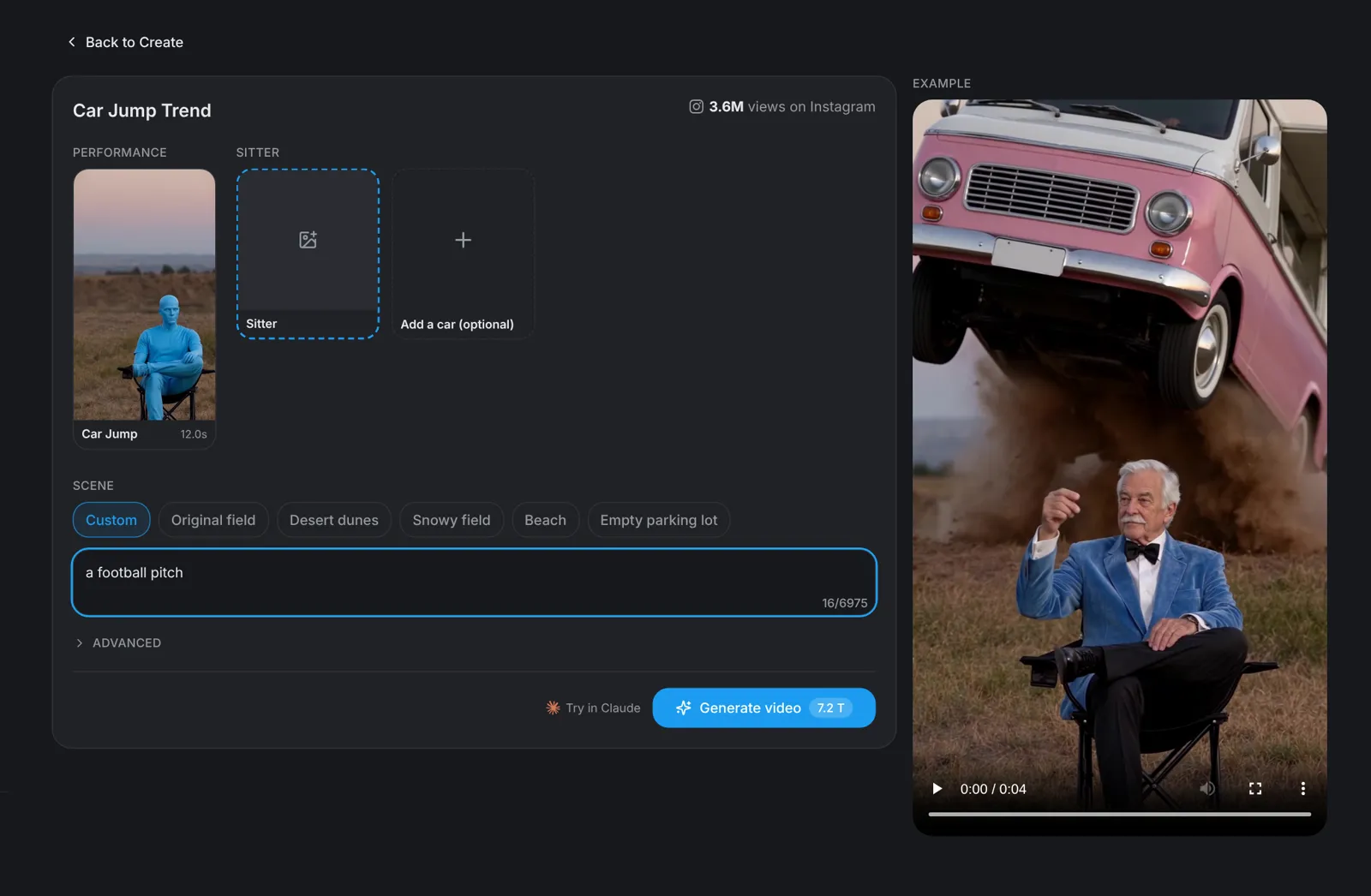
Choose where it happens: Original field, Desert dunes, Snowy field, Beach or Empty parking lot. Pick Custom to describe any place in one line, such as a football pitch. The moves and the timing stay the same in every scene.
Tip: Deadpan wins: the calmer the sitter looks, the bigger the jump feels.
Generate · Step 4
Hit Generate video
Click Generate video: the button shows the price before you click. You get a vertical 9:16 video of 12 seconds in which your character sits calmly in a folding chair while an SUV flies over the ridge behind it and lands right next to it.