

In this guide
Open · Step 1
Open the Doja Trend template
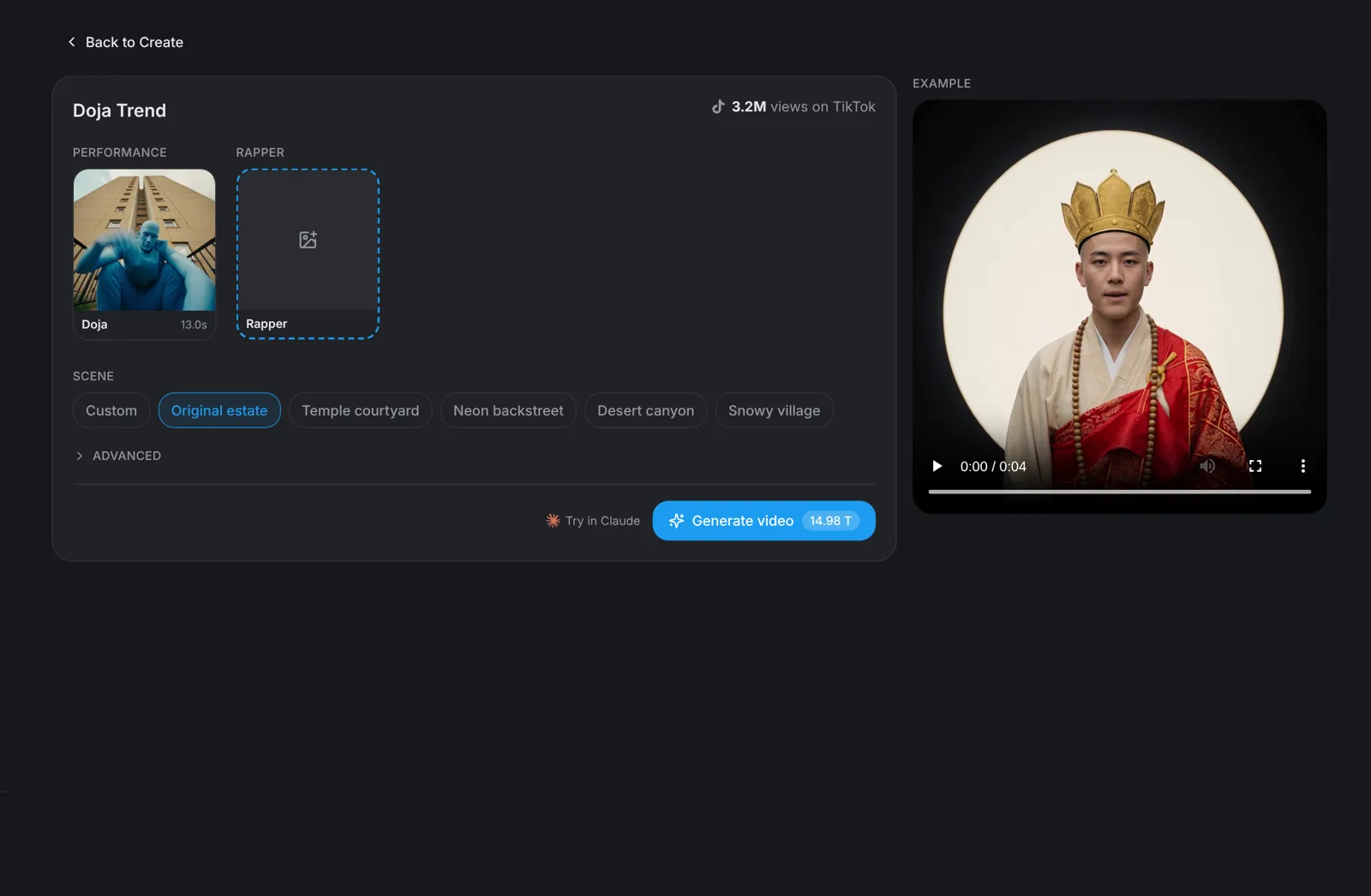
Go to aicut.pro and open the Doja Trend template. The page already holds the original performance, shows how many views it has on TikTok and plays an example, so there is nothing to film and no moves to learn.
Character · Step 2
Pick a character or use your photo
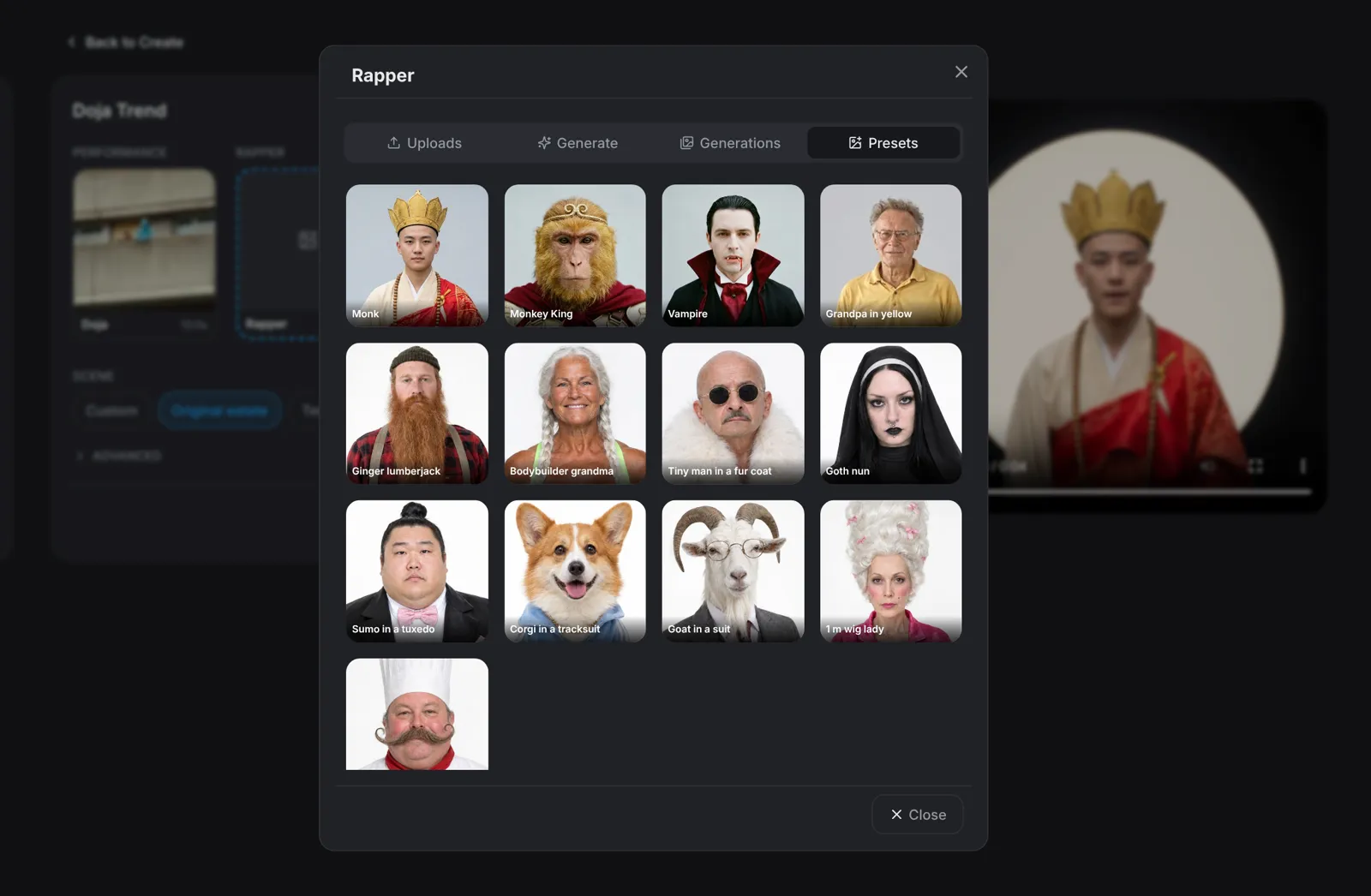
Click the Rapper slot. Presets has 13 characters, including a monk, the Monkey King, a vampire and a grandpa in yellow. Describe a new character under Generate, add a photo under Uploads, or reuse one you made earlier under Generations.
- A clear, front-facing, full-body photo works best.
- Only use photos of people who agreed to be in the video.
Scene · Step 3
Pick the scene
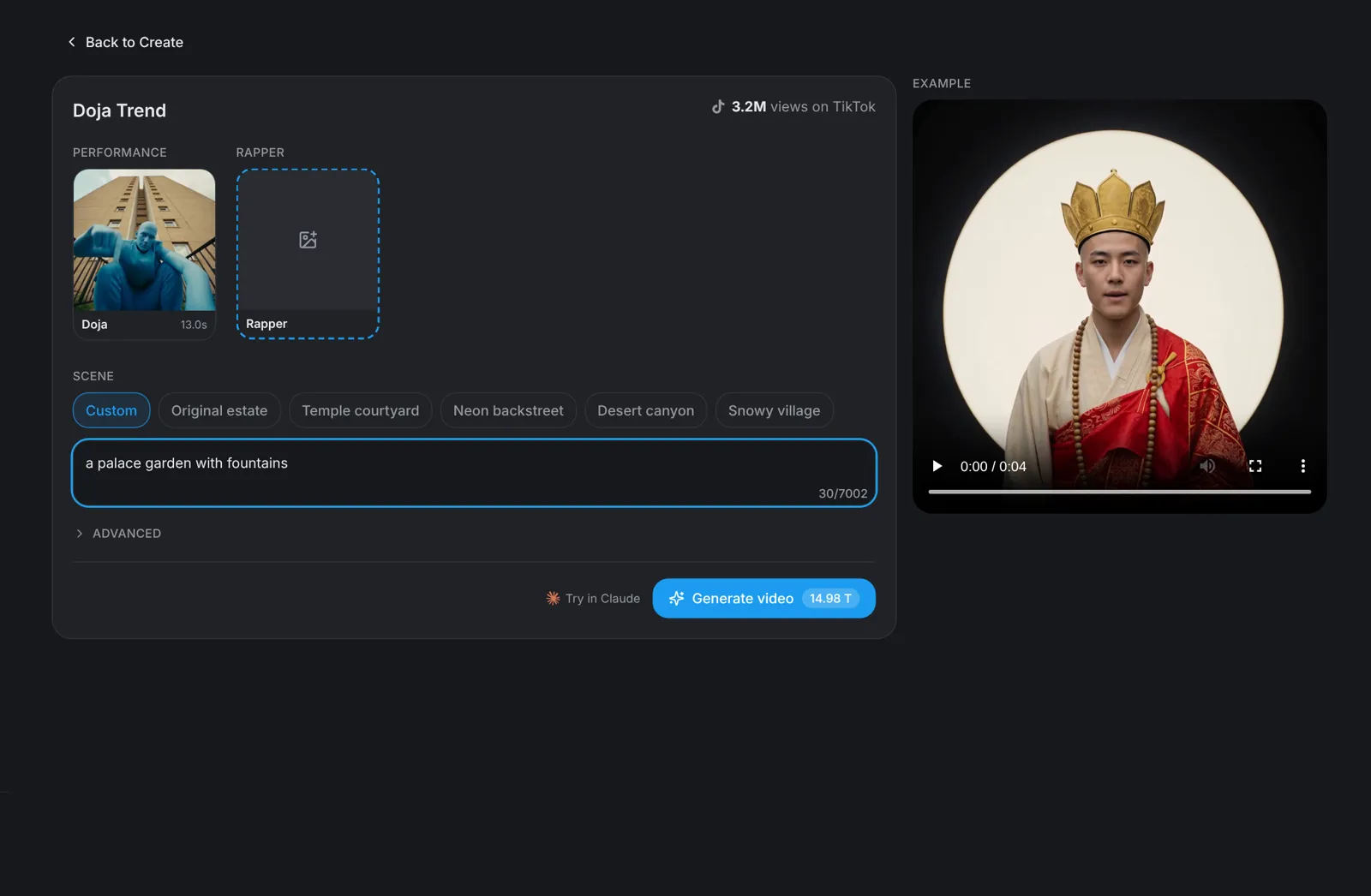
Choose where it happens: Original estate, Temple courtyard, Neon backstreet, Desert canyon or Snowy village. Pick Custom to describe any place in one line, such as a palace garden with fountains. The moves and the timing stay the same in every scene.
Tip: The crew and the animals change to fit your rapper, so a monk gets a very different video from a vampire.
Generate · Step 4
Hit Generate video
Click Generate video: the button shows the price before you click. You get a square 1:1 video of 13 seconds in which your character raps the Doja drill music video shot for shot, with its own crew and animals.