

In this guide
Open · Step 1
Open the Oouuch Trend template
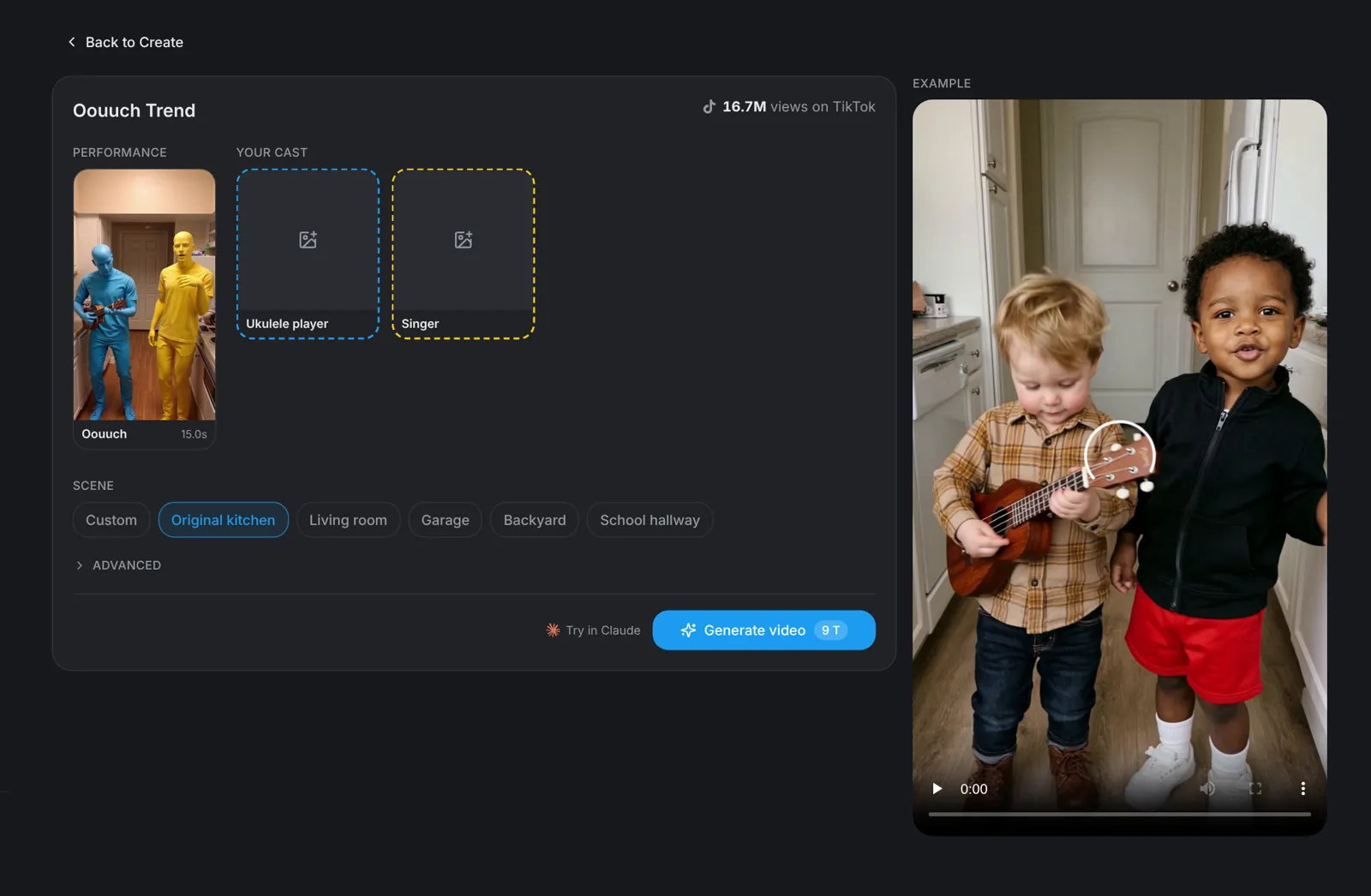
Go to aicut.pro and open the Oouuch Trend template. The page already holds the original performance, shows how many views it has on TikTok and plays an example, so there is nothing to film and no moves to learn.
Characters · Step 2
Pick your two characters
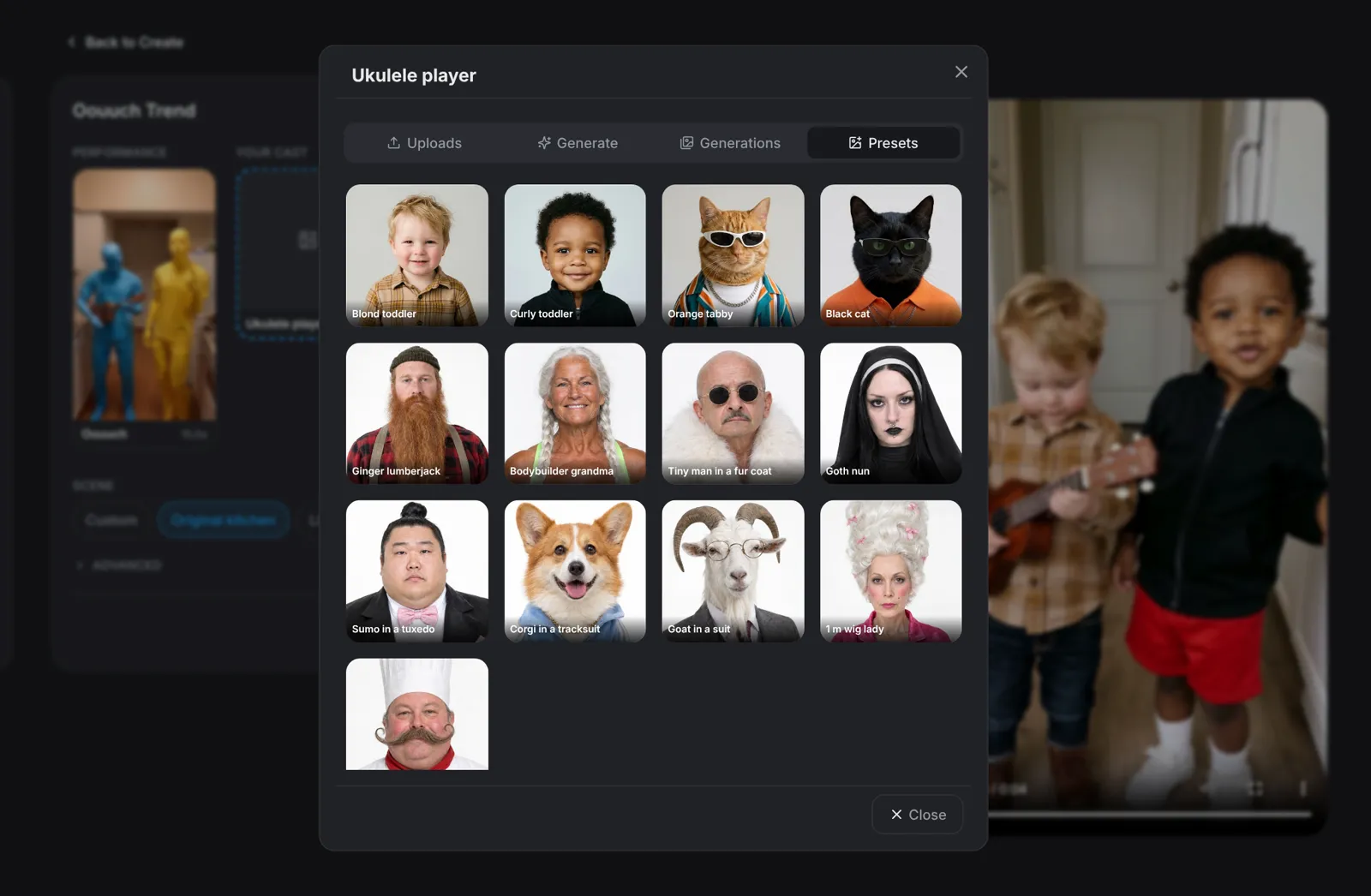
Click the Ukulele player slot, then the Singer slot. Each one opens a picker: Presets has 13 characters, including two toddlers, an orange tabby and a black cat. Describe a new character under Generate, add a photo under Uploads, or reuse one you made earlier under Generations.
- A clear, front-facing, full-body photo works best.
- Only use photos of people who agreed to be in the video.
Scene · Step 3
Pick the scene
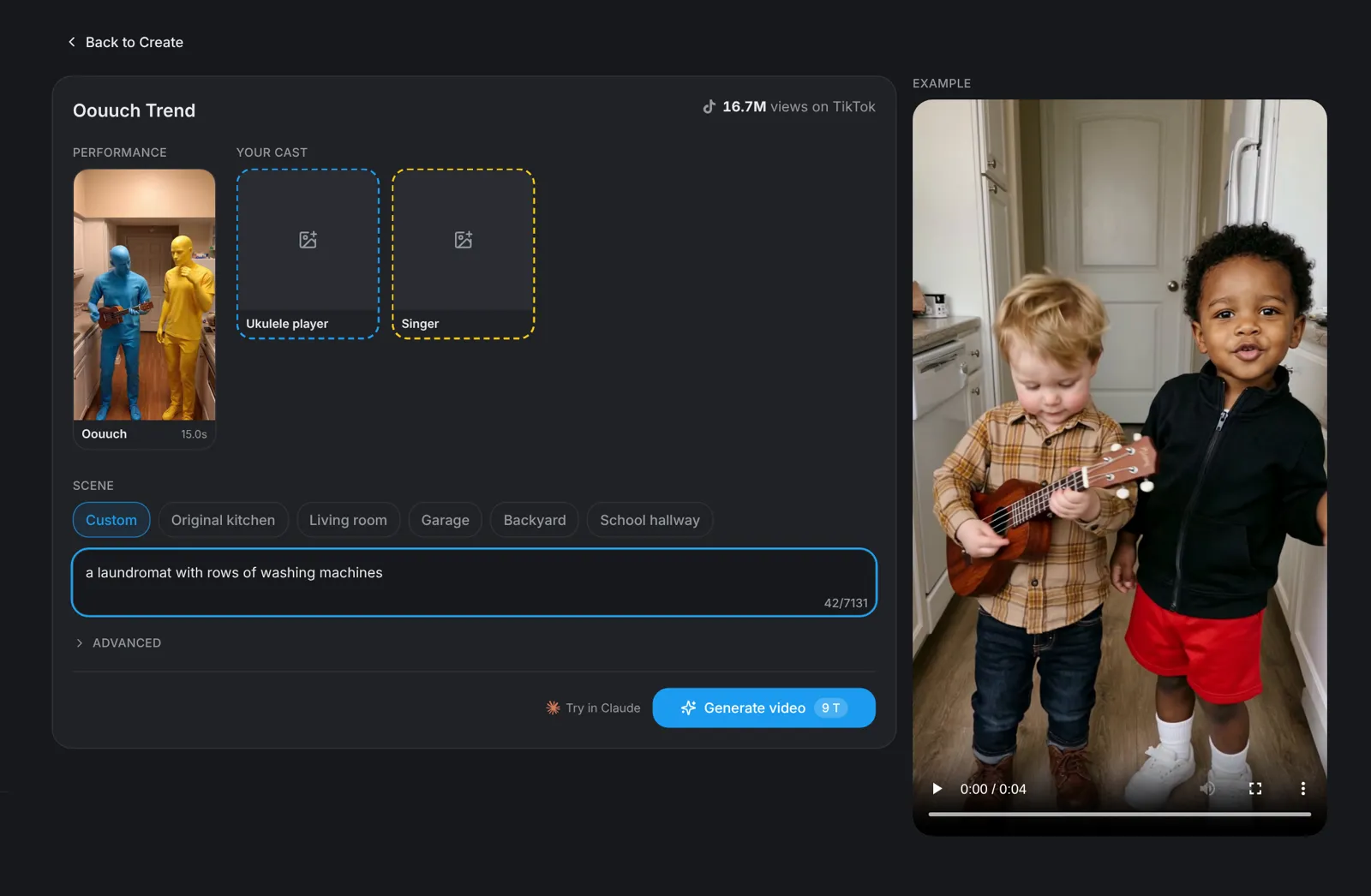
Choose where it happens: Original kitchen, Living room, Garage, Backyard or School hallway. Pick Custom to describe any place in one line, such as a laundromat with rows of washing machines. The moves and the timing stay the same in every scene.
Tip: Swap the two pictures to swap the roles: whoever sits in the Singer slot sings.
Generate · Step 4
Hit Generate video
Click Generate video: the button shows the price before you click. You get a vertical 9:16 video of 15 seconds in which your characters play the Oouuch song: one strums the ukulele, the other sings, every strum and sway.