

How to Make the Viral Get a Job Trend AI Video
AI Trend Tutorial
The Get a Job videos have millions of views: a character asking on the phone how to become a millionaire in 30 days. Learn how to make your own with aicut, starring a character you pick or you. No filming, no editing and no prompt writing.
In this guide
Open · Step 1
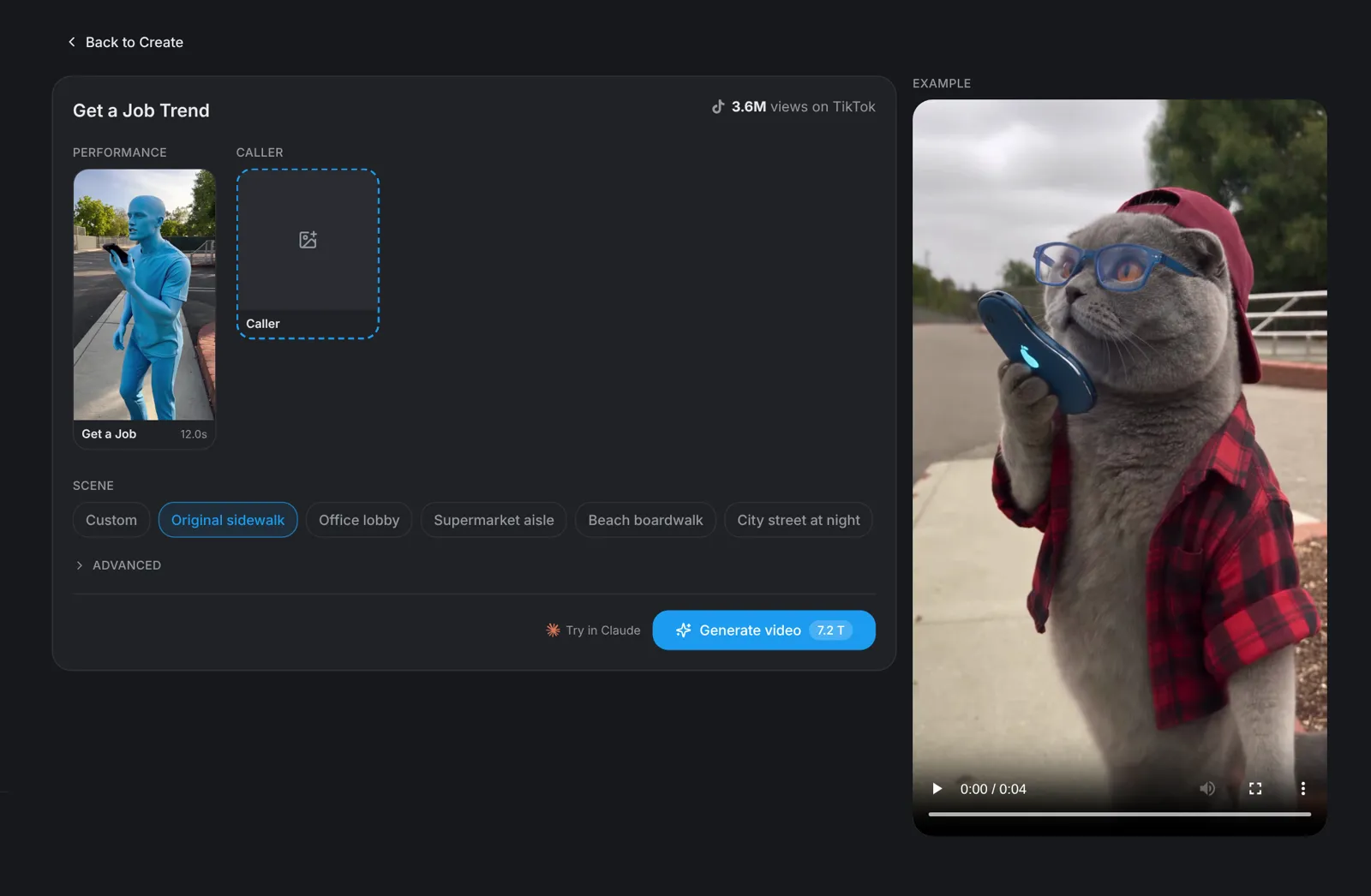
Open the Get a Job Trend template
Go to aicut.pro and open the Get a Job Trend template. The page already holds the original performance, shows how many views it has on TikTok and plays an example, so there is nothing to film and no moves to learn.
Character · Step 2
Pick a character or use your photo
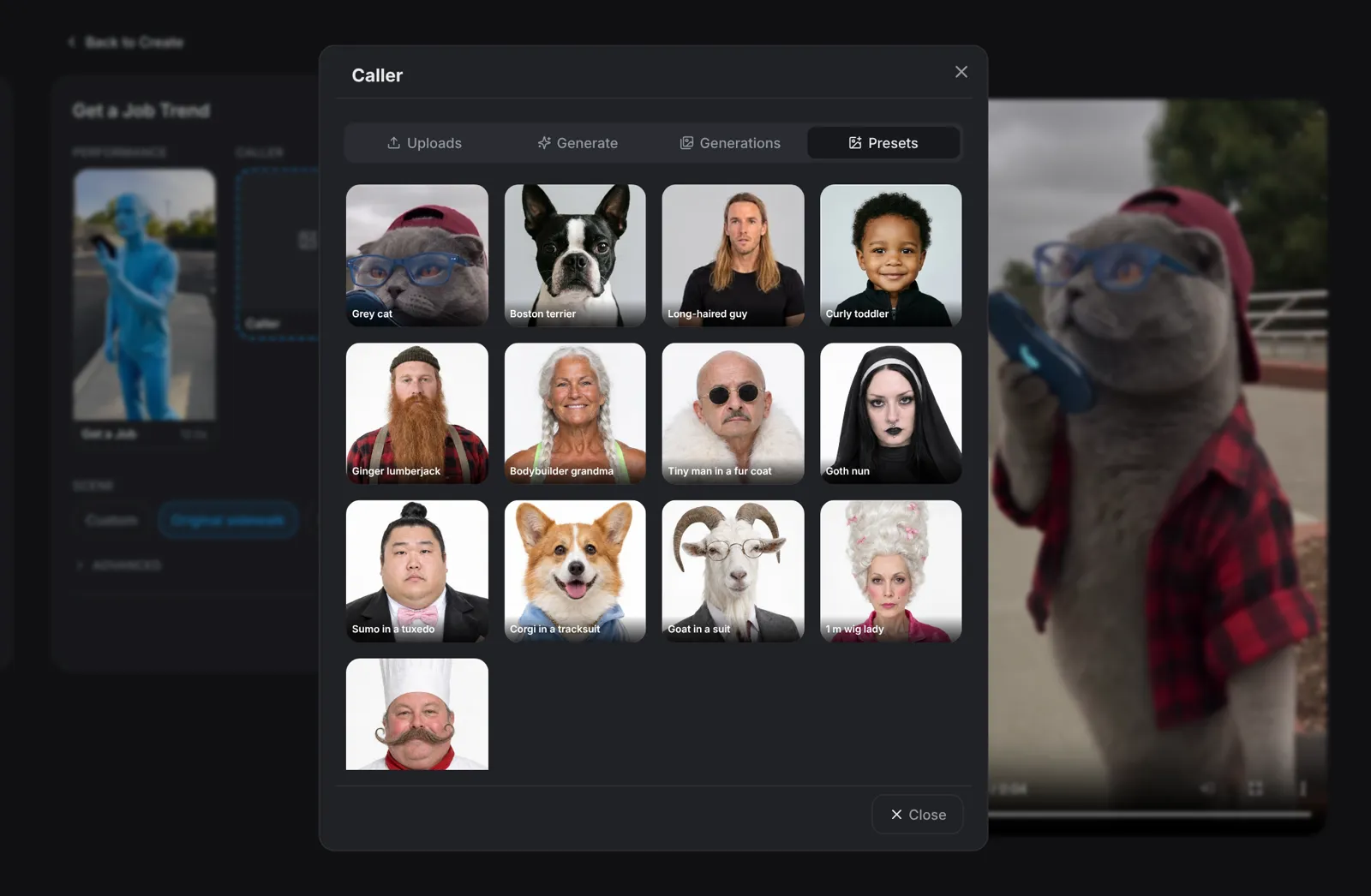
Click the Caller slot. Presets has 13 characters, including a grey cat, a Boston terrier, a long-haired guy and a curly toddler. Describe a new character under Generate, add a photo under Uploads, or reuse one you made earlier under Generations.
- A clear, front-facing, full-body photo works best.
- Only use photos of people who agreed to be in the video.
Scene · Step 3
Pick the scene
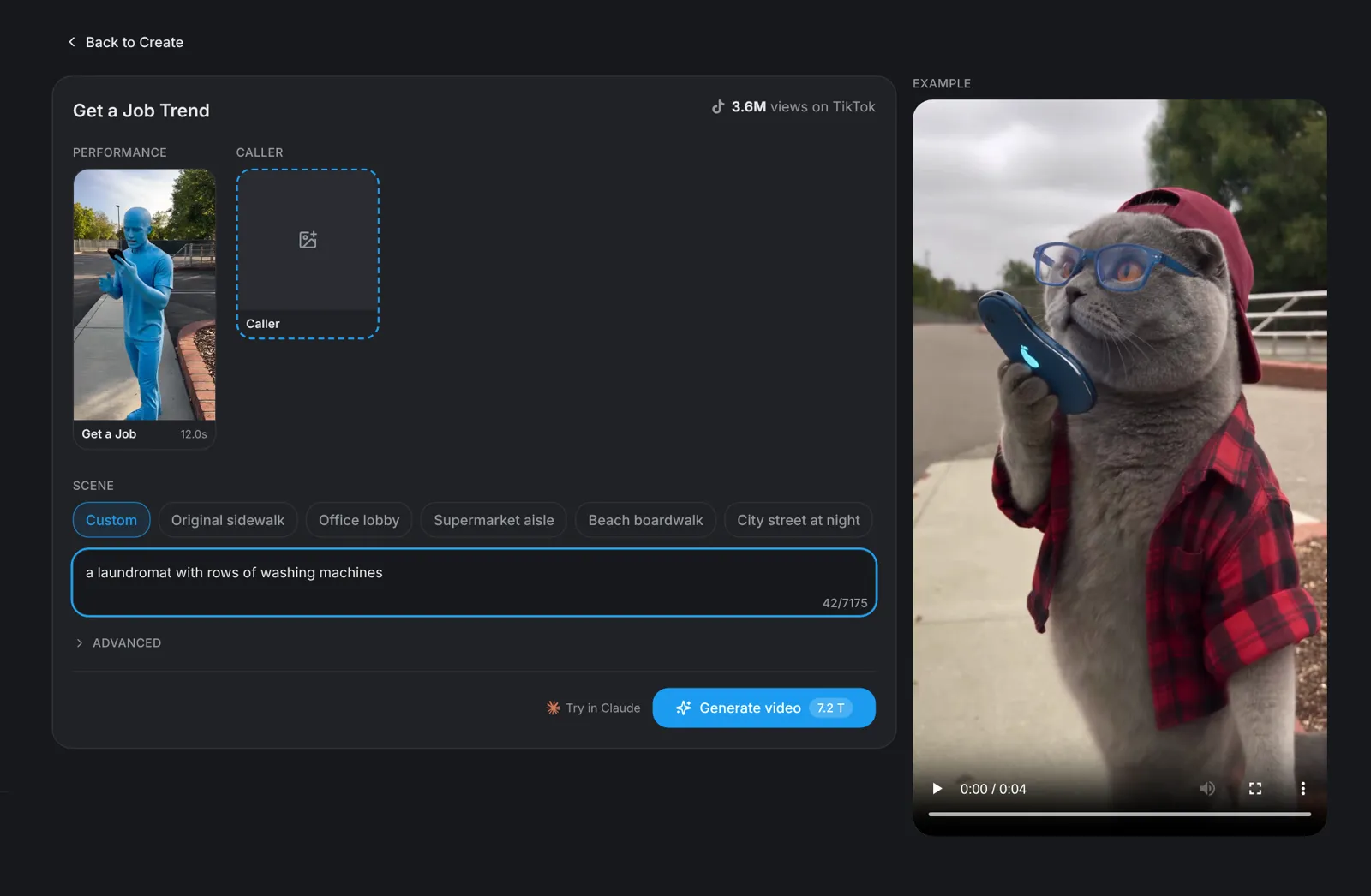
Choose where it happens: Original sidewalk, Office lobby, Supermarket aisle, Beach boardwalk or City street at night. Pick Custom to describe any place in one line, such as a laundromat with rows of washing machines. The moves and the timing stay the same in every scene.
Tip: A pet on the phone makes the punchline land harder: try the grey cat.
Generate · Step 4
Hit Generate video
Click Generate video: the button shows the price before you click. You get a vertical 9:16 video of 12 seconds in which your character makes the "how do I become a millionaire in 30 days" phone call, every tap and head move.