AI creation tool
AI Image Generator
Generate, edit and upscale images with every leading model
aicut's AI Image Generator puts GPT Image, Nano Banana, Seedream and Flux behind one prompt box, with an edit mode that changes an existing image and upscalers that sharpen it for print or thumbnails. Every image shows its token price before you generate. The account is free, and the Creator plan is $19.99 a month.
Free account. The token price is shown before anything is generated.

Made with AI Image Generator
Real outputs from the tool, unedited.


Why creators use AI Image Generator
Different models are good at different things: one for text in the image, one for photoreal people, one for illustration, one for edits that keep the original intact. A creator who needs all four should not need four accounts. Aicut is one balance across all of them.
Images are also the start of everything else on Aicut. A generated image becomes the first frame of an AI video, a character portrait in a story series, a product shot in an ad template or a thumbnail for the video you just rendered, without leaving the app.
What you can make with AI Image Generator
- •Thumbnails and cover images for every video you post.
- •Product mockups and ad visuals from one product photo, edited into new scenes.
- •Character references that stay consistent across a whole series of videos.
- •Upscaling a low-resolution image to print or 4K quality.
How AI Image Generator works
01
Pick generate or edit
Generate makes a new image from a prompt. Edit changes an image you upload: swap a background, change an outfit, add text, fix a detail.
02
Choose a model
Each model shows its strengths, its resolutions and its token price. The default is a strong all-rounder.
03
Generate
Images render in seconds. Generate variations, edit the result, or upscale it, all from the same screen.
What every AI Image Generator output includes
Every leading image model
GPT Image, Nano Banana and Nano Banana Pro, Seedream, Flux 2 Pro, Midjourney v7, Imagen 4, Recraft and more.
Editing that keeps the original
Describe the change and the edit models apply it while preserving the face, the product and the composition.
Upscalers
Topaz, SeedVR and Recraft upscaling for prints, thumbnails and 4K.
Any aspect ratio
Square, portrait, landscape and the exact sizes each platform wants.
Feeds the video tools
Use any image as a start frame for AI video, a character portrait, or a template input.
What does AI Image Generator cost?
Images start at 0.1 tokens (Flux 2 Pro, GPT Image 2.5 at low quality) and are priced per model and resolution, shown before you generate.
| Plan | Price | Video tokens per month |
|---|---|---|
| Free | $0, pay as you go ($0.60 per token) | Try it before subscribing |
| Creator | $19.99/mo ($149.99/yr) | 50 tokens |
| Automate | $39.99/mo ($299.99/yr) | 100 tokens, plus automation |
AI Image Generator FAQ
Can I edit my own photos?
Yes. Upload a photo, describe the change, and the edit models apply it while keeping the parts you did not mention. Backgrounds, outfits, added objects, text and touch-ups all work.
Which model should I pick?
The default is a strong all-rounder. Use GPT Image or Nano Banana Pro for text and layout accuracy, Midjourney for illustration and mood, Flux and Seedream for photoreal detail. Each model's card in the tool says what it is best at.
Can I use the images in videos?
Yes. Any generated image can be sent straight to the AI Video Generator as a start frame, used as a character portrait in a story series, or dropped into the editor as a thumbnail or overlay.
Can I post the result directly to TikTok, YouTube or Instagram?
Yes. Connect your accounts once and publish any finished video from inside Aicut in one click, or schedule it. Downloads are always available too.
Can I use what I make commercially?
Yes. Everything you generate on a paid plan is yours to post and use, without a watermark.
Do I need an account, and what does it cost?
You can look at the tool without an account. Generating needs a free account, and the token cost is shown on the button before you click it.
Is aicut free?
Yes, you can start for free. The free plan costs $0 and is pay as you go: you only pay for what you generate, at $0.60 per token, and the price is shown before anything is generated. Paid plans add a monthly token allowance and remove the watermark.
Do videos have a watermark?
Videos made on the free plan carry an aicut watermark. The Creator and Automate plans remove it.
Try AI Image Generator now
Sign up free, see the price, generate. Your first result is minutes away.
Open AI Image GeneratorDiese Seite auf DeutschCette page en françaisQuesta pagina in italianoEsta página en español
More AI creation tools
Every tool in one account, one token balance, one editor.
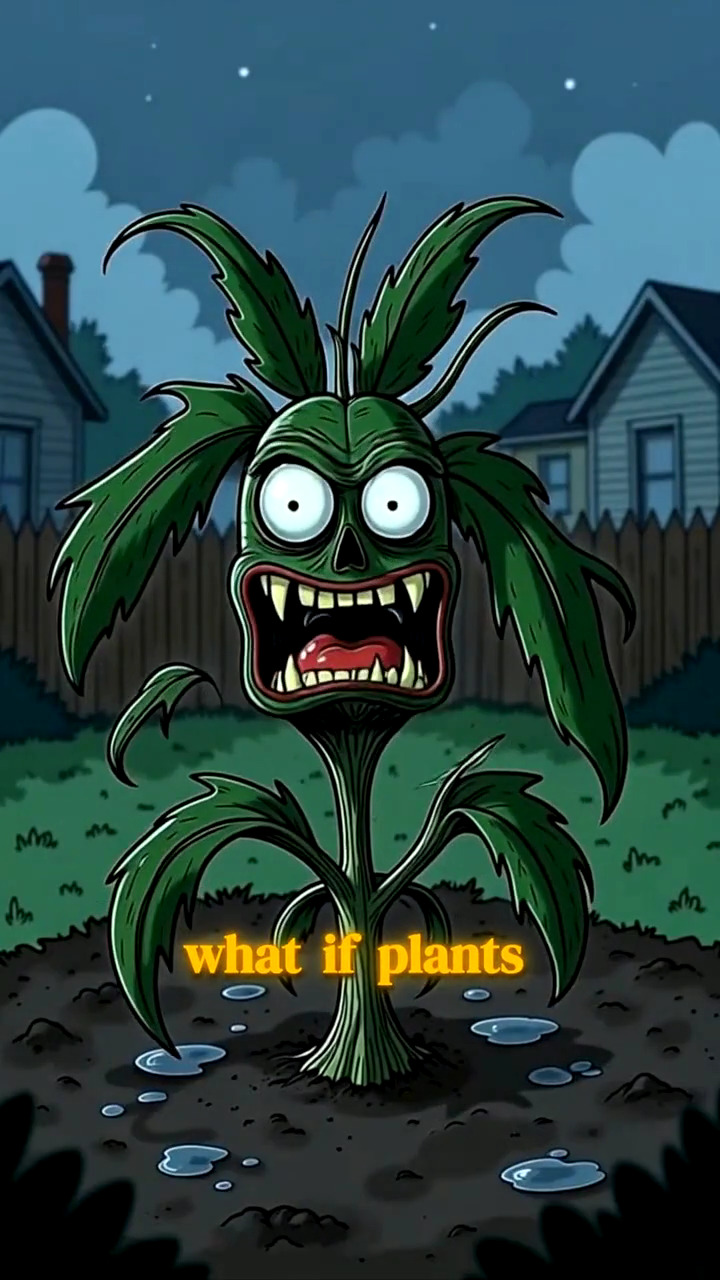
AI Image Story Generator
A script becomes a narrated, illustrated vertical video
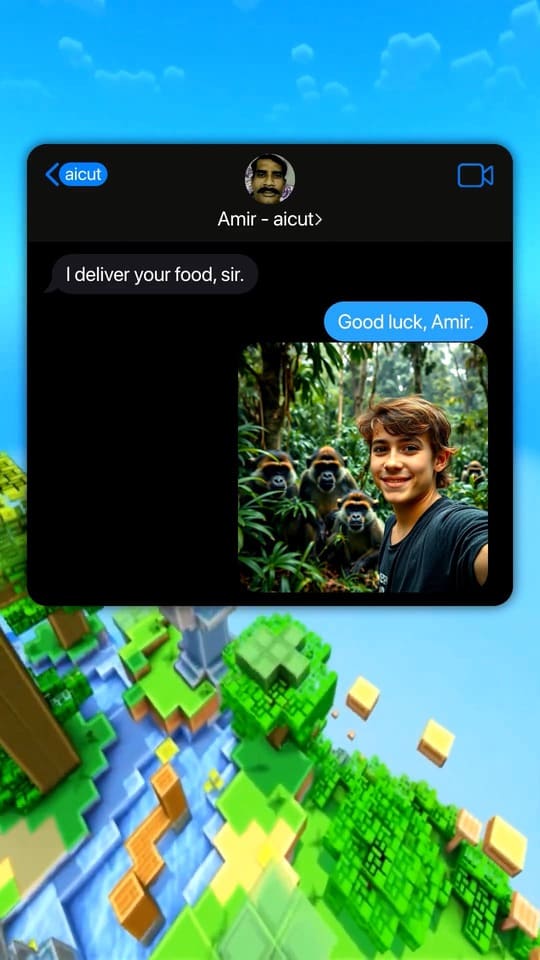
Fake Text Message Video Generator
Viral chat-story videos with AI-written scripts and voices
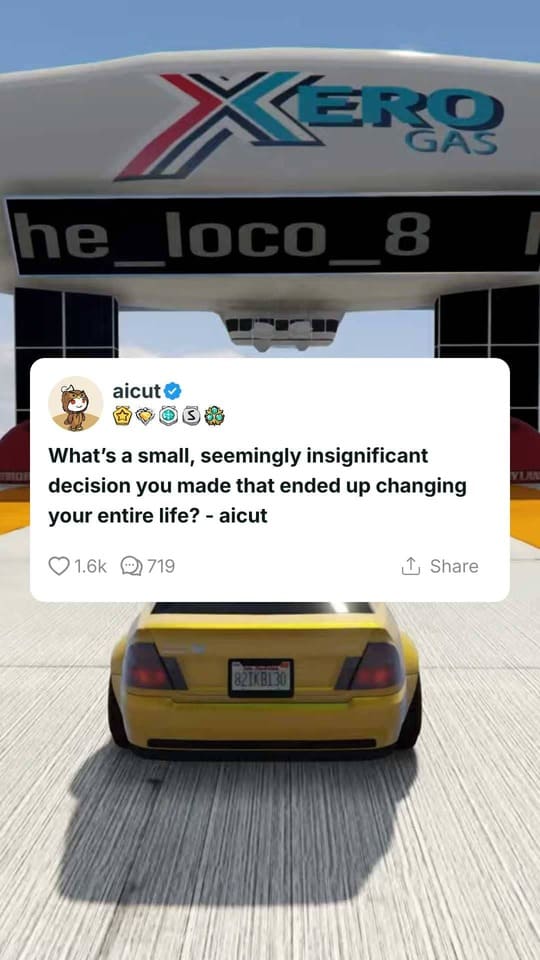
Reddit Story Video Generator
The Reddit-post video format, generated from a paste
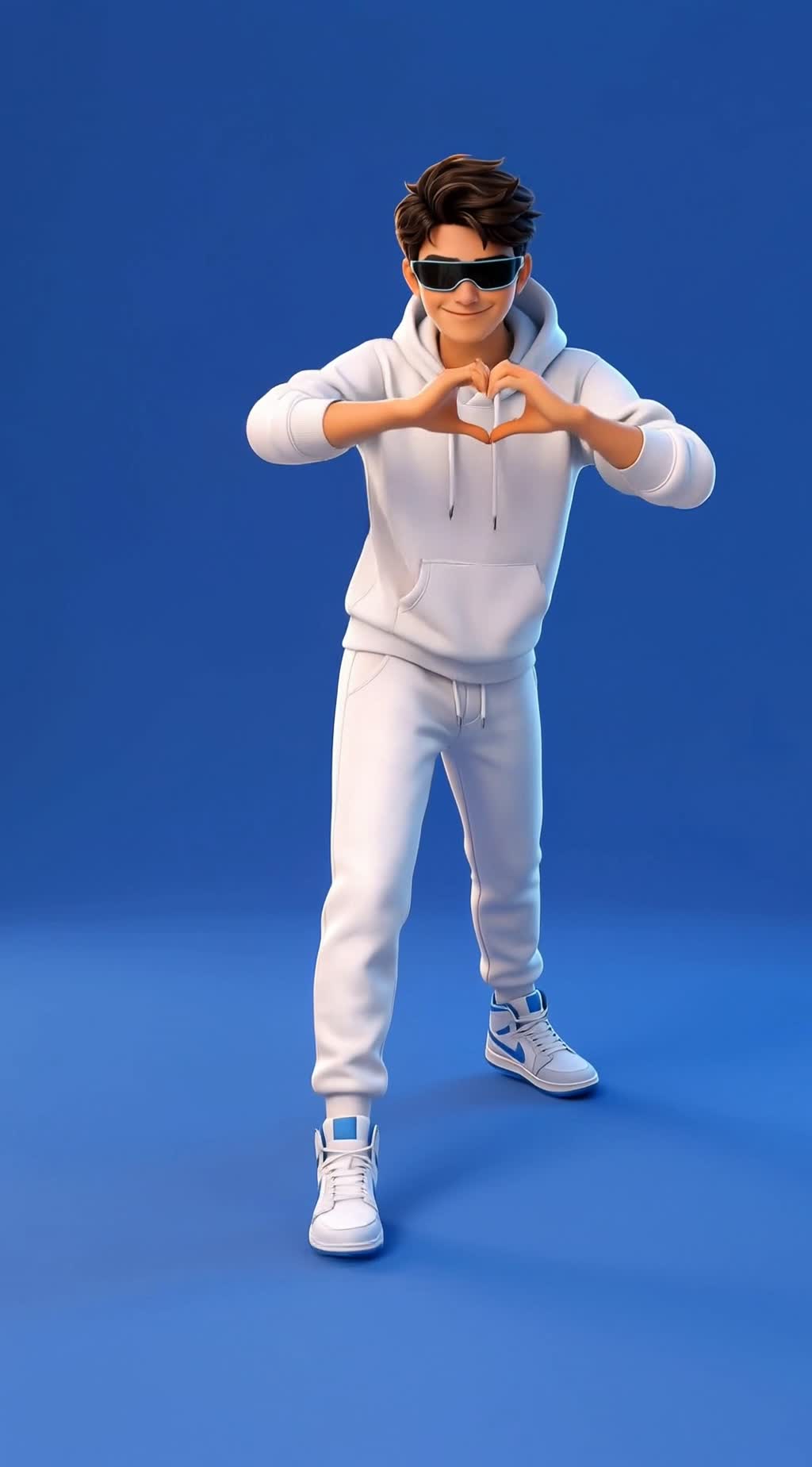
AI Dance Video Generator
A still image follows a real dance, move for move

Top 5 Countdown Video Maker
Your clips, ranked, in one video that builds to number one

AI Subtitles Generator
Raw clip in, posted-ready clip out