AI creation tool
AI Video Generator
Every leading video model, one prompt box, one token balance
aicut's AI Video Generator turns a text prompt or a photo into a short video with Veo 3.1, Kling 3, Seedance 2.5, Grok Imagine and more from one token balance, with no separate subscription per model. Every clip shows its token price before you generate. Sign up free and pay as you go at $0.60 per token.
Free account. The token price is shown before anything is generated.
Made with AI Video Generator
Real outputs from the tool, unedited.


Why creators use AI Video Generator
Short AI clips are the fastest-growing format on TikTok, Shorts and Reels, and the model that wins changes every month. Aicut keeps the whole catalog behind one interface, so when a new model ships you switch a dropdown rather than an account.
The prompt presets are the shortcut: Stormtrooper vlog, Bigfoot vlog, AI ASMR, alien interview, Karen vlog, history interview, animal Olympics, police bodycam, Japanese ad, dark fantasy anime and more, each a format that is already working on the platforms. Paste one, change the subject, generate.
What you can make with AI Video Generator
- •A faceless channel posting a new AI vlog clip every day from one prompt preset.
- •Product or ad clips from a single product photo, image-to-video, with a start and end frame.
- •B-roll and hooks for a talking-head channel that has no footage of its own.
- •Trying a viral prompt from the Trends page and recreating it with your own subject.
How AI Video Generator works
01
Pick a model
Choose from the catalog, or leave the default. Each model shows its price per clip, its lengths and its resolutions.
02
Write or paste a prompt
Type your own, load a preset format, or upload a photo for image-to-video. Start and end frames are supported on the models that take them.
03
Generate
The clip renders in minutes. The token price is on the button before you click, and the result opens in the editor.
04
Post it
Download the vertical clip or publish it to TikTok, YouTube Shorts and Instagram Reels in one click.
What every AI Video Generator output includes
All the top models
Kling, Veo, Seedance, Grok Imagine, WAN and more, updated as new versions ship. One balance pays for all of them.
Text and image to video
Generate from a prompt, animate a photo, or set a start and an end frame and let the model bridge them.
Viral prompt presets
Ready-made formats that are working right now, and a Trends page that shows what is going viral and lets you copy the prompt.
Vertical, ready to post
9:16 by default for TikTok, Shorts and Reels, with 16:9 and 1:1 where the model supports them.
Editor and upscaling
Add captions, music or a logo, extend a clip, or upscale it before you post.
What does AI Video Generator cost?
Clips start at 1 token (Veo 3.1 Lite) or 0.3 tokens per second (Grok Imagine); each model shows its own price before you generate.
| Plan | Price | Video tokens per month |
|---|---|---|
| Free | $0, pay as you go ($0.60 per token) | Try it before subscribing |
| Creator | $19.99/mo ($149.99/yr) | 50 tokens |
| Automate | $39.99/mo ($299.99/yr) | 100 tokens, plus automation |
AI Video Generator FAQ
Which AI video models are included?
The catalog covers the current leading models, including Kling, Veo, Seedance, Grok Imagine and WAN, plus upscalers. Models are added as they ship, and each one lists its lengths, resolutions and token price inside the tool.
Can I turn a photo into a video?
Yes. Upload a photo as the start frame and describe the motion, or set both a start and an end frame on models that support it. The AI keeps the subject and animates the scene.
Do I need to write good prompts?
No. The preset formats carry proven prompts you edit rather than write, the Trends page lets you copy prompts from clips that are going viral, and a prompt guide is one click away.
Can I post the result directly to TikTok, YouTube or Instagram?
Yes. Connect your accounts once and publish any finished video from inside Aicut in one click, or schedule it. Downloads are always available too.
Can I use what I make commercially?
Yes. Everything you generate on a paid plan is yours to post and use, without a watermark.
Do I need an account, and what does it cost?
You can look at the tool without an account. Generating needs a free account, and the token cost is shown on the button before you click it.
Is aicut free?
Yes, you can start for free. The free plan costs $0 and is pay as you go: you only pay for what you generate, at $0.60 per token, and the price is shown before anything is generated. Paid plans add a monthly token allowance and remove the watermark.
Do videos have a watermark?
Videos made on the free plan carry an aicut watermark. The Creator and Automate plans remove it.
Try AI Video Generator now
Sign up free, see the price, generate. Your first result is minutes away.
Open AI Video GeneratorDiese Seite auf DeutschCette page en françaisQuesta pagina in italianoEsta página en español
More AI creation tools
Every tool in one account, one token balance, one editor.

AI Image Generator
Generate, edit and upscale images with every leading model
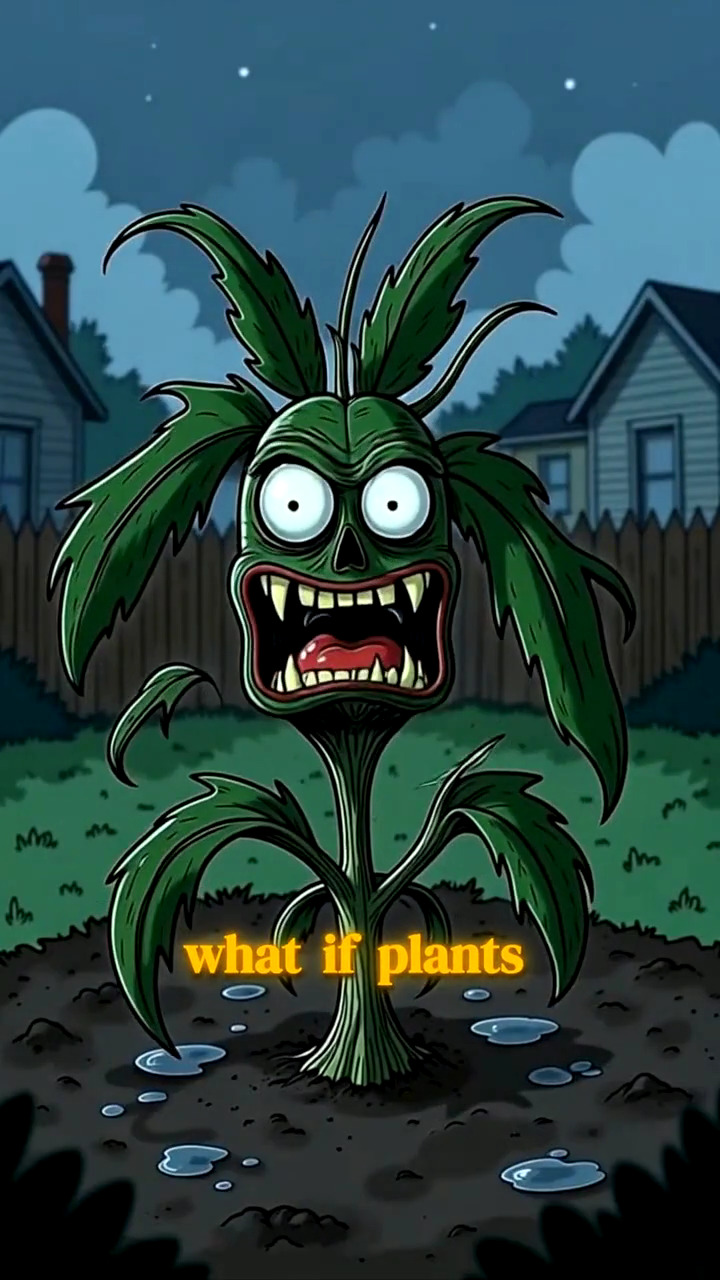
AI Image Story Generator
A script becomes a narrated, illustrated vertical video
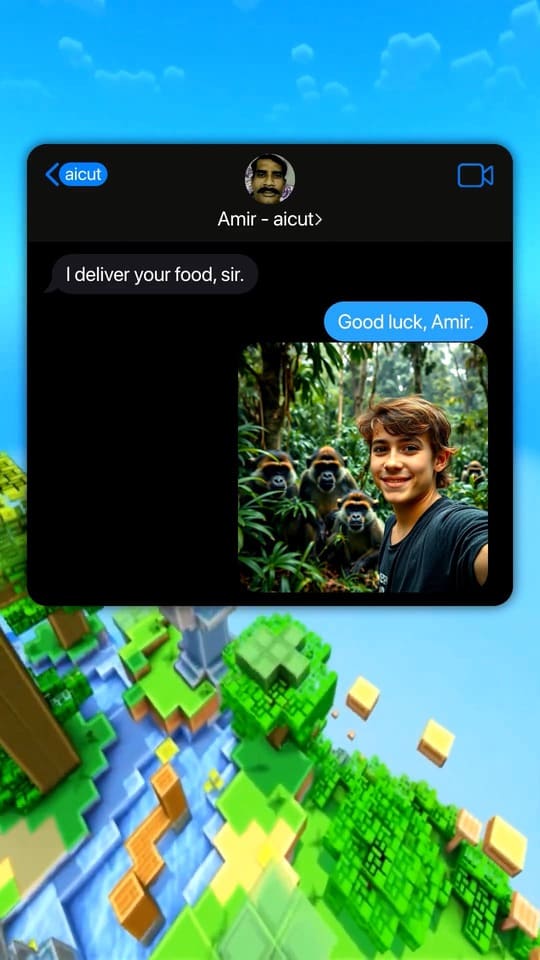
Fake Text Message Video Generator
Viral chat-story videos with AI-written scripts and voices
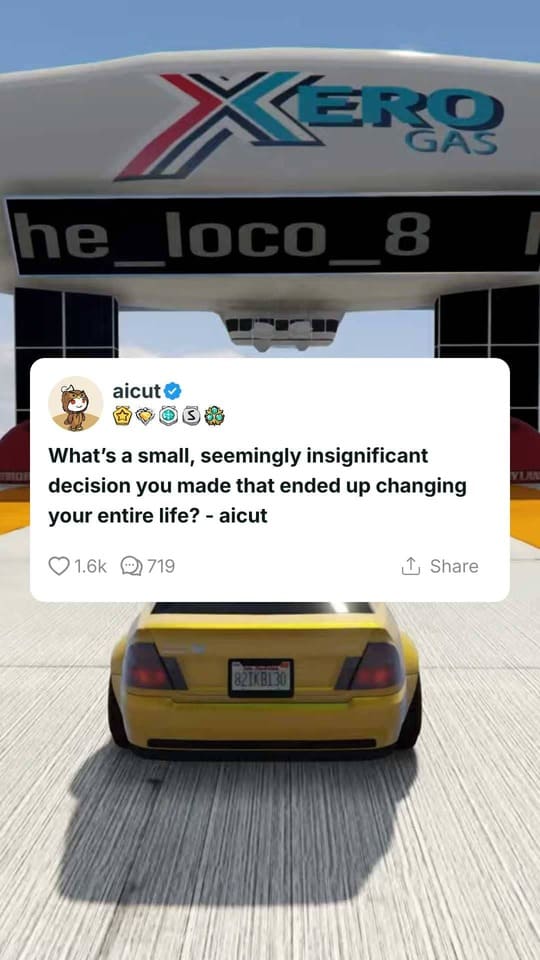
Reddit Story Video Generator
The Reddit-post video format, generated from a paste

AI Dance Video Generator
A still image follows a real dance, move for move

Top 5 Countdown Video Maker
Your clips, ranked, in one video that builds to number one