AI creation tool
AI Subtitles Generator
Raw clip in, posted-ready clip out
aicut's AI Subtitles Generator takes a raw talking clip and returns it ready to post: word-by-word captions burned in with the current word highlighted, dead air trimmed, audio levelled and a hook cut onto the opening seconds. Upload, pick a style and render. The account is free, and the token price shows before you render.
Free account. The token price is shown before anything is generated.
Why creators use AI Subtitles Generator
Most short video is watched on mute, and word-timed captions are the difference between a scroll and a watch. The highlight moving word by word holds the eye, and trimming the pauses keeps the pace platforms reward.
It is the same tool Aicut uses on its own clips: the demo on this page is a five-second presenter clip put through the feature, so what you see is what it renders.
What you can make with AI Subtitles Generator
- •Captioning a talking-head clip recorded on a phone before posting.
- •Cleaning up a podcast or interview snippet: silence trimmed, levels fixed, captions on.
- •Re-captioning clips from the other Aicut tools in a different style.
How AI Subtitles Generator works
01
Upload a clip
A phone recording, a screen capture, a generated video, up to 5 minutes and 500 MB. Vertical, horizontal or square.
02
Pick a caption style
Font, colour, position and the highlight colour of the current word.
03
Render
Captions are transcribed and timed, silences trimmed, audio levelled, and the clip renders with the hook on the first seconds.
What every AI Subtitles Generator output includes
Word-by-word captions
Every word timed and highlighted as it is spoken, burned into the video.
Dead air removed
Pauses and silences are cut so the clip keeps its pace.
Audio levelled
Speech normalised so the volume matches from clip to clip.
A hook, written for you
An opening line drawn from your own words is overlaid on the first seconds, with three AI-written alternatives to pick from.
Any ratio
9:16, 16:9 and 1:1.
What does AI Subtitles Generator cost?
Nothing is charged until you render; the render costs 0.15 tokens per minute, so a typical short is a fraction of a token.
| Plan | Price | Video tokens per month |
|---|---|---|
| Free | $0, pay as you go ($0.60 per token) | Try it before subscribing |
| Creator | $19.99/mo ($149.99/yr) | 50 tokens |
| Automate | $39.99/mo ($299.99/yr) | 100 tokens, plus automation |
AI Subtitles Generator FAQ
Which languages are transcribed?
The transcription handles the major languages automatically; the captions come out in the language spoken in the clip.
Can I edit the captions?
Yes. The transcript is editable before rendering, and the finished clip opens in the editor for further changes.
Does it work on long videos?
It is built for short clips. For a long recording, use Auto-Clip first to cut the best moments, then caption those.
Can I post the result directly to TikTok, YouTube or Instagram?
Yes. Connect your accounts once and publish any finished video from inside Aicut in one click, or schedule it. Downloads are always available too.
Can I use what I make commercially?
Yes. Everything you generate on a paid plan is yours to post and use, without a watermark.
Do I need an account, and what does it cost?
You can look at the tool without an account. Generating needs a free account, and the token cost is shown on the button before you click it.
Is aicut free?
Yes, you can start for free. The free plan costs $0 and is pay as you go: you only pay for what you generate, at $0.60 per token, and the price is shown before anything is generated. Paid plans add a monthly token allowance and remove the watermark.
Do videos have a watermark?
Videos made on the free plan carry an aicut watermark. The Creator and Automate plans remove it.
Try AI Subtitles Generator now
Sign up free, see the price, generate. Your first result is minutes away.
Open AI Subtitles GeneratorDiese Seite auf DeutschCette page en françaisQuesta pagina in italianoEsta página en español
More AI creation tools
Every tool in one account, one token balance, one editor.

Auto-Clip
The ten best moments of a long video, found and cut for you
AI Auto-Cut
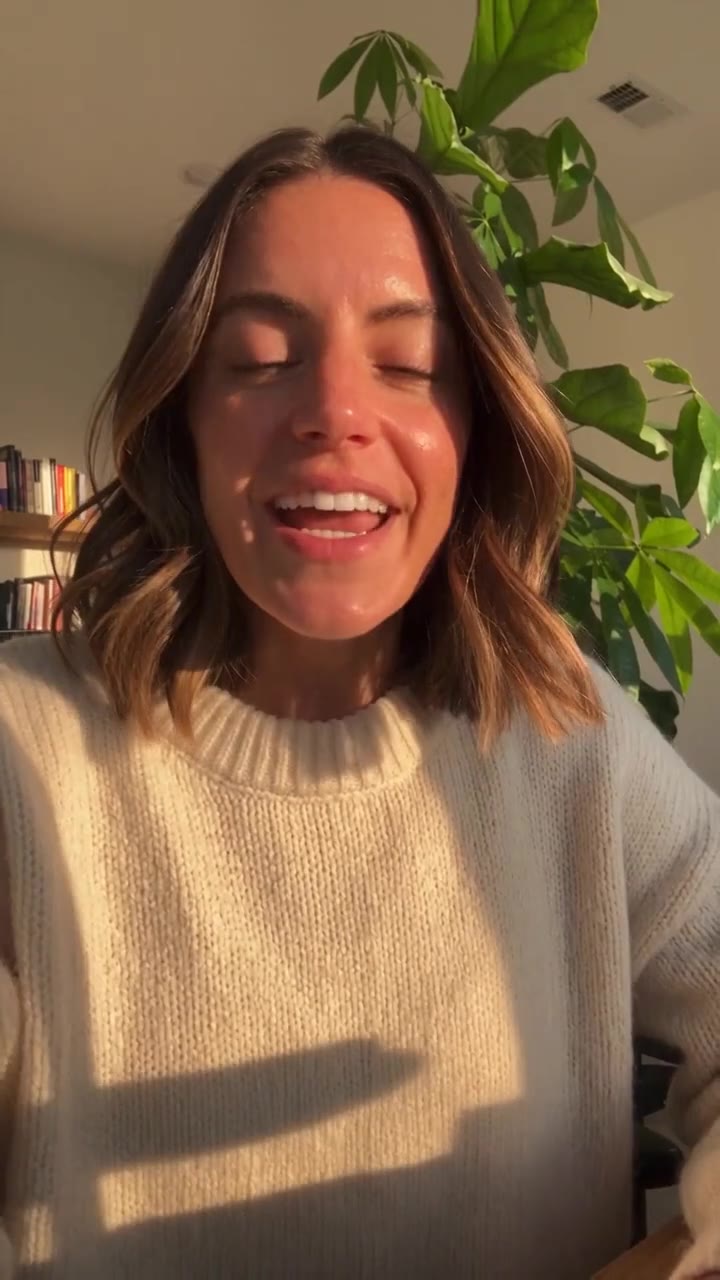
Film it once. We cut the ums, the pauses and the second takes.

AI Lip Sync Video Generator
A photo and an audio track become a talking video
Reshot
Same take, a different reality: swap anyone or anything, or keep only the motion

AI Video Generator
Every leading video model, one prompt box, one token balance

AI Image Generator
Generate, edit and upscale images with every leading model