

How to Make a Day in the Past AI Video
AI Trend Tutorial
Day in the Past videos drop modern machines into Vikings, Ancient Rome or the Stone Age and play every scene straight, and the reference clip has 13.8 million views on Instagram. Learn how to make your own with aicut: pick a world, read a free six-scene script, change what you do not like and generate. No filming, no editing and no prompt writing.
In this guide
World · Step 1
Pick a world
Go to aicut.pro and open the Day in the Past template. Under World, pick Ancient Rome, Ancient Egypt, Vikings, Stone Age, Medieval, Pirates or Wild West. Every scene puts one modern object into that world and plays it straight: a snow blower outside a Viking longhouse, a vacuum cleaner on the feast table.
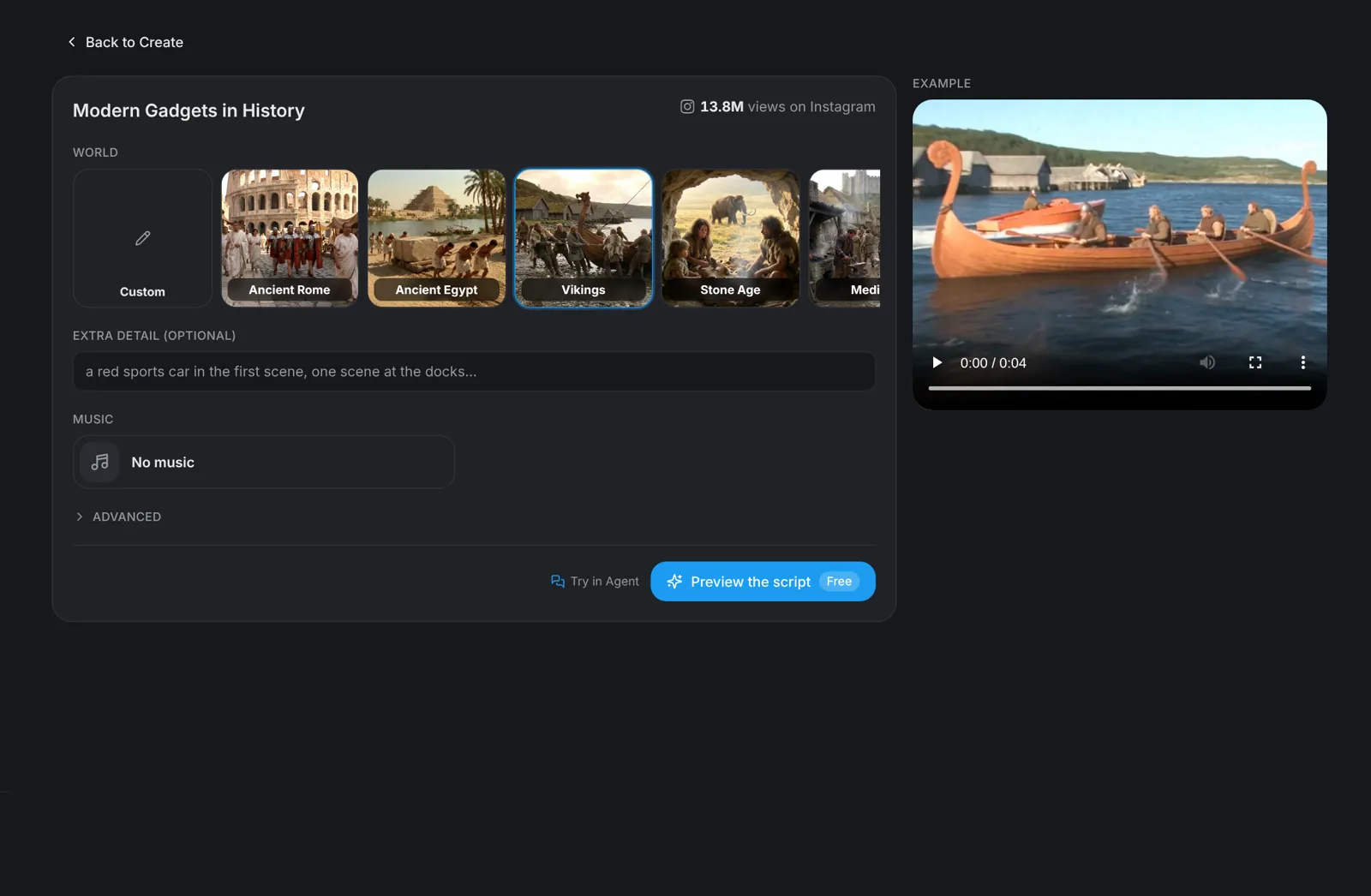
Tip: Choose Custom to type any other era or place, such as Samurai Japan or the Aztec empire.
Details · Step 2
Add a detail, music and the length
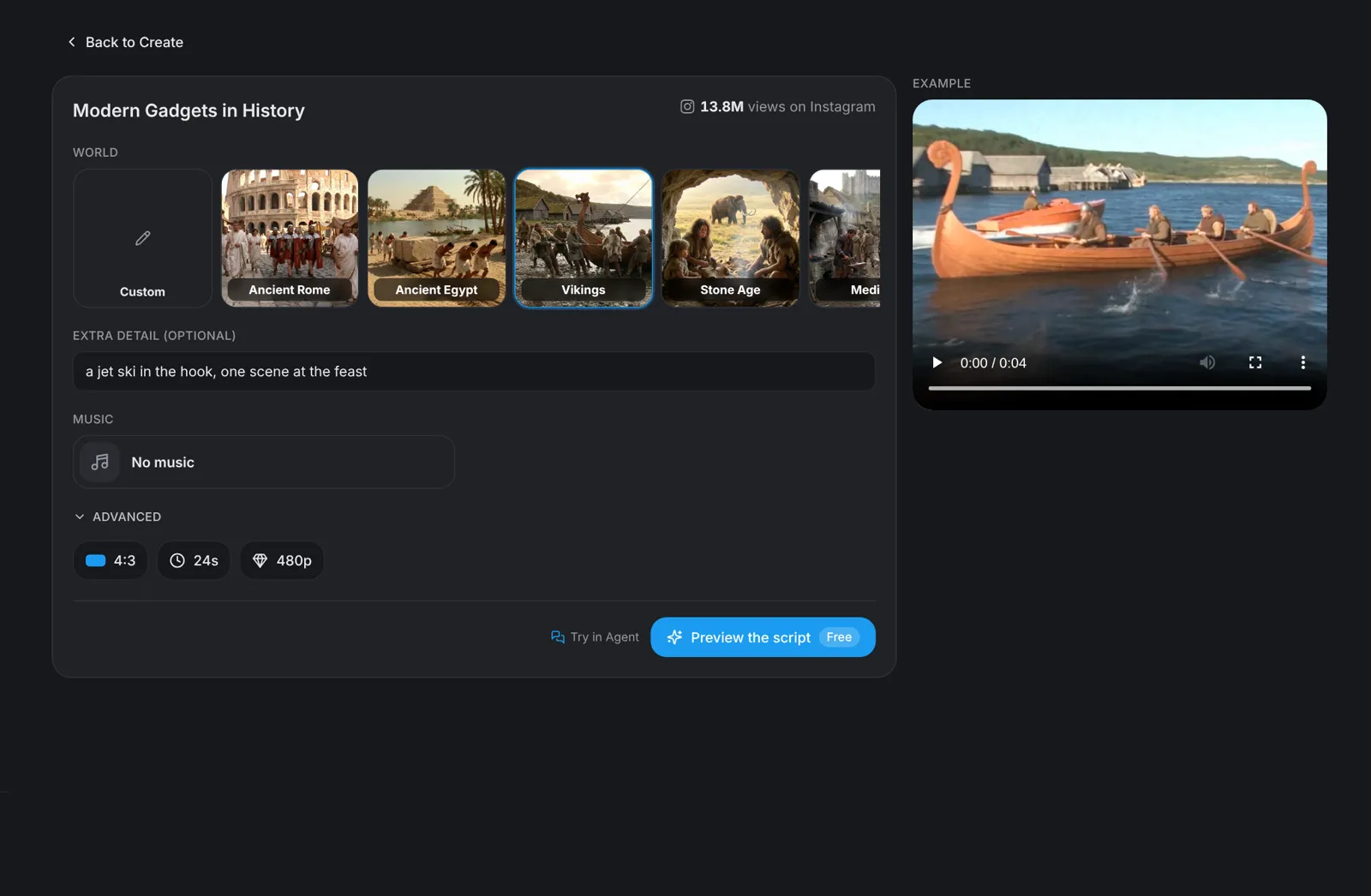
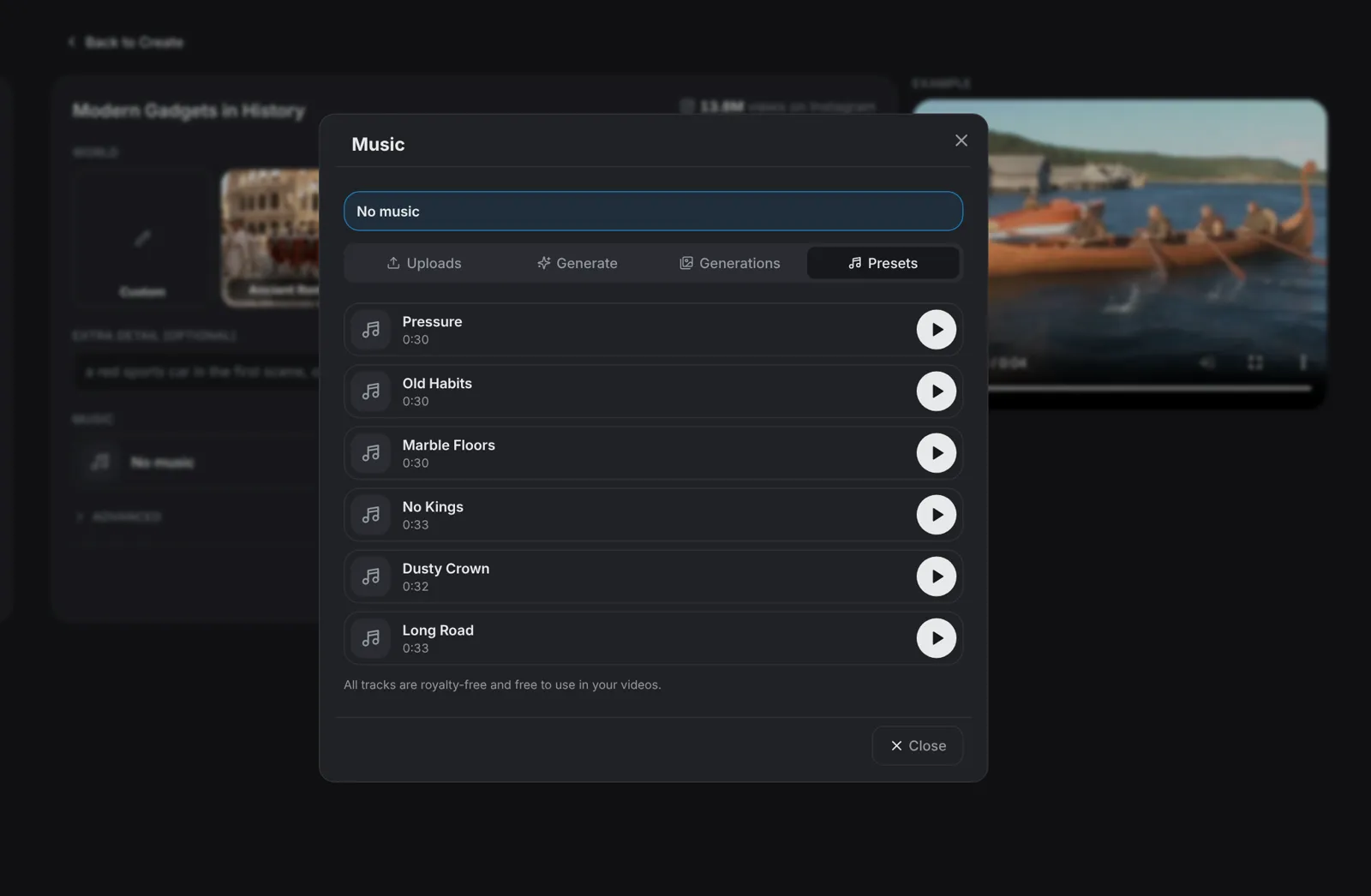
Extra detail takes one line the script has to follow, such as a red sports car in the hook or one scene at the docks. Under Music, keep No music, upload your own track, or open Presets and pick a royalty-free track. Under Advanced, choose 16, 20 or 24 seconds and 480p or 720p; the format is always 4:3.
- Each scene runs 4 seconds, so 16 s gives 4 scenes and 24 s gives 6.
- The music plays under the whole video, across every cut.
Script · Step 3
Preview the script and change scenes
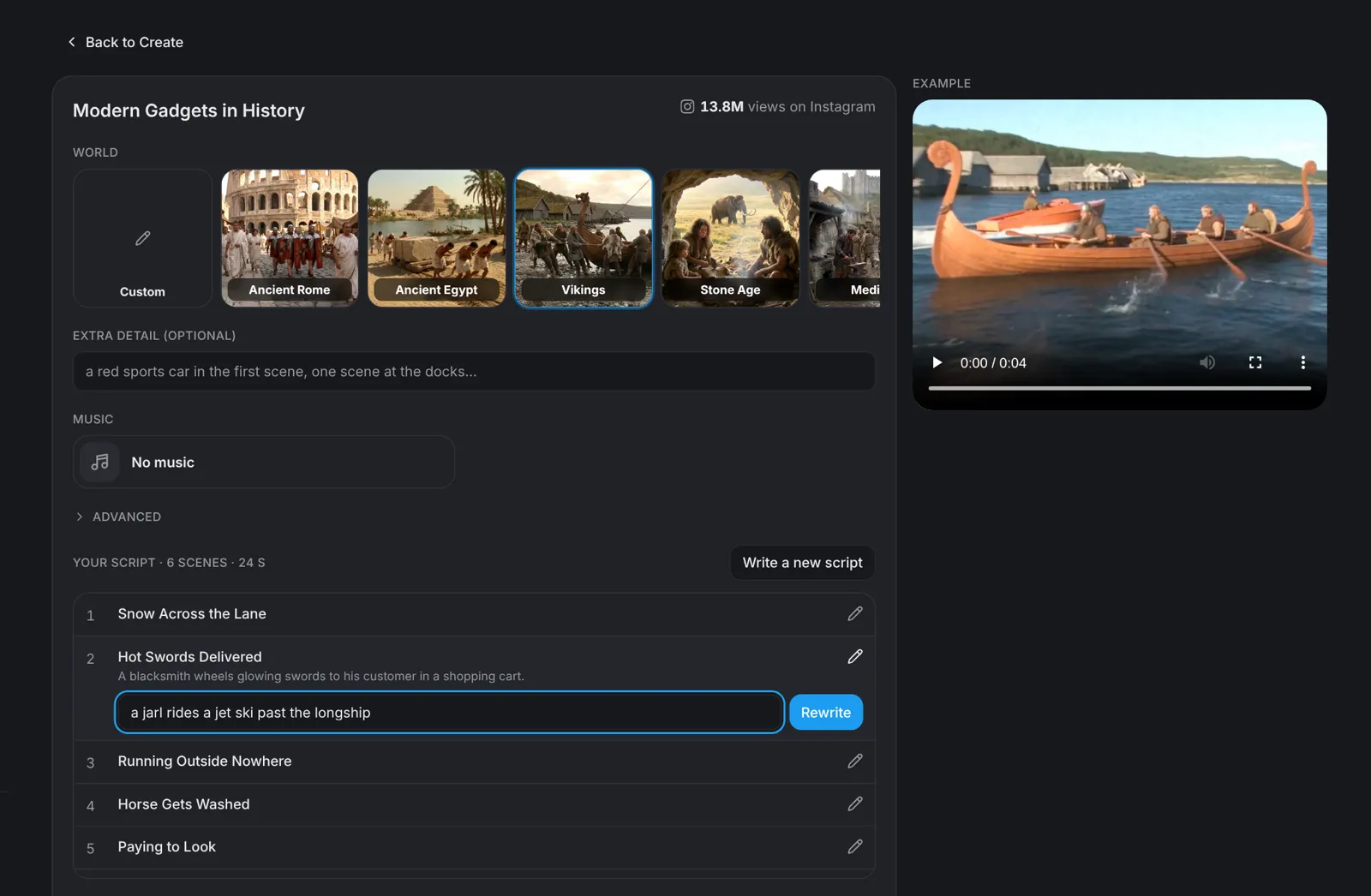
Click Preview the script. It is free and lists every scene with a title and what happens in it. Click Change on a scene you do not like, type what should happen instead or leave the field empty, and click Rewrite to replace just that scene. Write a new script replaces all of them.
- You get six scene changes per script; after that, Write a new script still works.
- Changing the world, the detail or the length takes you back to Preview the script; music and resolution do not.
Tip: Everyday machines land harder than phones and gadgets. Our anachronism video guide below covers why, and how to pace the gags.
Generate · Step 4
Hit Generate video
Click Generate video: the button shows the price in tokens before you click. aicut turns every scene of your script into its own 4-second clip and cuts them together in 4:3, with your track under the whole video if you picked one.